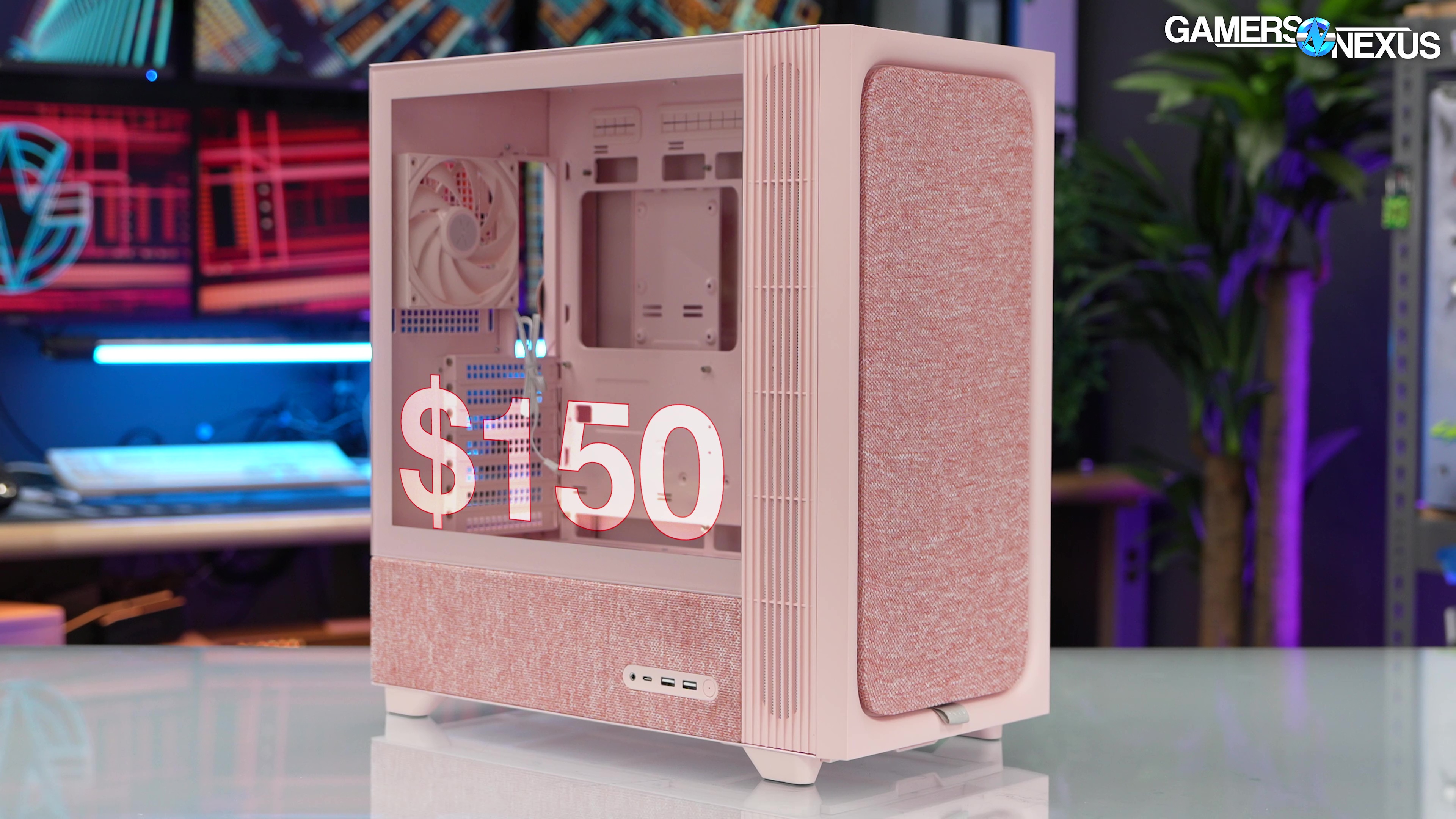
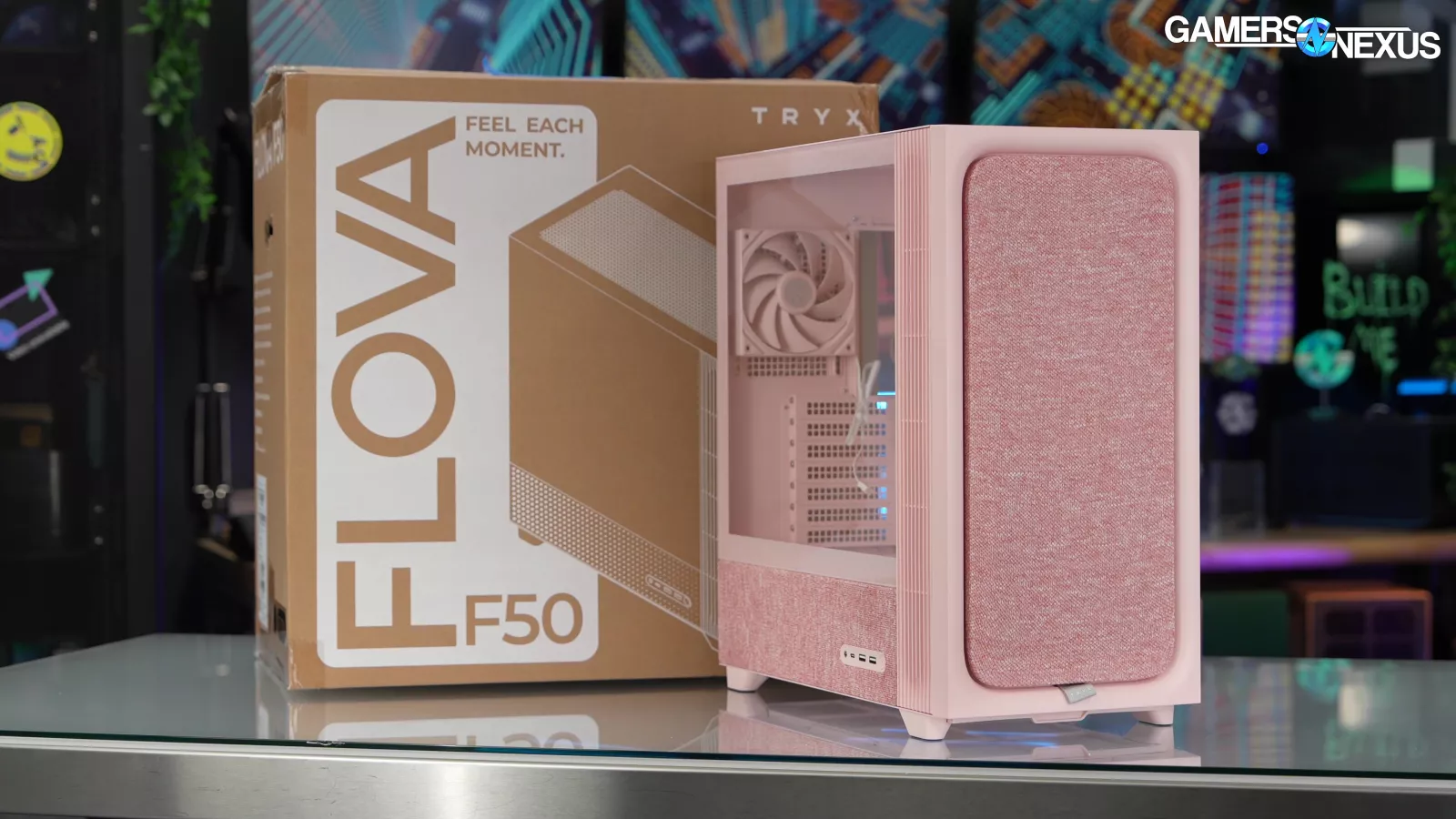
We test the Flova F50's thermals, acoustics, and examine its build quality (or lack thereof)
The Highlights
- The Flova F50 sticks a crossflow fan into an ATX box
- Tryx has a number of good ideas that seemingly exist in total isolation from one another, with an overall failure to bring it together into a solid performer
- There are a lot of things we like about the Flova F50, but its thermal performance and overall execution fall flat
- Original MSRP: $150
- Release Date: February 23, 2026
Table of Contents
- AutoTOC

Intro
Tryx's unusual case uses a crossflow fan, which we last reviewed in the Meshless AIO mini-ITX case. We're talking about the Flova F50, a $150 MSRP case with a novelty transverse fan.
Editor's note: This was originally published on May 6, 2026 as a video. This content has been adapted to written format for this article and is unchanged from the original publication.
Credits
Test Lead, Host, Writing
Steve Burke
Testing, Writing
Patrick Lathan
Camera, Video Editing
Vitalii Makhnovets
Camera
Tim Phetdara
Tannen Williams
Writing, Web Editing
Jimmy Thang

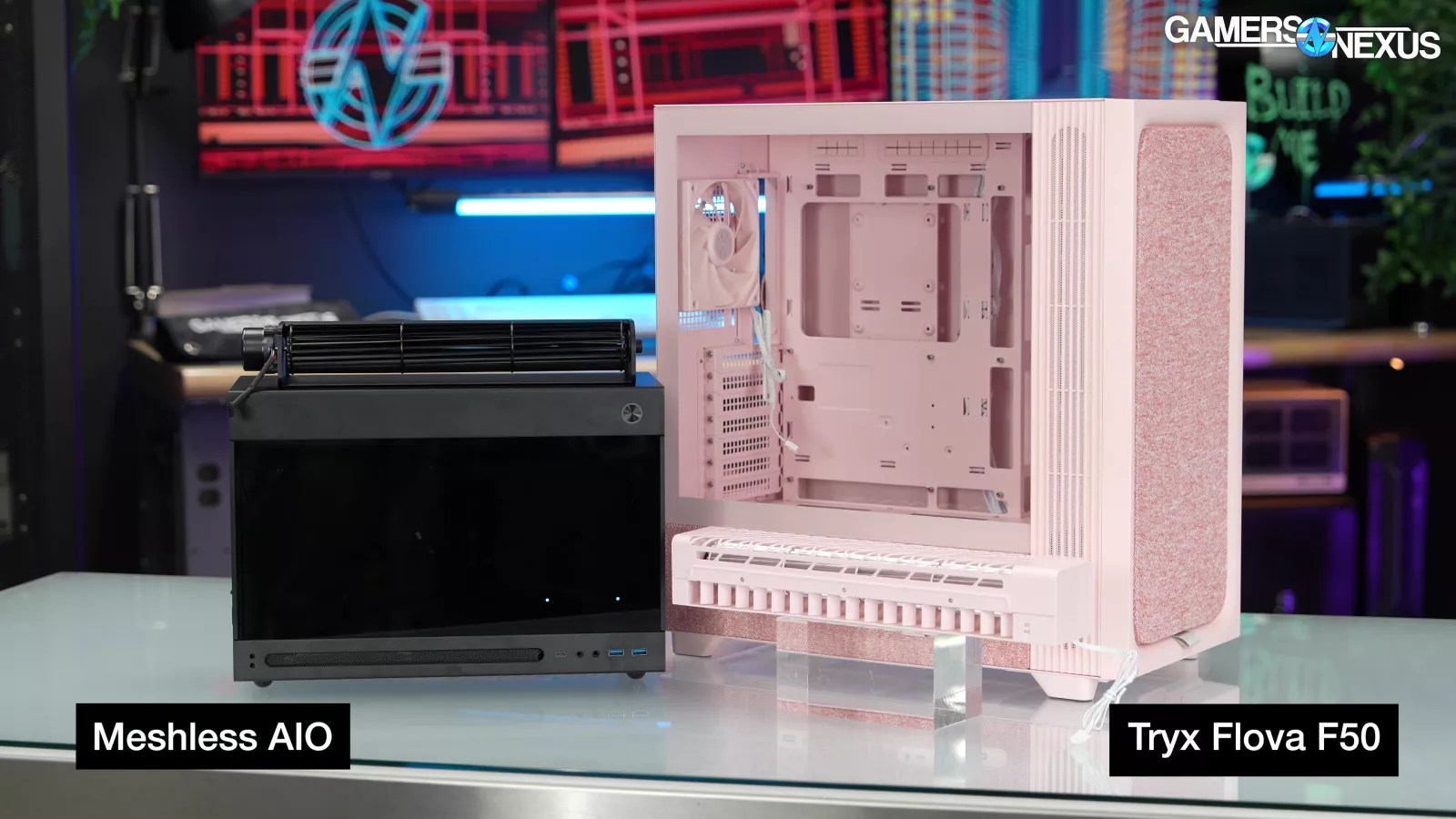
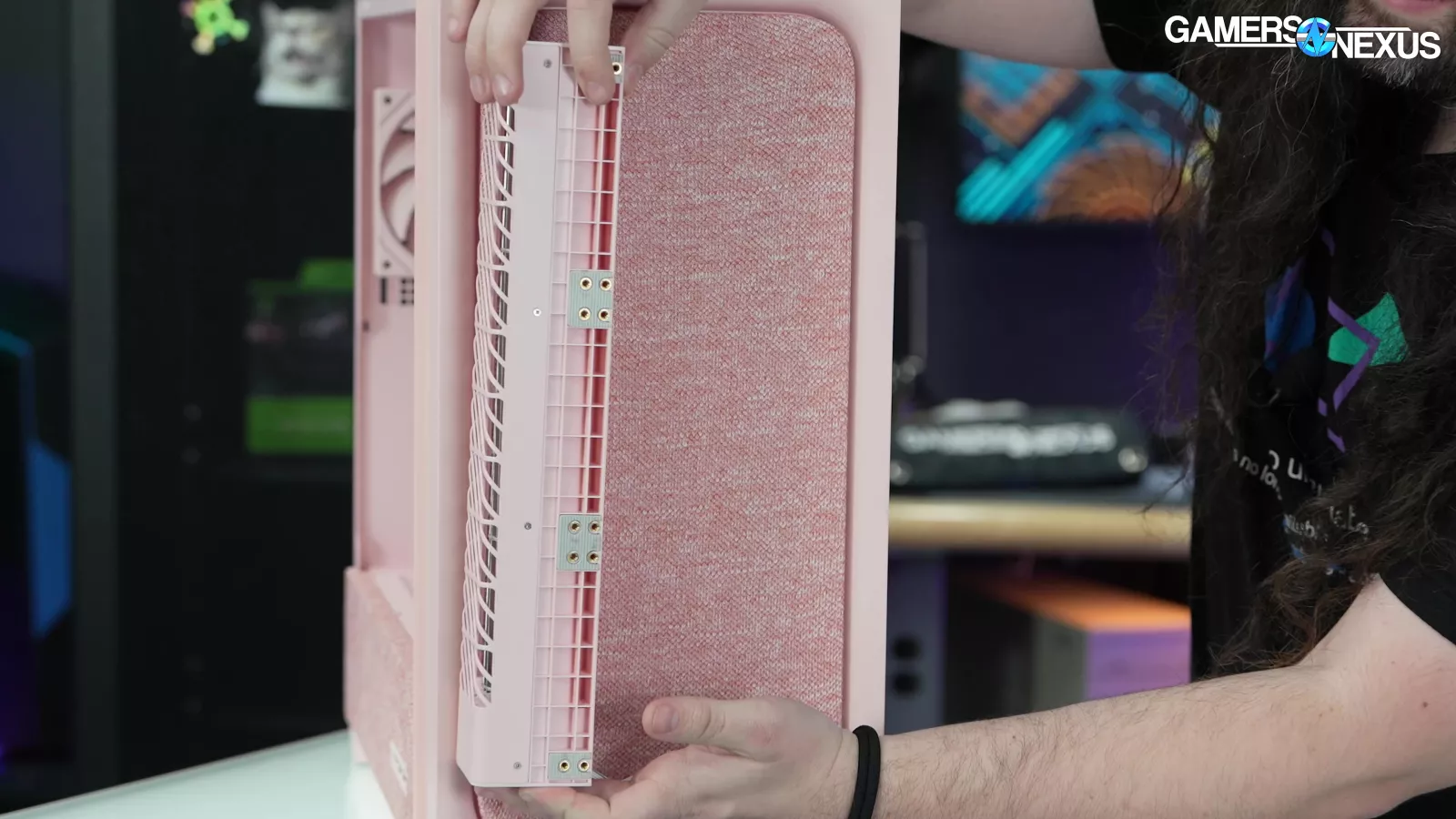


We previously made this animation of how crossflow fans work, but the short version is that these solutions are transverse or tangential fans that divide the fan cylinder into blocks separated by joint discs, which are constructed of cross-sectional curved blades.

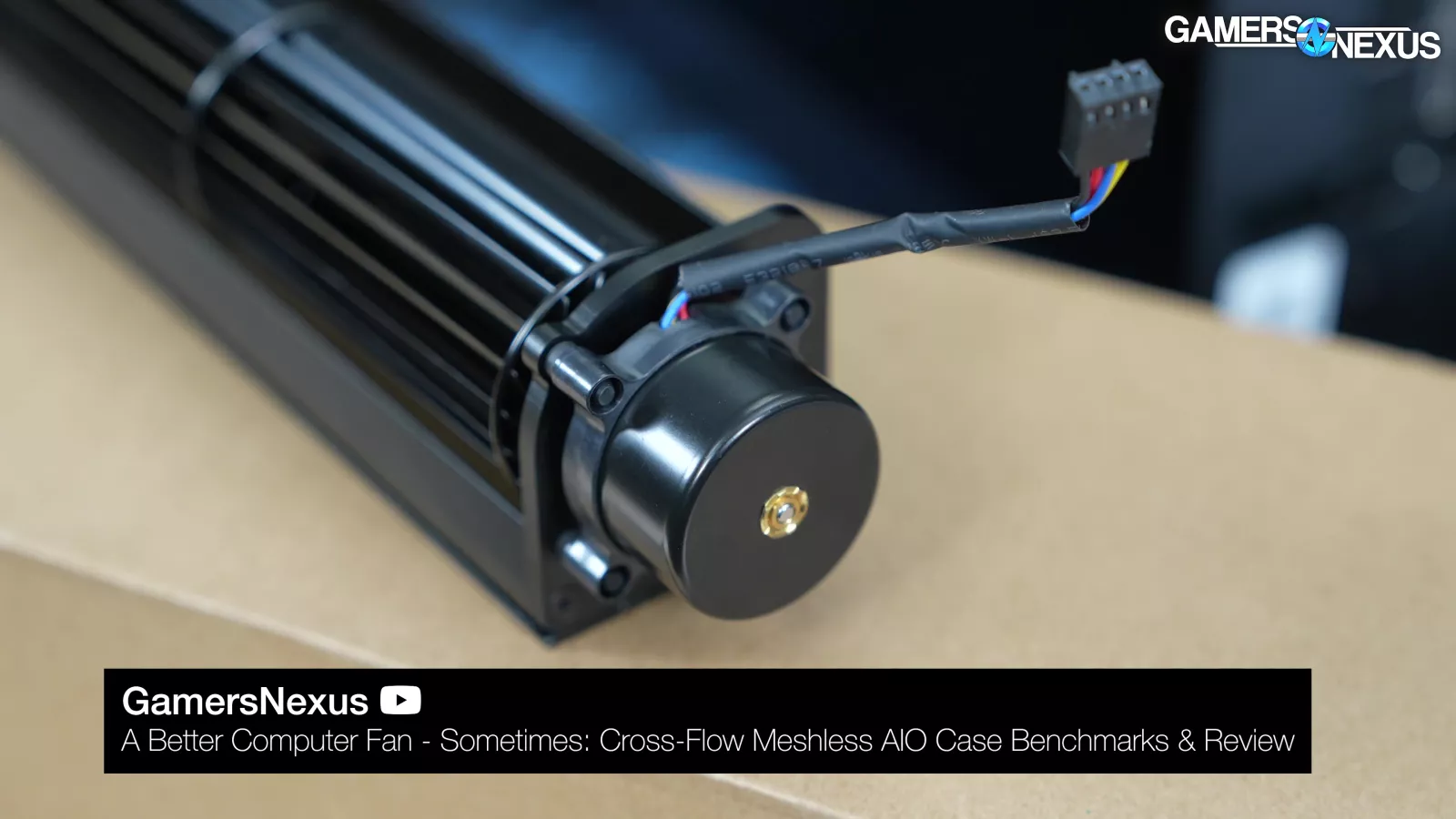

There’s a drum rotor for power, and rather than use an axial fan that slices air and scoops it, a crossflow fan rotates longitudinally and brings in air perpendicularly to the rotational axis. These fans are typically used when designers want a constant, laminar airstream without the buffeting effect of larger axial fans.

We even tested these with our Schlieren imaging setup previously, showing how they project air in more of a column.
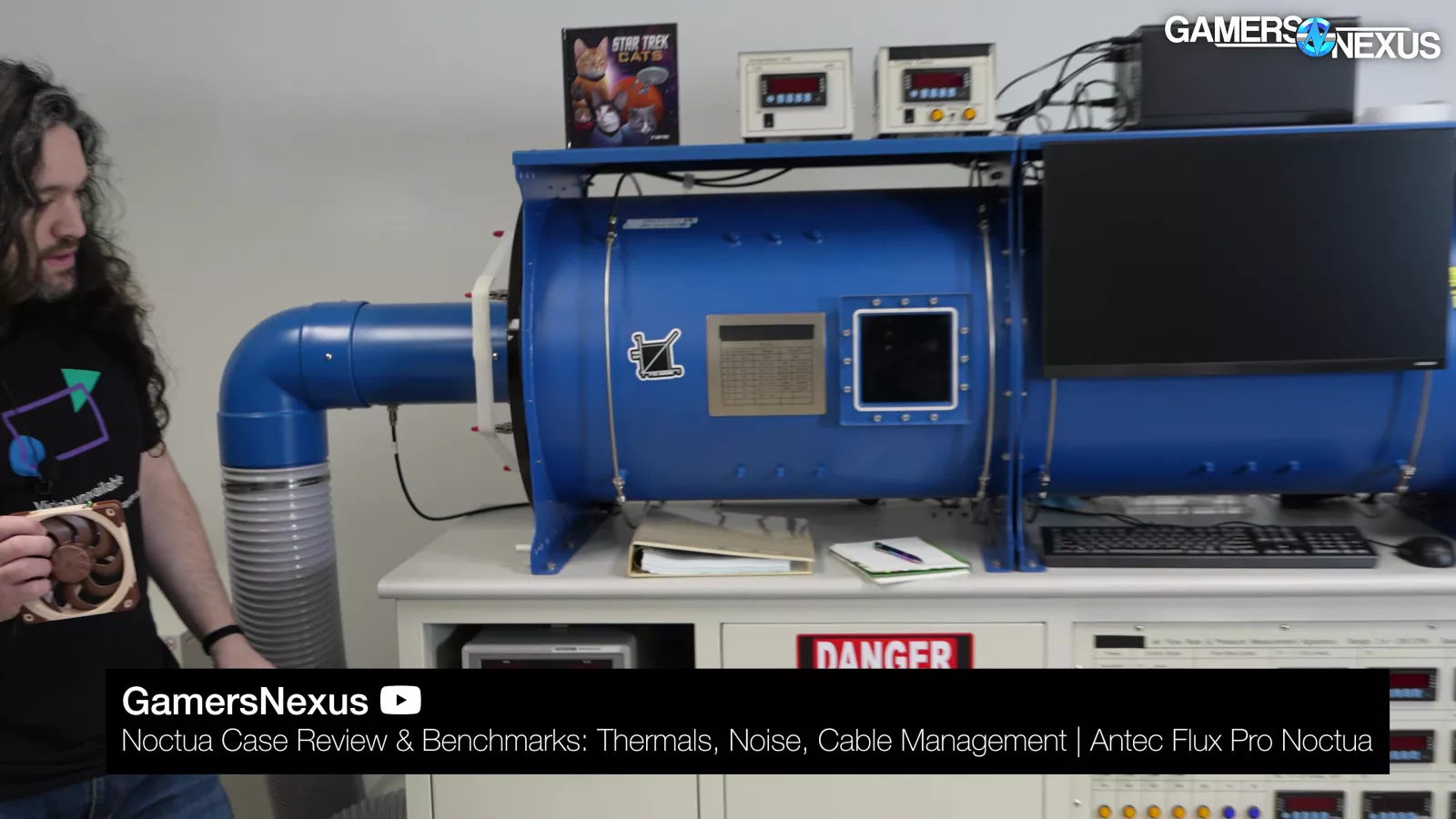
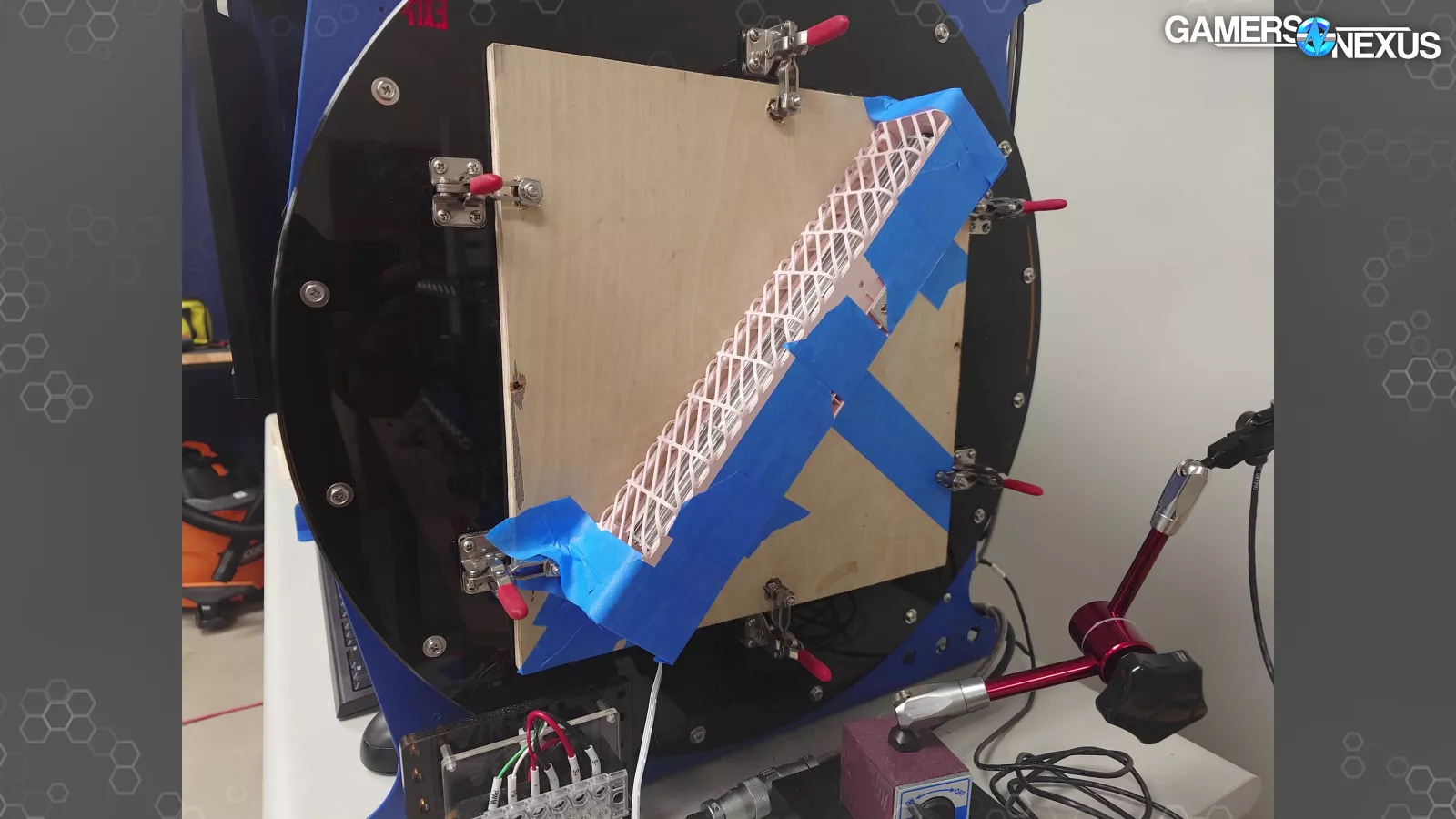
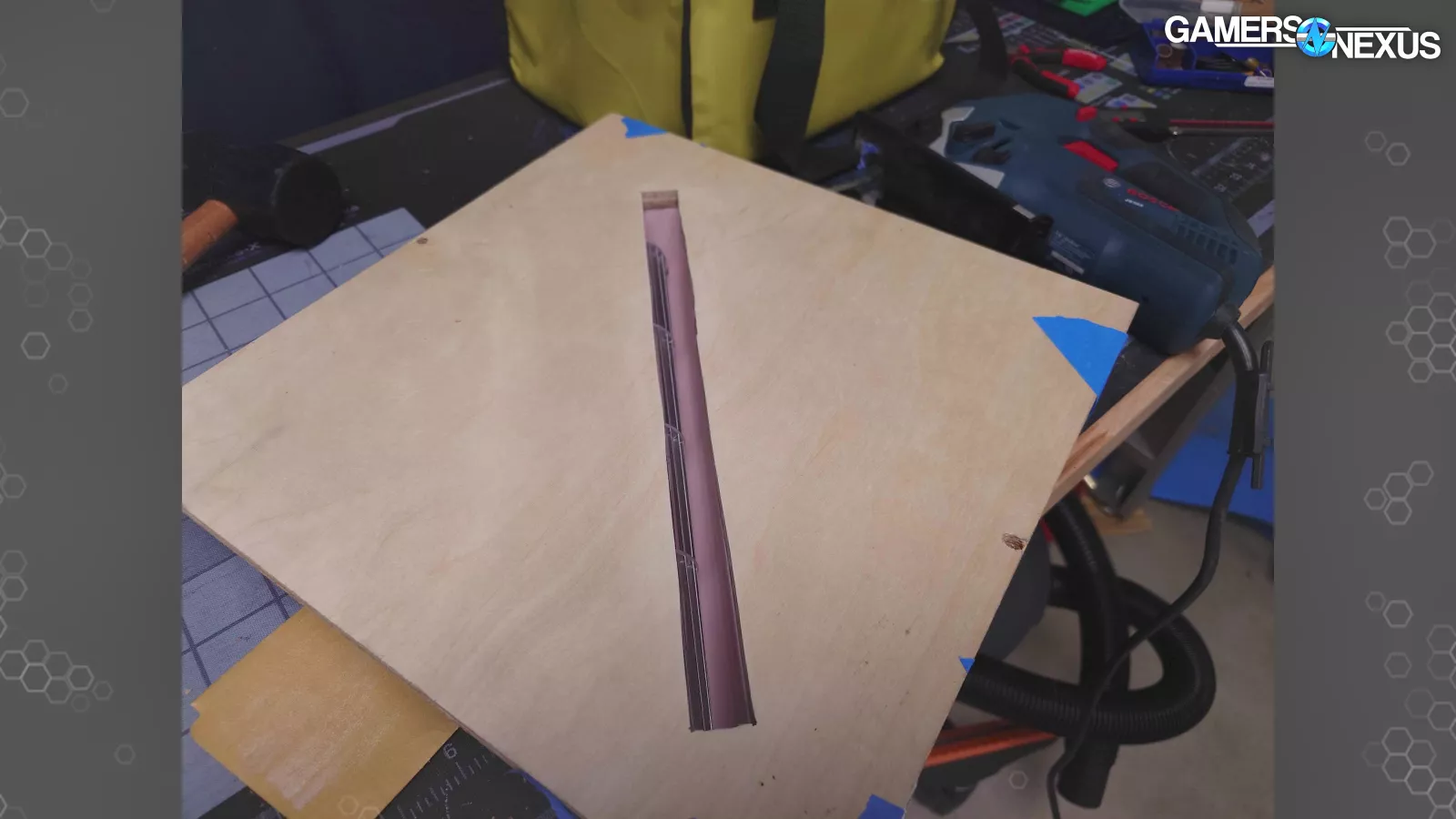
We'll also be using our fan tester for this review where we set up a unique test with a custom-made plate to mount the cross flow fan to our fan testing machine. So, we'll look at some of that data at the end of this review. We've also used this machine recently for the Haven BF360 review and the Antec Nocta collaboration on the Flex Pro (read our review).
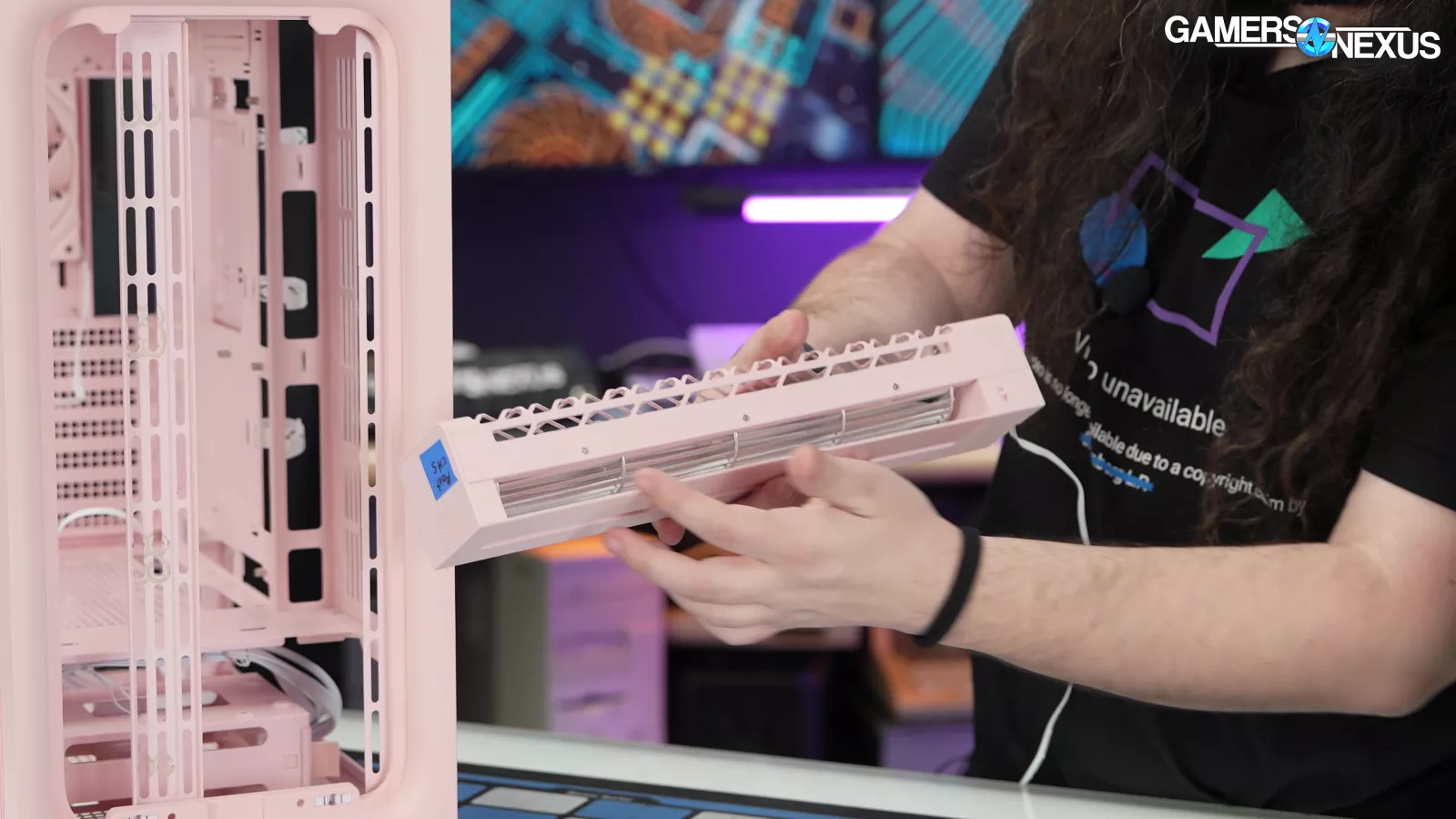
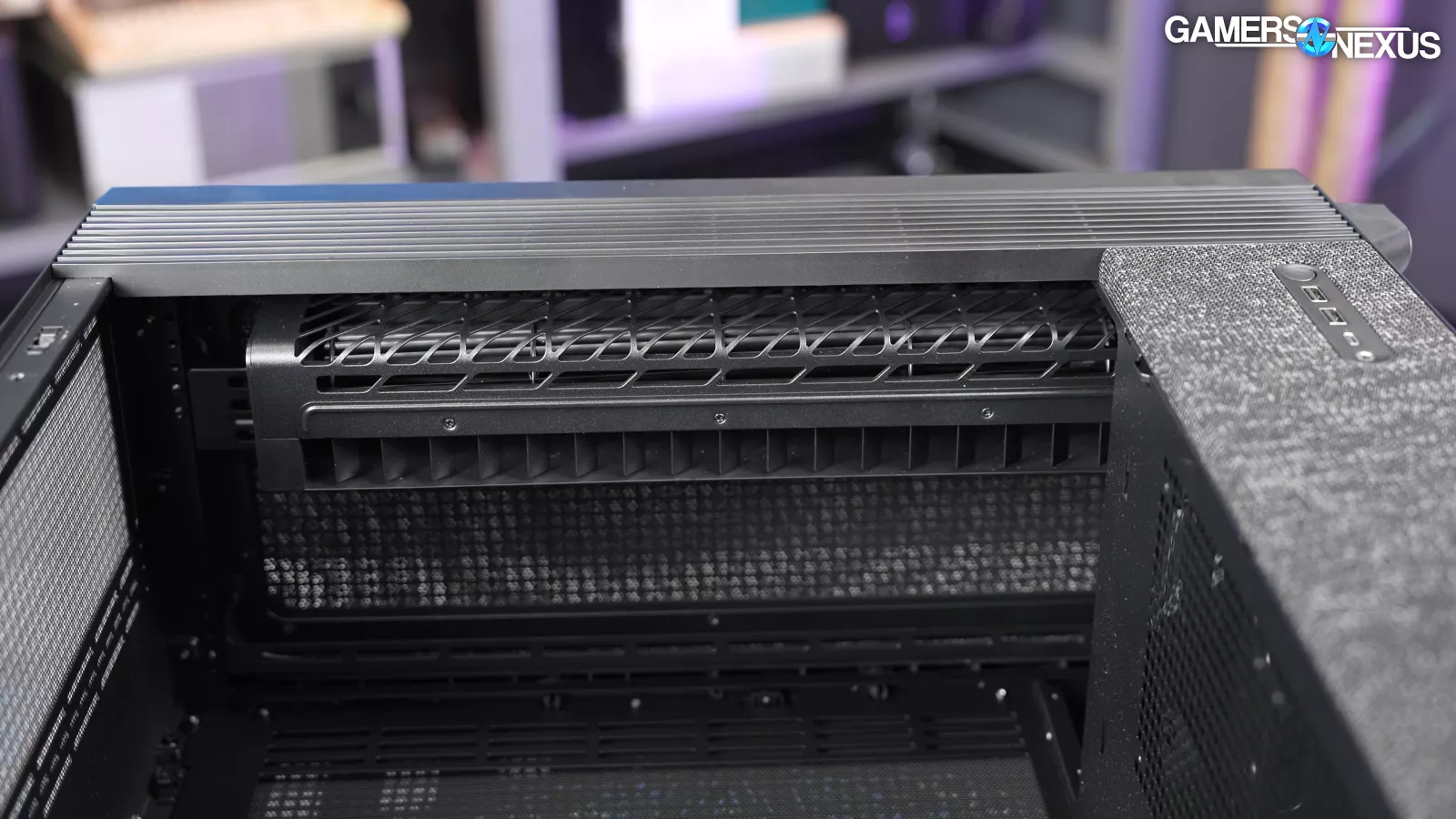
The end result is lower velocity air movement and laminar flow that’s distributed evenly along the blade.
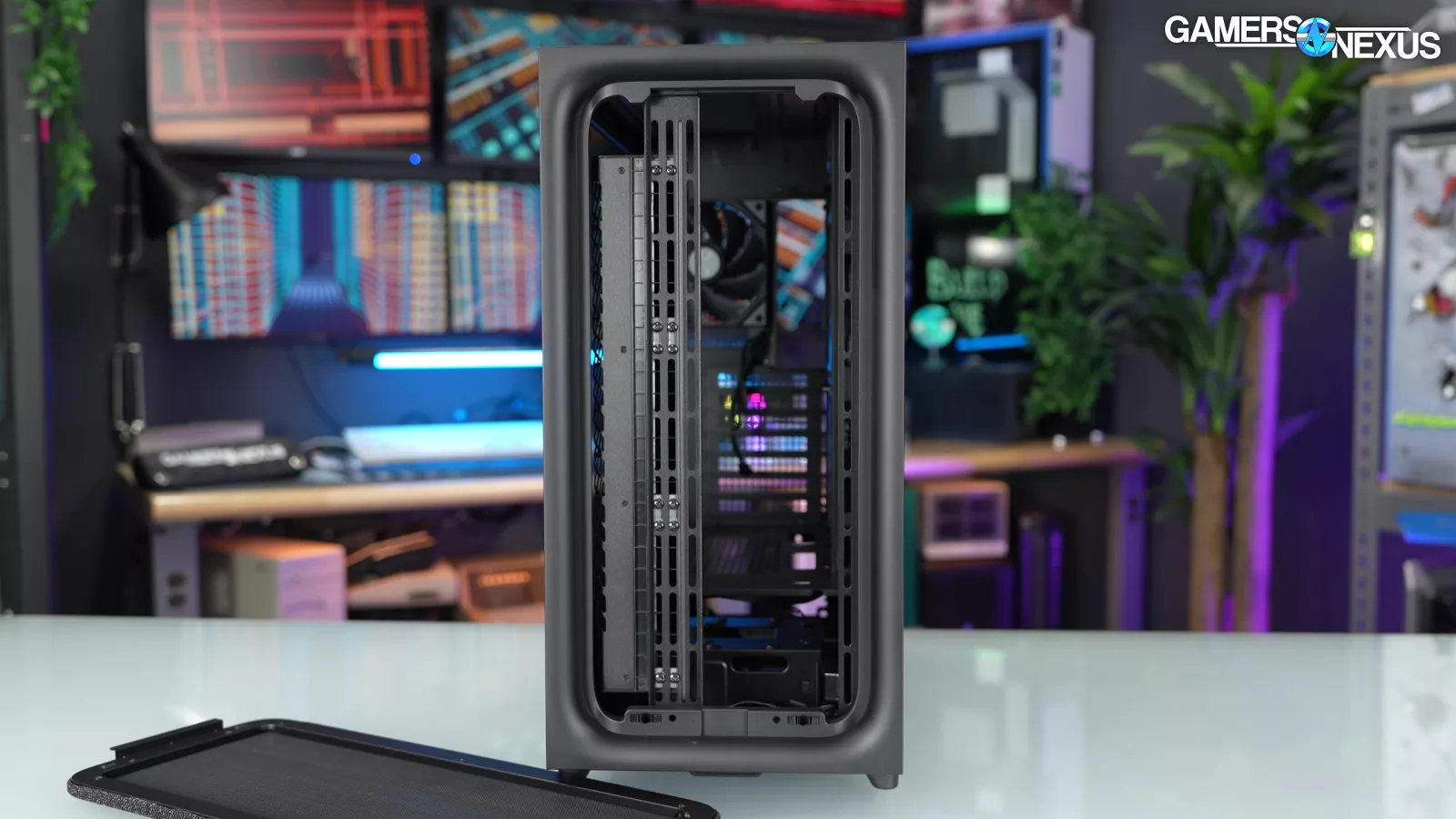
As for how it works in the Tryx Flova, unfortunately, it’s awful. In one chart, this is the worst case we’ve tested for thermals with our current test bench. In other charts, it’s one of the worst we’ve tested in years. They just couldn’t pull it together.
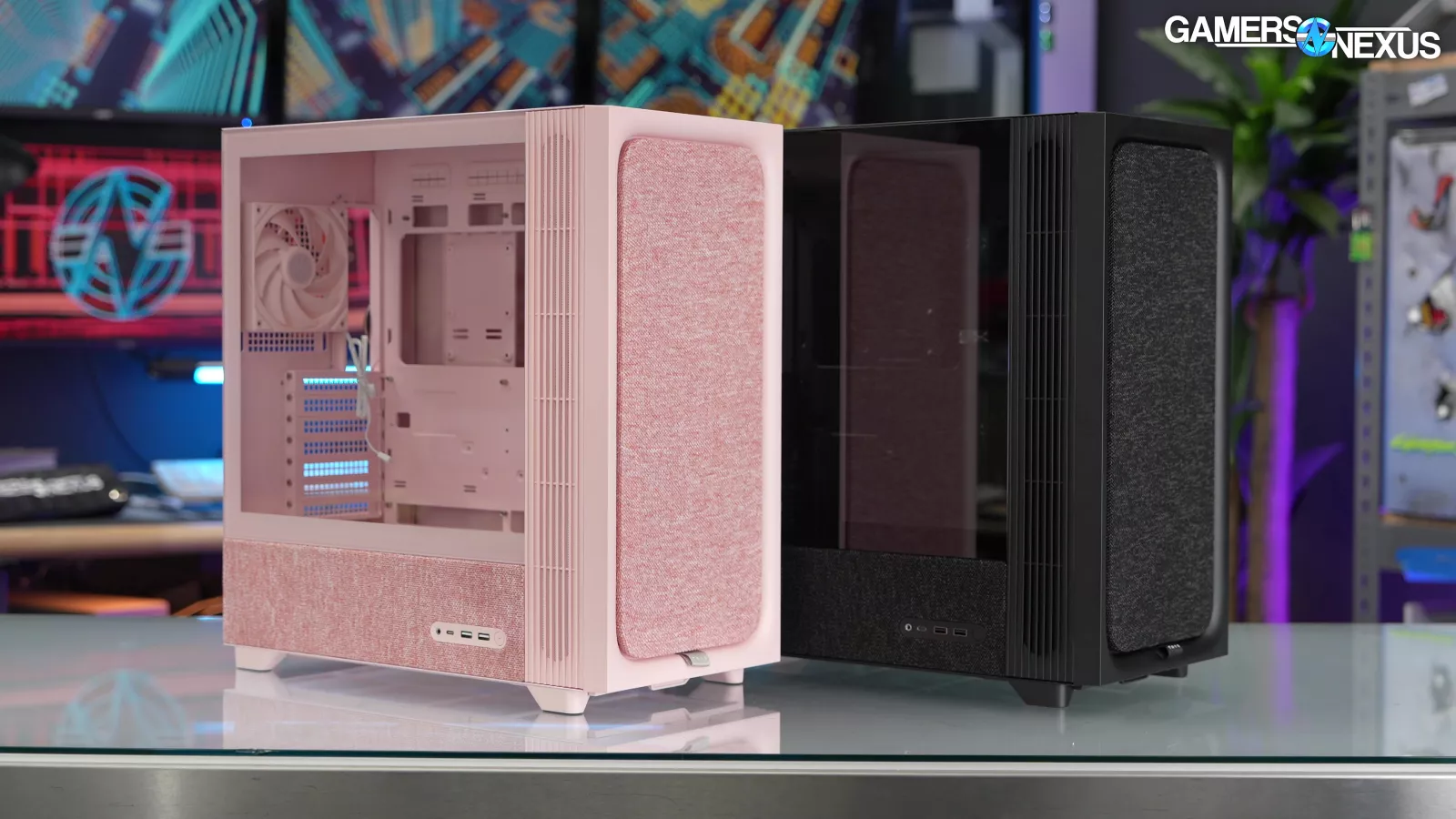
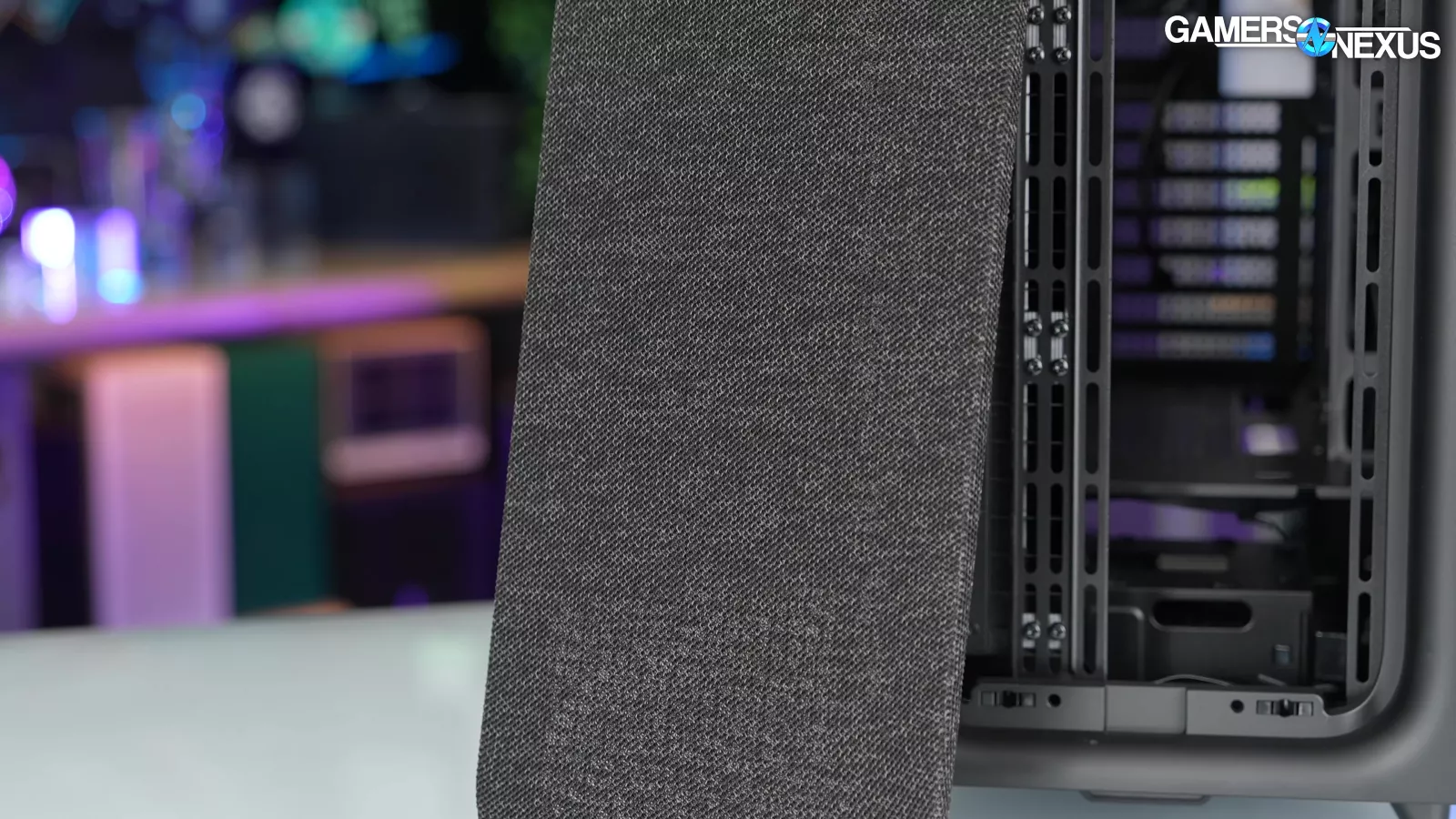
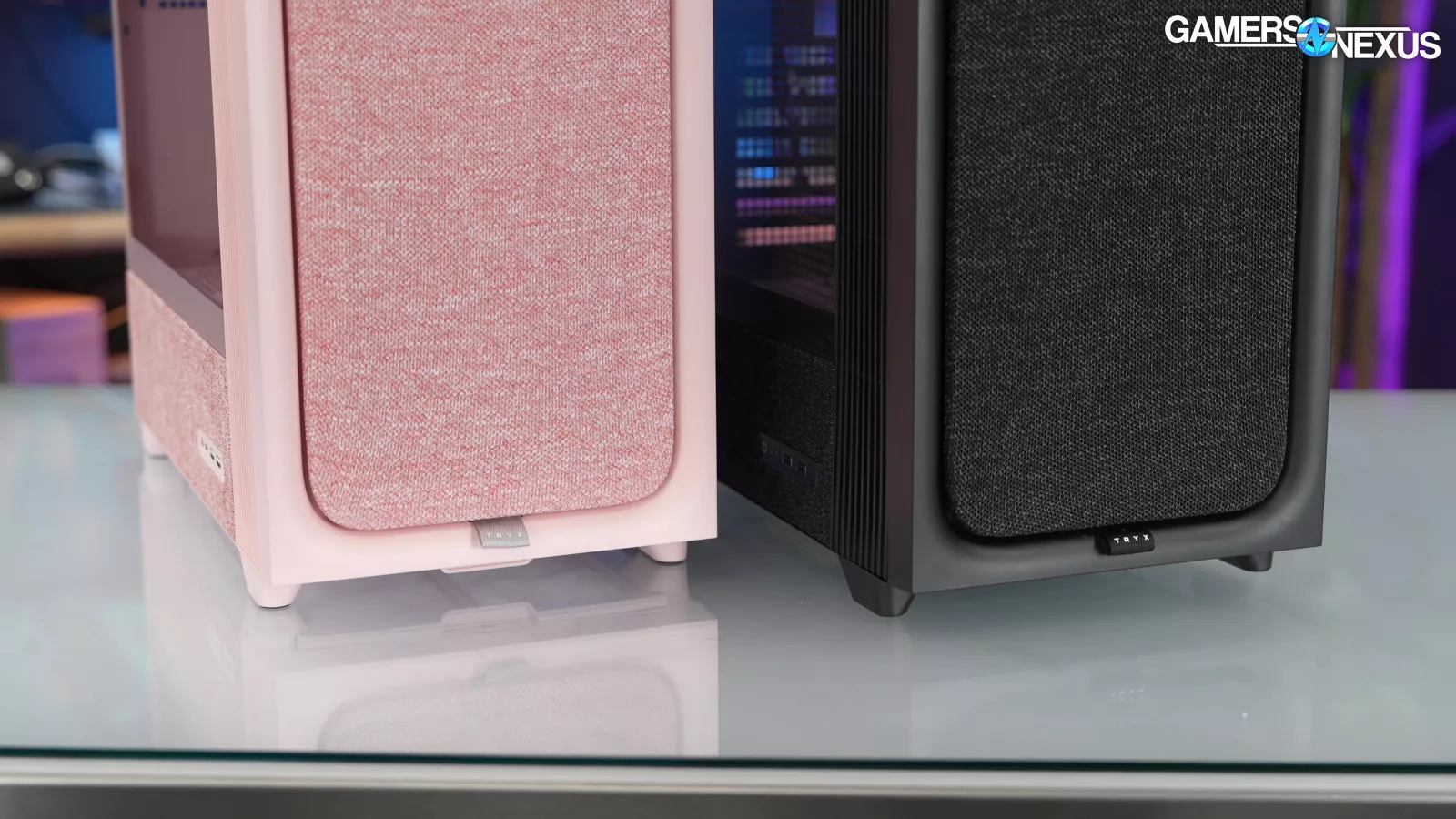
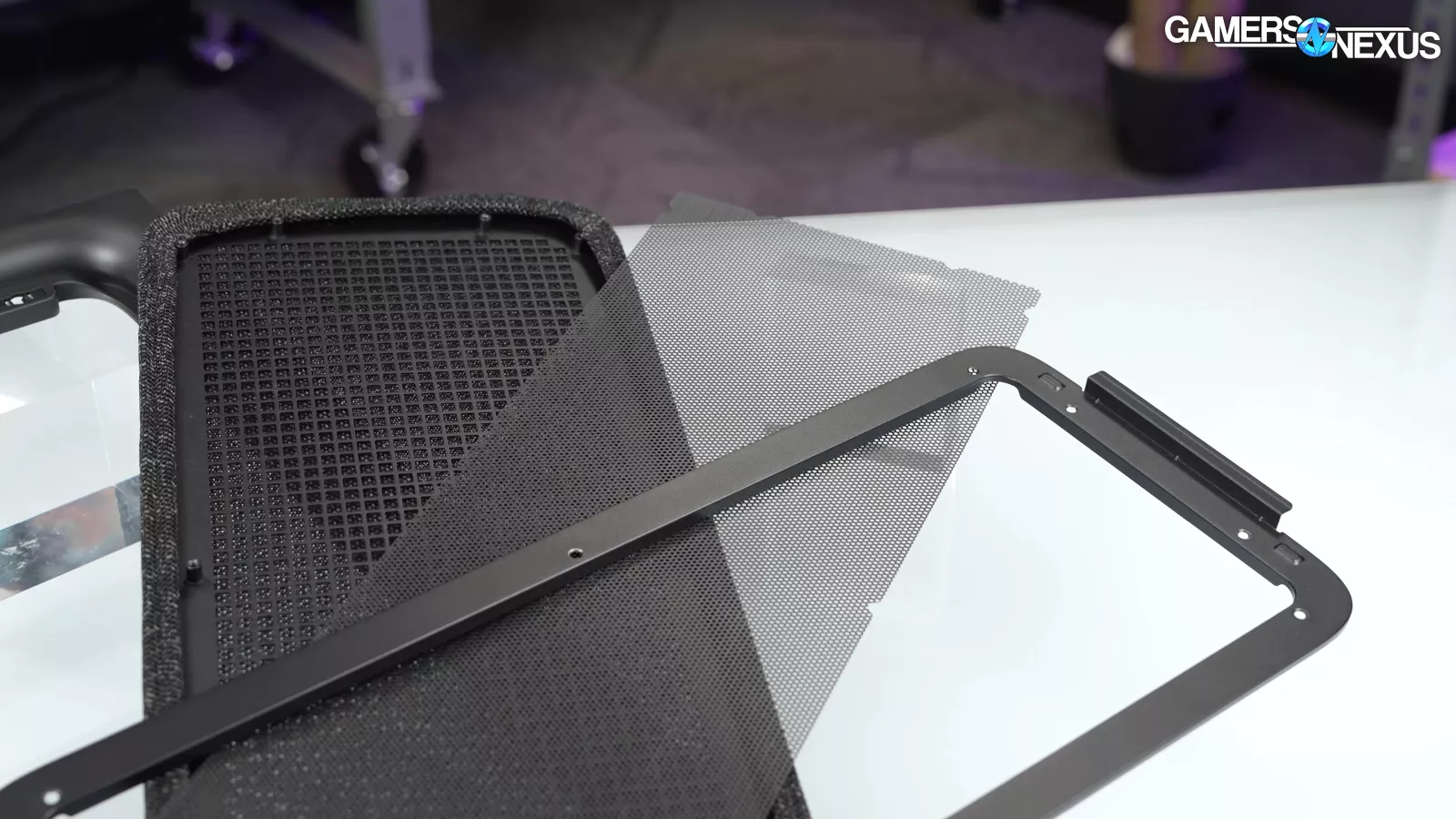
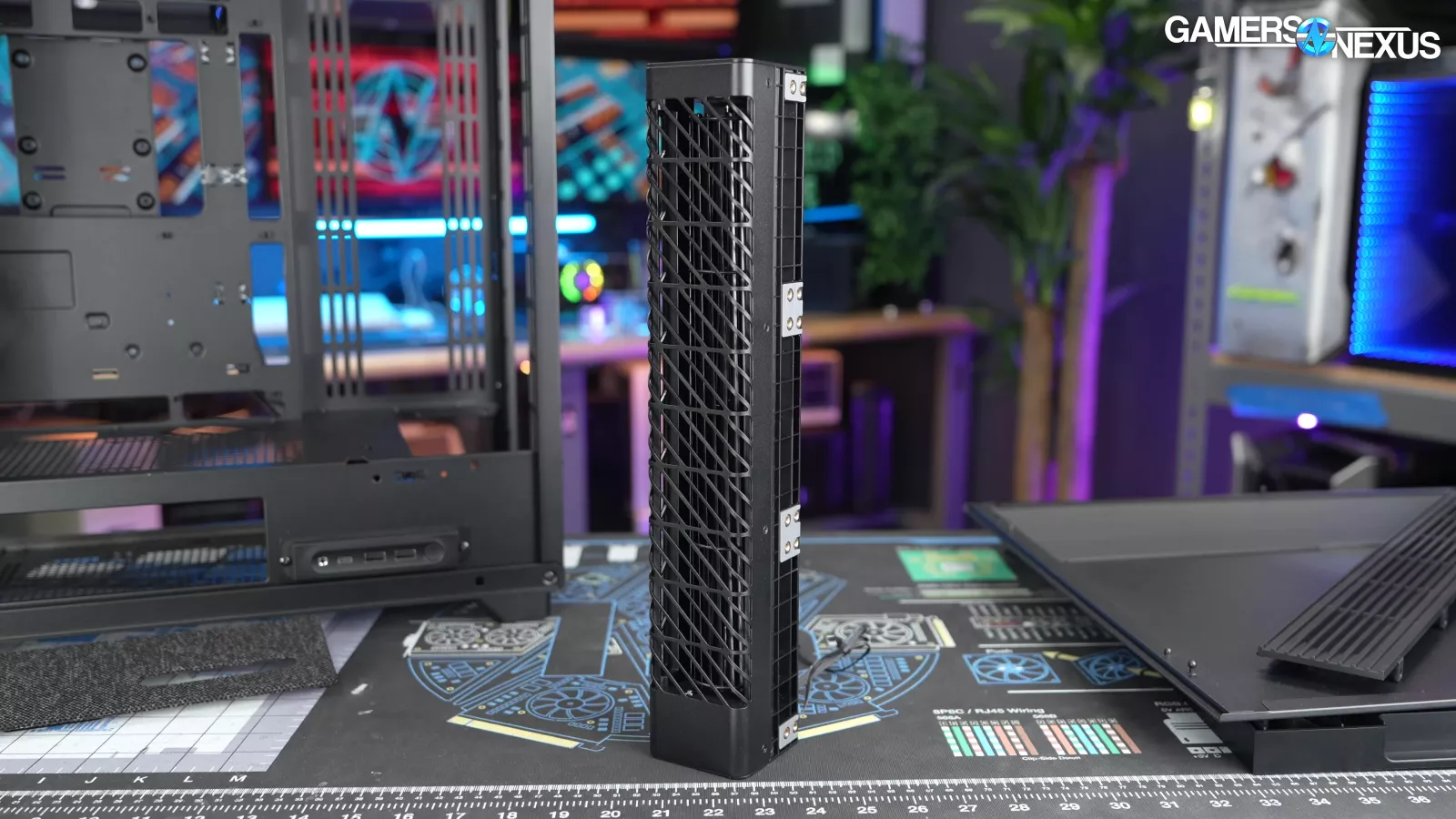
Other aspects of the case are interesting: The colors are unique, the fabric front is different, and it even fits a lot of drives -- but the front panel has three layers of mesh obstructing mounts for axial fans, and the crossflow fan seems like it was thrown into the case without an understanding from Tryx as to how to use these fans.
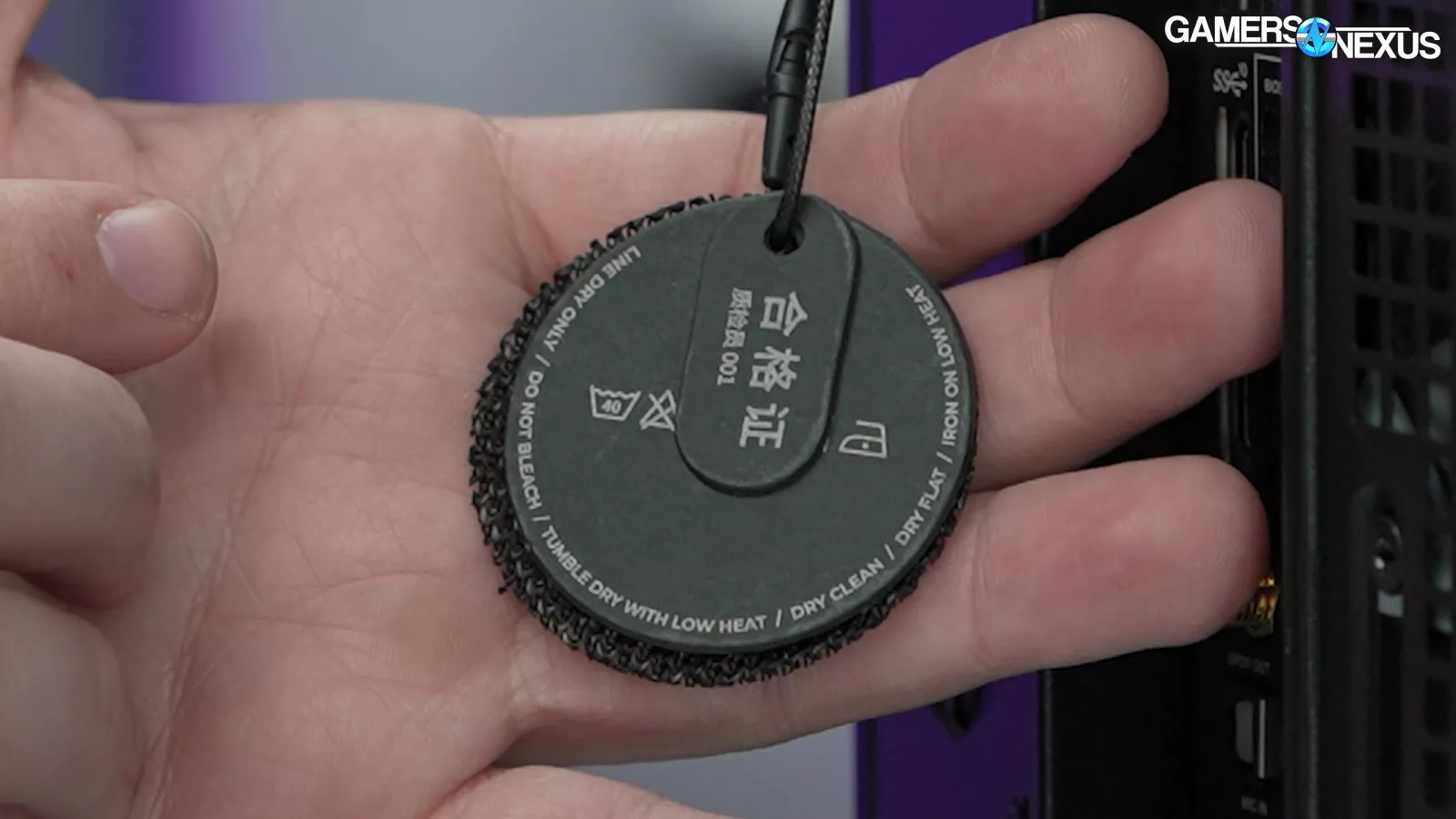
As an upside, we can also say with high confidence that this is the only computer case we've ever gotten with an actual laundry tag on it, although TRYX might need to make some revisions. They say dry clean, and tumble dry on low heat, AND dry flat, AND line dry ONLY.
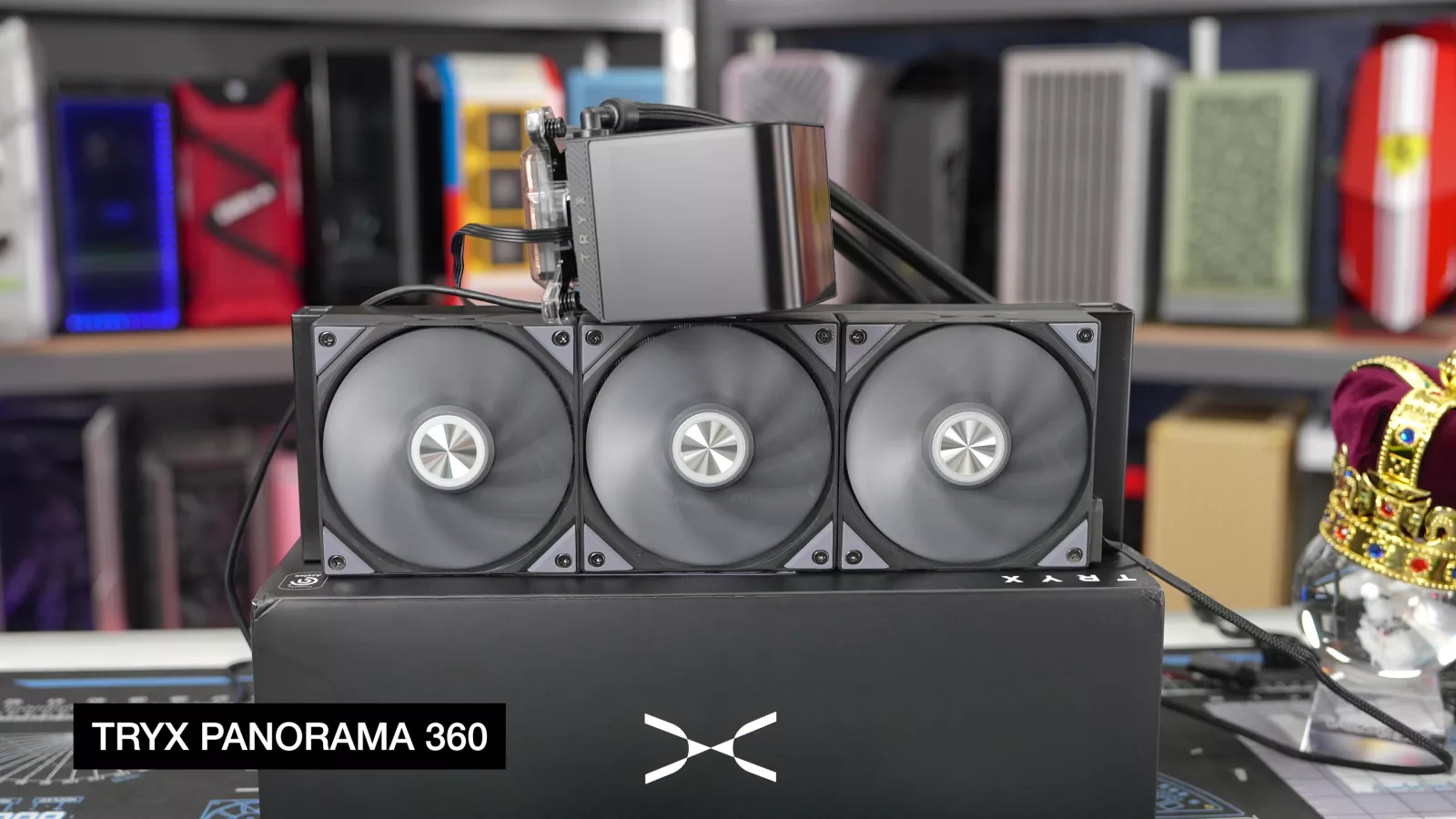
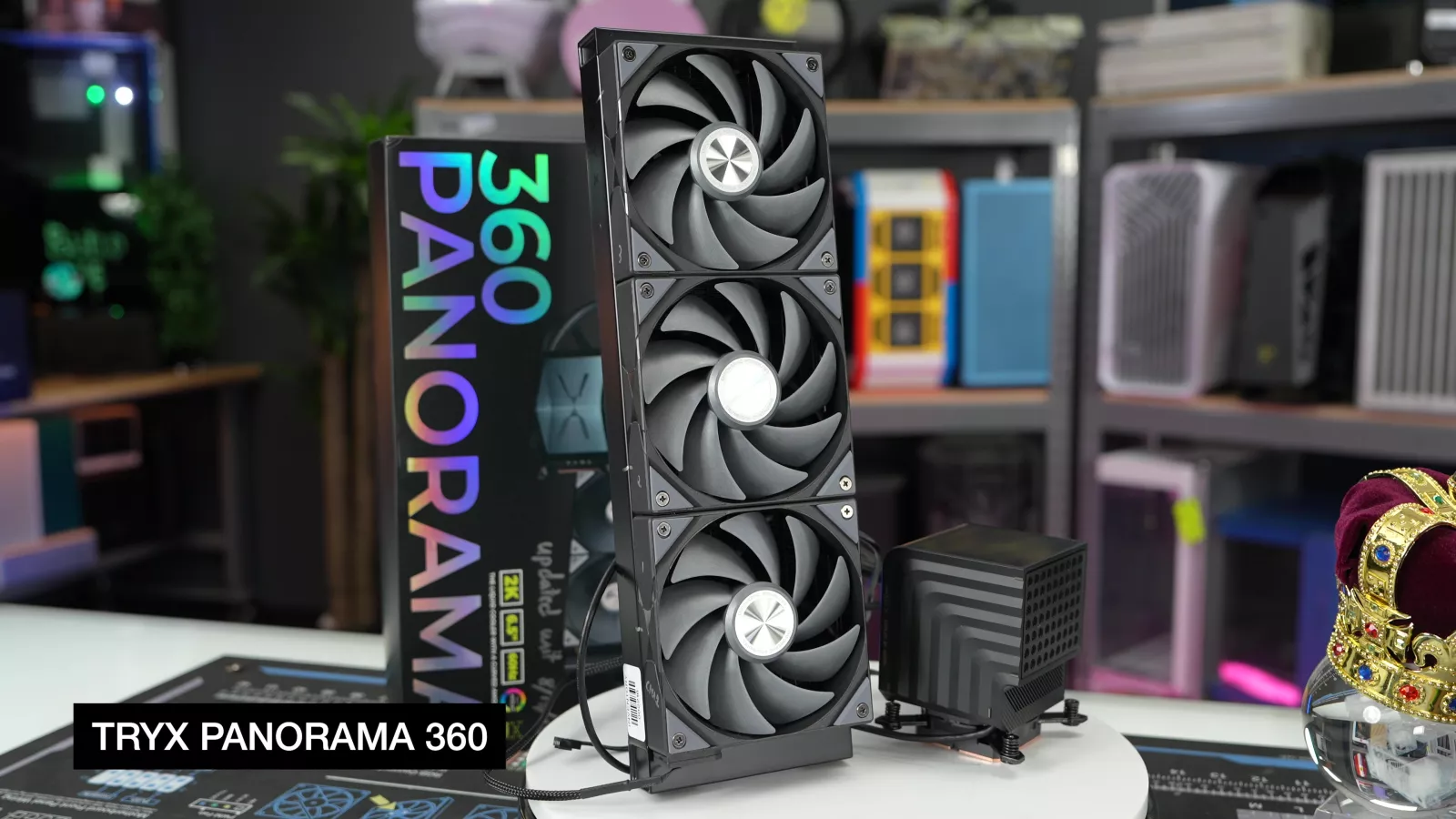
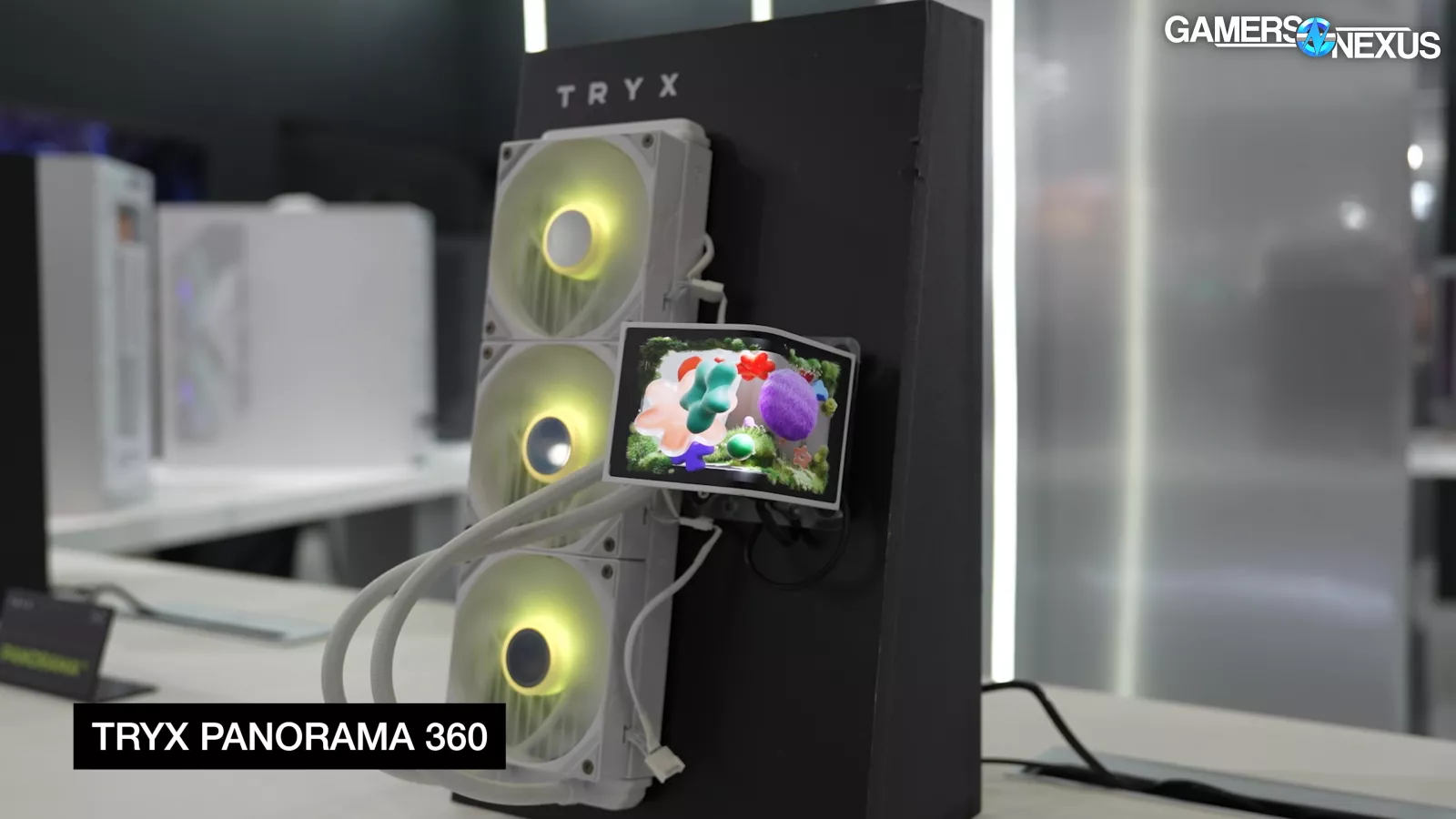

We've had ups and downs with TRYX: the Panorama CLC was cool (enough that everyone else copied it), the original LUCA L70 case was a disappointment, but then the revised L70 showed us that TRYX cares enough to listen and respond to criticism. We were optimistic about the F50 as well, since it shows that TRYX hasn't given up on taking risky shots.
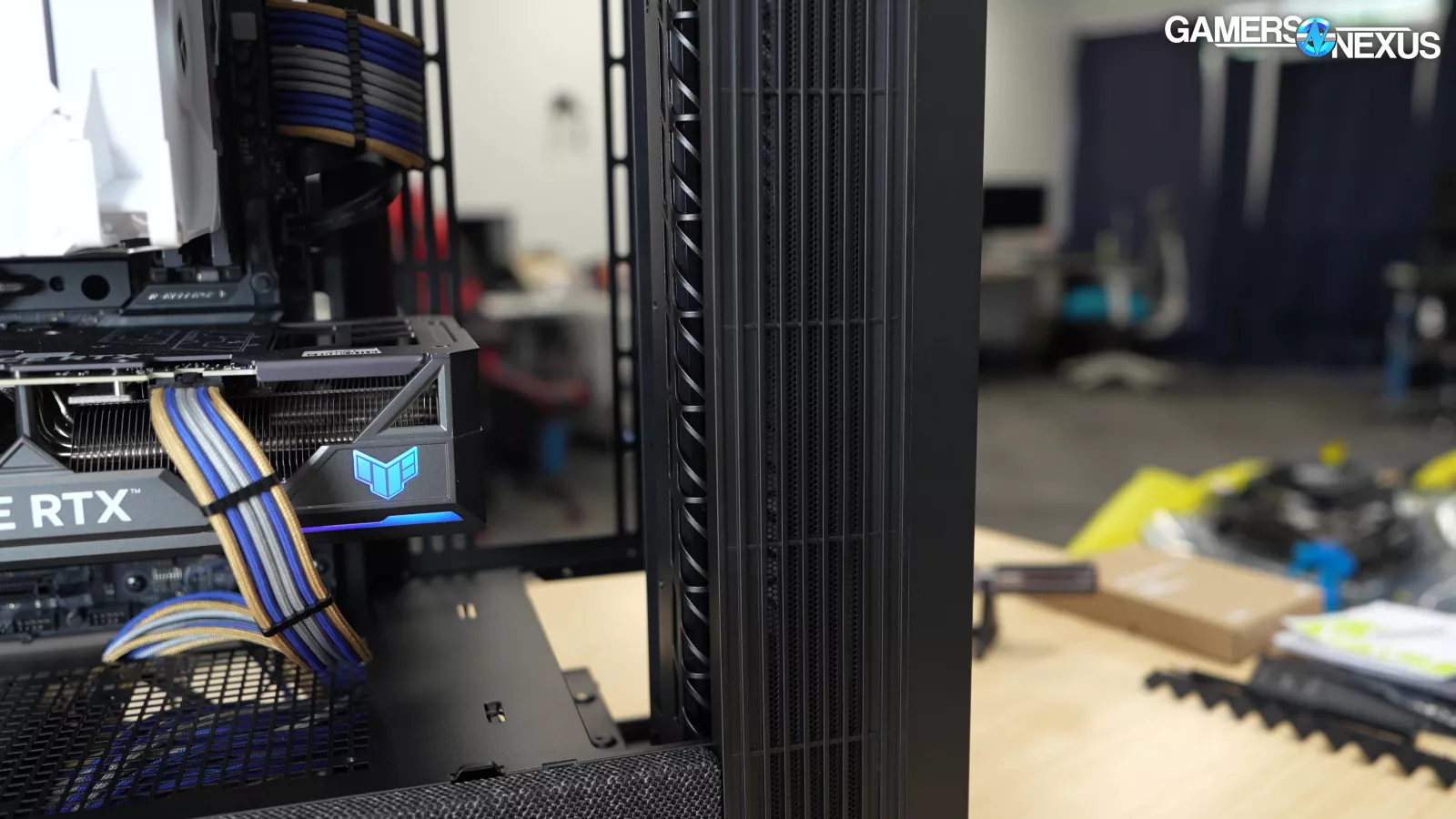
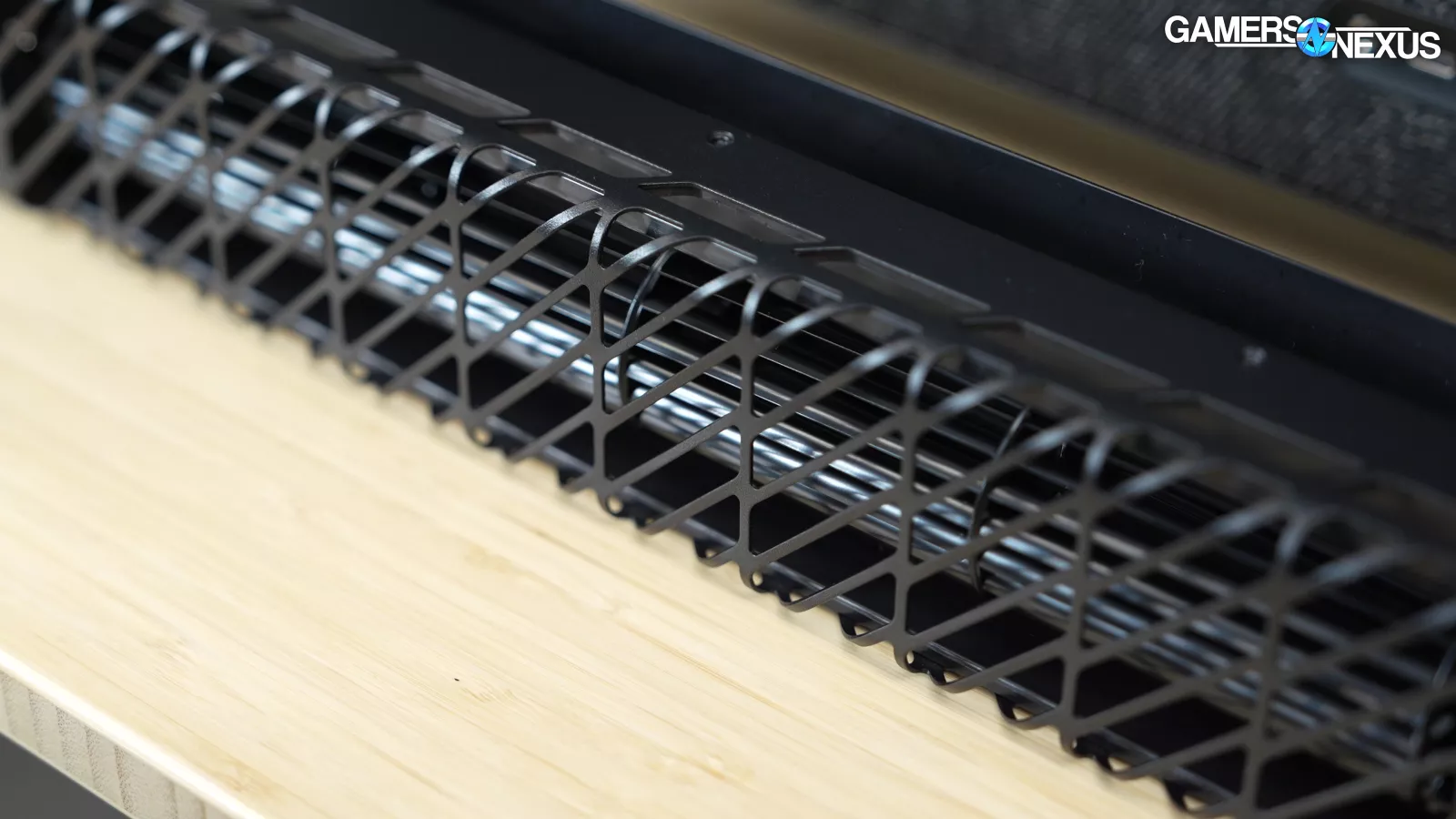
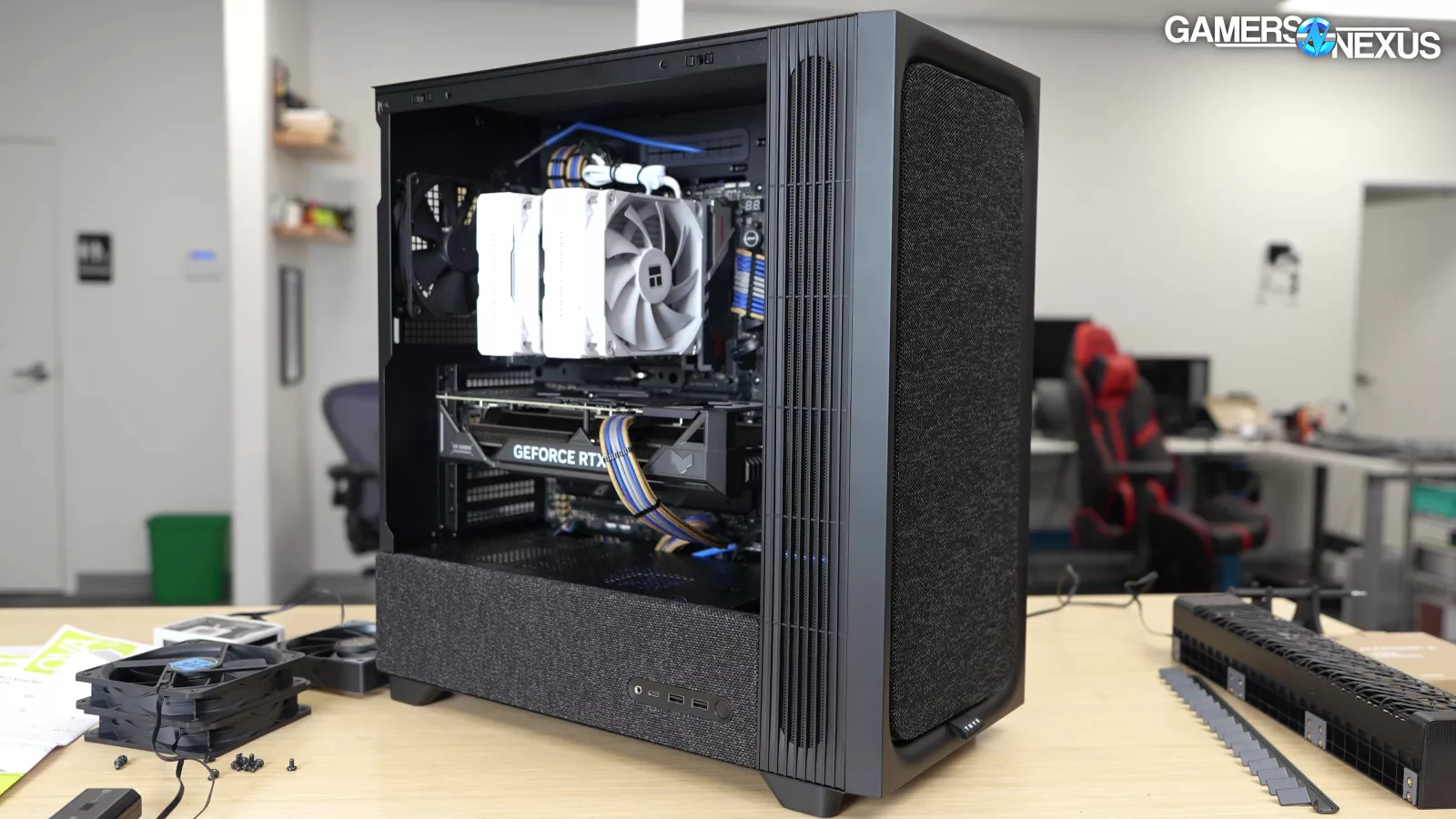
There are a couple of advantages to a crossflow fan: first, the form factor allows it to fit in places where conventional fans can't. Second, it creates a smooth, laminar flow of air, which may or may not actually matter in the context of case cooling.
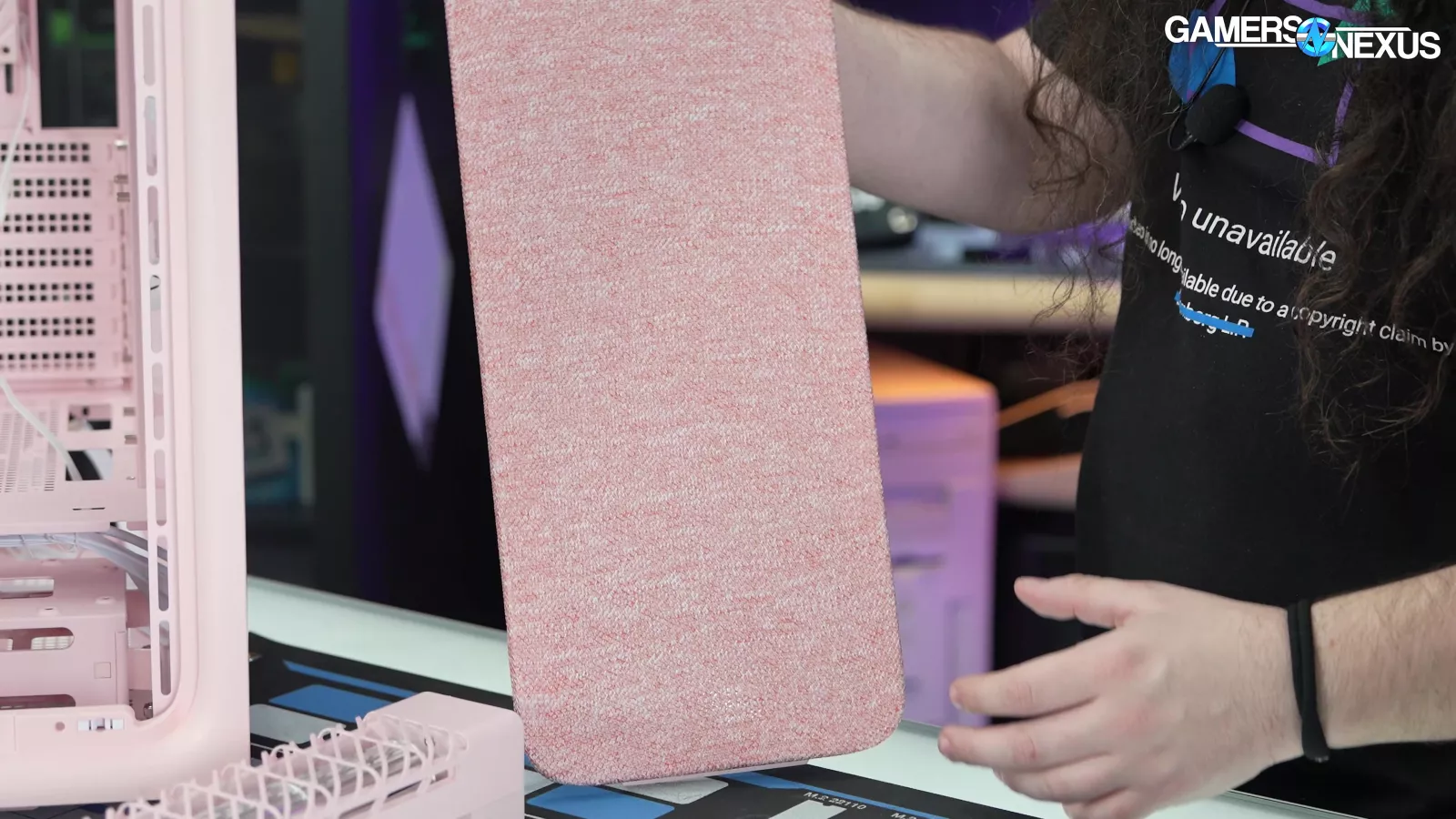
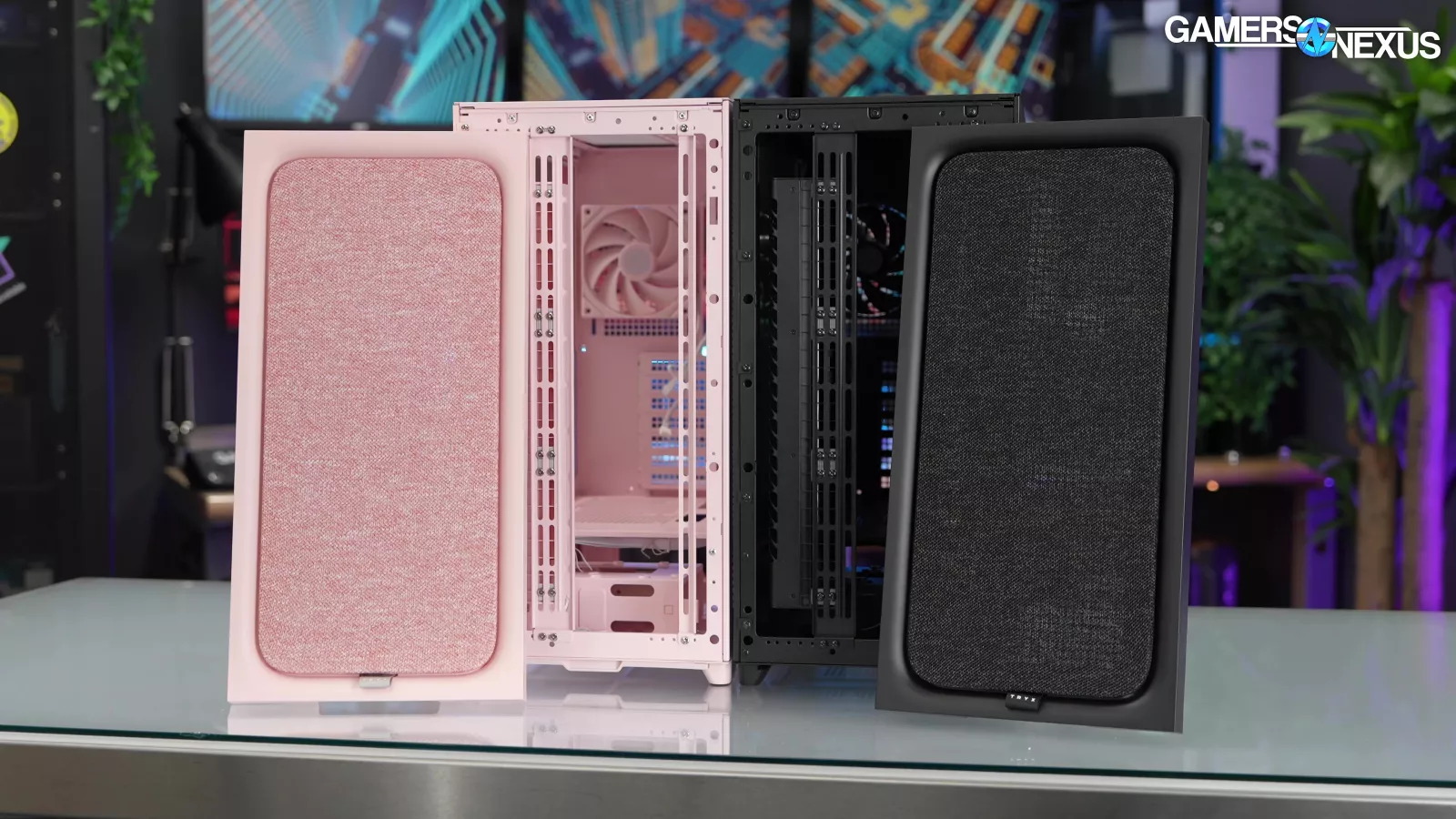
Third, it's interesting. We suspect that last reason is the main one behind this case's creation, but we're keeping an open mind: as long as it's not a complete hotbox, $150 MSRP isn't too wild for a novelty case.
Specs
| Color | Black / White / Pink |
| Dimensions | 481 mm(D) x 240 mm(w) x 501 mm(H) / 58L |
| Materials | Steel, TG, Plastic, Fabric |
| Motherboard Compatibility | Support Motherboard Size: ATX / Micro-ATX / Mini-ITXBack Connect Motherboard Support: ATX(BTF / Project Zero / Project Stealth) |
| PCI-e Expansion Slots | 7 |
| Expansion Drive Support | 4 x 2.5”SSD or 4 x 3.5"HDD |
| I/O Ports | 2 x USB-A 3.2 Gen 1, USB-C 3.2 Gen 2 x 2, Audio / Mic jack x 1, Power Button |
| Fan Support | Top: 120 mm x 3 / 140 mm x 2Side: 120 mm x 2 / 140mm x 2Front: 120 mm x 3 (with pre-installed Cross Flow Fan mounted), 140 / 160 / 180 / 200 mm x 2 (requires removal of Cross Flow Fan)Bottom: 120 mm x 2Rear: 120 mm x 1 |
| Radiator Support | Top / Front: up to 280 mm / 360 mmRear: 120 mmSide: up to 240 mm / 280 mm |
| GPU Clearance | ≤420 mm, ≤360 mm With Pre-installed Cross Flow Fan |
| CPU Cooling Clearance | ≤170 mm |
| PSU Support | ATX, Length 200 mm |
| Cable Management Space | 40 mm |
| Dust Filters | Top, Bottom, Front, Side |
| Pre-installed Fans | TRYX Cross Flow Fan, 1 x TRYX ROTA 120 Fan |
The Build
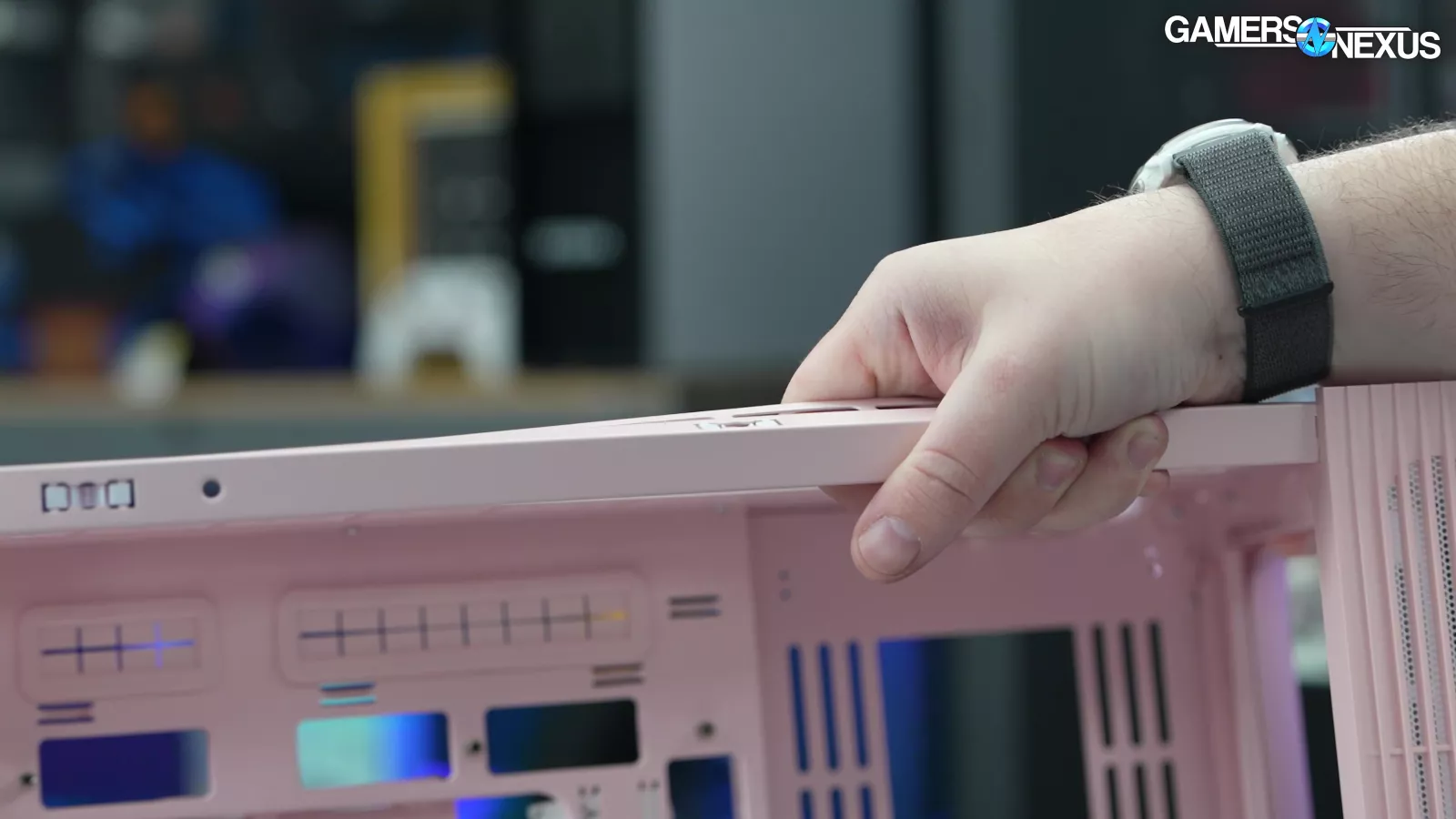
The materials, unfortunately, are on the flimsier side. For instance, if you pick it up by top, its flex is unbelievable. This shouldn't be happening on a steel chassis that's supported on two points. We suspect we could snap it out by hand.
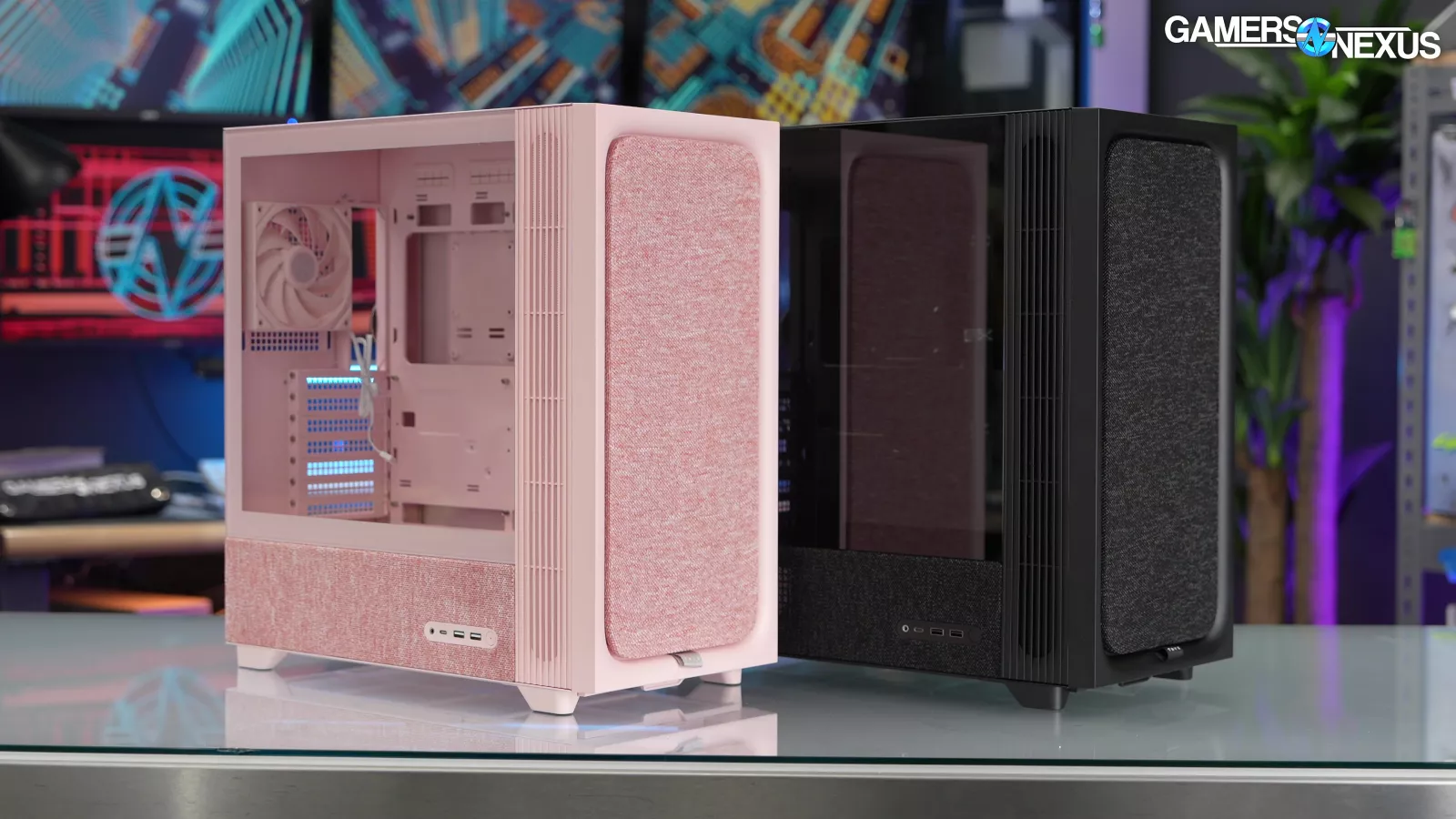
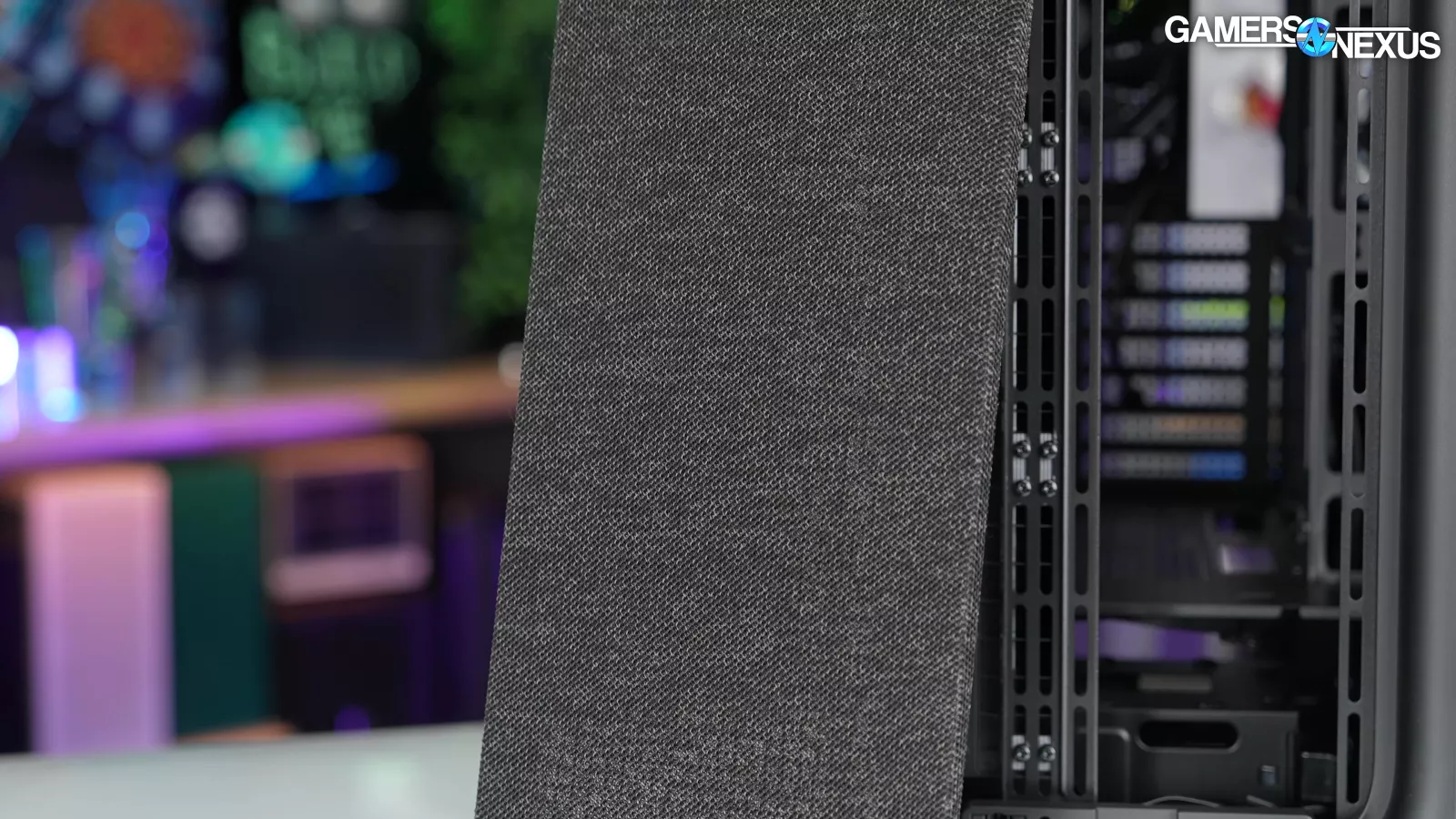
The case comes in white, black, or pink. With all colors, the fabric has a variable pattern that seems intended to disguise some dust buildup. We've seen what happens over the years to the fabric on an Enthoo Pro II, for example, and it can be hard to clean, which is a big part of the reason that fabric panels are uncommon.
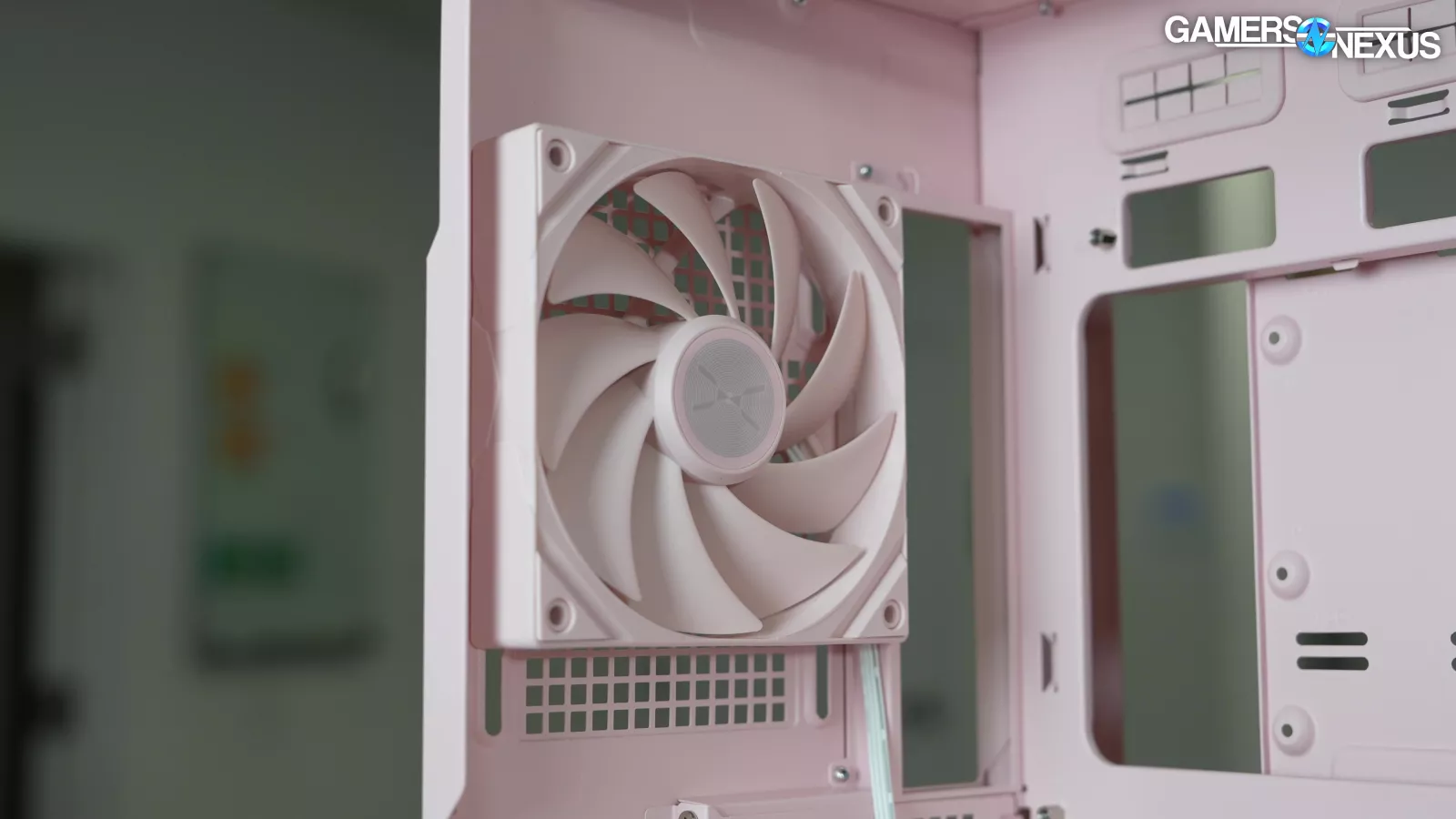
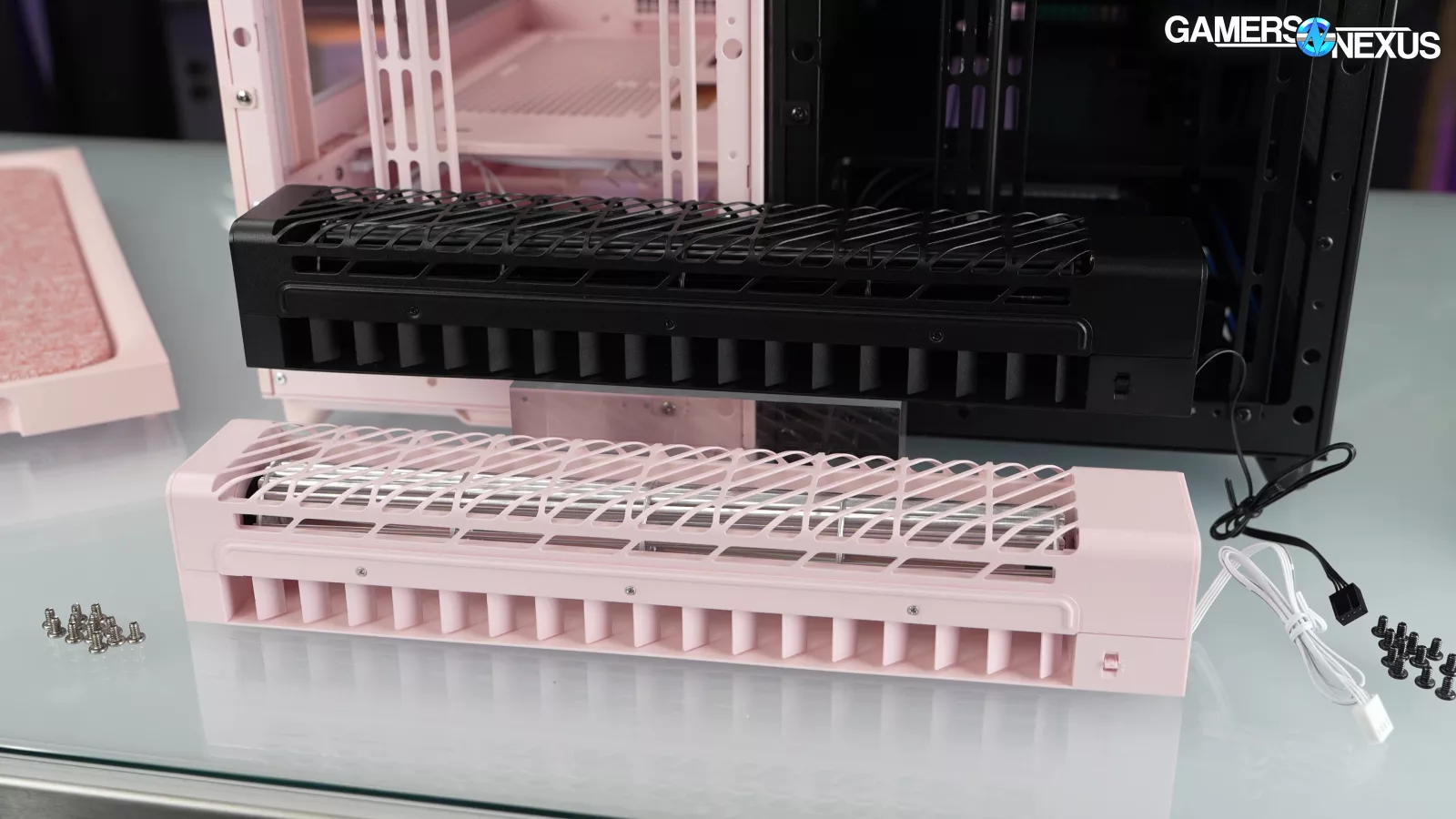

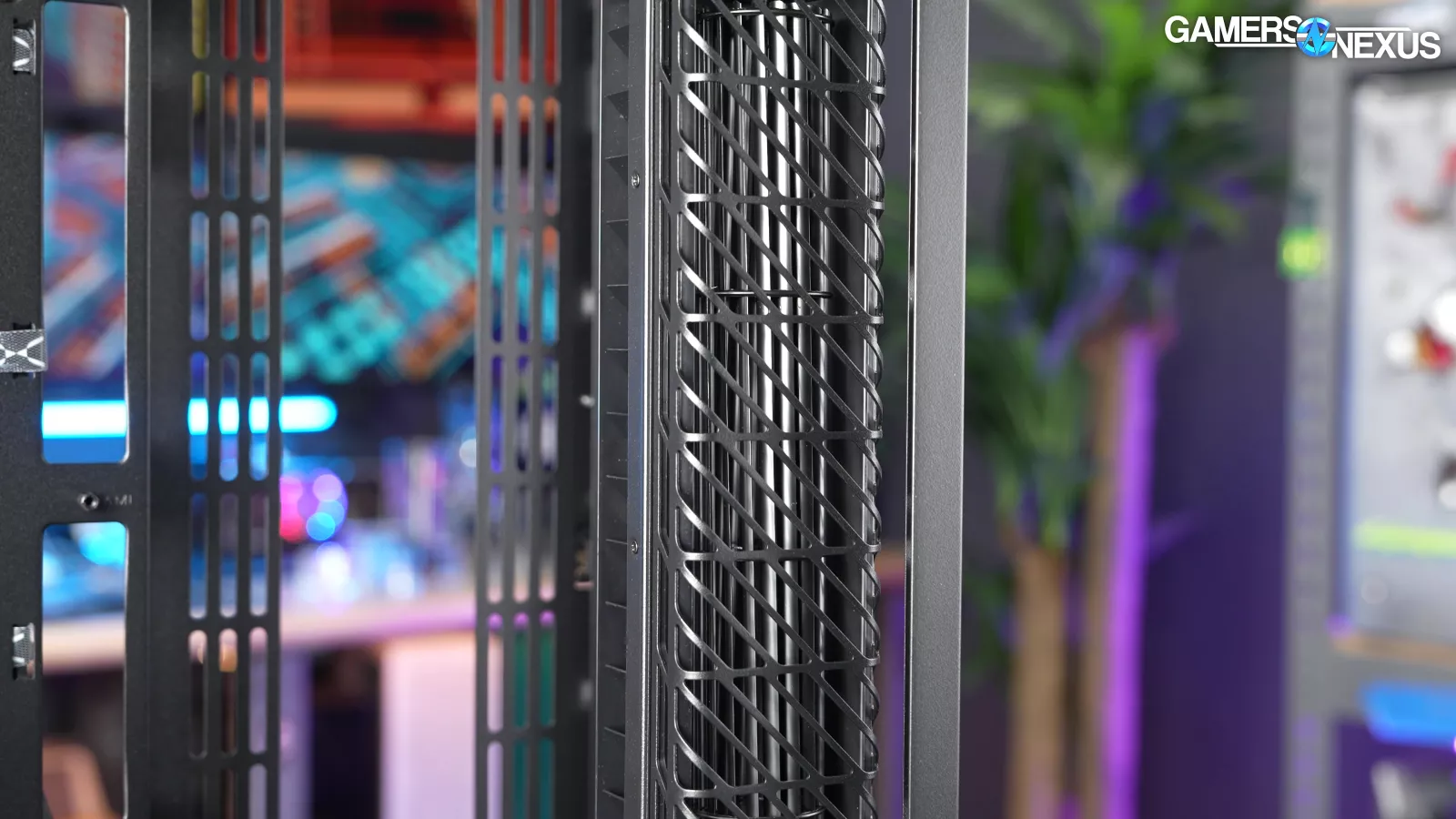
Fans are matched to the case color scheme, including the crossflow fan, which has black blades in the black model and silver blades in the others. The crossflow fan is unusual enough that we would have expected TRYX to buy it fully off-the-shelf, so having color variants and a custom housing is going above and beyond. Unfortunately, the fan is nested away to where it’s not really visible, so there’s no real external visibility to the most interesting aspect of the case once it’s built.
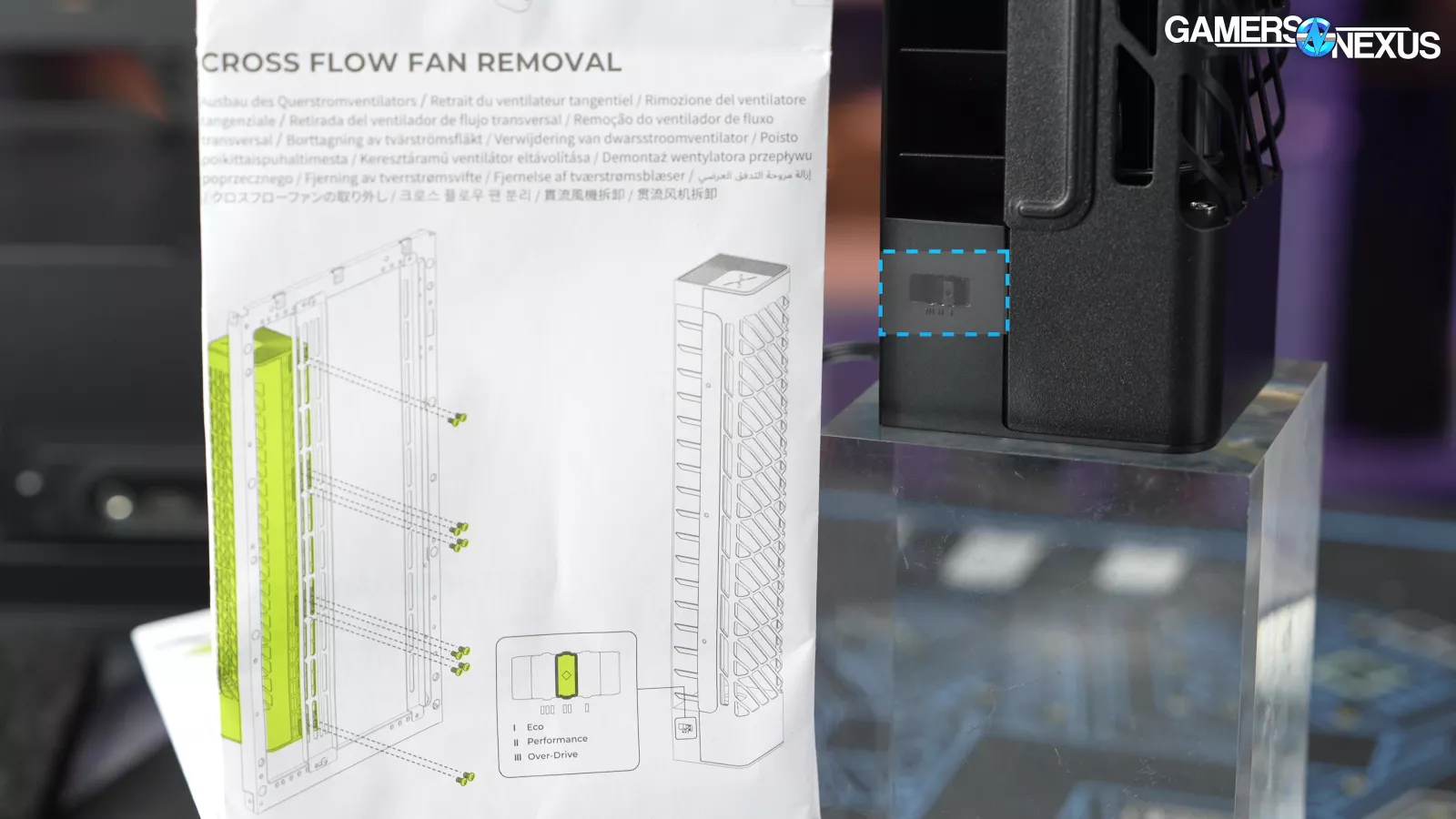
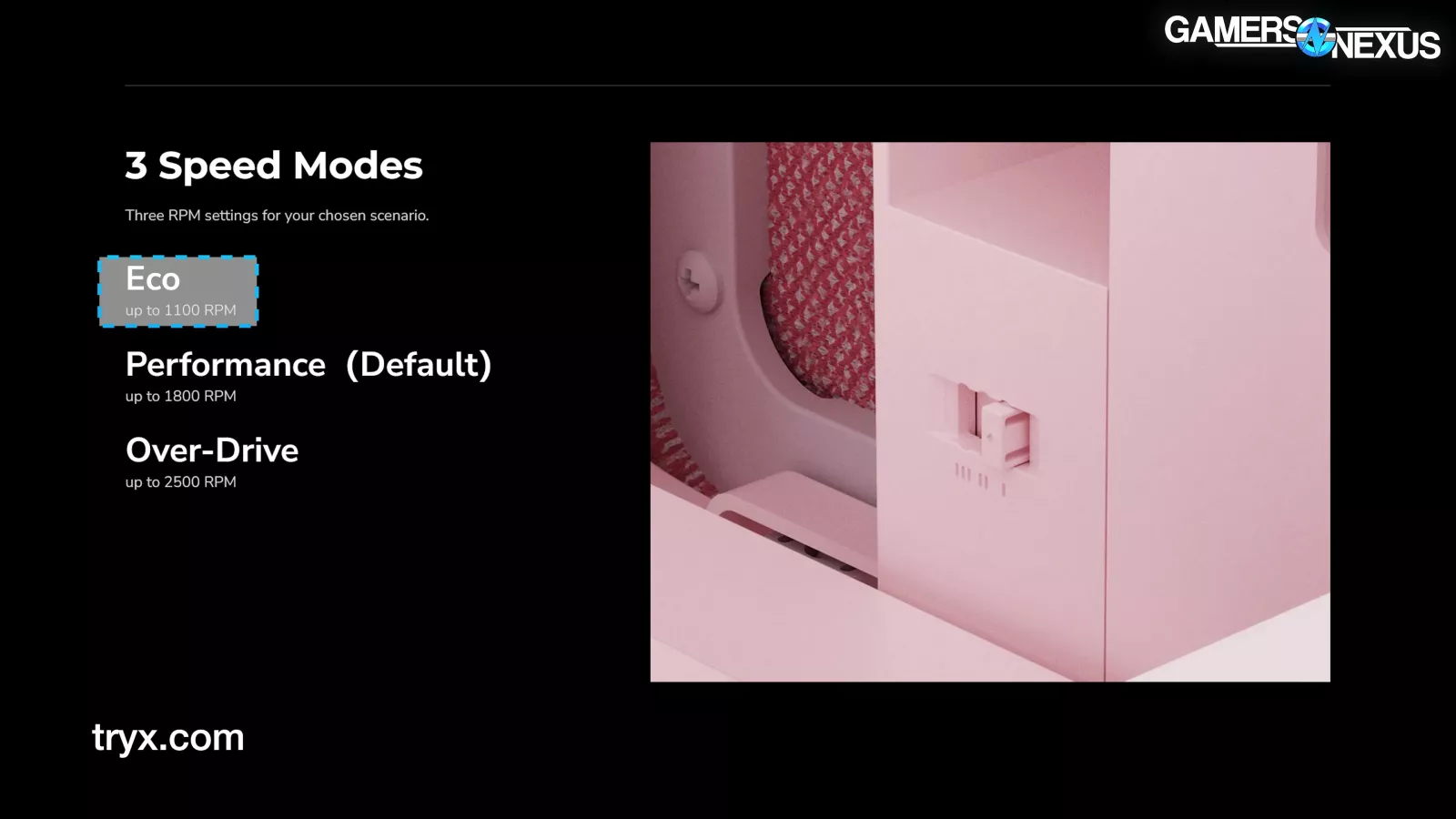
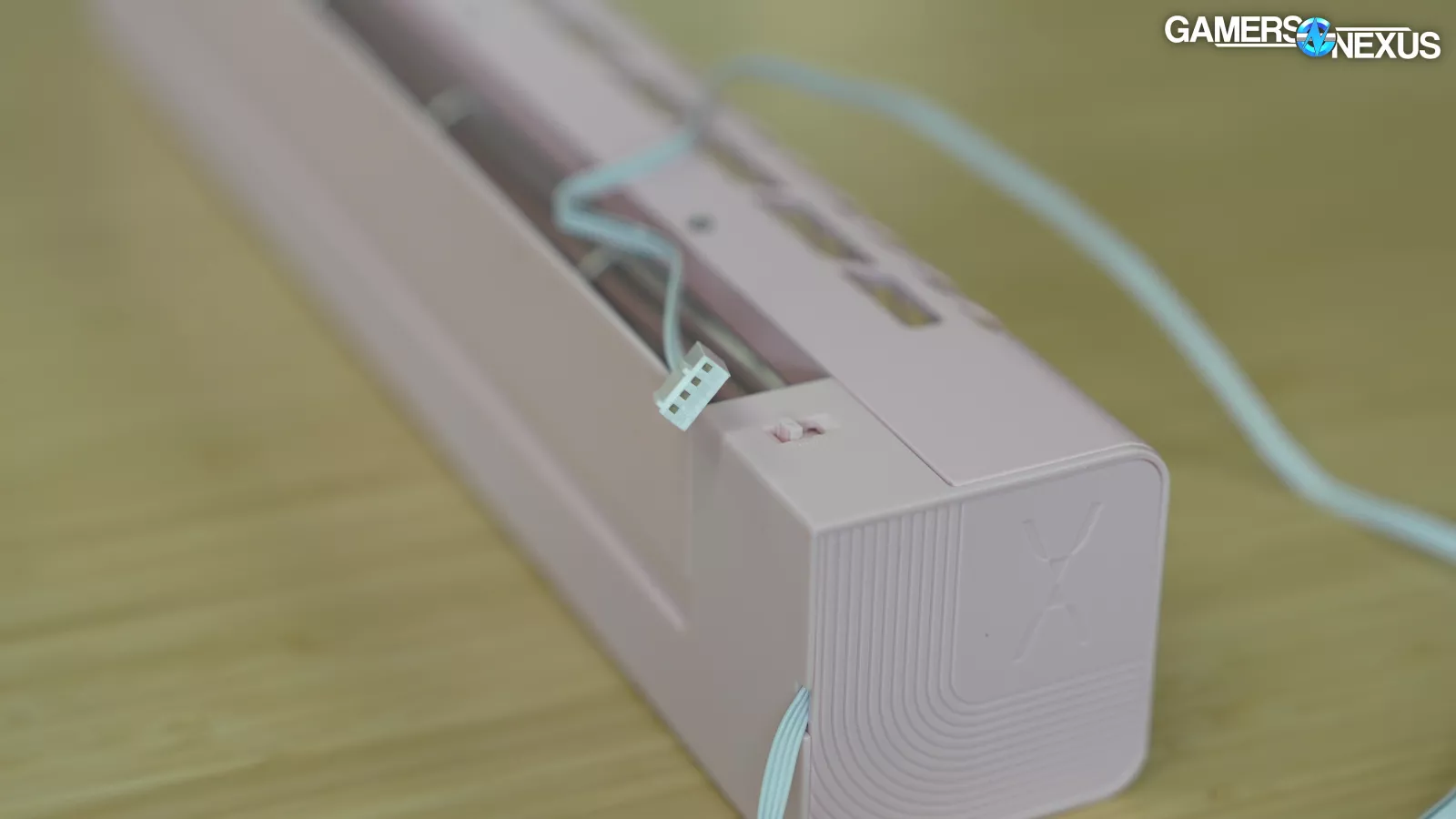
The crossflow fan has three speed settings: Eco (1100RPM max), Performance (1800RPM max), and Overdrive (2500RPM max). The fan accepts PWM control, so we suggest flipping the switch to maximum and setting a fan curve as usual to bring it down. The Meshless AIO's fan had the same type of speed control, so this might just be something built in by the supplier.
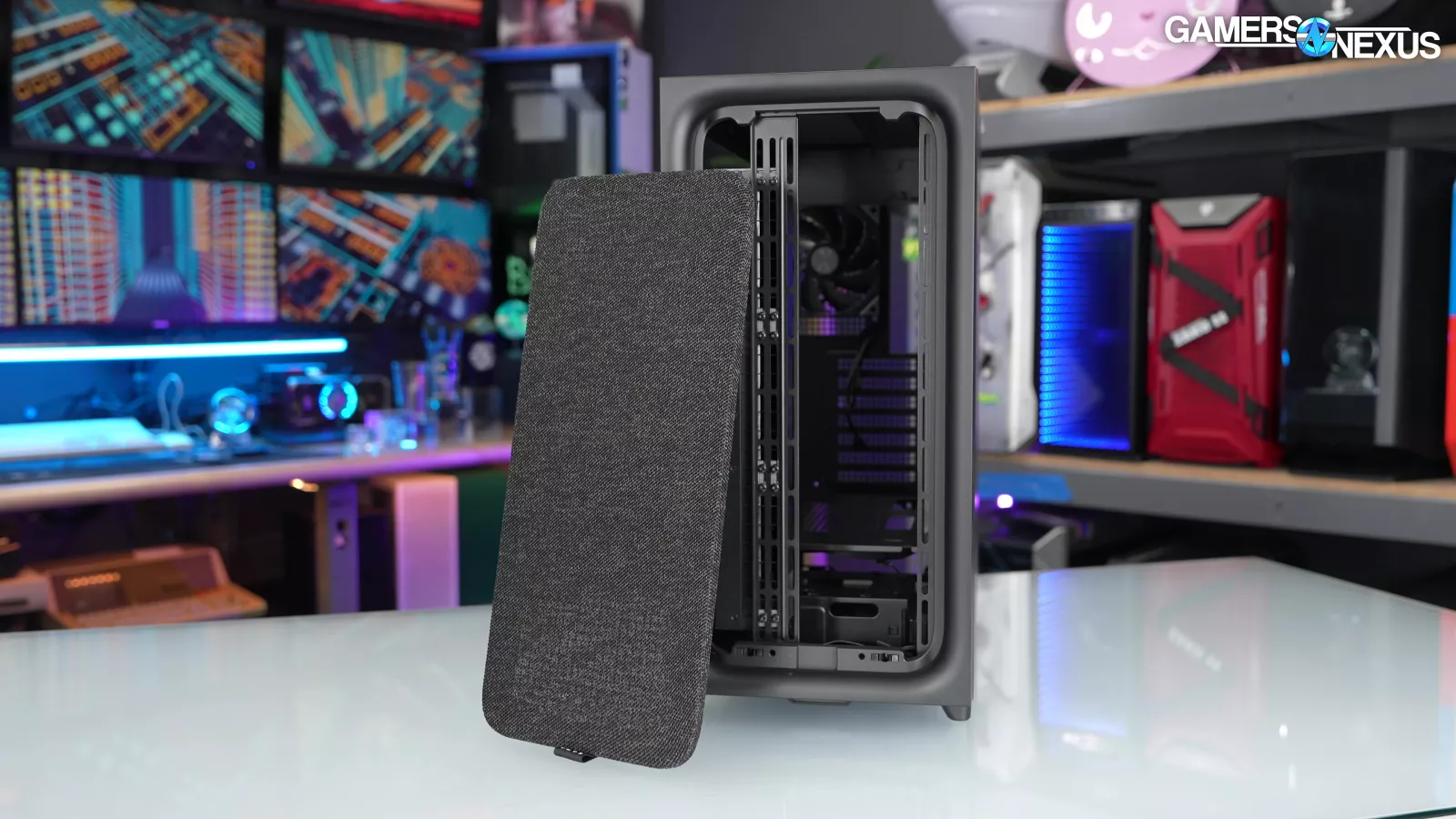
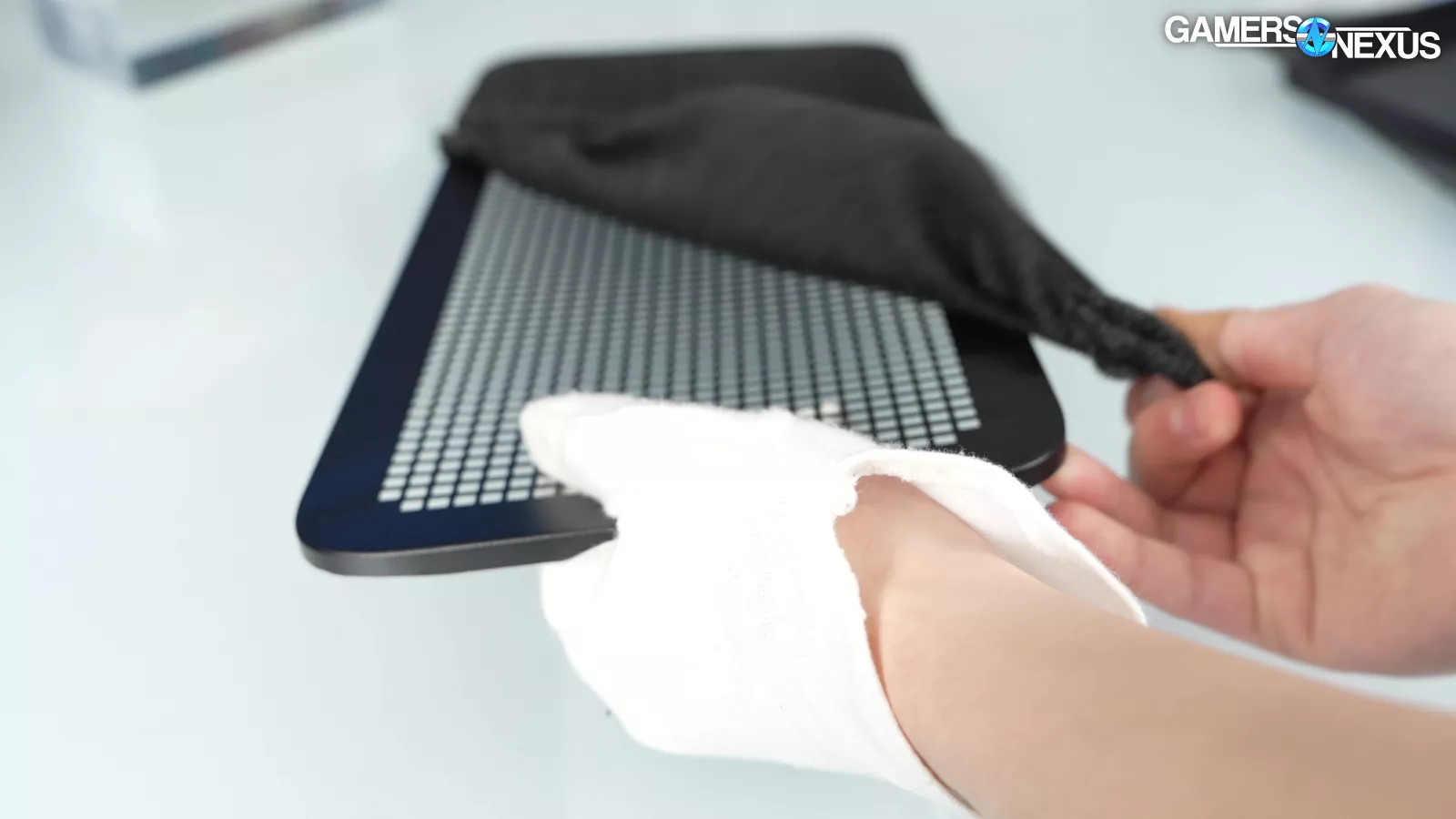
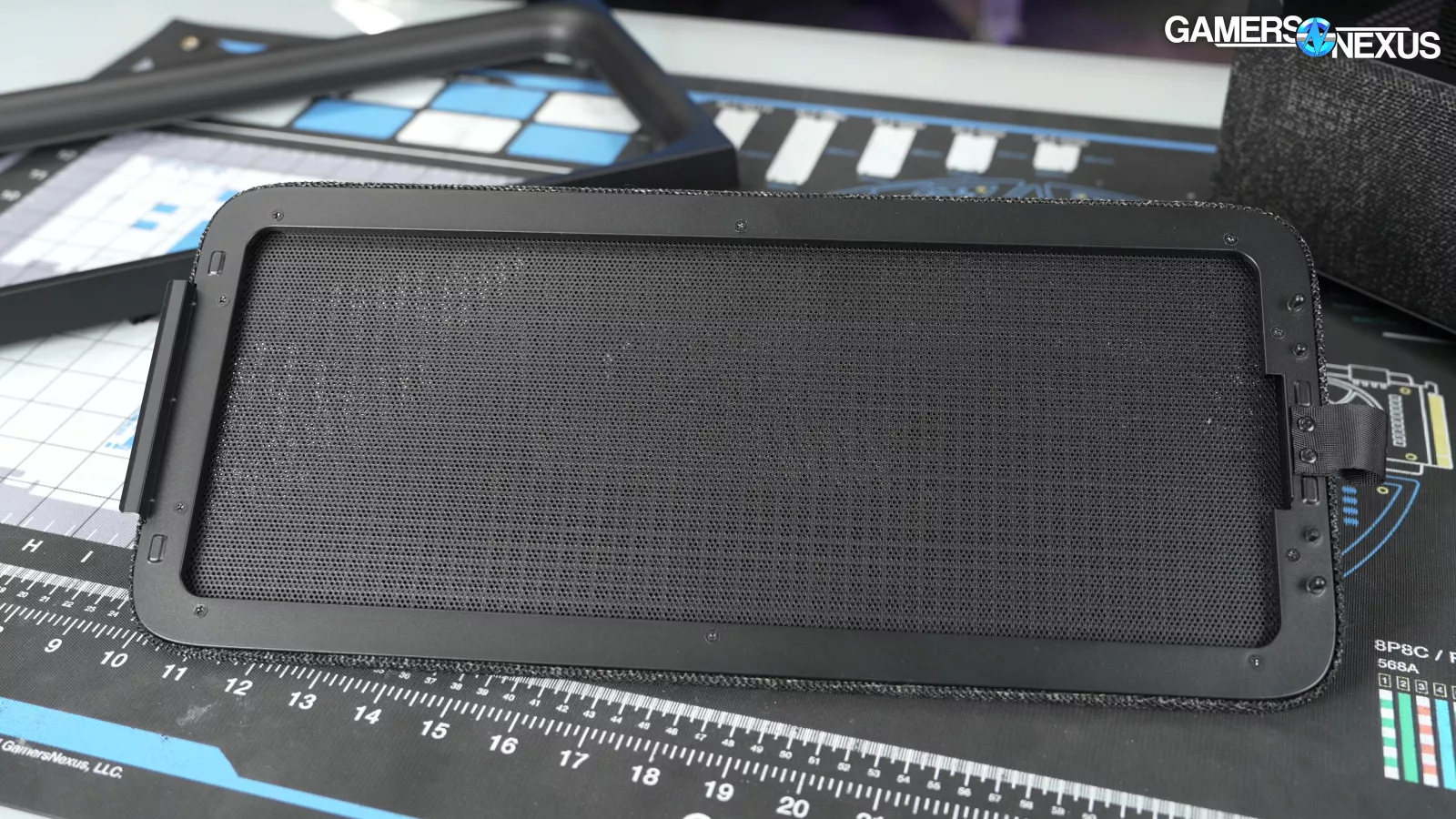
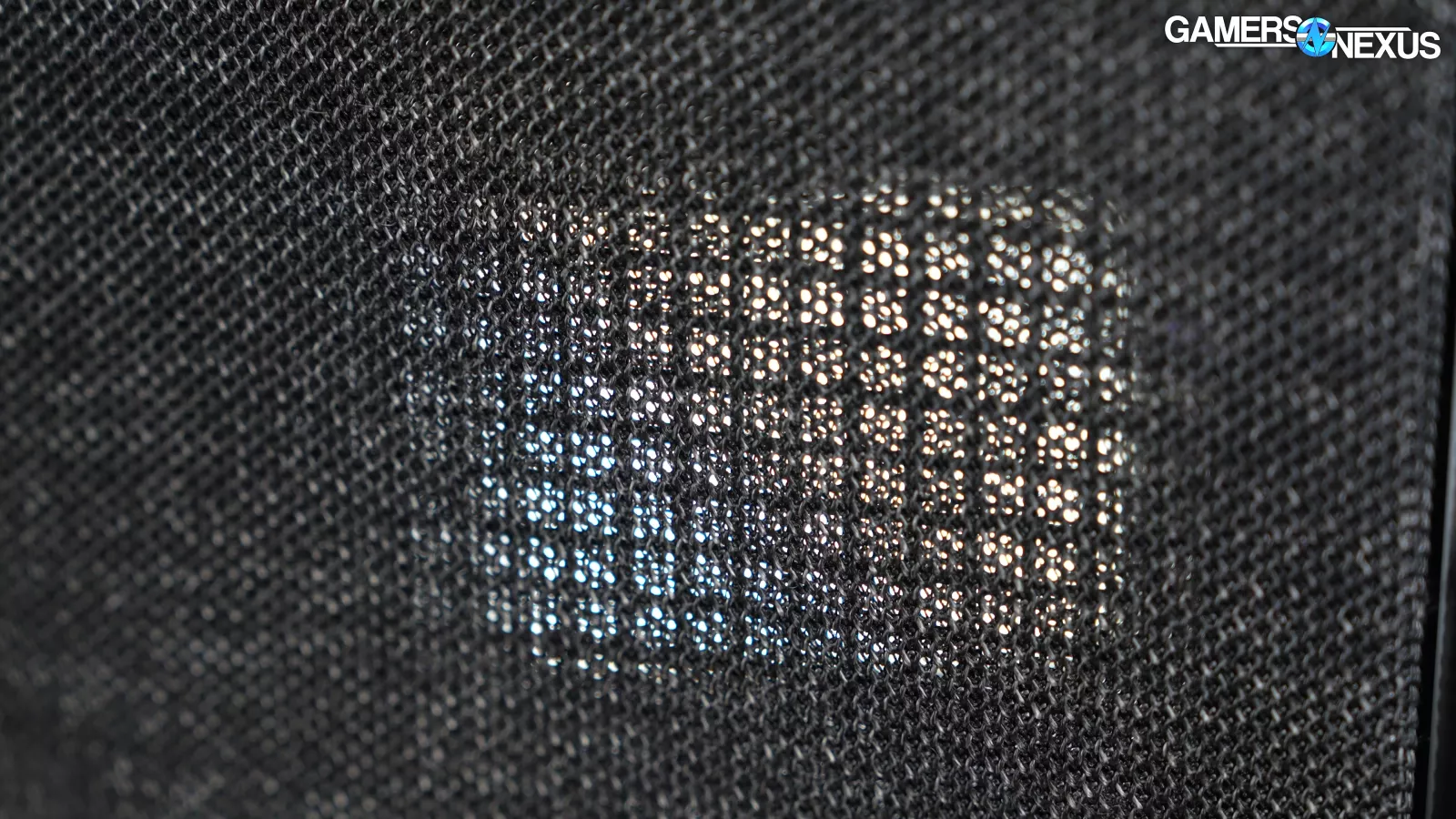
The front panel has three layers, which creates unnecessary obstructions to airflow. It’s fabric, then the structural steel grid, and then a layer of filter mesh behind. The last layer of filter mesh is completely unnecessary and will harm performance even more than the fabric alone already does. The fabric will do all the dust trapping we need and is finer in its weave than the filter mesh, so the redundancy serves no purpose beyond worsening performance. Besides, TRYX bypassed the front panel for active airflow by pulling air in from the side, so it's not like the stock configuration needs much filtration there.
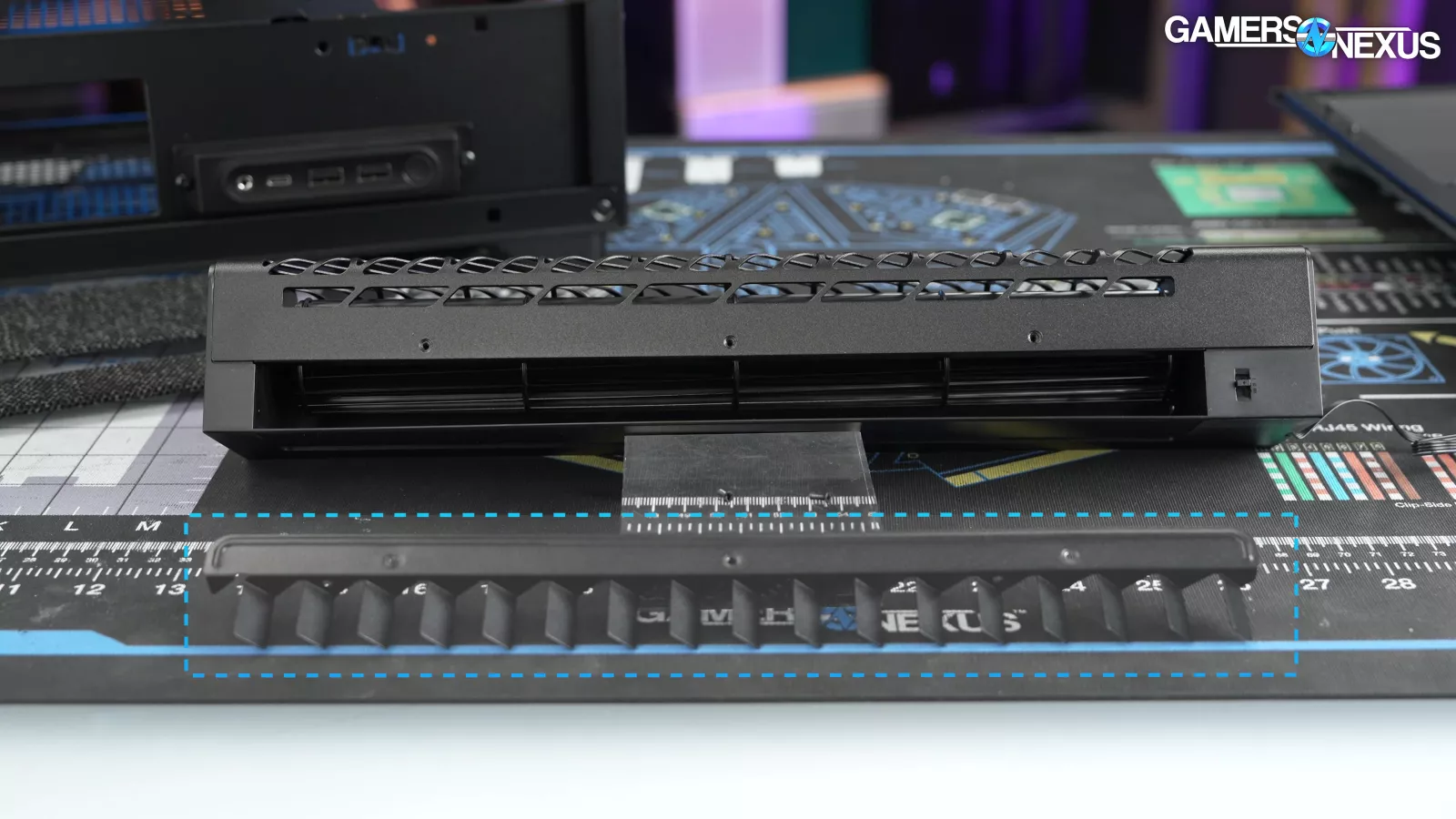
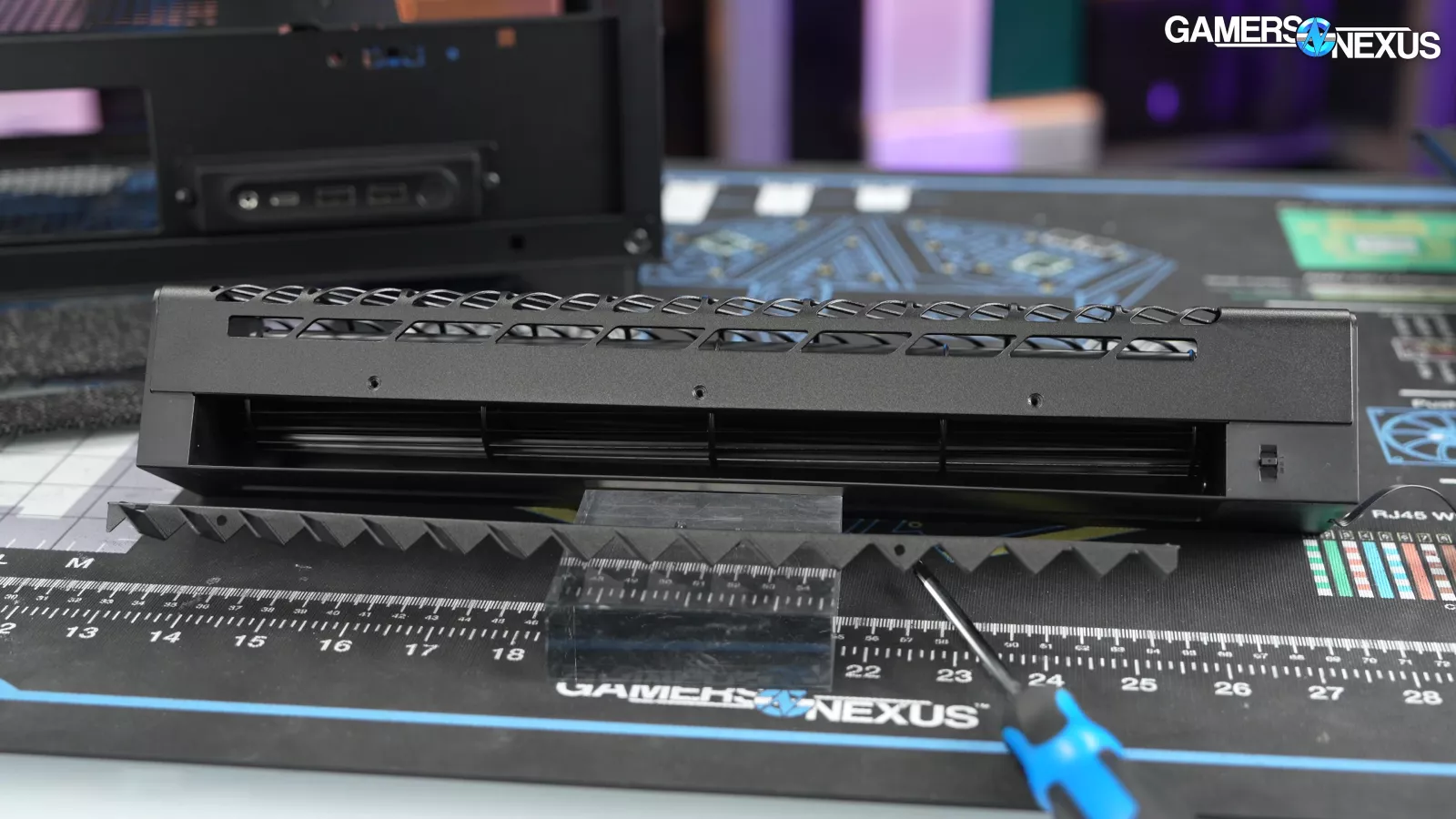
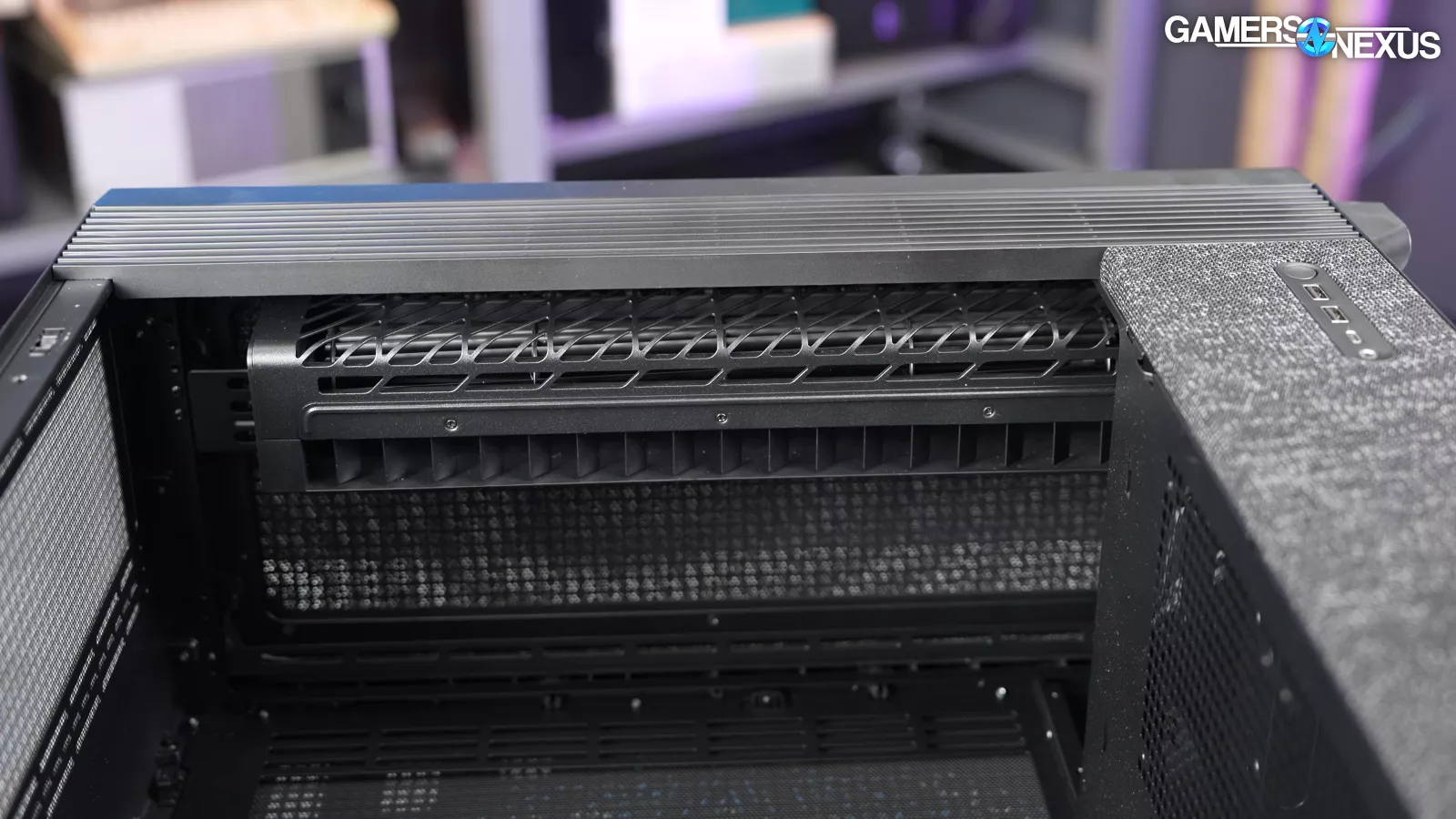
TRYX is exceptionally clear in the manual, website, and labels that the included "air blade" modification should only be installed for liquid cooling. The logic is that the blade directs air upwards towards a radiator at the top of the case, while removing the blade directs air front-to-back like normal case fans would. For this reason, the top mount should be the first option for installing radiators.
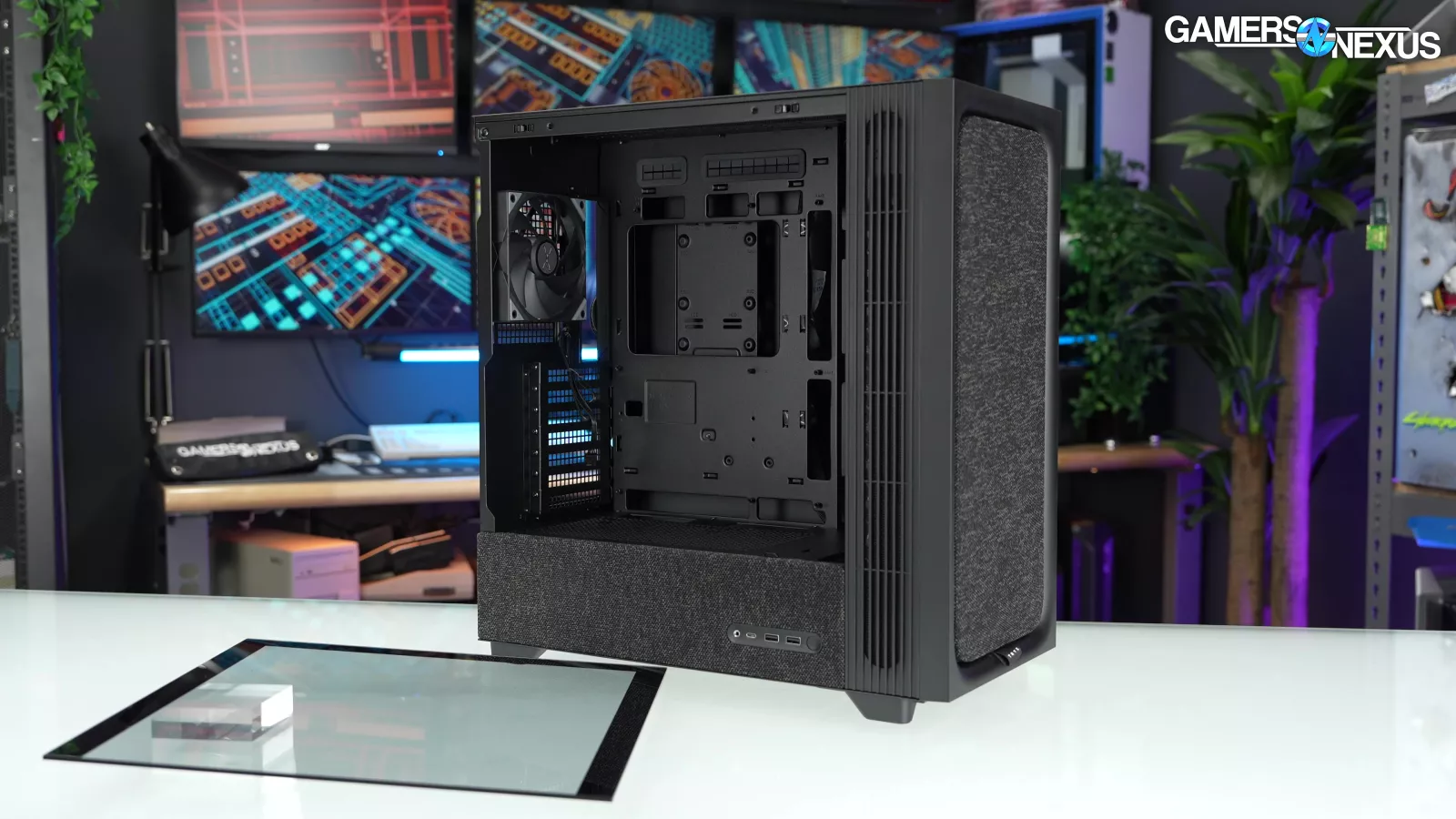
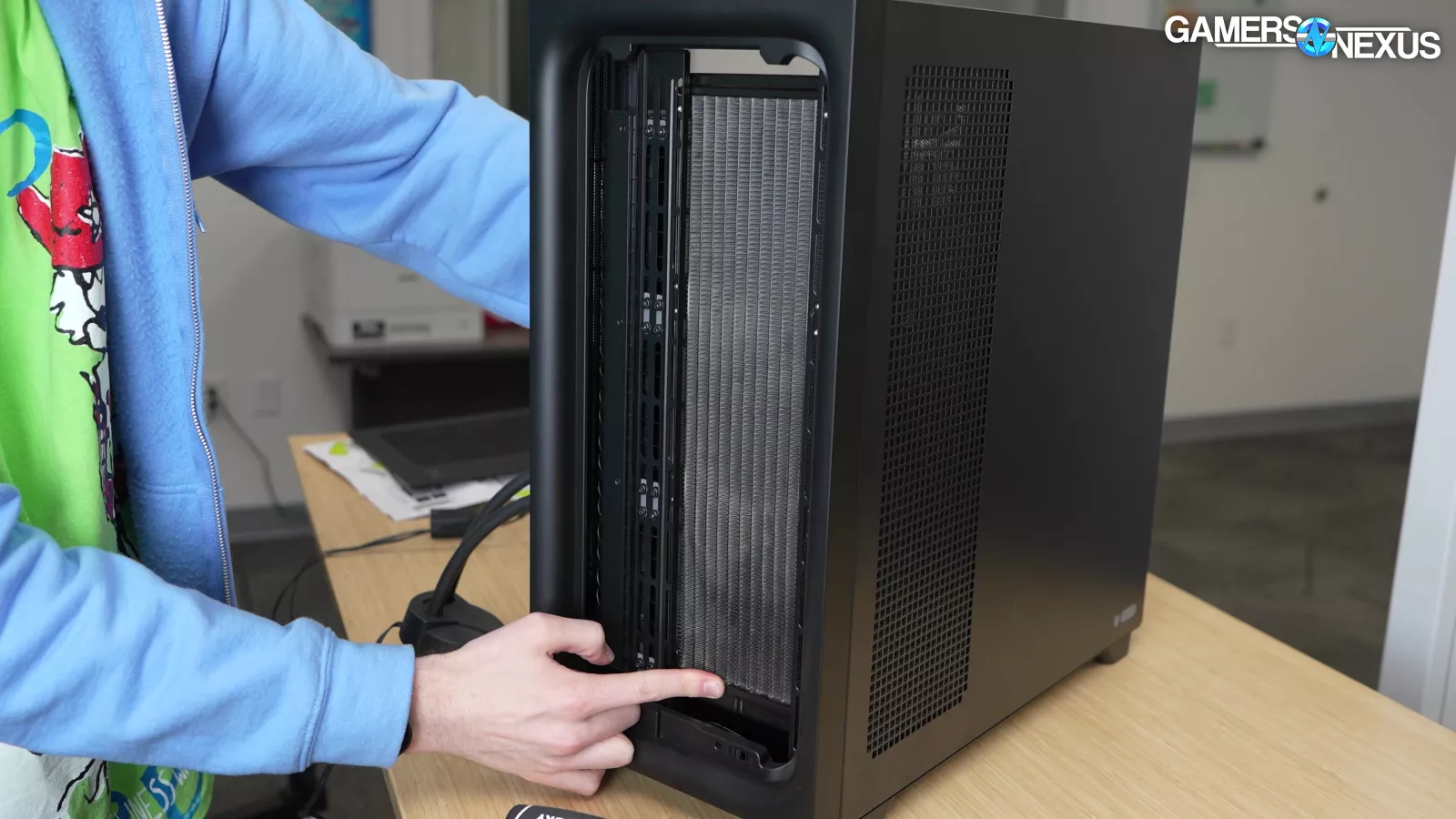
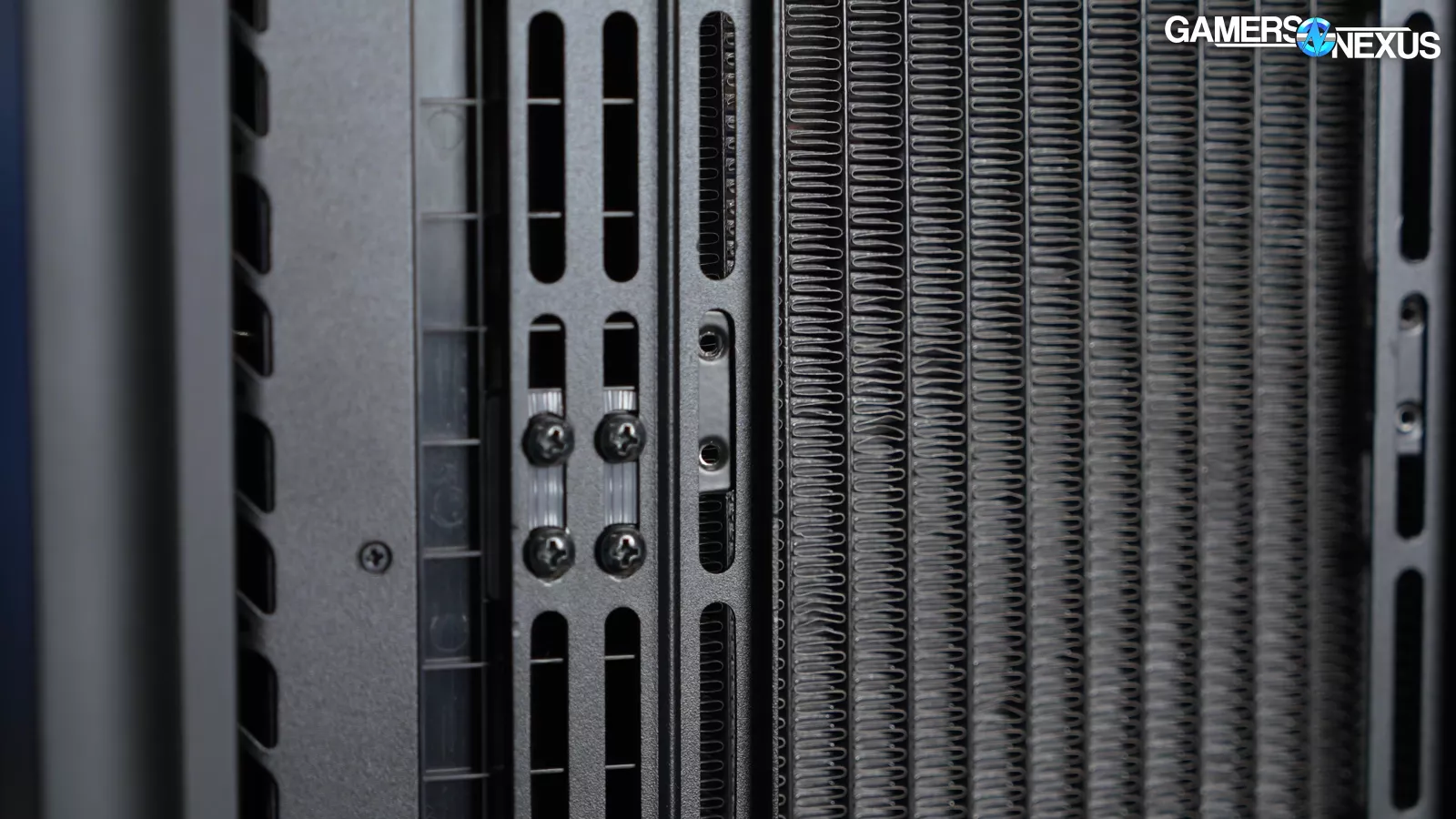
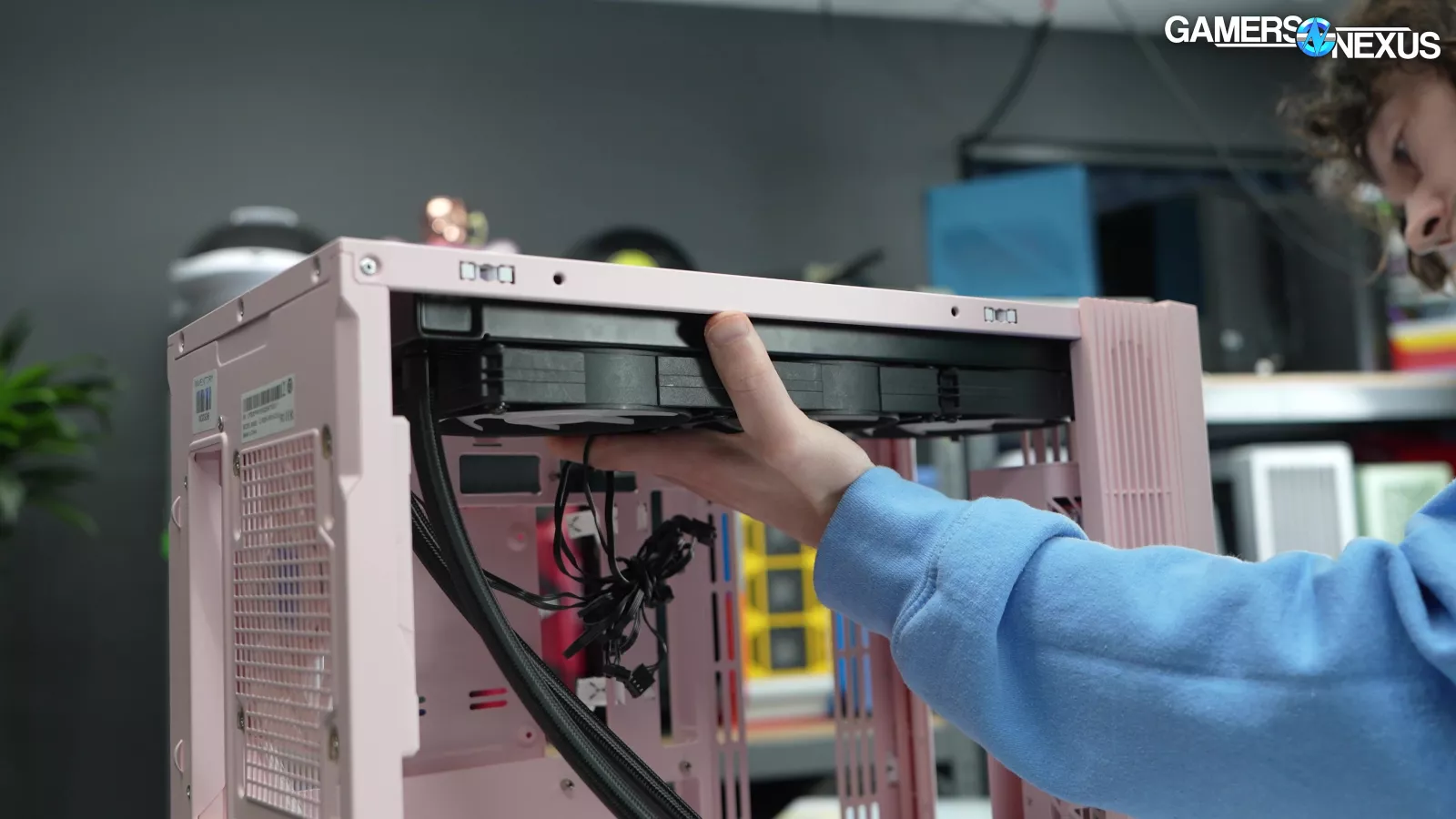
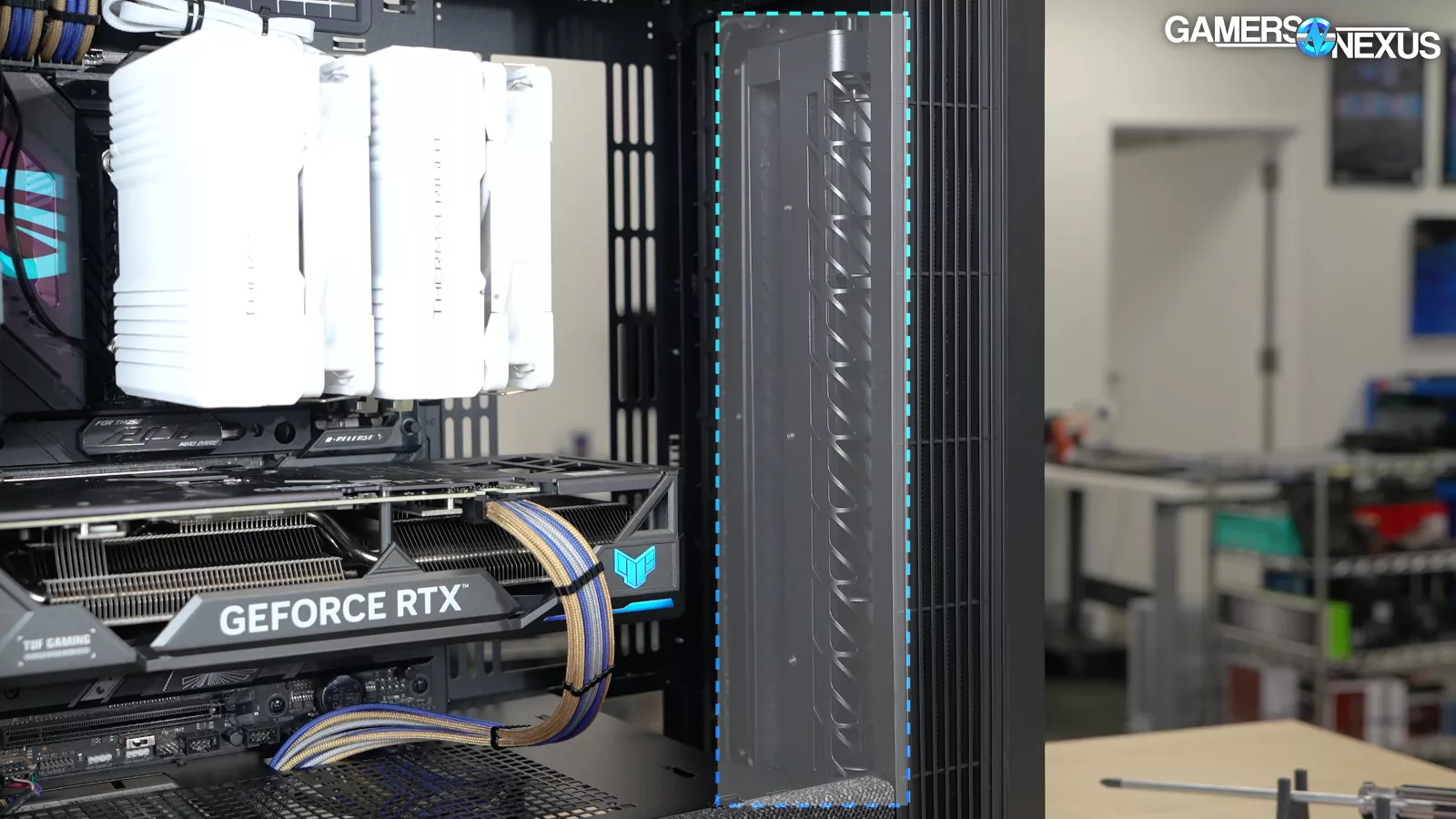
The Flova F50 is a fairly small case and there's limited room for maneuvering radiators around, especially with the crossflow fan and its side vent. With the stock setup, 120mm-wide radiators installed in the front of the case will sit nearly flush with the crossflow fan, which is another good reason to prioritize the top mount. Installing a full 360mm radiator at the top of the case may require shifting the crossflow fan down.
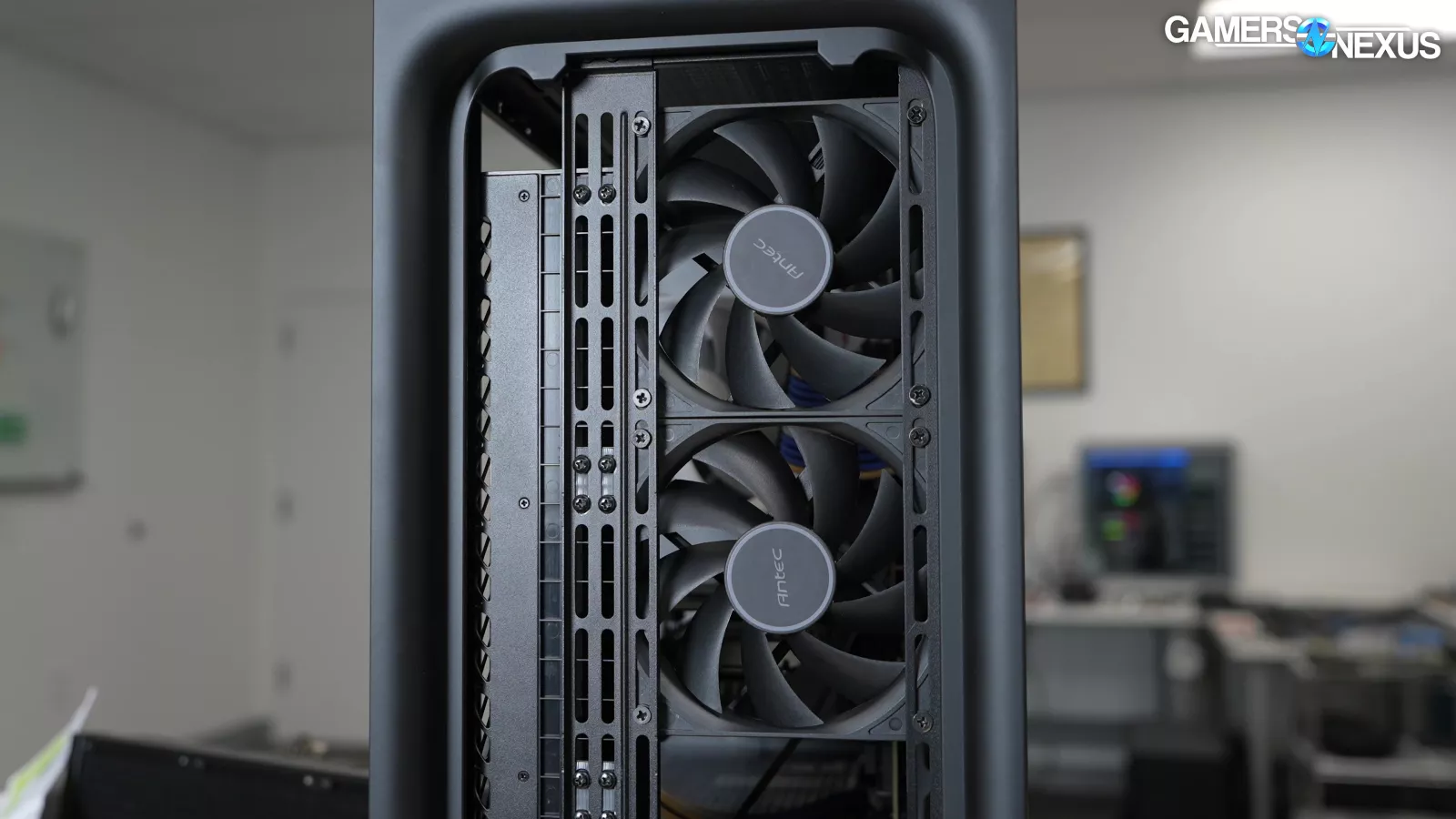
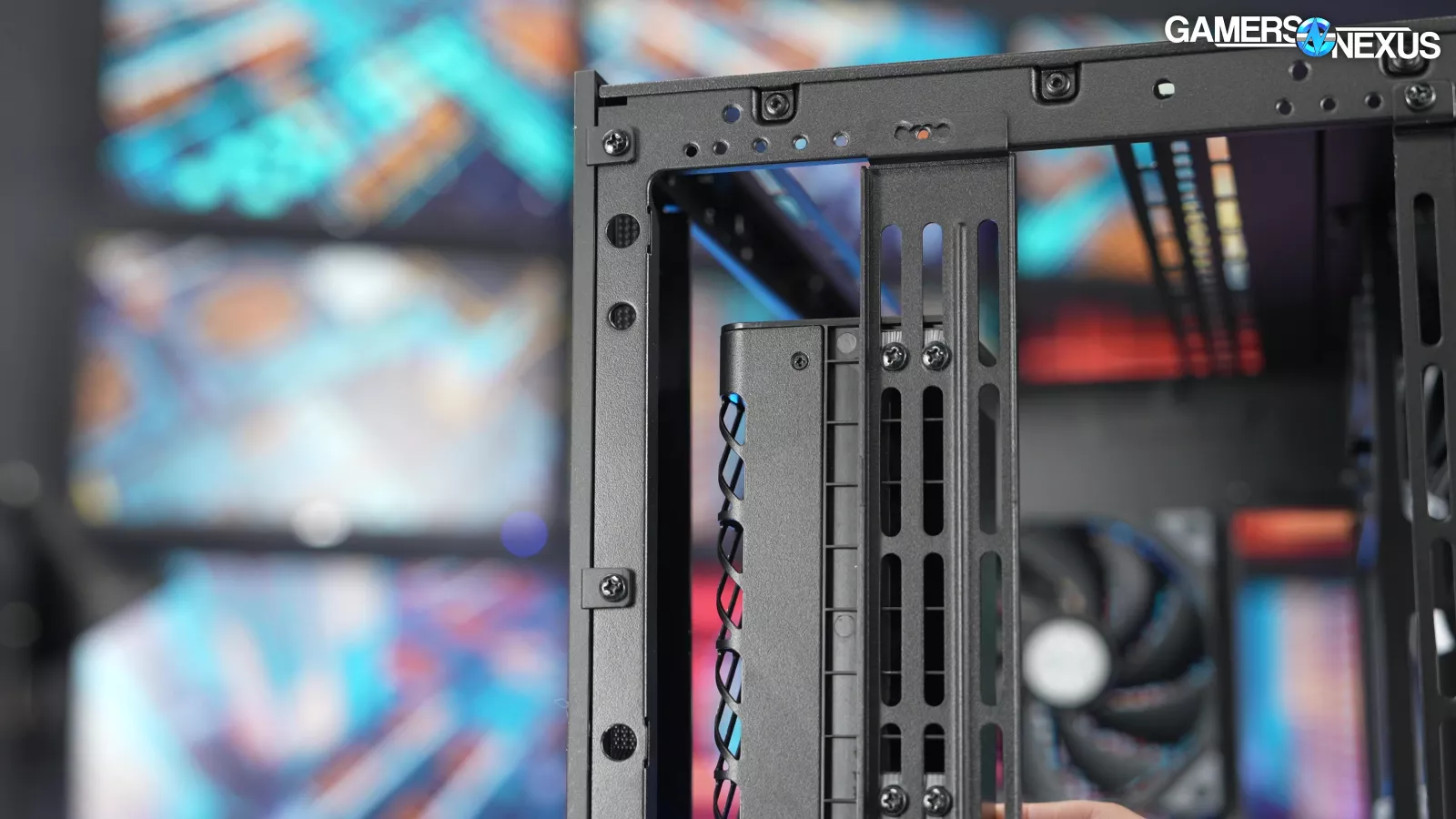
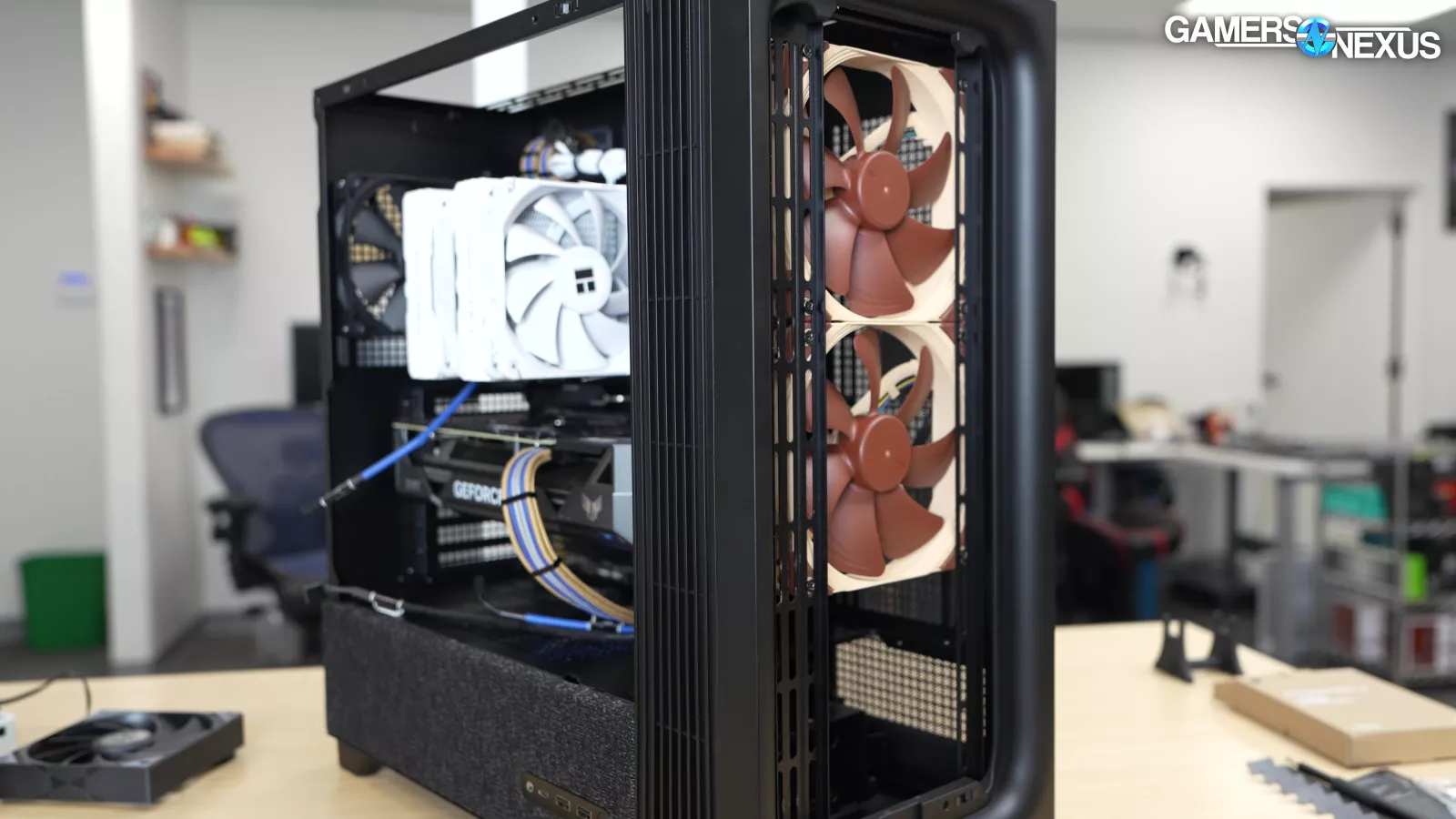
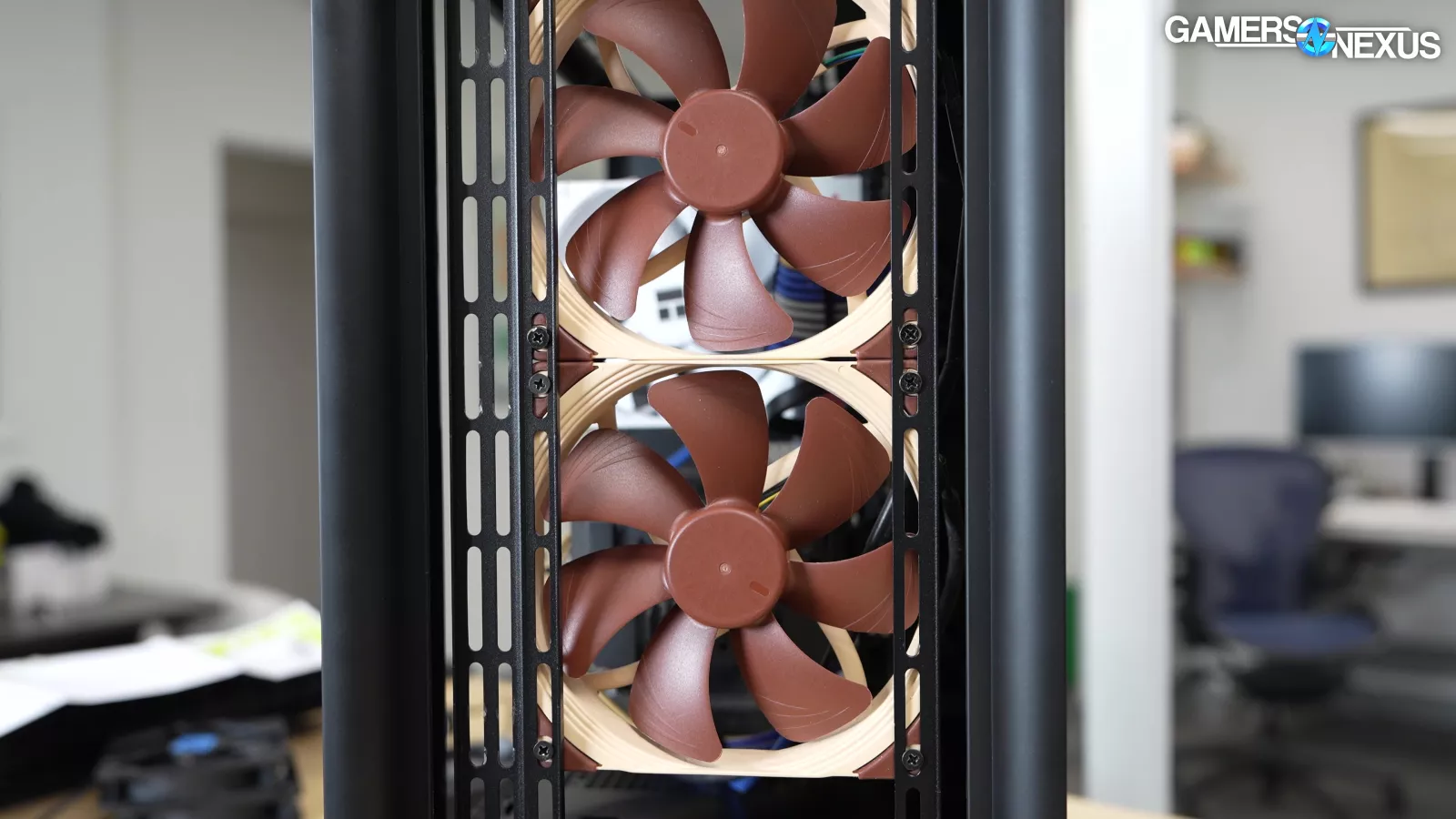
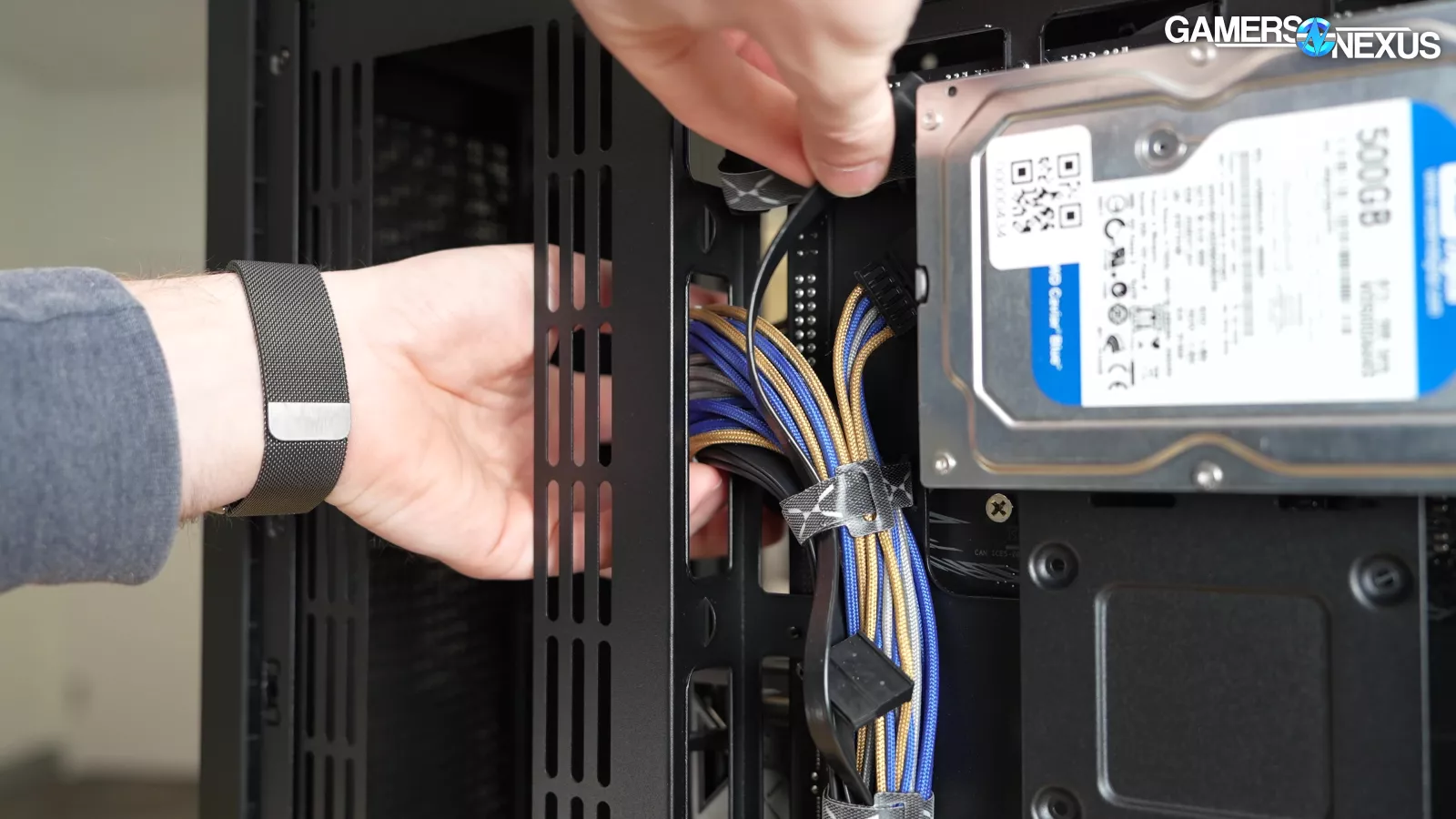
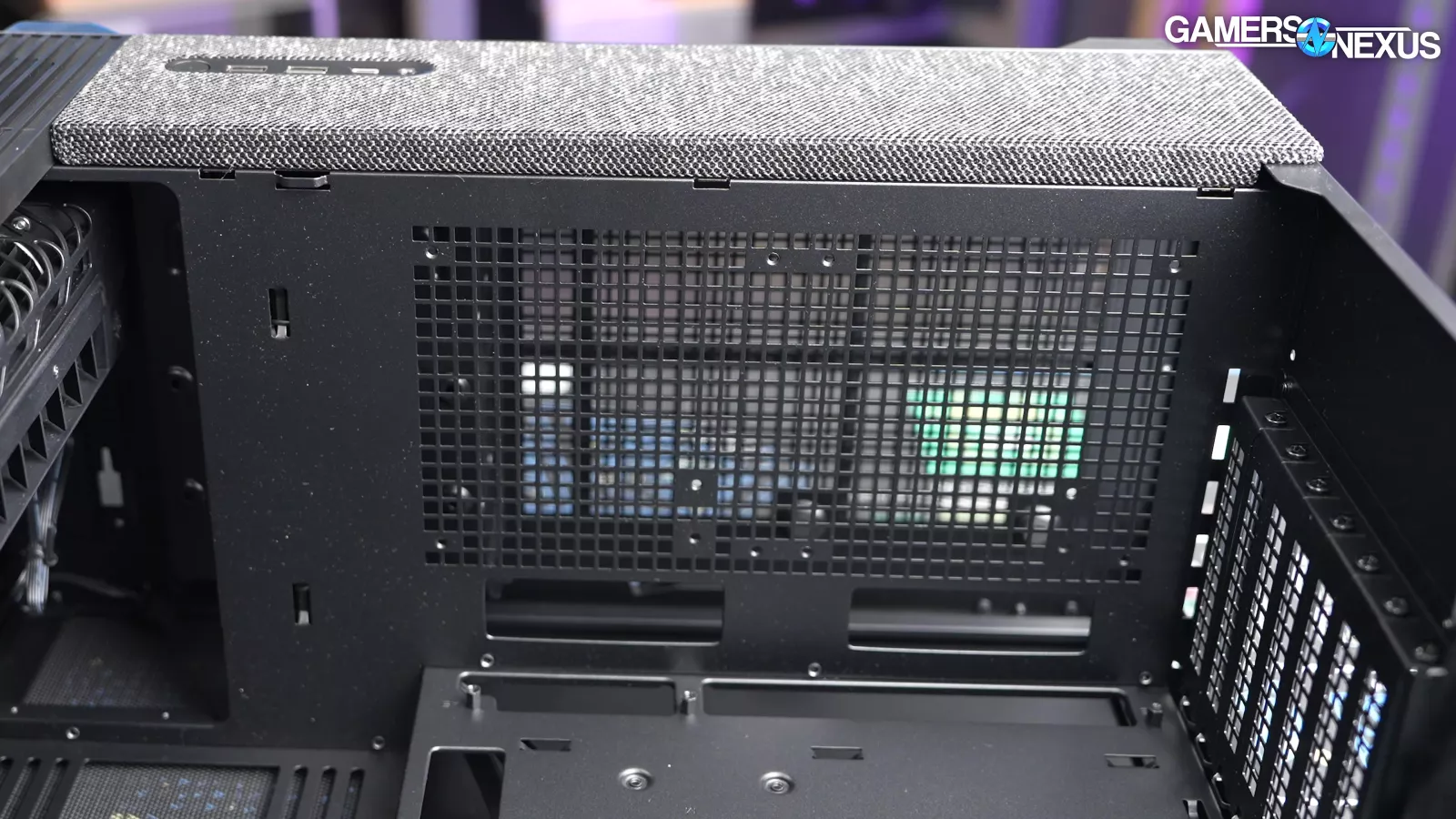
The front fan rails fit 120s out of the box, but they can be reconfigured to fit 140, 180, or 200mm fans. We used this feature for our standardized 140mm fans, but larger fan sizes (180, 200) require removing the crossflow fan, which defeats the purpose of the case. The side fan mounts are best used with back-connect motherboards, since installing fans in this location makes it harder to use the normal cable cutouts. There are also two 120mm shroud-top mounts, one of which is blocked by the PSU.
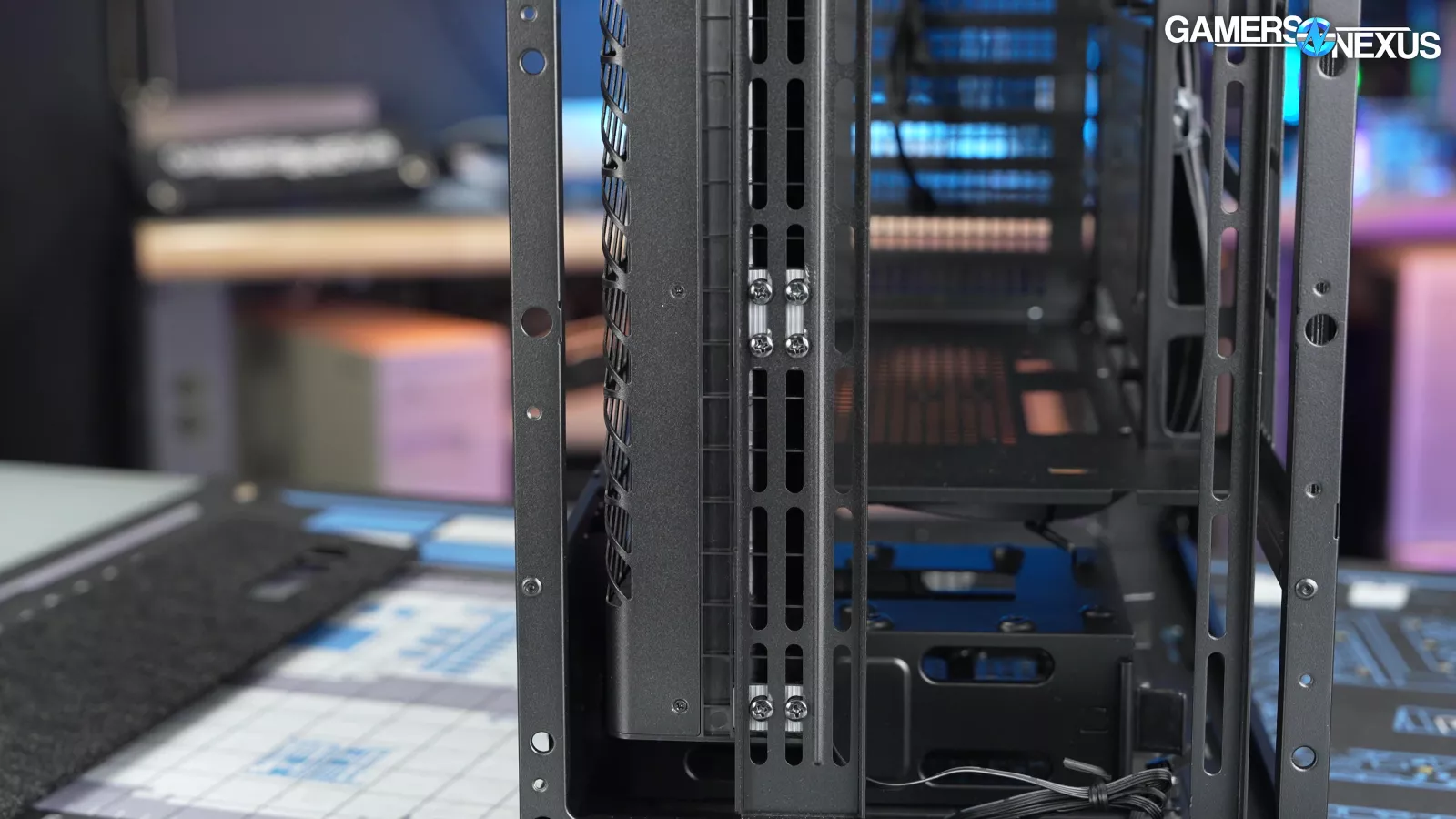
The crossflow fan attaches to a fan rail, so it could technically be moved to the top of the case, but there's no way for it to pull air in from that location. Tryx has the beginnings of a cool idea for modularity here, just didn’t execute on it, which is going to be a trend across the case.
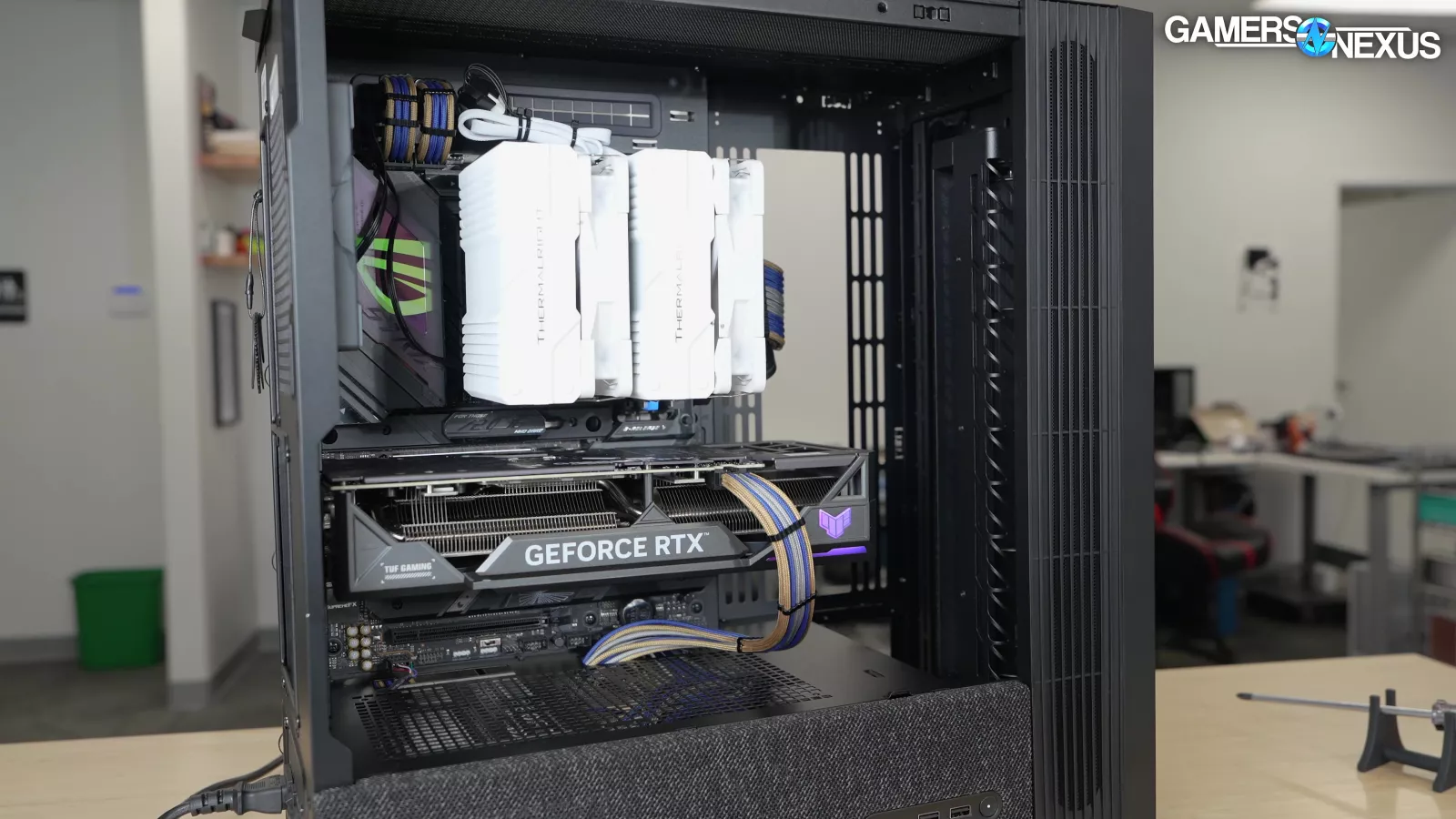
One benefit of a narrow, off-center intake fan is that it could allow greater GPU clearance; unfortunately, it still overlaps with the width of a normal card, so maximum GPU clearance is 360mm long without removing the crossflow fan. This is another instance where Tryx had a unique advantage, then didn’t use it.
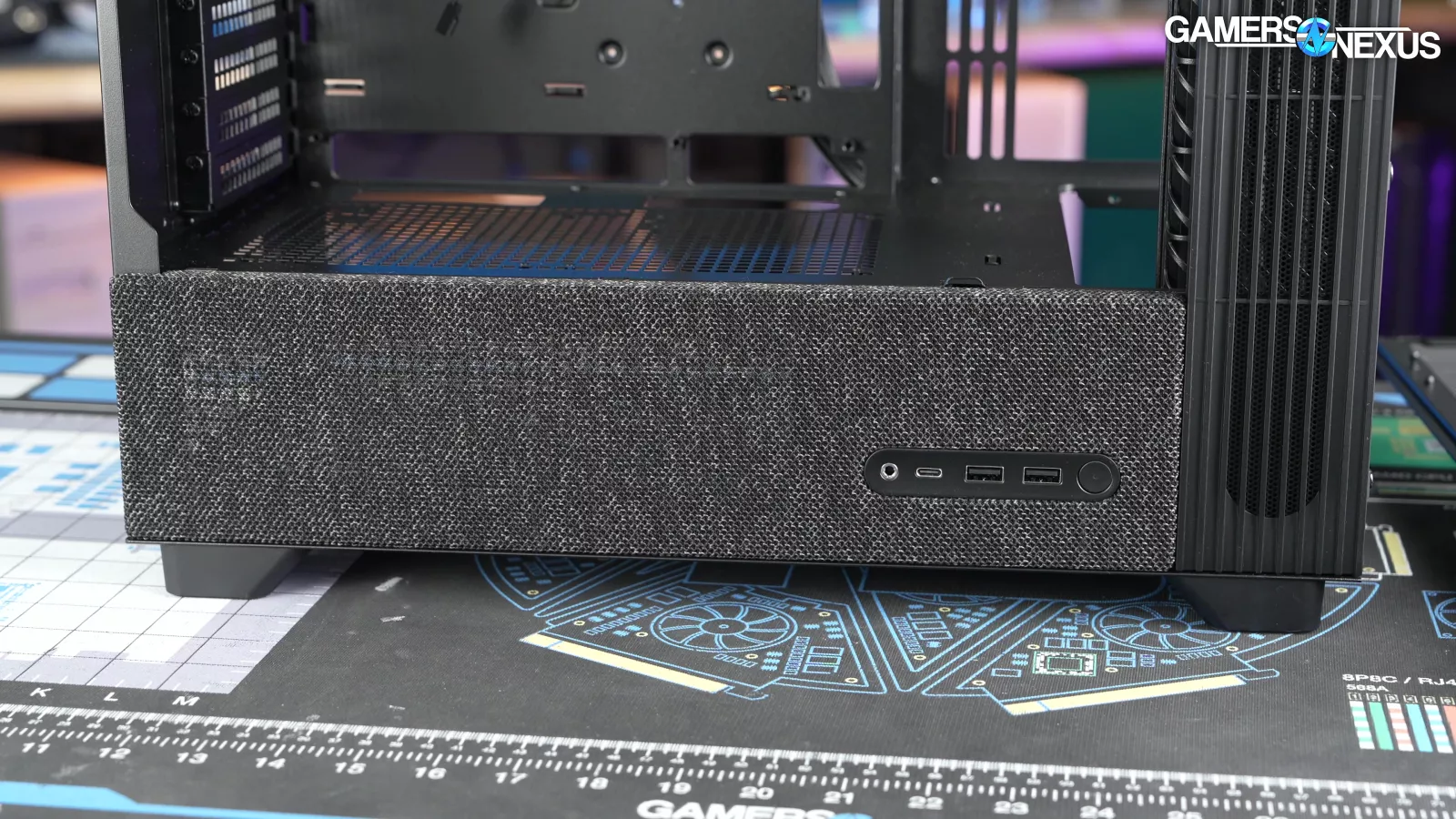
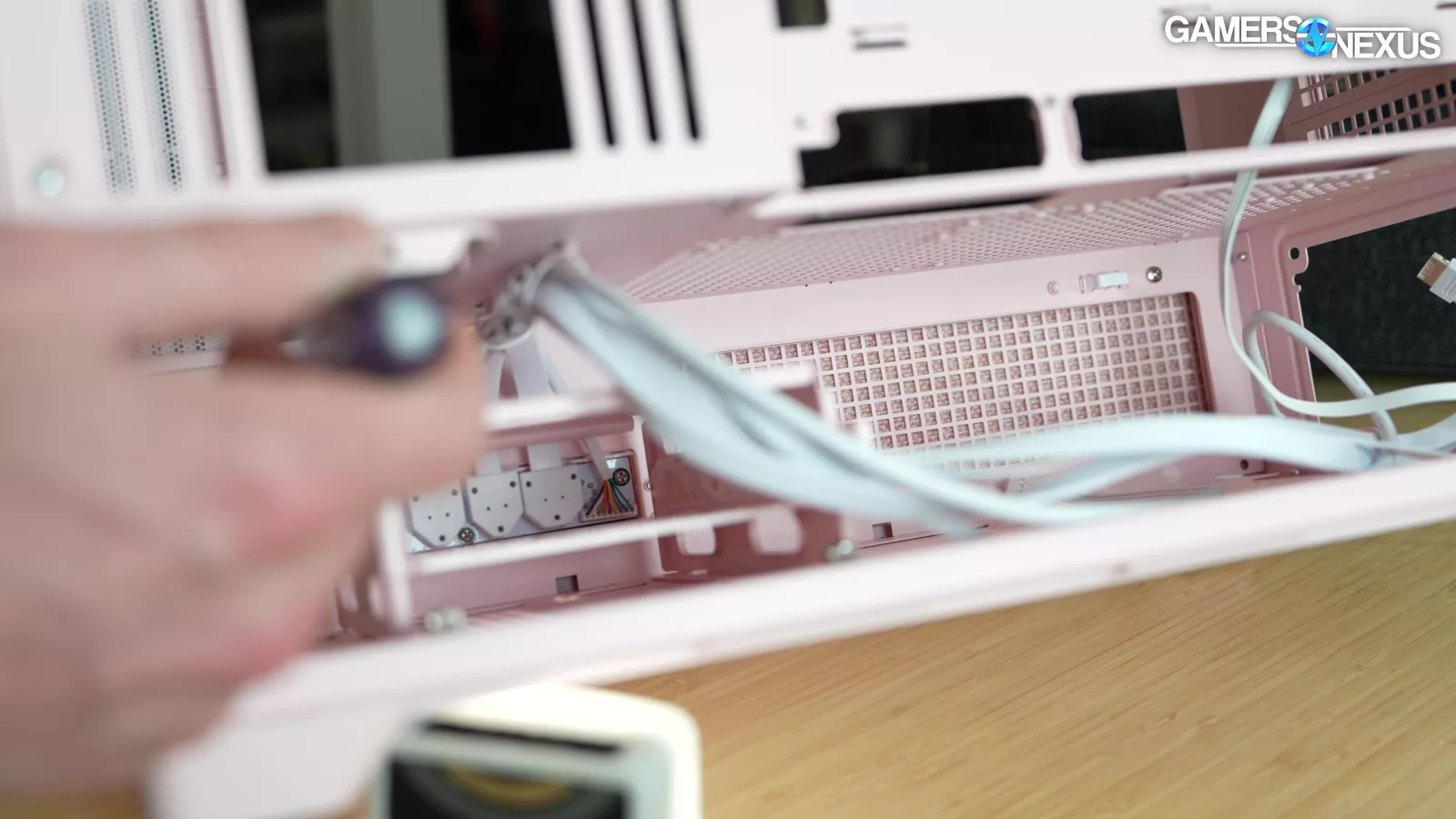
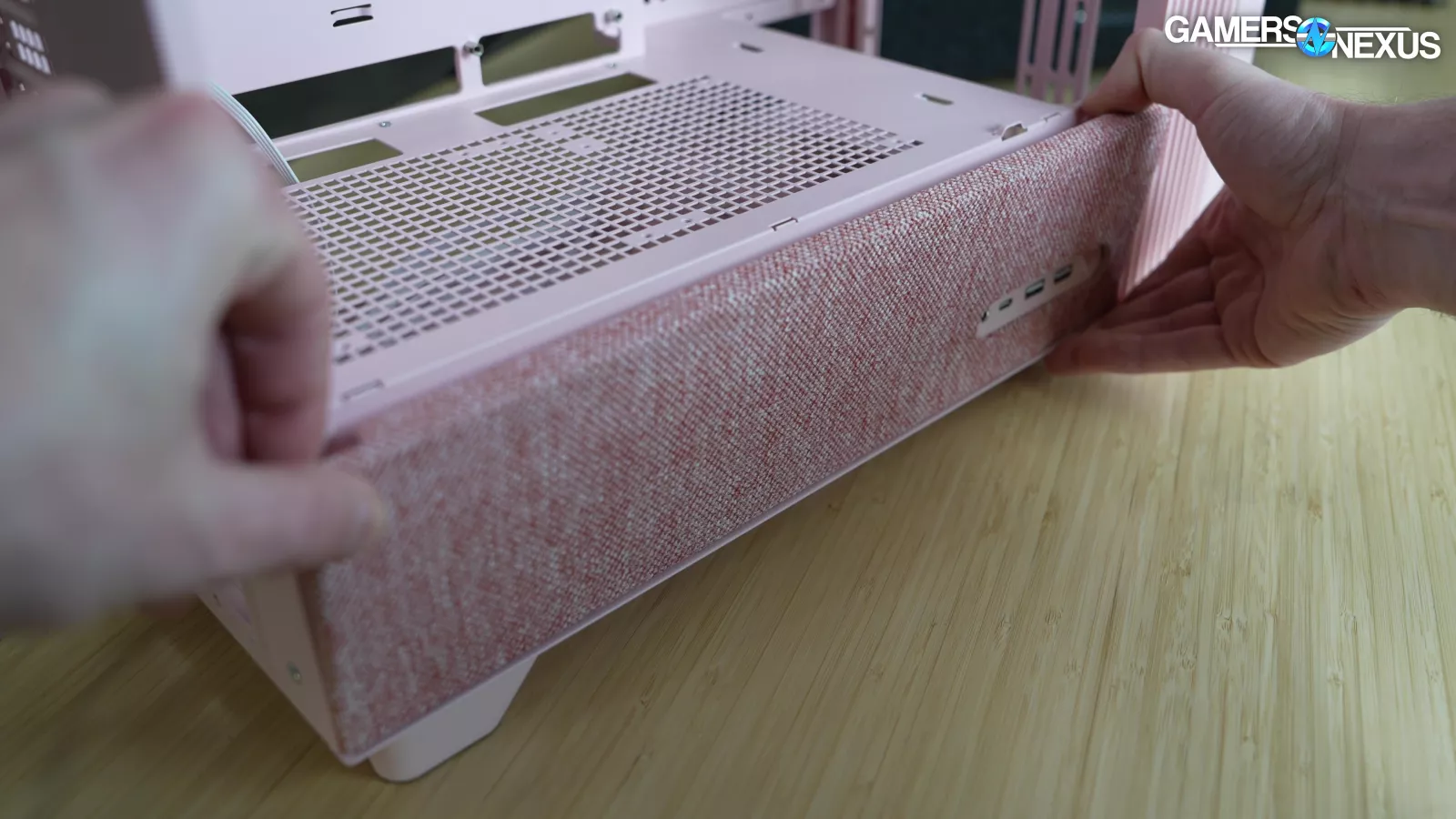
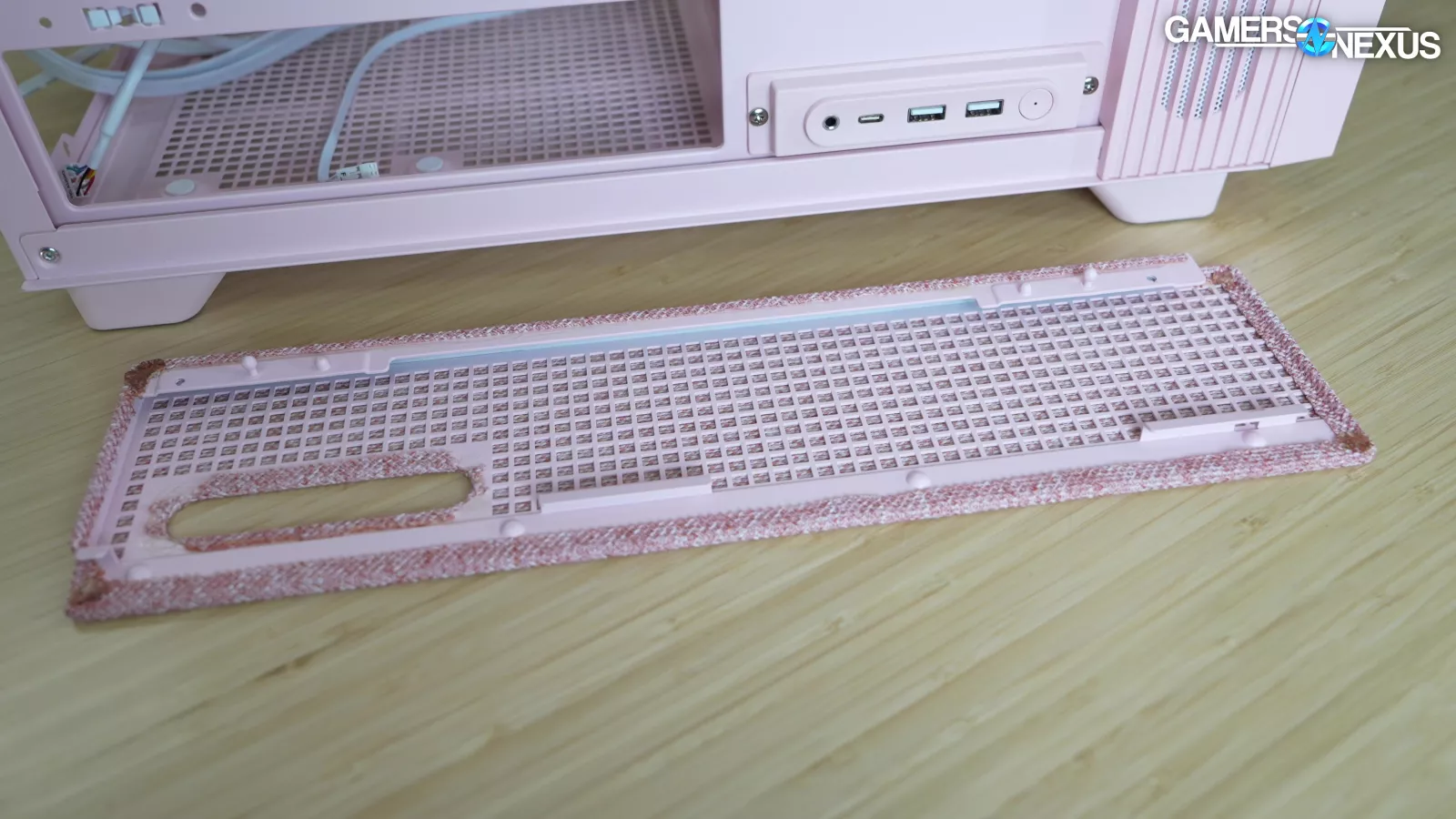
The fabric panel on the side of the case is weirdly annoying to remove: two screws have to be taken out from inside the shroud, and then you have to un-wedge the panel from under the I/O unit. This is the only panel that's screwed in, making it feel out of place. The fabric on the side is glued in place and may be difficult to clean, while the front fabric has an elastic band and is removable. It felt like Tryx had different designers on different panels.
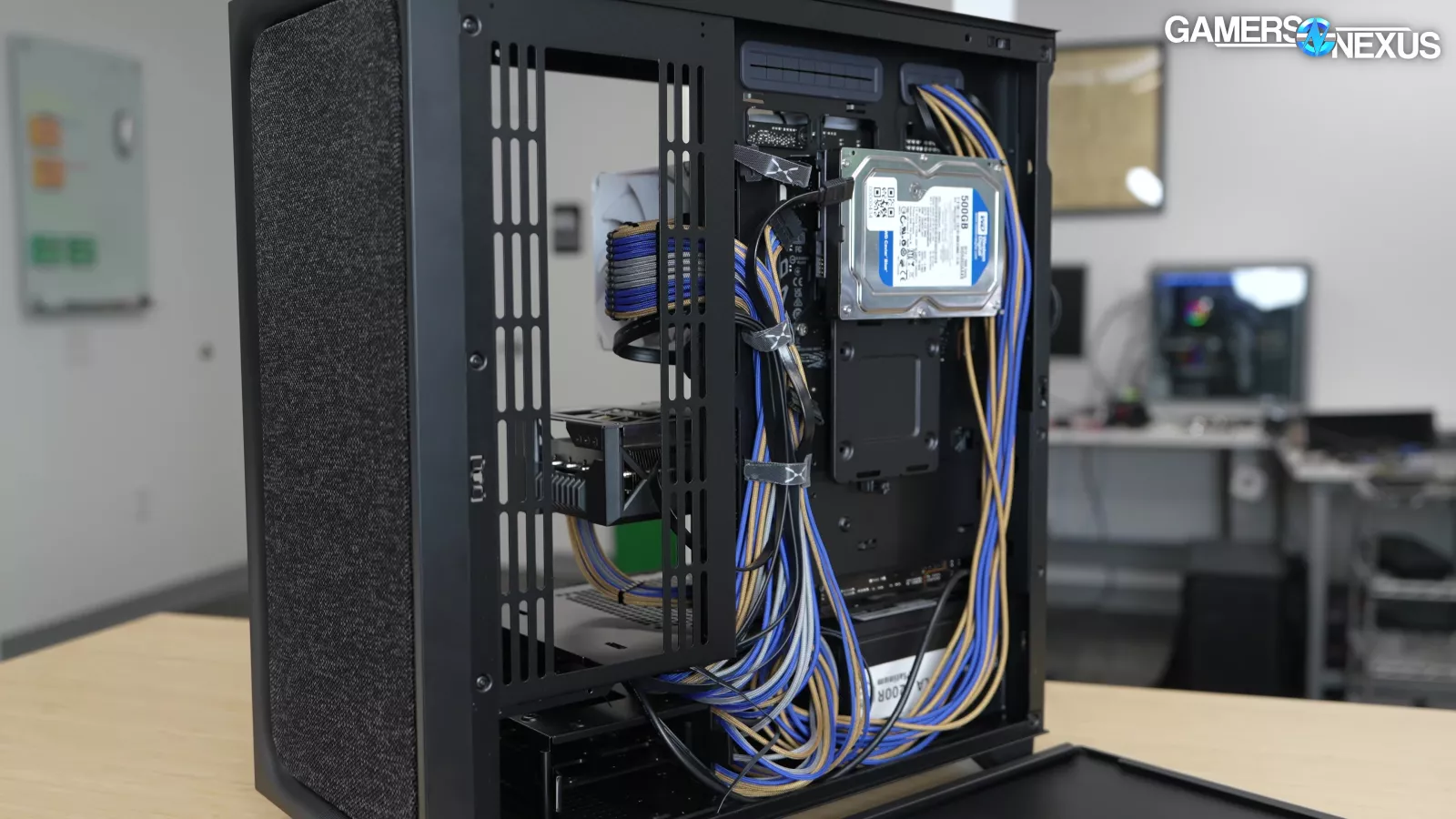
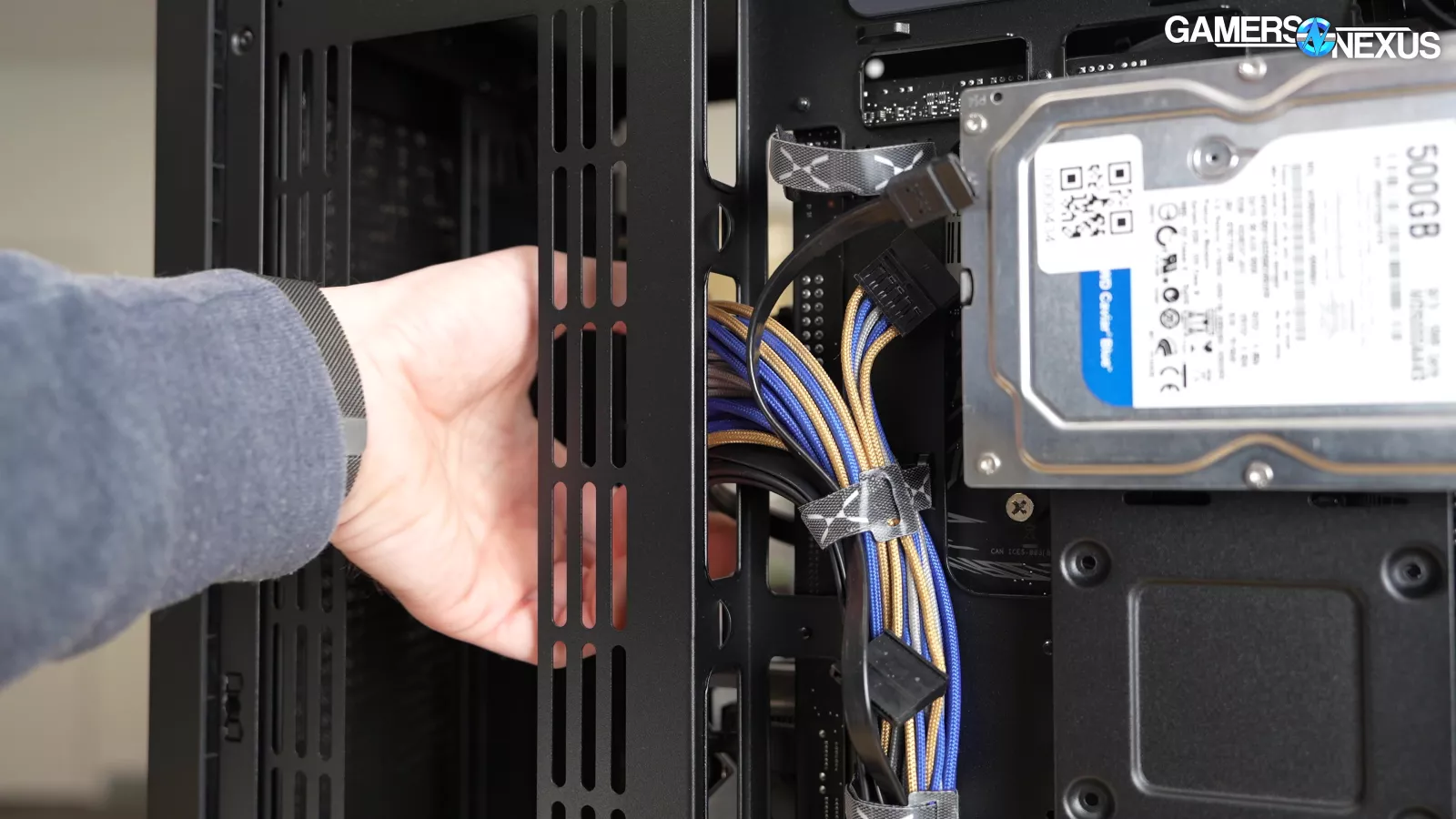
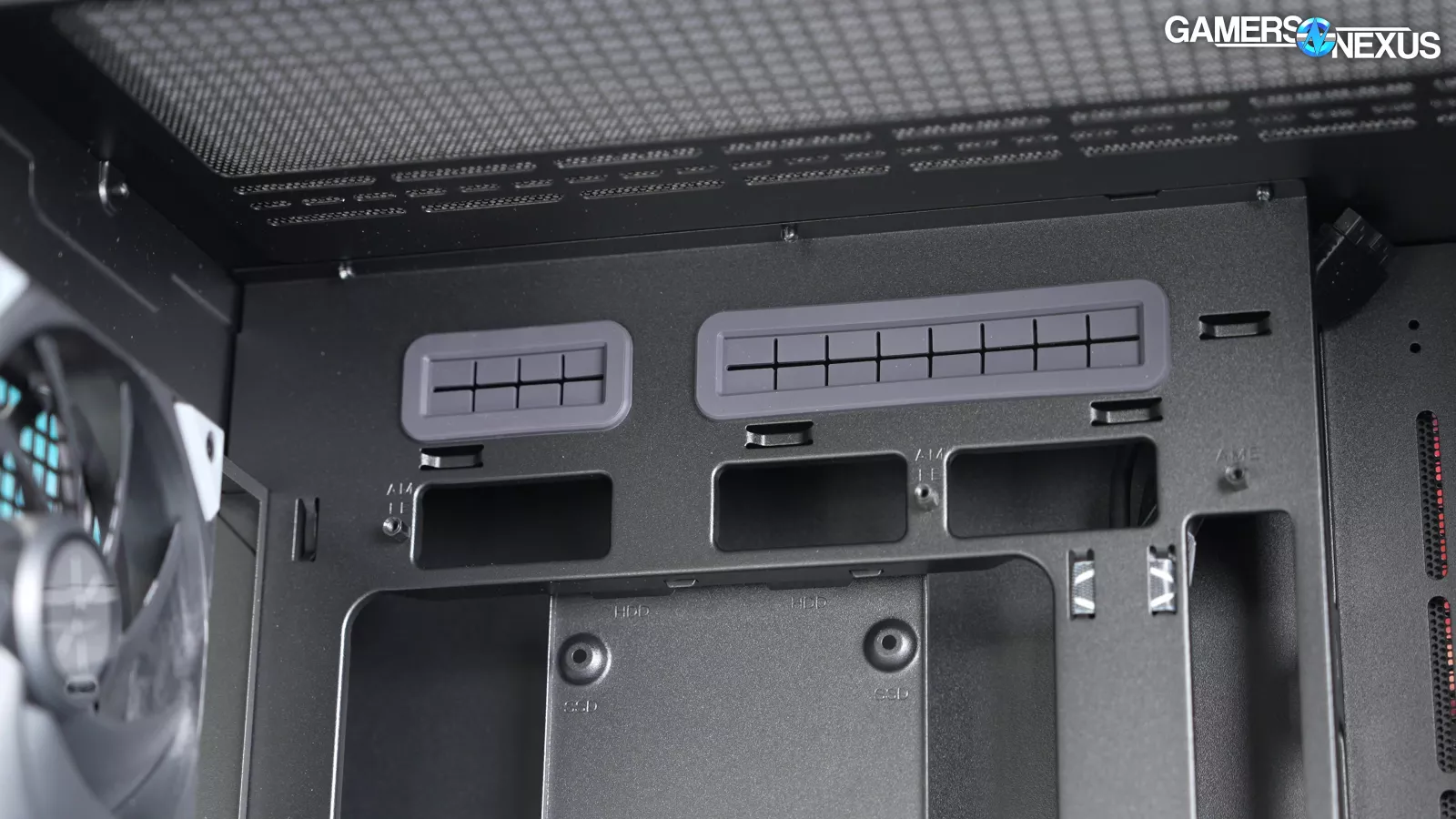
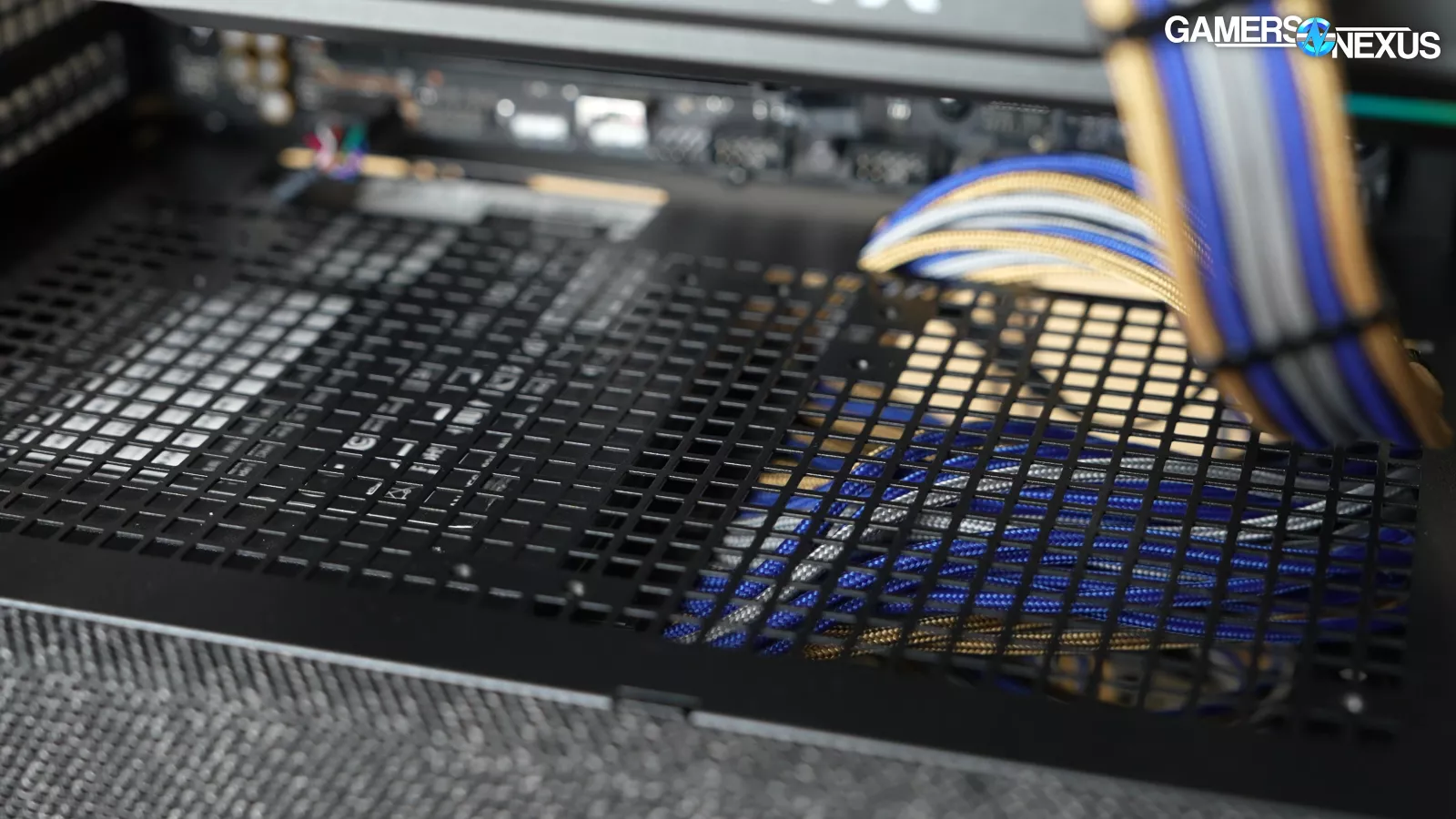
Cable management is fine. It’s nothing special, but a benefit of the side fan mount is that it makes it much easier to access connectors on the edge of the motherboard when a GPU is installed. It's odd that the only two rubber cable grommets are on the already-small cutouts above the motherboard, but they're mostly there to hide the unused holes if using a back-connect motherboard.
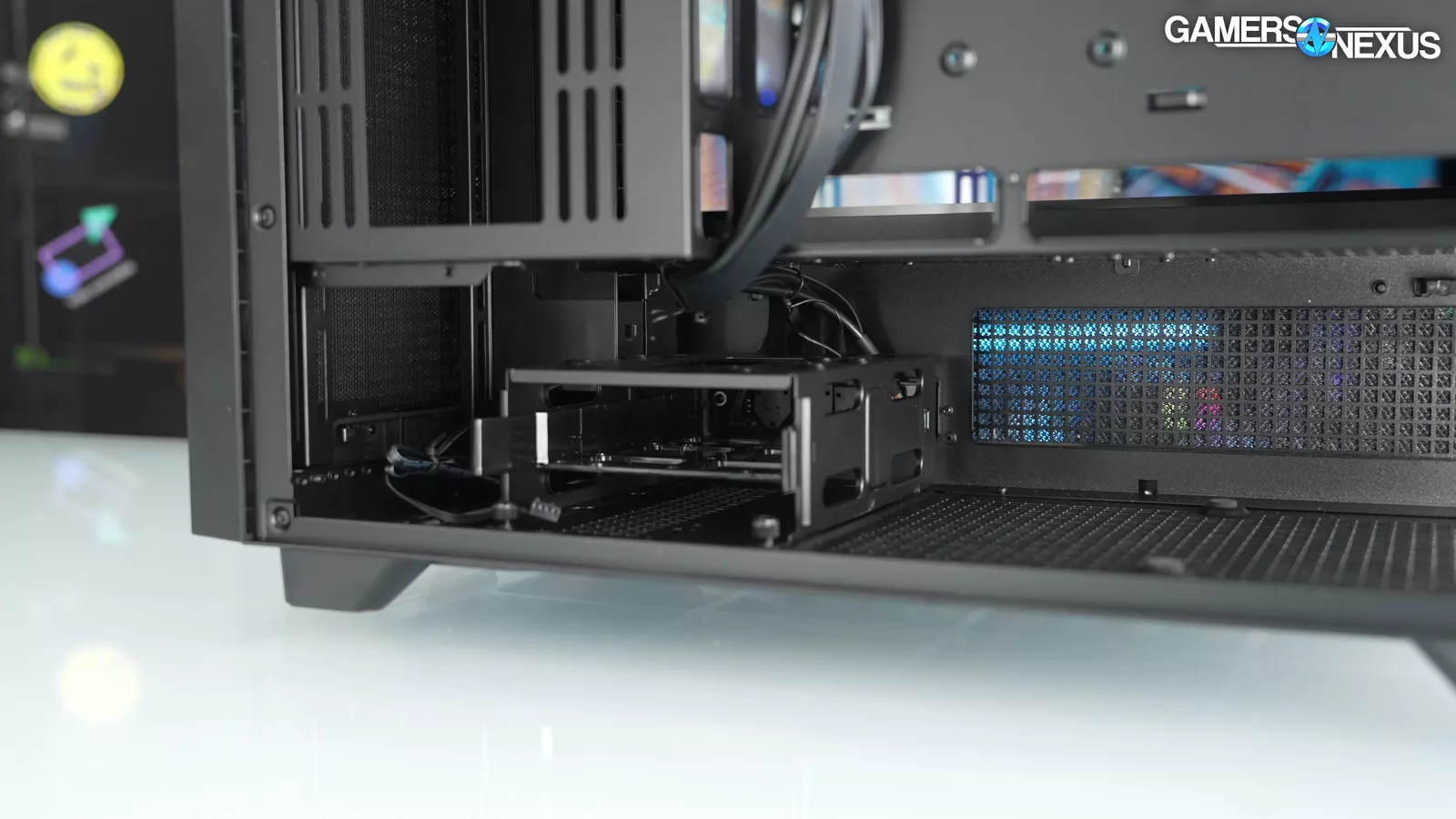
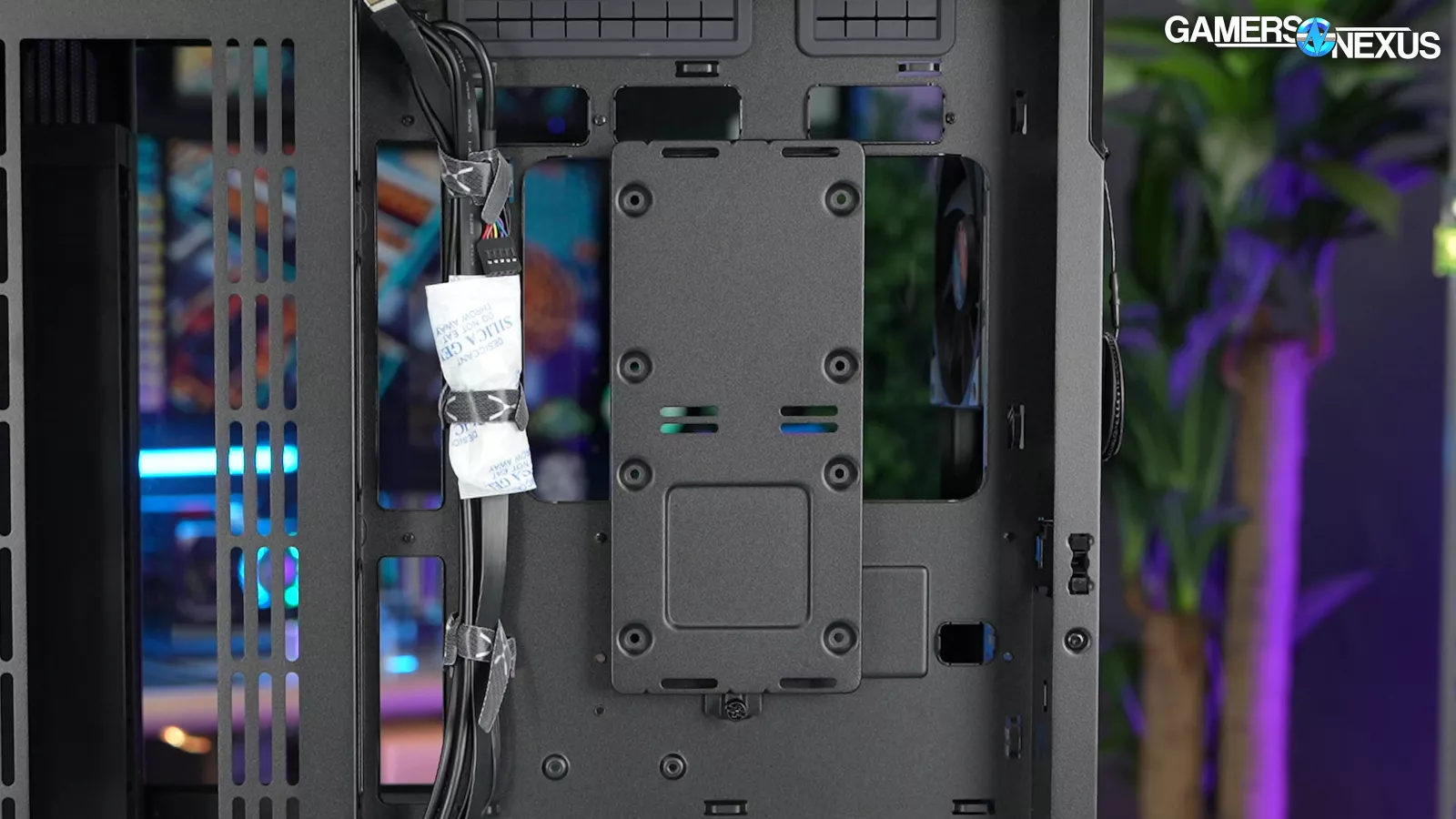
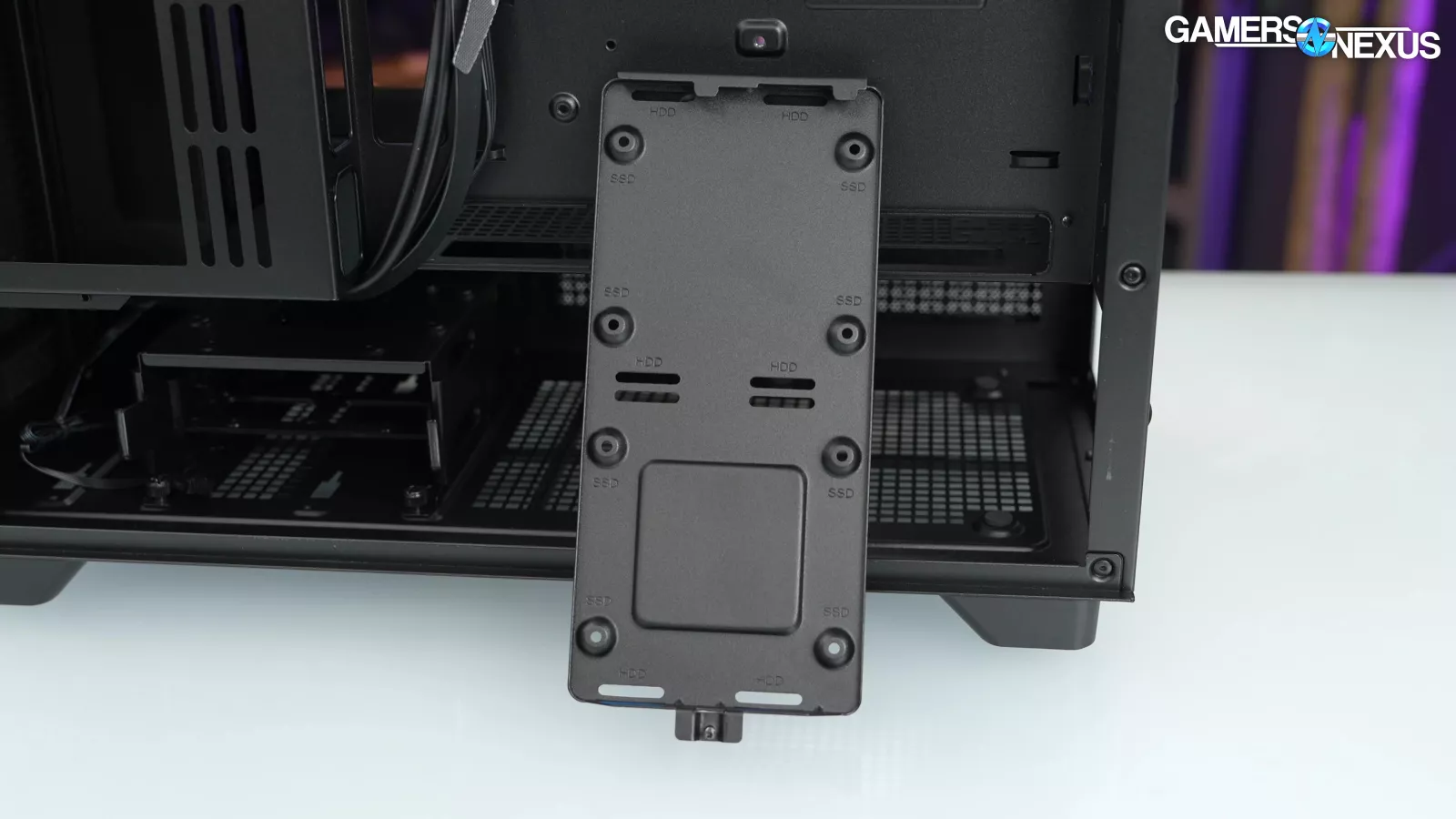
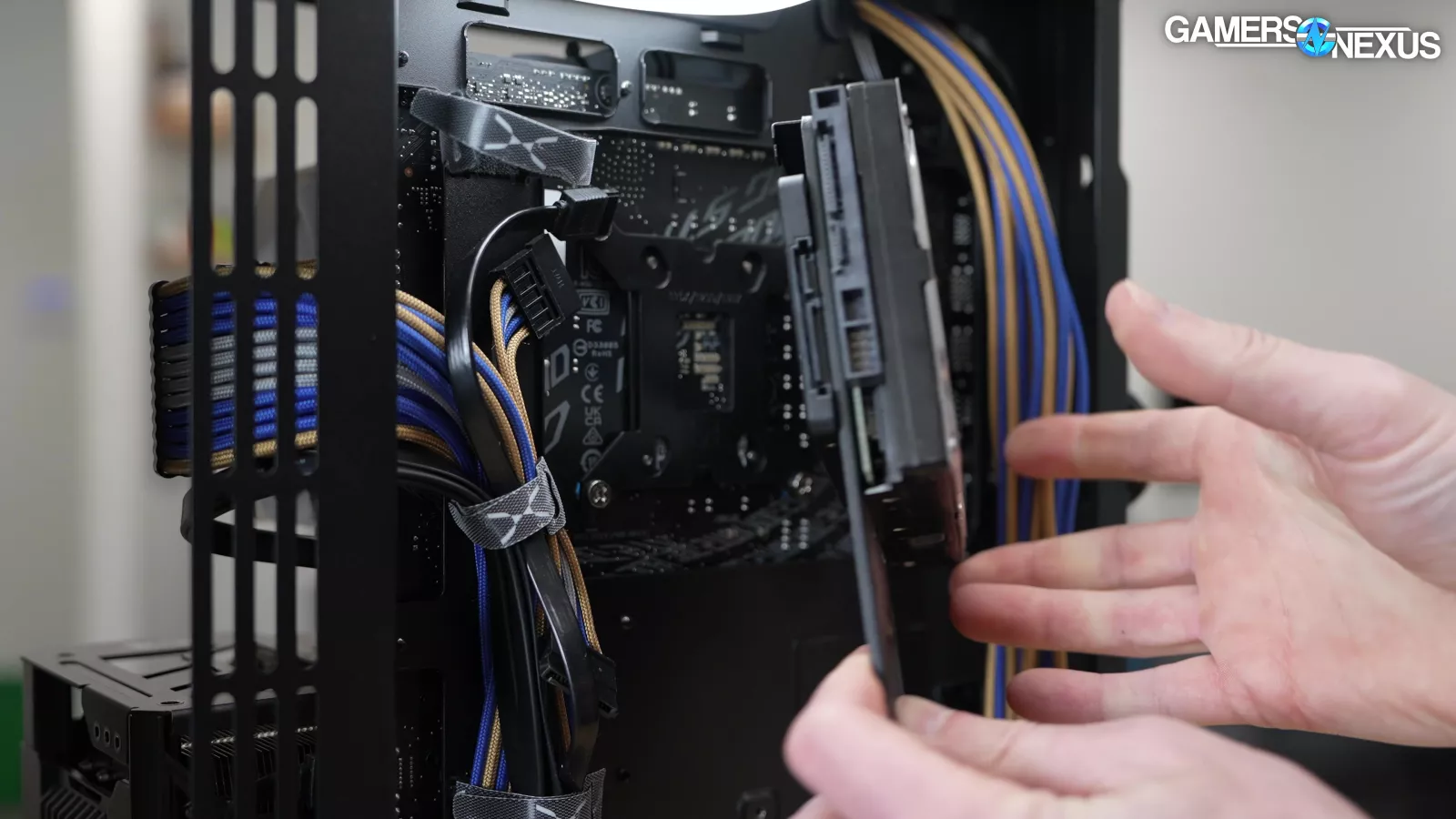
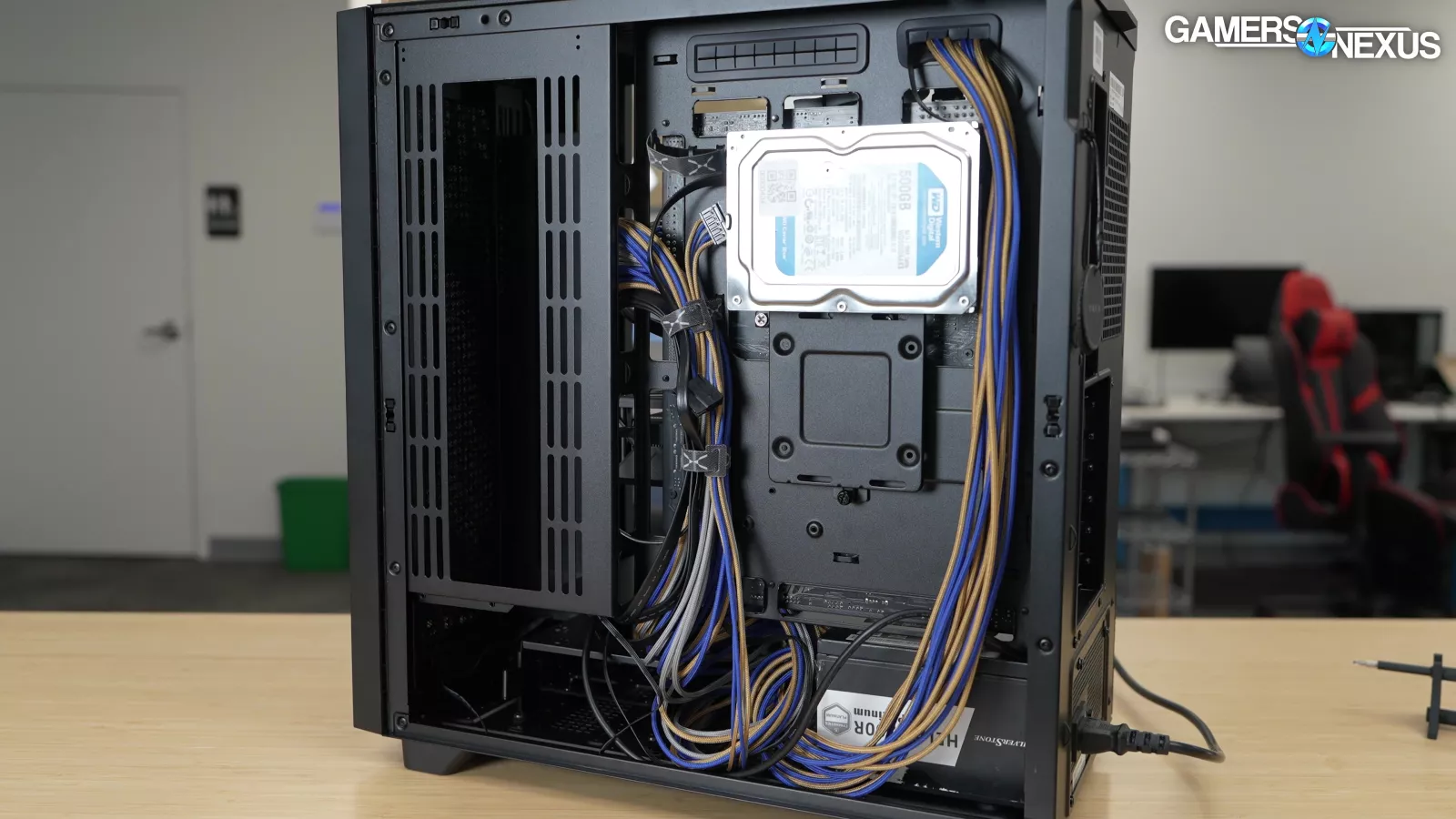
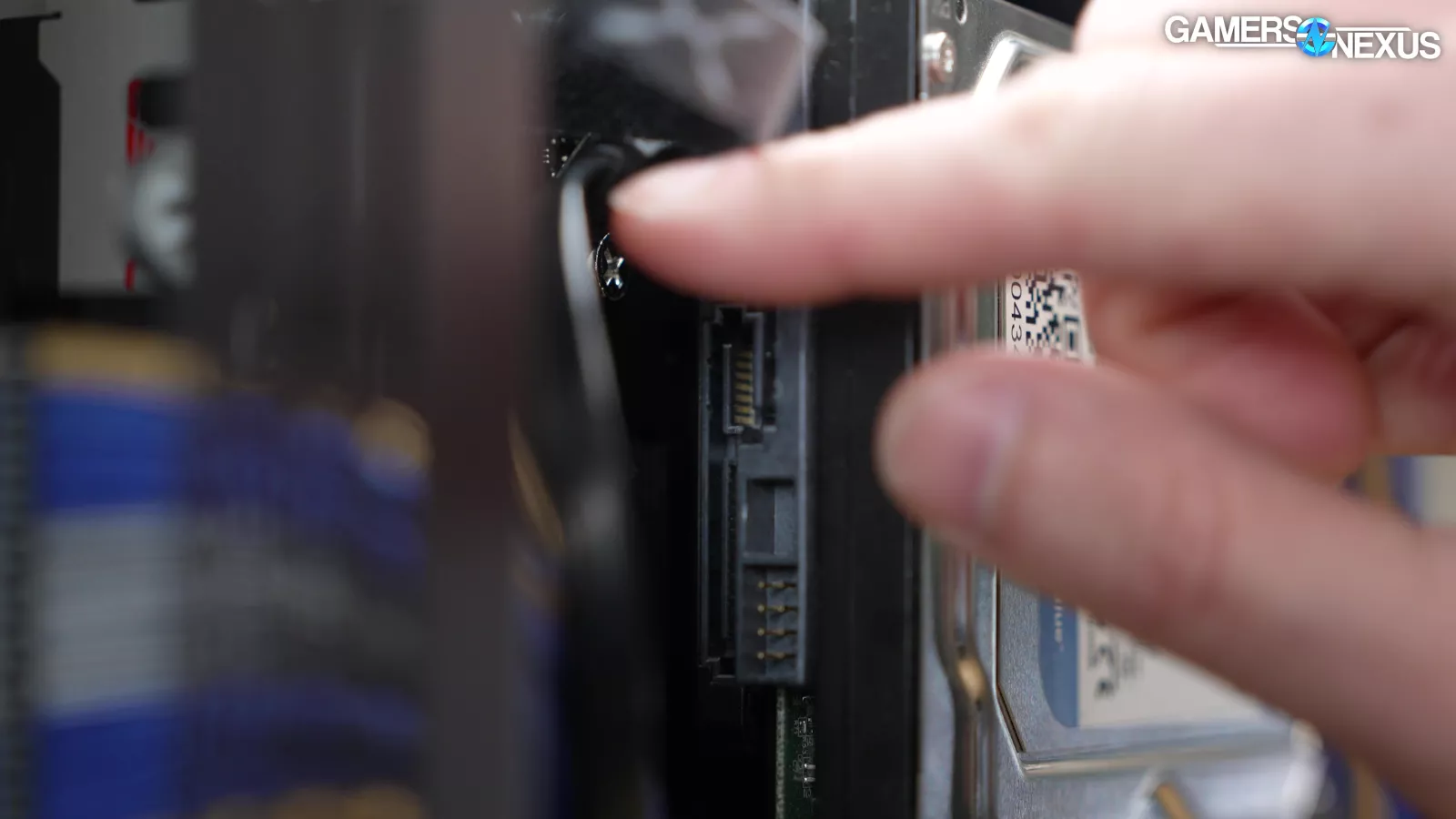
There's a drive cage under the PSU shroud that can fit either 2.5" or 3.5" drives (one in a sled, one on top), as well as a plate behind the motherboard tray that could technically fit two 3.5" and two 2.5" drives at the same time (TRYX only claims either/or). Unfortunately, using this plate for SSDs flips them so that the SATA connector is hard to reach, which reminds us of problems from Tryx’s Luca L70 case.
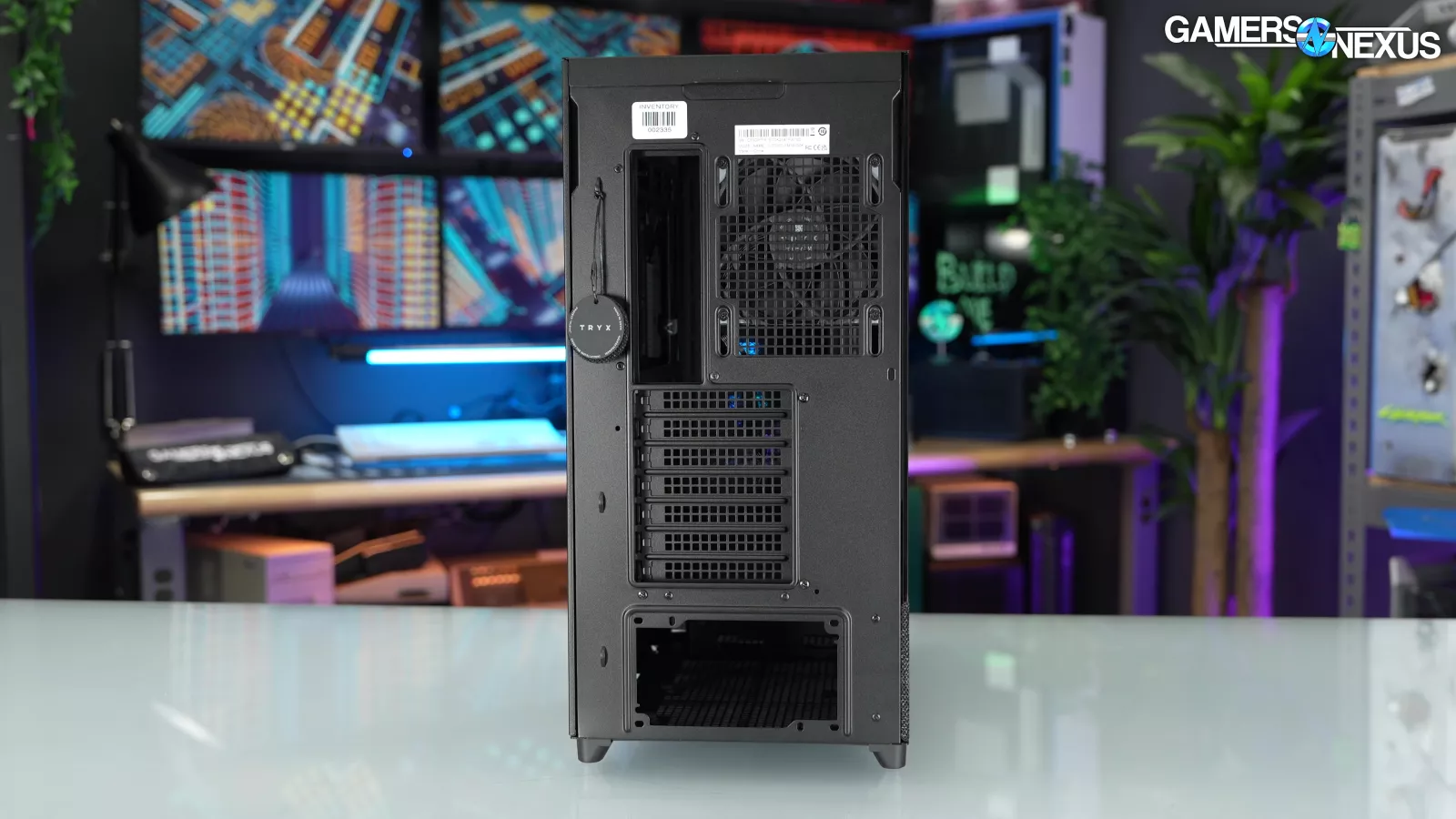
As for other miscellaneous items: The rear expansion slots aren't bridgeless, which may be a missed opportunity. It would have been interesting to try an aftermarket vertical GPU kit with the crossflow fan. Also, the single 120mm TRYX ROTA exhaust fan is color-matched to each case SKU, and we like the molded TRYX logo that flows into the shape of the frame.
Thermals & Noise

We went overboard testing the F50. All tests were performed with air cooling, so we removed the air blade for all tests. We ran full speed tests with the crossflow fan set to Eco, Performance, and Overdrive. The crossflow fan in our sample was set to performance out of the box (the middle setting), so we used that setting for all other tests.
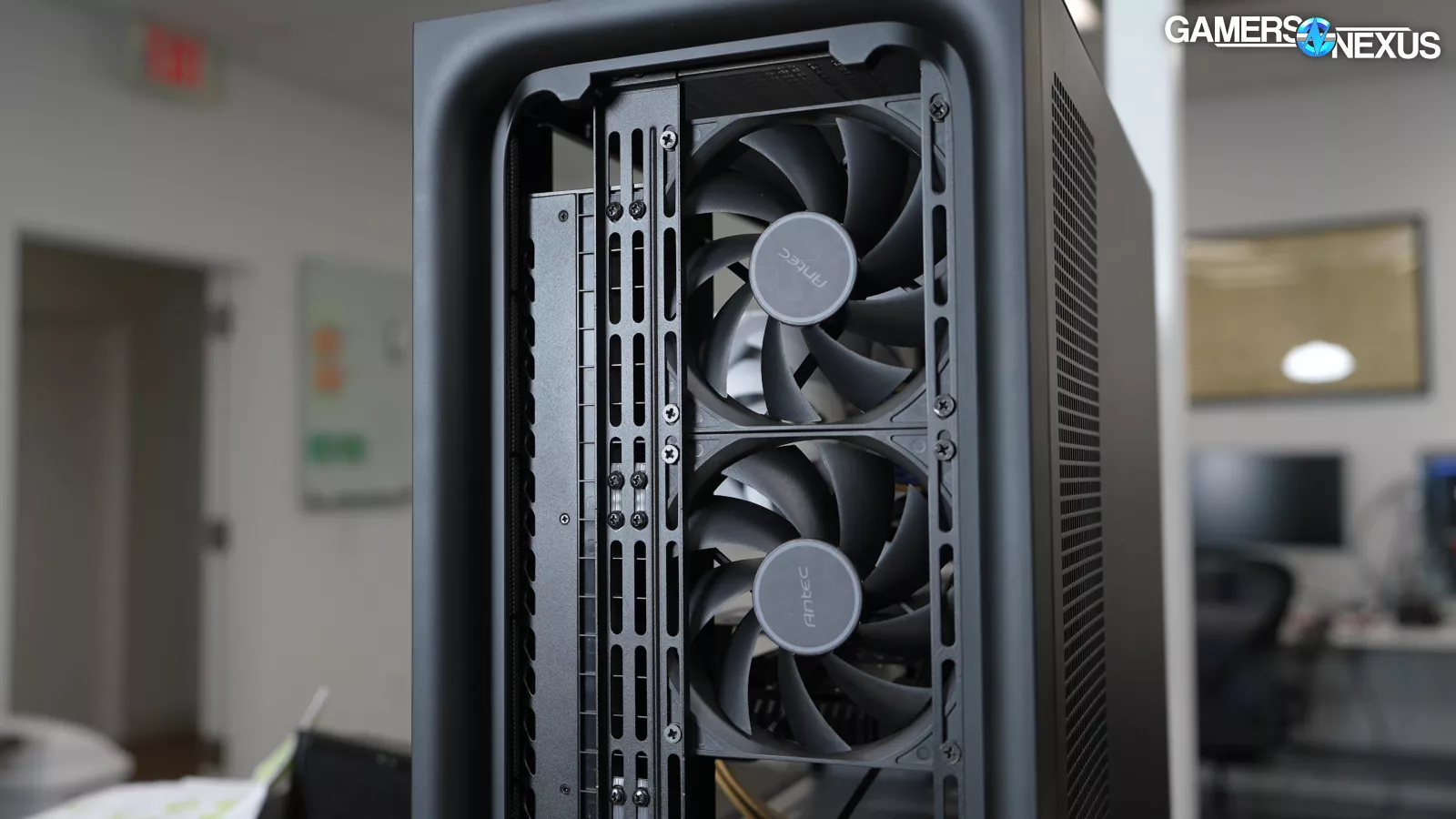
We tested stock with no front panel, stock with the magnetic top and side filters removed, with two 120mm intake fans from the Antec Flux added, and again with the Antec fans but the crossflow fan removed. This was in addition to our usual standardized fan and noise normalized tests.
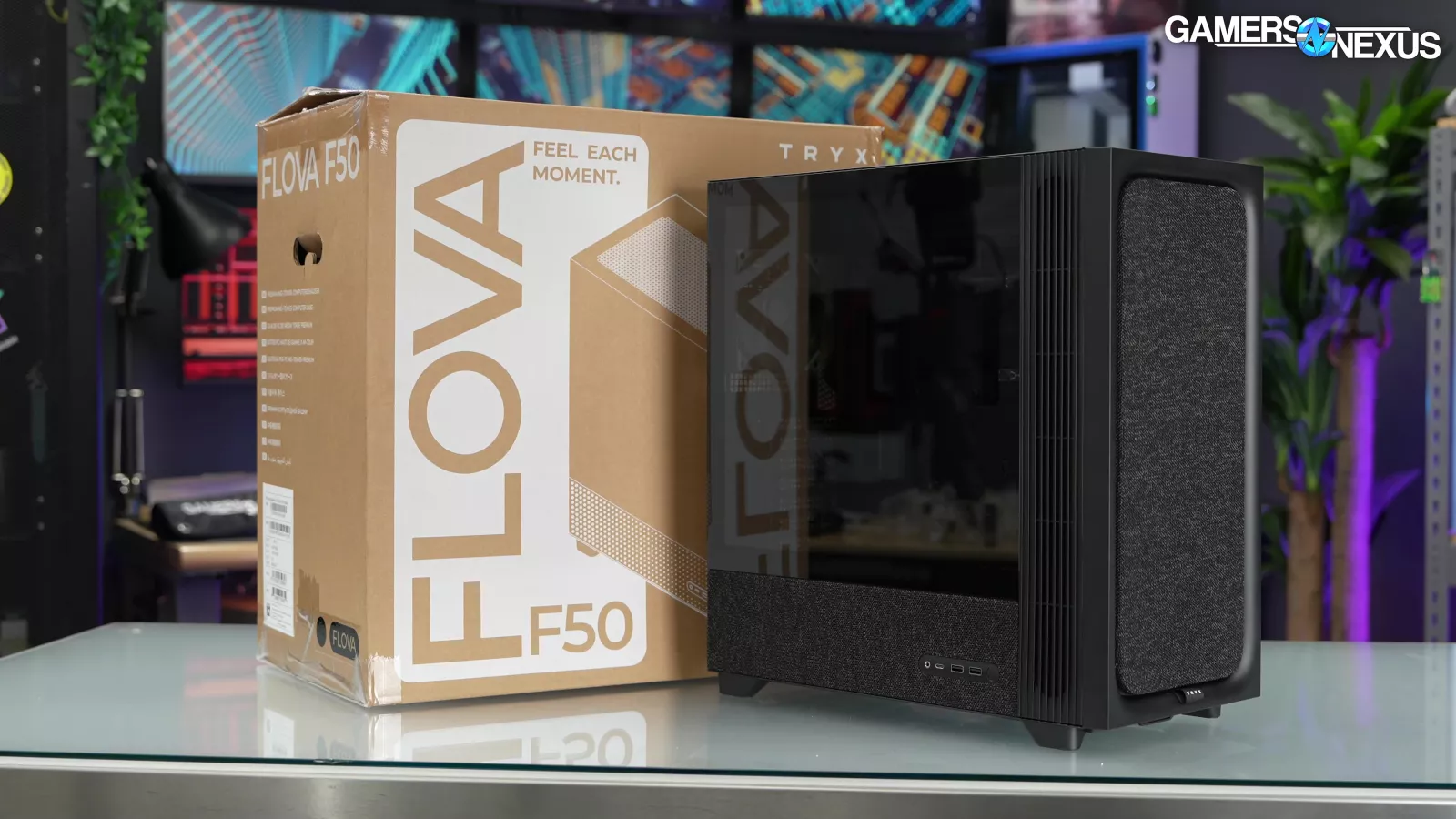
As an unusual mid tower, we consider the FLOVA F50 a competitor to the HAVN BF 360 Flow (read our review) and HYTE X50 (read our review), which are both kind of unusual, although the price of fans makes both of those cases significantly more expensive. The fabric front panel looks like something from Fractal, in particular the SFF fabric Mood (read our review) and Ridge. But their closest mid towers are the Meshify 3 (read our review) and the North (read our review). The North is closer in spirit, but we'll use the newer Meshify 3 as our point of comparison. It offers good performance. And goes as low as $140 at time of writing. Lian Li's cheaper( ~$80) SUP01 fits in the same category as well, but we don't have performance numbers for it at this time.
CPU Full Load Thermals - Noise-Normalized
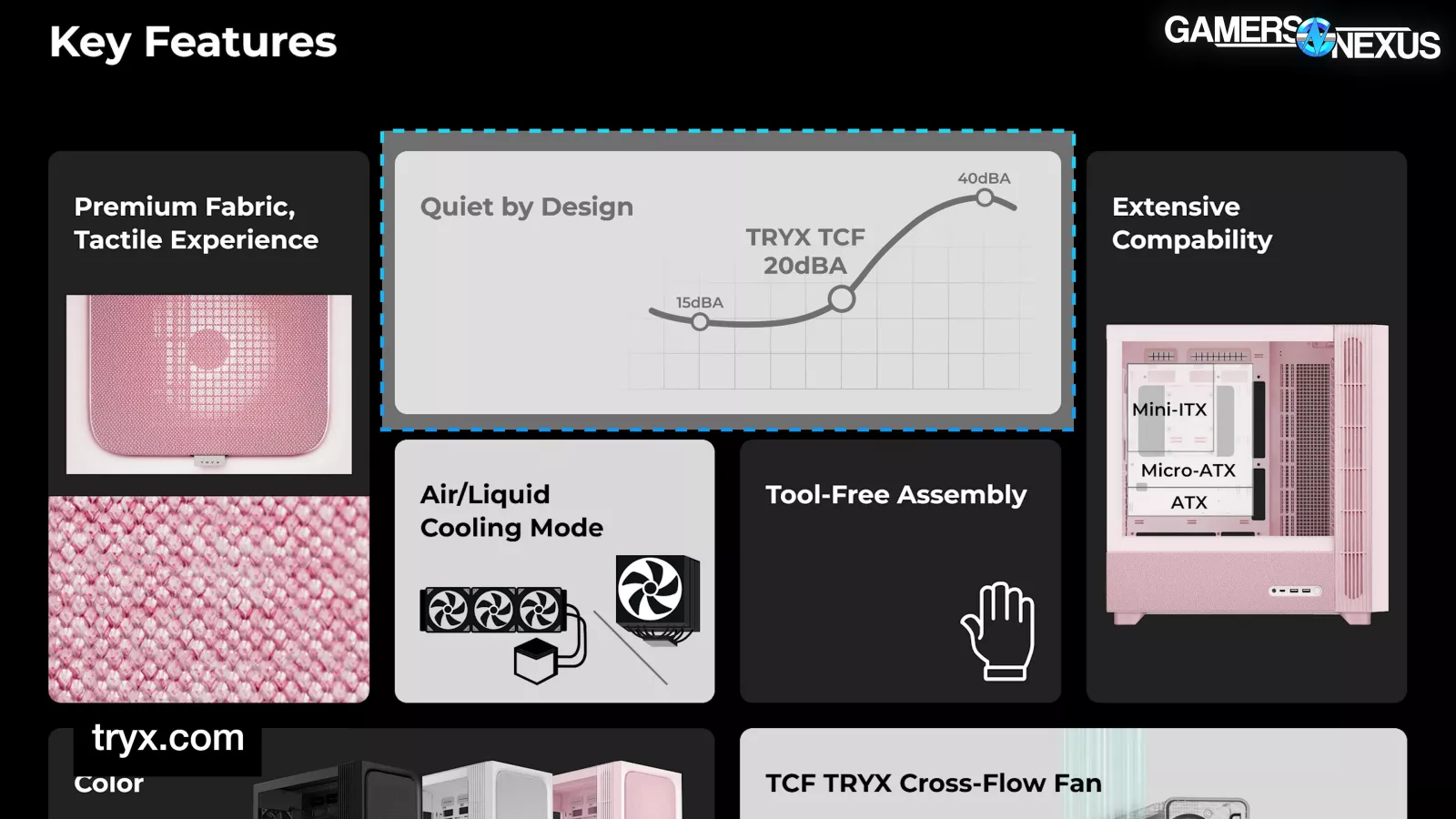
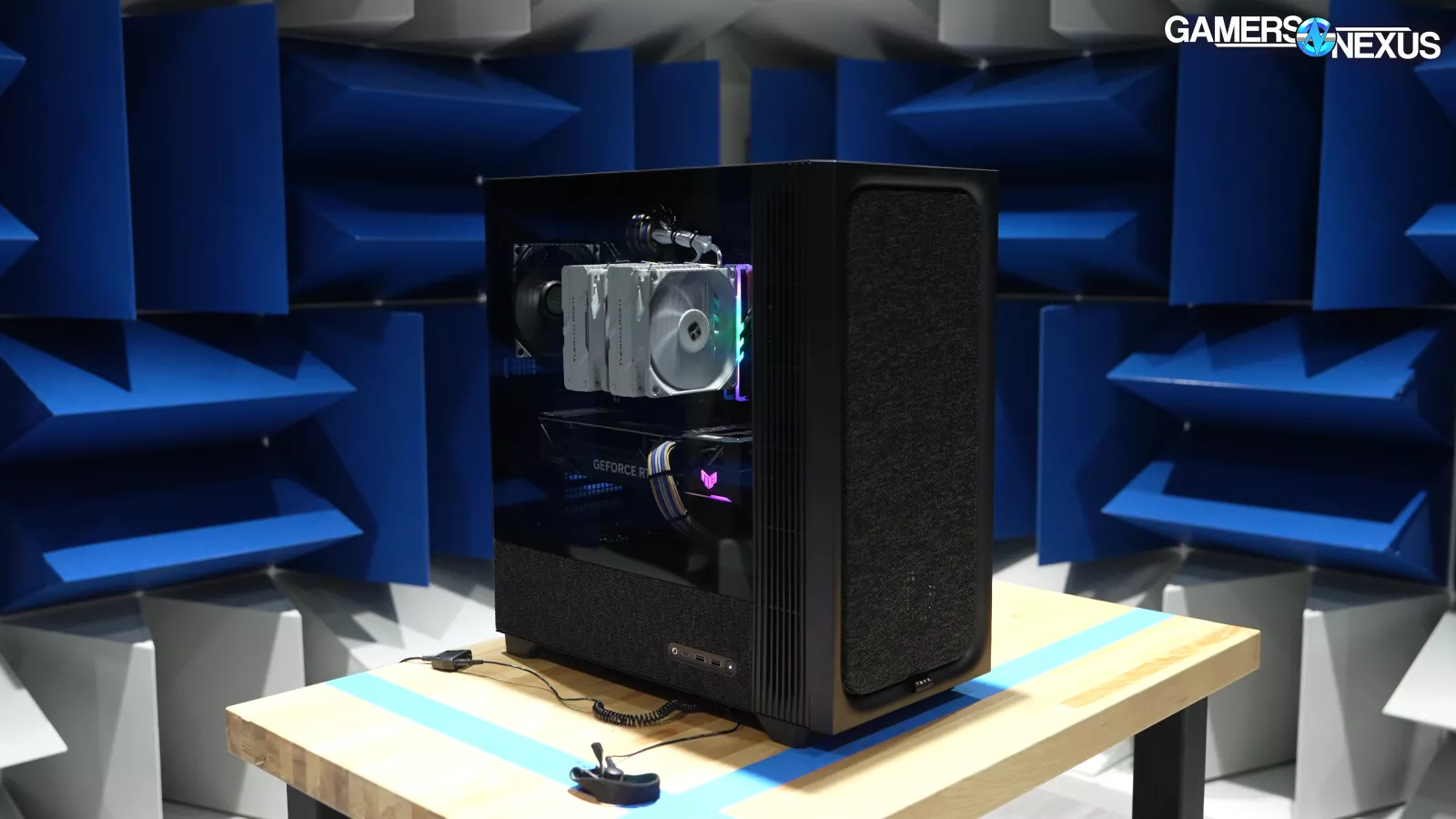
The advertising for the F50 makes it clear that noise levels are supposed to be an advantage of the TCF "TRYX Cross-Flow" fan, so we're hoping for a strong start in noise-normalized testing. The duty cycle percentages for the two case fans were lowered in tandem to reach the 27dBA threshold that we have, tested in our hemi-anechoic chamber for acoustic analysis, with the crossflow fan set to performance mode.
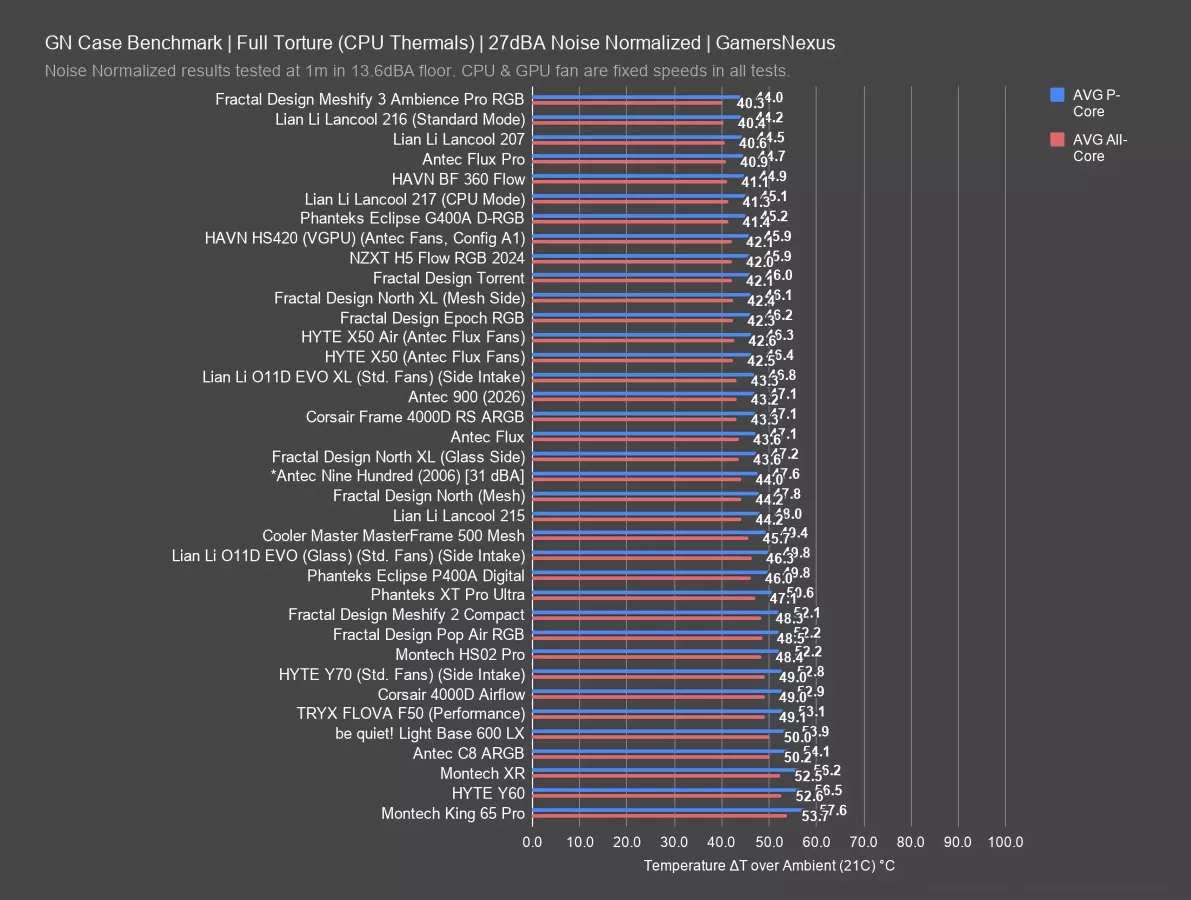
The resulting P-core average was 53 degrees Celsius above ambient, which is one of the worst results we’ve tested on this chart. The crossflow fan does direct air front-to-back the way normal fans would, but not as effectively and not in the right location. For comparison, the BF 360 averaged 45, and the Meshify 3 averaged 44, on the opposite end of the chart. The X50 averaged 46 degrees, but that's with a set of third-party fans since the case doesn't come with any, so your mileage may vary. This case is beaten by almost every other case on the chart, unfortunately.
GPU Full Load Thermals - Noise-Normalized
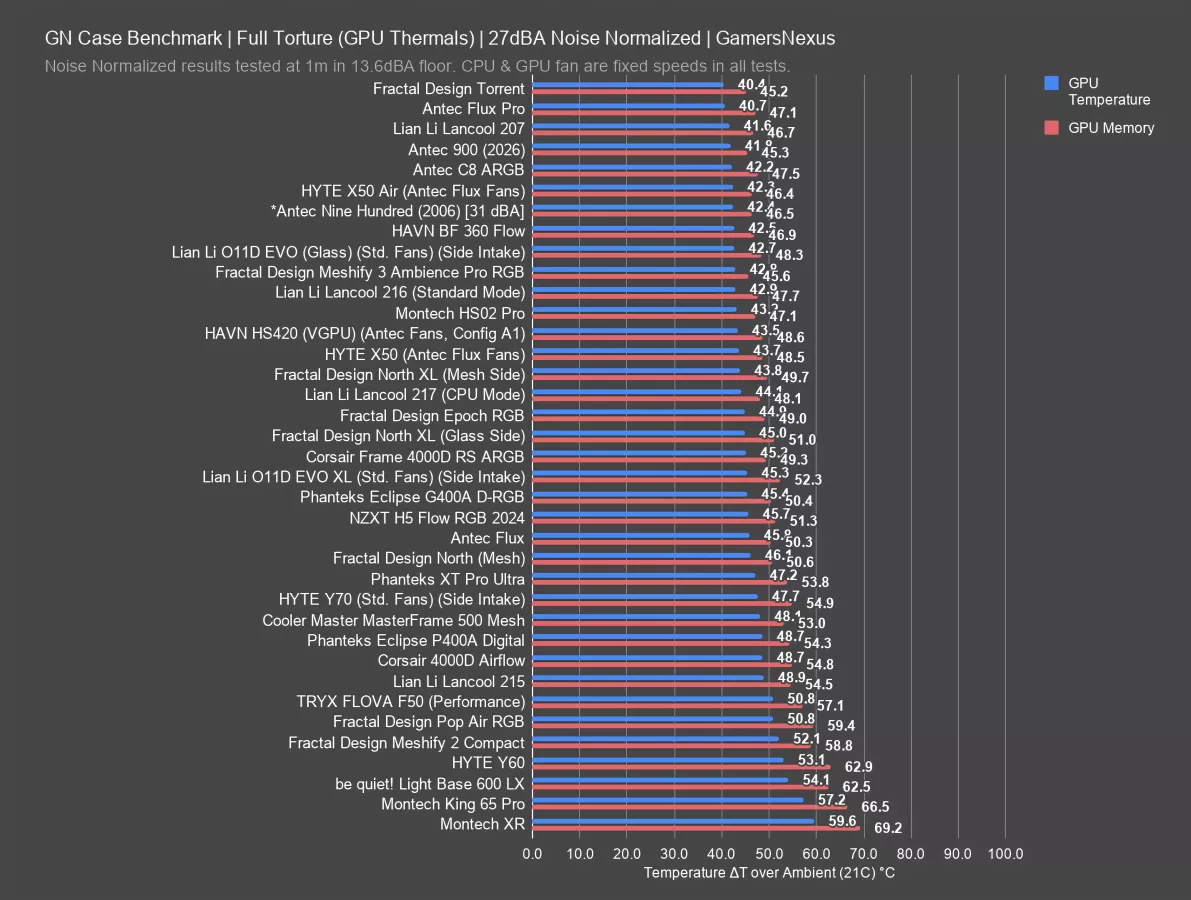
The story is the same for noise-normalized GPU thermals. The F50 averaged 51 degrees Celsius above ambient on the GPU core and 57 on the memory, again making it one of the worst cases we’ve tested. The BF 360 and Meshify 3 tied at 43 for the GPU, and the X50 landed at 44. In general, the crossflow fan doesn't seem well positioned to get air through a normal flow-through GPU cooler. In contrast, both the Meshify 3 and BF 360 have airflow scoops that are shaped to direct air up and through the GPU, and the X50 has a top-mounted PSU that keeps the bottom of the case open.
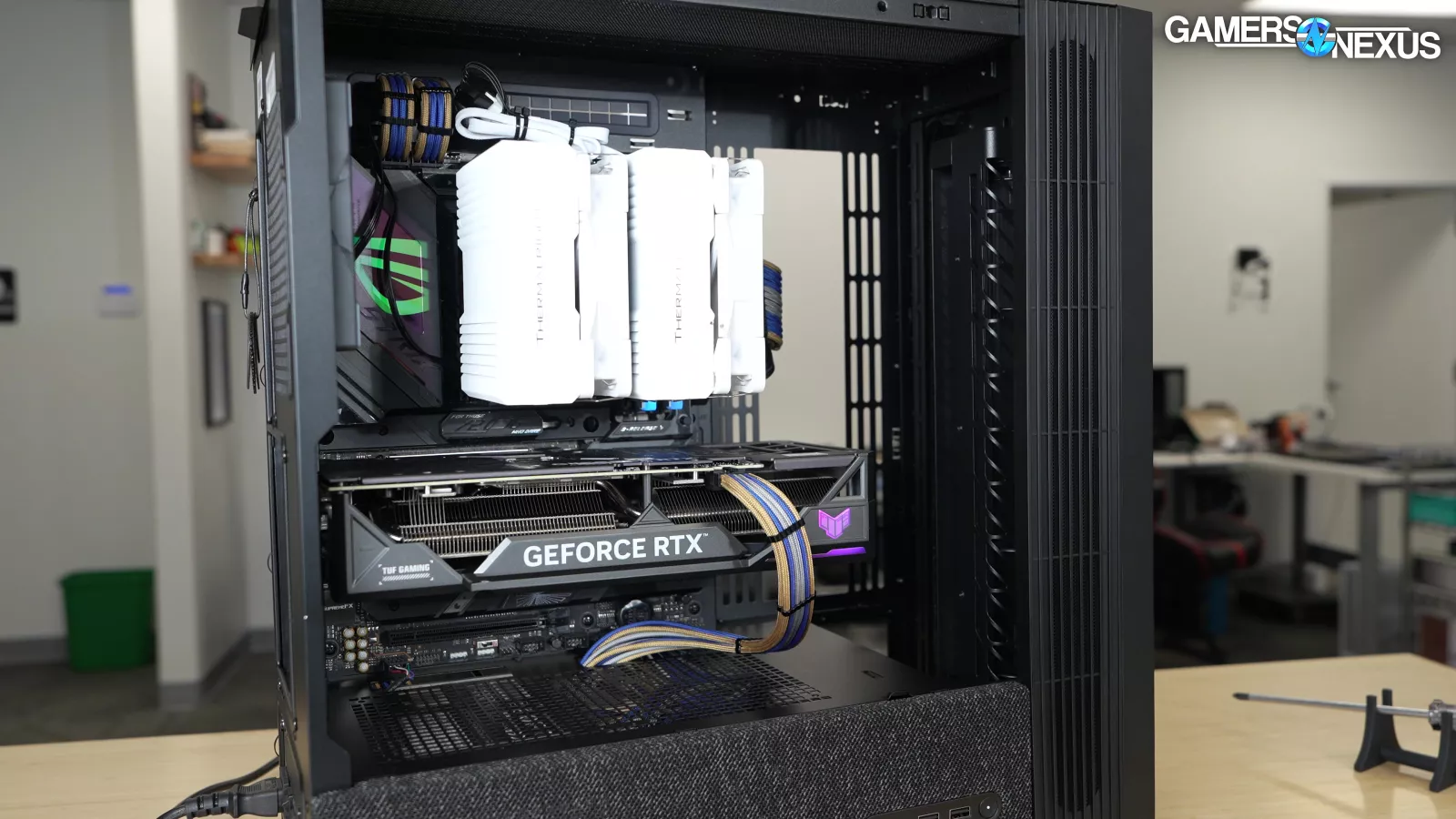
Despite this crossflow fan providing a curtain of air right over the GPU, it’s just not enough to compete with anything relevant.
CPU Full Load Thermals - Full Speed (Flova Only)
The noise-normalized thermals weren't great, so let's try some other options and look at full speed thermals with alternative configurations.
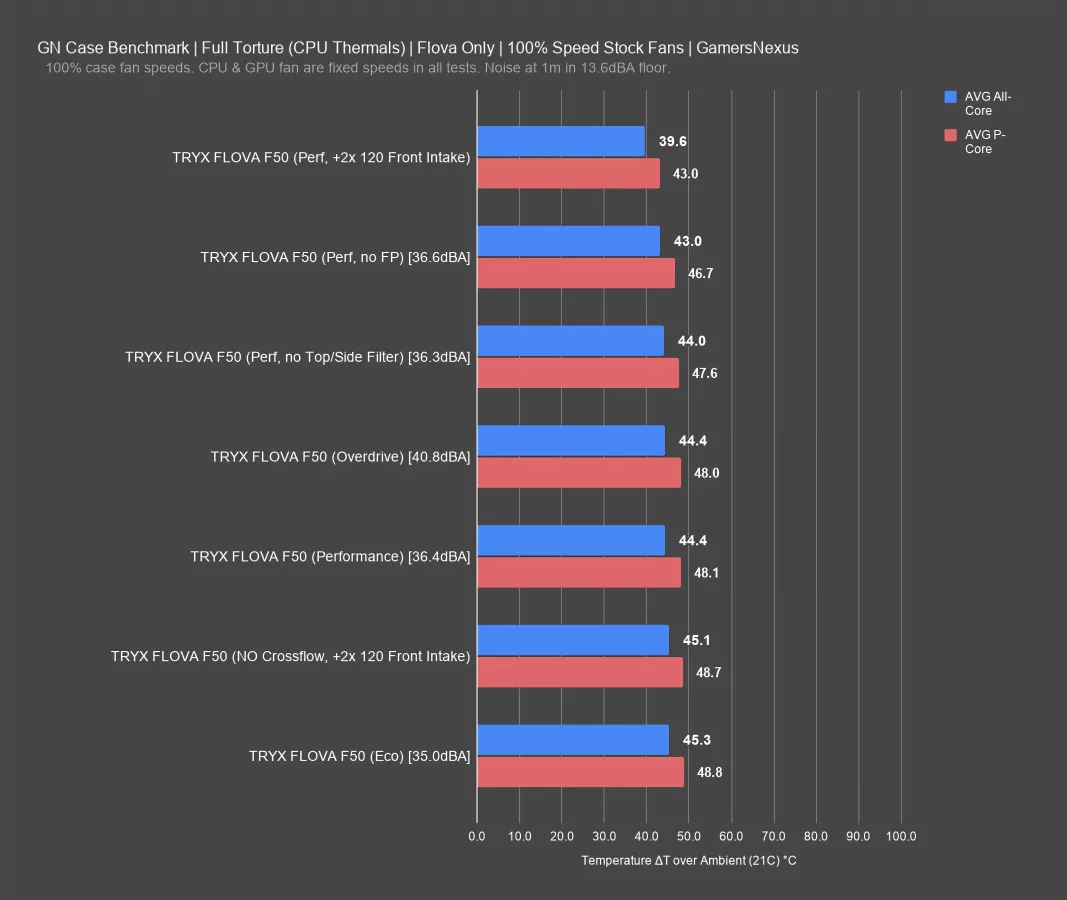
This chart shows only the FLOVA configurations and without competition. We’ll add them back in a second.
With fan duty cycles set to 100%, Eco mode was predictably the worst with its 49-degree Celsius above ambient average for the P-cores, although it also managed the lowest noise level at 35 dBA. Bumping the crossflow fan up to Performance mode dropped the P-cores to 48, but Overdrive didn't result in any further thermal improvement while still increasing the noise level to 41 dBA.
Removing the magnetic side and top filters had no effect, which makes sense when they don't have any fans directing air through them. Interestingly, removing the front panel did have a very small effect, dropping the P-cores down to 47 from the baseline of 48.
Adding the two Antec fans resulted in the best temperature by far, down to 43, although that's still only the middle of the main competitive chart. The test with the two Antec fans added and the crossflow fan removed reveals why: that test went back to a 49 degree average, indicating that the Antec fans are having a hard time pulling air through the dense front panel. This is something TRYX is aware of, since the whole goal of the crossflow fan is to work around the restrictive front panel material. So they created a problem and then failed to solve it. Again, it's a good idea to remove that third layer of mesh from the front panel.
CPU Thermals - Full Speed
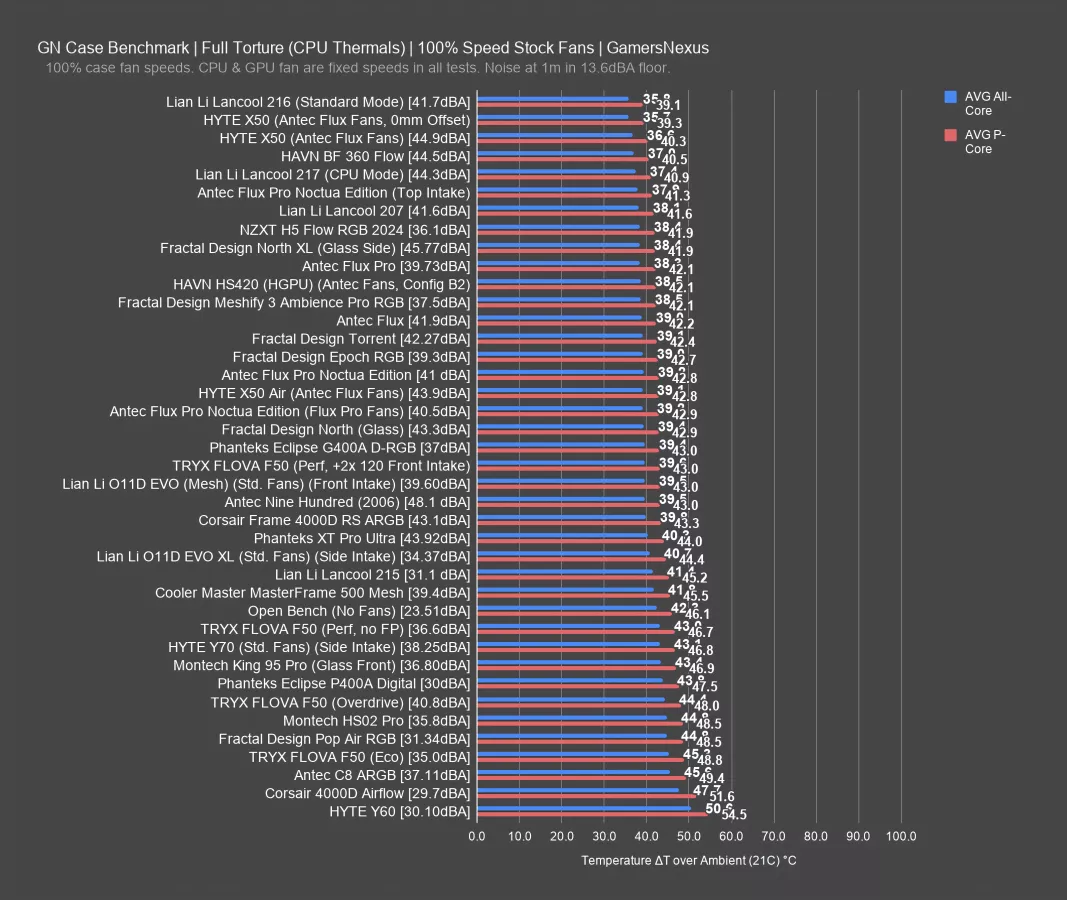
Here’s the full chart with other cases. We’ve removed several of the less relevant Flova listings for space.
In comparison to the rest of the chart, the Meshify 3 averaged 42 degrees, the BF 360 averaged 41, and the X50 averaged 40 for CPU thermals, all of which are better than any result we recorded in the F50 in any configuration.
For noise, cases like the Pop Air RGB and the ancient P400A Digital offer similar performance to Eco mode, but at 31 and 30 dBA respectively. So they’re quieter and perform about the same. The F50 loses in basically any comparison, especially as you factor-in noise.
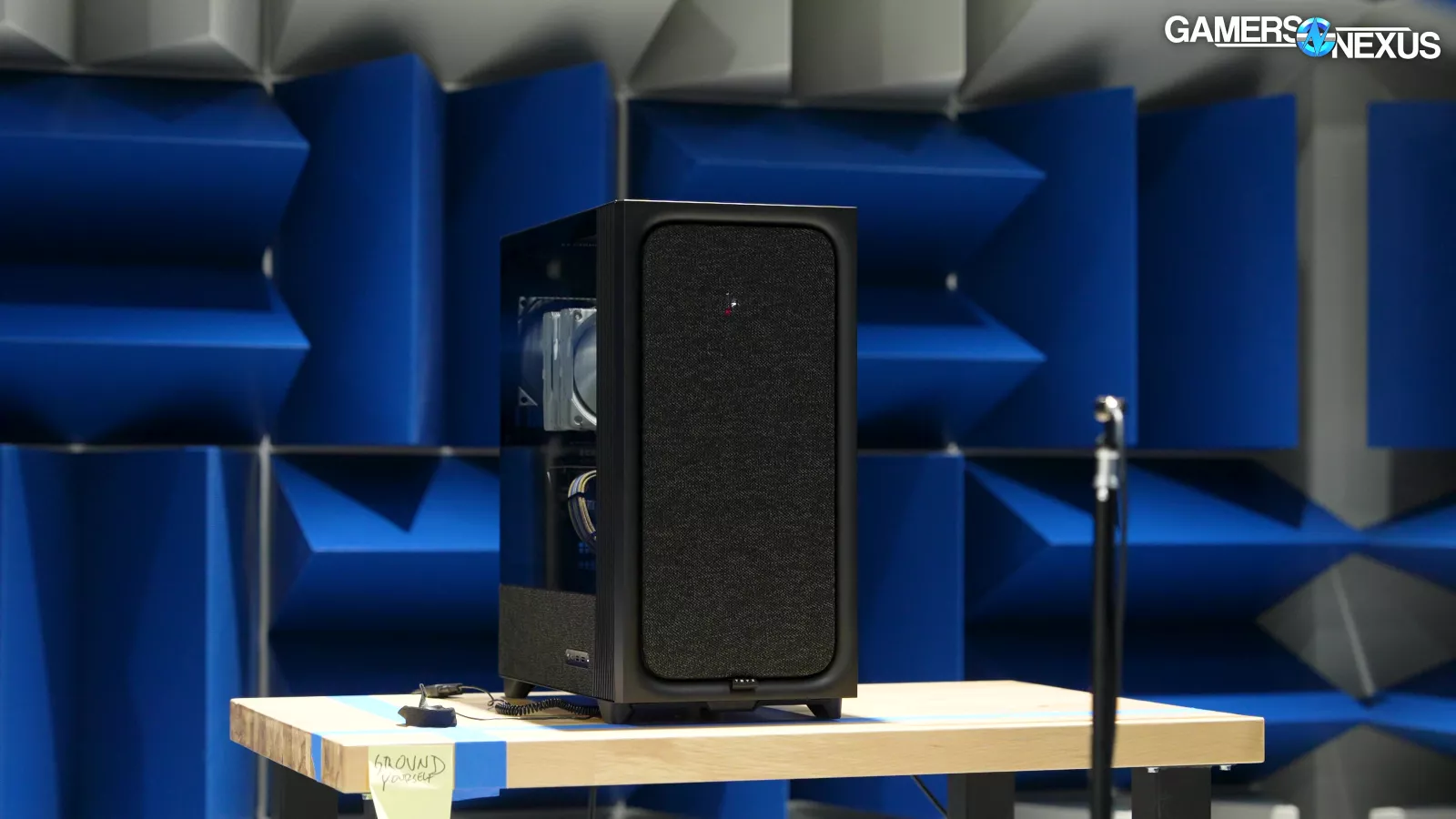
This case is not well designed. It’s like they didn’t test it or they didn’t understand why/when you would use a crossflow fan.
GPU Full Load Thermals - Full Speed (Flova Only)
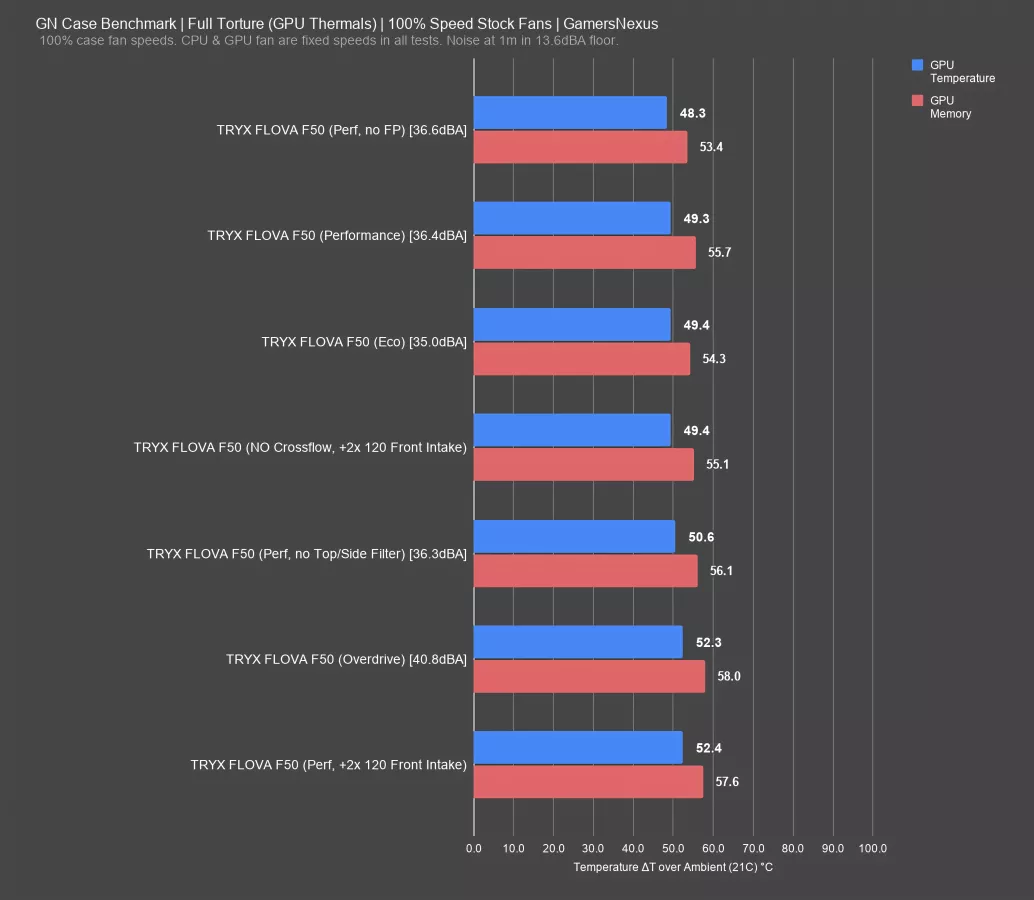
The ordering of results for GPU thermals is less intuitive: Eco and Performance modes are tied at 49 degrees Celsius above ambient on the GPU, although VRAM was cooler with Eco mode, and Overdrive resulted in a significant GPU temperature increase up to 52 degrees. In other words, GPU performance improves the less air is moved by the crossflow fan. The airflow patterns created by the crossflow fan don't behave in a way that we're used to and it seems like Tryx didn’t test for flow in the case. This may be especially complicated as a result of flow-through GPU coolers. From what we’re seeing, it seems as if the crossflow fan is causing recirculation issues for the GPU.
Removing the magnetic filters also worsened temperatures, up to 51 degrees from the 49 degree baseline. To us, this indicates that air is having trouble getting out of the case and away from the GPU, as the pressure system created by all the impedance everywhere is limiting options for egress, and removing some of those barriers is changing the dynamic enough that we see it reflected in these results. Removing the front panel lowered temperatures in a logical manner, down to 48 degrees.
The test with the two Antec fans added performed the best for CPU temperatures, but on this GPU temperature chart, it's the worst at 52 degrees and tied with the overdrive result. Even the test with the two Antec fans installed and the crossflow fan completely removed was better, at 49 degrees. Most of these GPU results are an inversion of what might make sense, and that’s because the air just can’t get away from the GPU itself.
GPU Thermals - Full Speed
Here’s the comparative chart.
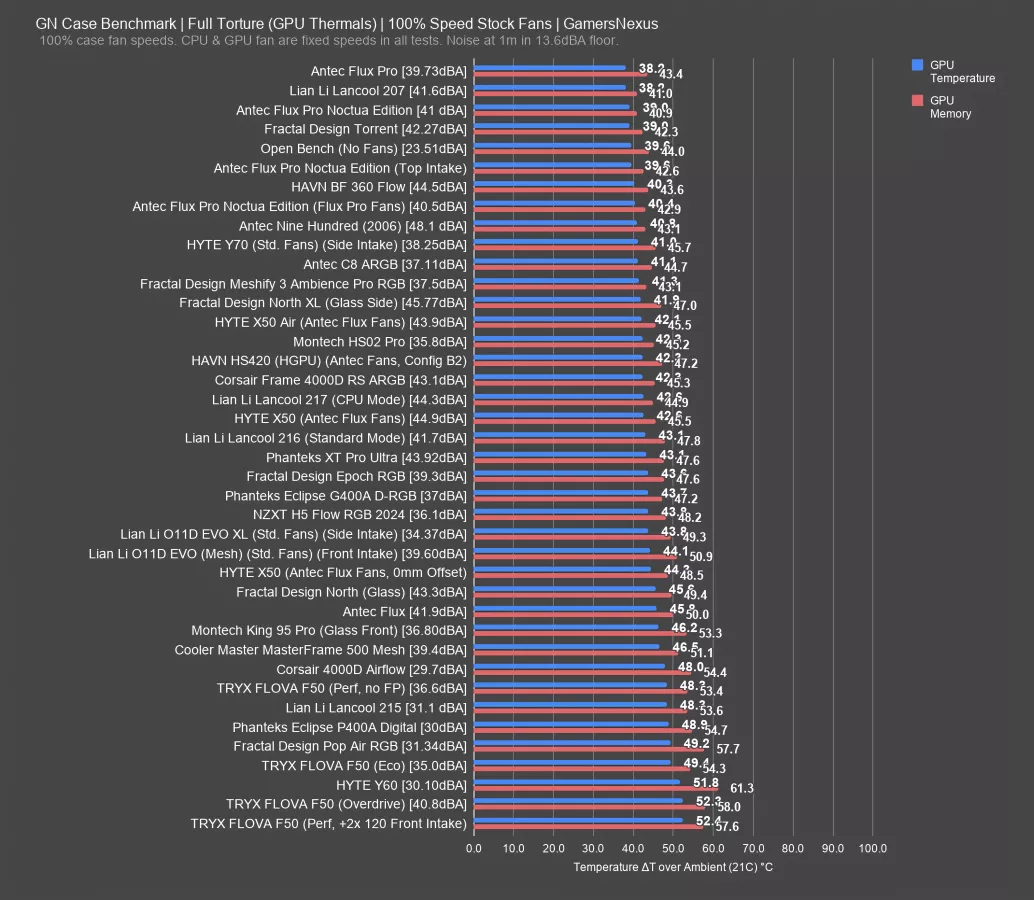
These are some of the worst GPU thermals in this dataset. The BF 360, Meshify 3, and X50 all significantly outperform the F50. The X50 was the worst of that group, and even it managed 43 degrees on the GPU.
The Tryx Flova is just not well-tested or designed thermally. It’s unique, but lacks the tuning and effort of the Meshless AIO mini-ITX case we’d reviewed previously.
CPU Full Load Thermals - Standardized Fans
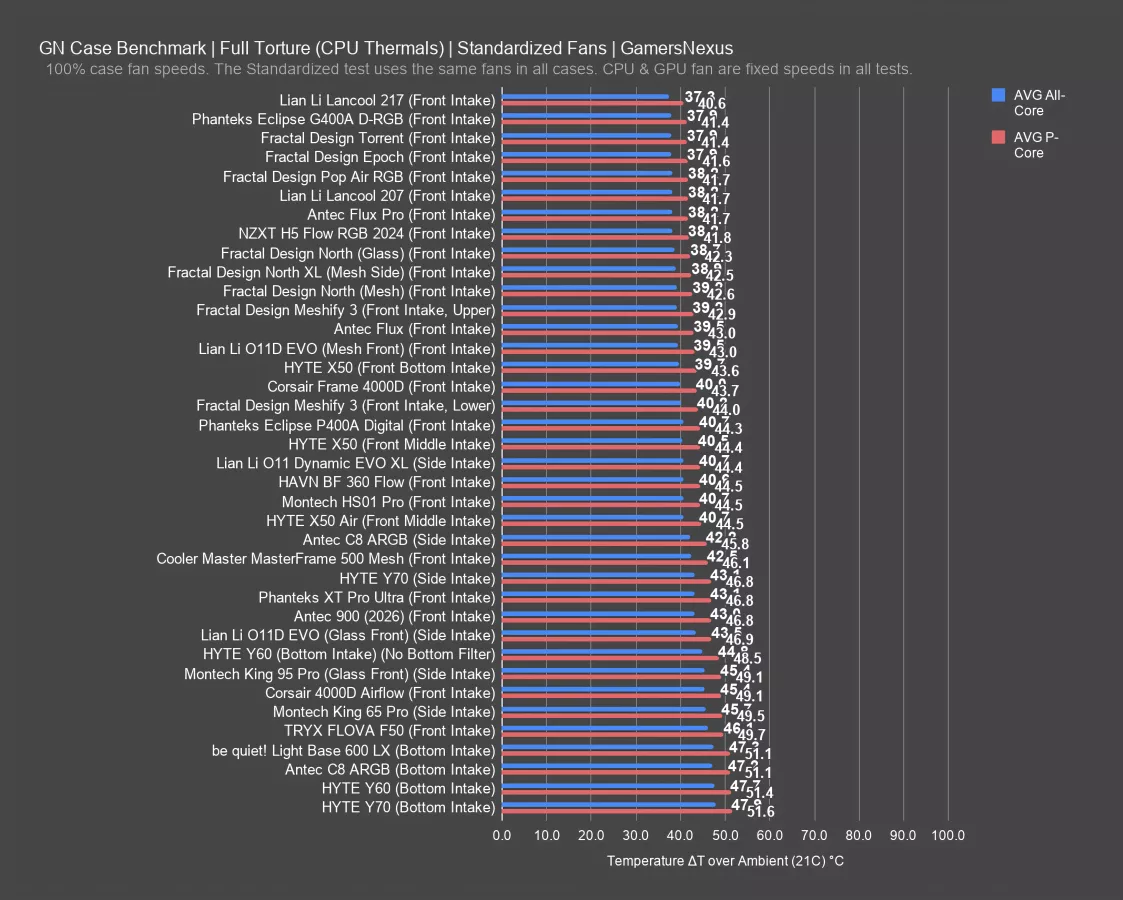
We aren't going to dwell on the standardized fan test, because we've already established that TRYX is aware that the front panel is restrictive and is working around it by using the side-intake crossflow fan.
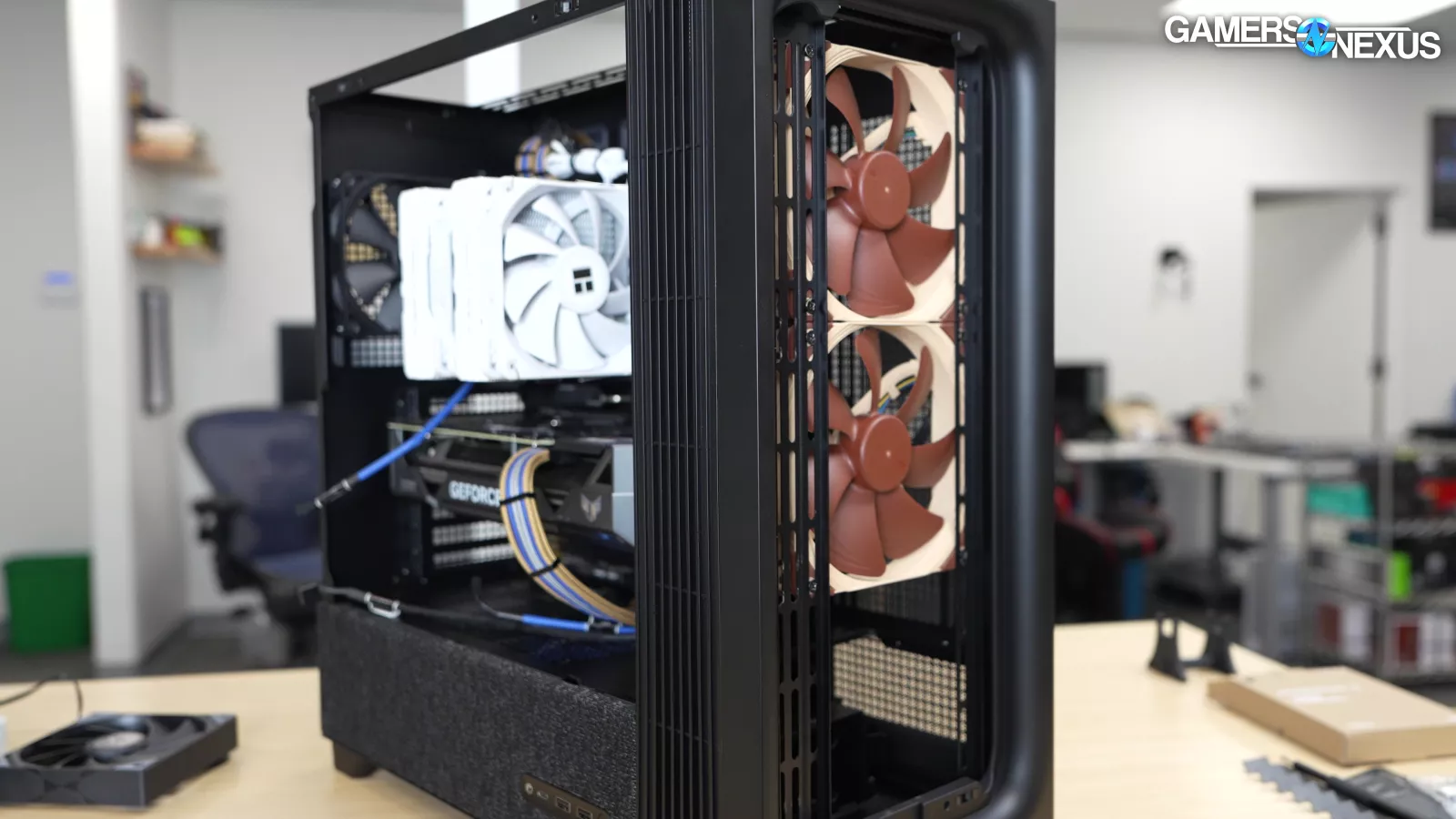
With two 140mm Noctua intake fans and one 120mm exhaust installed according to the manual's suggested placements, the P-Cores averaged 50 degrees, nearly at the same level as bottom-intake configurations like the Y60 (watch our review) and C8 ARGB which have no fans pointed at the CPU cooler.

We’ll also show average GPU temperature, which was 55 degrees Celsius above ambient, which is the worst result we've recorded in this dataset so far.
Crossflow Fan on the Fan Tester
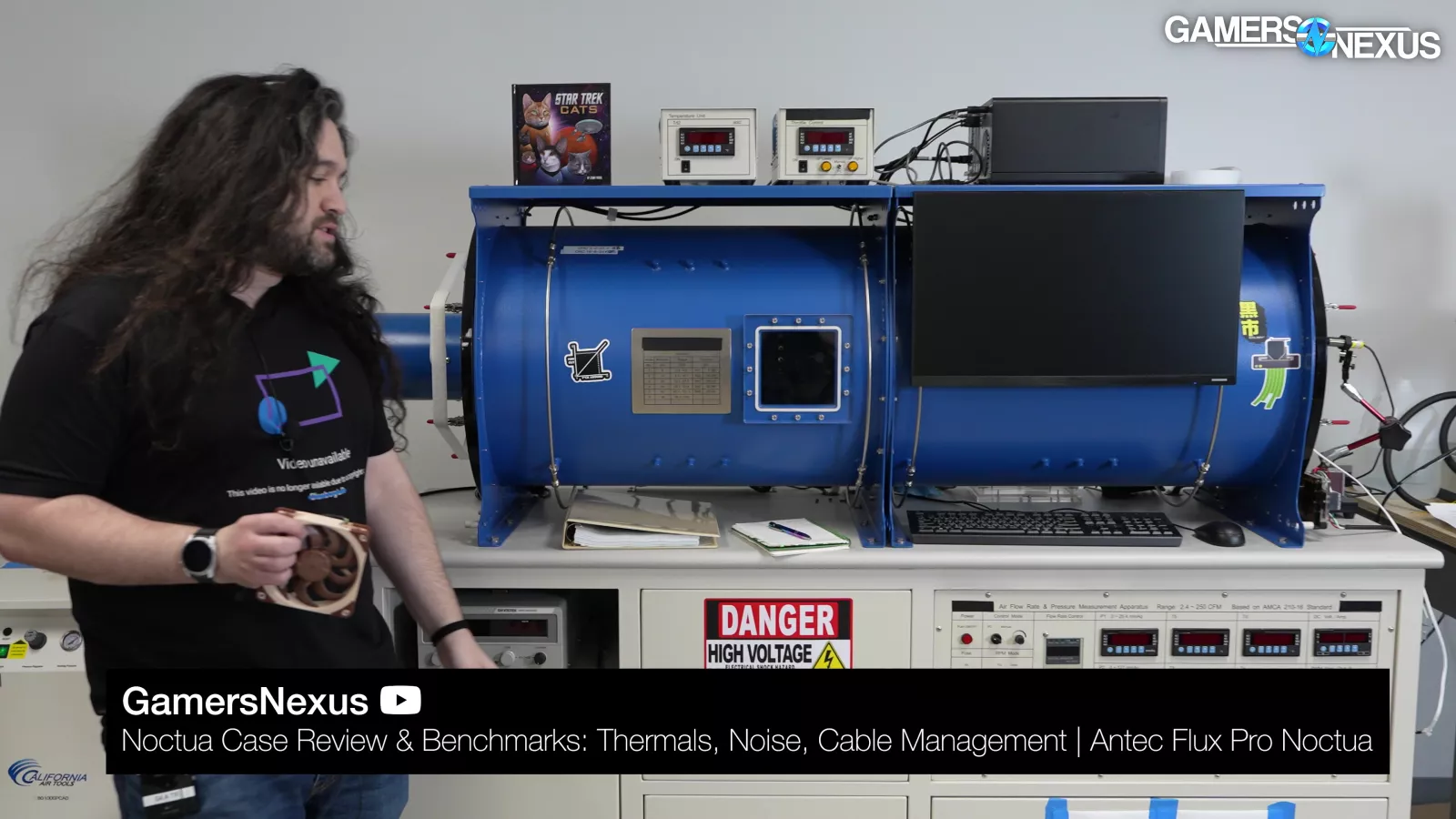
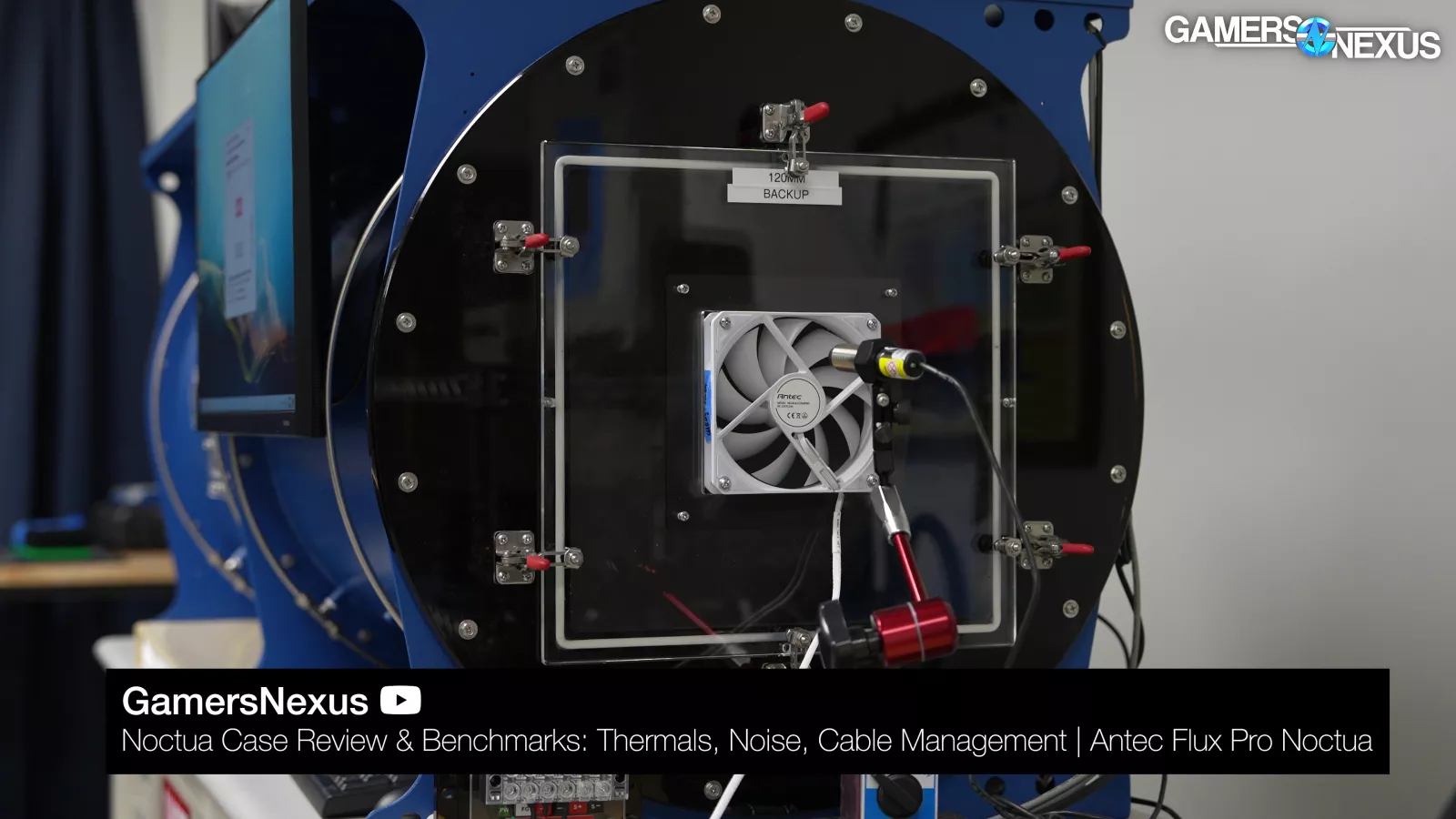
We’ve used our fan tester in our last 2 case reviews now and want to continue using it. We decided to bite the bullet and just start publishing information so that we can use the opportunity to learn. Although we have high enough confidence to publish numbers, like these ones that we ran with our Antec Flux Pro Noctua Edition case review, we don’t yet have high enough confidence to say you should rely on the fan test charts for purchases. These are experimental charts. The rest of our charts are published with high confidence and are known-good, but for these, we’re still learning.
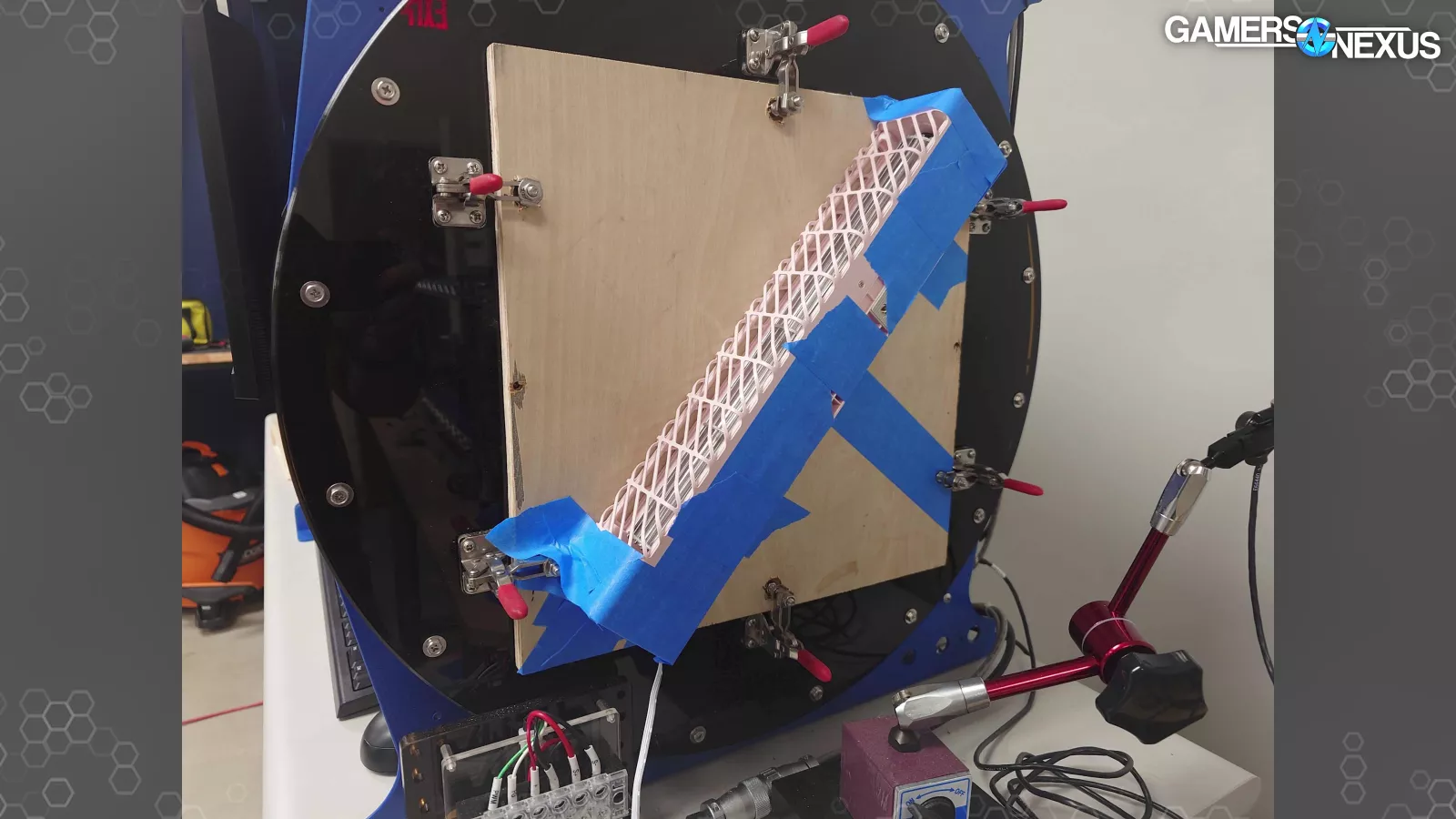
For this testing, Mike on the team had to custom-cut a wooden plate adapter to mount the crossflow fan to the fan testing machine. The machine can fortunately accommodate the tall crossflow fan diagonally, but we do have lower confidence as a result of having to custom make a plate and then secure it in place. We were able to mask it off in a way to hopefully direct the air straight into the fan testing machine.
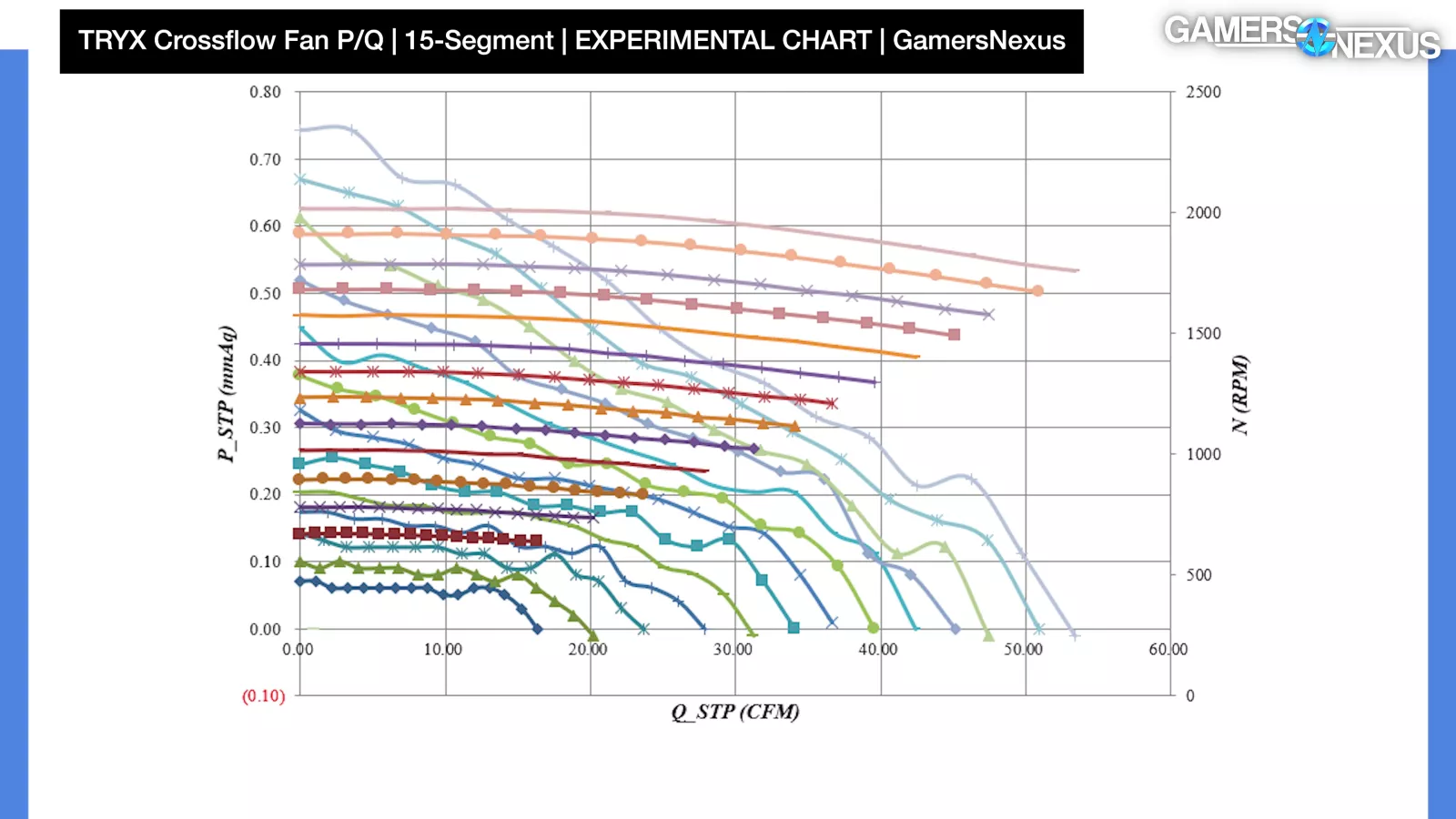
All those disclaimers out of the way, here’s what we found with our 15-section test from 40% to 100% speed in 5% increments.
The crossflow fan was extremely limited in static pressure and really needs an open surface to breathe in, as it just doesn’t have the pressure performance to push past walls and obstructions. The static pressure stops at around 0.75 mmH2O when at 0 flow, which is a low result as compared the 1.2 mmH2O of our Antec 120 reverse blade fans, shown now, and the 2.5-2.6 of the Noctua NF-A12x25 G2 when at 0 flow, shown here.
Looking at the crossflow chart, the fan is weak for pressure partly as a result of the wide inlet and outlet. Flow maxes-out at about 50-54 CFM at 0 pressure. Compared to the Antec reverse blade 120s, which did about 65-67 CFM at 0 pressure, this is slightly lower. The flow is OK overall for the crossflow fan, though.
Due to how the vortex can shift location and positioning at zero flow, at least as we understand it, we’re seeing a hump in the result at 0 flow before following a more standard trajectory thereafter. We think this might correlate with the overdrive results being worse than expected.
We think, although we’re still learning, that this helps to explain some of the performance issues we observed with overdrive, but also just in general.
Conclusion

Tryx seems to lack an understanding of what made a crossflow fan work OK in the mini-ITX Meshless AIO.
The FLOVA F50 is not a revolution in air cooling. From our testing, it seems like there's a good reason standard mid towers haven't been using crossflow fans all along. With our air-cooled test system, we were unable to find any balance of acoustic and thermal performance that would give the F50 an advantage over a basic mesh-fronted mid tower, even the ones that are still available at $150-$160, like the Meshify 3. Instead, it's more in the realm of the stock HYTE Y60. It's possible that a liquid cooler with the air blade would be better suited to the crossflow fan, but the radiator would still require its own fans, which makes the crossflow feel redundant.
That said, it's a good looking case and the crossflow fan is interesting. As it is, we'd rather have a Meshify 3.