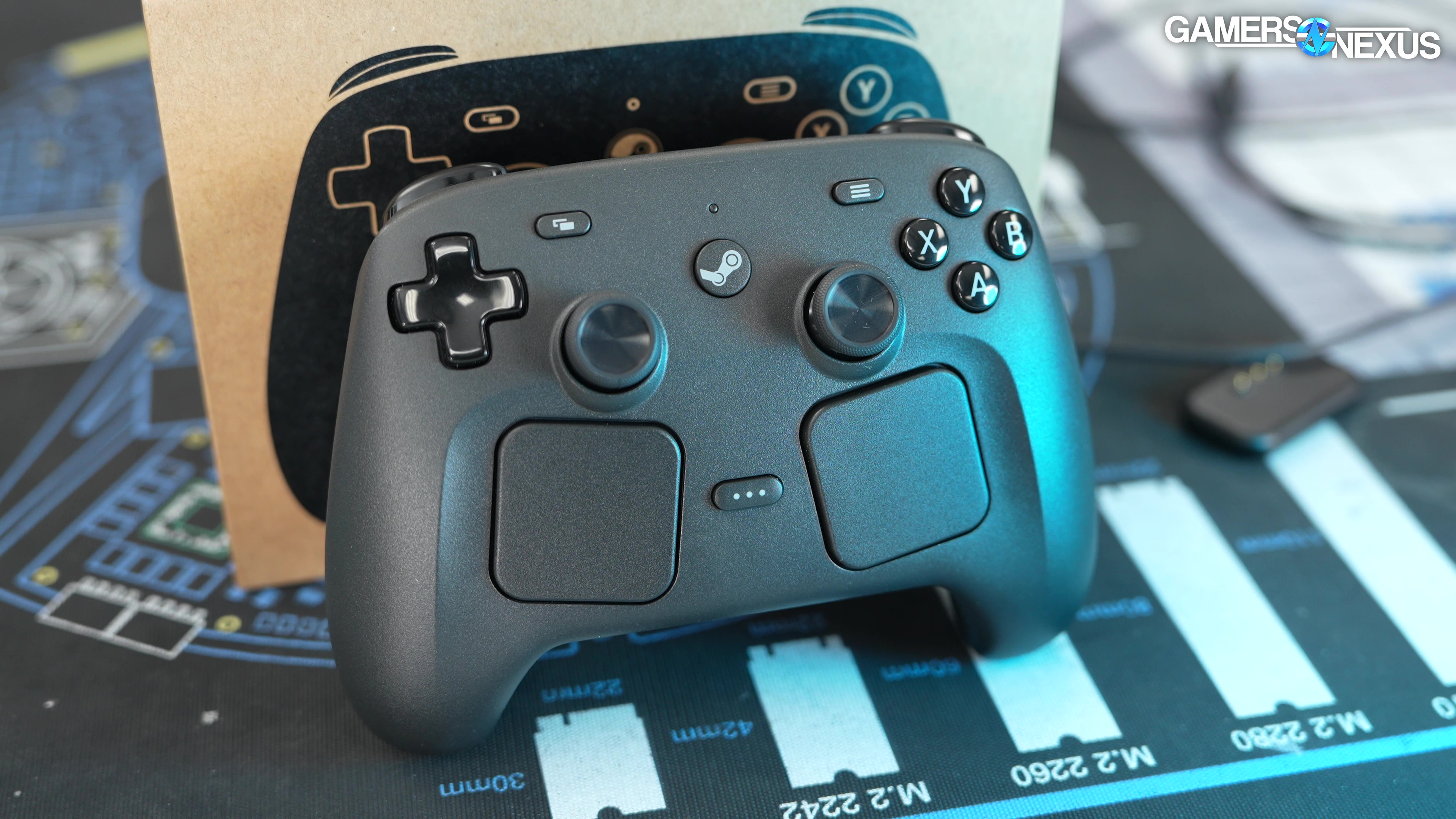
We tested Valve’s Steam Controller for latency performance, wireless and bluetooth range and response, battery life, charge time, and more
The Highlights
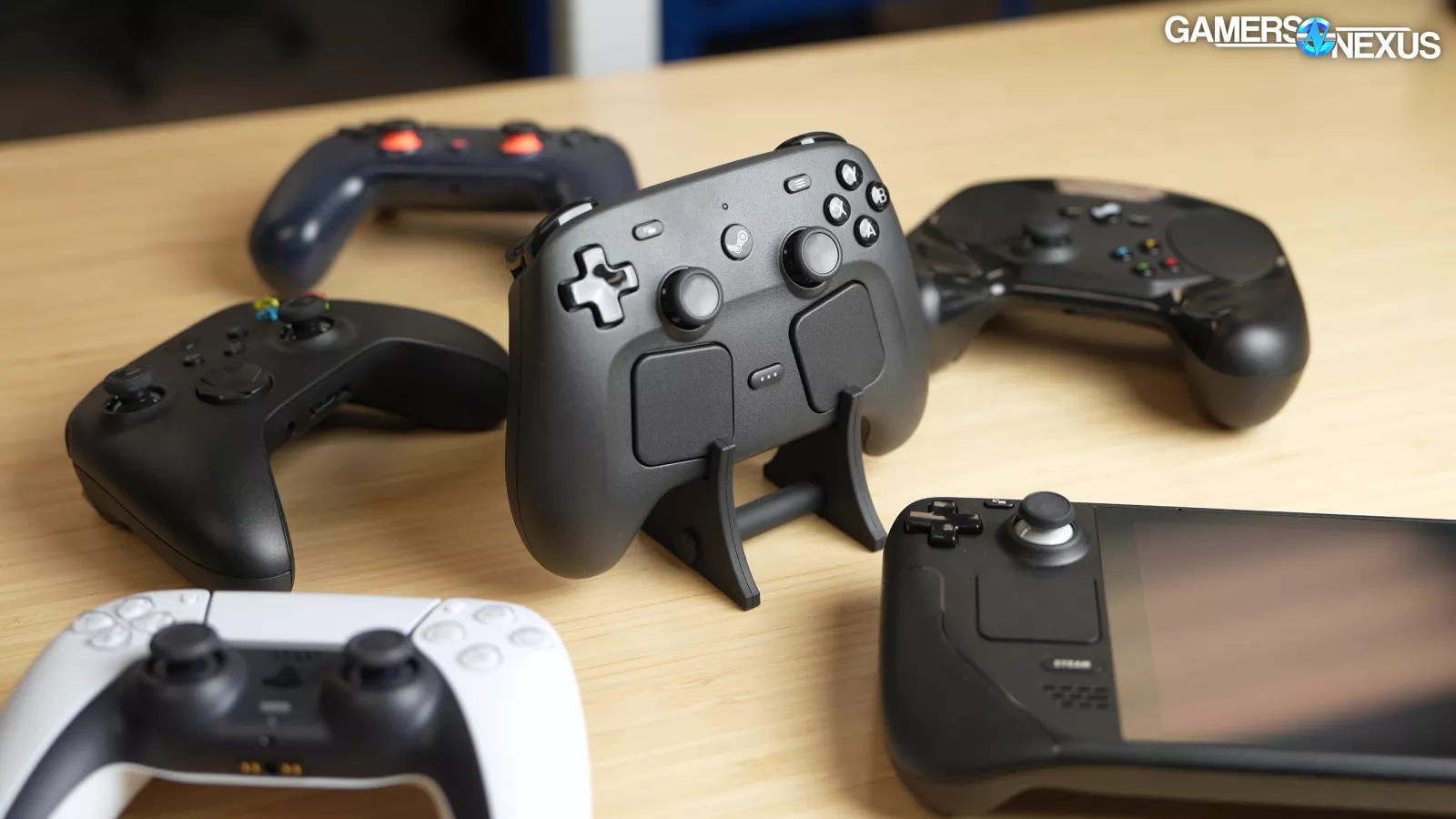
- Valve’s 2026 follows the company’s 2015 controller and mimics the controls on the Steam Deck
- If you just like playing games with a controller, there's no specific reason to get a Steam Controller
- The Steam Controller’s assembly and ease of access are great
- Original MSRP: $100
- Release Date: May 4, 2026
Table of Contents
- AutoTOC

Intro
Valve’s Steam Controller launches on May 4th, and today, we’re testing it.
In our latency testing, the Steam Controller performed impressively with Valve’s included puck and when wired. We also tested charge time, battery life, and we made a custom 3D animation to try and better understand TMR thumbsticks. These are Valve’s tunnel magnetoresistance sticks, which we spent a few days studying to try and understand why they’re supposed to be so good.
Editor's note: This was originally published on April 27, 2026 as a video. This content has been adapted to written format for this article and is unchanged from the original publication.
Credits
Test Lead, Host, Writing
Steve Burke
Testing, Writing
Patrick Lathan
Camera, Video Editing
Vitalii Makhnovets
Camera, 3D animation
Andrew Coleman
Writing, Web Editing
Jimmy Thang
The animation by Andrew on the team makes that easier.
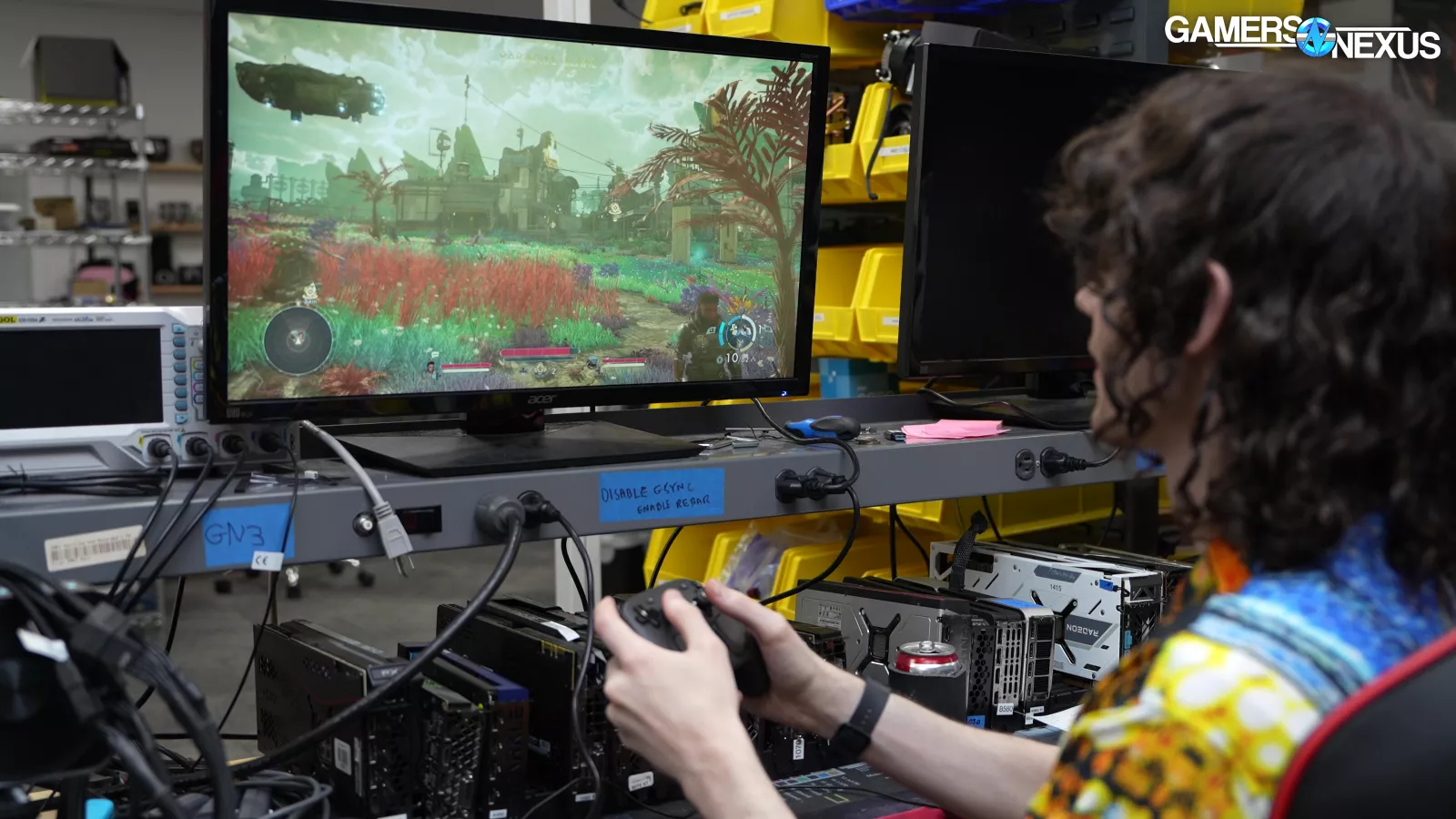
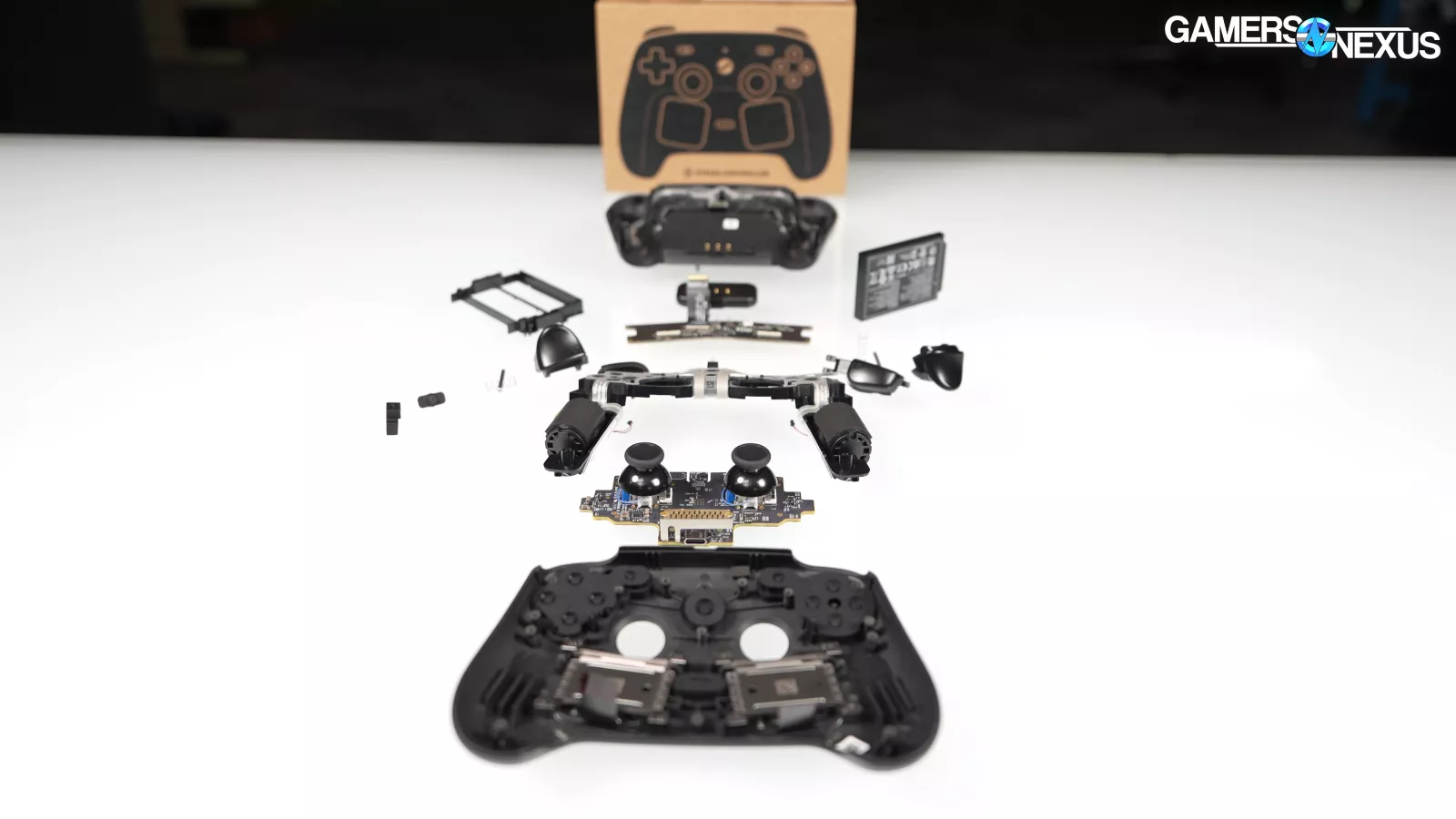
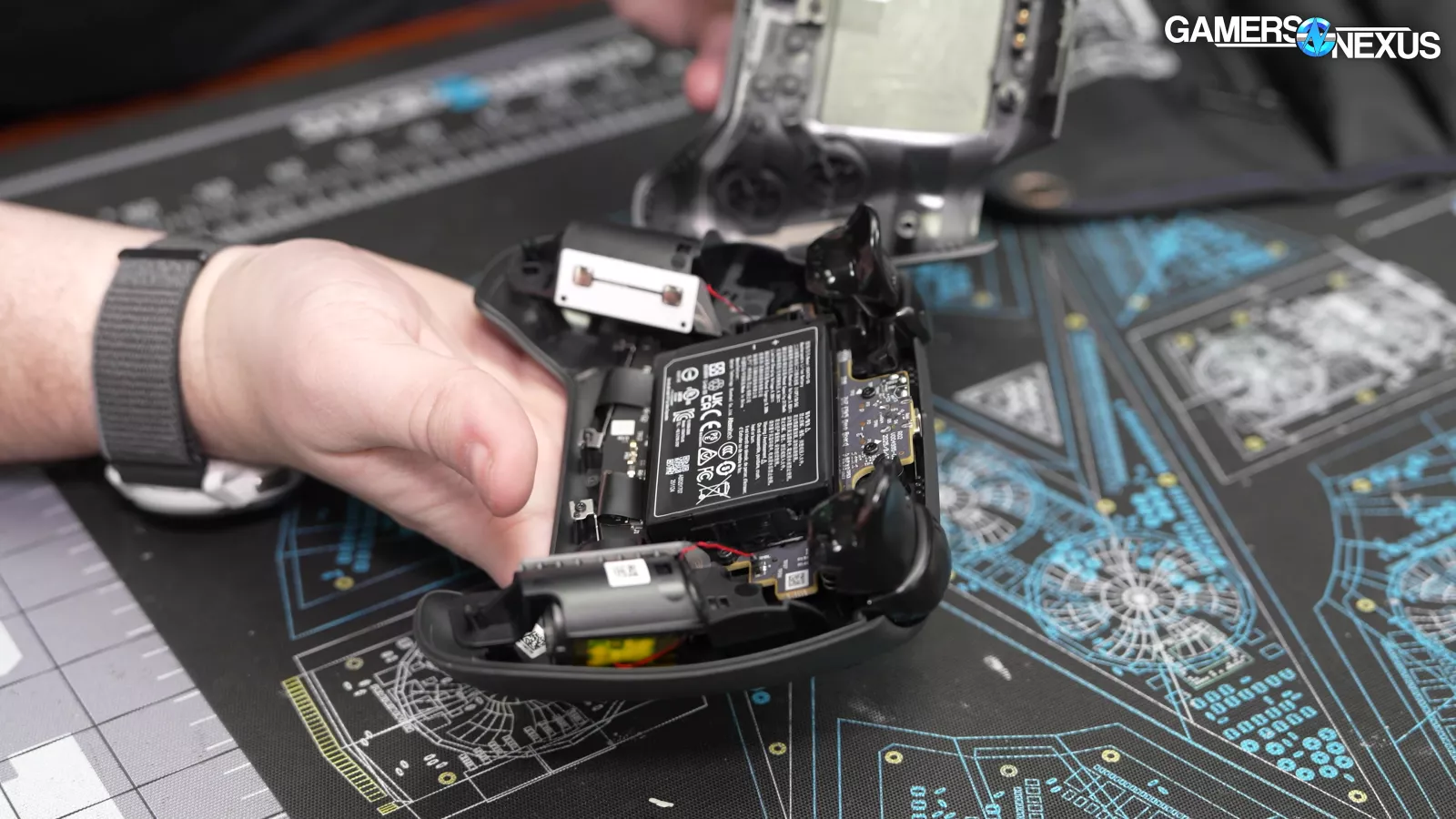
In addition to the testing, we spent a lot of time just playing games with Valve’s new Steam Controller, and we’ve even torn it down in this video here. And the controller is highly repairable, which is awesome.
We first covered the new Steam Controller in November of last year, and although the specs and appearance have been public since then, this was our first opportunity to do in-depth testing.
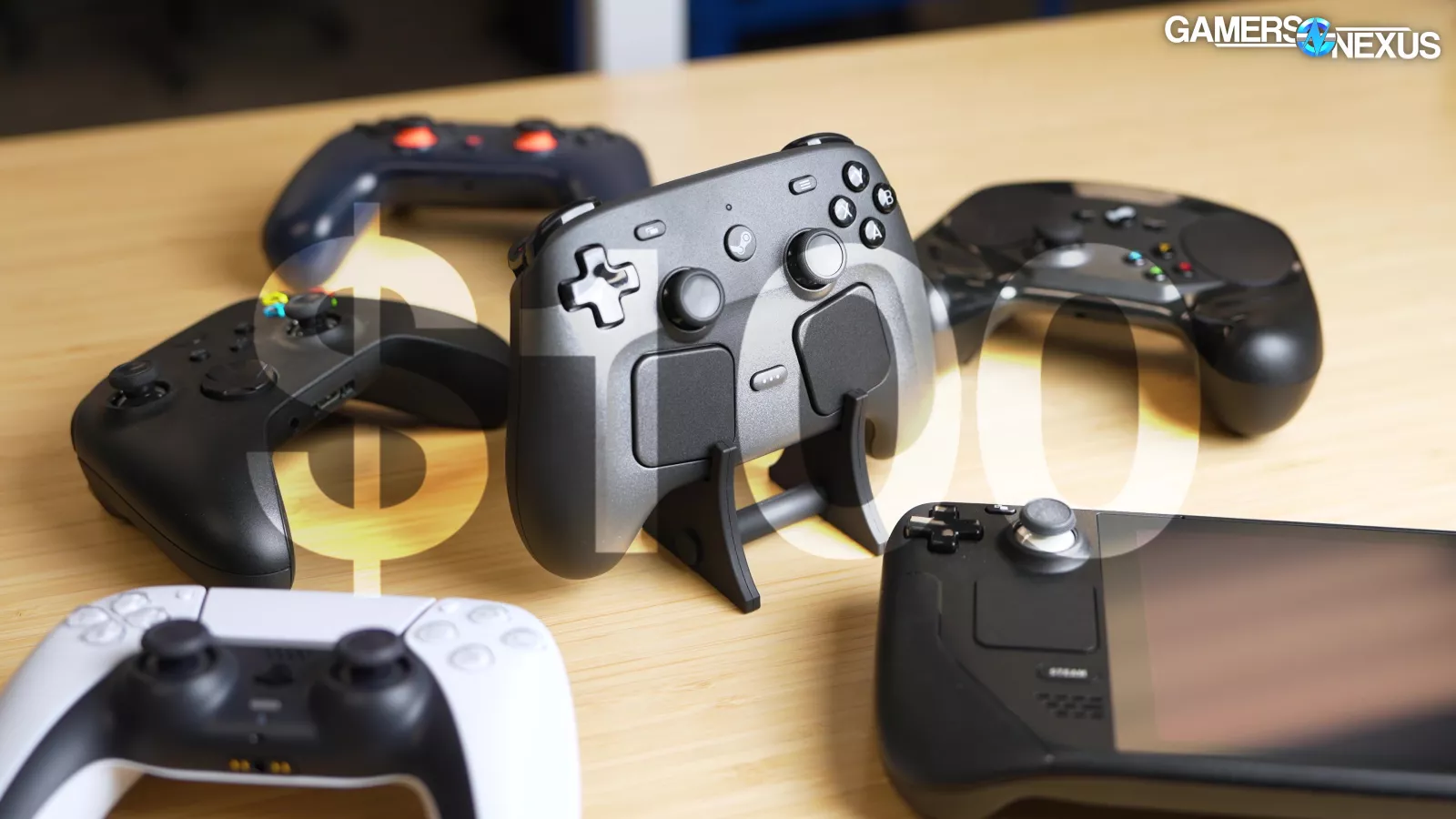
We don't know when the Steam Frame and Steam Machine will show up, but since the Controller isn't full of RAM, it's managed to stay on schedule. MSRP is $100 -- so Valve will have some serious work to do to earn that price tag. Valve told us there'll be a Steam Machine + Steam Controller bundle, but the Machine has to come out in order for that to happen…
Overview
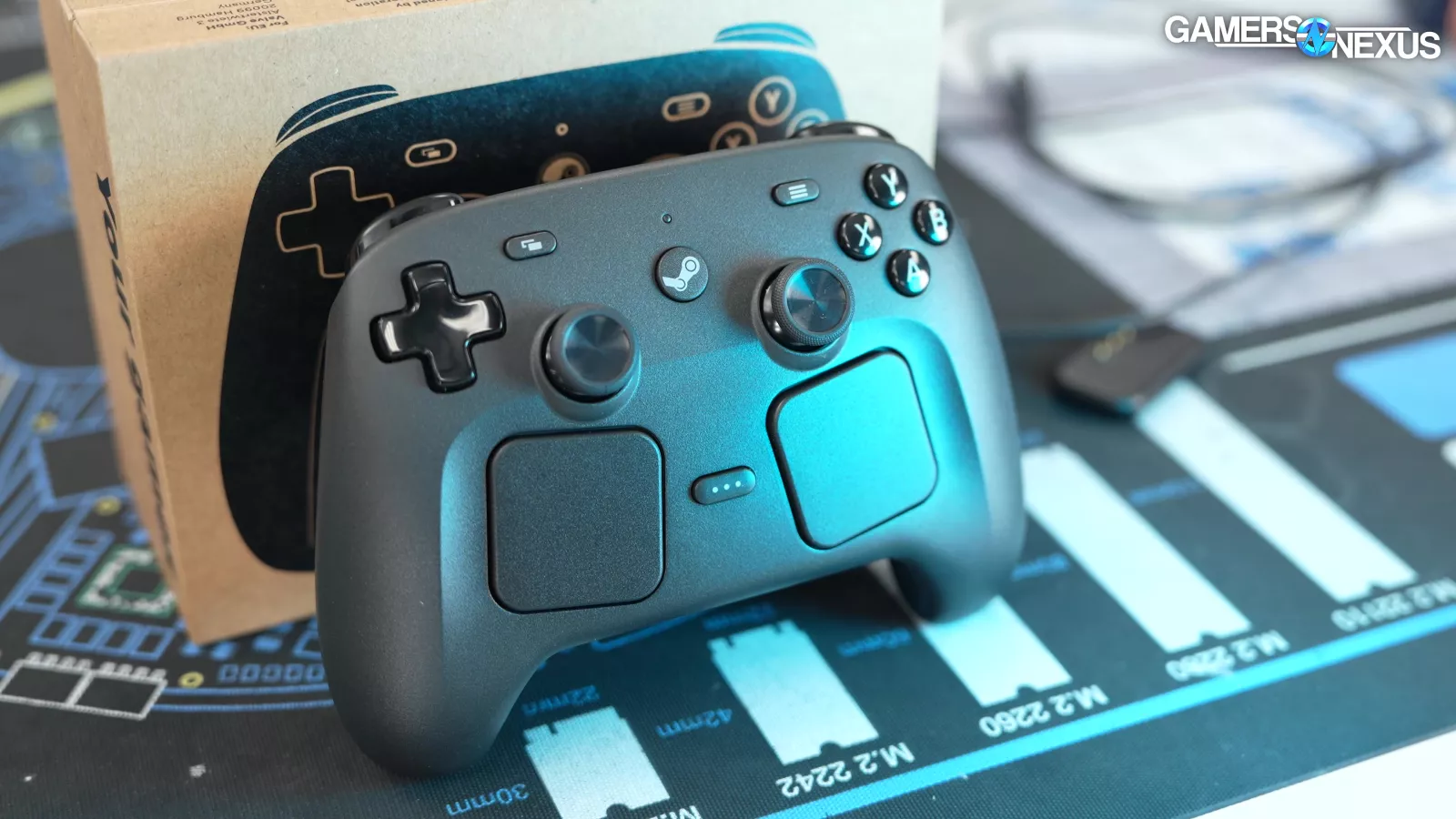
This isn’t Valve’s first controller.
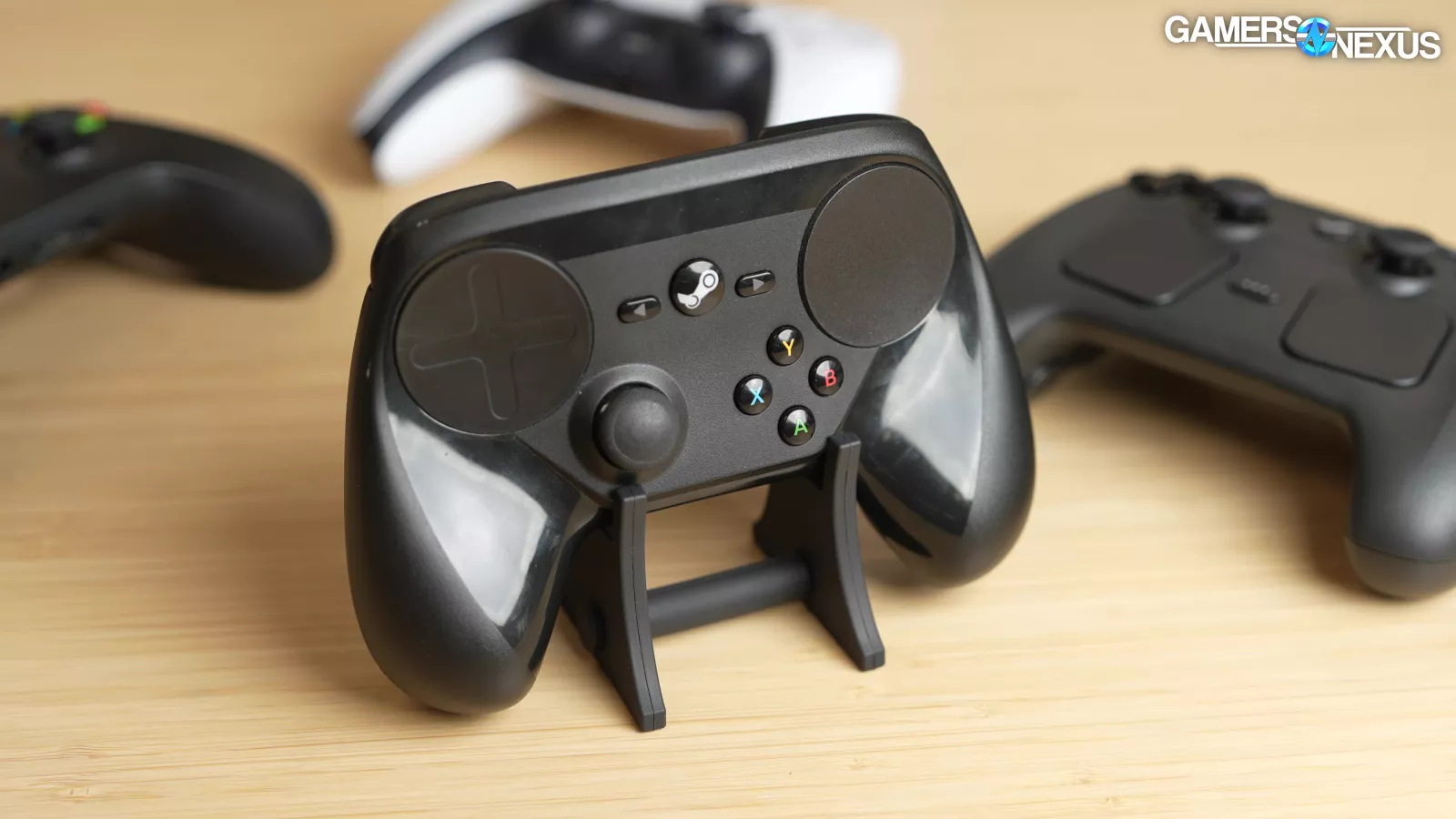
The original Steam Controller, also called the Steam Controller, is from 2015.
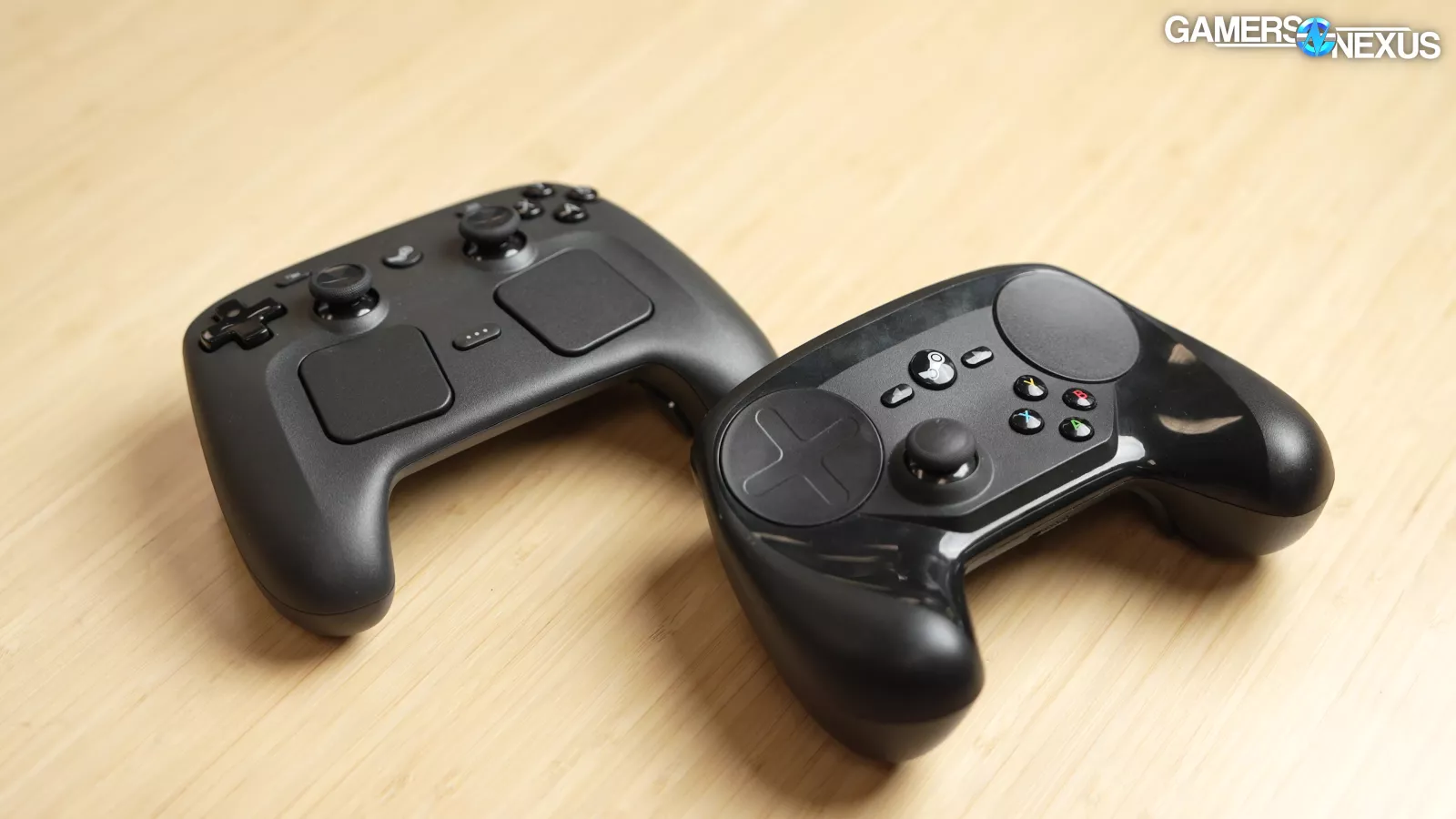
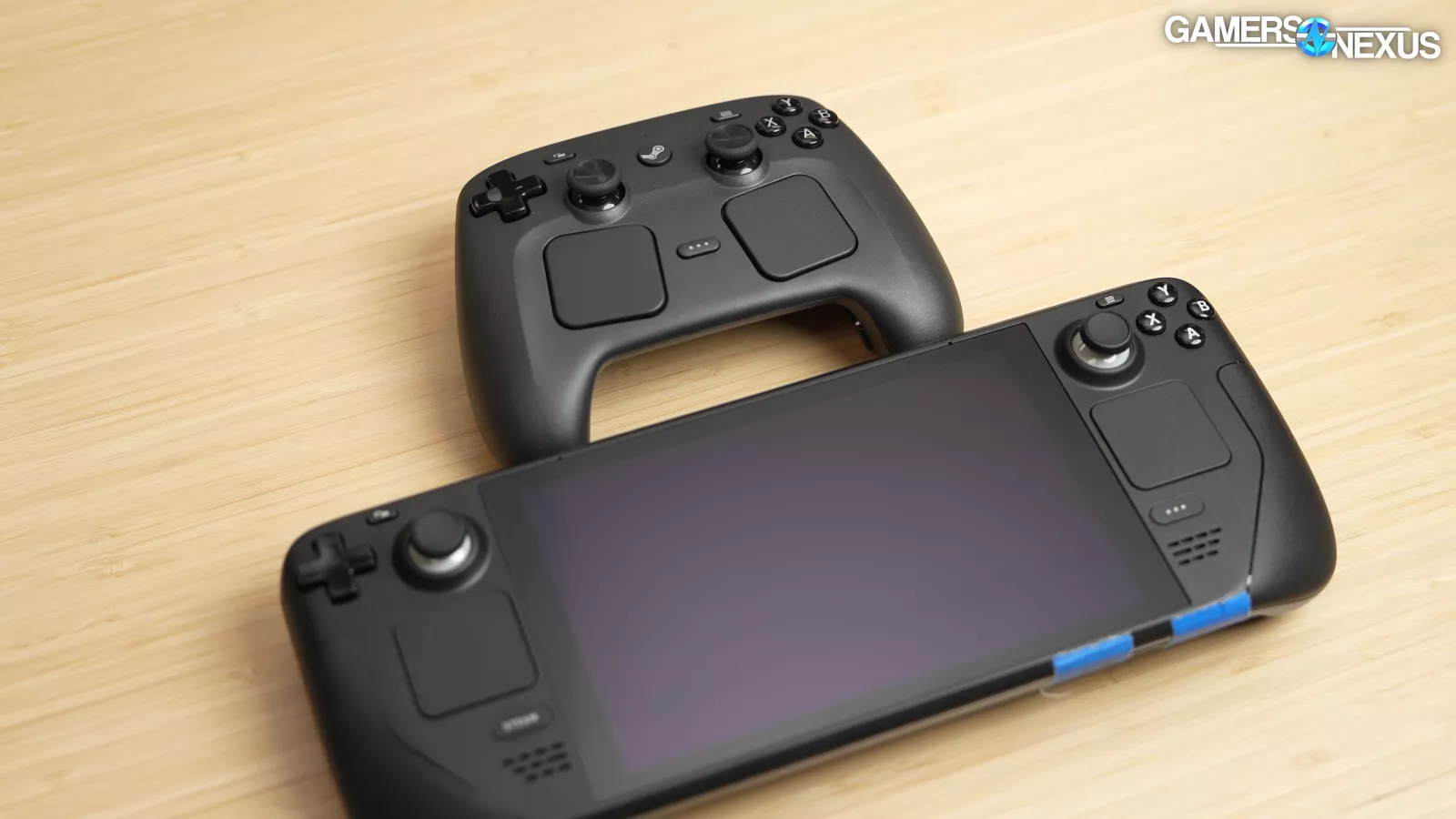
The new one is a total overhaul and mostly aims to make use of the Steam Deck’s existing ecosystem of mapped inputs.
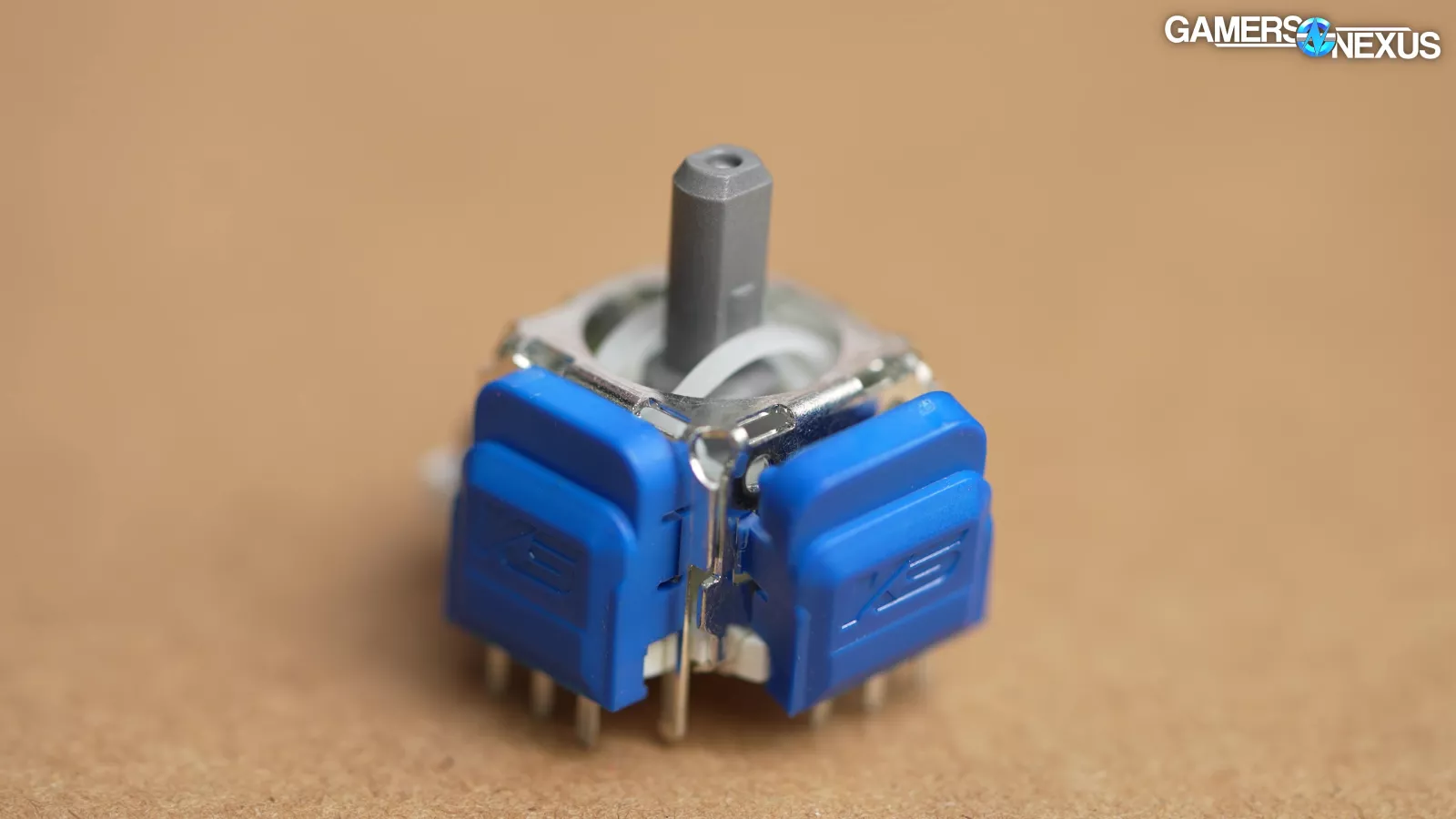
Valve’s big deal with this controller when we did our technical interviews last year seemed to mostly center around the tunnel magnetoresistance (or TMR) analog sticks, so we’ll start with a break-down of what any of that even means.
Stick Explainer
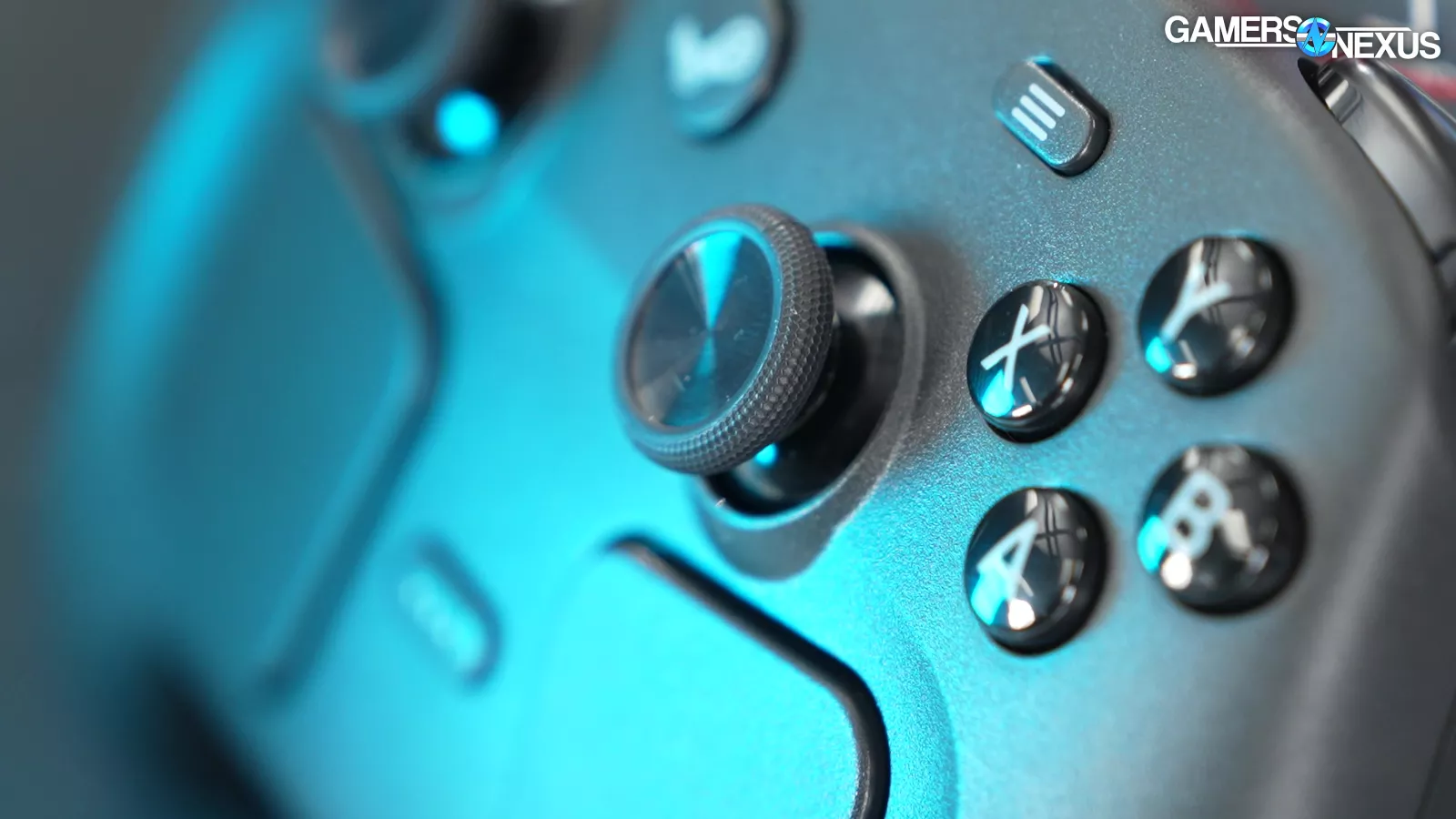
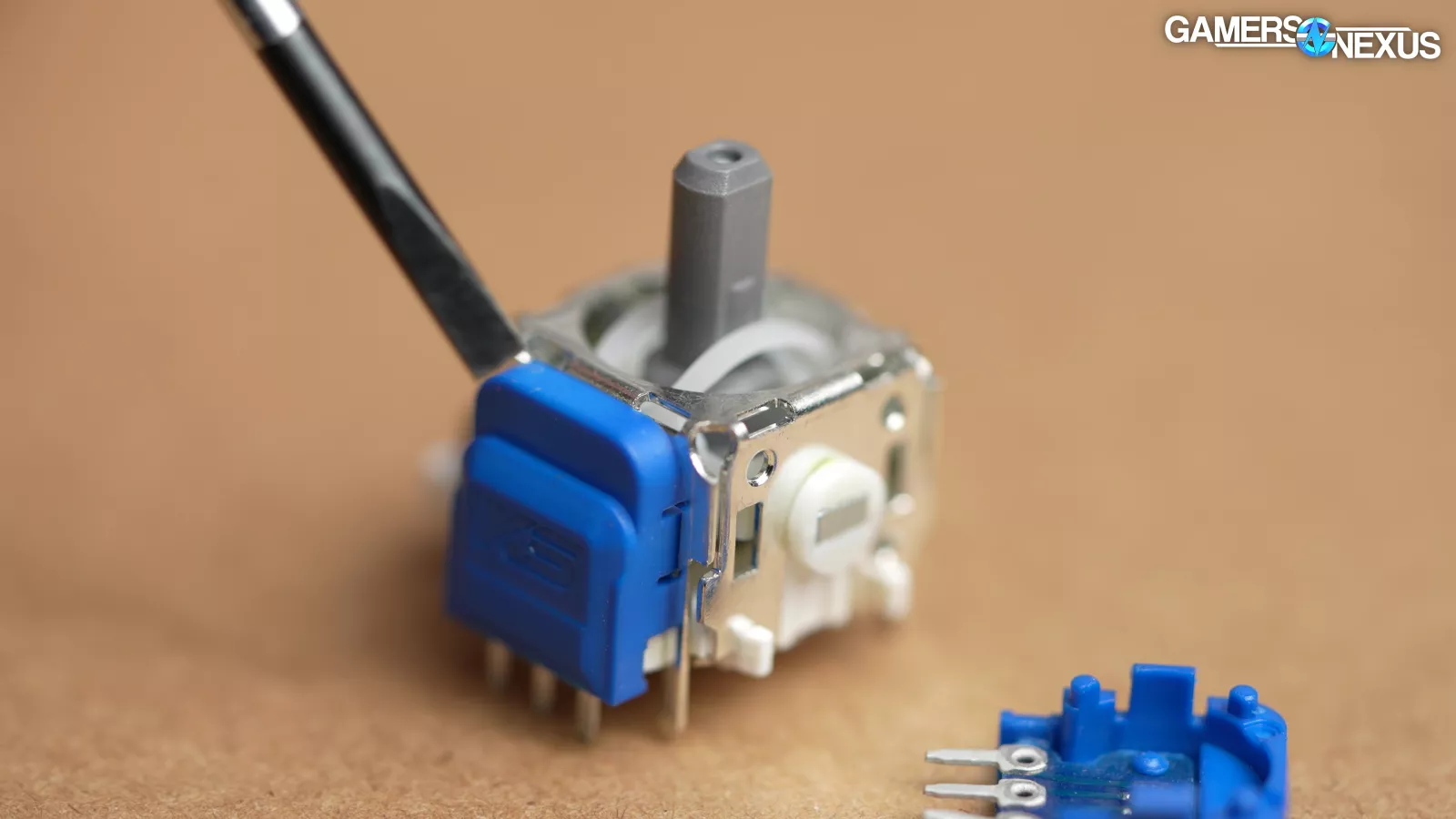
Valve’s TMR analog sticks are a major part of its marketing claims, so we studied how these work, dissected one, and contacted the original manufacturer to ask questions. We then bought a sample of the TMR stick supply from the supplier and dissected it, which allowed us to create our fully custom, educational 3D animation explainer.
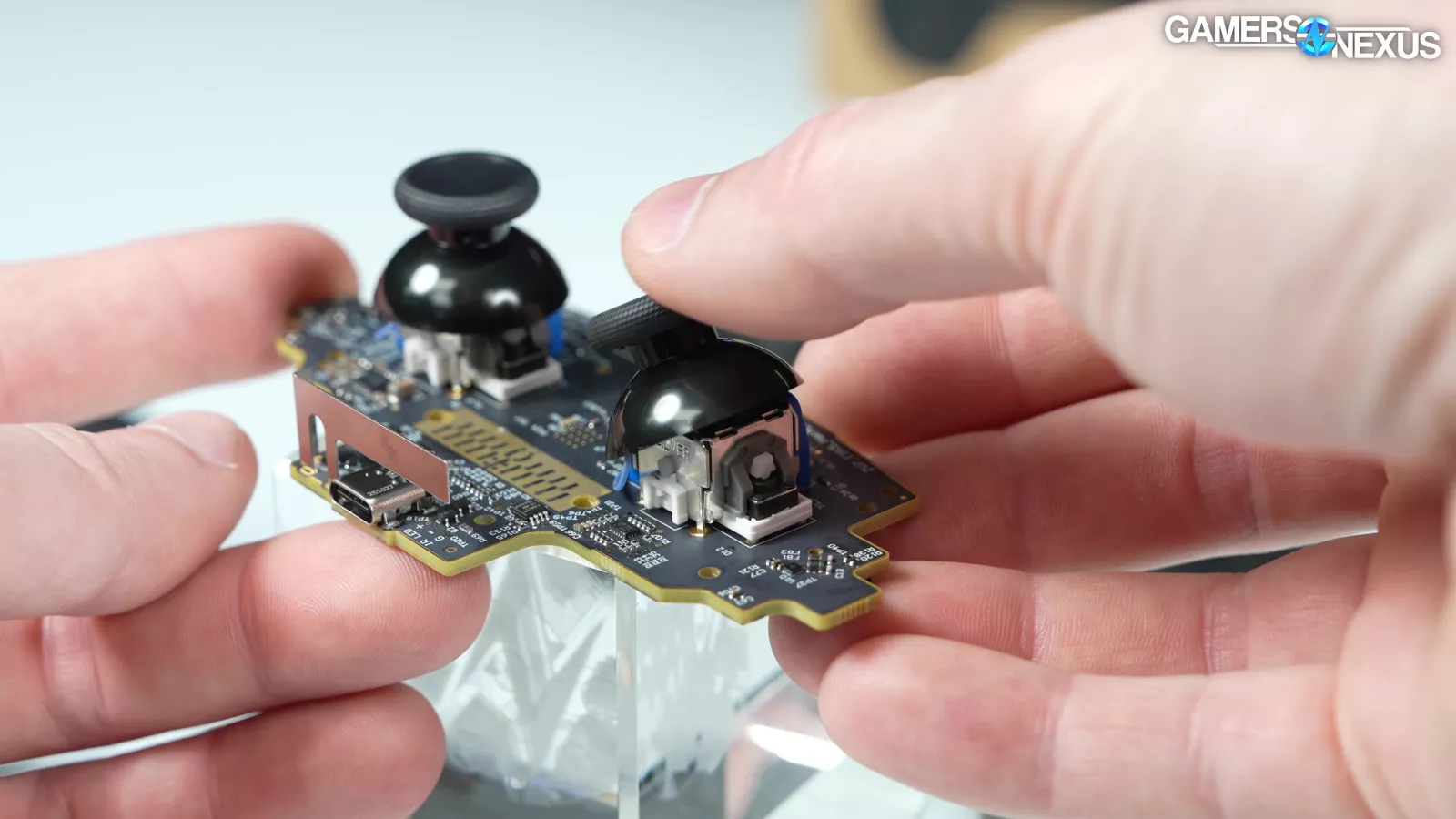
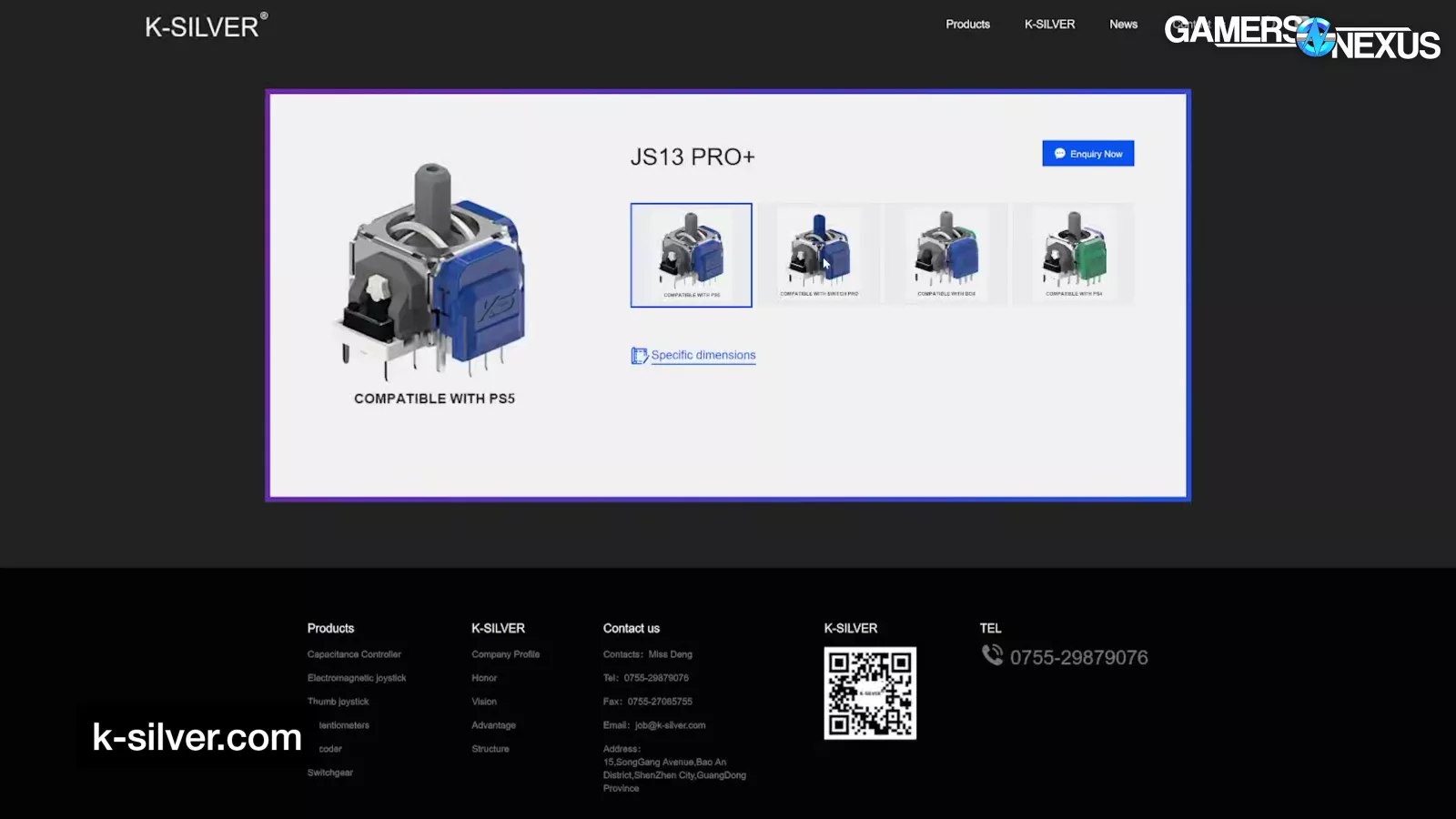
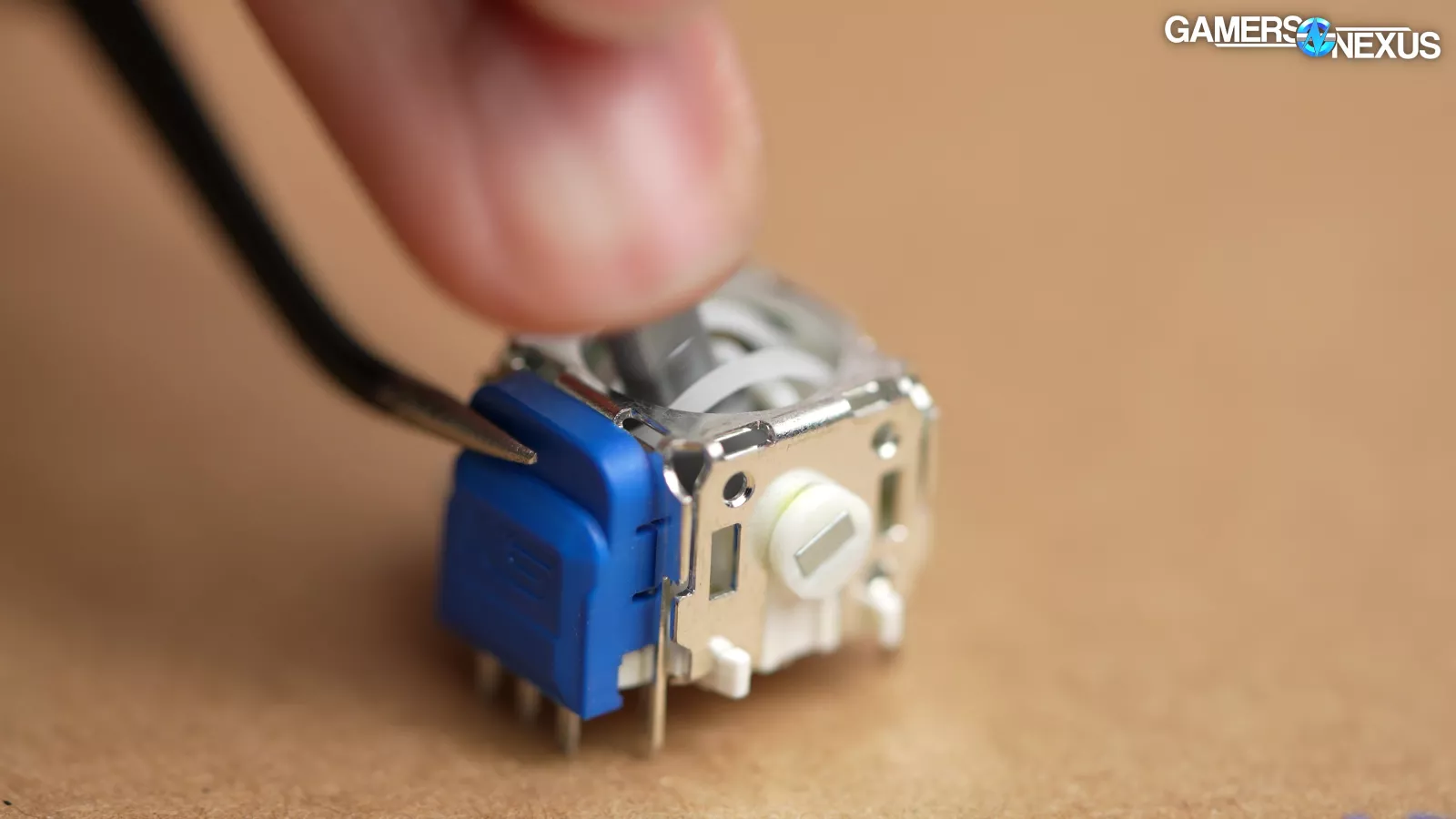
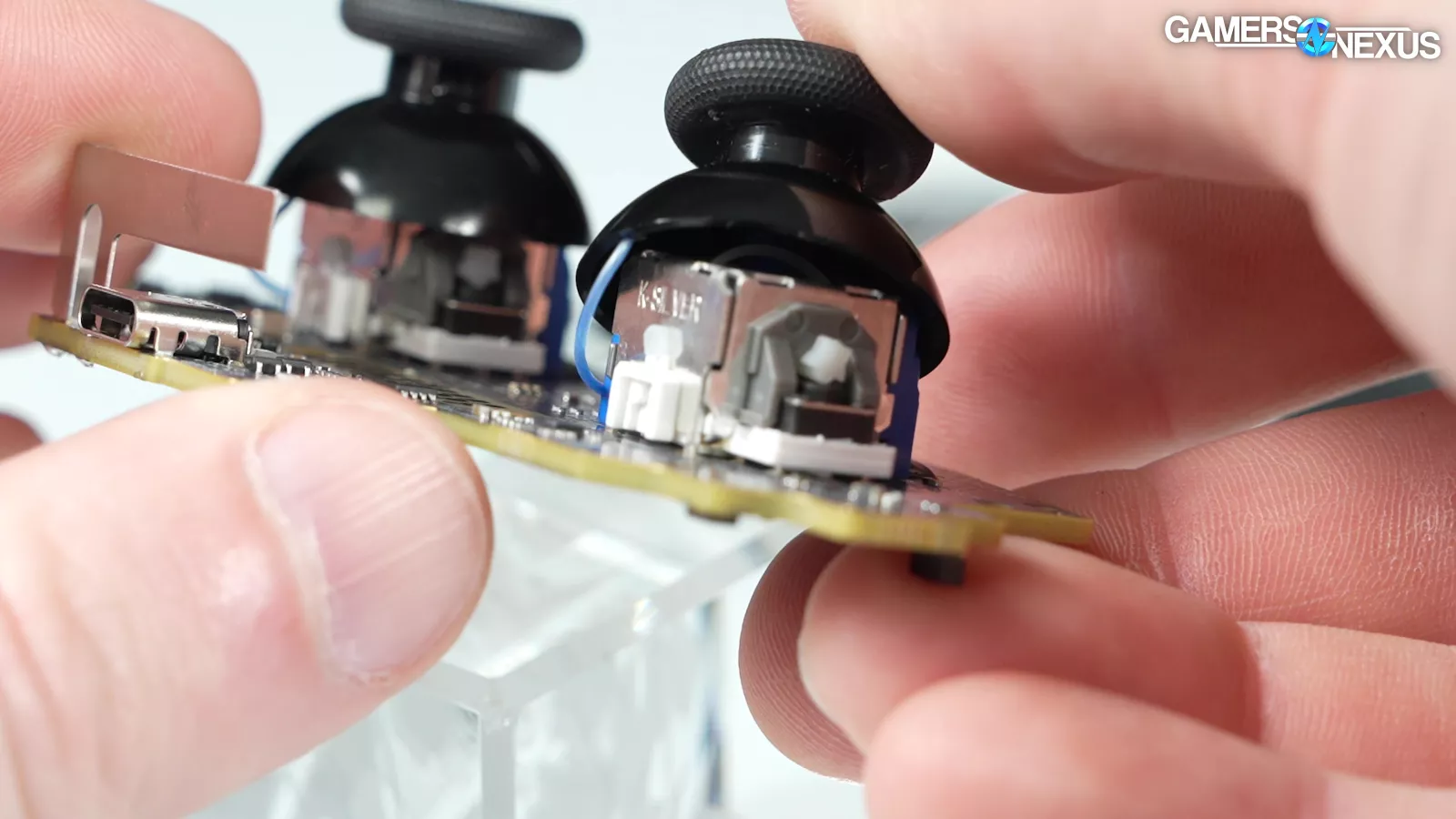
Valve used two K-Silver brand TMR analog sticks as opposed to the regular potentiometer sticks that it used in the Steam Deck. Valve confirmed that the sticks are from the JS13 family, from the original manufacturer, but said it had worked with K-Silver to "implement design improvements." Valve declined to give further details on the customization.
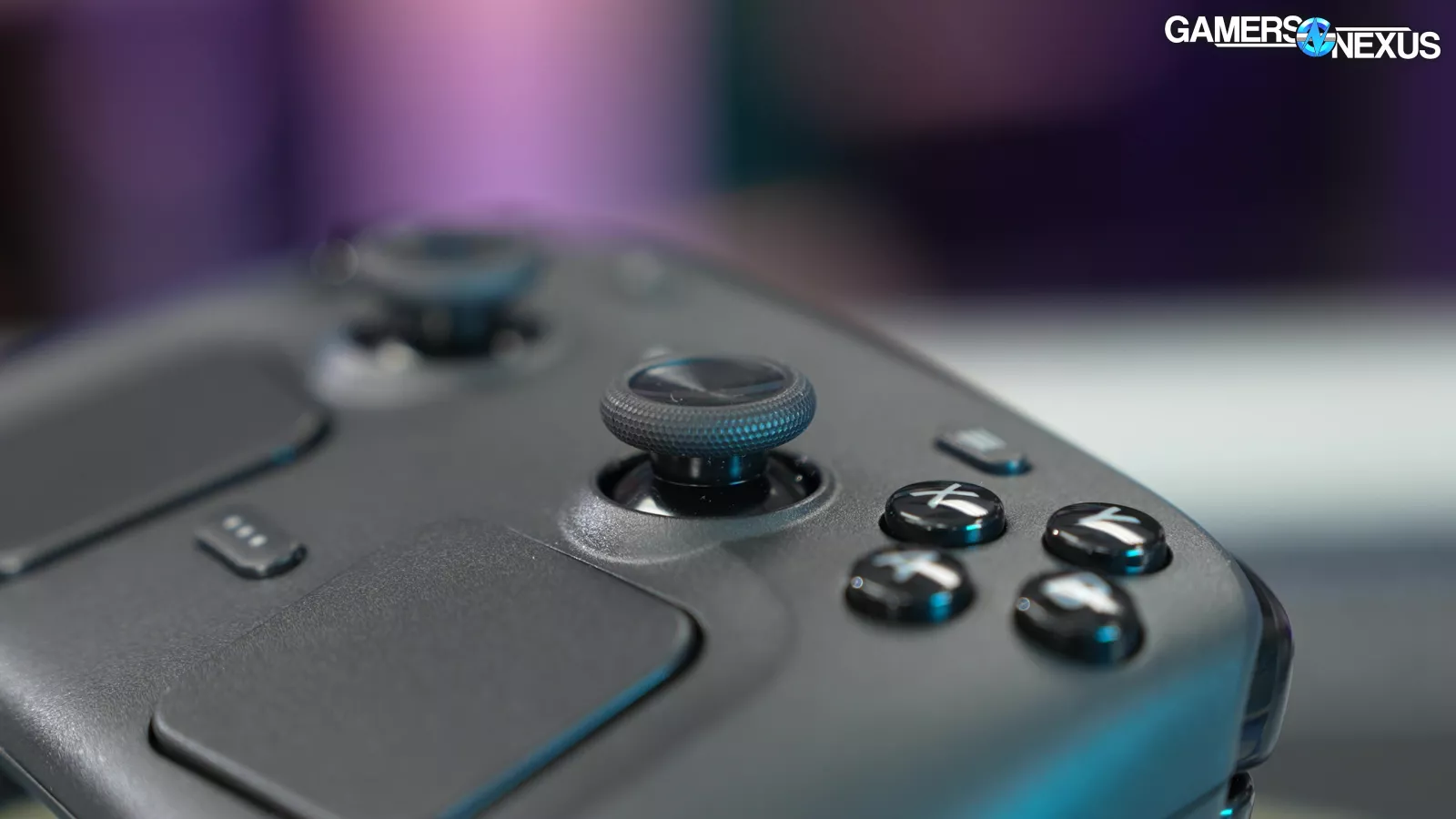
It described TMR as an incremental improvement over potentiometers or Hall effect sensors, performing the same job but with a better balance of power, cost, and performance.
Potentiometer
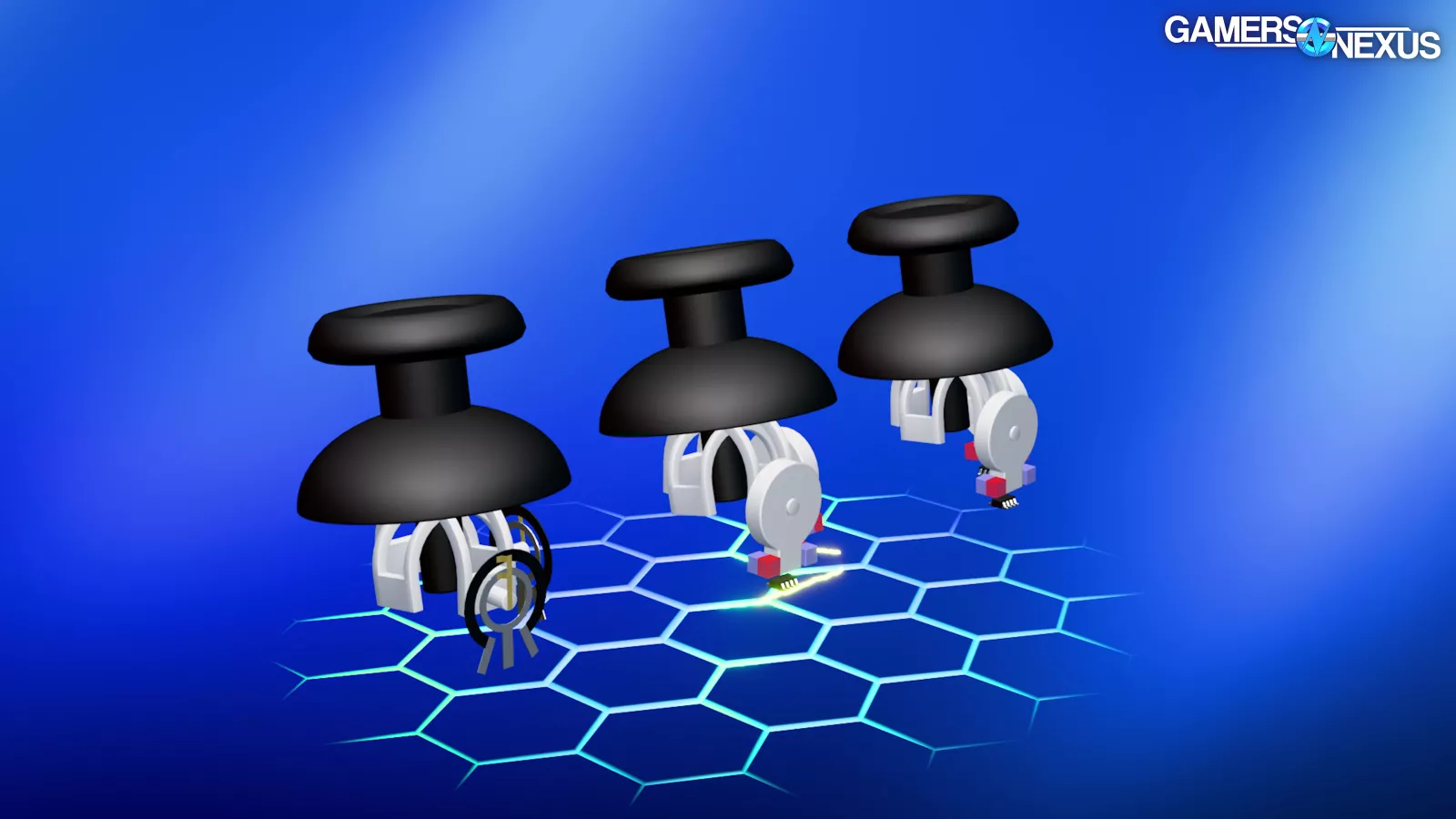
Here’s our animation that we worked on to help explain how these work.
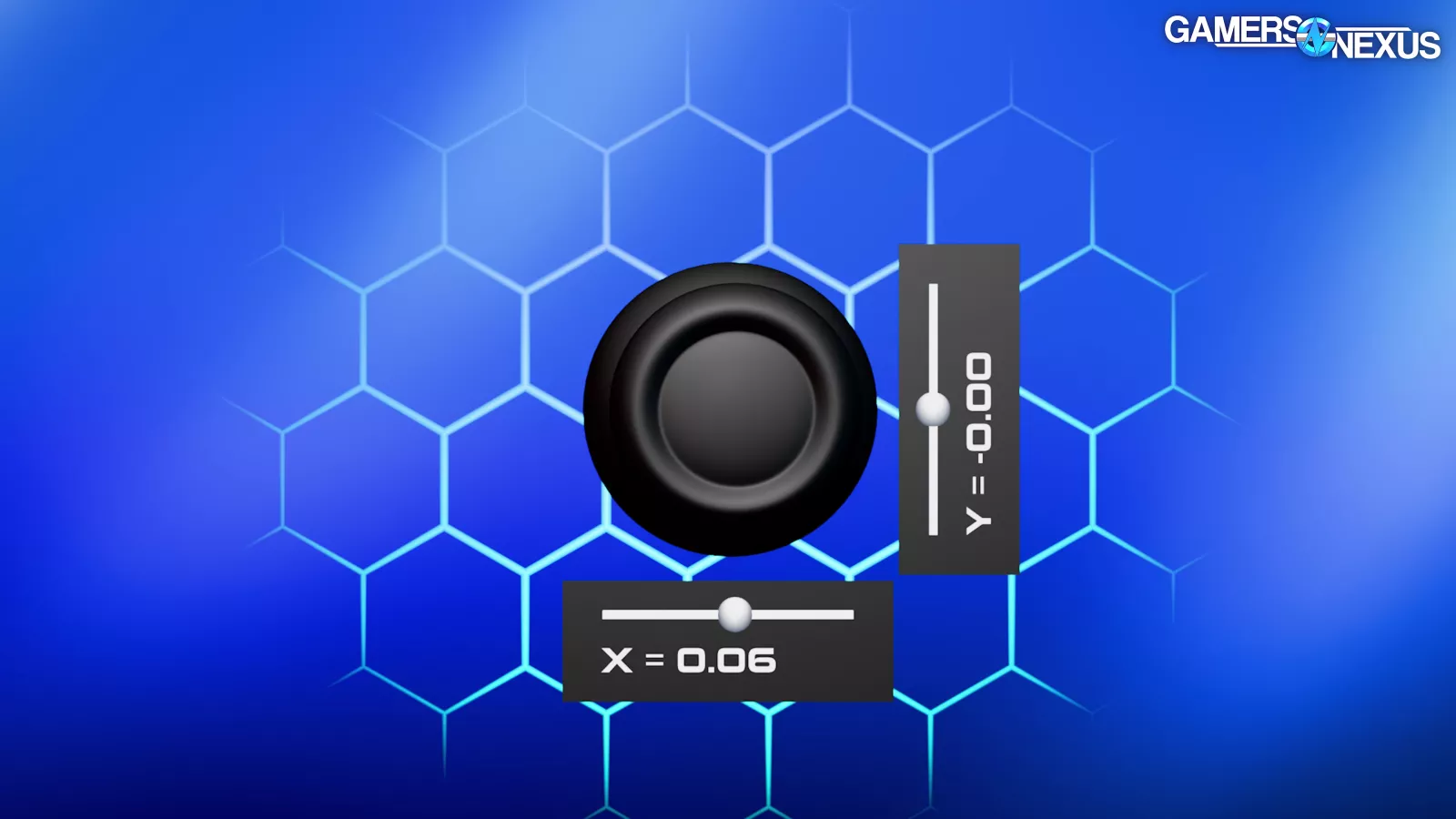
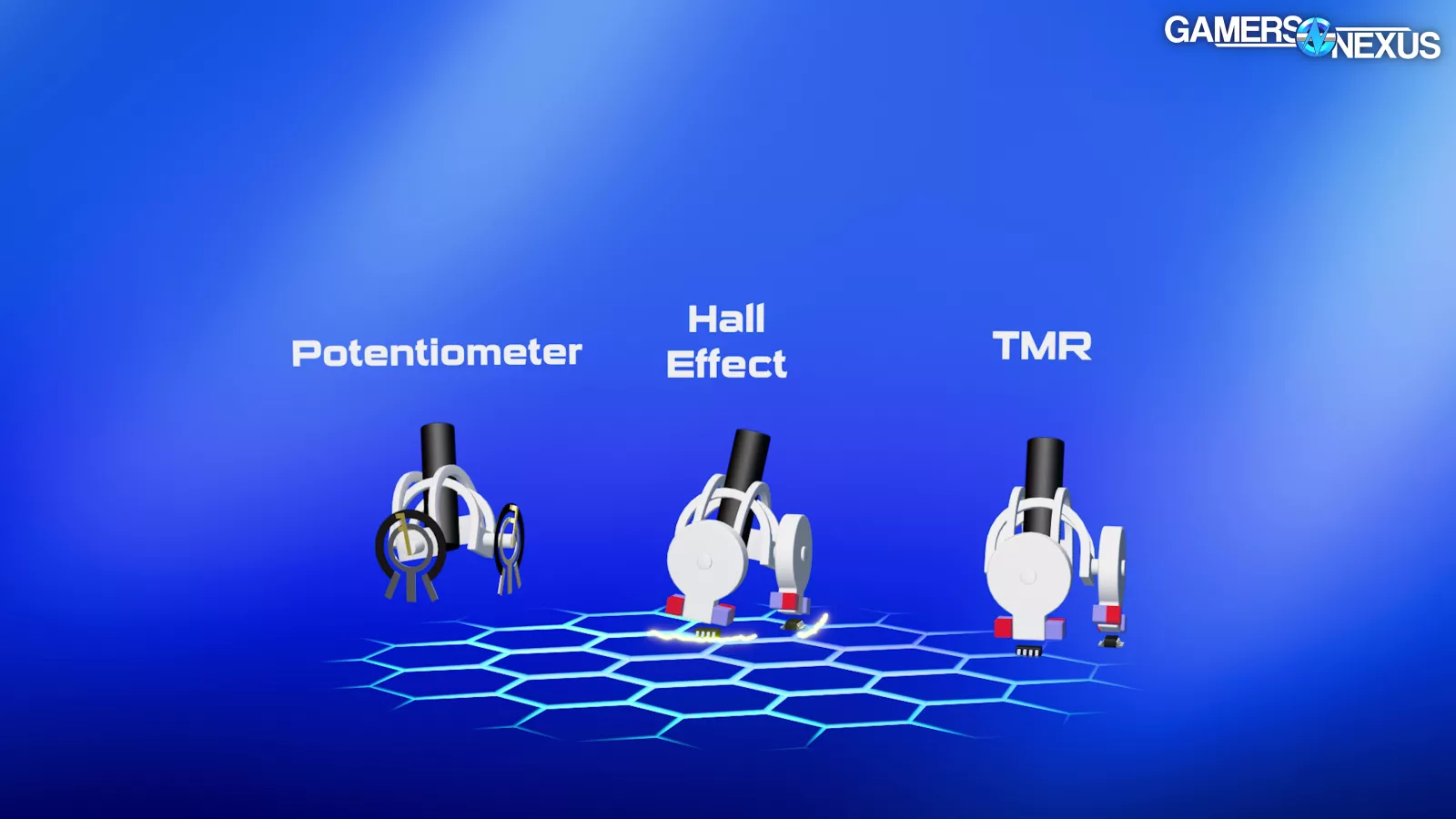
An analog stick needs to measure travel on two axes: X and Y. This allows for full two-dimensional movement. The cheapest and most common way to do this is with two potentiometers, but Hall effect sensors have recently become popular, and the new Steam Controller uses TMR sticks as another alternative.
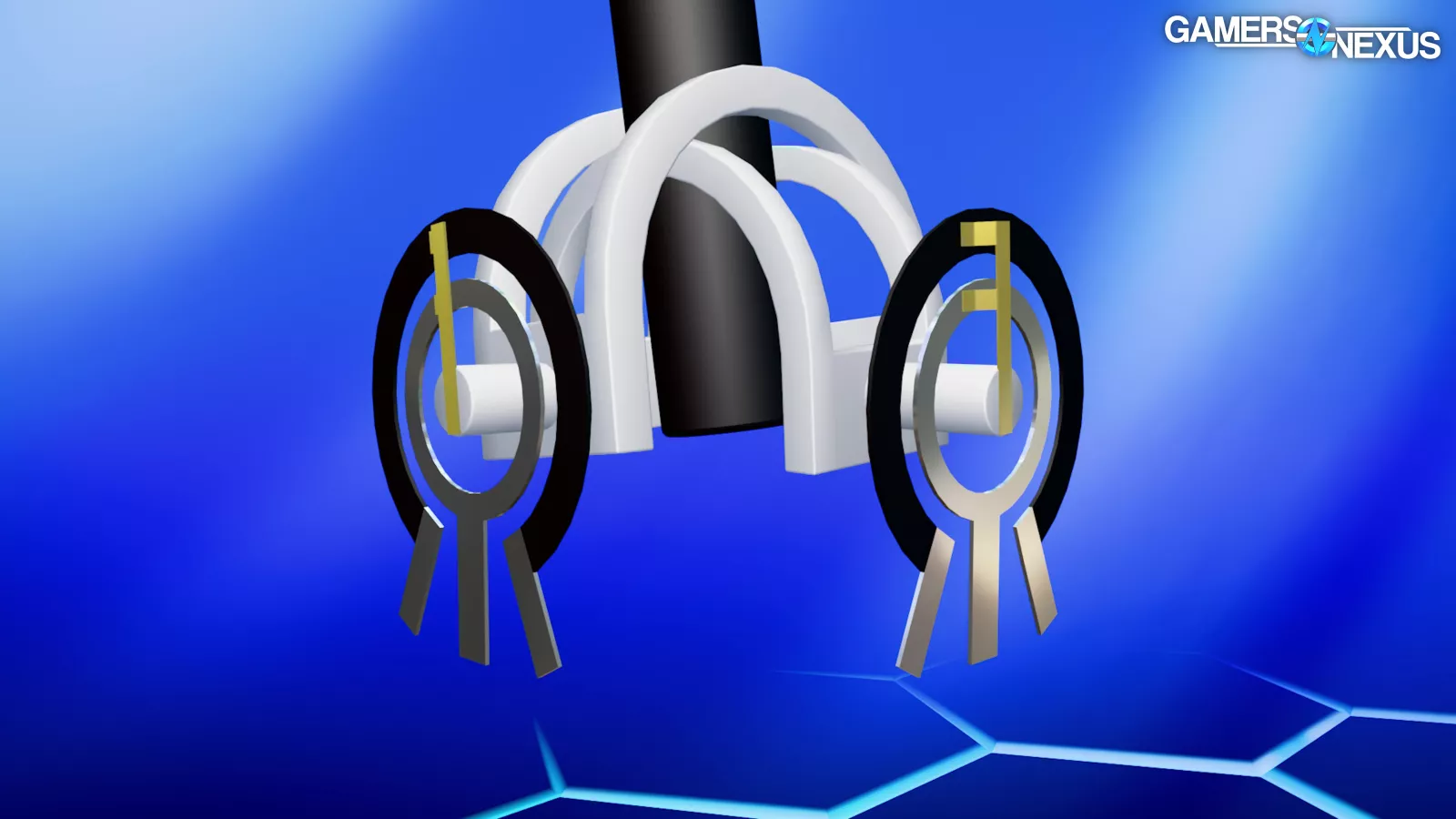
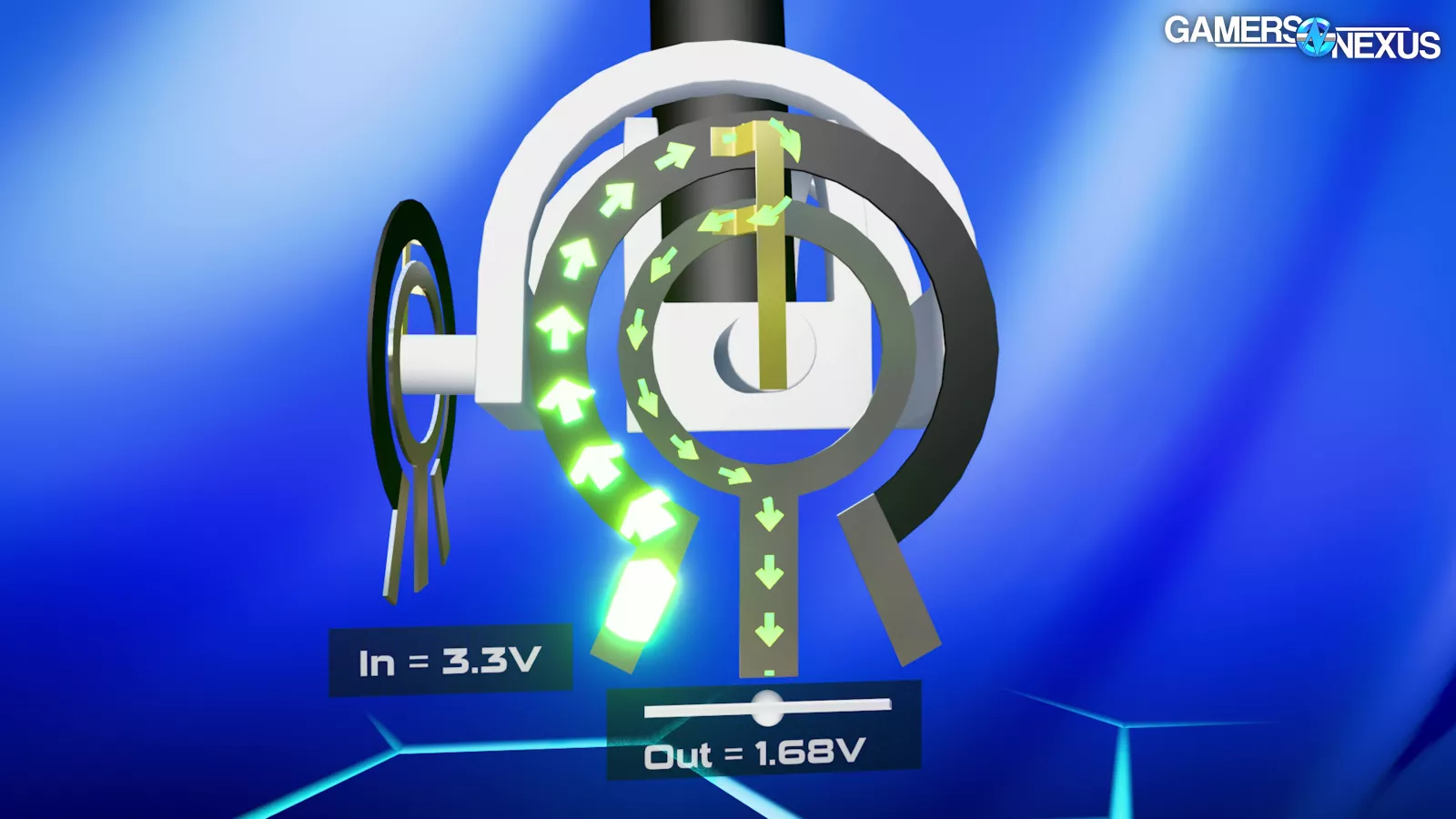
In the world of electronic components, a potentiometer consists of a carbon contact with terminals on each end, and a metal wiper that can slide across the carbon between them. The input voltage from one of the carbon terminals is divided, and the carbon sections before and after the wiper function as two resistors in a series. As the wiper moves across the carbon, the two resistances change, so the voltage measured at the wiper changes. This can be translated to a linear position.
To make it easier to visualize, we're showing a simplified potentiometer design. The ones in a real controller look a little different, but they operate on the same principles.
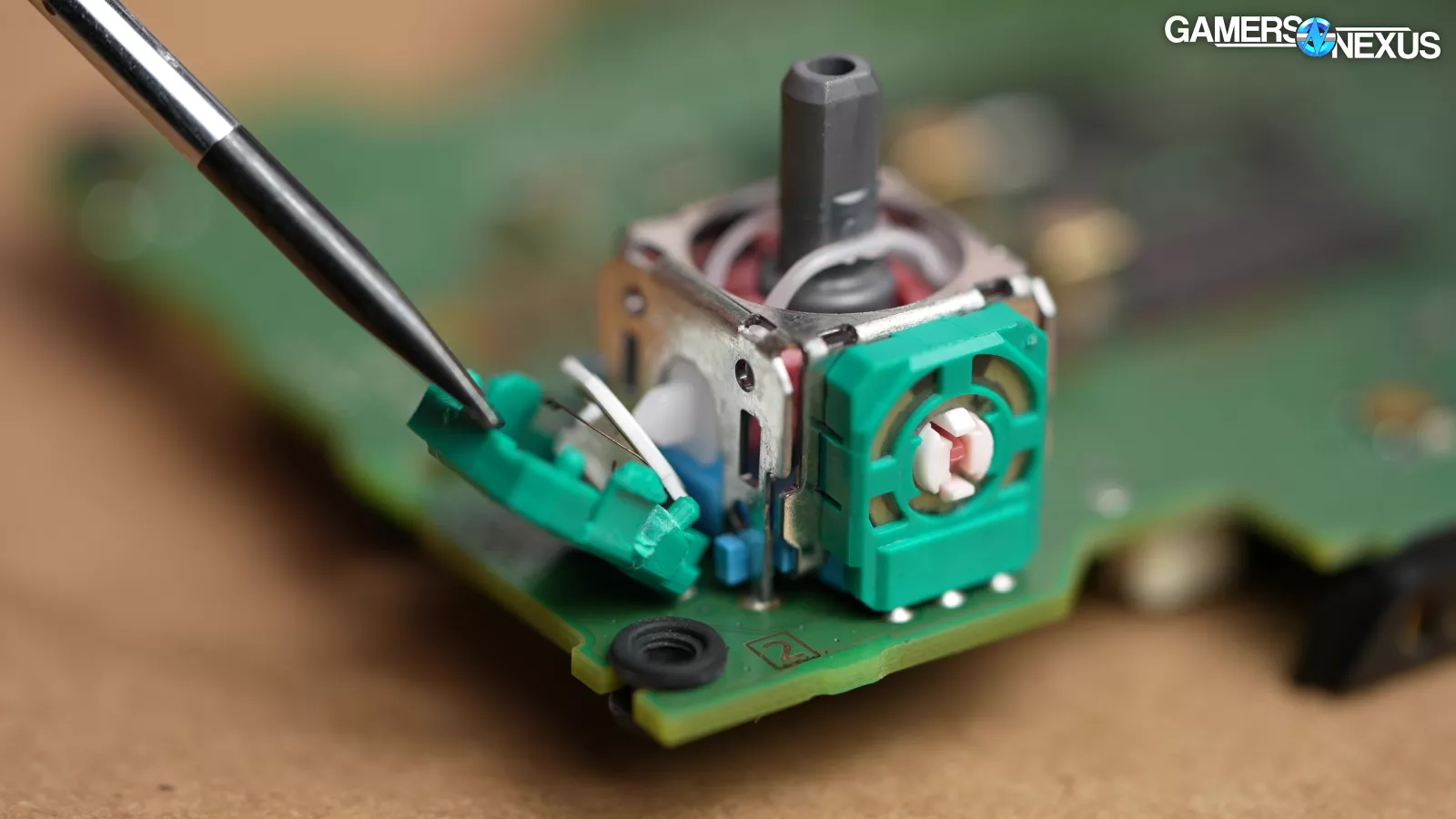
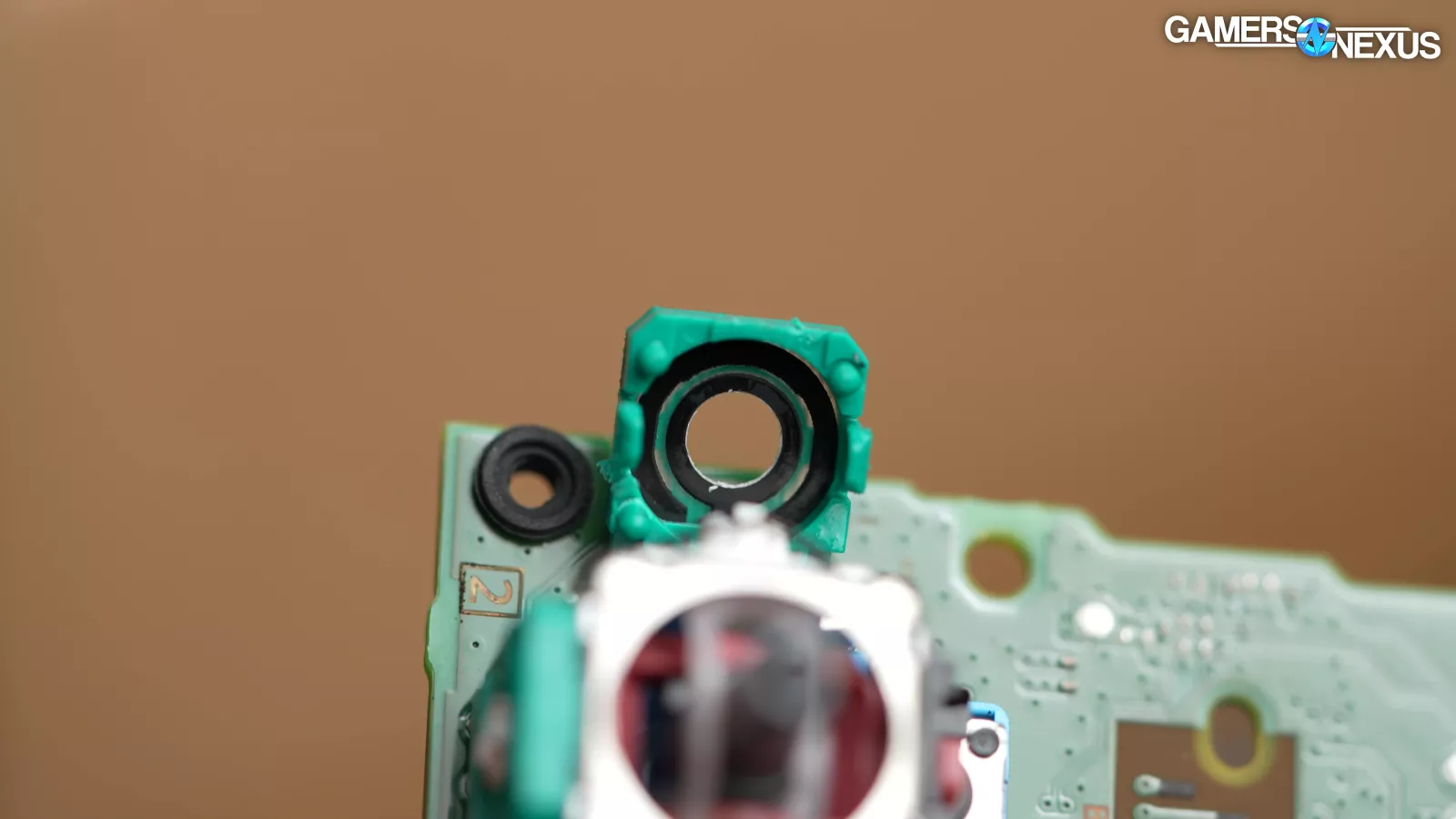
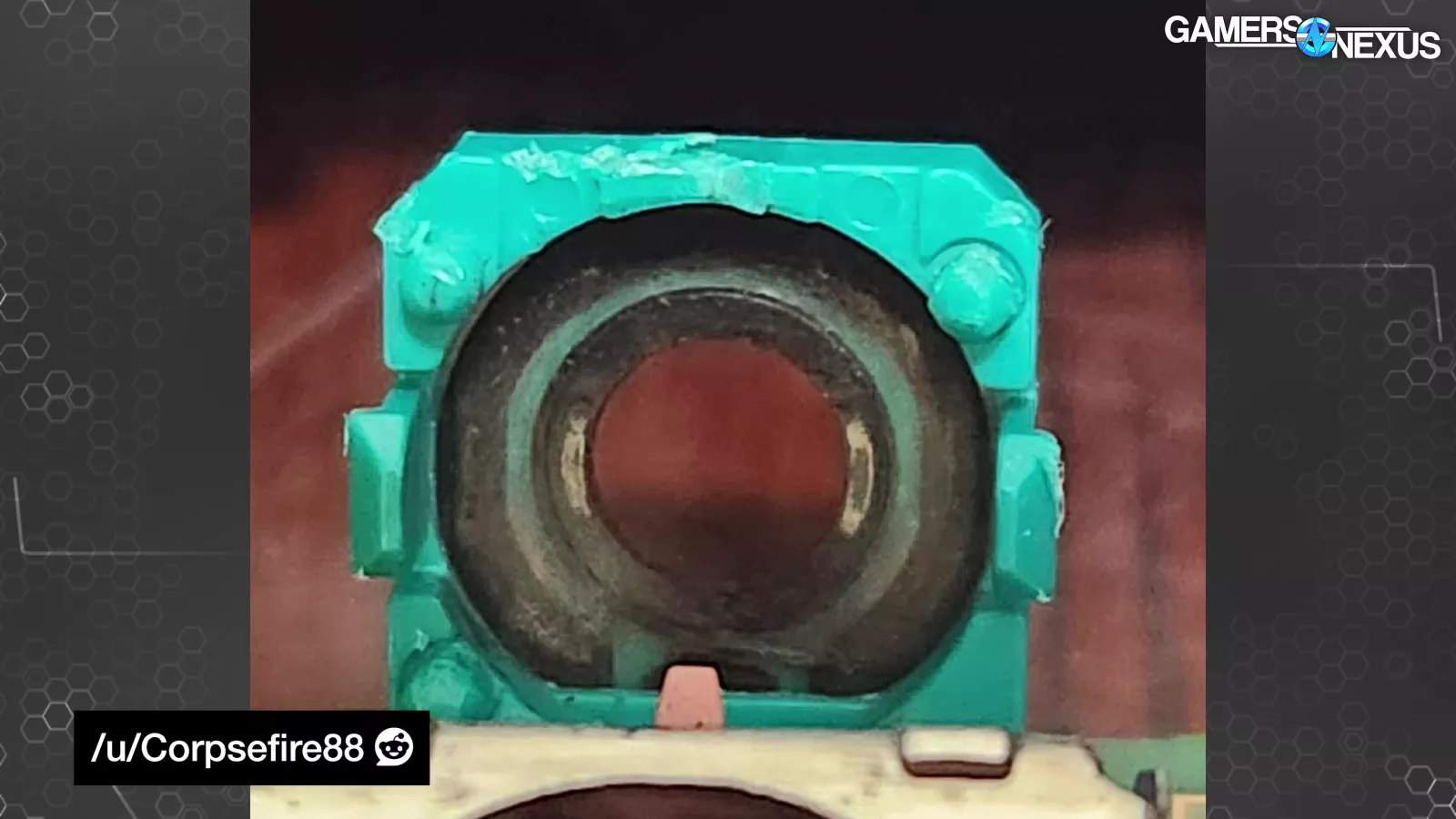
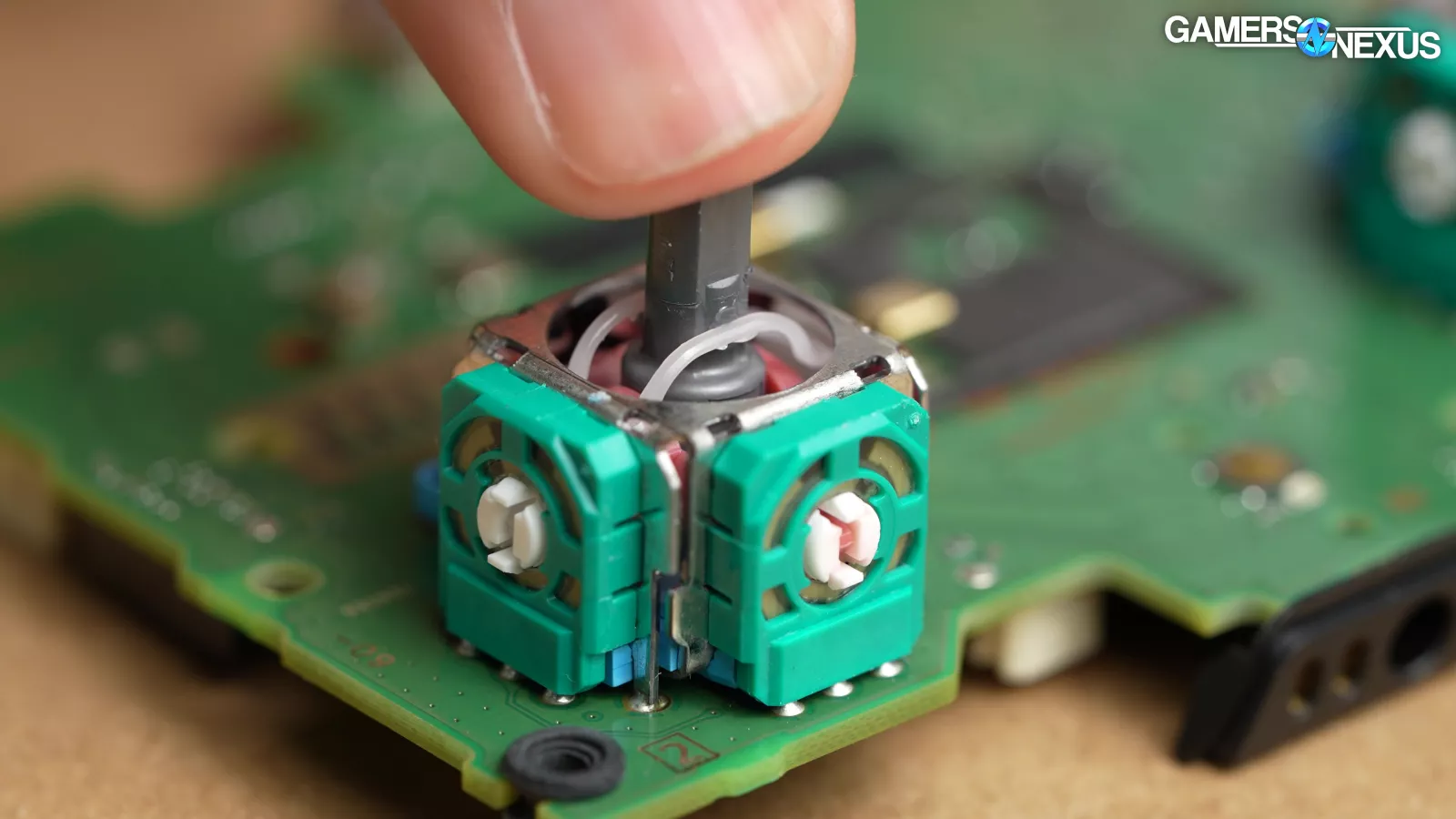
Direct contact between carbon and wiper means that potentiometers wear down and get dirty, like a brushed electric motor. Wearing leads to changes in resistance, which can lead to stick drift as the potentiometers read the wrong position, most noticeably when the stick is in the neutral position and should be zeroed out. Potentiometer-based analog sticks require relatively large deadzones, or the radius of travel before input is registered.
Hall Effect
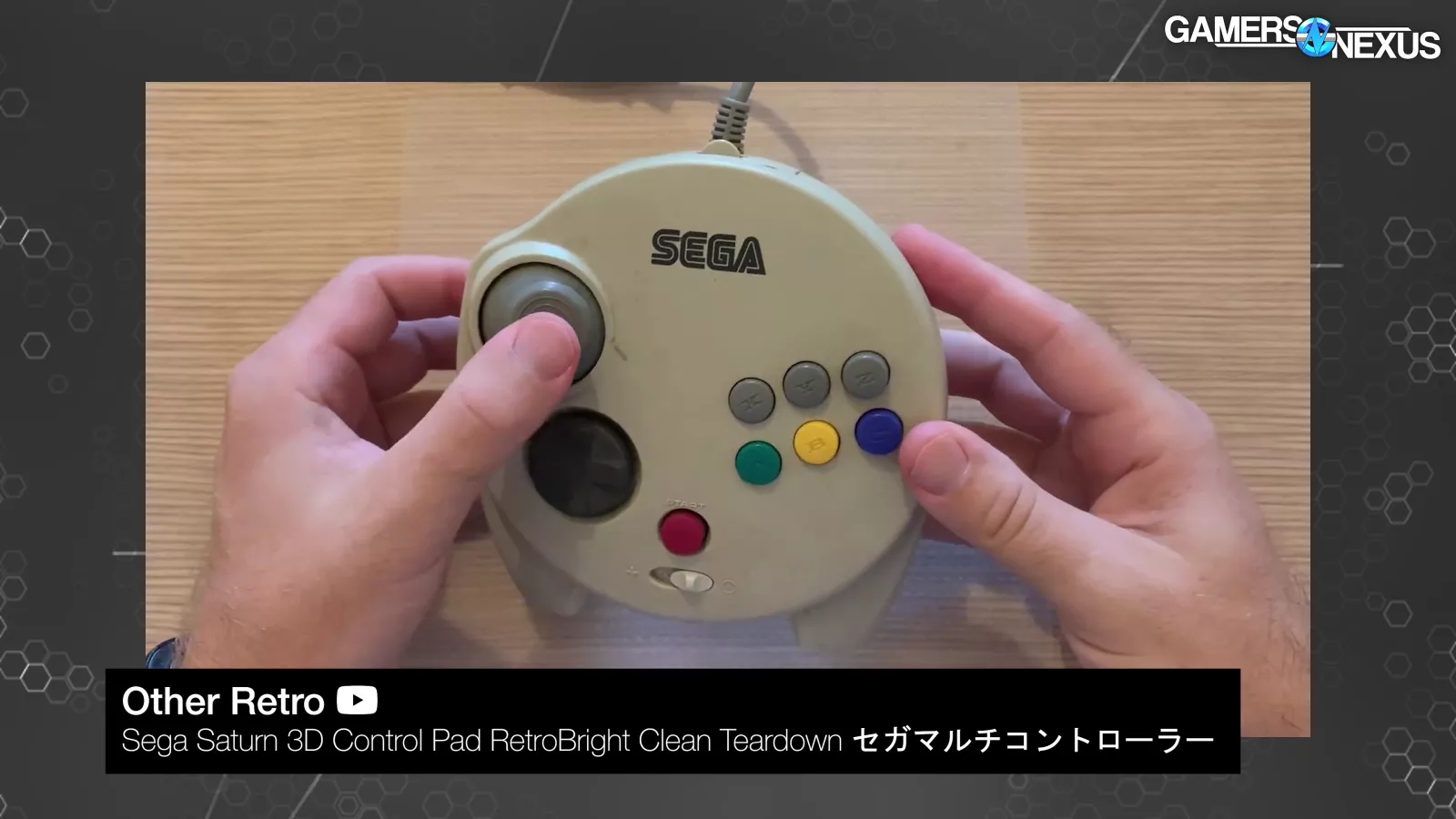
Hall effect sensors were hot a couple of years ago, but Sega had a Hall effect stick as early as 1996 in the Saturn 3D Pad, so they're nothing new even in the gaming world.

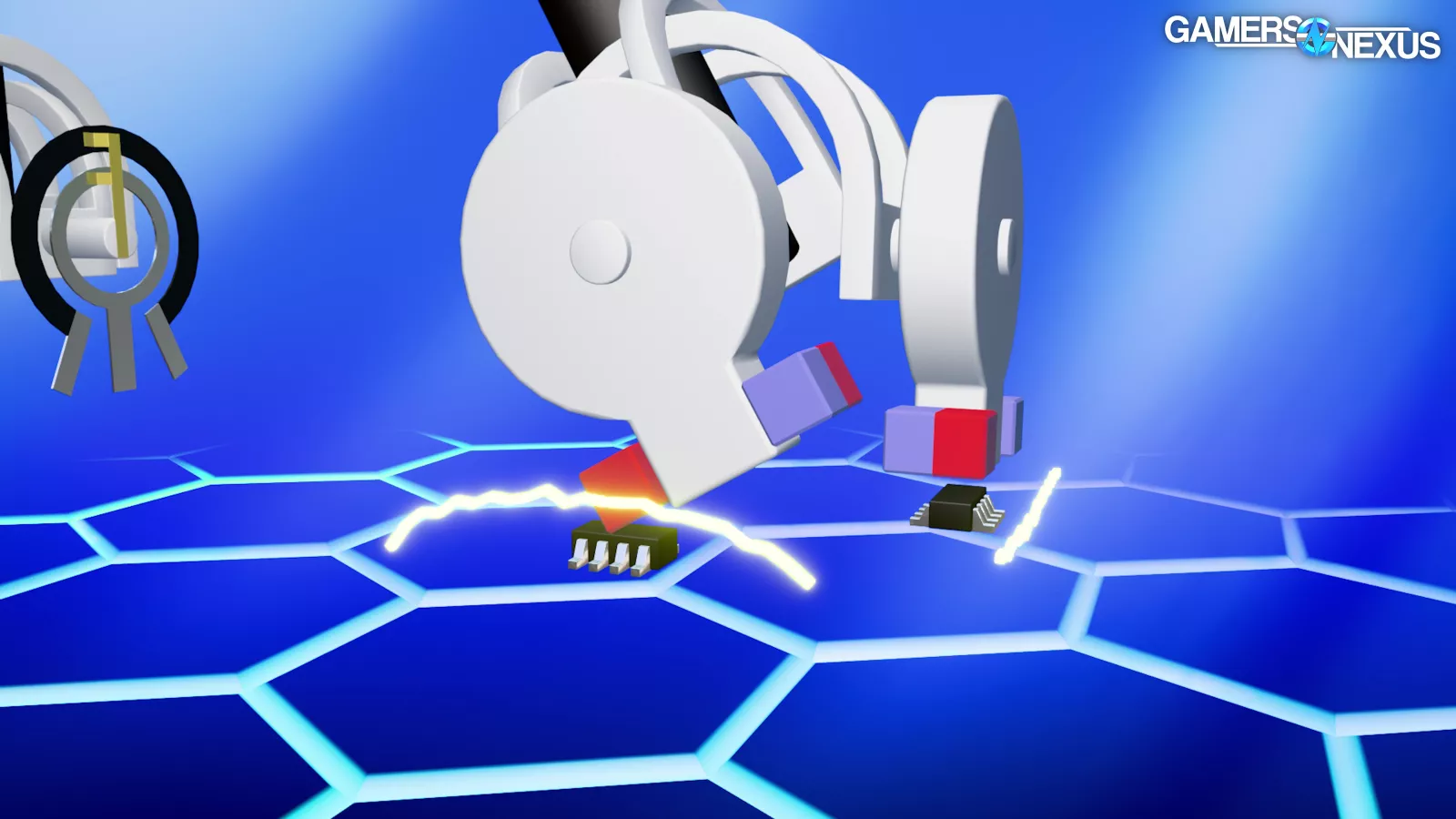
Charge carriers (or electrons) would normally go in a straight line, but magnetic fields screw with their path. If you pass current through a plate and then bring a magnet near the plate perpendicular to the path of electricity, the path curves.
The curved path means that there's a difference in electrical potential between the two edges of the plate perpendicular to the path, and that potential difference can be measured and translated into a linear position.
As the stick moves, it swings magnets over the surface of stationary sensors that register how far the stick has rotated and in what direction.
The advantage is that it's non-contact and not subject to mechanical wear; the disadvantage is that the signals need amplification and it requires more power.
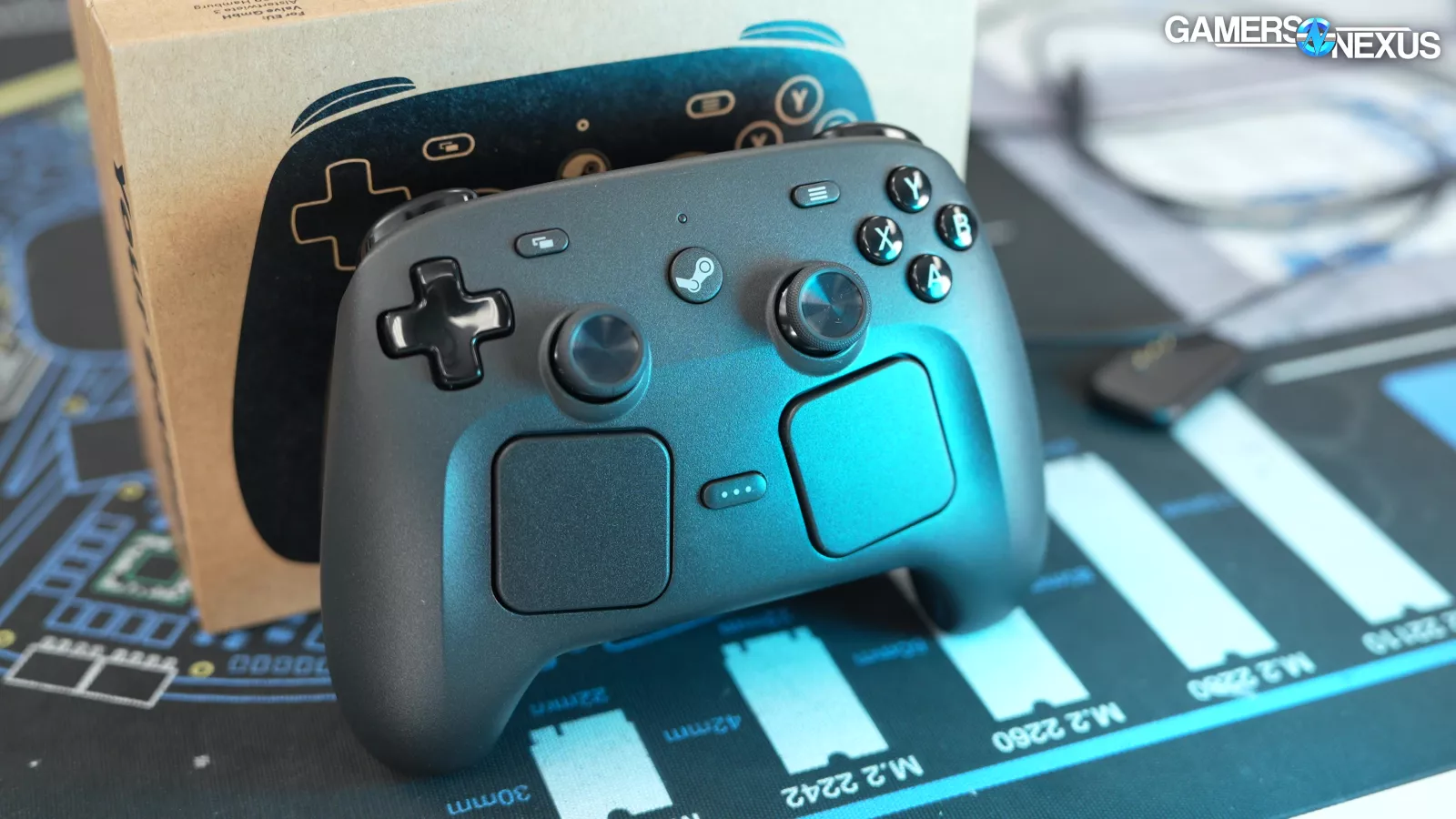
Valve told us that the difference between Hall and TMR is only a small percentage of the Controller's power budget, but that every little bit helps.
TMR
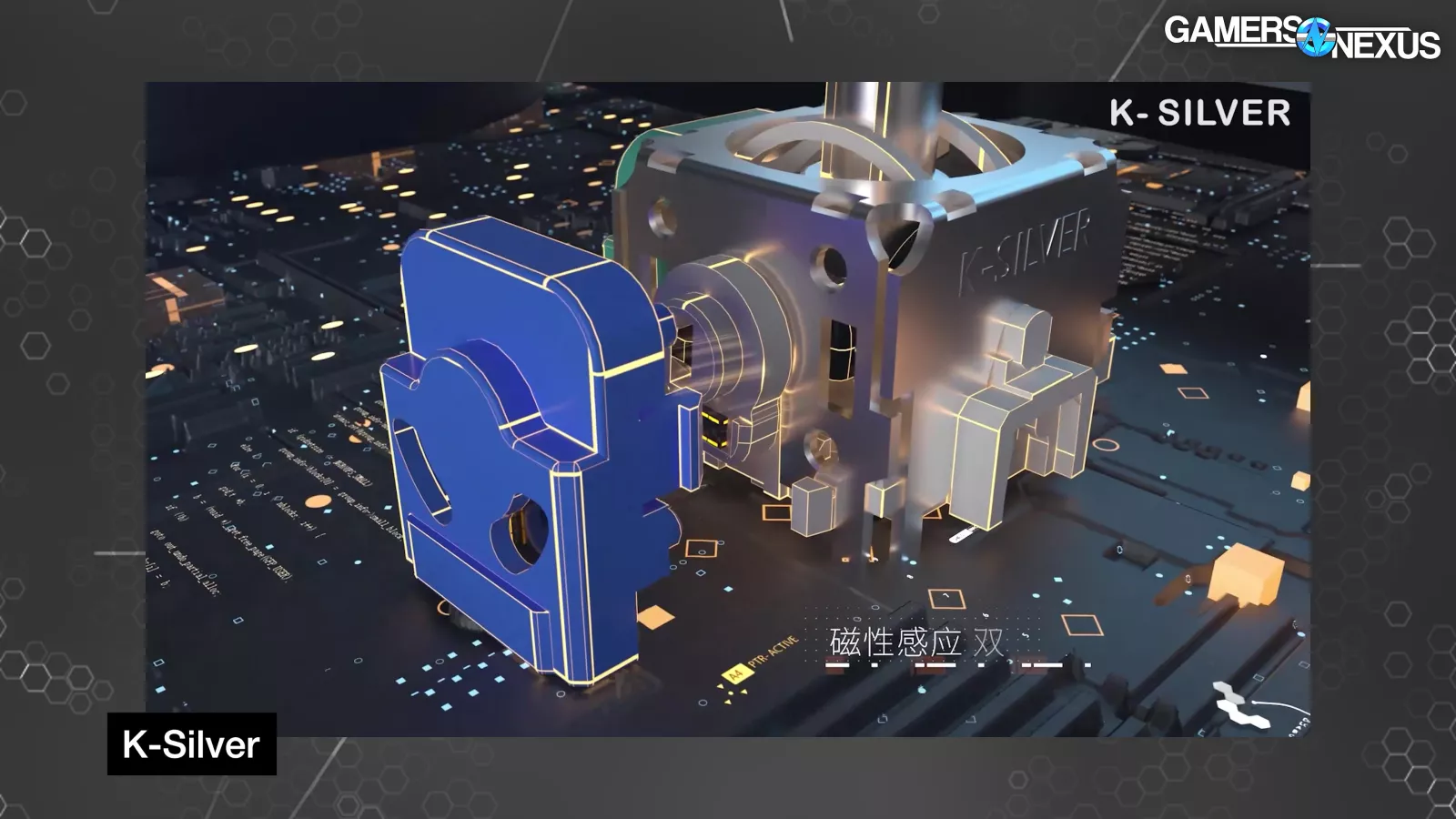
On to TMR.
Tunnel magnetoresistance sensors are currently fashionable, combining the best aspects of traditional potentiometers and Hall effect sensors. It seems deceptively simple, but the first paragraph of the Wikipedia article closes with "Since this process is forbidden in classical physics, the tunnel magnetoresistance is a strictly quantum mechanical phenomenon, and lies in the study of spintronics." That somehow doesn’t sound as simple.
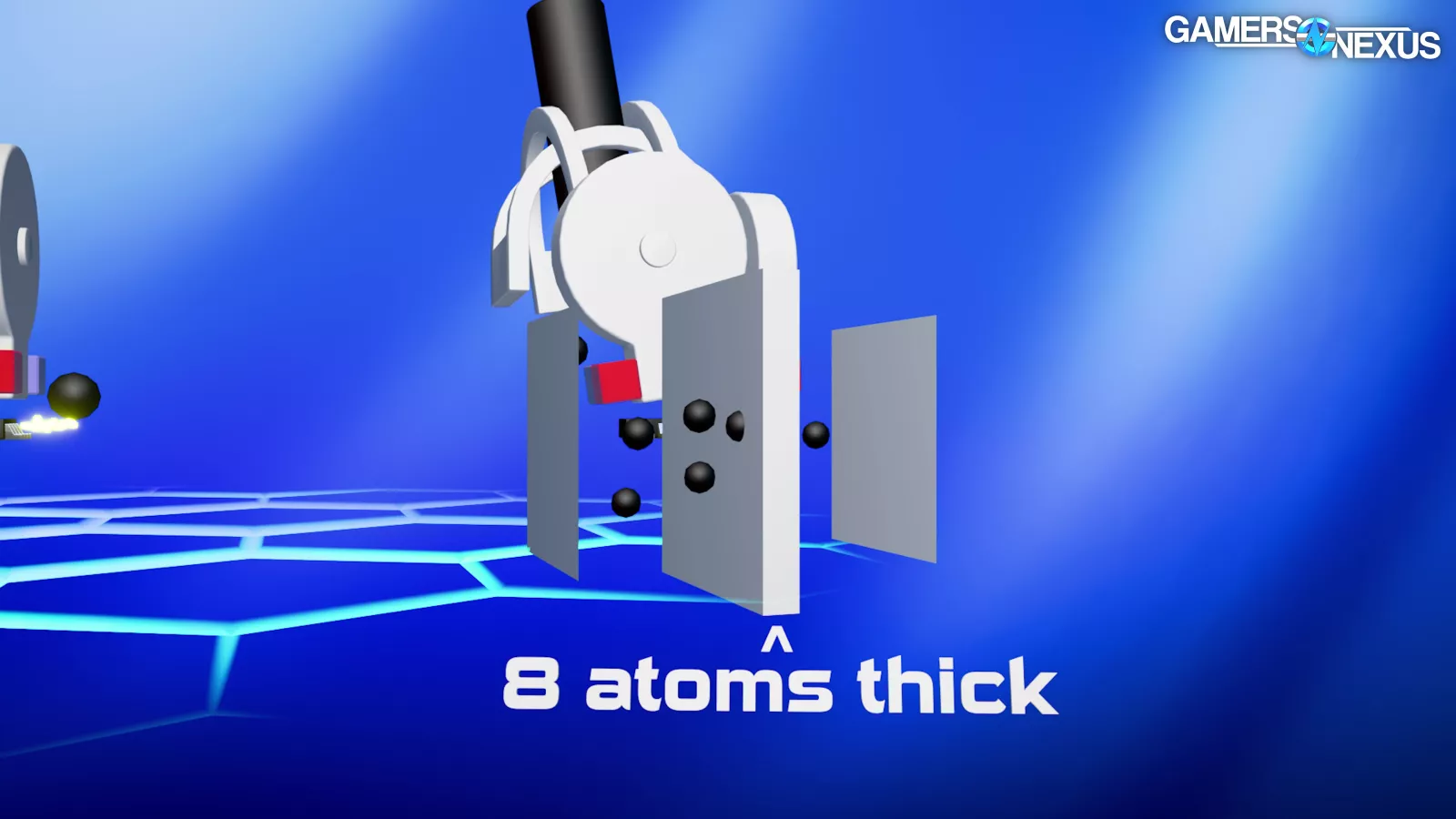
Two ferromagnetic layers with perpendicular magnetic orientations are separated by an extremely thin insulative barrier.
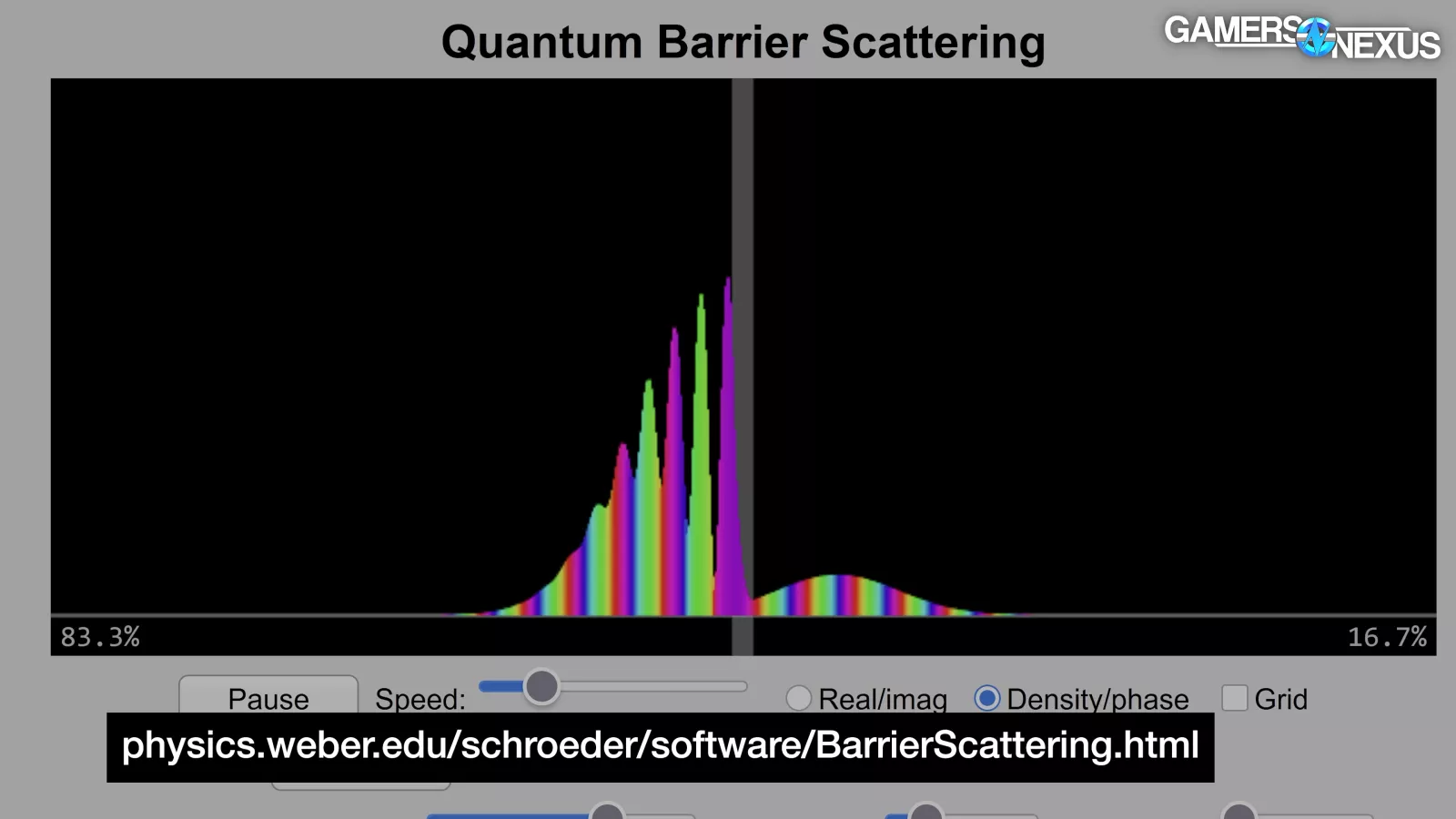
Due to quantum mechanics, some electrons can tunnel through the layer, but resistance is high.
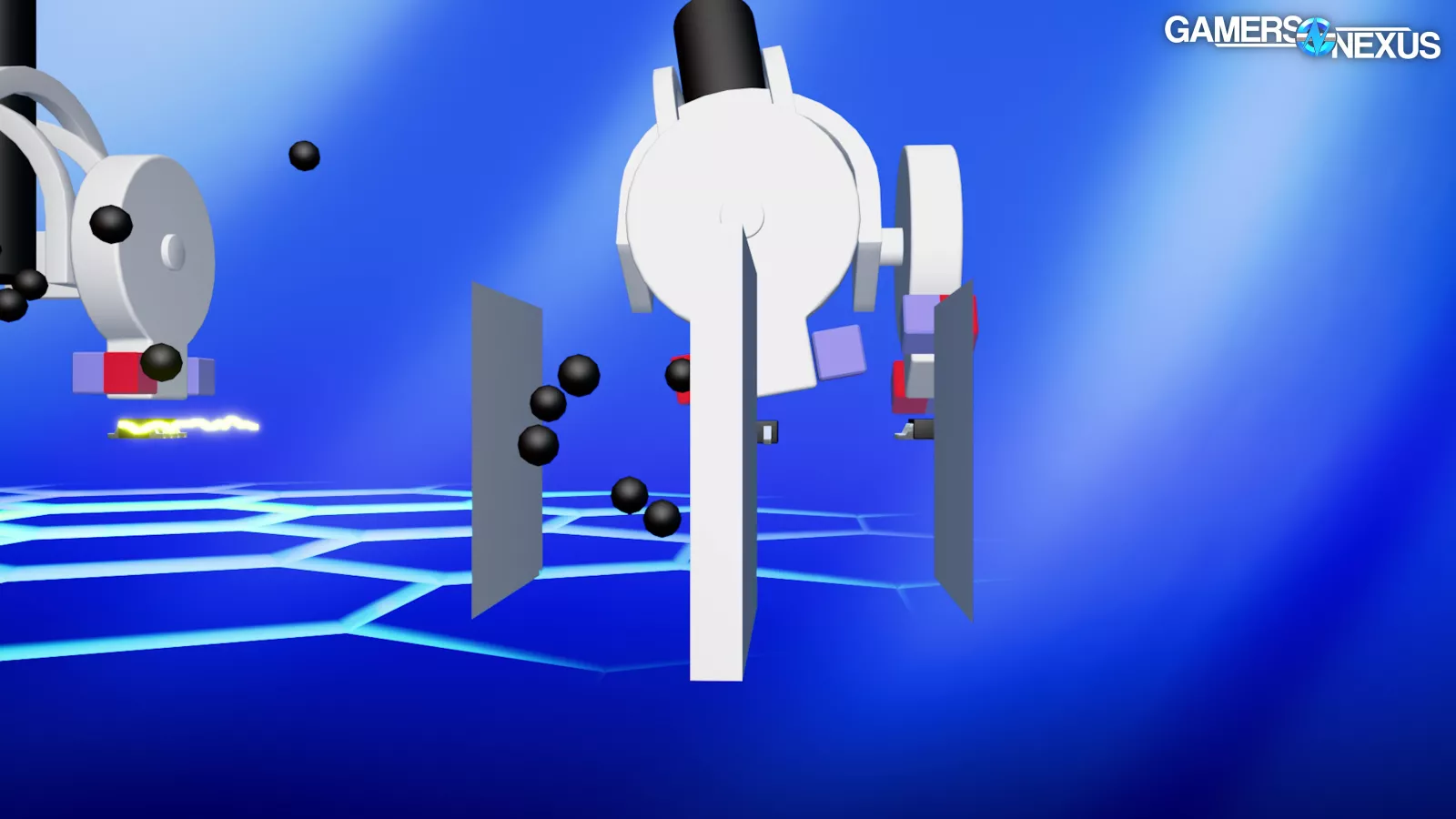

If a magnet is brought close to the sandwich, so to speak, it forces the magnetic fields into parallel alignment, which increases tunneling and lowers resistance. Functionally, this can create the same kind of low-power voltage divider circuit as a potentiometer, but with the same contact-free operation as a Hall effect sensor: moving magnets swing over a stationary sensor.
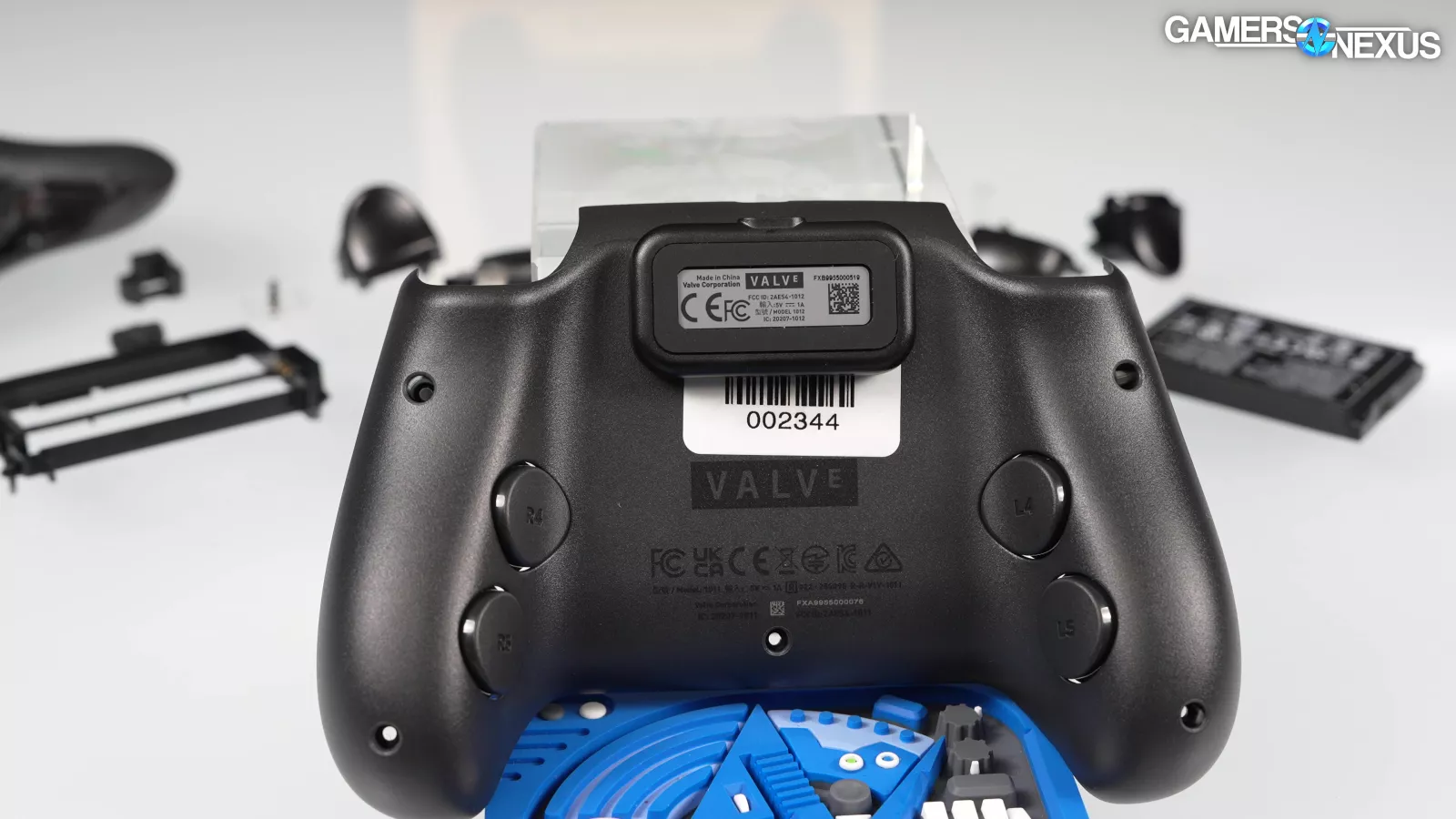
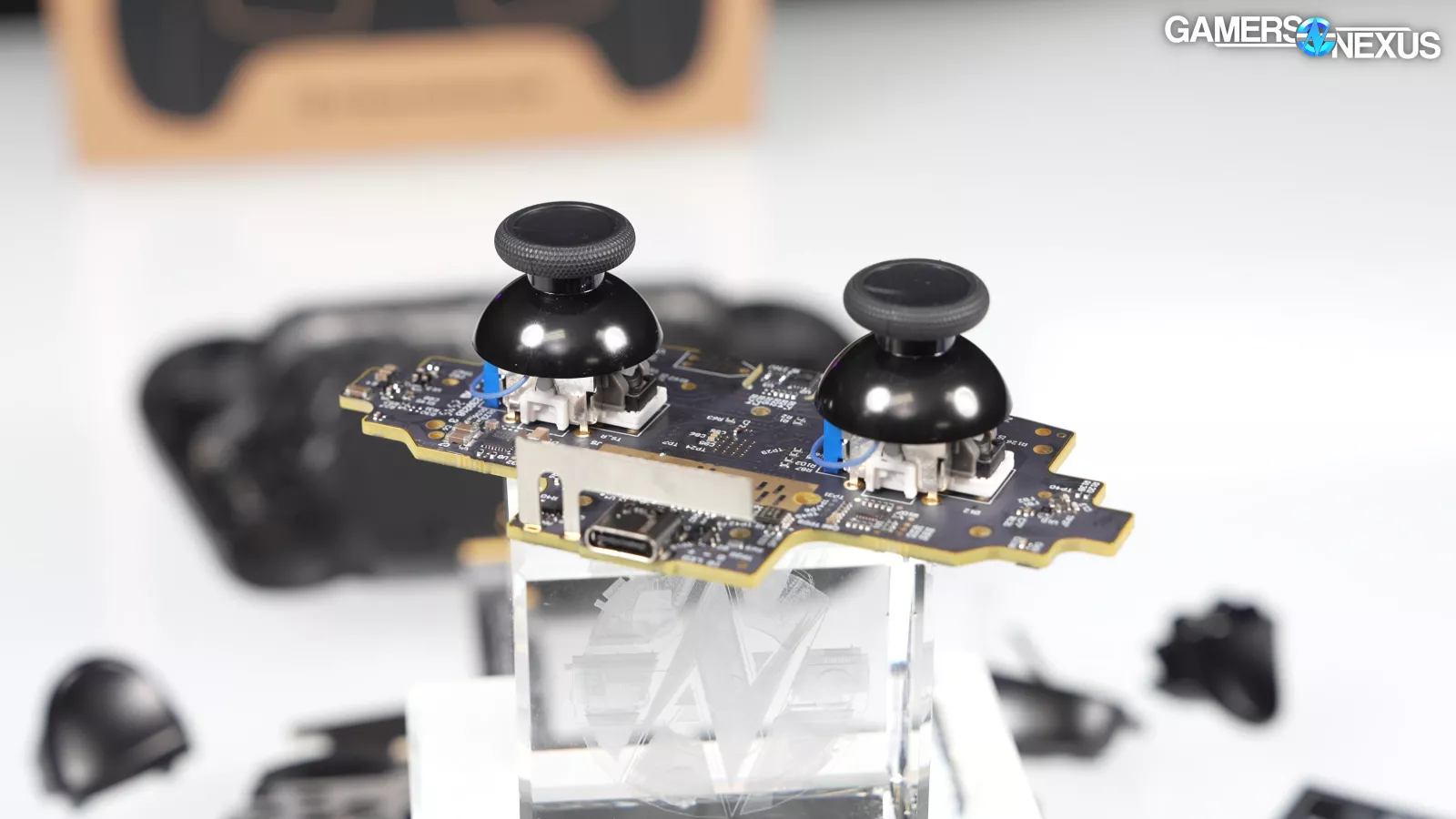
Since the Hall effect and TMR both involve magnets--and who knows how those work--sticking magnets near the sensors could theoretically cause interference. We haven't noticed this on the Steam Controller, even though the magnetic Puck is positioned right between the Hall effect triggers and TMR sticks. From what we can tell, Valve took this into consideration during design.
Latency
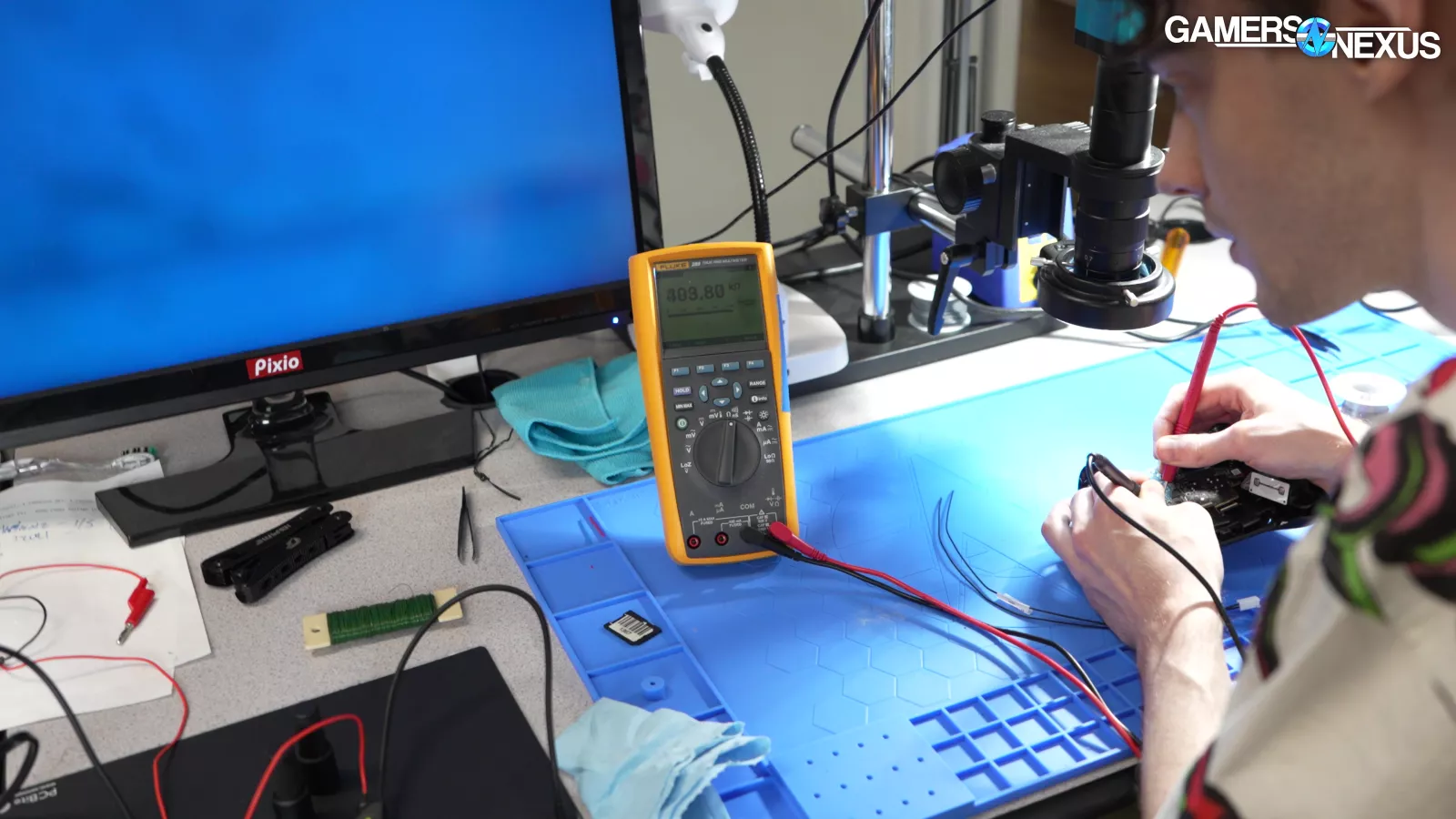
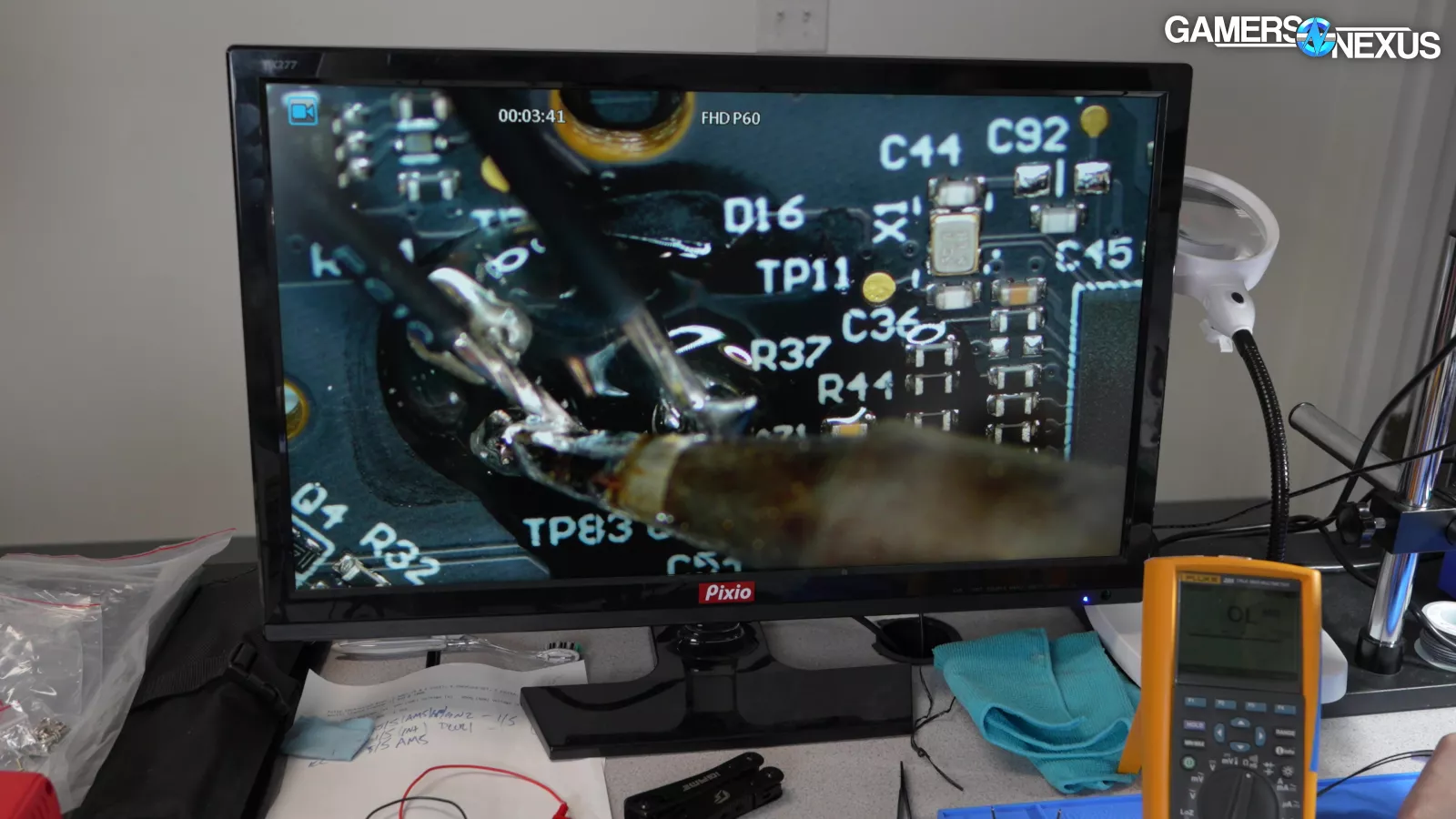
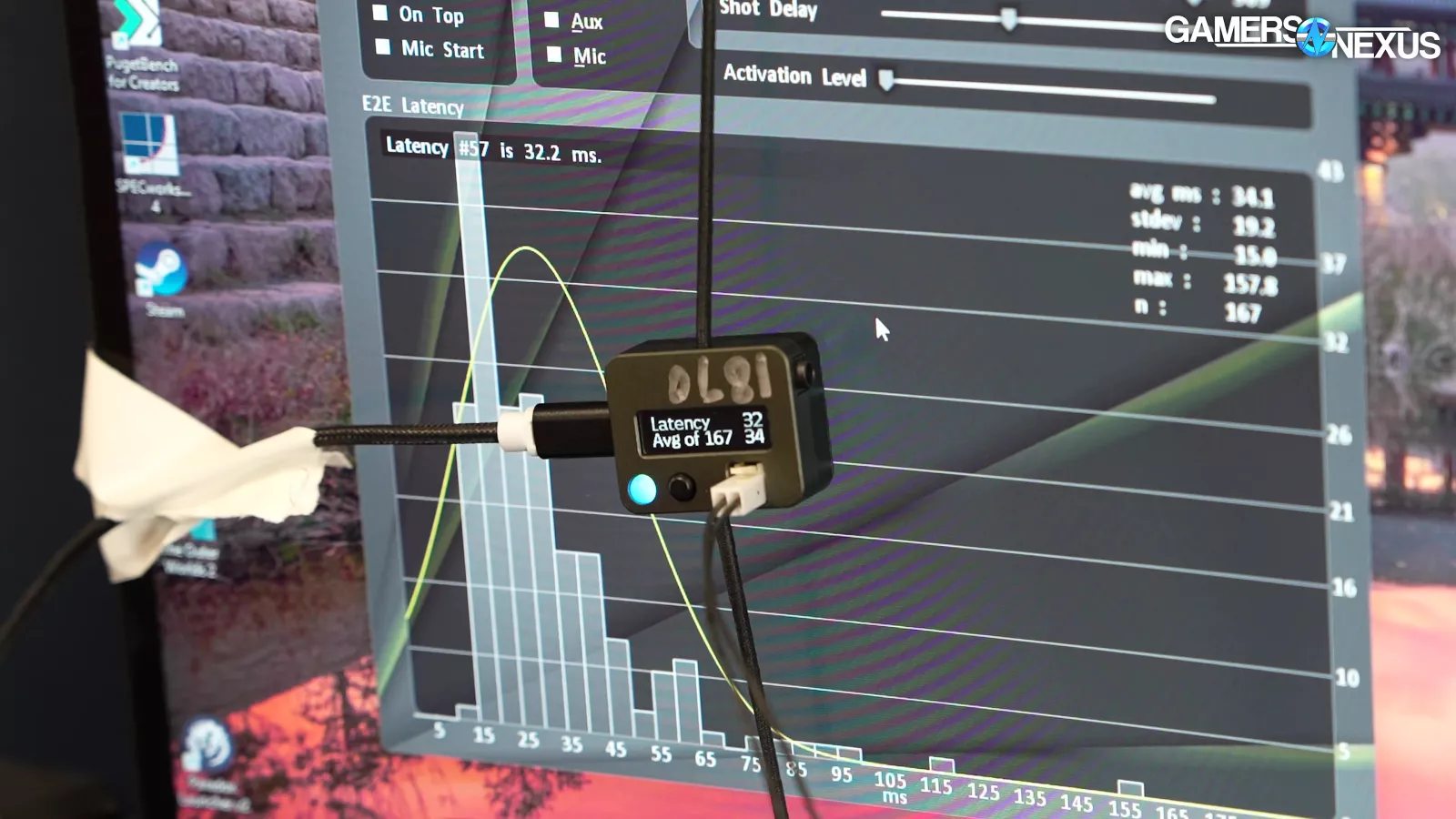
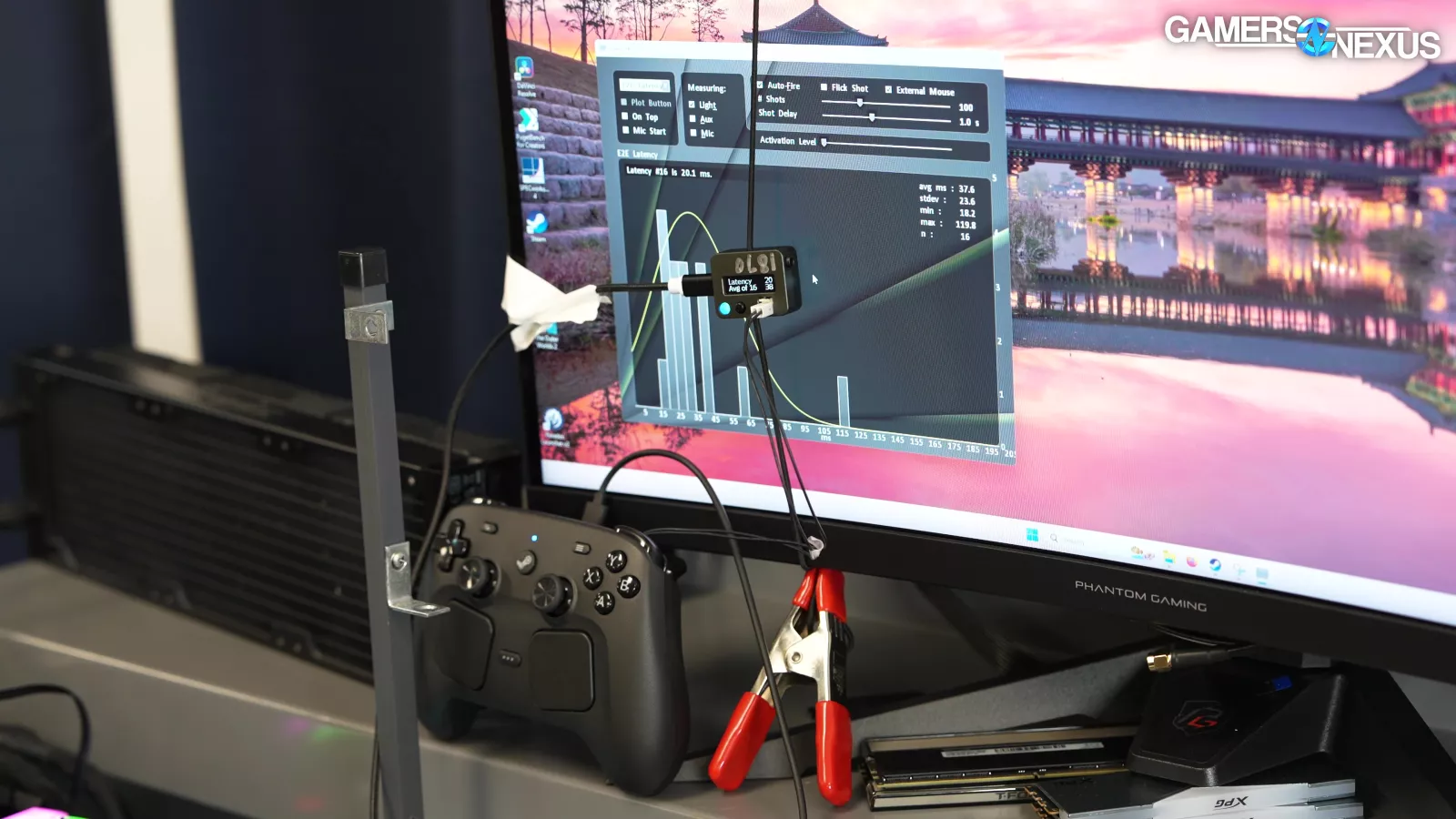
Latency testing is next. We opened up the controller and probed it for an ideal location to solder-in leads to our latency testing device on one of the inputs. Once we found a suitable location, we soldered-in the wires that terminate in a connector, then we could plug that connector into an LDAT and control its inputs via the connector at the terminating end of the wires. Ultimately, this enabled us to measure the controller’s input latency.
For this benchmarking, we used the NVIDIA LDAT for these tests (with the built-in screen blinking tool), but it has two limitations: Proximity and value filtering over 200ms, where it filters those out.
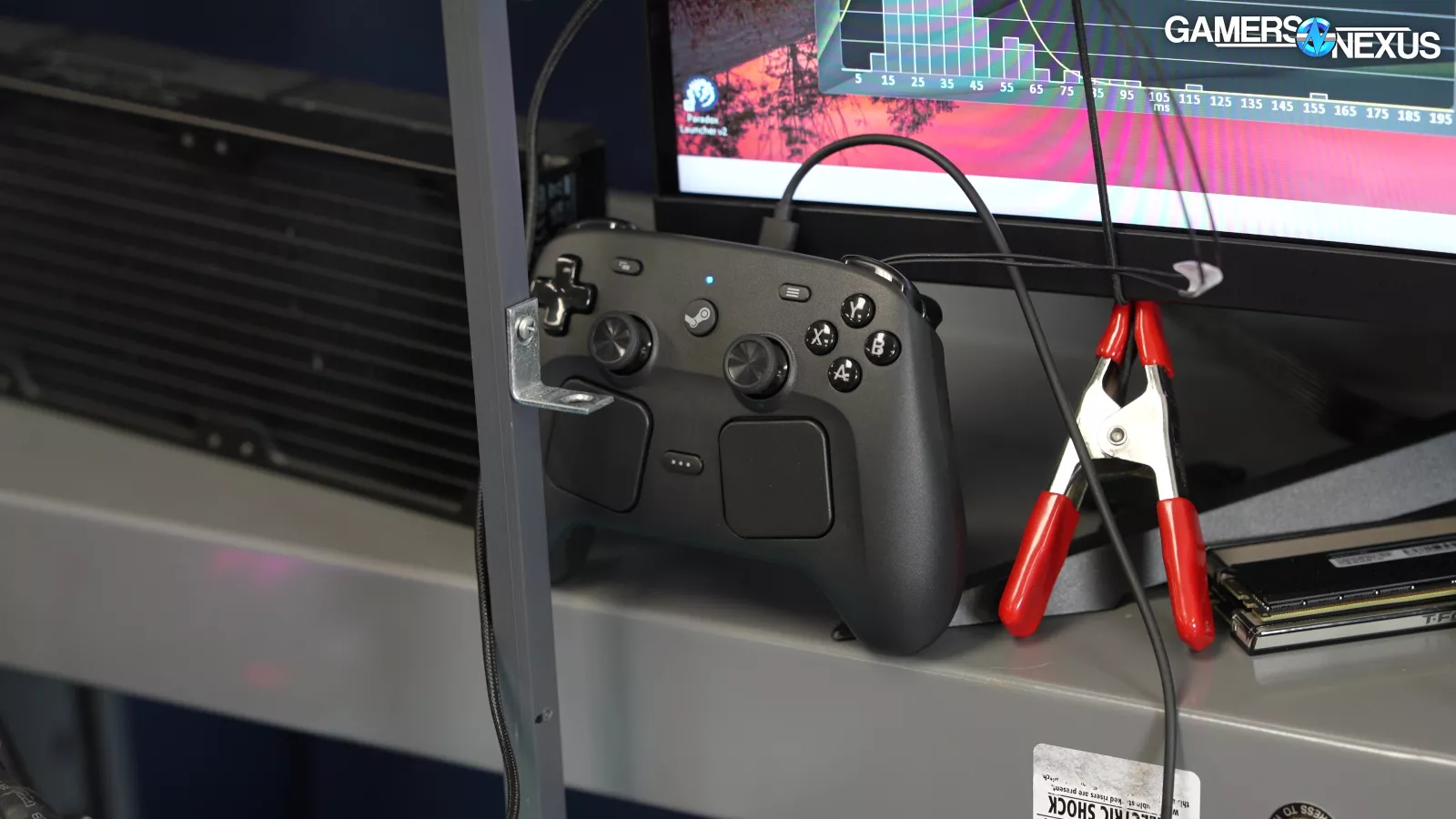
Wiring the controller to the LDAT creates a new challenge, though, which is that the controller has to remain physically close to the LDAT.
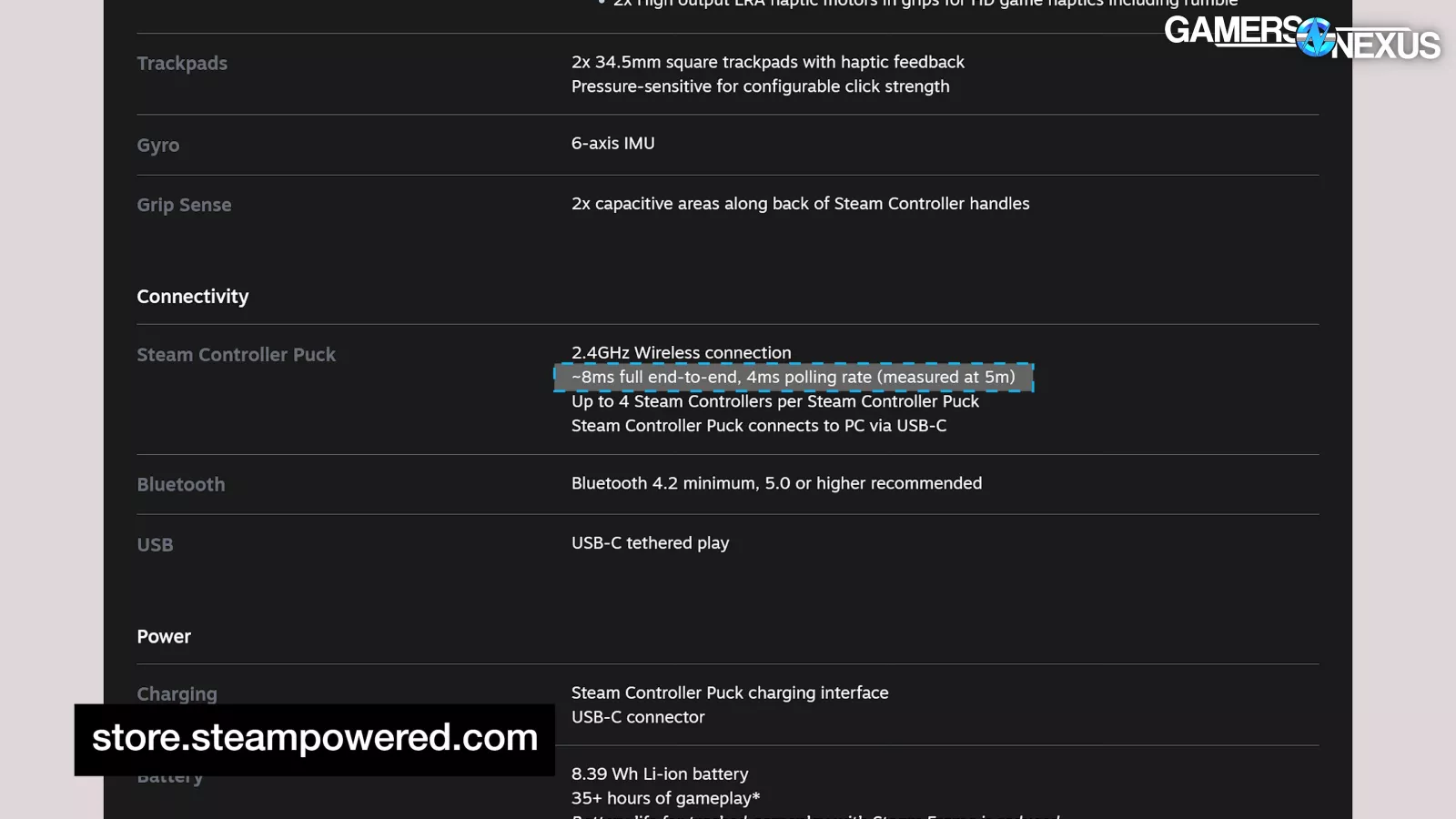
Valve's own latency tests (estimated 8ms end-to-end latency on Puck) were performed at 5 meters. We don't expect it to make much difference.
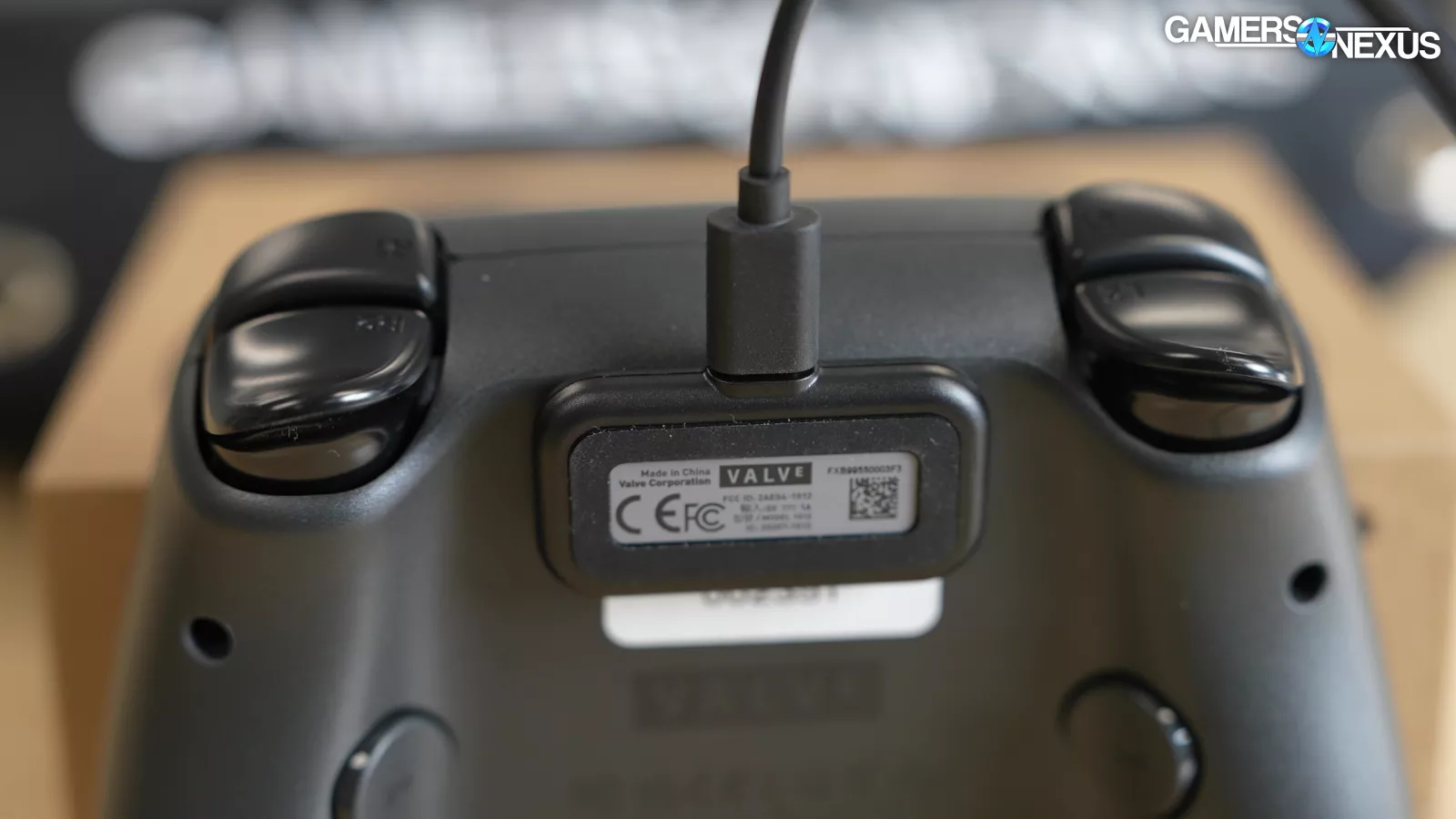
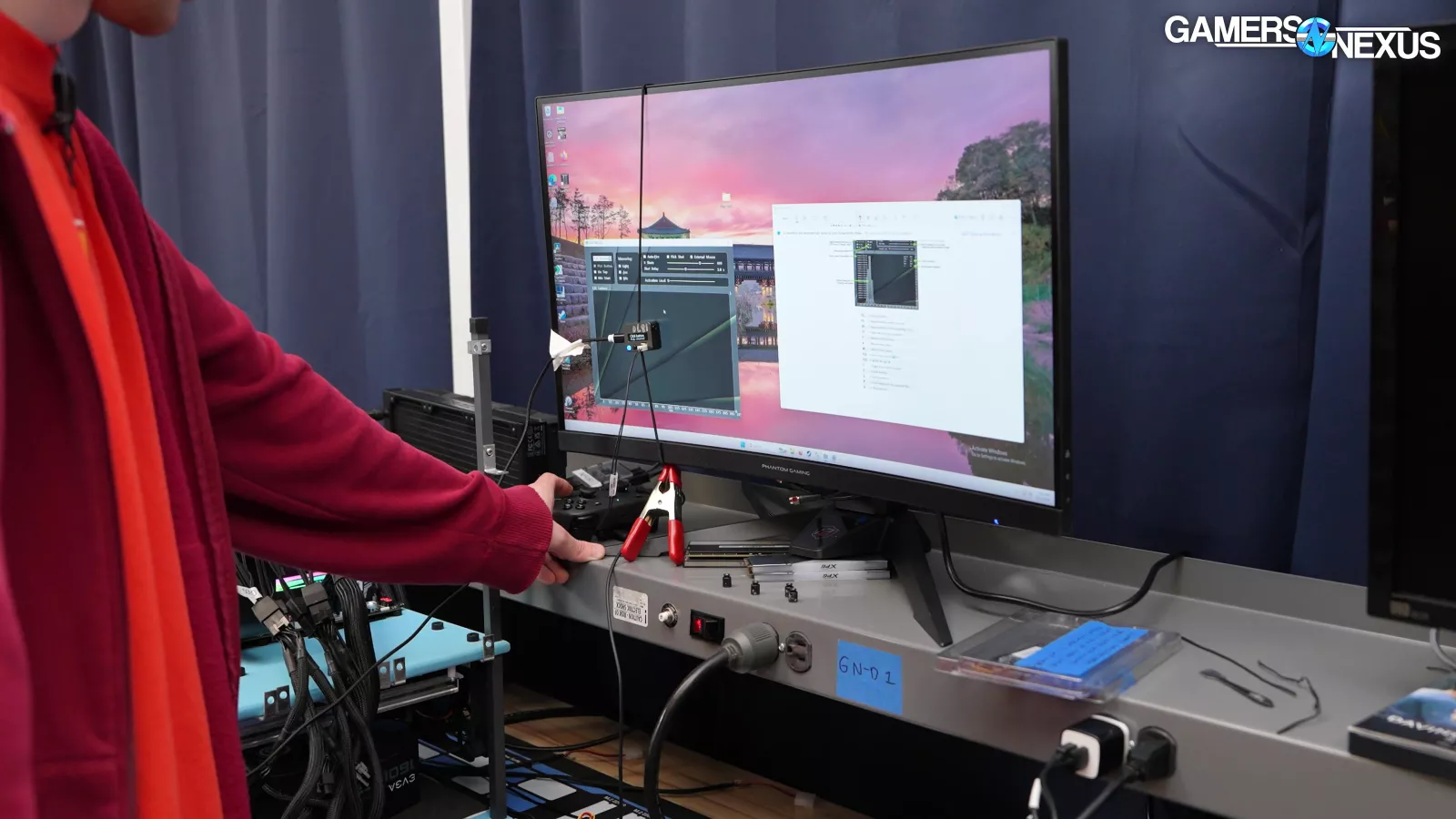
For the Puck tests, we magnetically attached the Puck to the controller, and for the Bluetooth tests, the controller was placed next to the test system. For Bluetooth, we used the ROG Maximus Z890 Hero's built-in radio. We used Valve's stock USB cable for all wired tests.
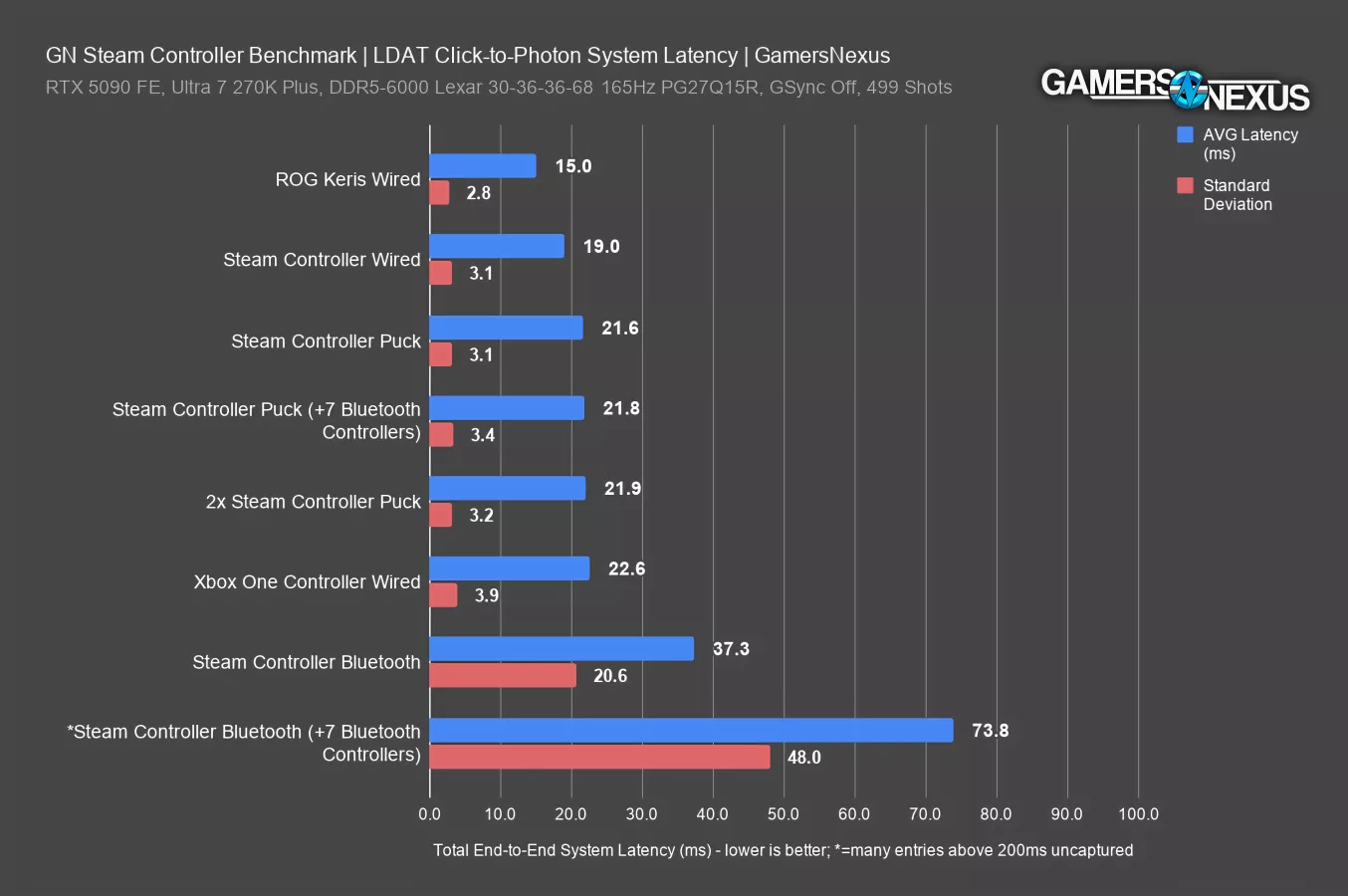
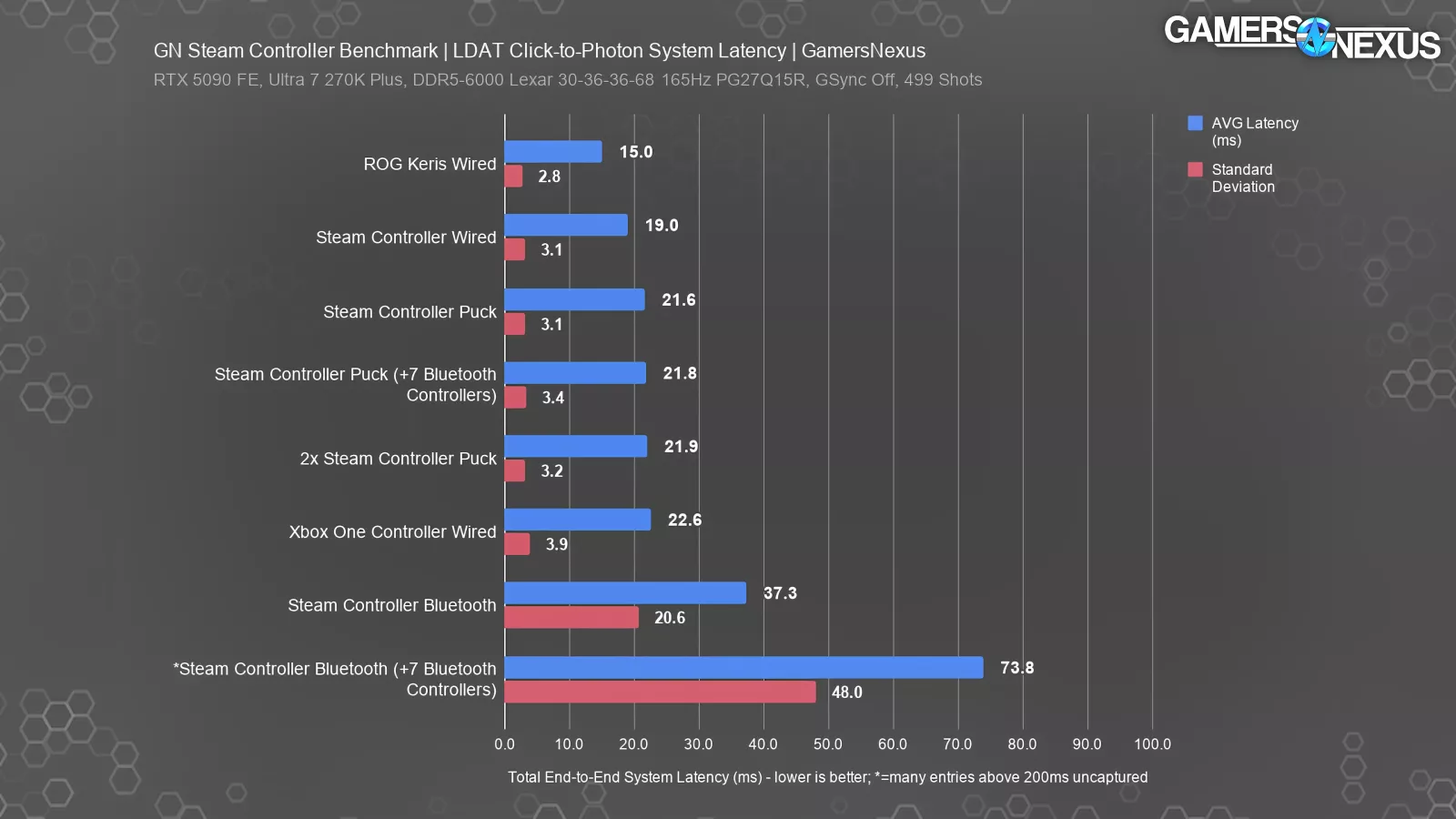
Here’s the chart.
All numbers are full click-to-photon latencies, or the latency from button press to the instant the screen shows a photonic response. In other words, this is total end-to-end system latency.
Only a small portion is from the input device itself, or the controller. Therefore, we've also included numbers for a high-performance gaming mouse (ROG Keris) so that all other numbers can be judged relative to that baseline 15ms average.
The wired performance was predictably the best, with an average full system latency of 19ms across 499 tested clicks and a standard deviation of 3.1. That’s just 4ms on top of the ROG mouse.
Puck performance was extremely close at just 21.6ms average, still with exactly the same standard deviation of 3.1. That consistency is even more impressive than the overall latency, but both metrics are excellent. With a second Steam Controller connected to the Puck, latency was effectively unchanged at 21.9ms. Based on this, we don't see any real downside to using the controller wirelessly.
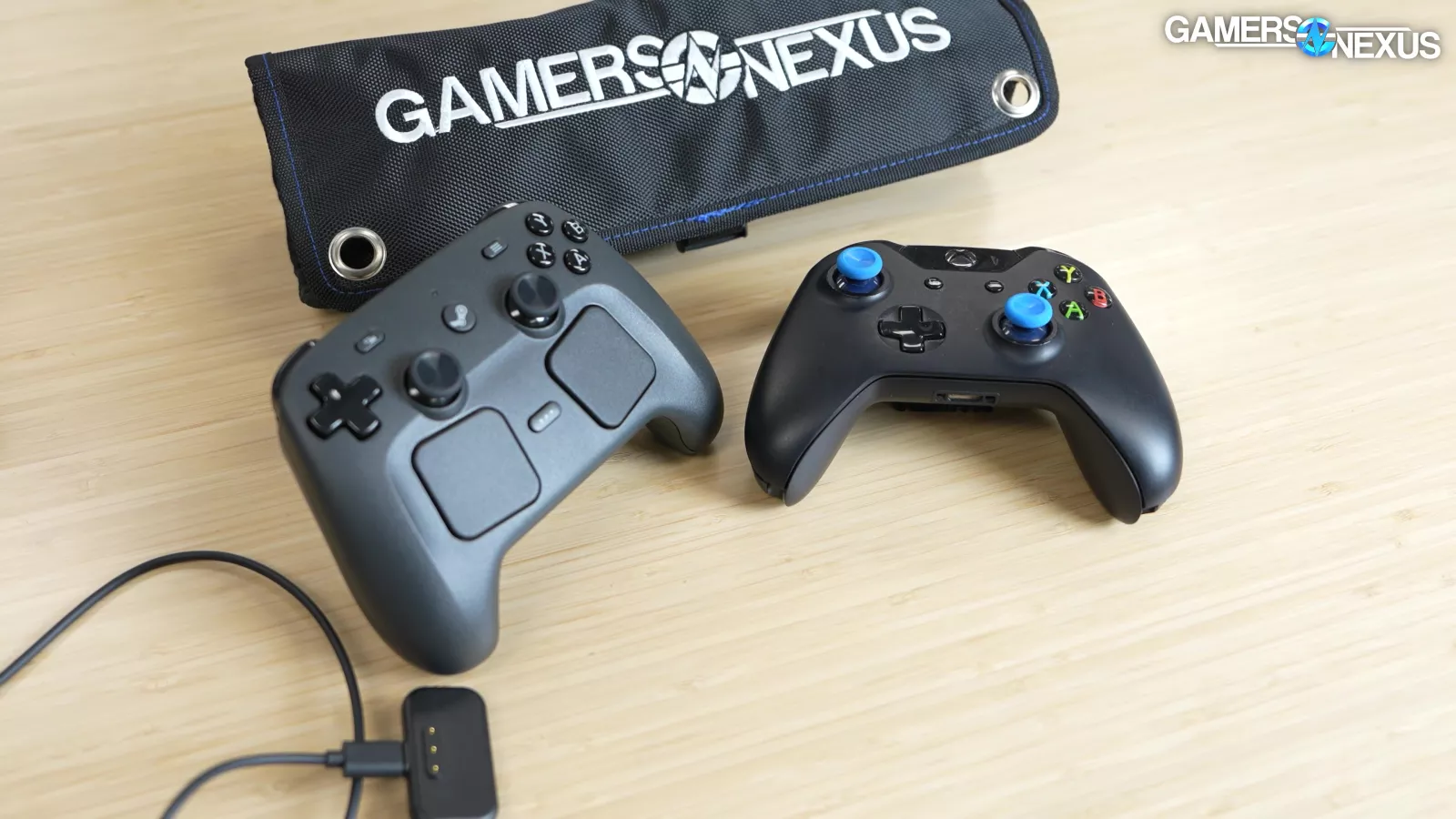
For comparison, we tested the most generic gamepad we could think of: an original Xbox One controller (model 1537) connected via USB.
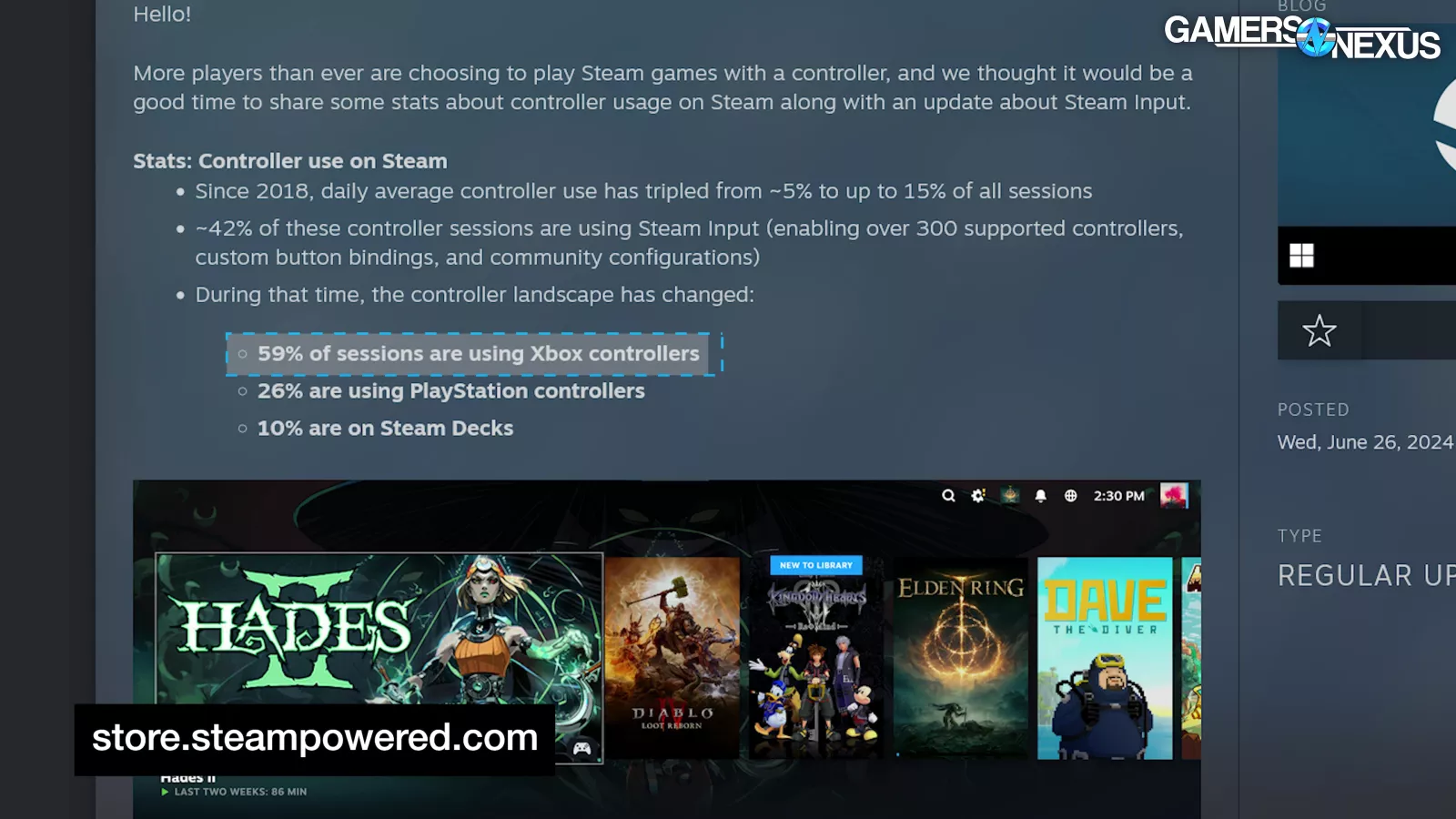
Thanks to a Steam blog post from 2024, it's a safe bet that Xbox controllers still have at least a plurality on PC. This logged a worse average than the Steam Controller, posting 22.6ms.
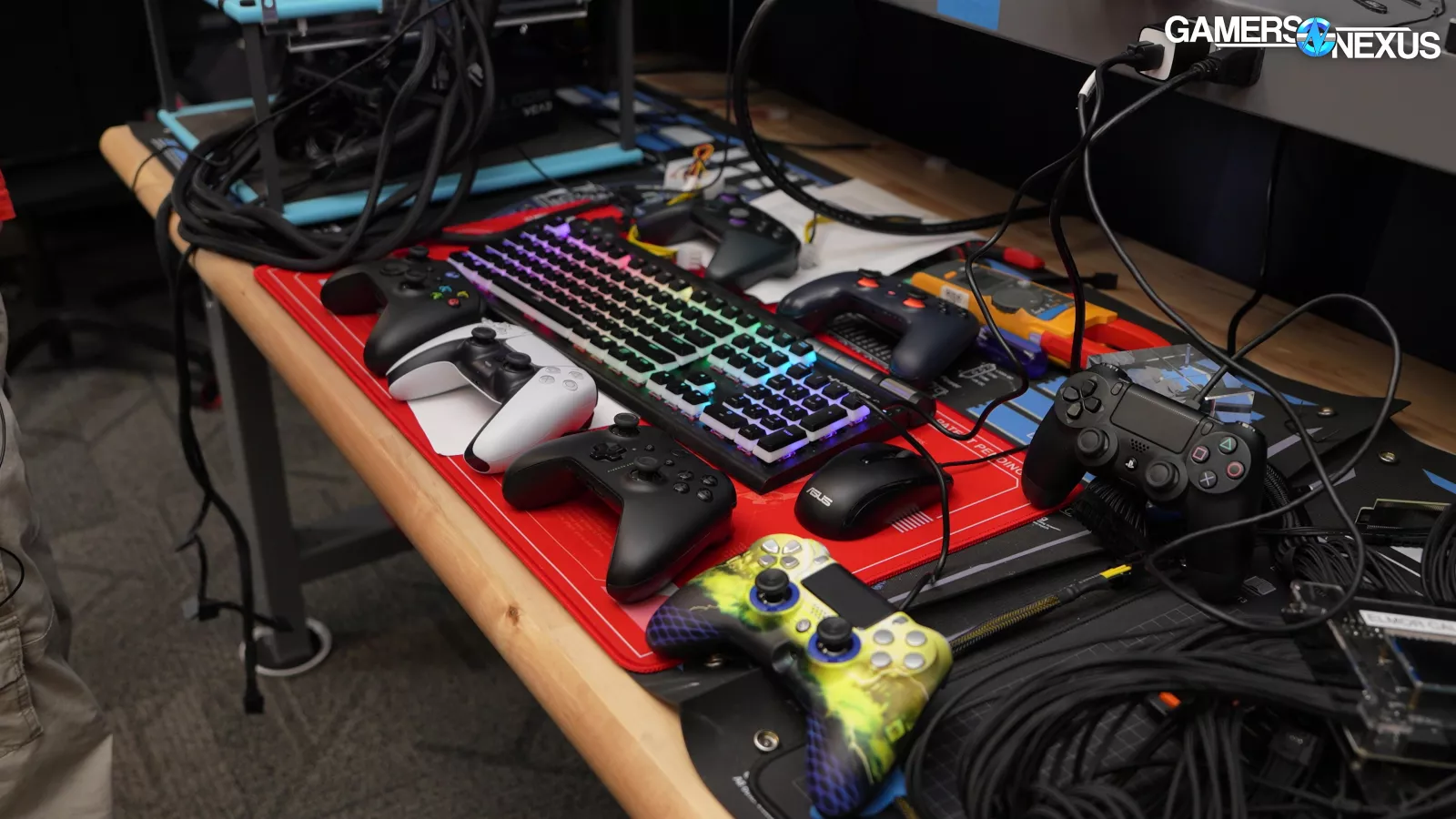
We also performed some tests with seven other controllers connected via Bluetooth: Xbox One, Xbox Series X, PS4, PS5, Scuf third-party PS4, Stadia, and Luna. These tests weren't perfectly completely consistent since controllers kept dropping out and reconnecting.
Using the Puck, there was no serious effect on performance in spite of the Bluetooth nightmare, with average latency only creeping up a fraction of a millisecond to 21.8 and standard deviation up to 3.4, which could be down to random variance. There were two missing entries, though, which could either be fully missed inputs or latencies over 200ms.
Alone on Bluetooth, the Steam Controller's latency was significantly worse at 37.3ms with a massive 20.6 standard deviation: both slower and less consistent. The log had one missing entry.
With seven other controllers on Bluetooth and without the puck, it became basically unusable. We don’t expect anyone will have 8 players attached to one PC or 8 players in the same room on different PCs, but the point is to generate a ton of interference on Bluetooth to stress test the controller.
The average latency was 73.8ms, with standard deviation of 48 -- but it had 101 missing log entries, which represent both >200ms latencies and complete failures to register clicks. This means that the real average latency is even worse. Your mileage may vary, but the point is that Bluetooth doesn't scale well with multiple devices, and it's not the best option to start with. Wired or the puck will both work well. Bluetooth is OK when fewer devices in the vicinity are also using it, but it’s not as good as wired and puck-connected options.
Battery Life & Charge Time
Battery life testing and charge time testing are next.
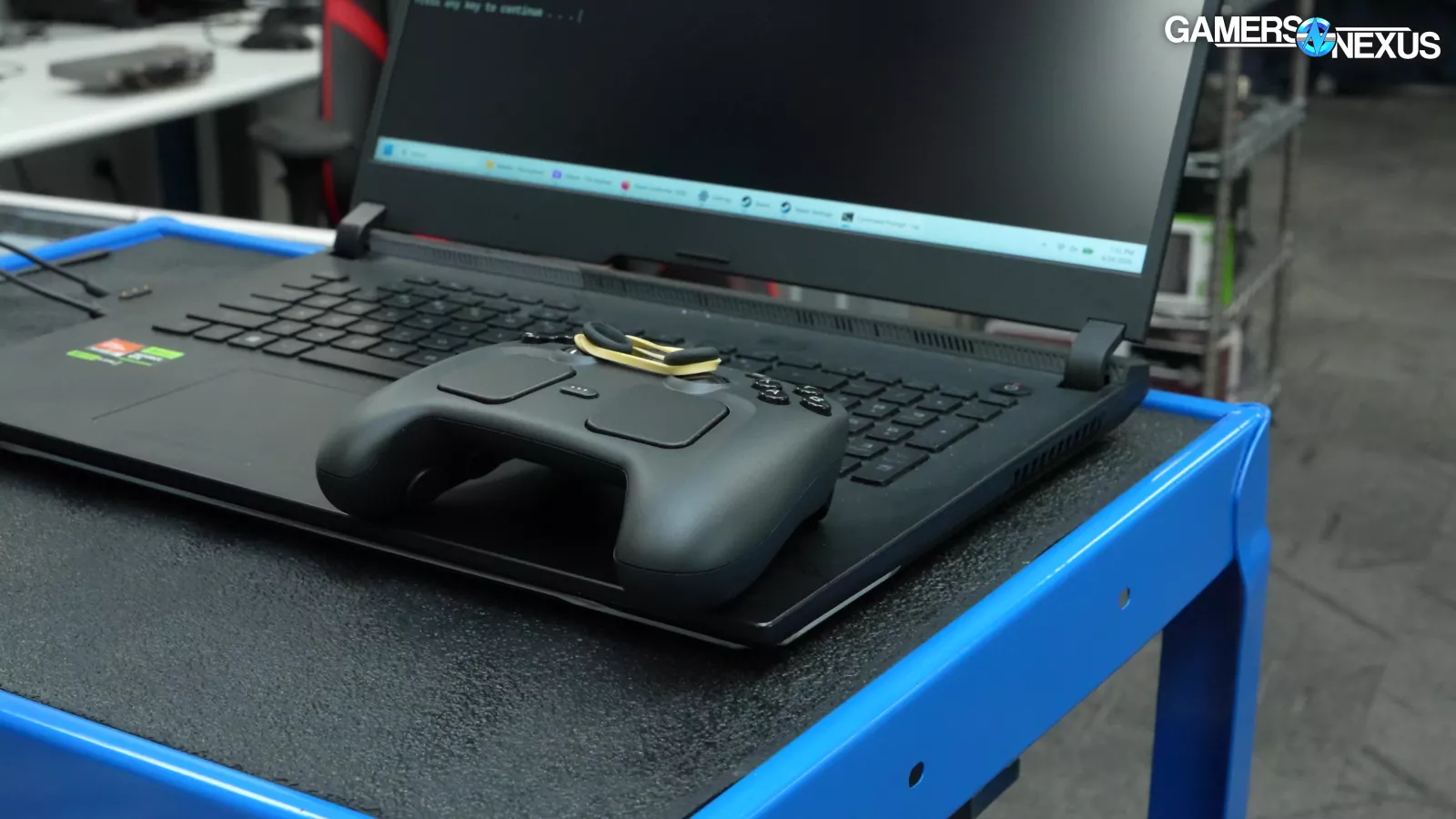
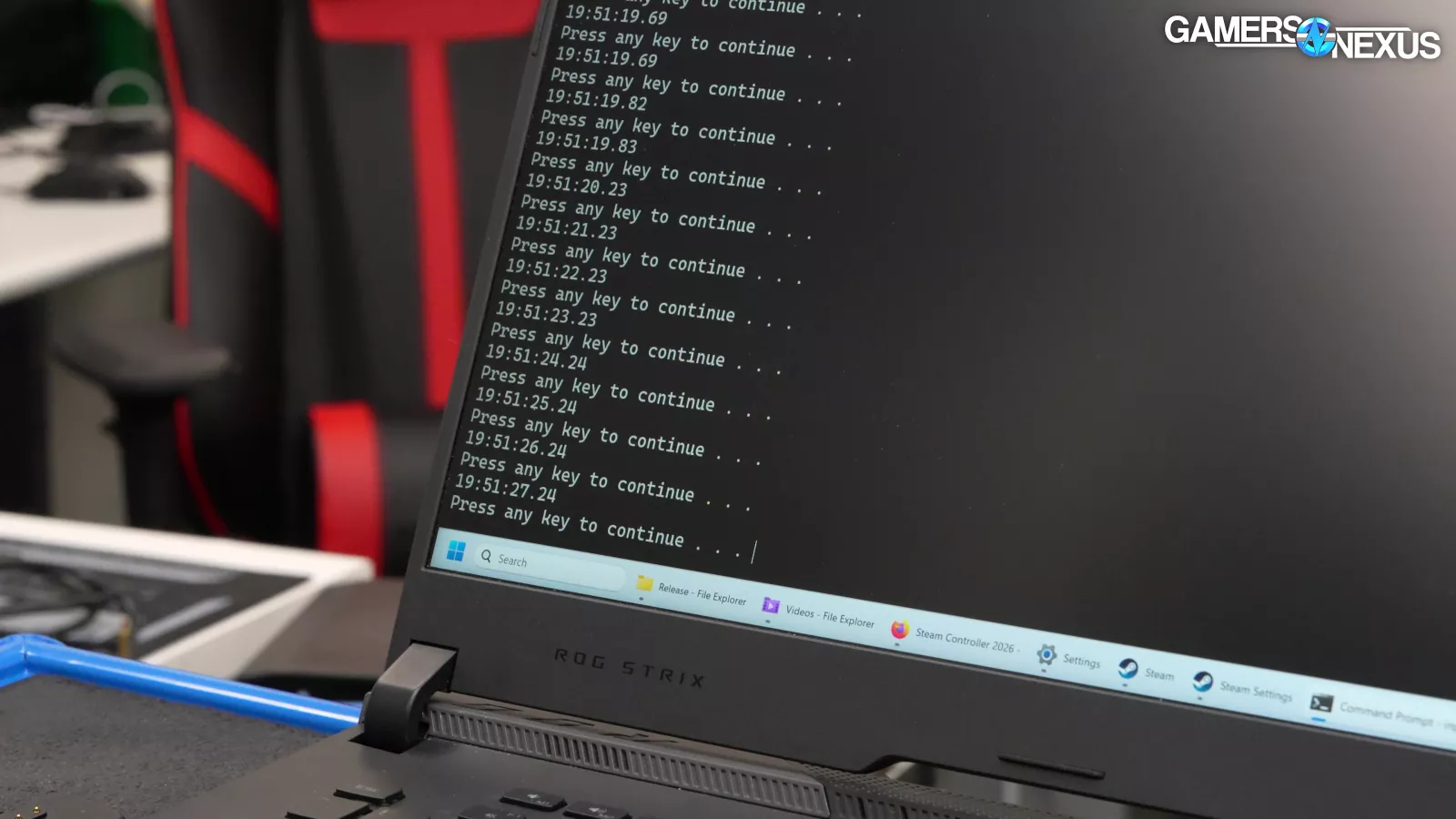
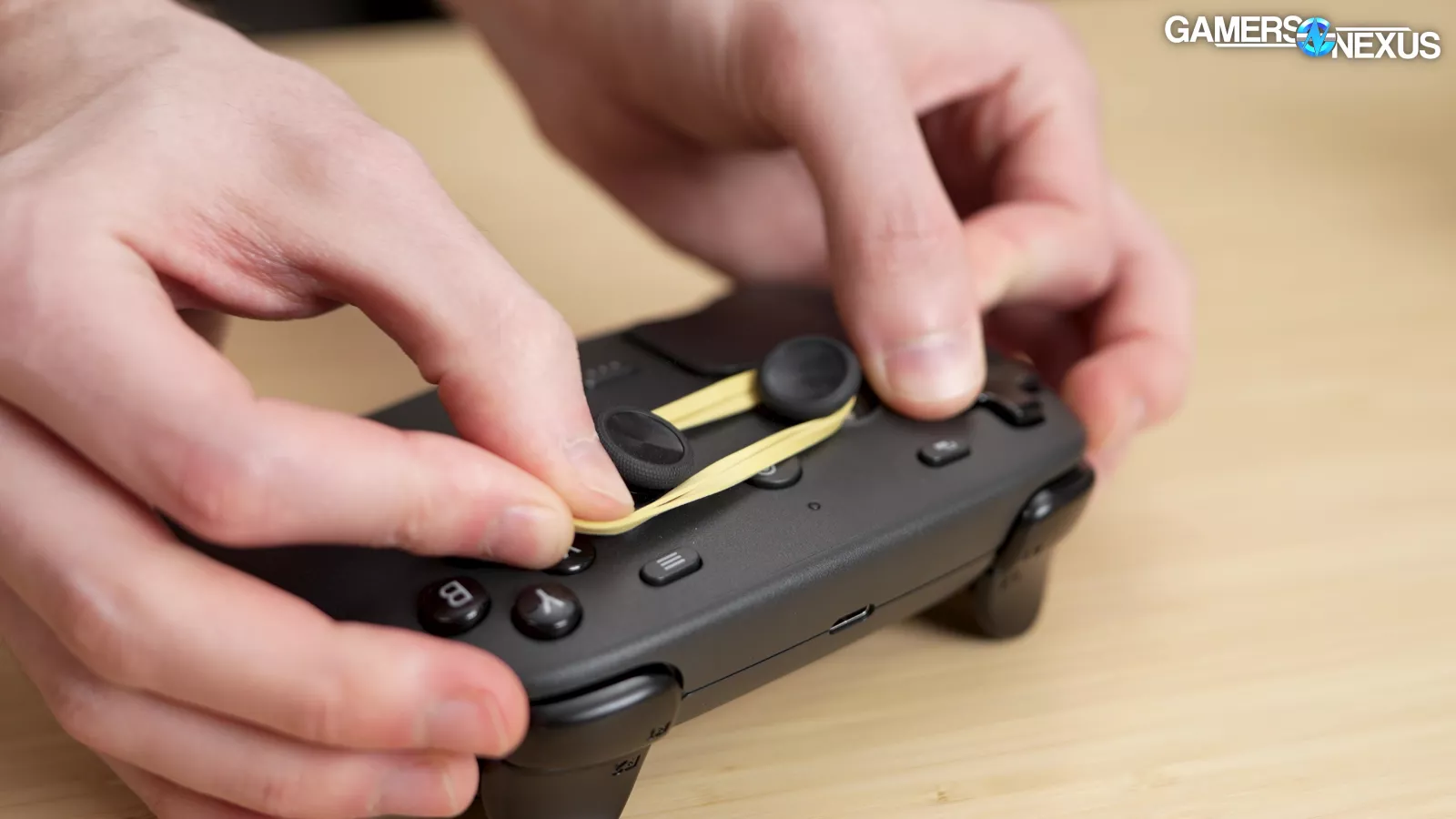
We tested the battery by rubber-banding the sticks together and using Steam Input to spam "enter" once every second. This isn’t the cleanest test since there’s no rumble testing with this approach, which we expect to be the most battery-intensive function of a controller. It is constant input, though. Given we had a few weeks to put the review together, every time we do a battery drain test, it takes several days out of that timeline. So we were limited on time.
We started the test at 6:12PM on a Saturday. The controller finally disconnected at 7:06PM on Tuesday, a total of nearly 73 hours. Real-life duration would be less due to the haptic motors and other factors.
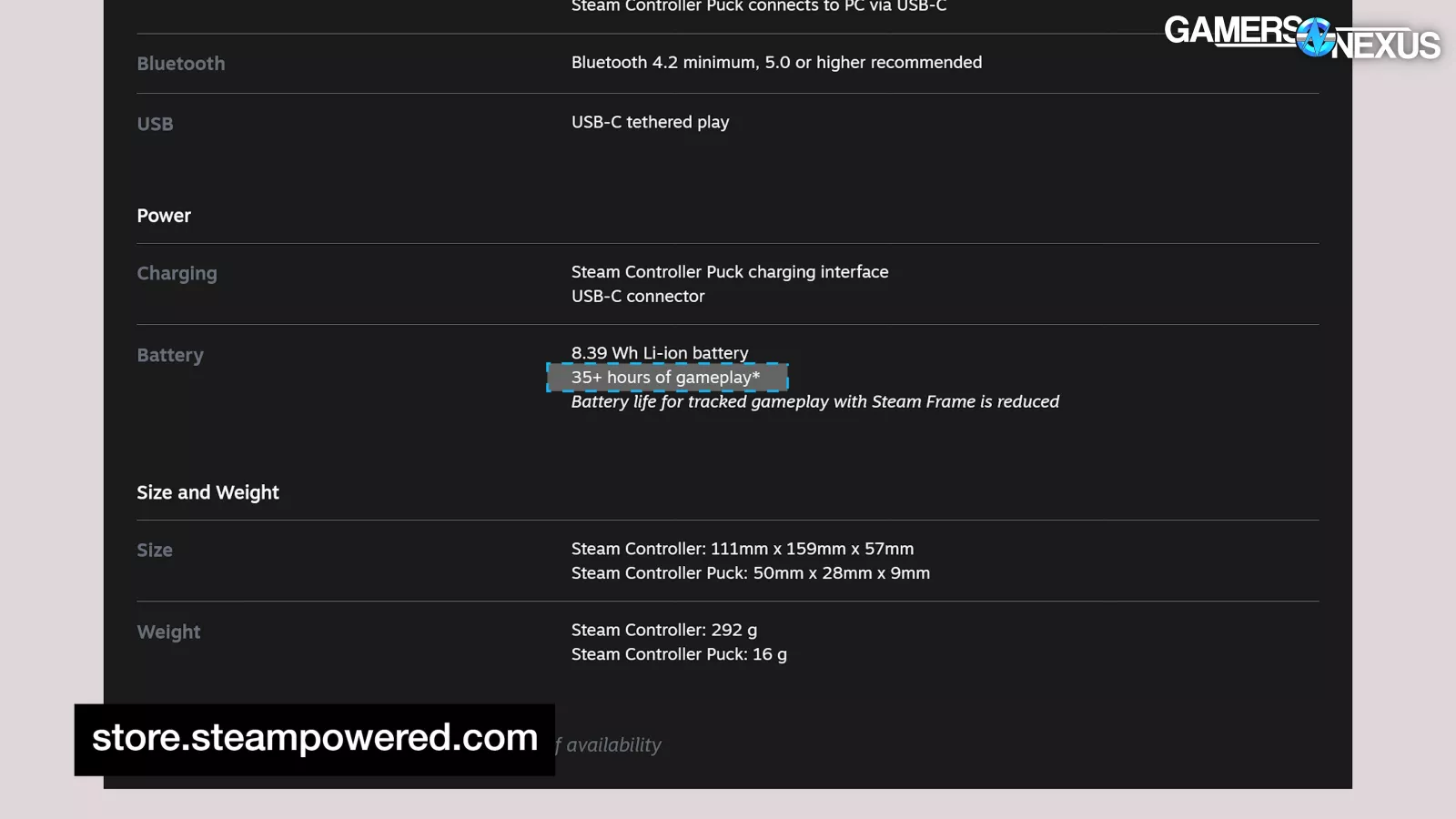
Valve's "35+ hours" claim, we think, is completely reasonable, though, so we’ve at least validated their spec sheet claim. When we finally took the rubber bands off, we accidentally hit the power button, and it lasted another 10 minutes before dying again.
Charge Speed
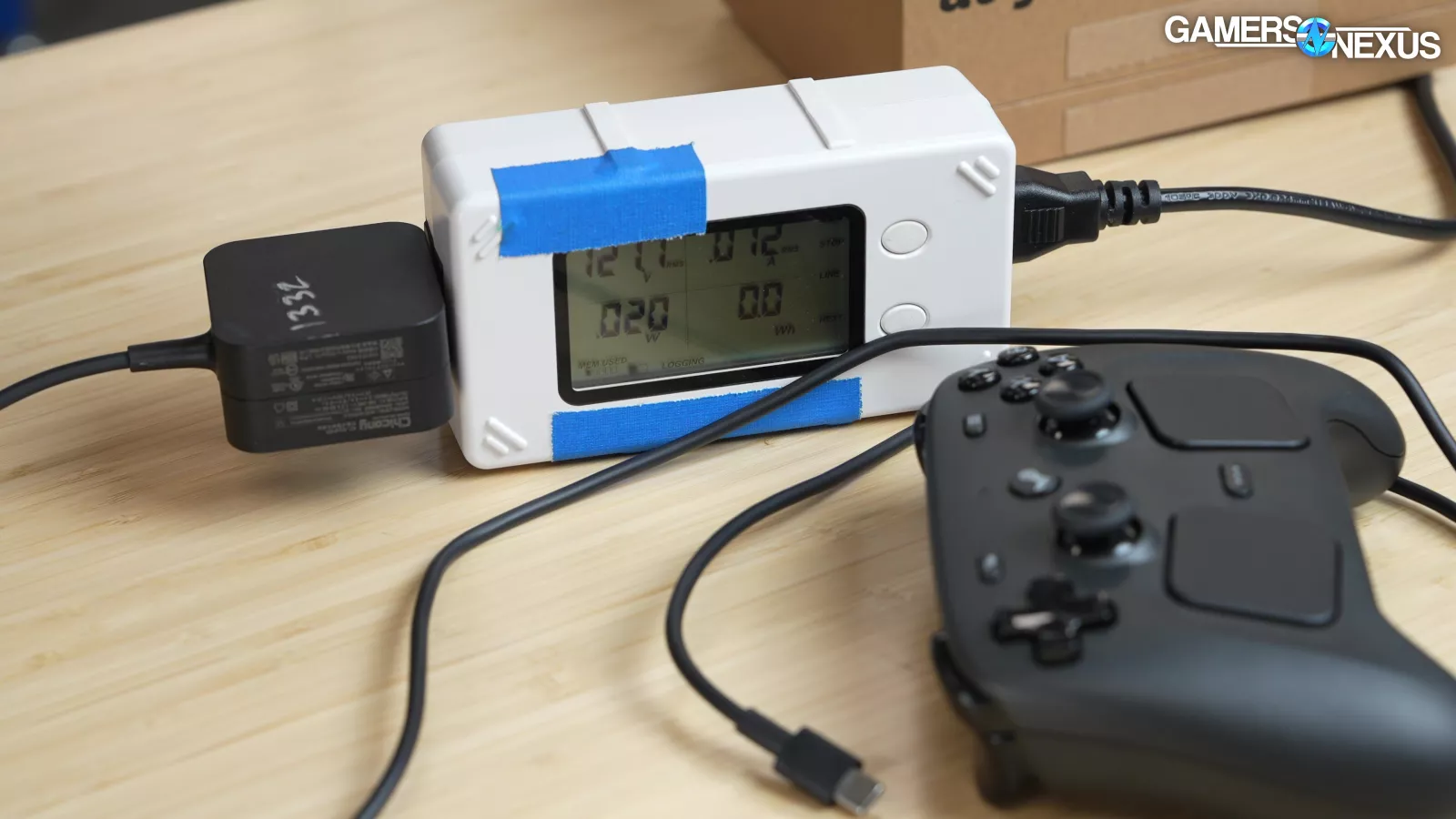
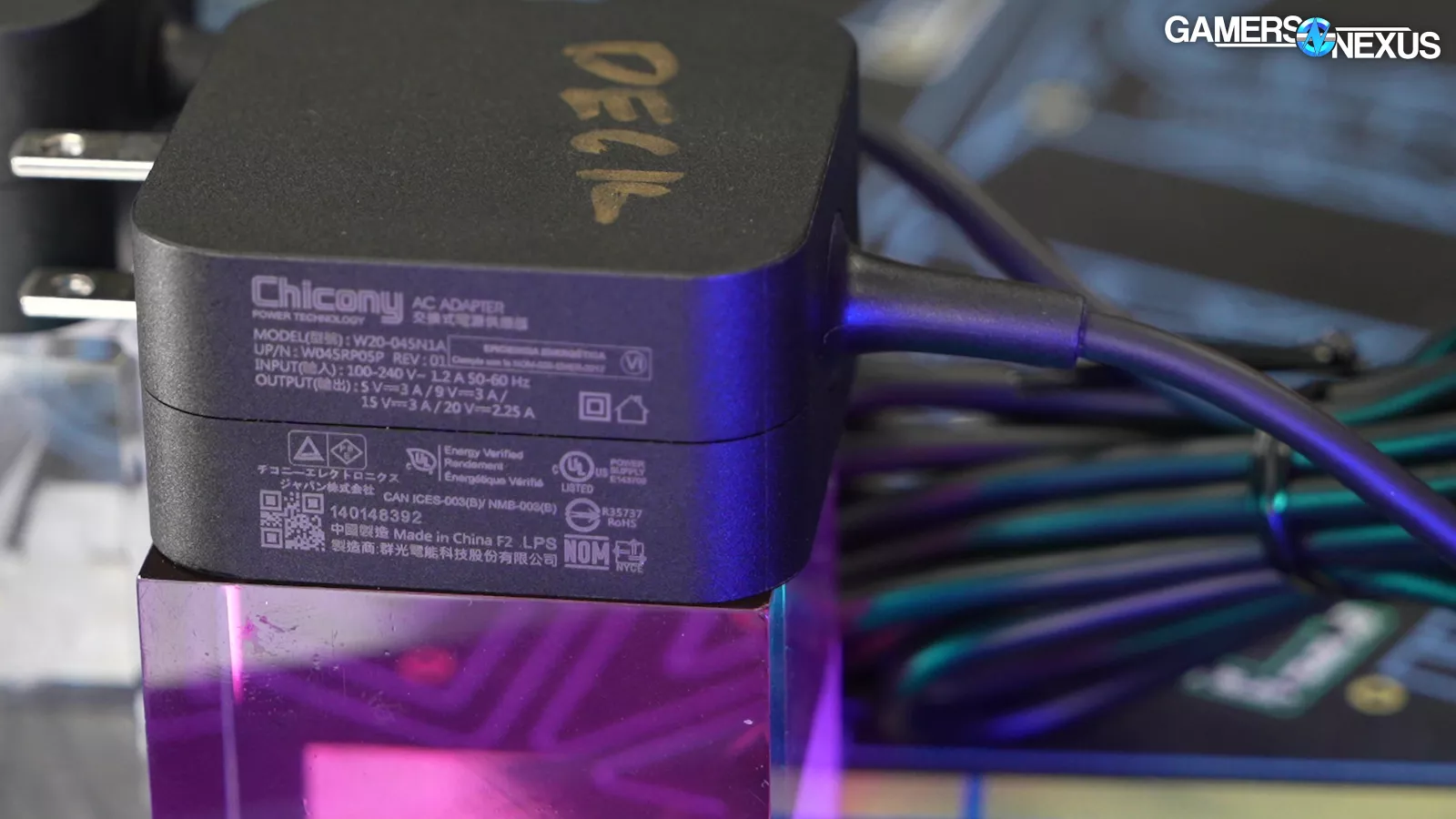
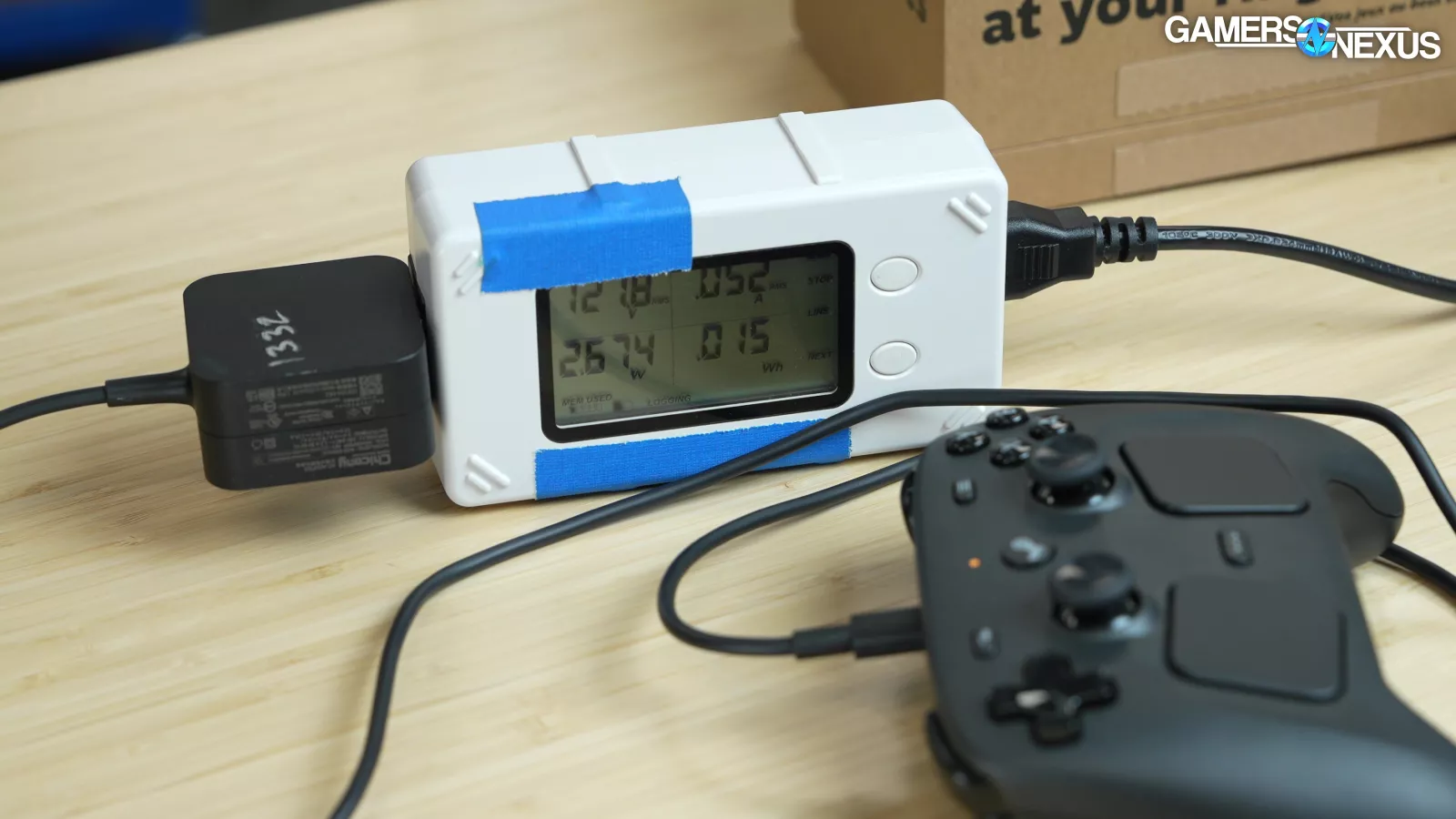
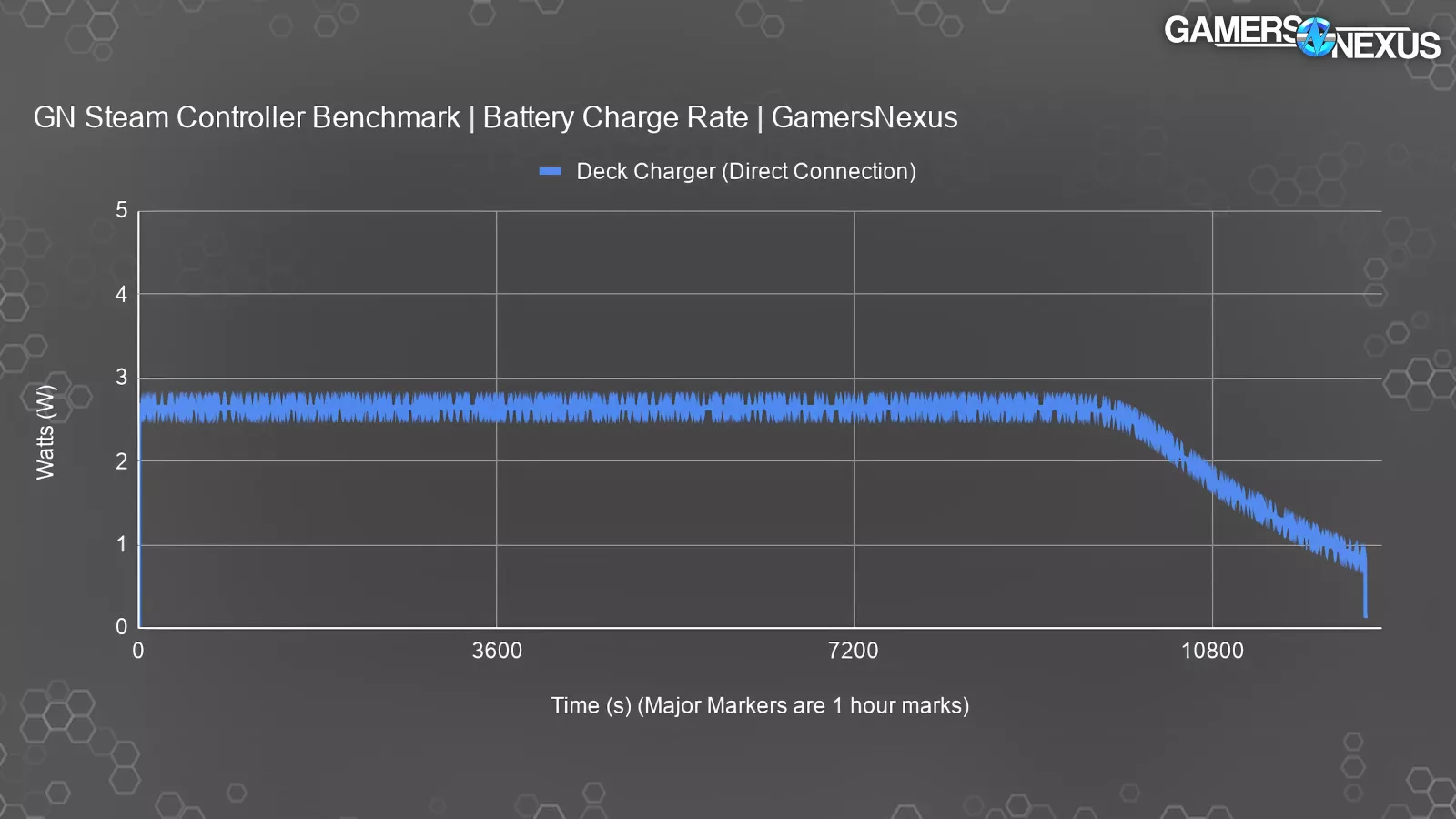
Charge speed will depend on what you plug the controller into. We picked a Deck charger since it can deliver 15W at 5V (or up to 45W at 20V), and many controller users will have one on-hand.
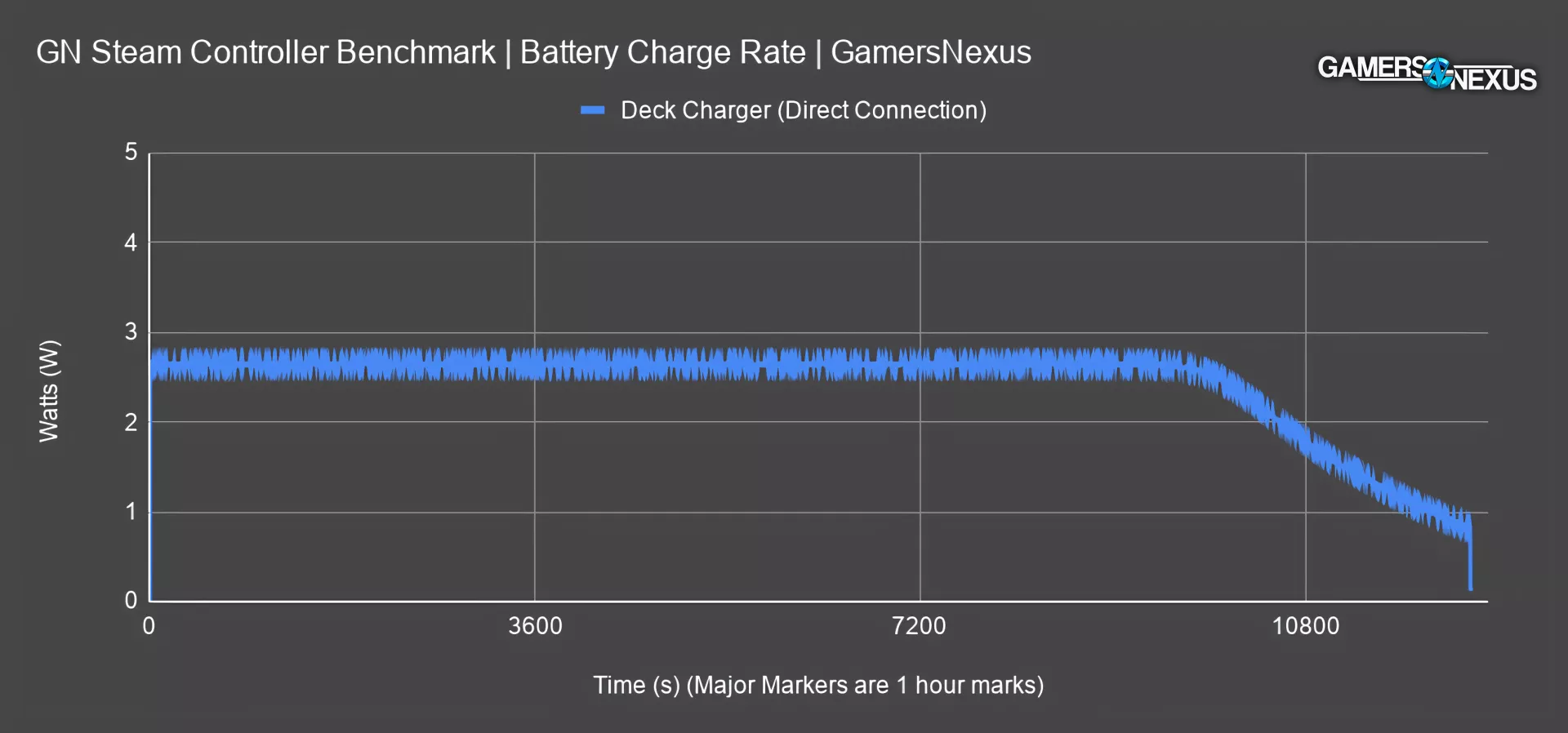
We plugged this into a power interposer to capture power data from the source, which allows us to measure charge over time and power draw from the wall. With a direct connection, it took 3 hours and 26 minutes to hit full charge, and approximately 2 hours and 40 minutes to drop below the peak charge rate of 2.65W.
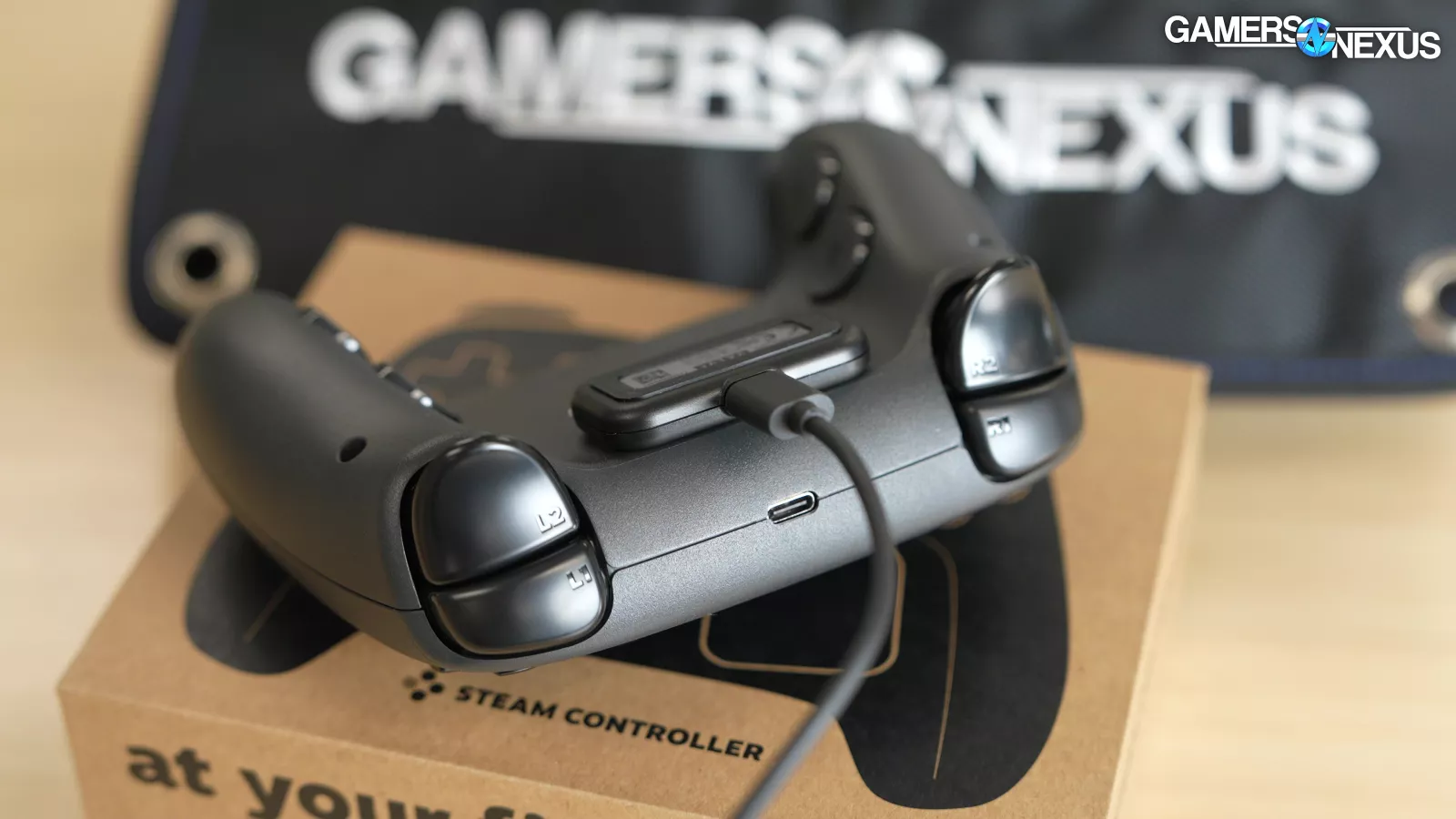
This was already known, but to reiterate: clipping the Puck onto the controller is only for charging, the data connection remains wireless.
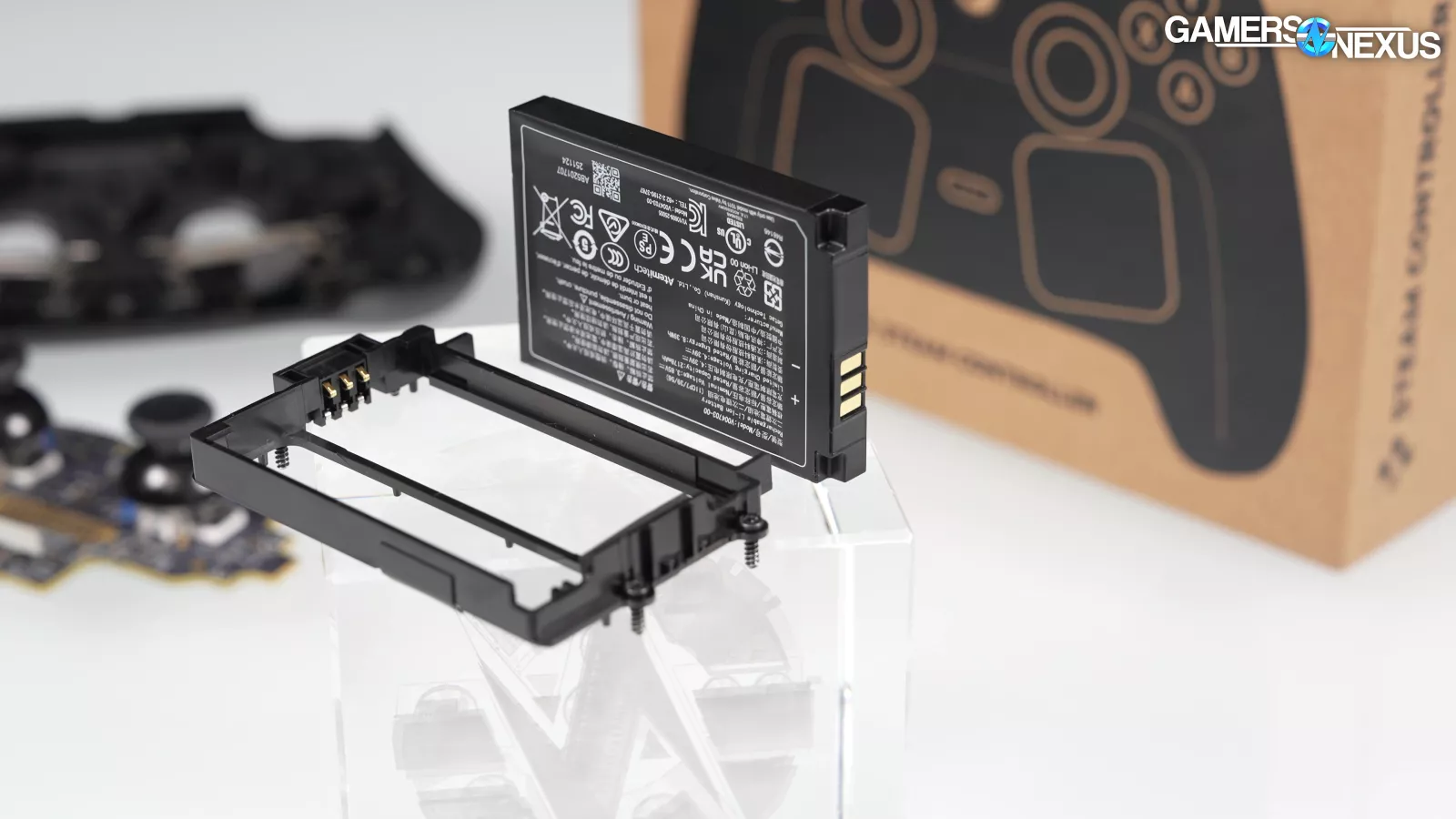
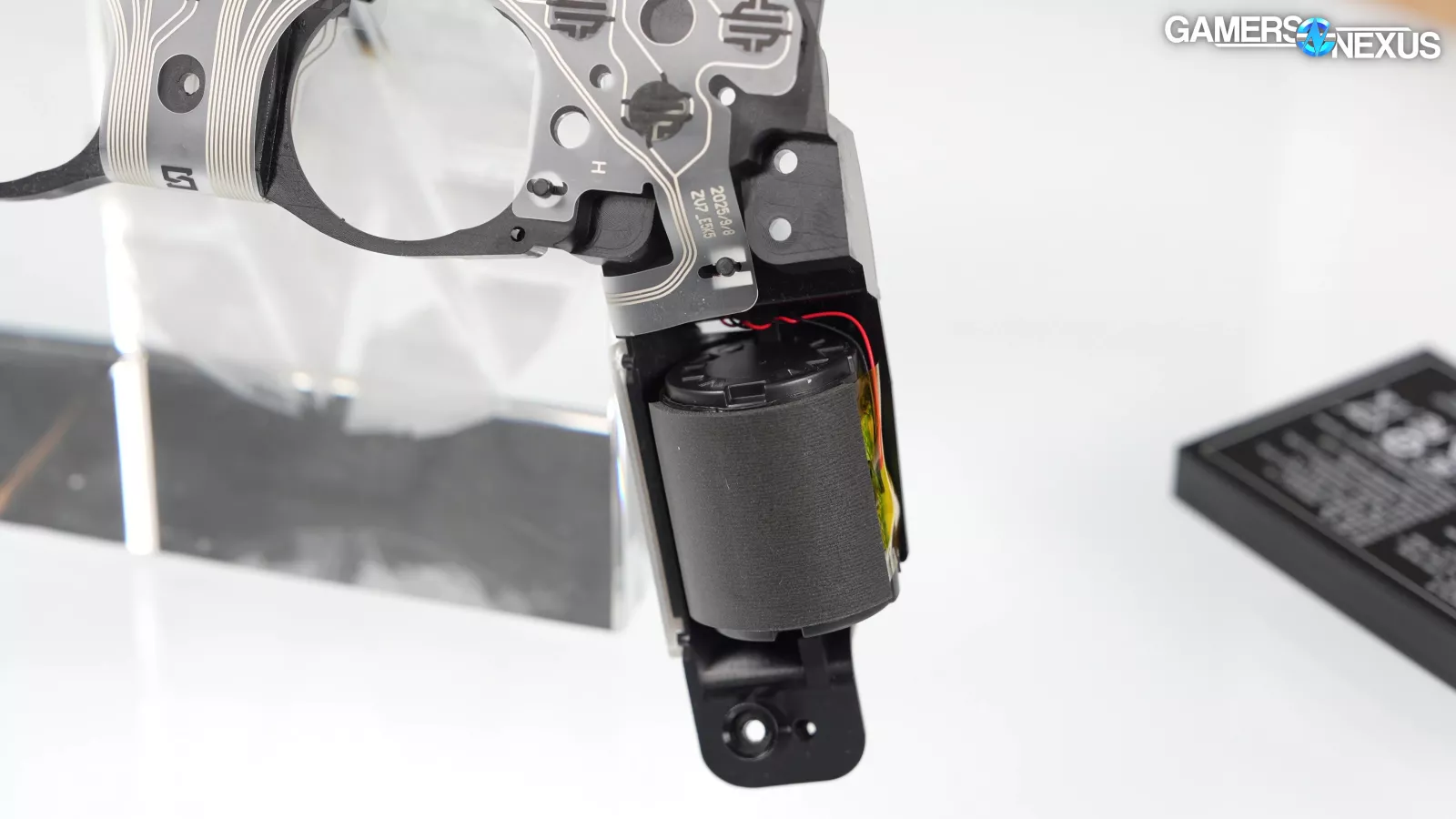
Valve justified the move from AAs to an internal battery by saying that the long battery life and ease of charging (via the Puck) is the best of both worlds. Also, the battery needs to be able to power all of the haptic motors and other new features.
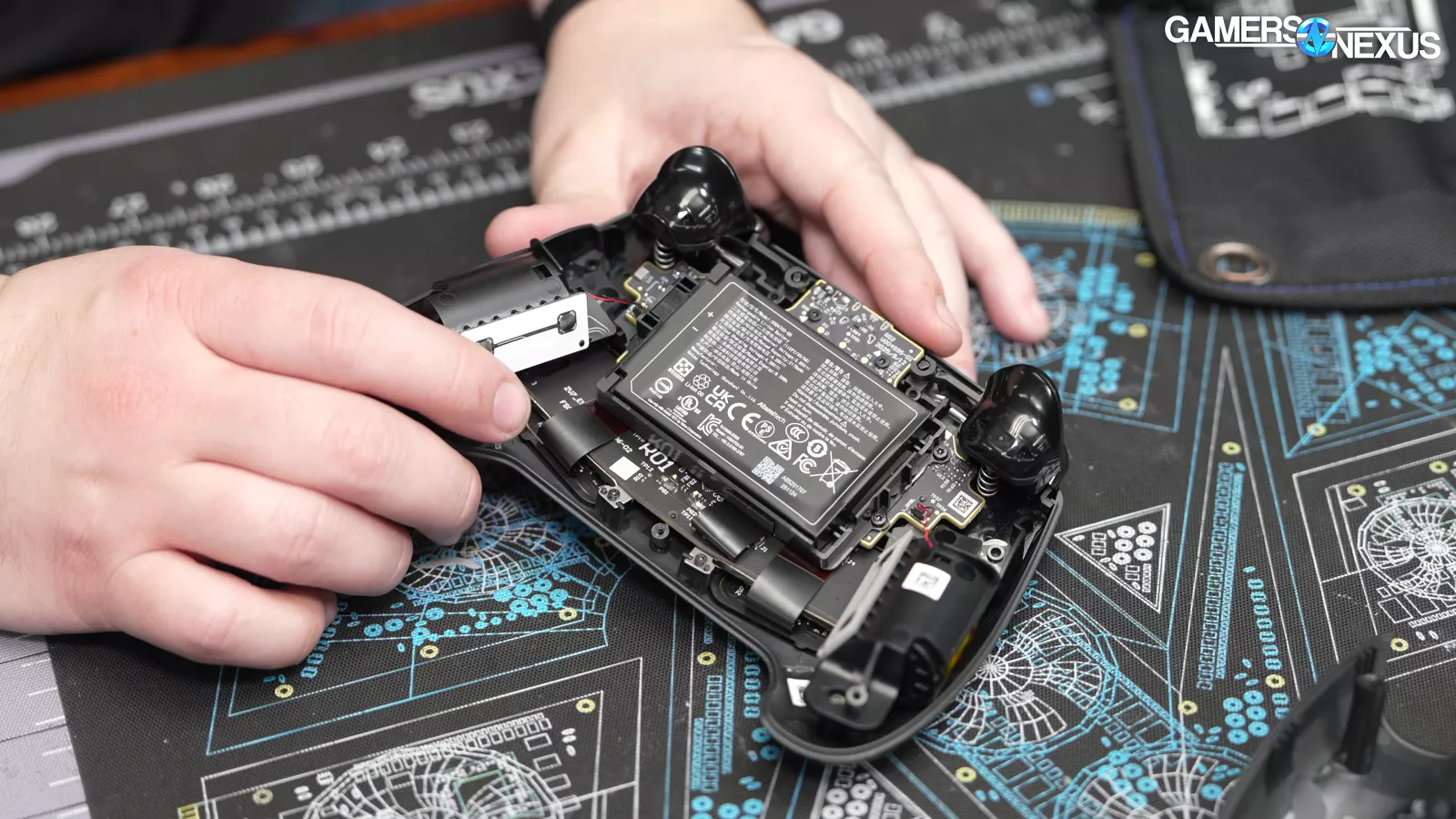
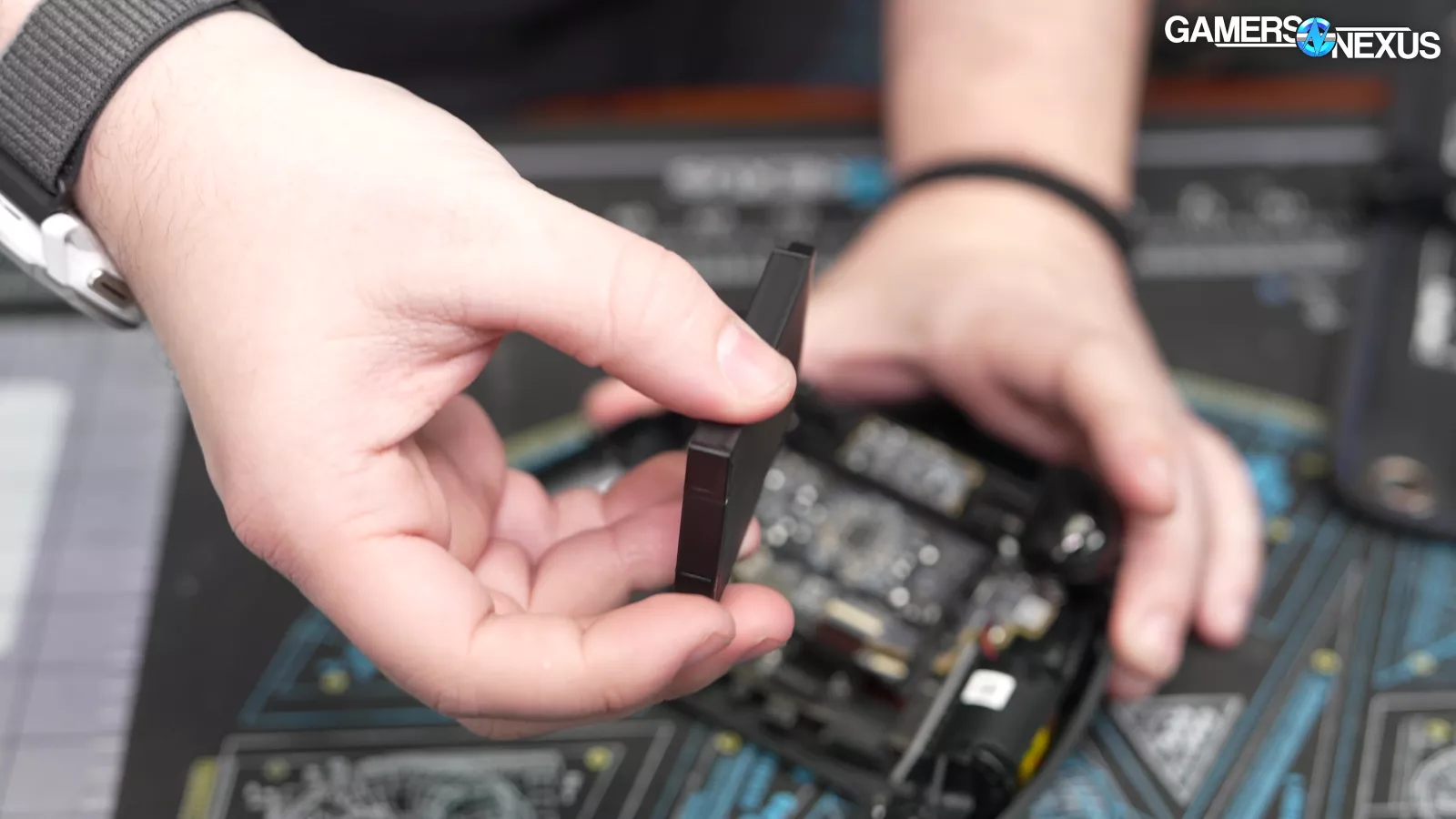
Given the ease with which the battery can be removed and replaced, this is without sacrificing repairability.
Range
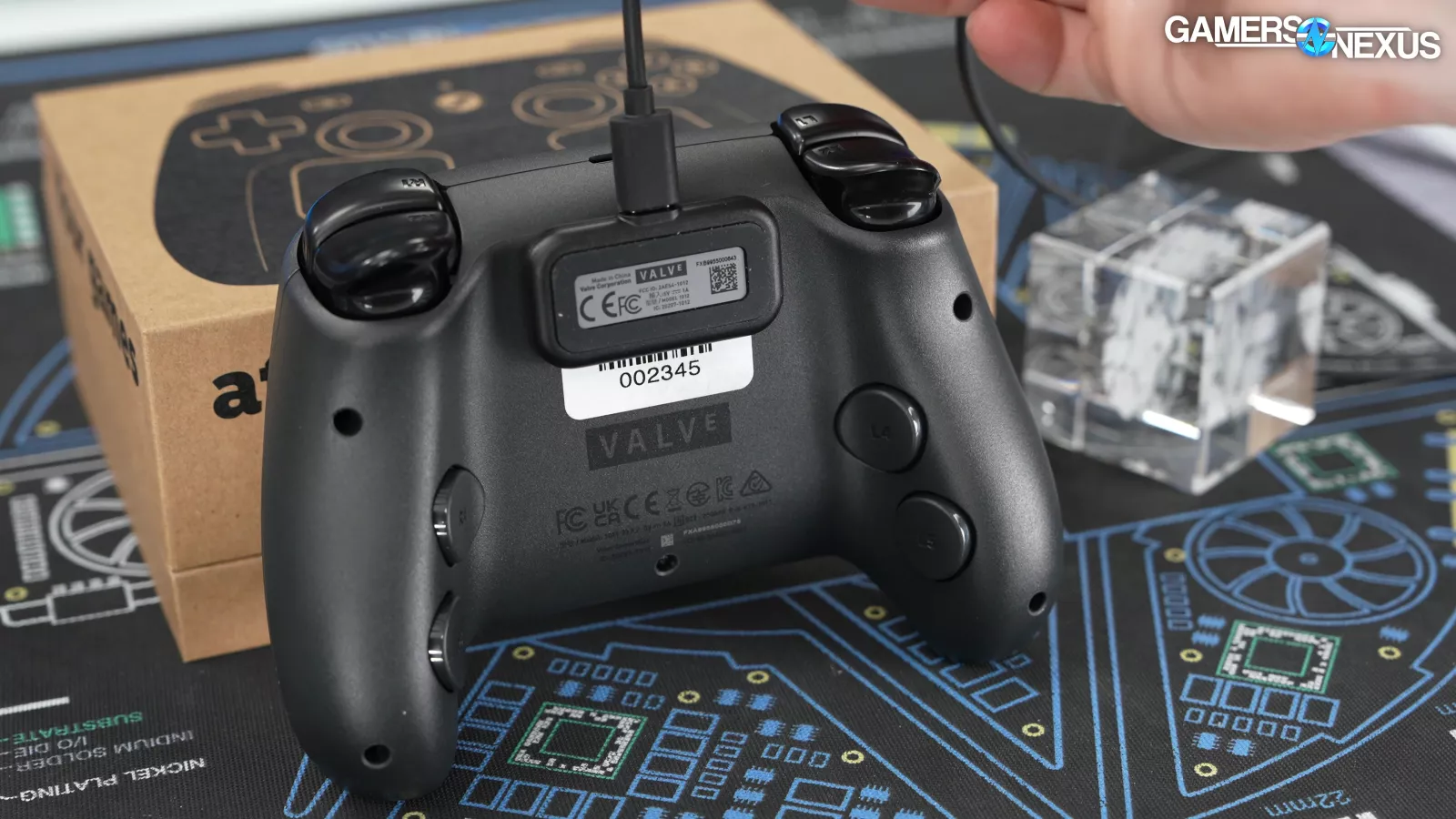
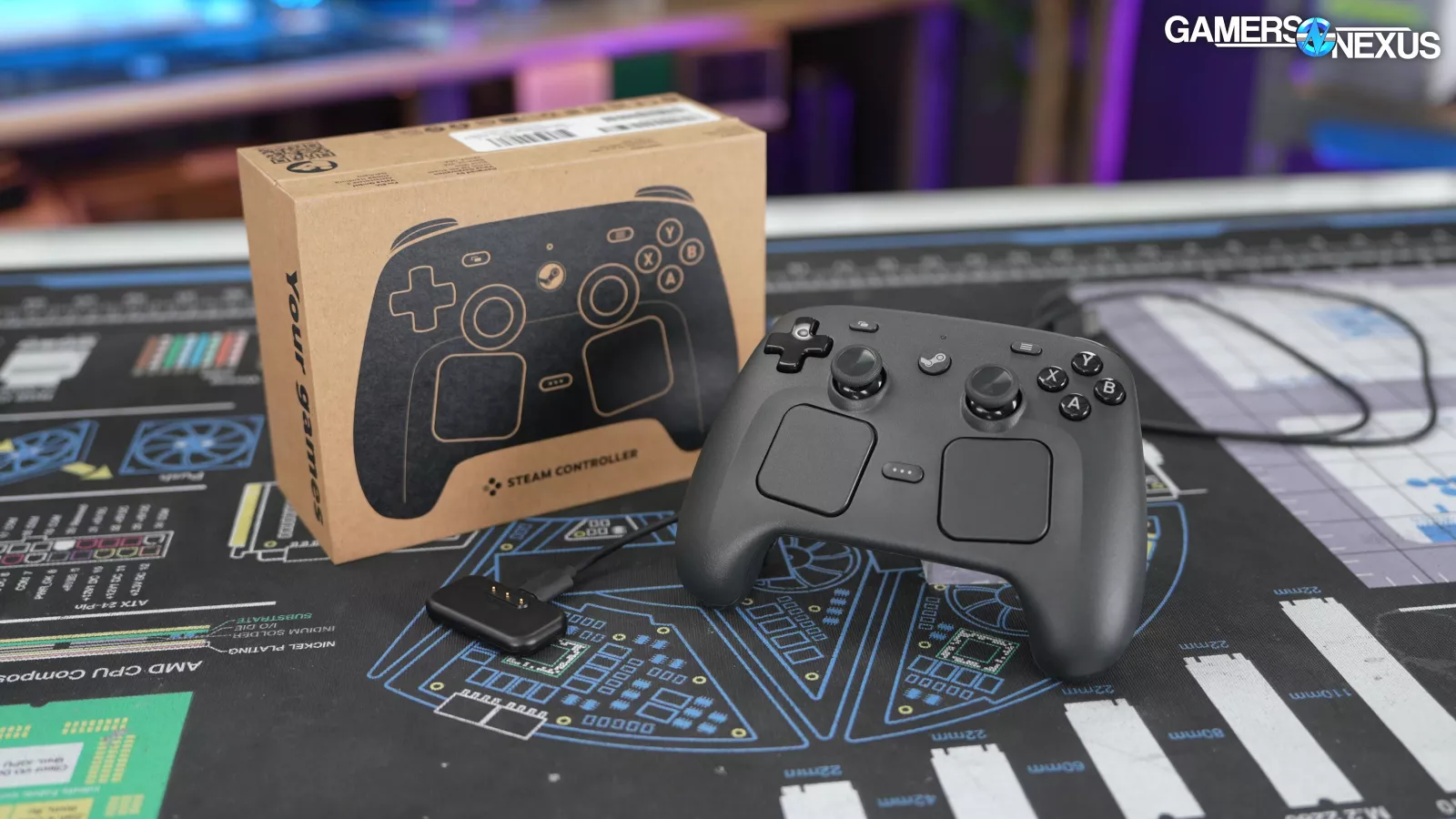
Every Controller comes with a "Puck" wireless adapter. This is completely separate from the Steam Frame's dongle. Each Puck can connect to four Controllers, and each Controller can remember pairings with two Pucks. The Puck uses Valve's proprietary rendition on the 2.4GHz wireless protocol to avoid interference, which was originally developed for the first Steam Controller and has been updated since.
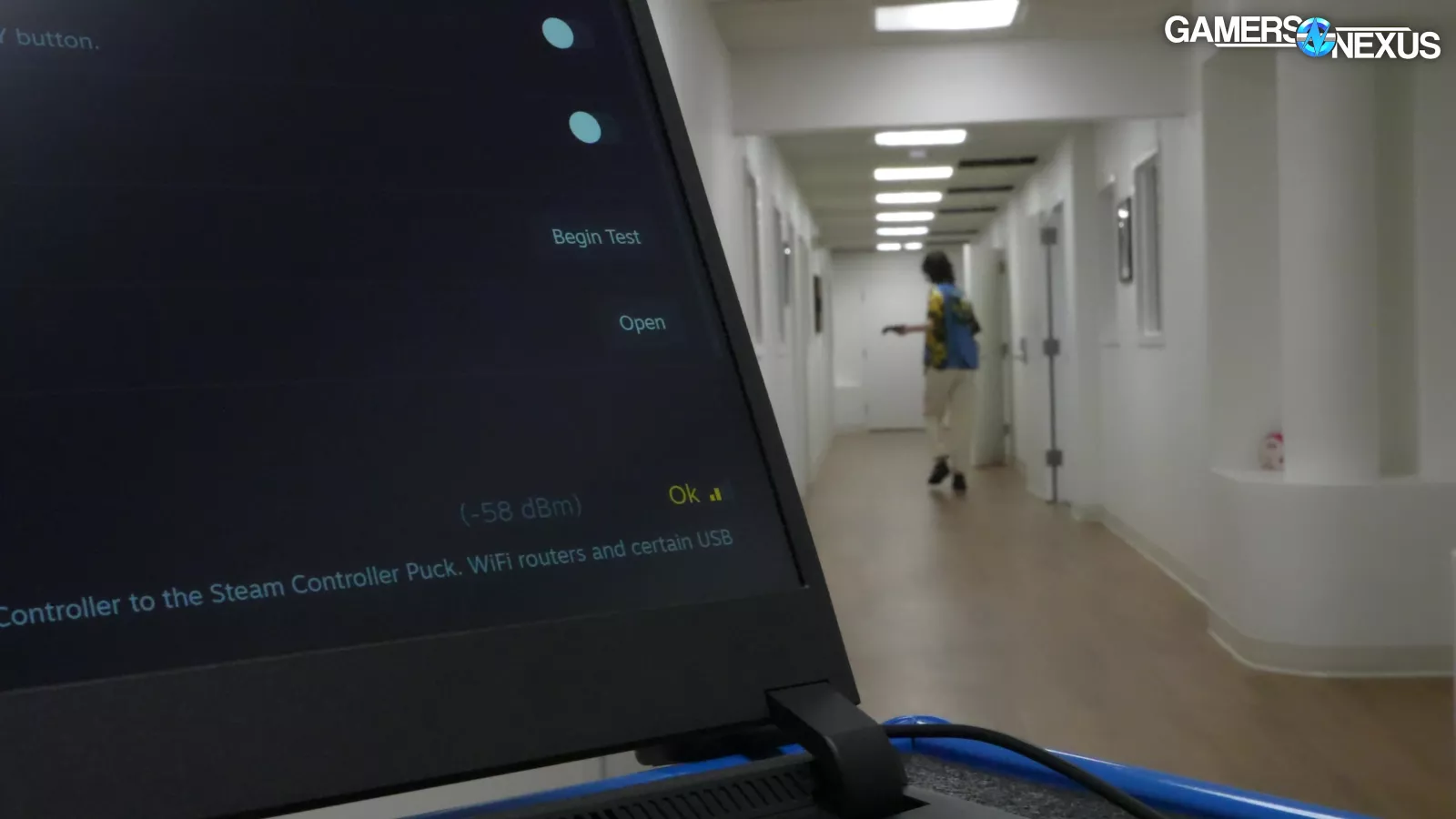
We didn't do a deeply scientific range test, but we did originally test the puck in our extremely long hallway, which wasn’t long enough to drop signal. We then took the controller outside and started walking until the signal died. Using the Puck outside, we were able to get around 146 feet (44.5m) away with direct line-of-sight before it completely dropped out. In a house, you’d lose connection much sooner due to walls and obstacles. Still, it’s an impressive range.
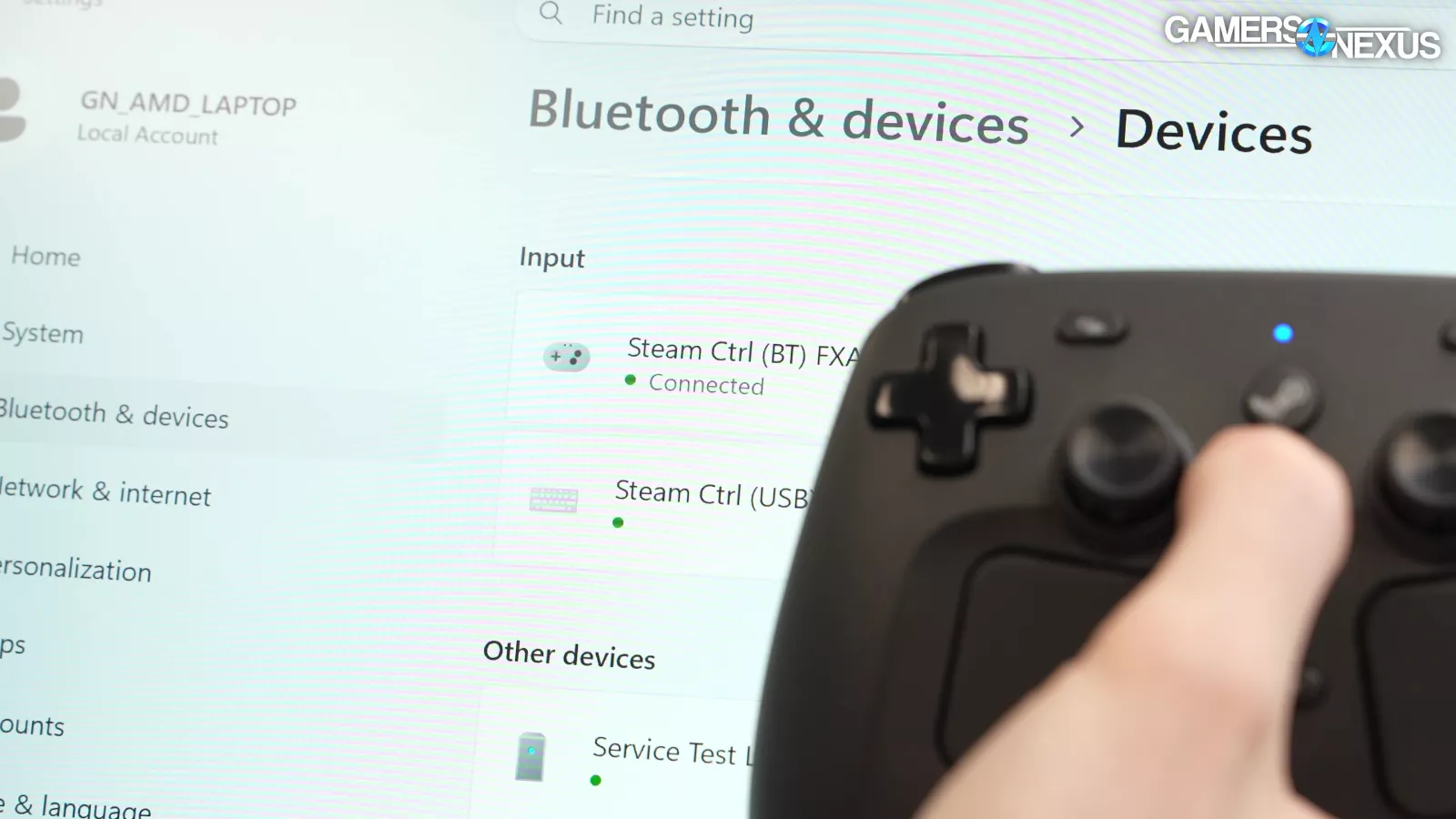
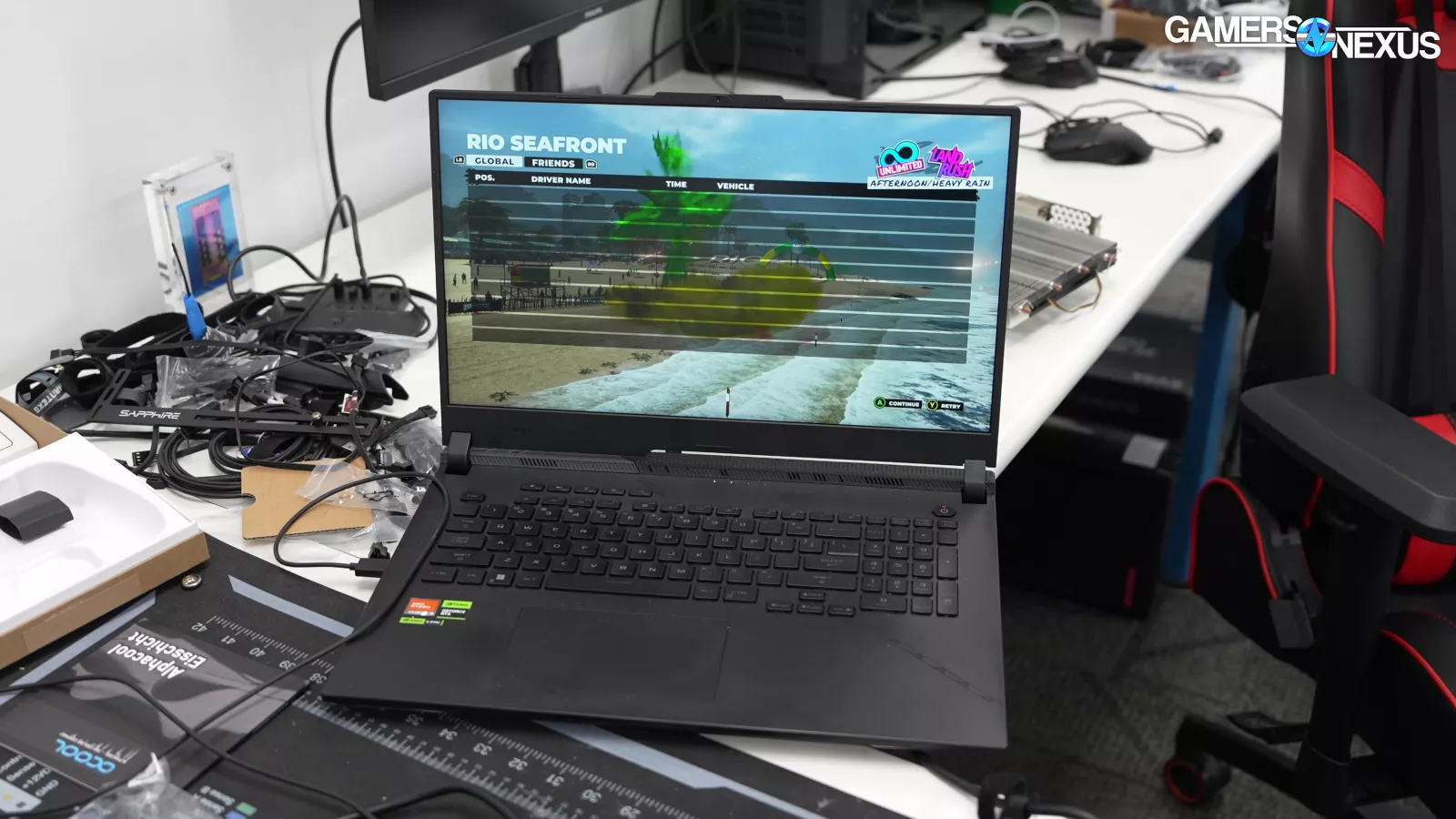
Bluetooth is more variable since it depends on the paired device, but with the stock Bluetooth radio in an ASUS ROG Strix SCAR 17, we were able to get even further away. The distance cutoff wasn't as consistent with Bluetooth, so we won't commit to a hard number.
With line of sight, the Steam Controller's range is more than adequate for indoor use, and well beyond the 5 meter range that Valve mentioned offhand in our first meeting. If you're curious about the range in your own house, there's a live dBm signal readout in the settings menu which immediately reacts: covering the Puck or the Controller's antenna (located near the USB port) lowers signal quality instantly. Anecdotally, we were able to maintain a connection through walls two rooms away, but not all walls are built the same.
Hands-On
We’re getting into the hands-on section now.
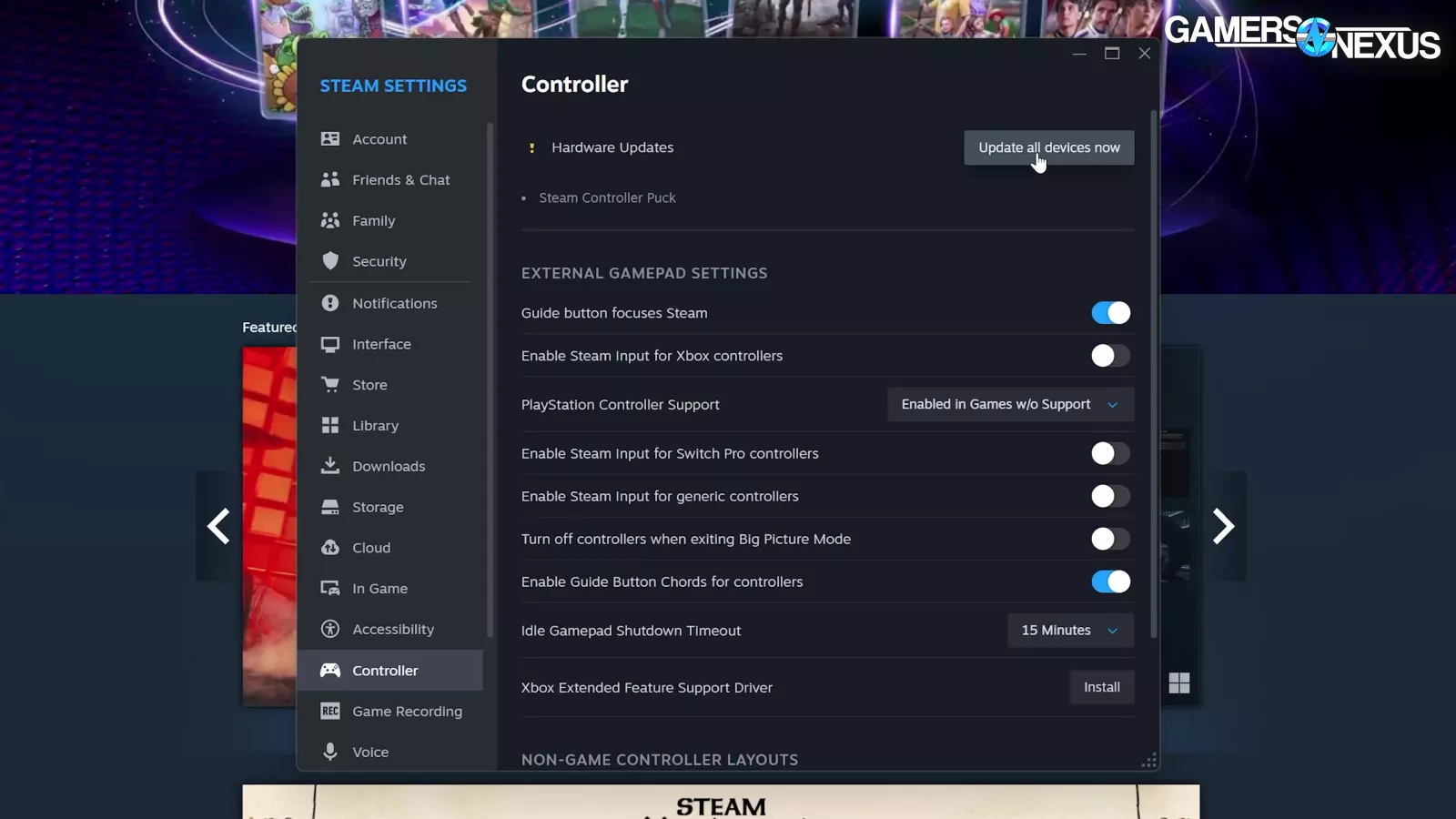
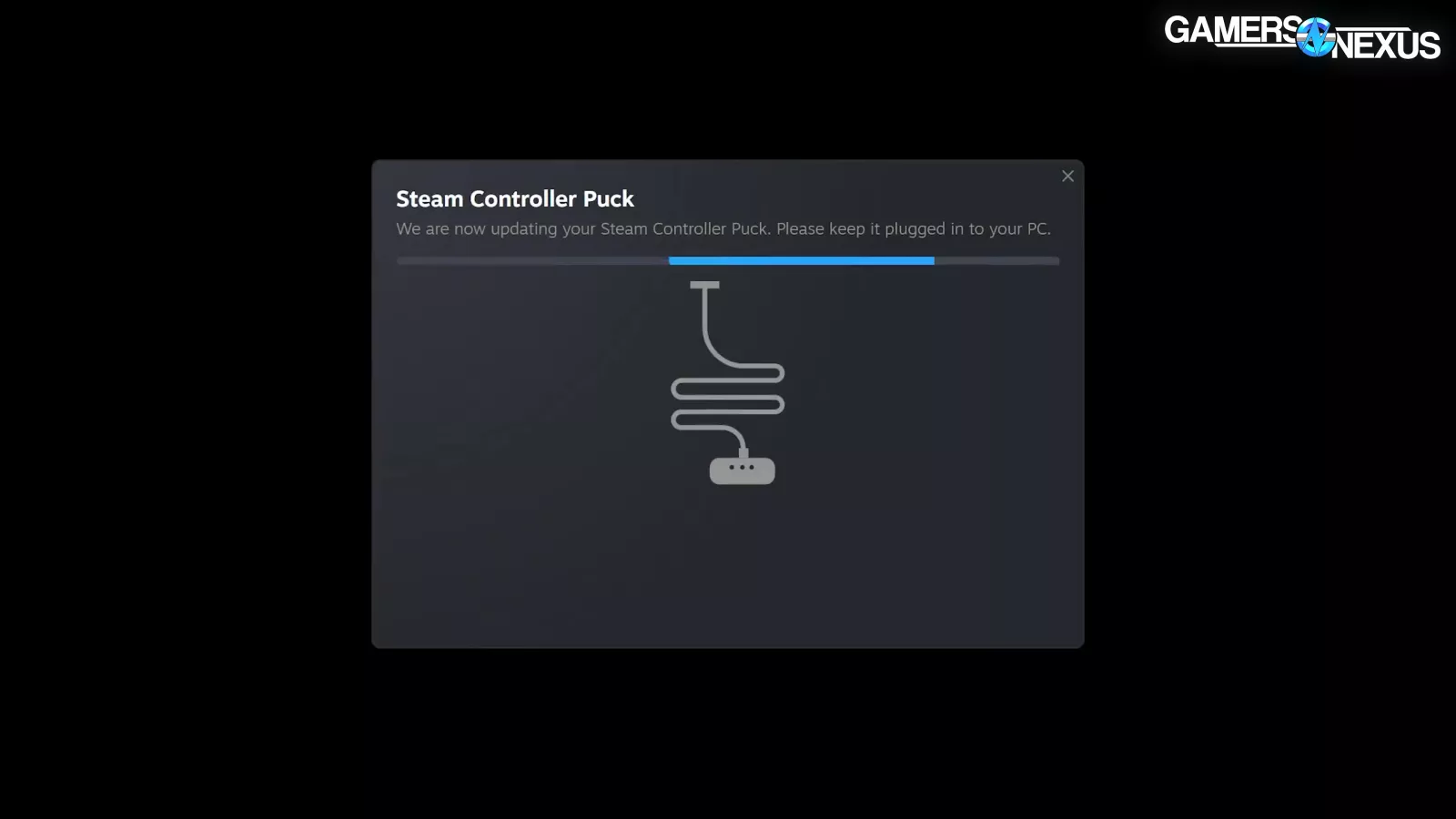
We had to switch to the Steam client beta in order to update and run the Steam Controller, but we were told that customers won't have to do this. Applying the firmware update was simple, although there wasn't great progress feedback.
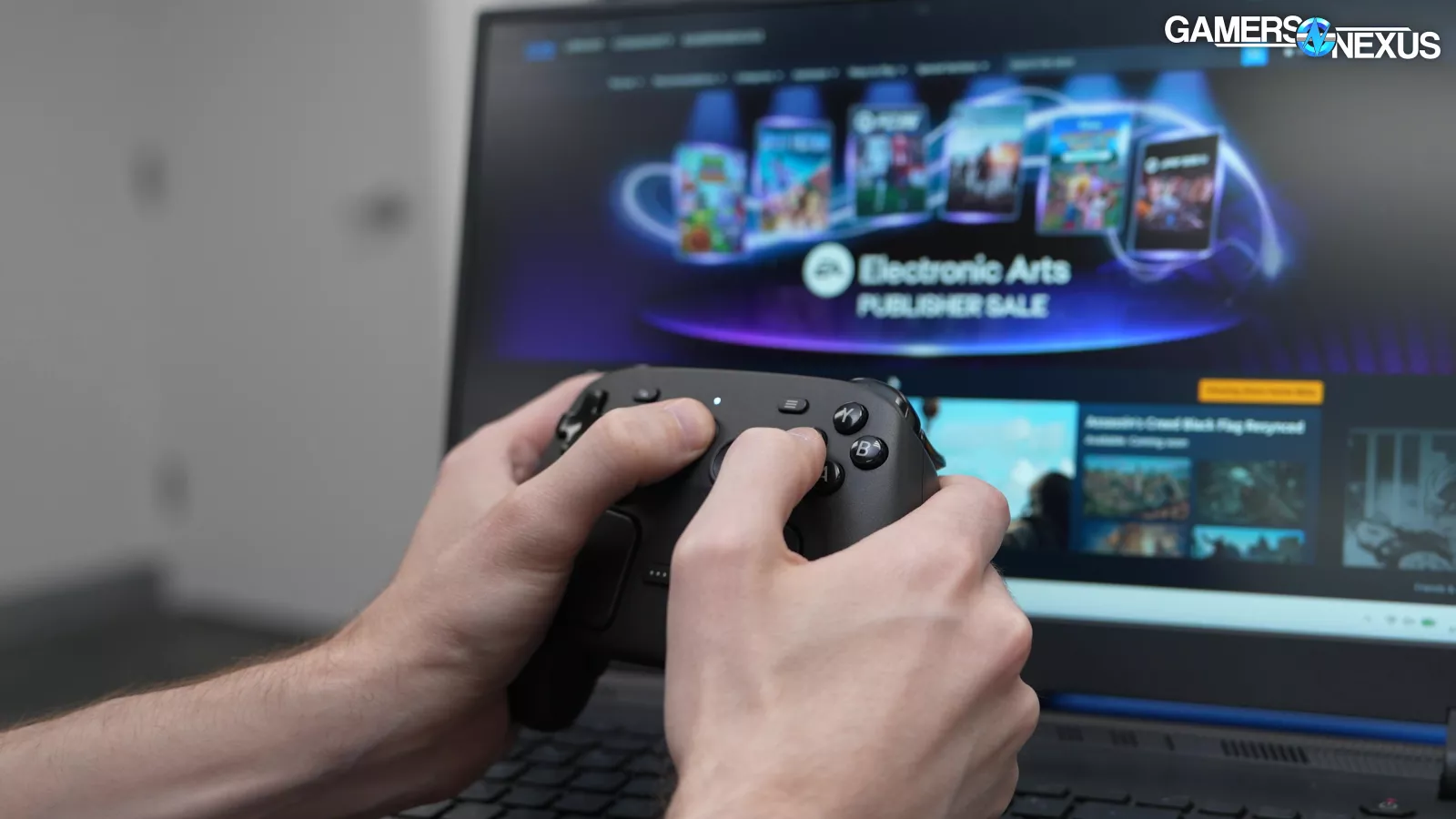
After initially connecting the Controller and launching into Big Picture mode, we had some weird issues with bindings, like up on an analog stick adjusting system volume and right (on the same stick) selecting. By the time we got a camera on it, it had resolved itself.
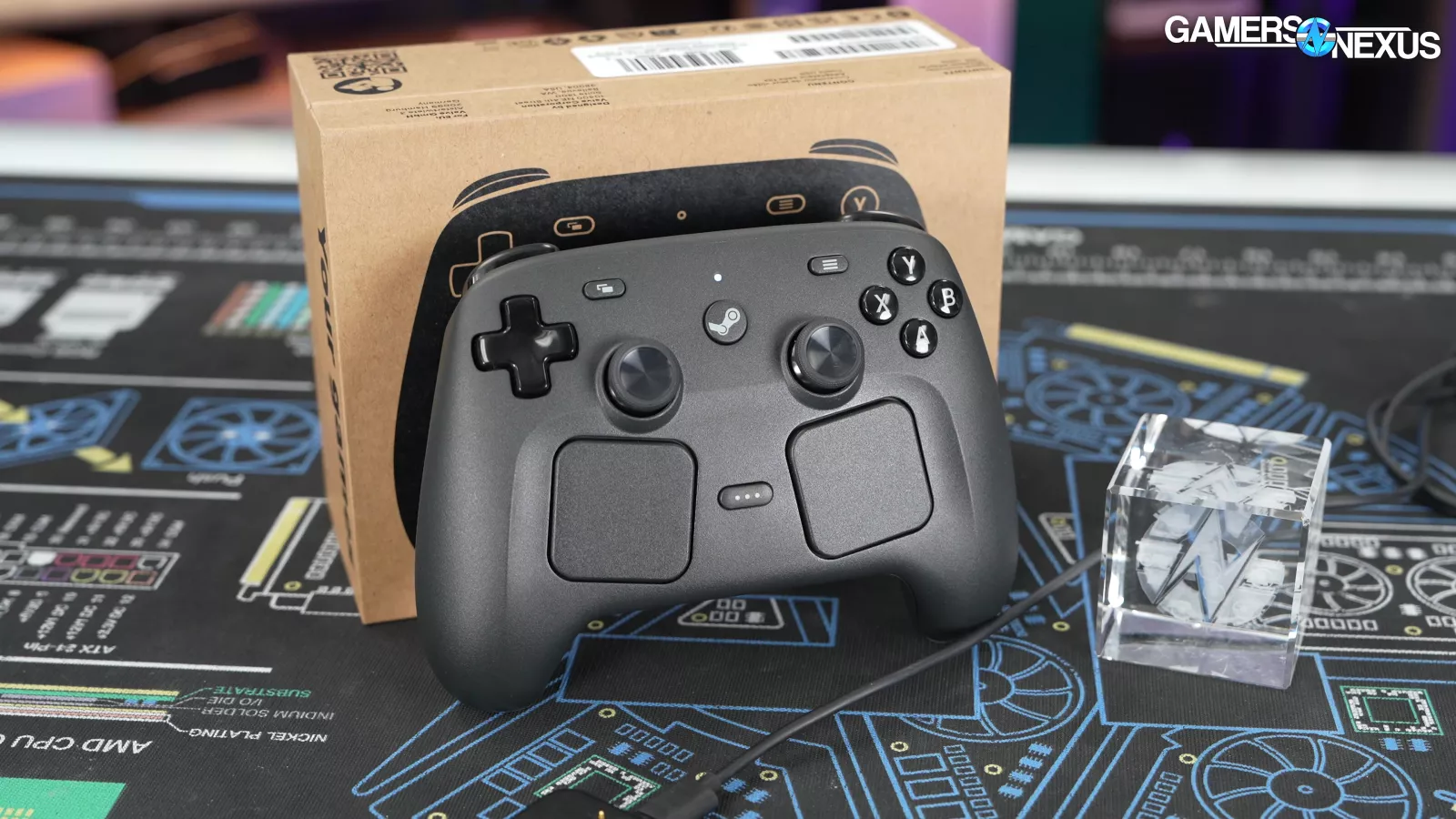
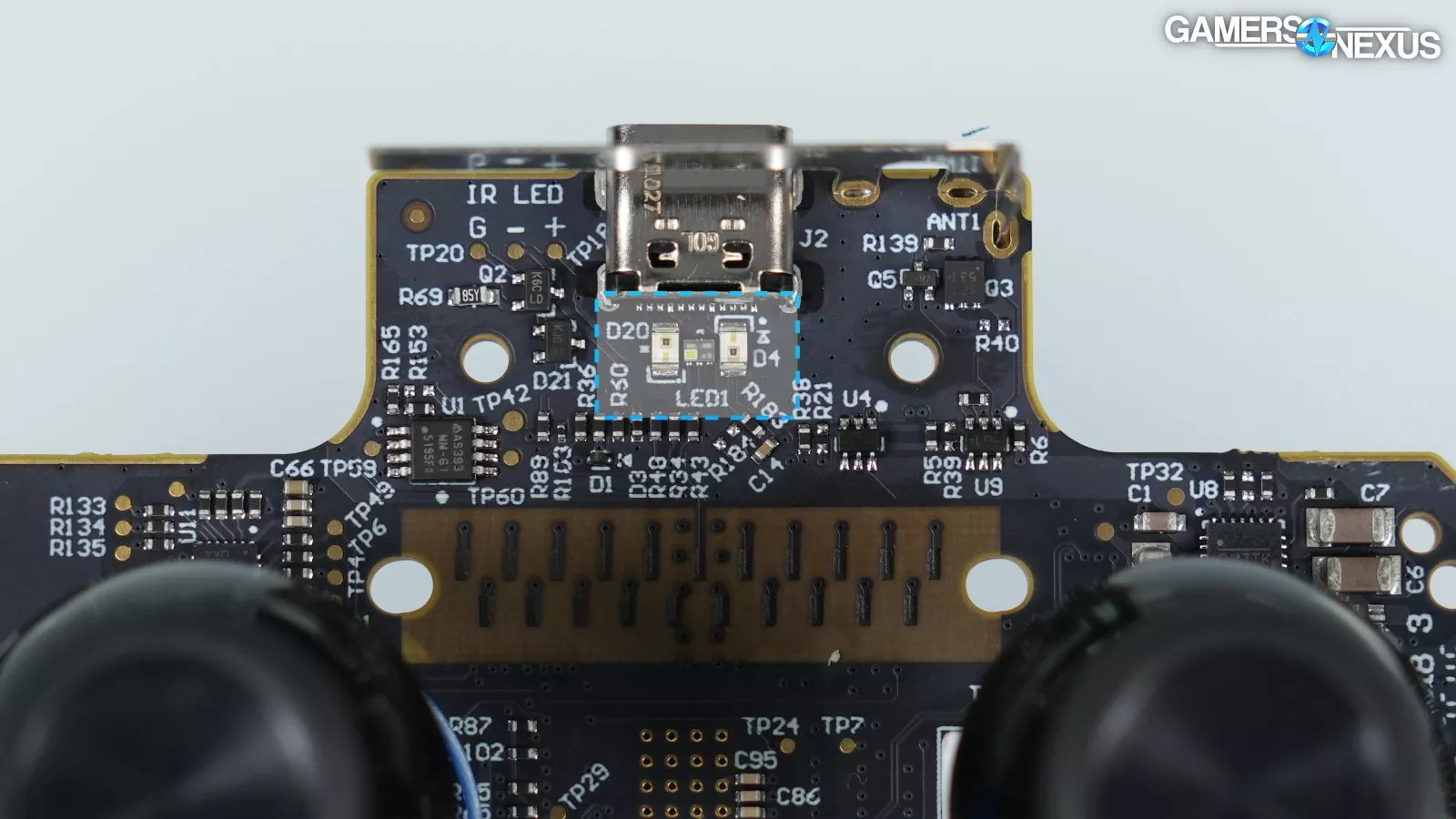
The Controller contains an infrared LED that can be tracked by the Steam Frame, but obviously we can't test that without a Steam Frame. Valve's store page says that Controller battery life is reduced when tracking.
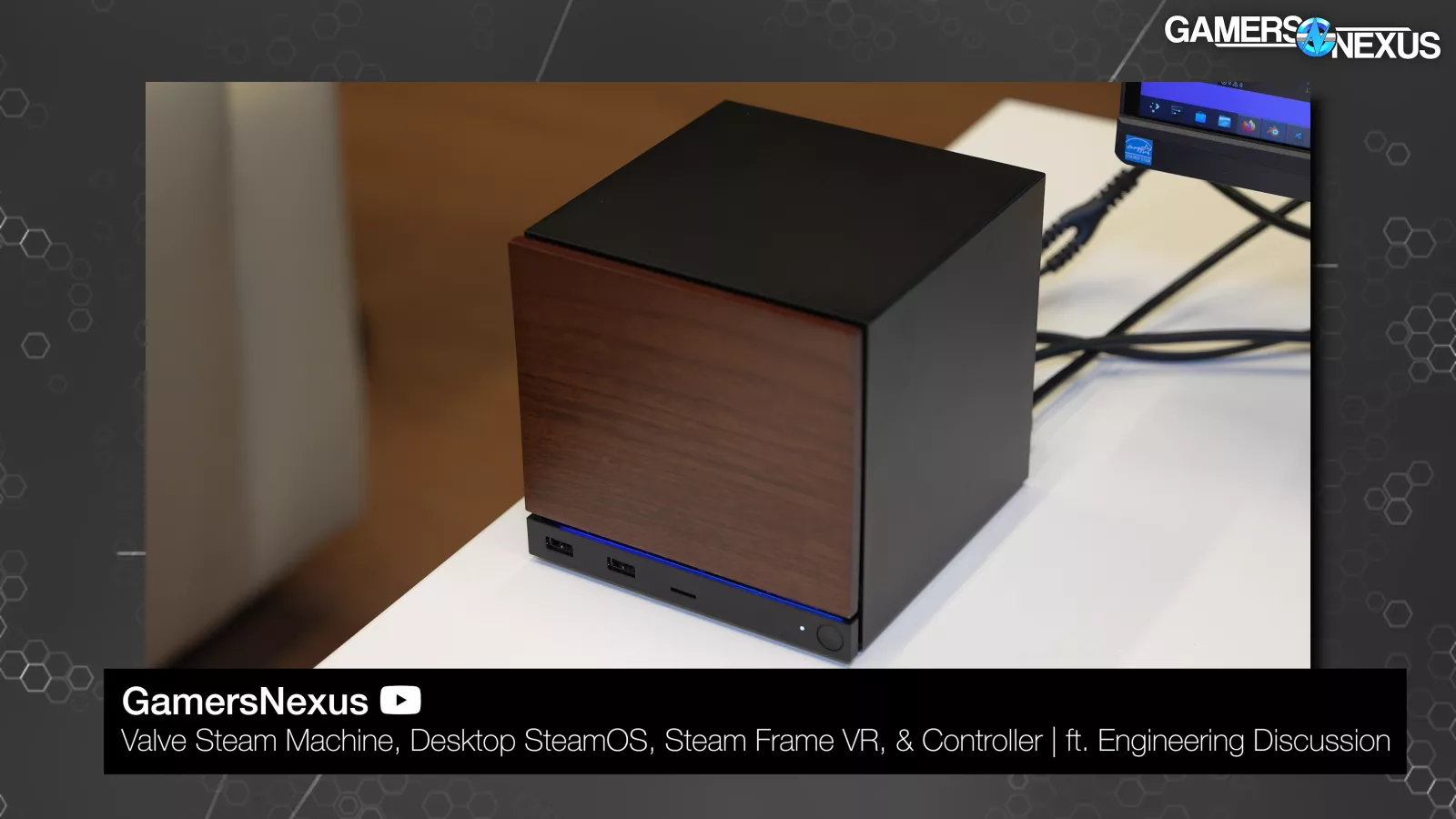
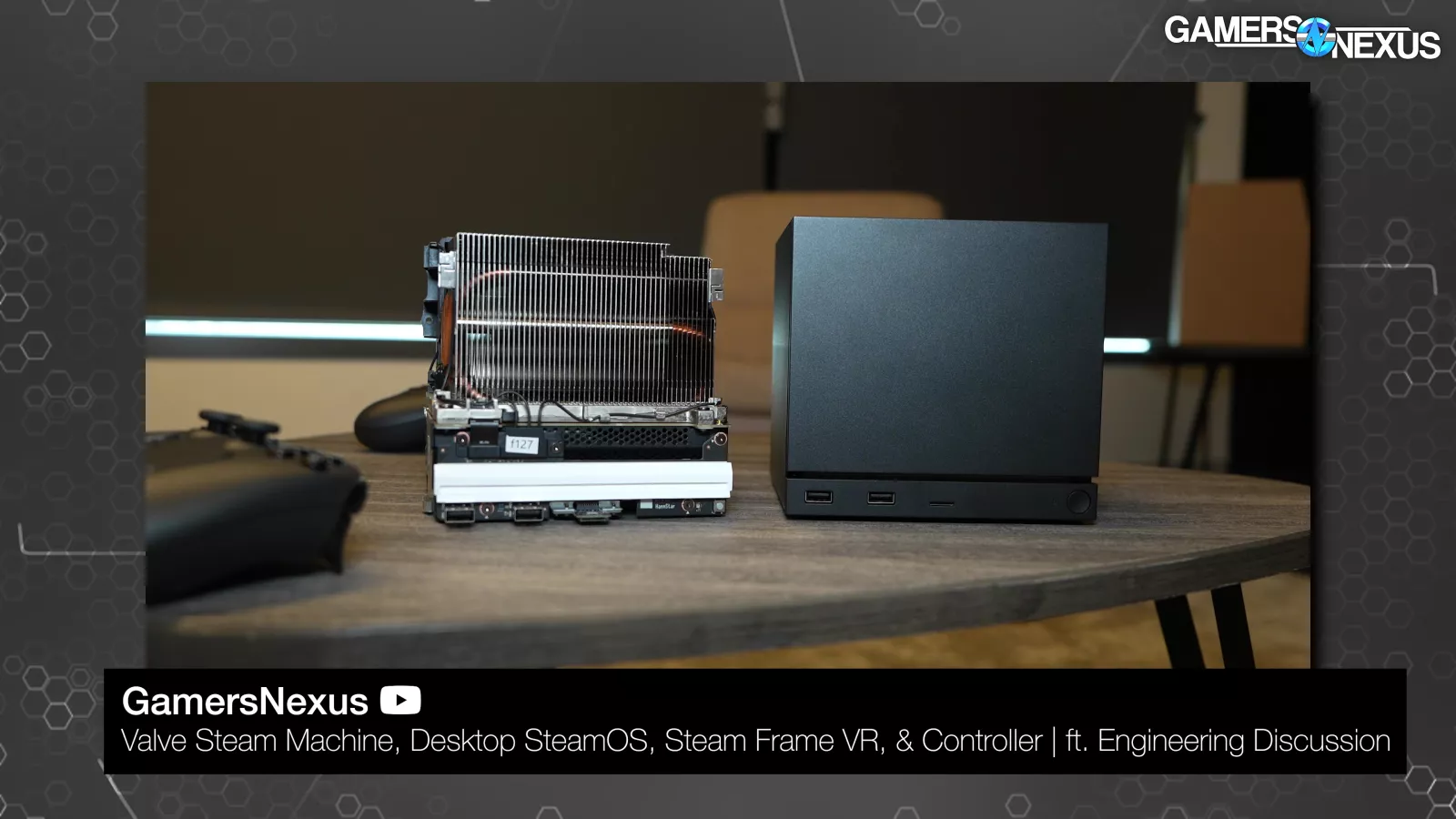
The Steam Machine has a built-in Puck, but we likewise can't test that on account of it not being ready yet. When a Controller is paired to a Steam Machine, it'll be able to wake it from a low-power state.
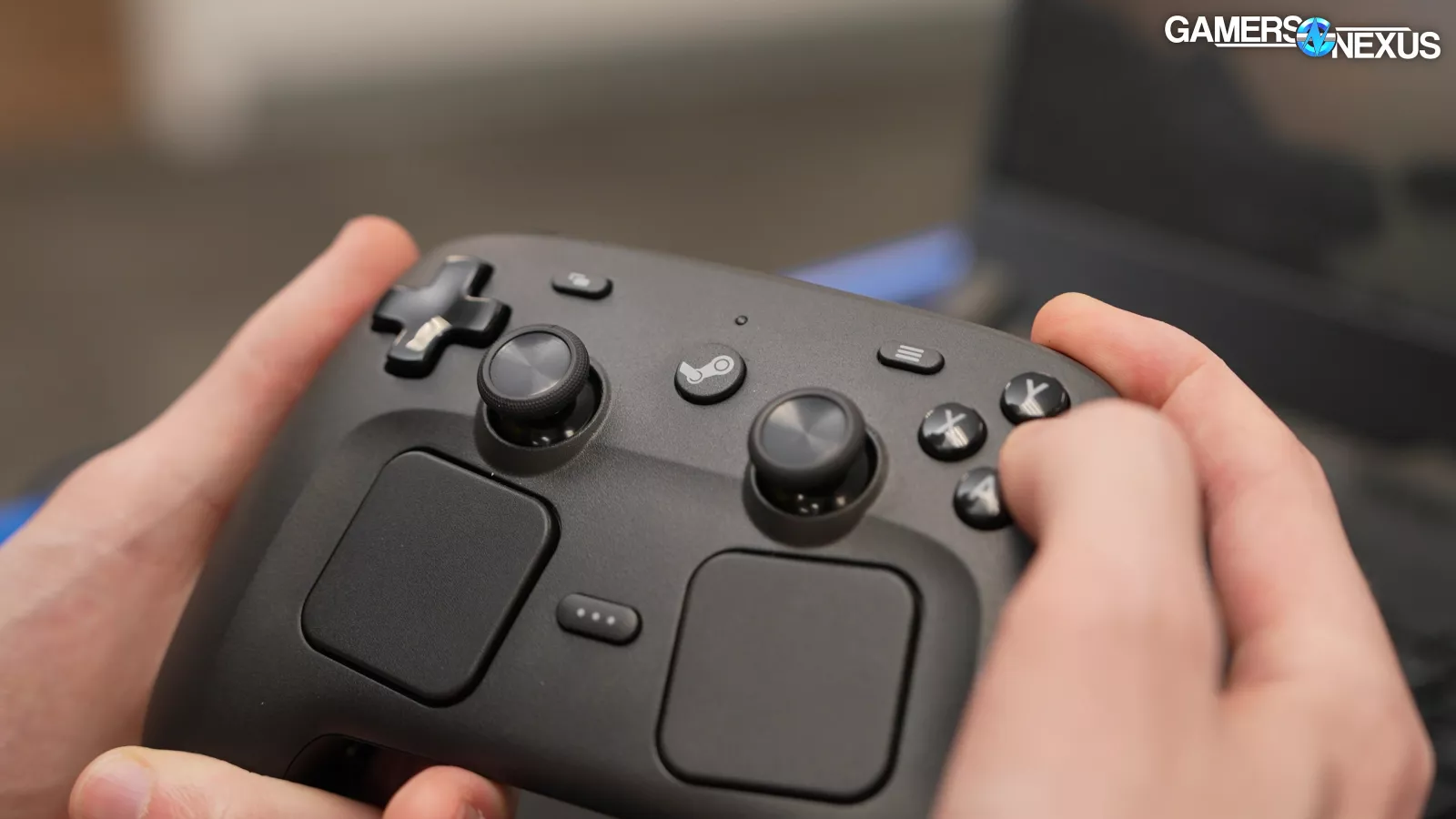
Turning on the controller while pressing B + right bumper switches to Bluetooth mode. This is a hard toggle, so the controller stays in Bluetooth mode even if a Puck is connected or the Controller is power cycled. A + right bumper switches to the primary Puck in memory, A + left bumper switches to the secondary Puck. We like the ability to toggle this quickly ad simply for users with multiple systems. This is well thought out.
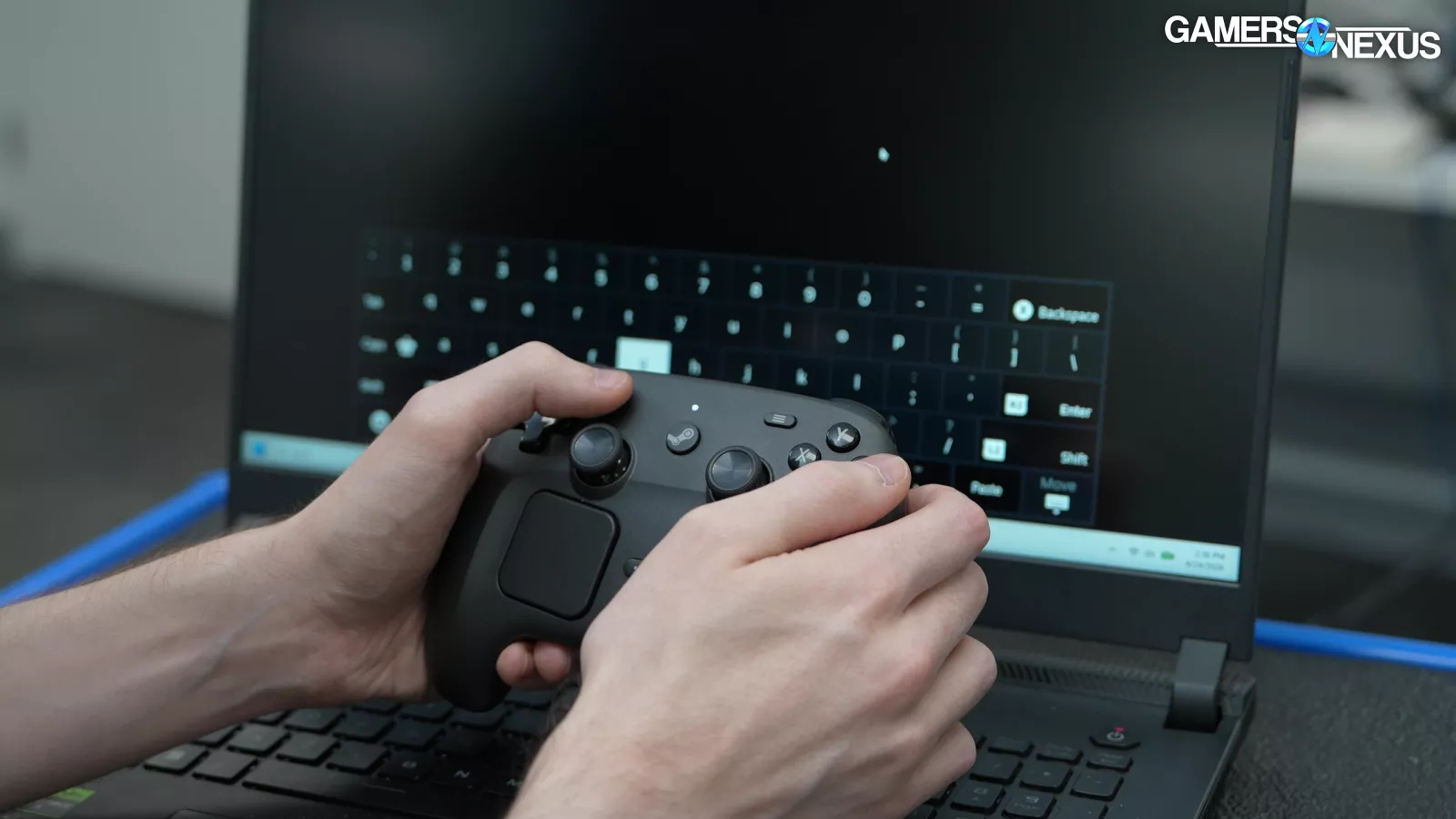
The Steam Controller can open the Steam onscreen keyboard. This will only work if the Steam client is running and it won't show up over the Windows lock screen, so you can't use it to log in from the couch (although you can still use the normal Microsoft onscreen keyboard).
The controller and Puck will function regardless of whether Steam is running (or even installed), but only as a trackpad and keyboard. Gamepad functionality is handled through the Steam Input translation layer, so if you want to play non-Steam games with gamepad controls, you'll need to launch them through Steam.

Action sets can't be toggled without Steam running. That kind of platform dependence is a little grim, but it is the “Steam” Controller, after all.
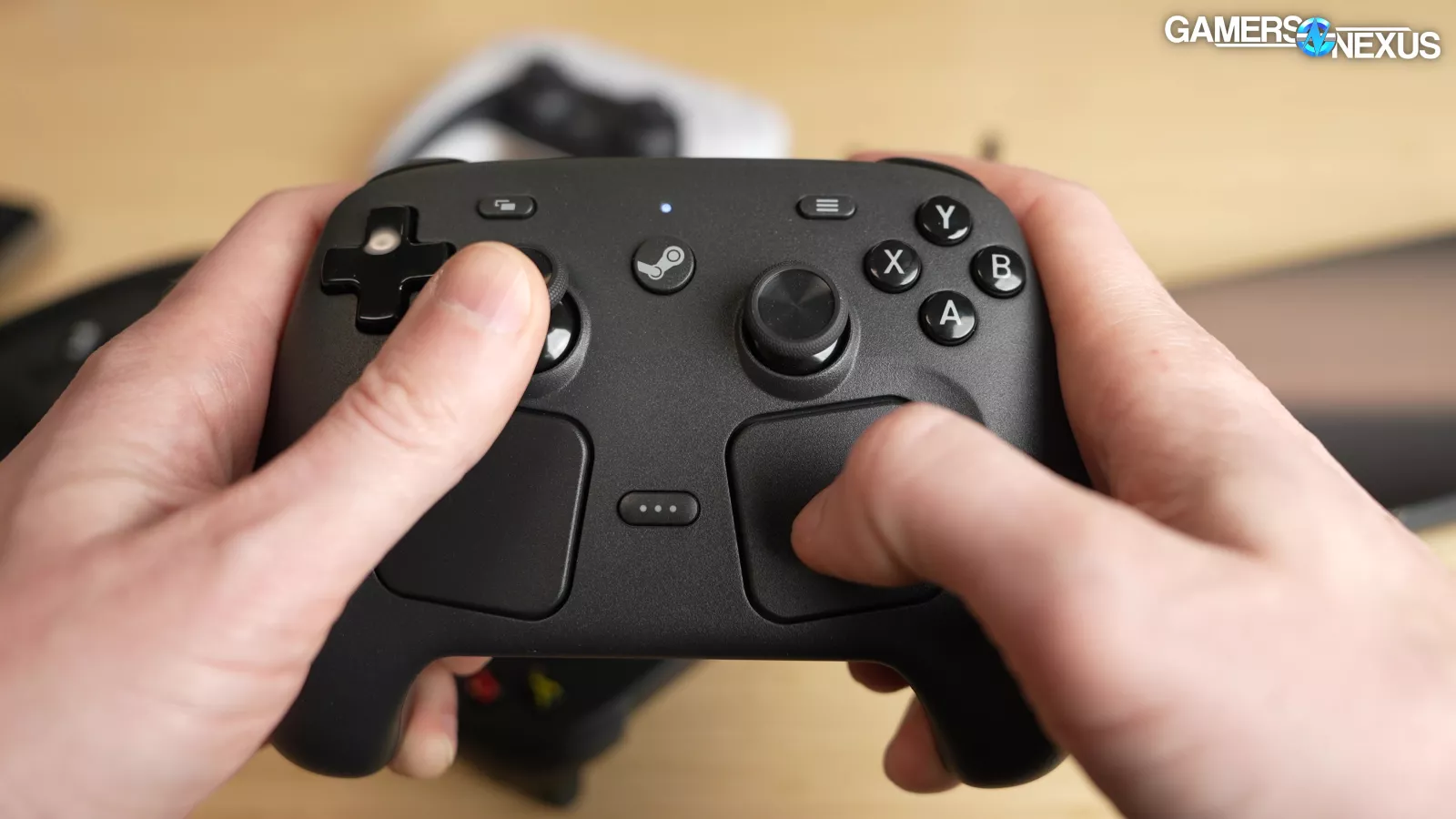
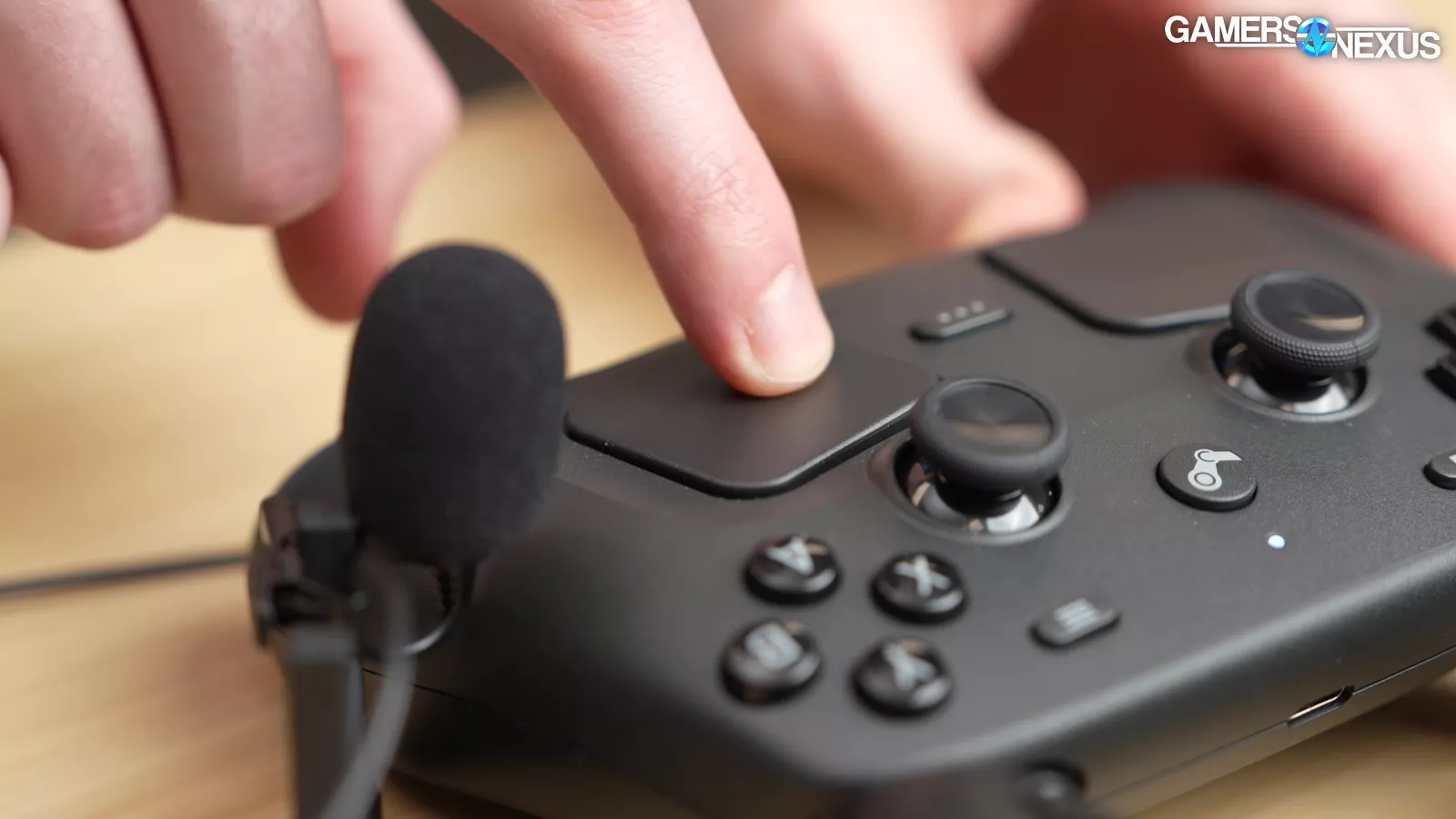
Valve has moved away from the mechanical clicks of the original Steam Controller and Vive trackpads (which were prone to wearing out). Pressing on the new trackpads causes an extremely believable click, but it's just haptics. Like the original Steam Controller, the haptic motors can be used to play sounds, so all the notification chimes are actually generated by the motors themselves.
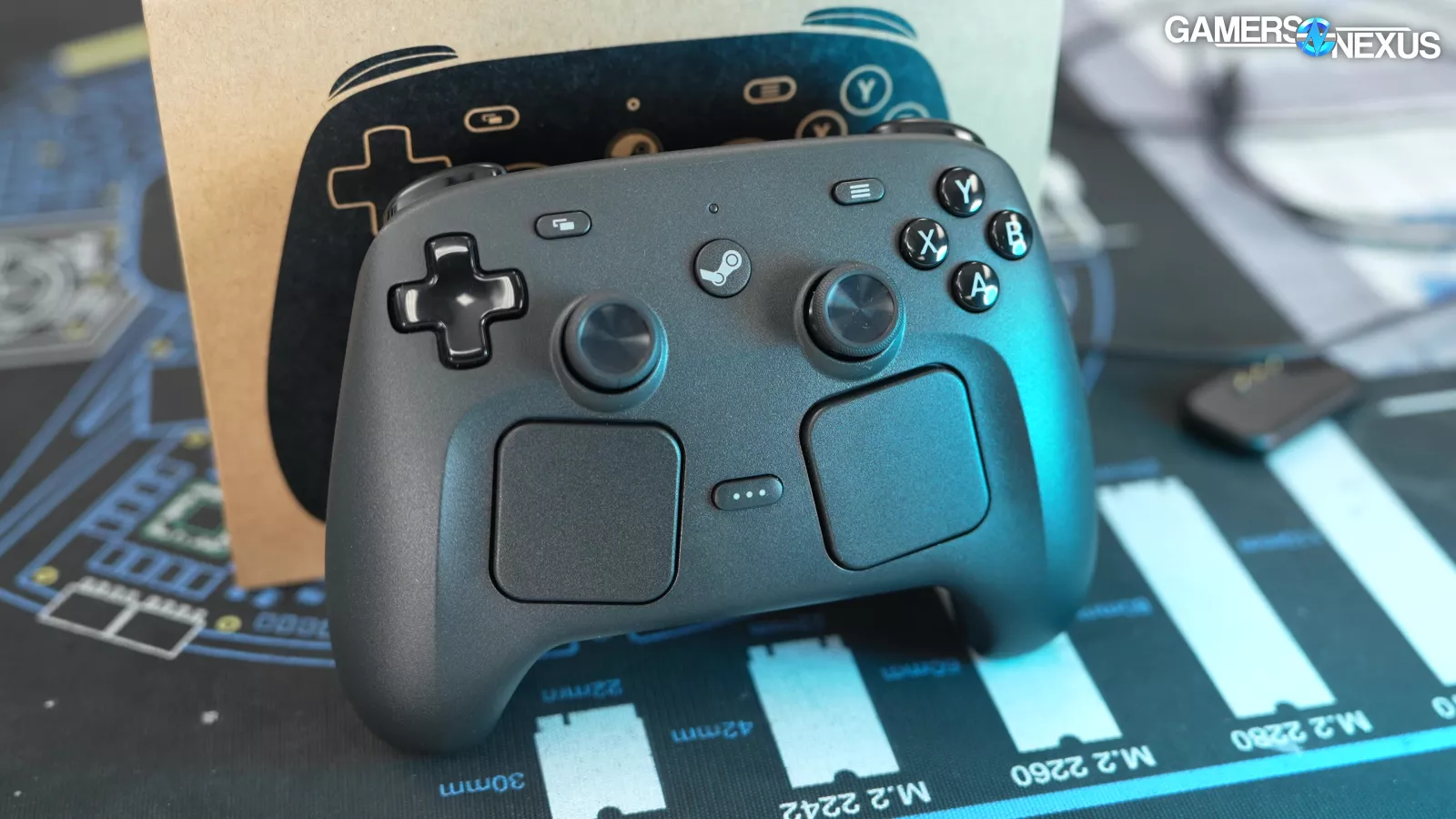
Valve informed us that not much of this will be exposed at launch, but in the future, there may be customization options for the chimes and haptics. In-game, the haptic motors will emulate normal rumble.
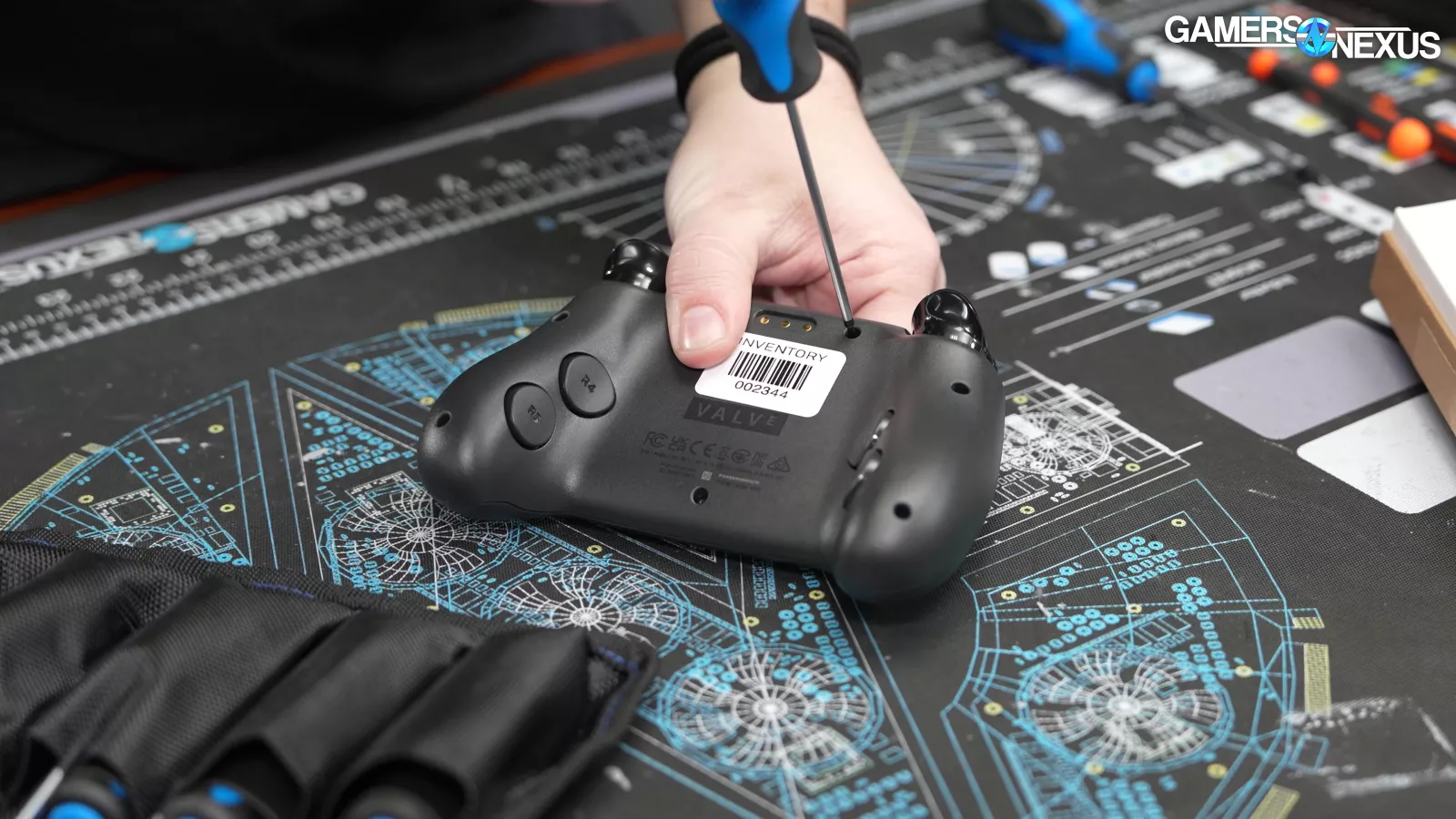
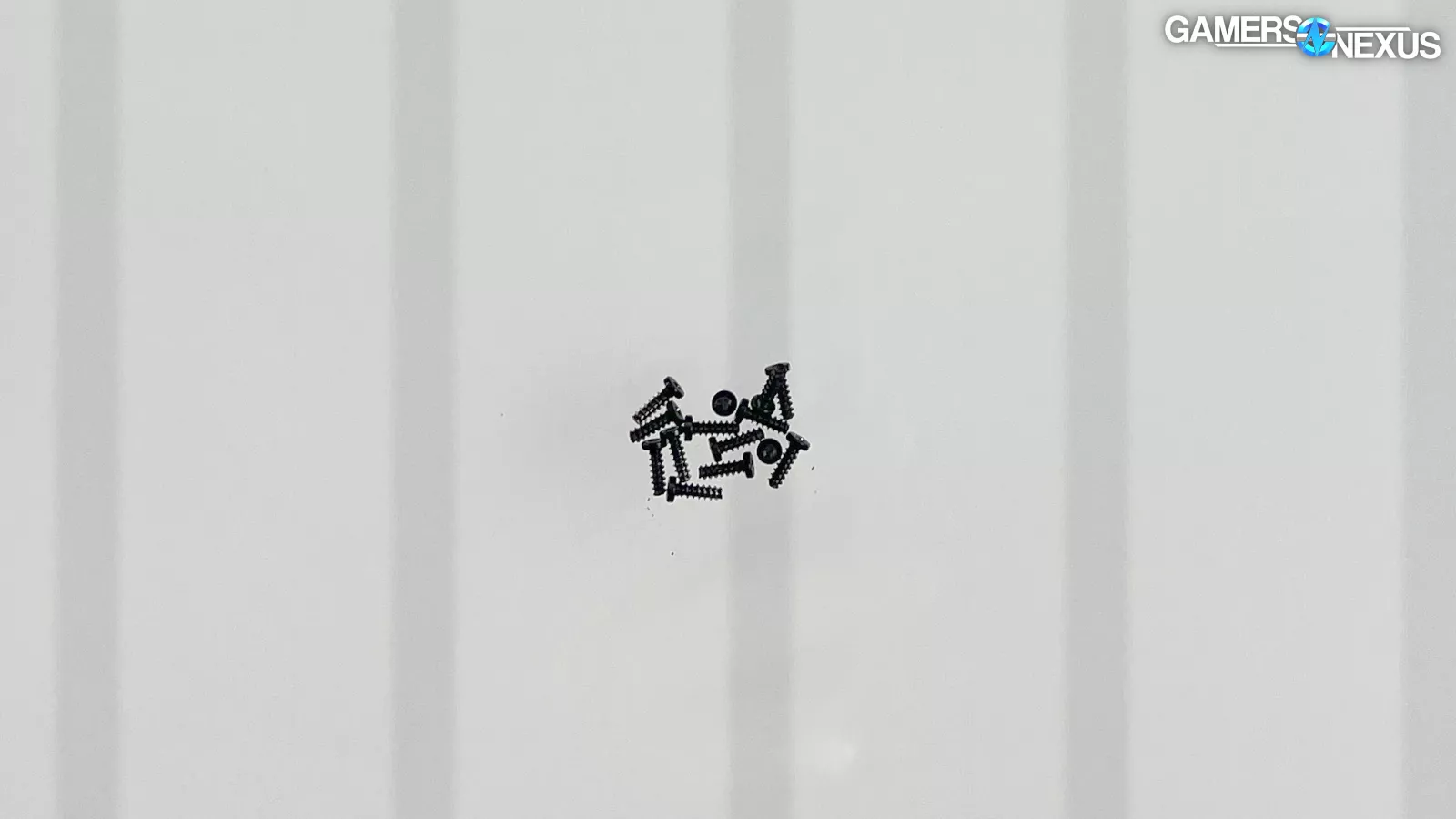
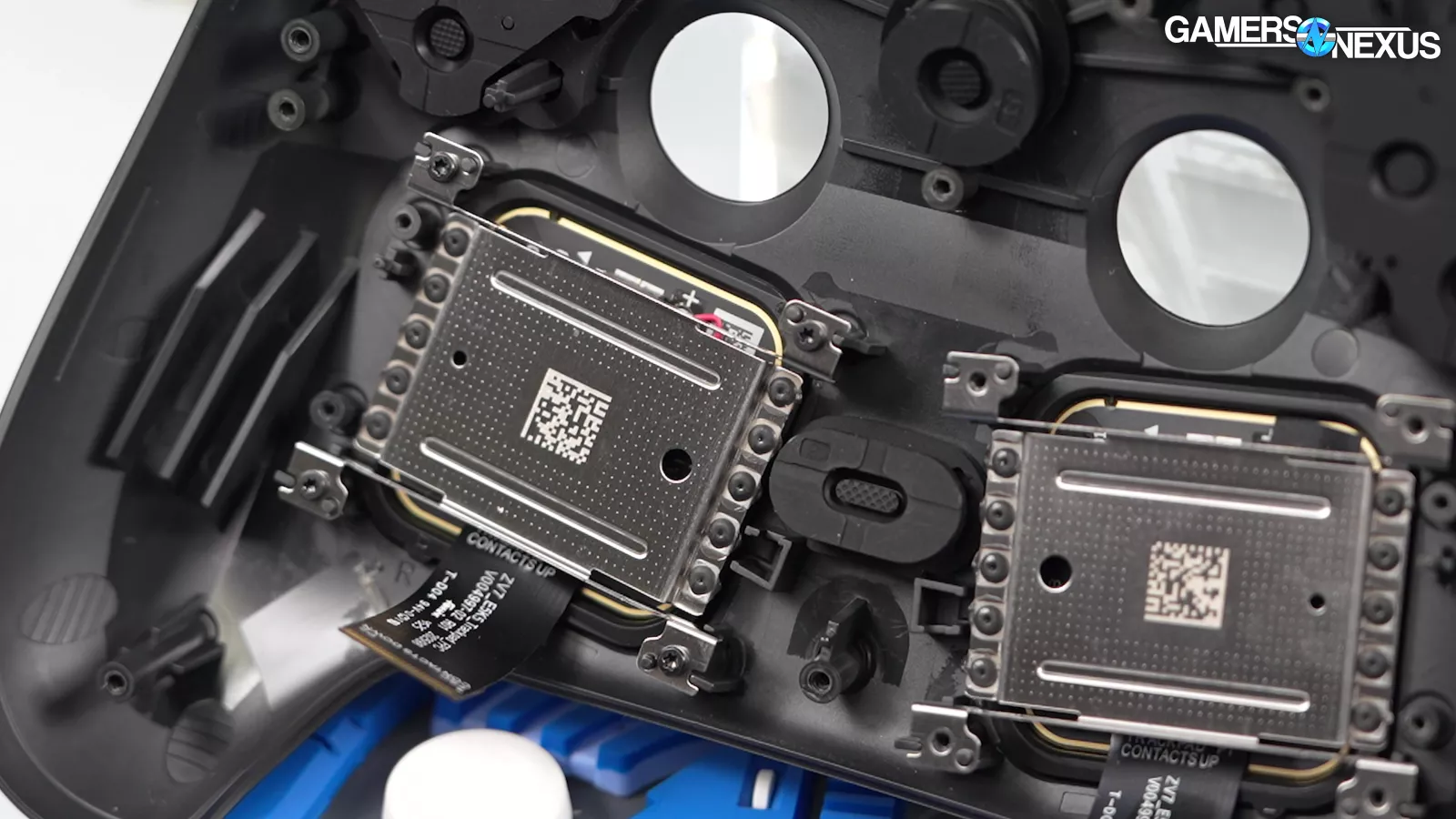
The Controller is designed to be easily serviceable and we have a separate tear-down video confirming this. The screws are (non-security) Torx, which Valve chose because it says that "Torx are more robust, easier to screw in without damaging, and way less likely to strip."
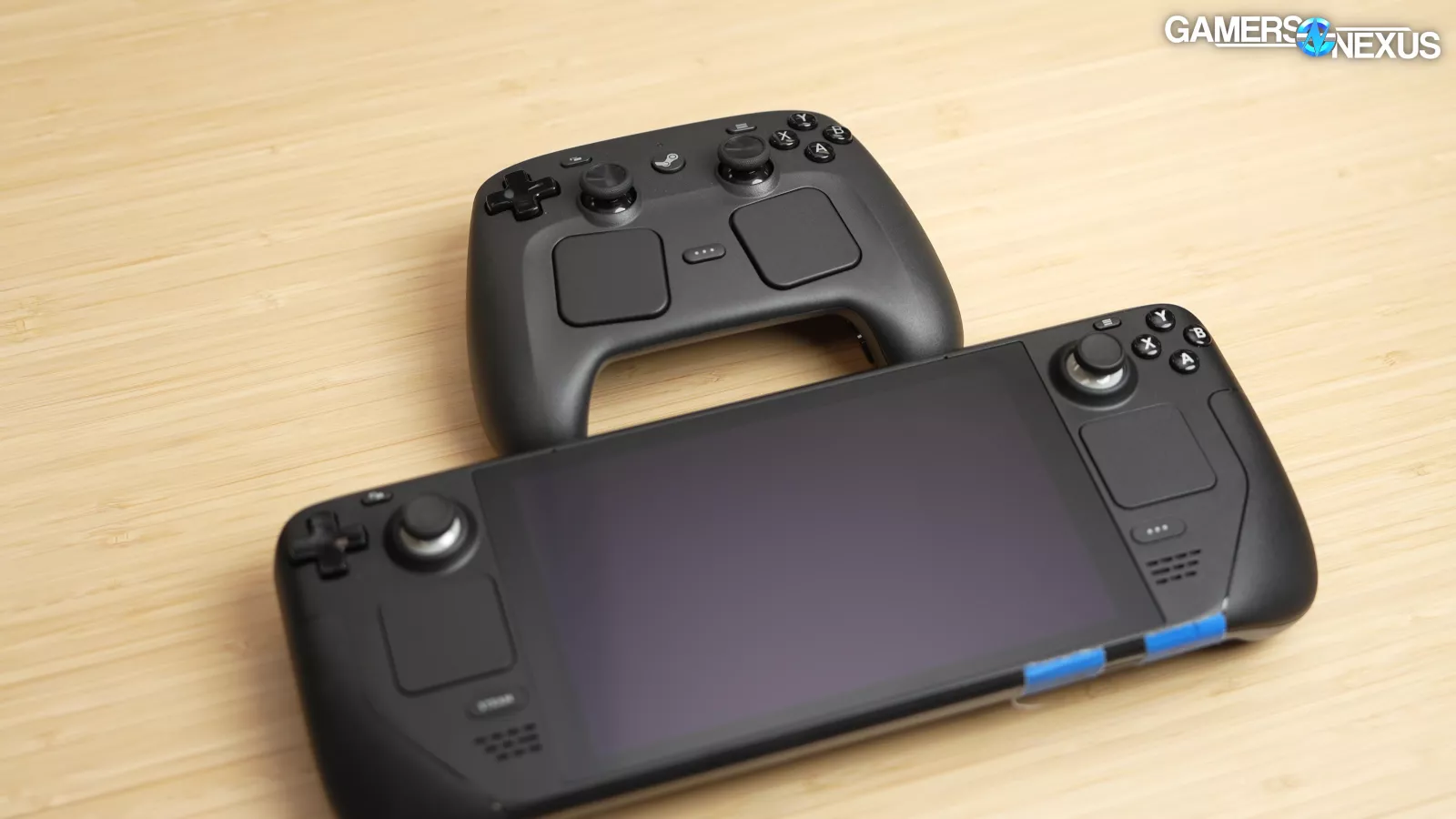
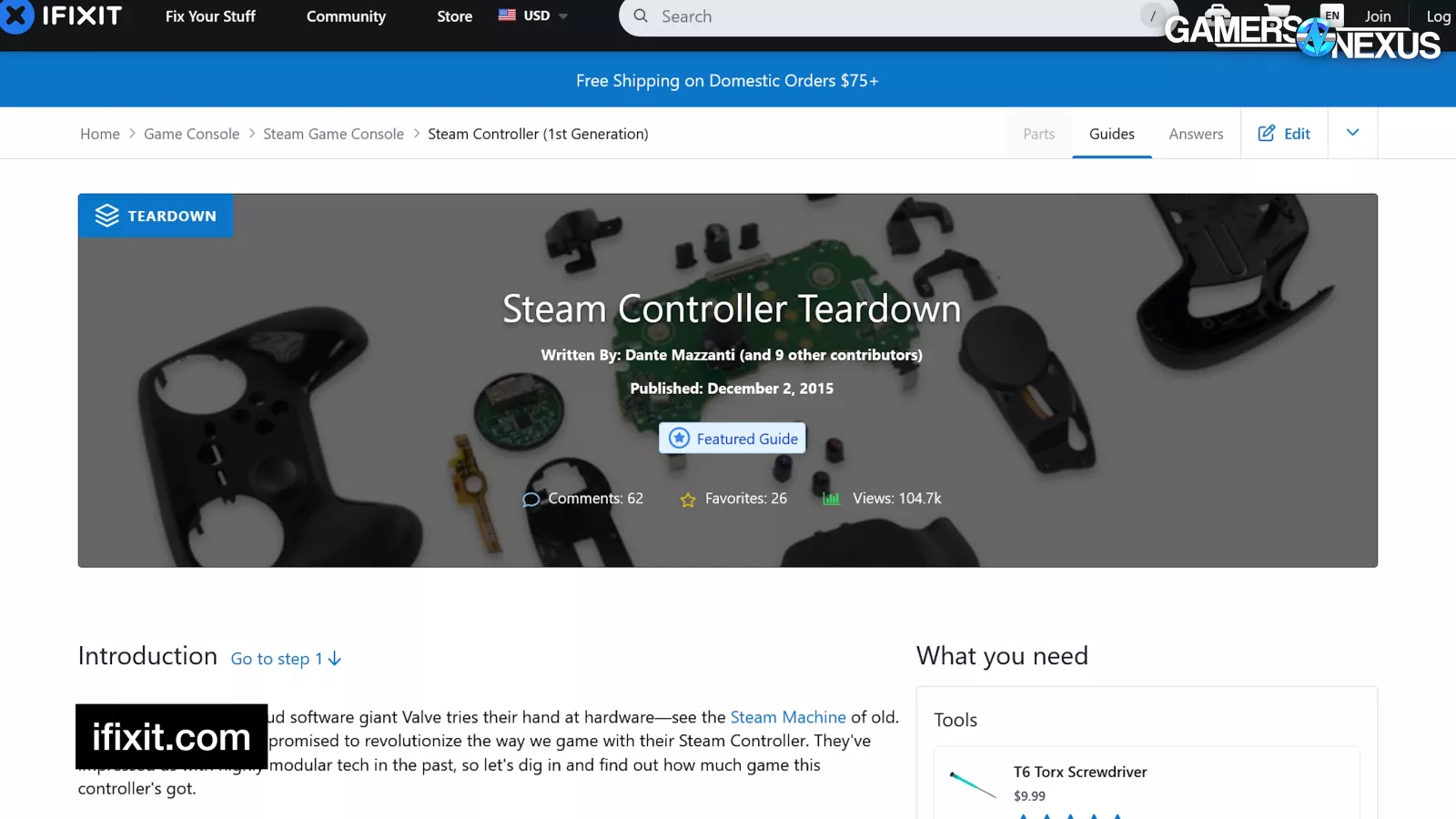
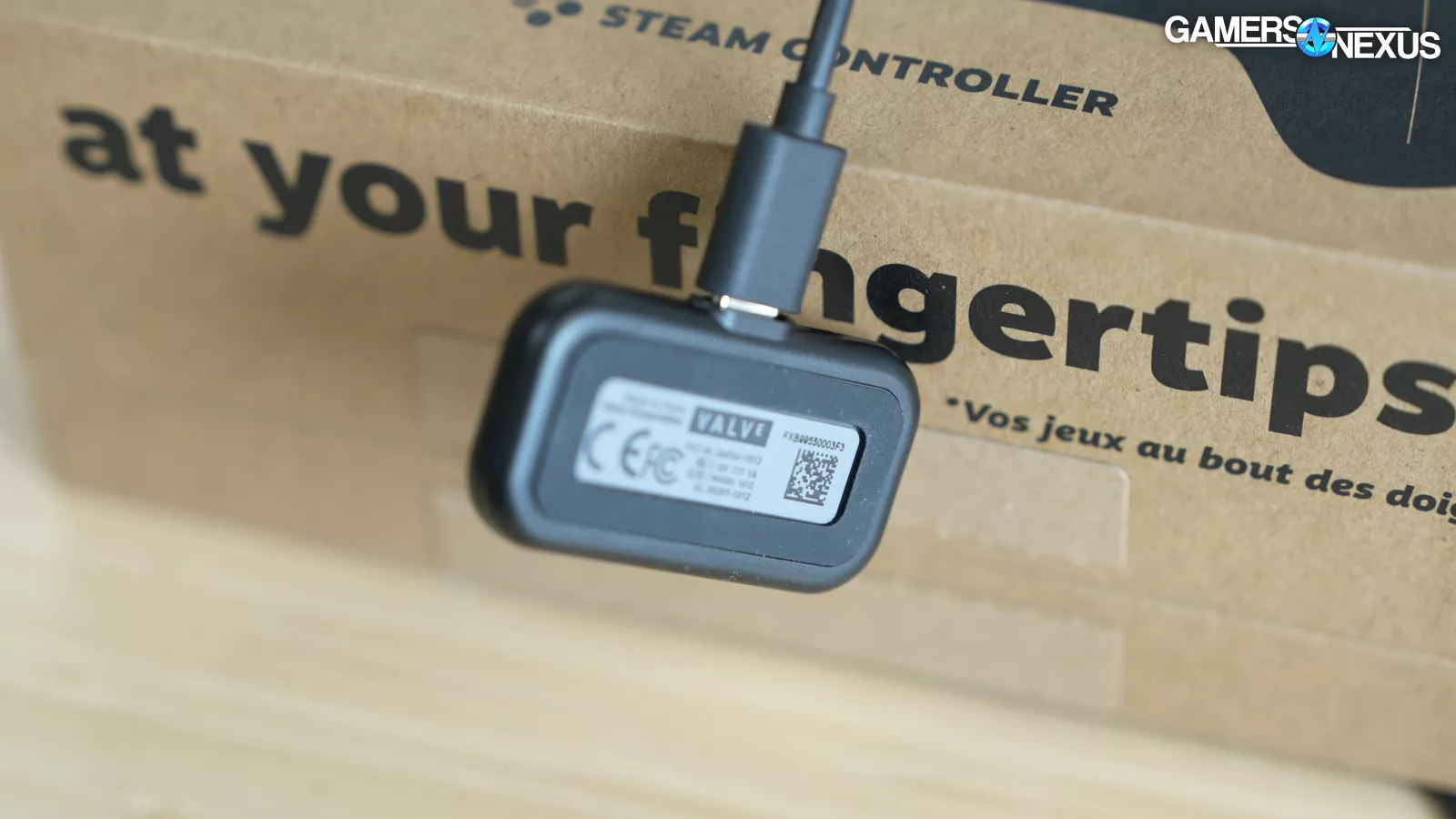
Components aren't cross-compatible with the Deck: the trackpads are bigger on the Controller, for example. Valve will work with iFixit (again) to sell replacement parts at some point after launch, although it's waiting to see if there's any demand for selling individual Pucks. For now, if you lose your Puck, you'll need to go through support.
The external topography of the Controller will be made public, so you can easily 3D print accessories as well.

Valve confirmed that it's still open to "Steam Compatible" arrangements like the one with HORI.
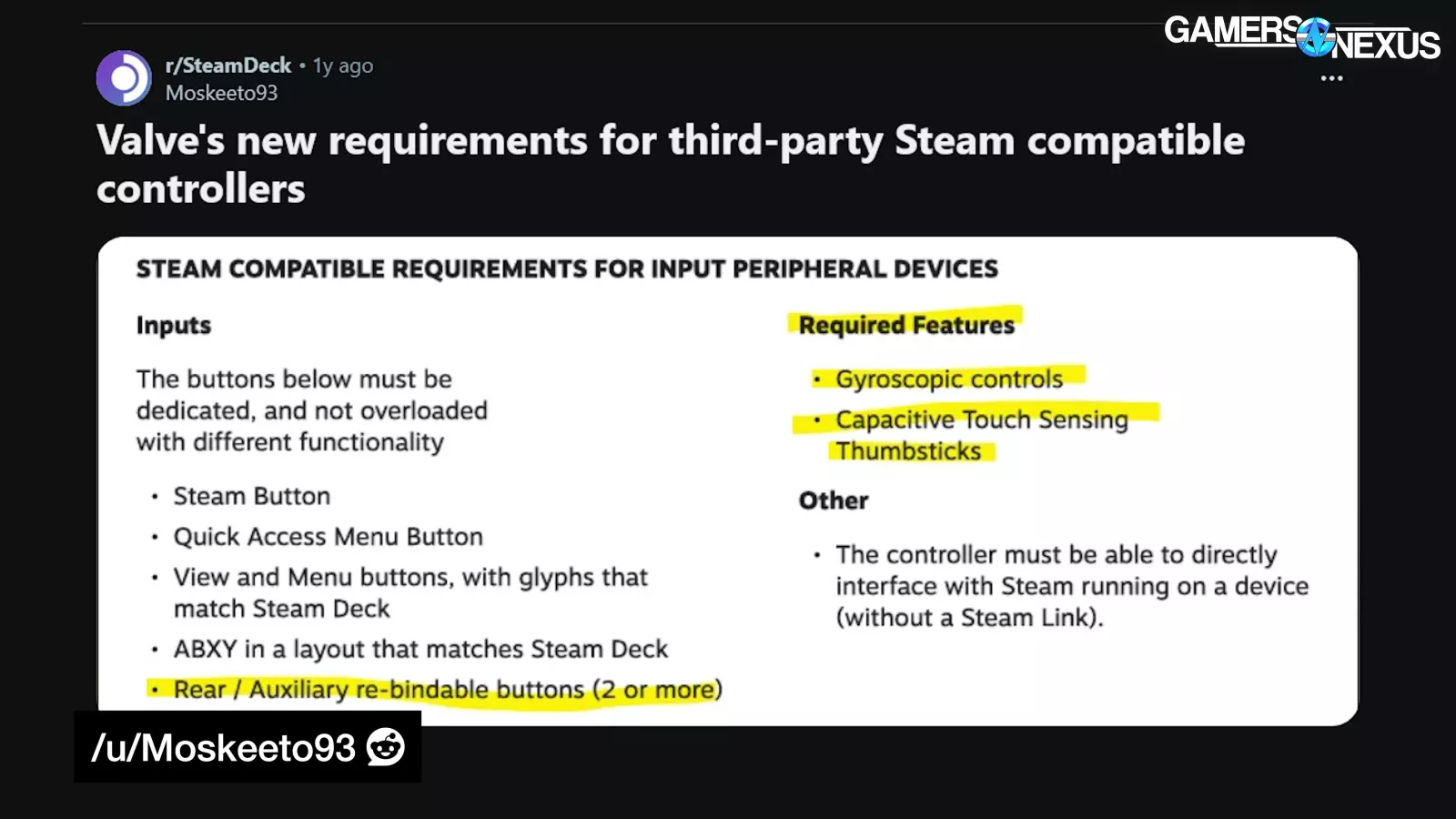
It has a list of capabilities that are required to get that label. When we asked whether third-party controllers would be able to have the Frame VR tracking features that the Steam Controller has, Valve said it needed to revisit the requirements and figure it out.
Opinions
Valve has always been toying with the idea of a new Steam Controller, but work on this version started after the launch of the Deck OLED in 2023. With the positive reception of the Deck, Valve wanted a way to enable those controls even when docked or on a normal PC. The original Steam Controller tried to bring PC inputs to a controller form factor, but the new controller is more about replicating the Deck.
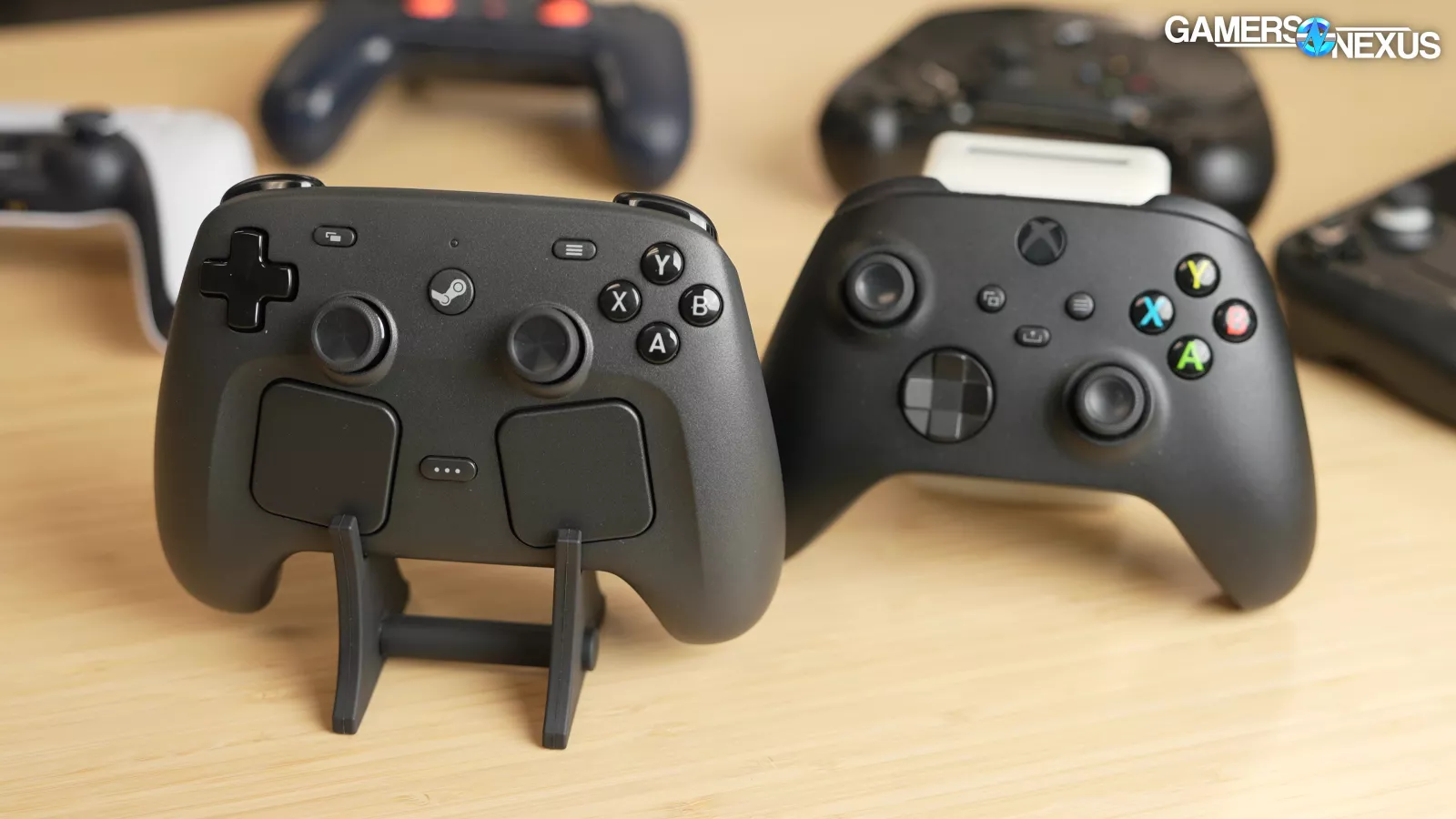
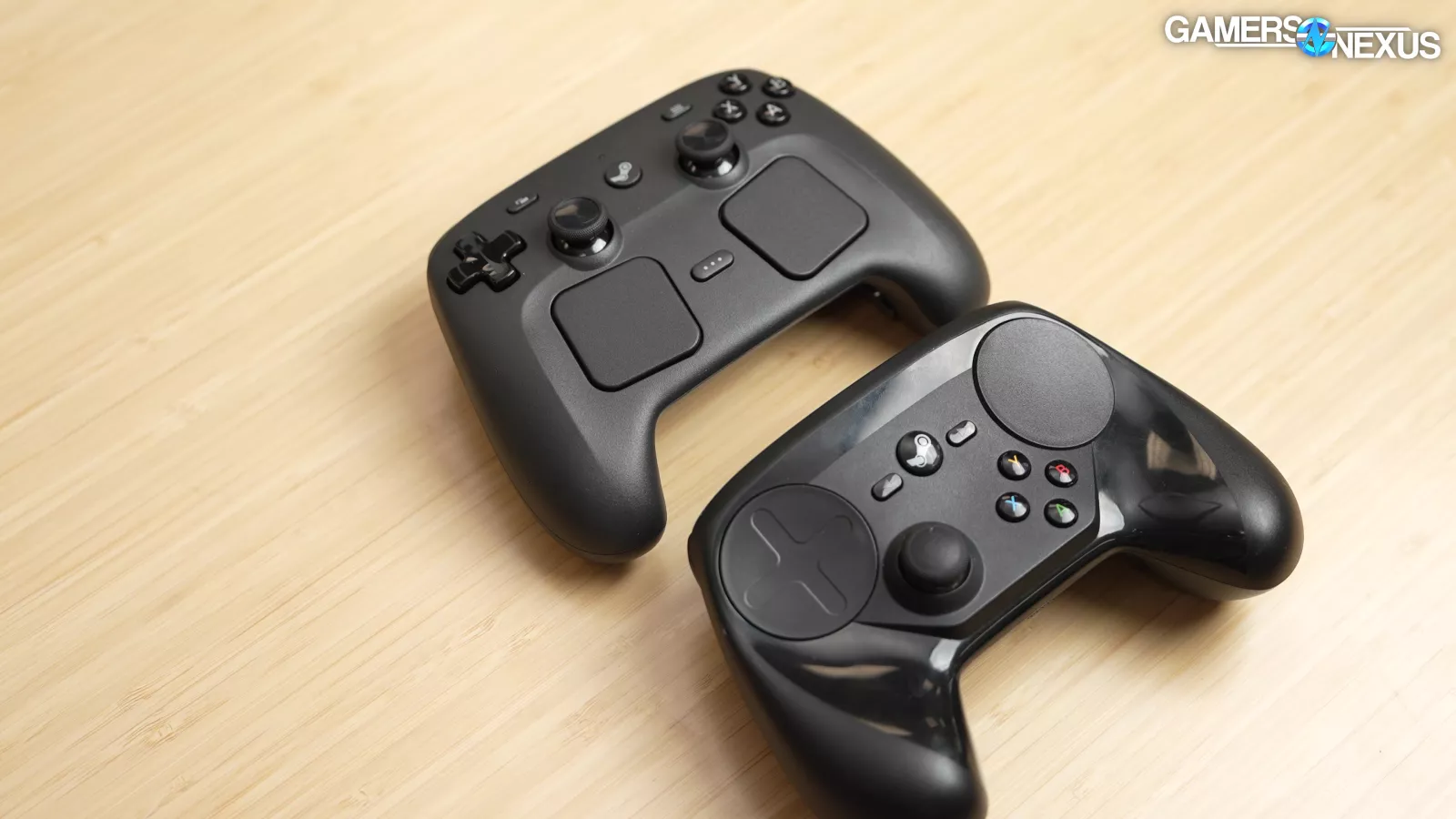
As a result, it has a better gamepad/PC balance than the original: if you're playing something that already has gamepad support, the new Steam Controller feels much more like a regular Xbox controller, whereas the original Steam Controller didn't even have two analog sticks.
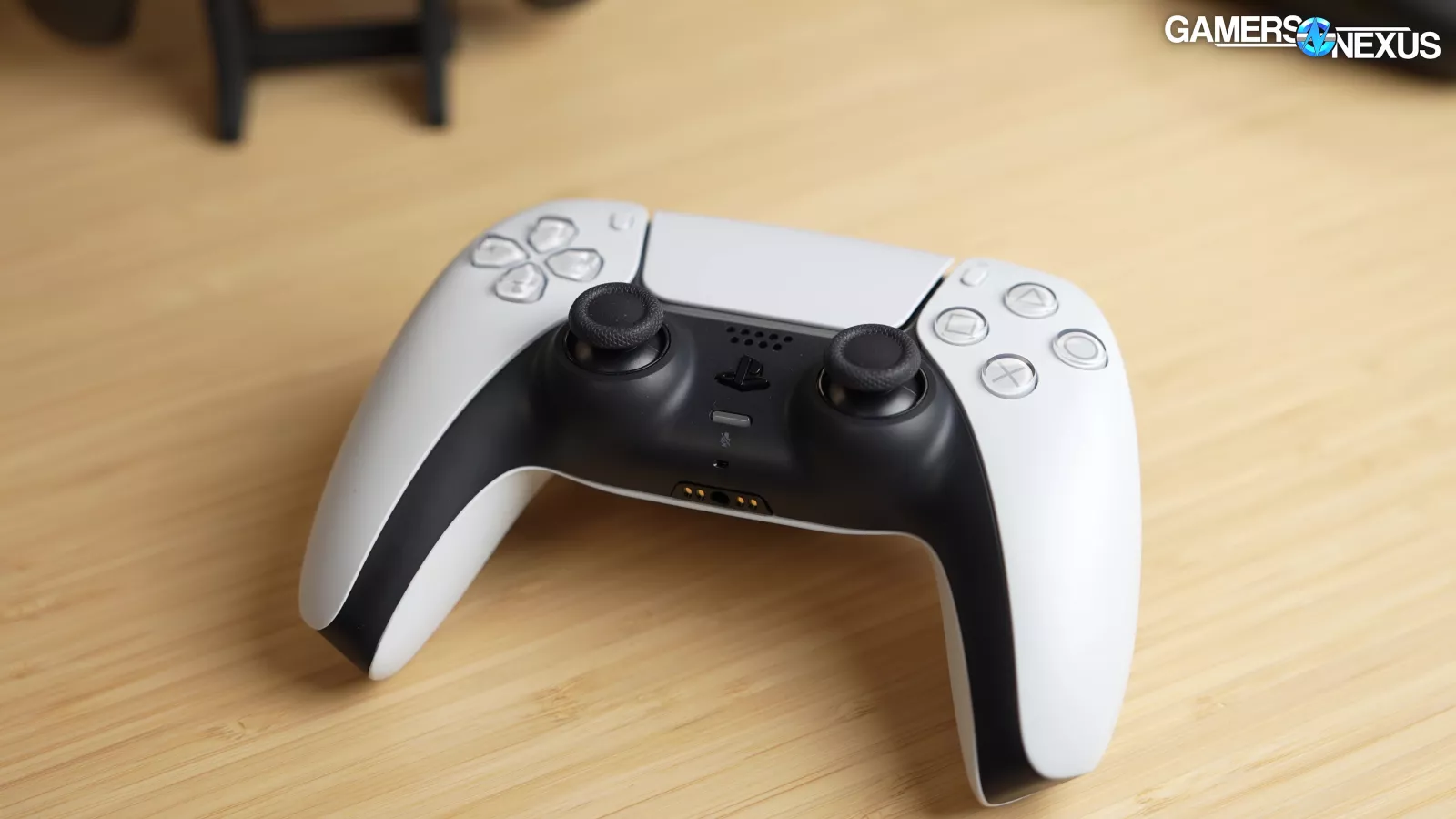
We asked whether Valve thought about PS5-style adaptive triggers, and it sounds like the answer was yes, but matching the Deck was a far higher priority for Valve than adding new features and complexity.
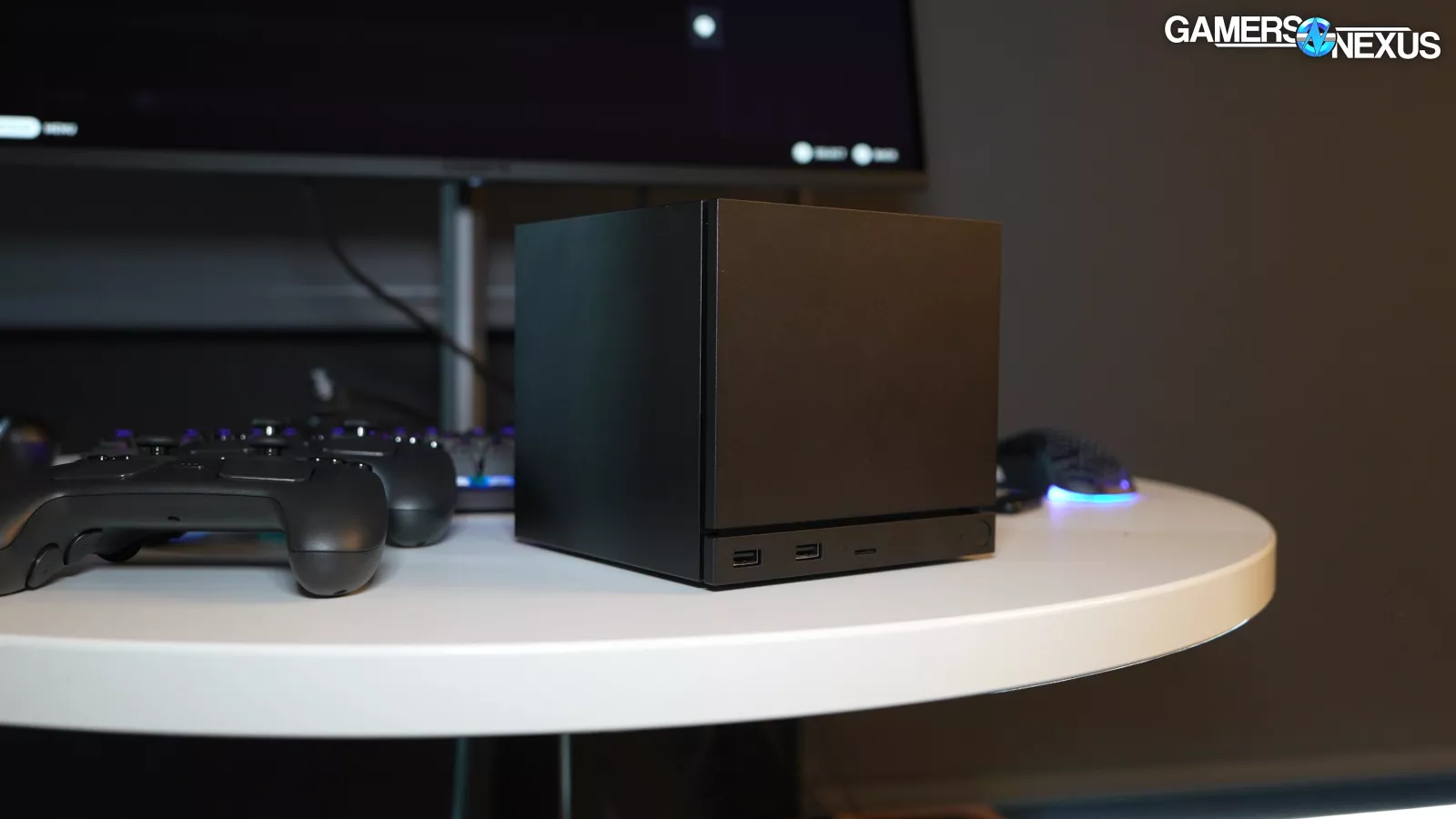
Obviously there are fans who will buy a Steam Controller no matter what, but for everyone else, Valve has to make the case for spending $100 on the Steam Controller versus $50-$60 for a mainstream alternative. Its strongest advantages are living room PC gaming (thanks to the trackpads) and future integration with the Steam Frame/Steam Machine.
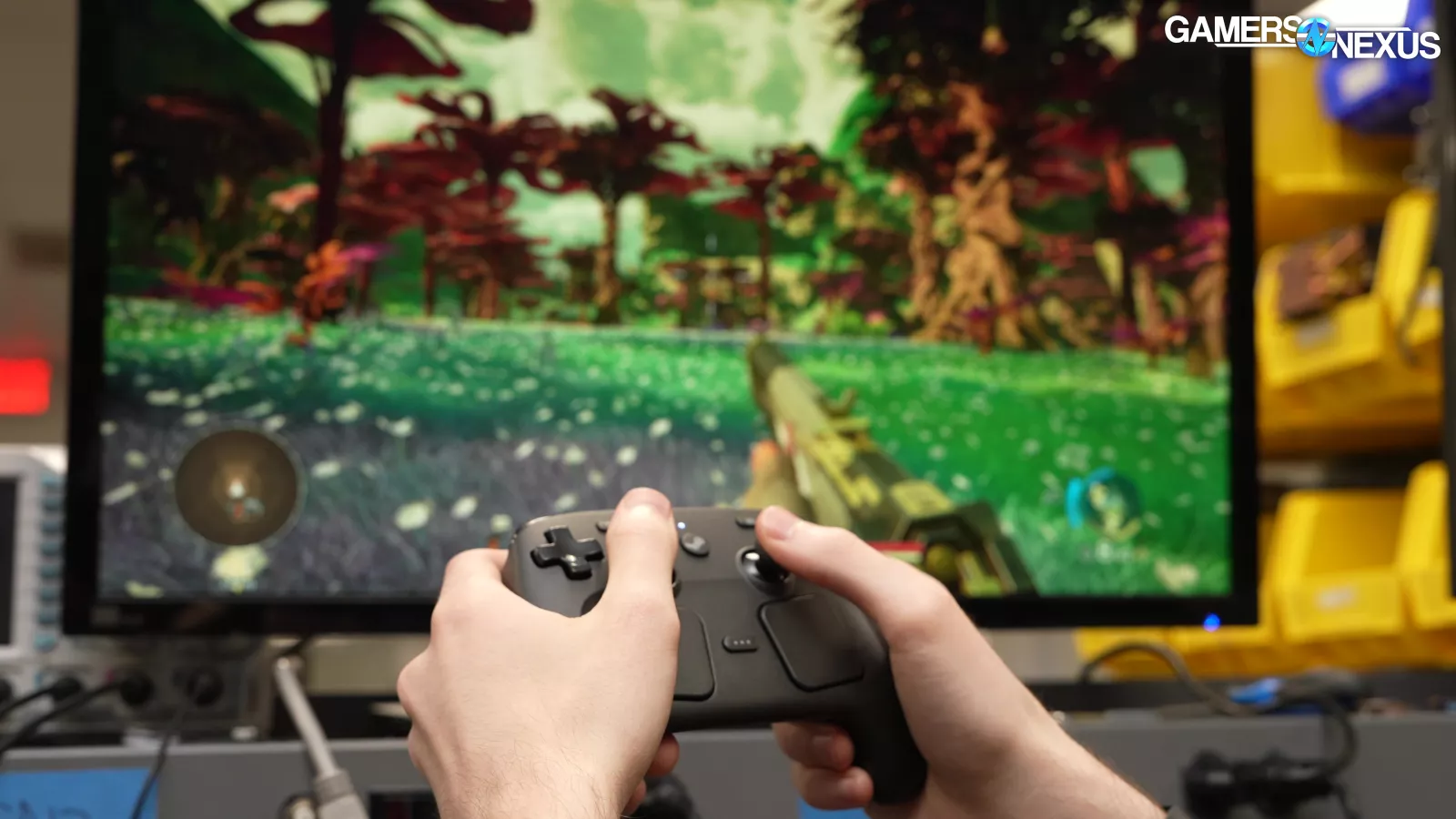
As for as opinions, one of our editors, Tim, on the team has used the Steam Deck and original Steam Controller more recently and just more than anyone else in the office, so we sent him home with the new controller to compare.
His first impression was that connection is completely seamless: he plugged the Puck in and it was good to go without having to pair or manage Bluetooth devices. When the Controller turned off, he could press one button to immediately reconnect. The control scheme automatically switches from desktop to game controls, and the desktop controls are identical to the Steam Deck's, so he had no issues adapting. He said the trackpad controls felt more refined than the Deck, but that might be because he's usually using the Deck to stream with some unavoidable latency.
He tried playing Baldur's Gate 3, Morbid Metal, Civilization VI, and browsing YouTube. He was able to use his custom GPD Win4 controller profile for Civ VI with a single rebind.
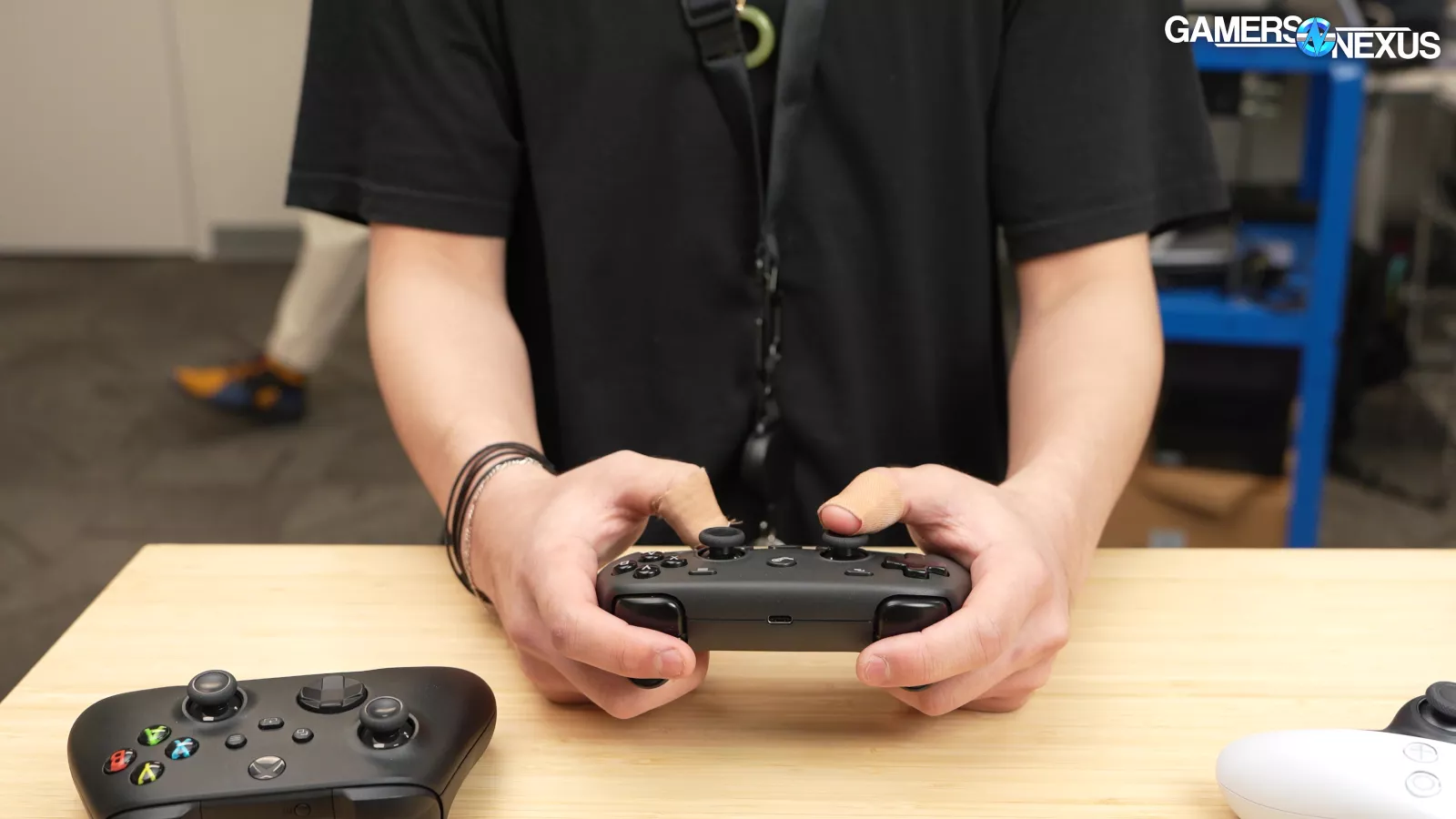
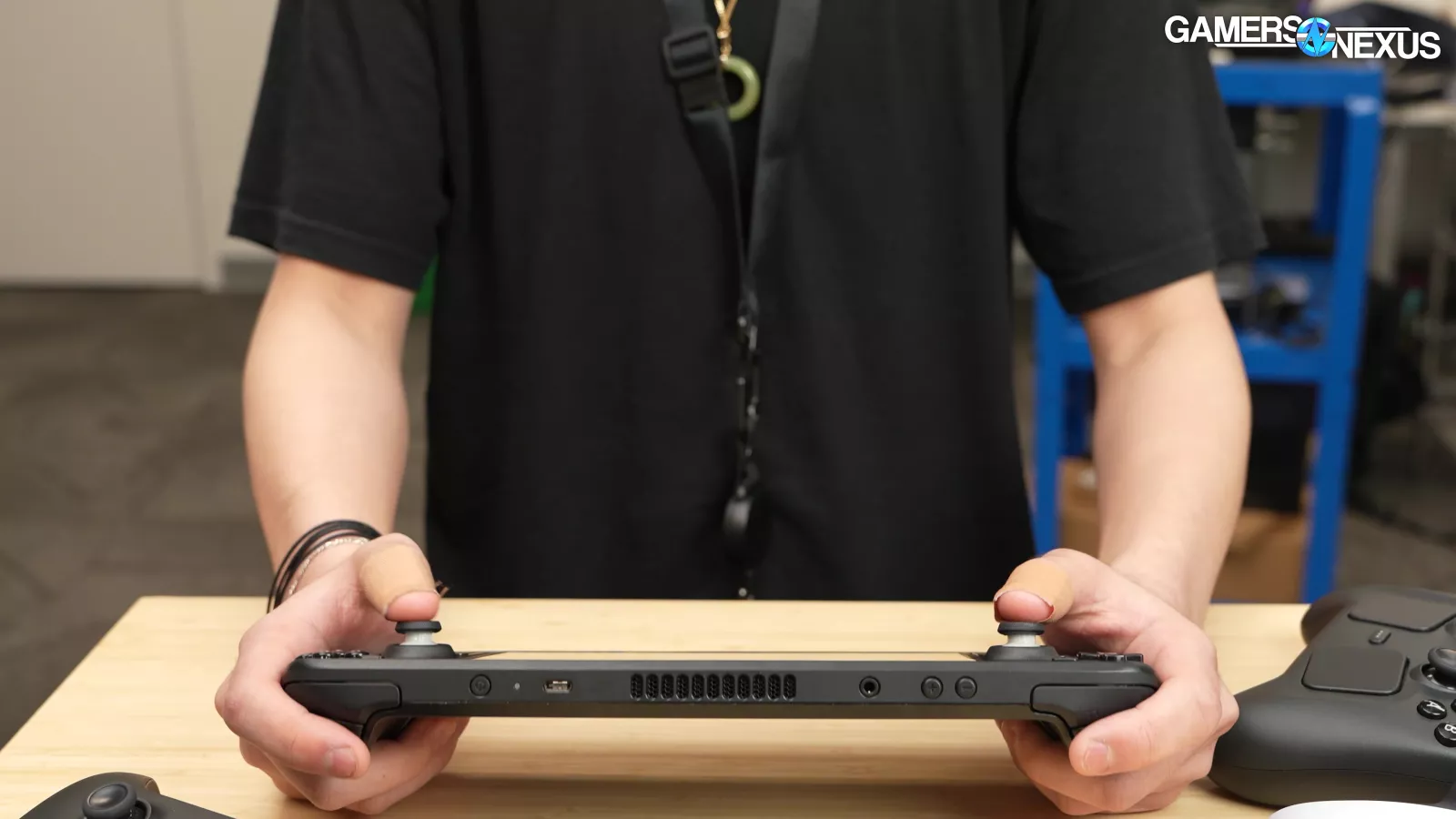
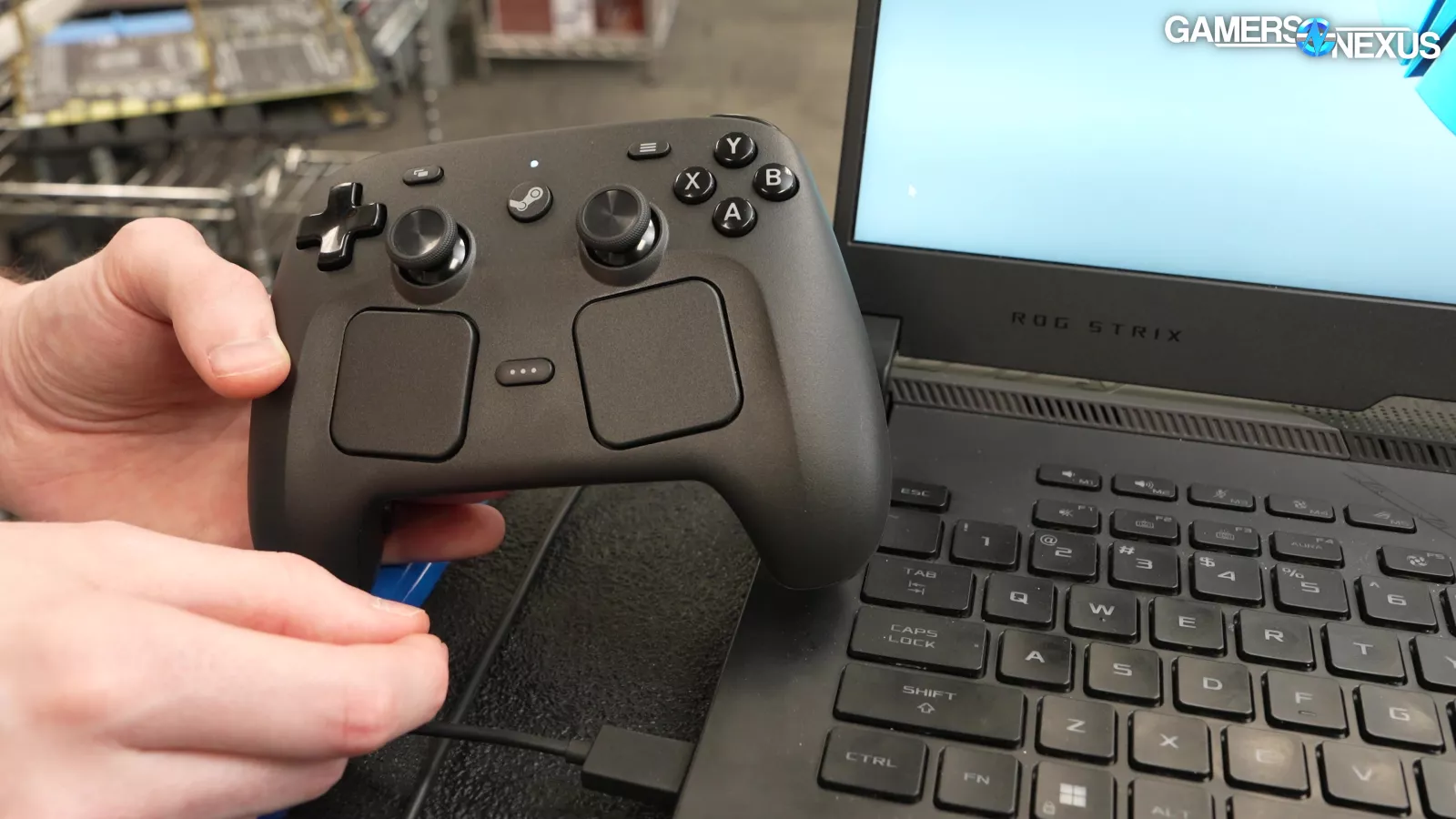
His one complaint was that the controller feels square-shaped, and the grips are parallel in a way that brings his elbows close together. This was easier to deal with on the Steam Deck since the device itself is wider.
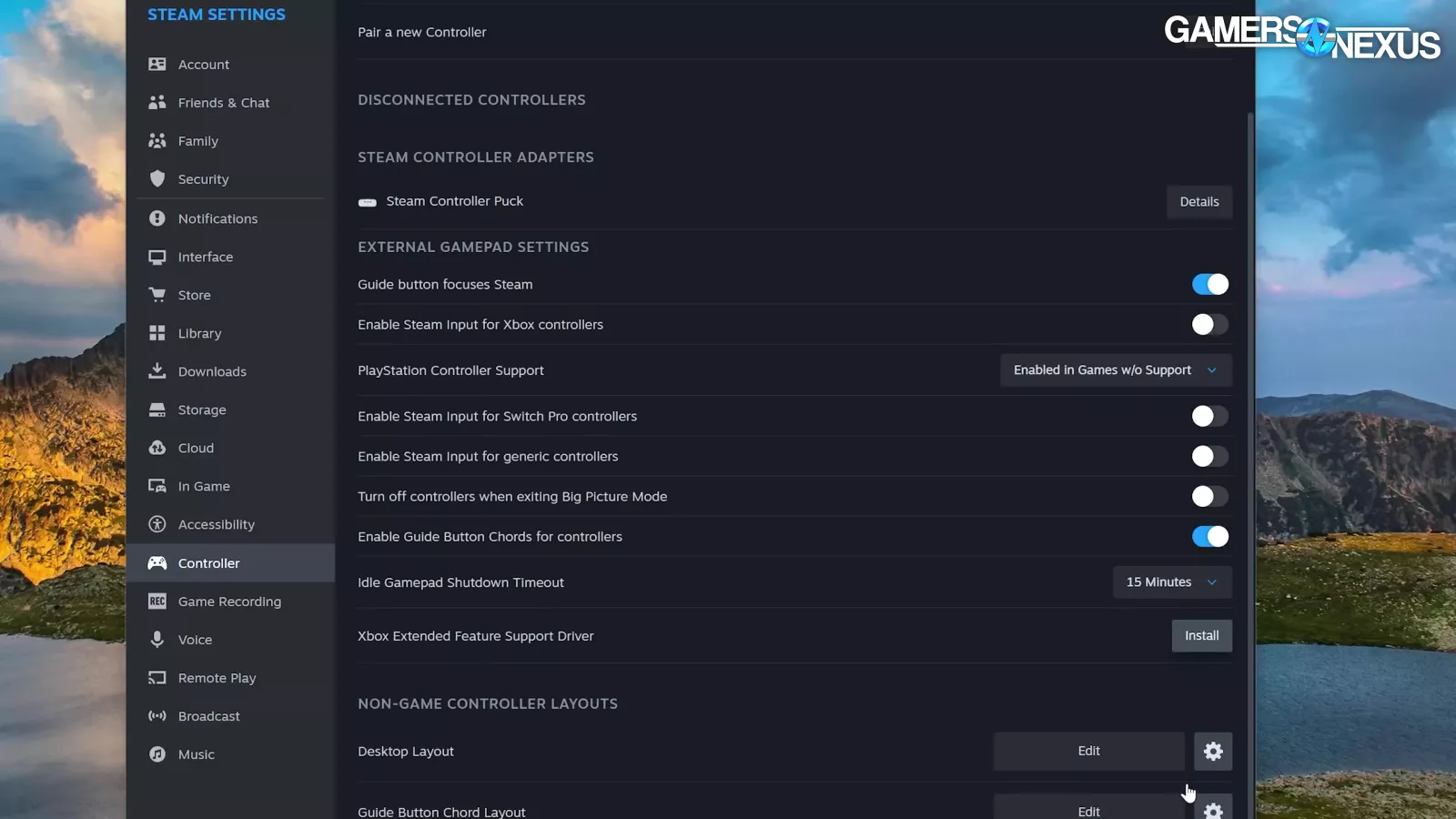
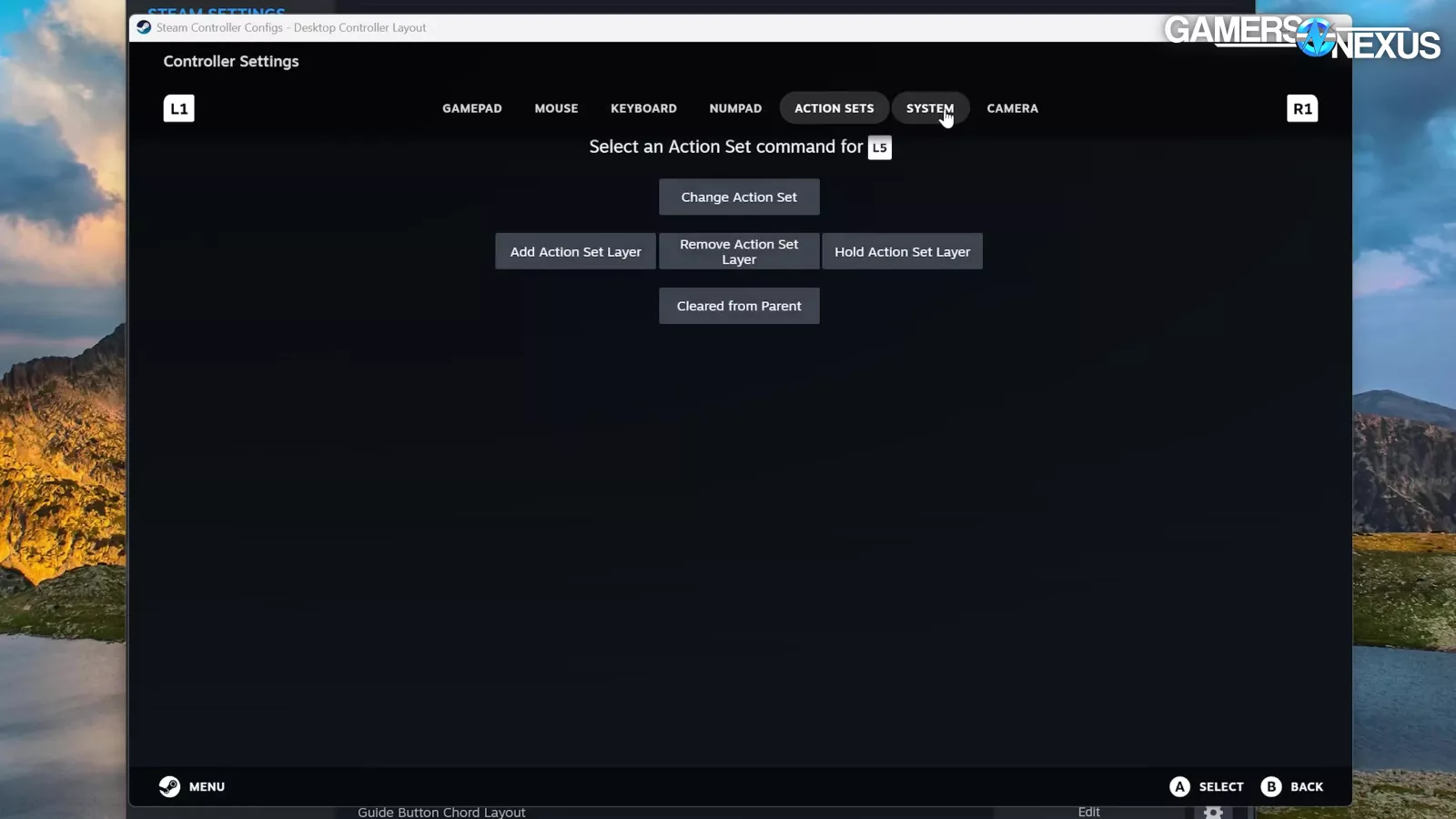
Tim's completely willing to dive into custom controller profiles. The large degree of customization is a positive, but possibly overwhelming for some people. Being able to adjust every parameter of every button (and the gyros, AND the capacitive sensors) for every single game is a lot, which is a positive for enthusiasts as it opens the door for a lot of unique options; however, for some mainstream users, we could see this being a lot to deal with before sitting down to play. The prefab Deck control profiles are compatible with the new controller though and resolve this for most games.
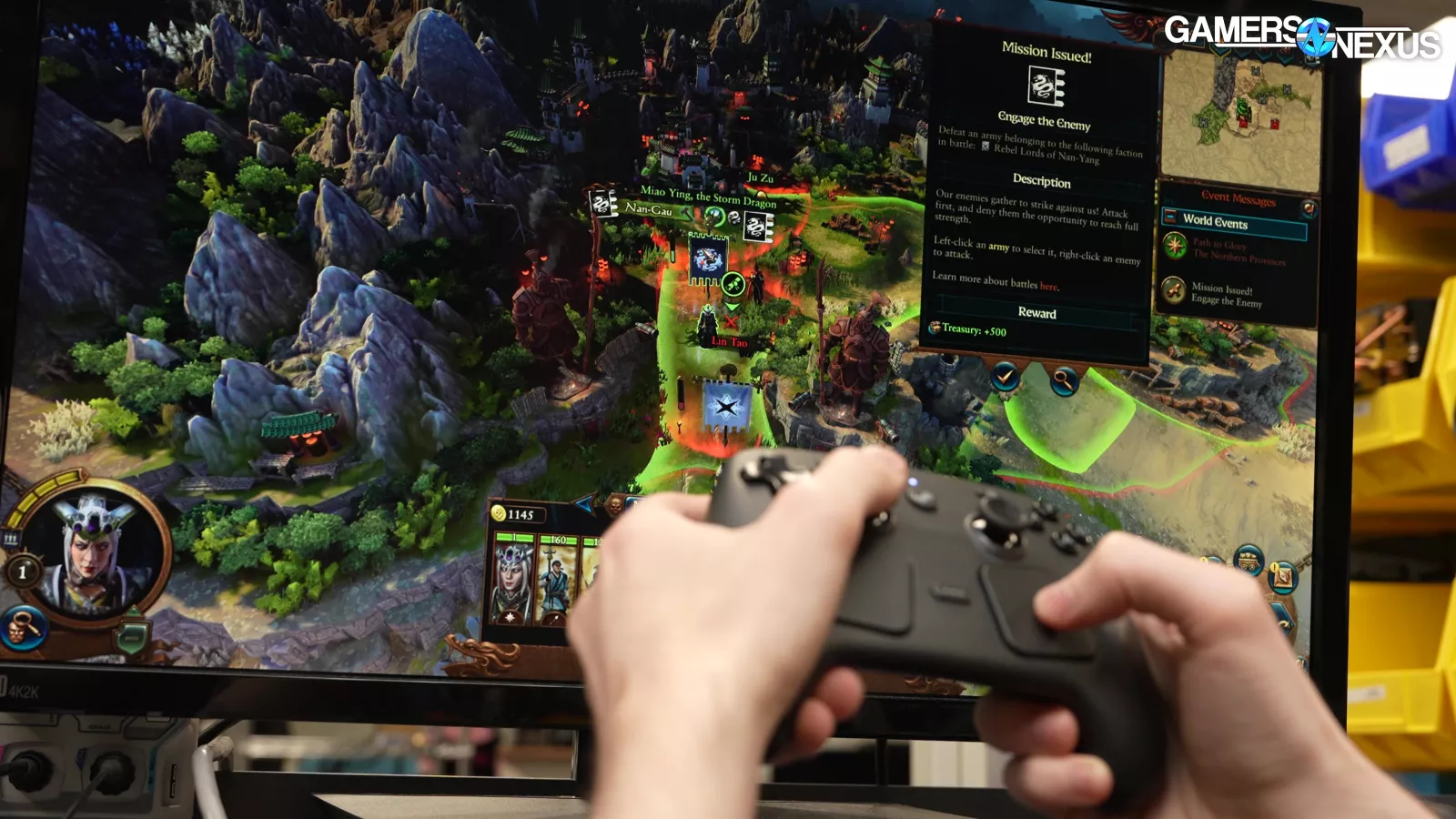
We don't think that true mouse-and-keyboard games like Total Warhammer 3 will ever intuitively fit a controller, but that's more of an opinion.
Conclusion

Objectively, the Steam Controller's wireless latency is impressively close to wired, its wireless range is more than adequate (at least under ideal conditions), its battery life is extremely long, the TMR sticks should last longer than normal potentiometer sticks (and have smaller deadzones by default), and the device is easy to disassemble and maintain. Those are the aspects we're most comfortable judging, since we can observe and measure them.
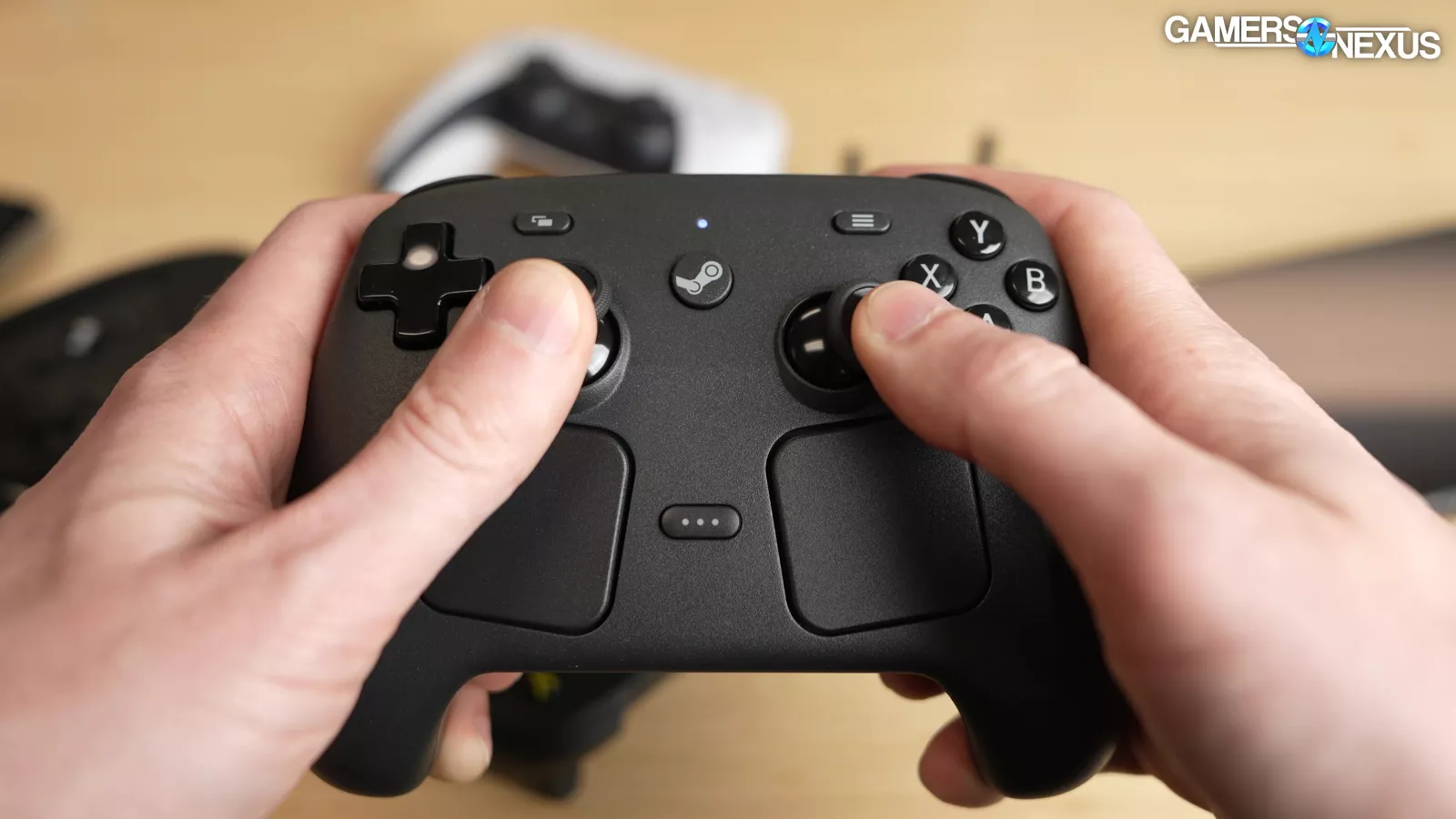
If you just like playing games with a controller, there's no specific reason to get a Steam Controller.
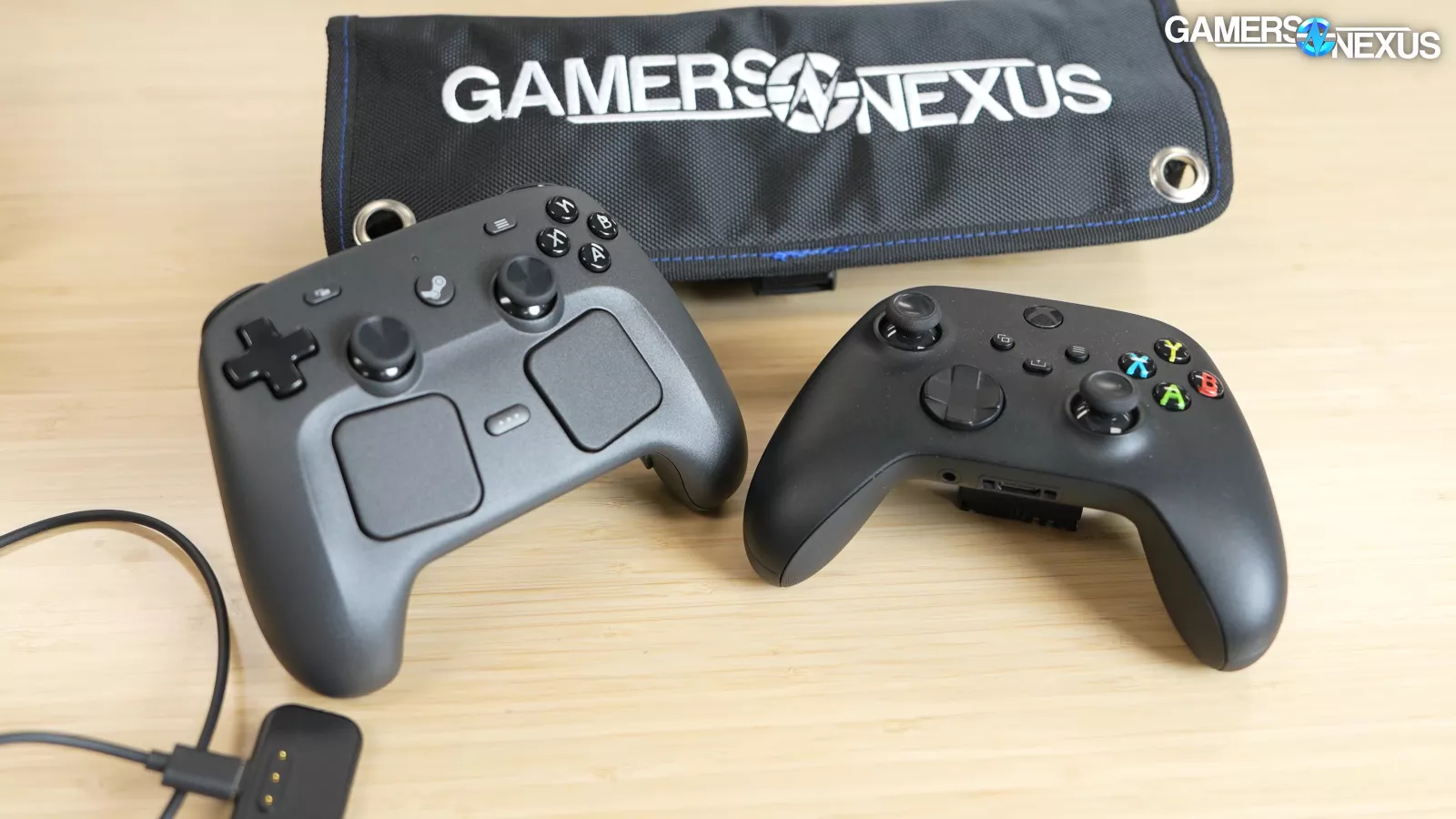
It's fine, but there are $50 Xbox controllers or third-party options with TMR sticks. Here are the target audiences for the Steam Controller: anyone that really likes the Deck's controls, and anyone that wants to play PC games in the living room without needing to grab a mouse and keyboard. Based on comments to us, Valve seems comfortable pursuing those audiences without trying to overthrow Xbox.