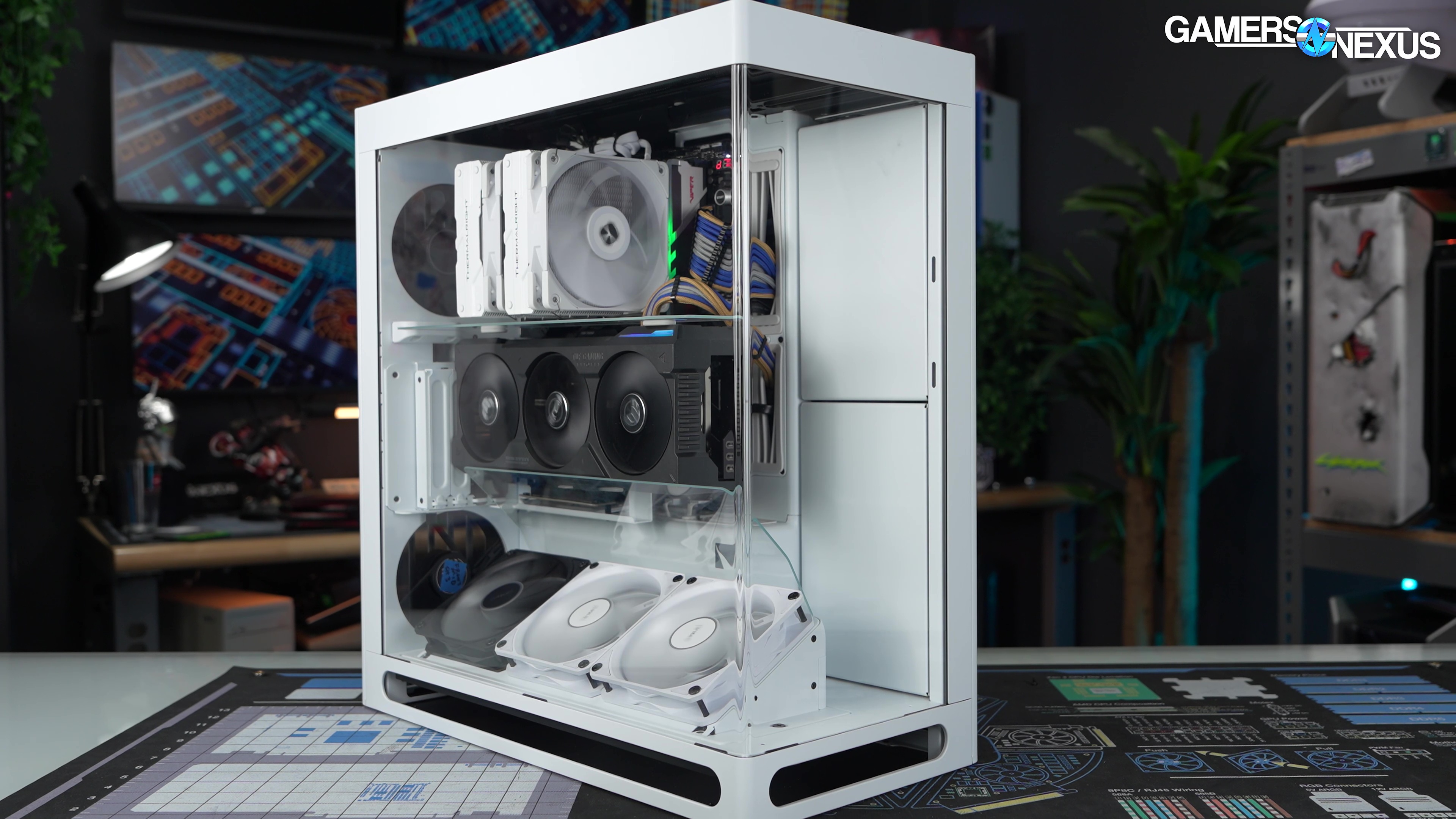
Our review of the HAVN HS 360 case analyzes thermal performance, acoustics, and build quality
The Highlights
- HAVN’s HS 360 is an interesting test subject for vertical GPU thermals
- The case is expensive starting at $200
- The HS 360 offers a second glass sheet to help trap and direct air to the GPU
- Original MSRP: $200, $280 (for VGPU variant)
- Release Date: October 29, 2026
Table of Contents
- AutoTOC
Intro
HAVN's followup to the HS 420 (read our review) is finally here: the HS 360 is a direct response to customers that liked the 420 but wanted something smaller. This role was somewhat filled by the BF 360 (read our review) and BF 360 Flow, but the HS 360 looks exactly like the 420.
Editor's note: This was originally published on October 29, 2026 as a video. This content has been adapted to written format for this article and is unchanged from the original publication.
Credits
Test Lead, Host, Writing
Steve Burke
Testing, Writing
Patrick Lathan
Video Editing, Camera
Mike Gaglione
Video Editing
Vitalii Makhnovets
Camera
Andrew Coleman
Tannen Williams
Writing, Web Editing
Jimmy Thang
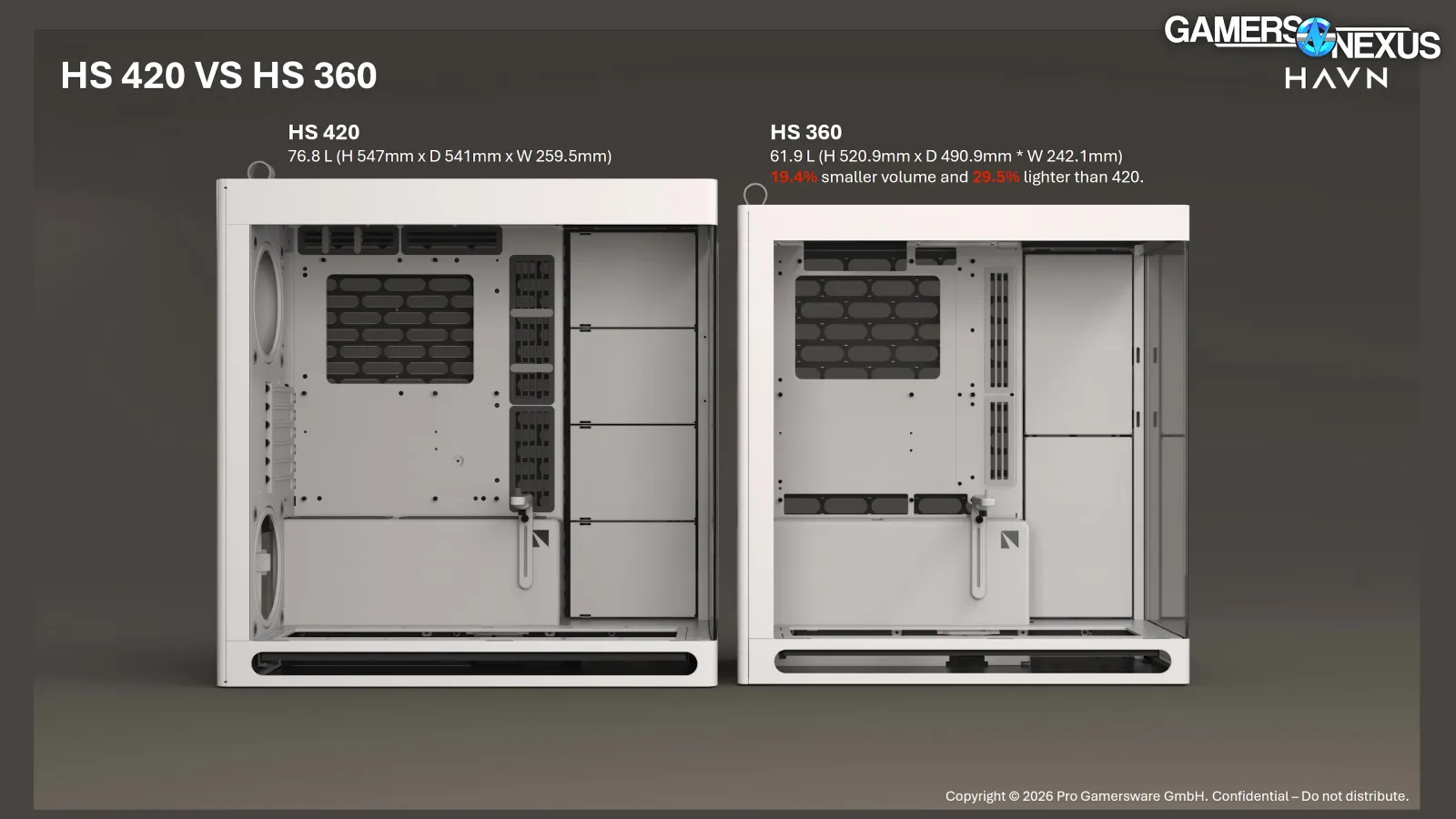
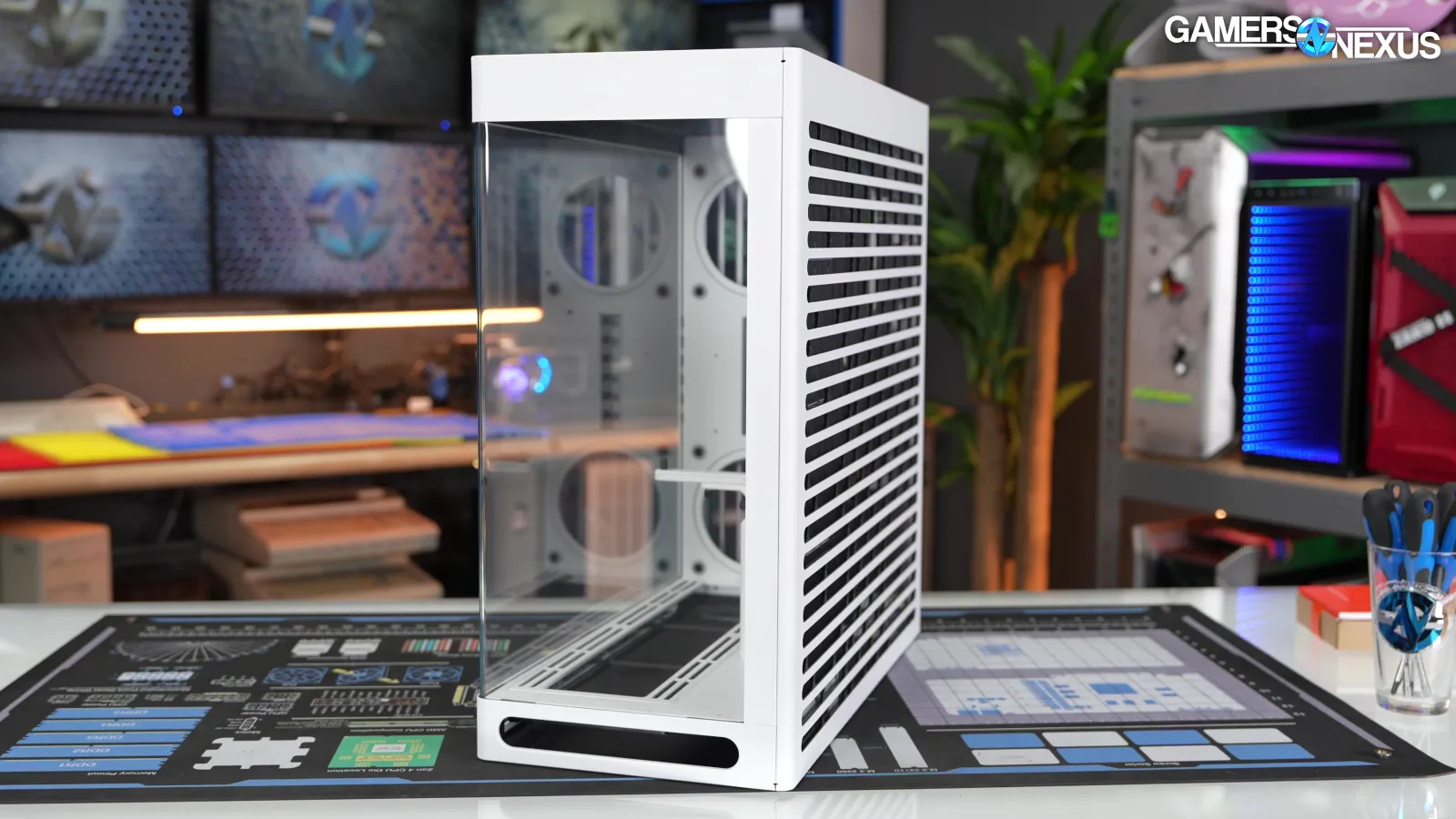
There are incremental improvements we'll go over, but the point is that the 360 is "19.4% smaller volume and 29.5% lighter than 420" by HAVN's math.
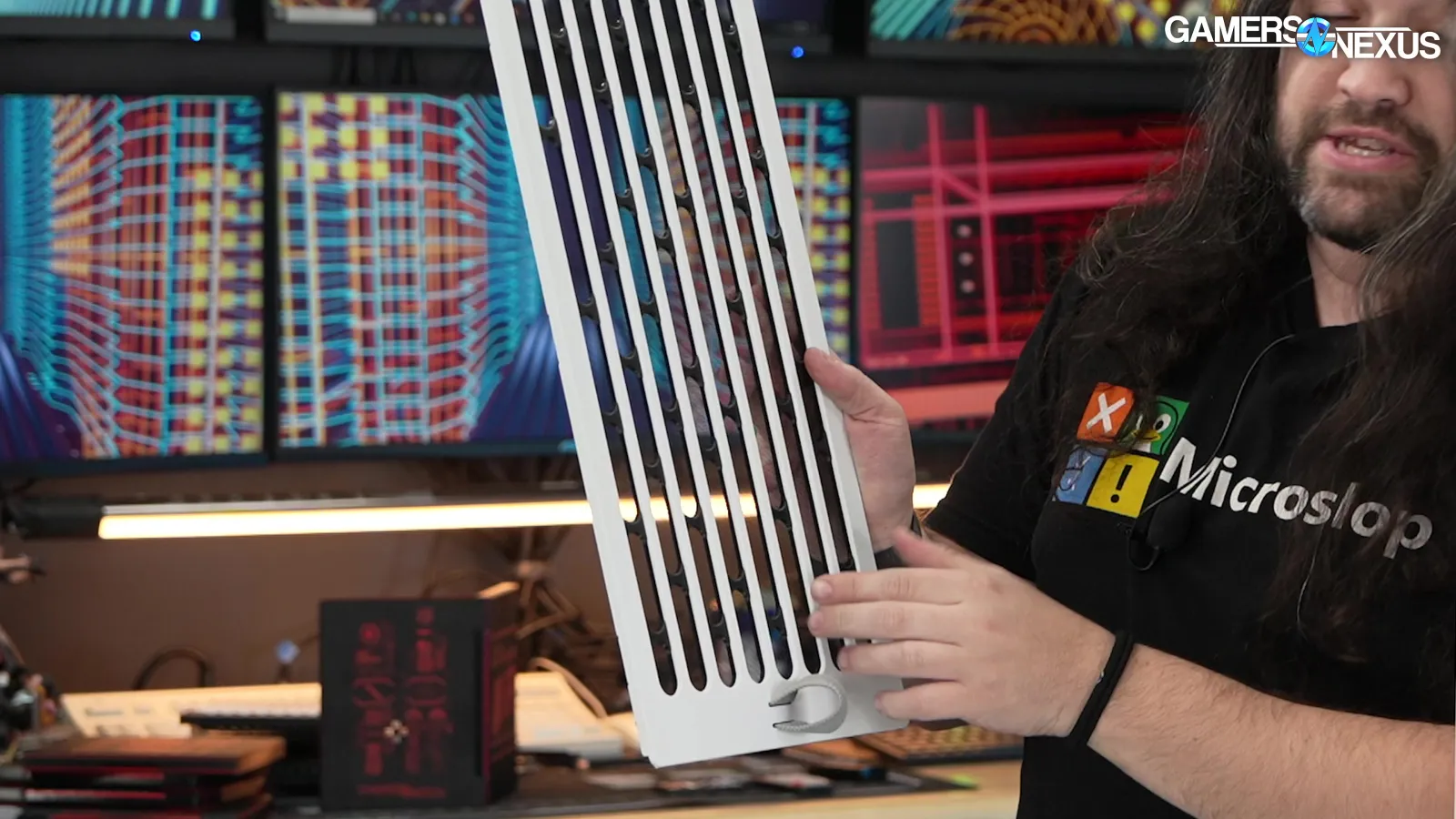
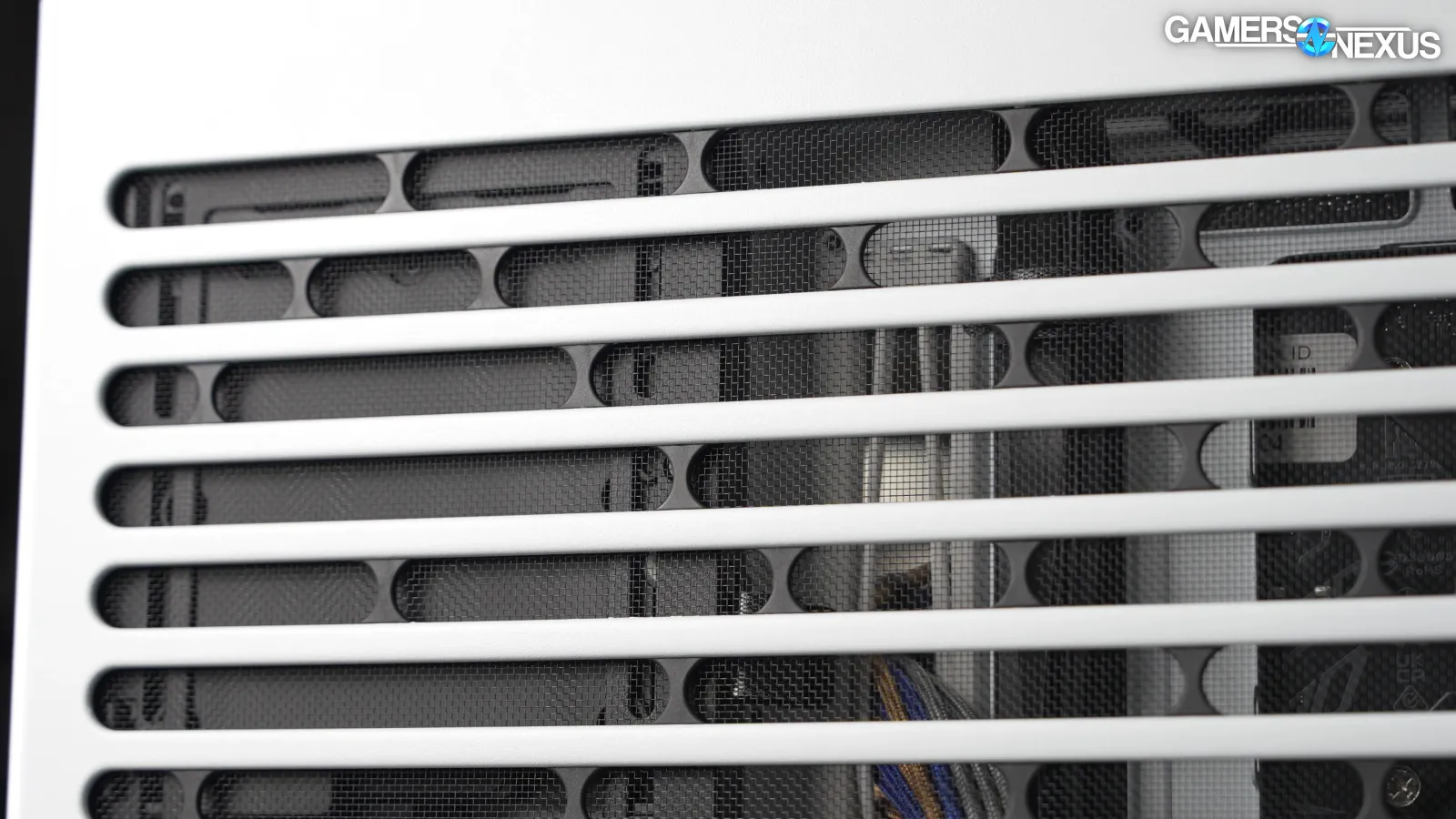
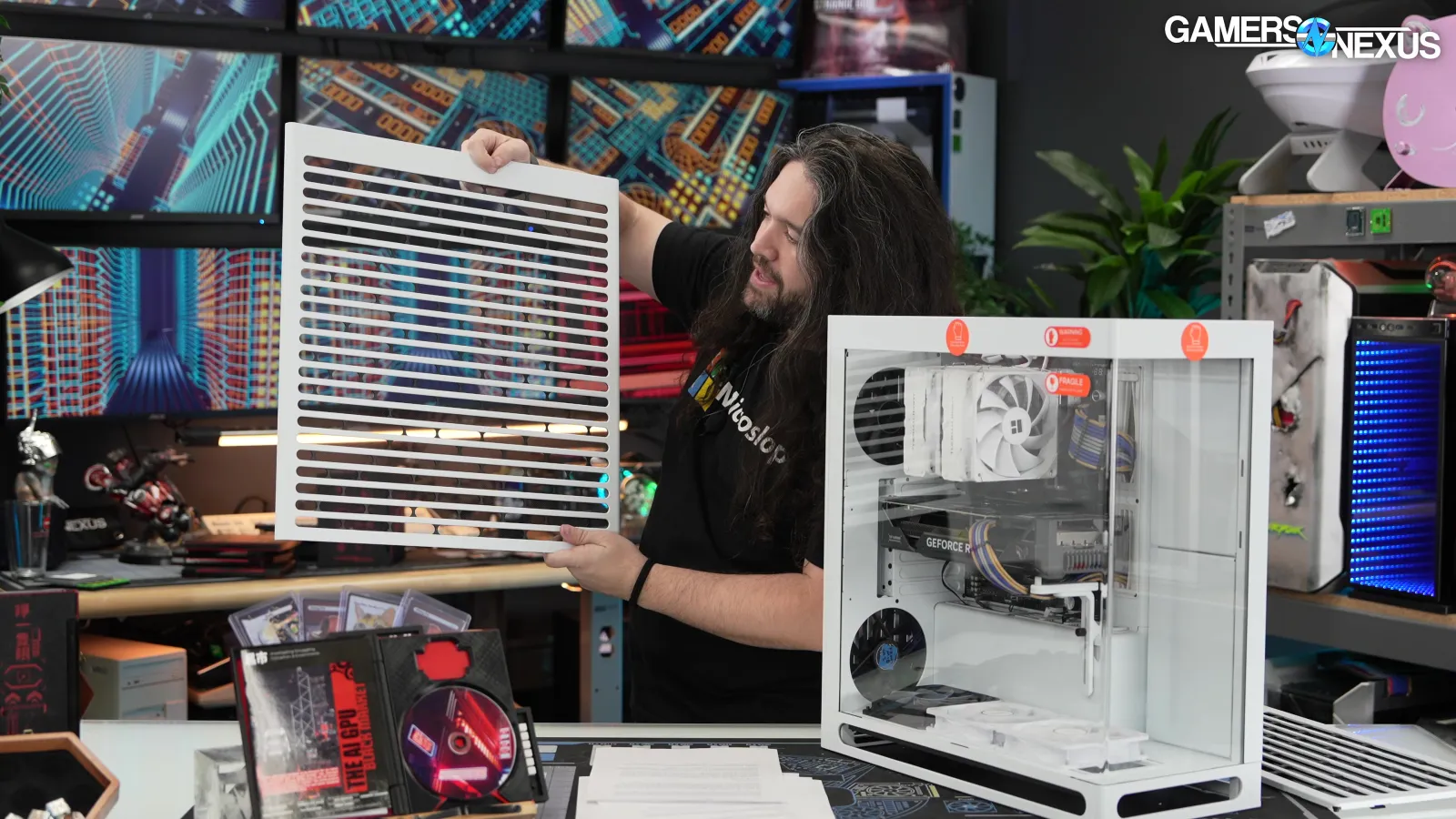
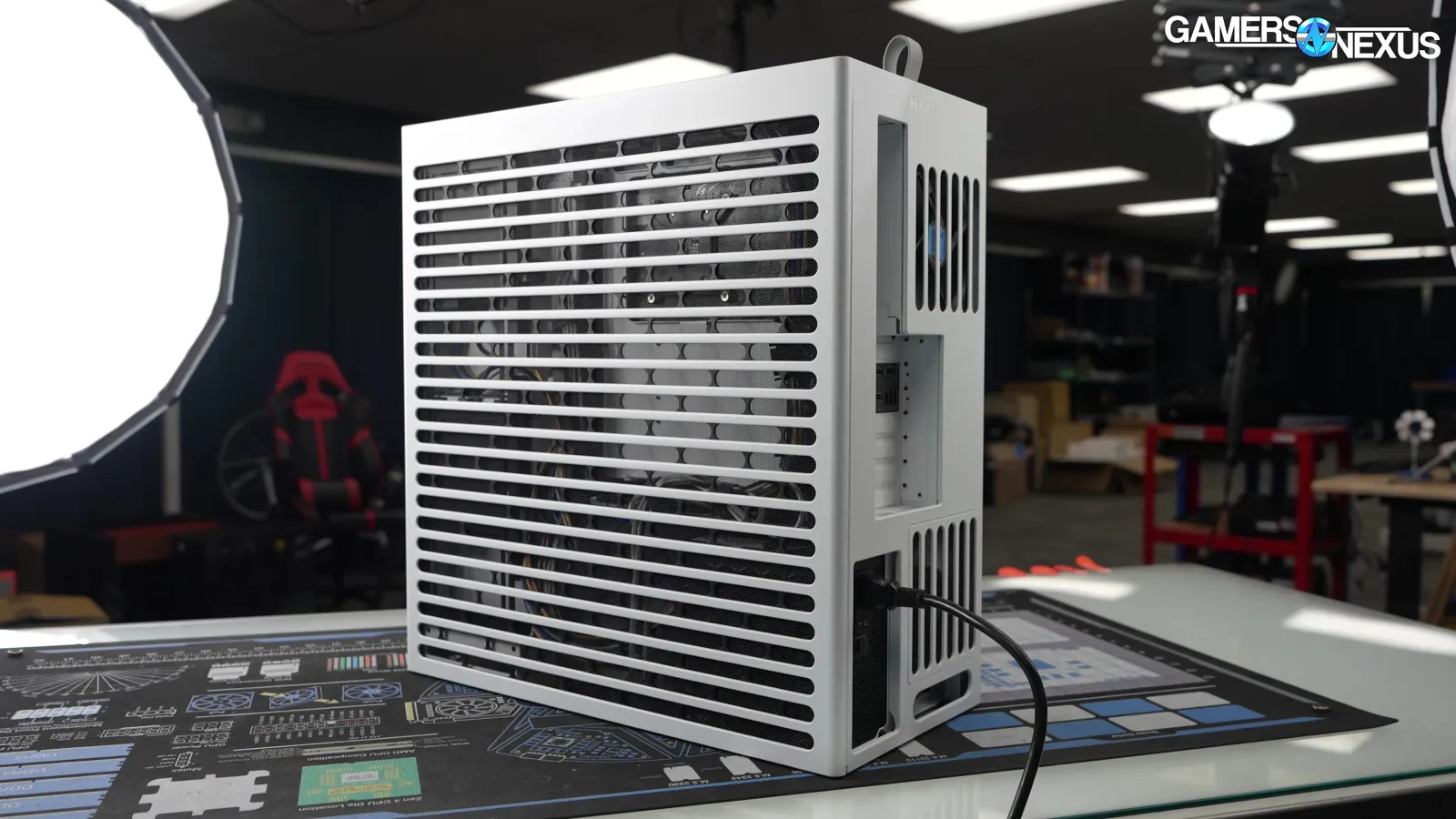
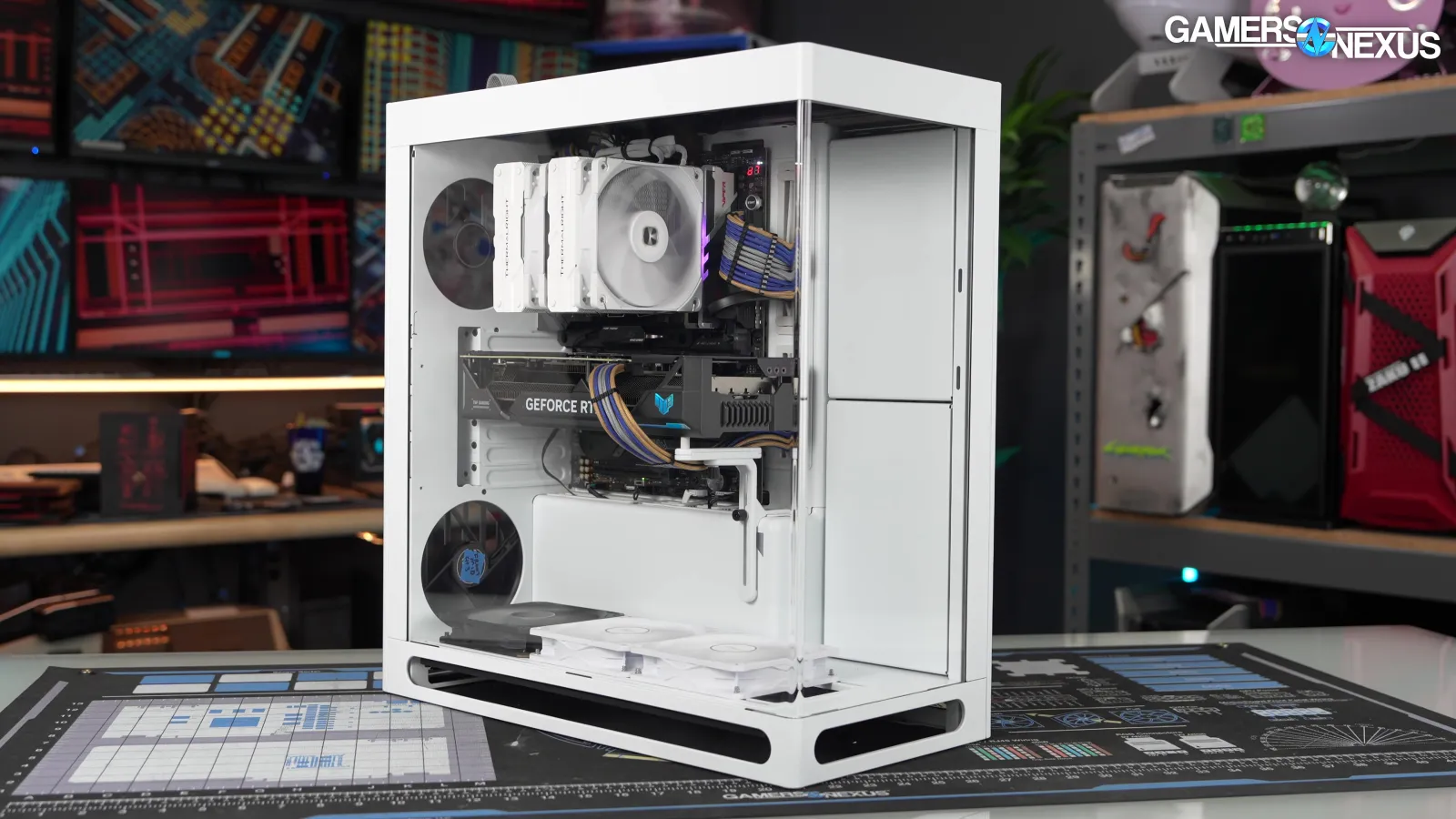
HAVN has done some really interesting things on the GPU side with this case. For example, the company did a good job with its pill-shaped ventilated ports, which are laid out everywhere in a way that allows the case to breathe.
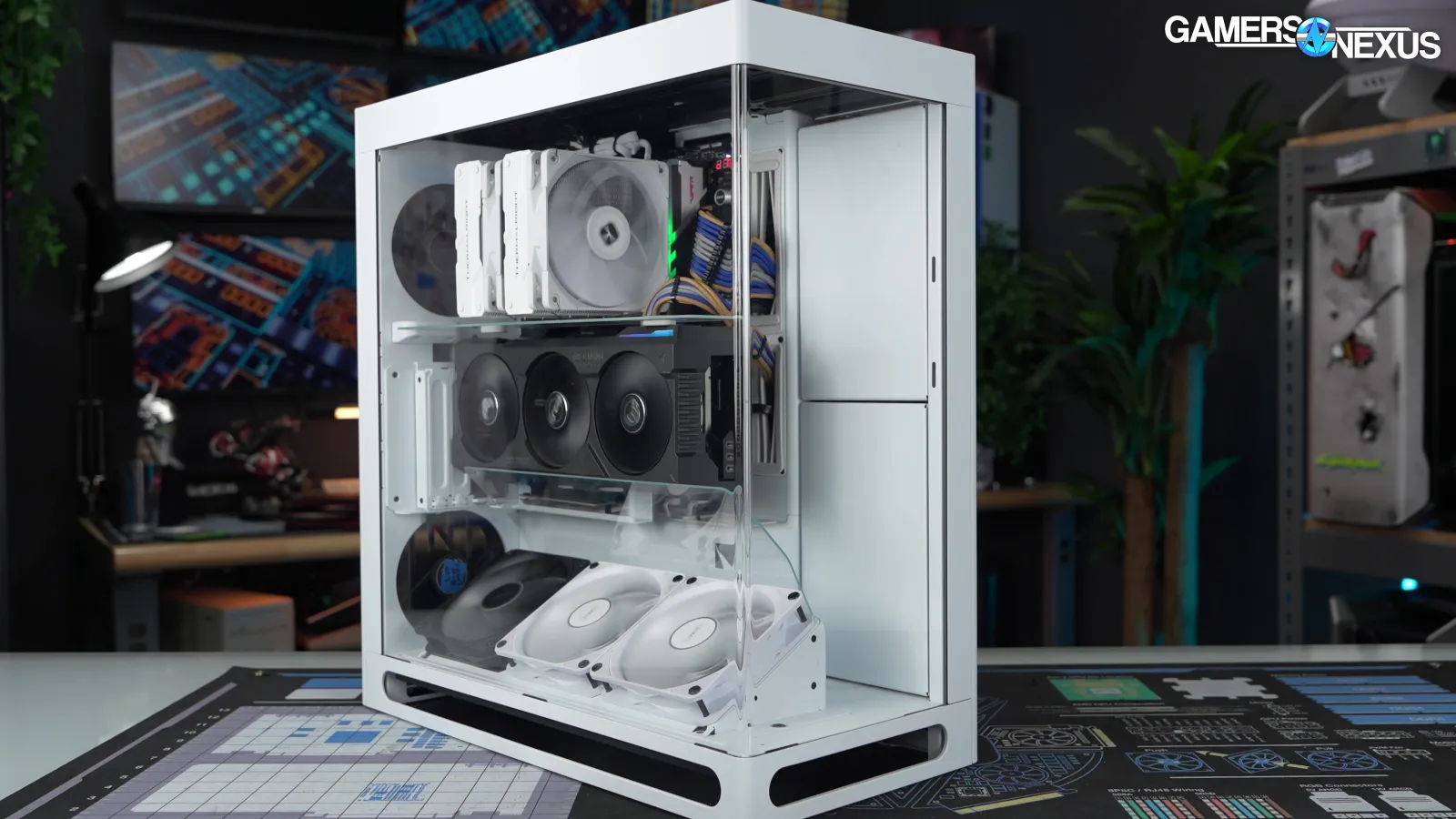
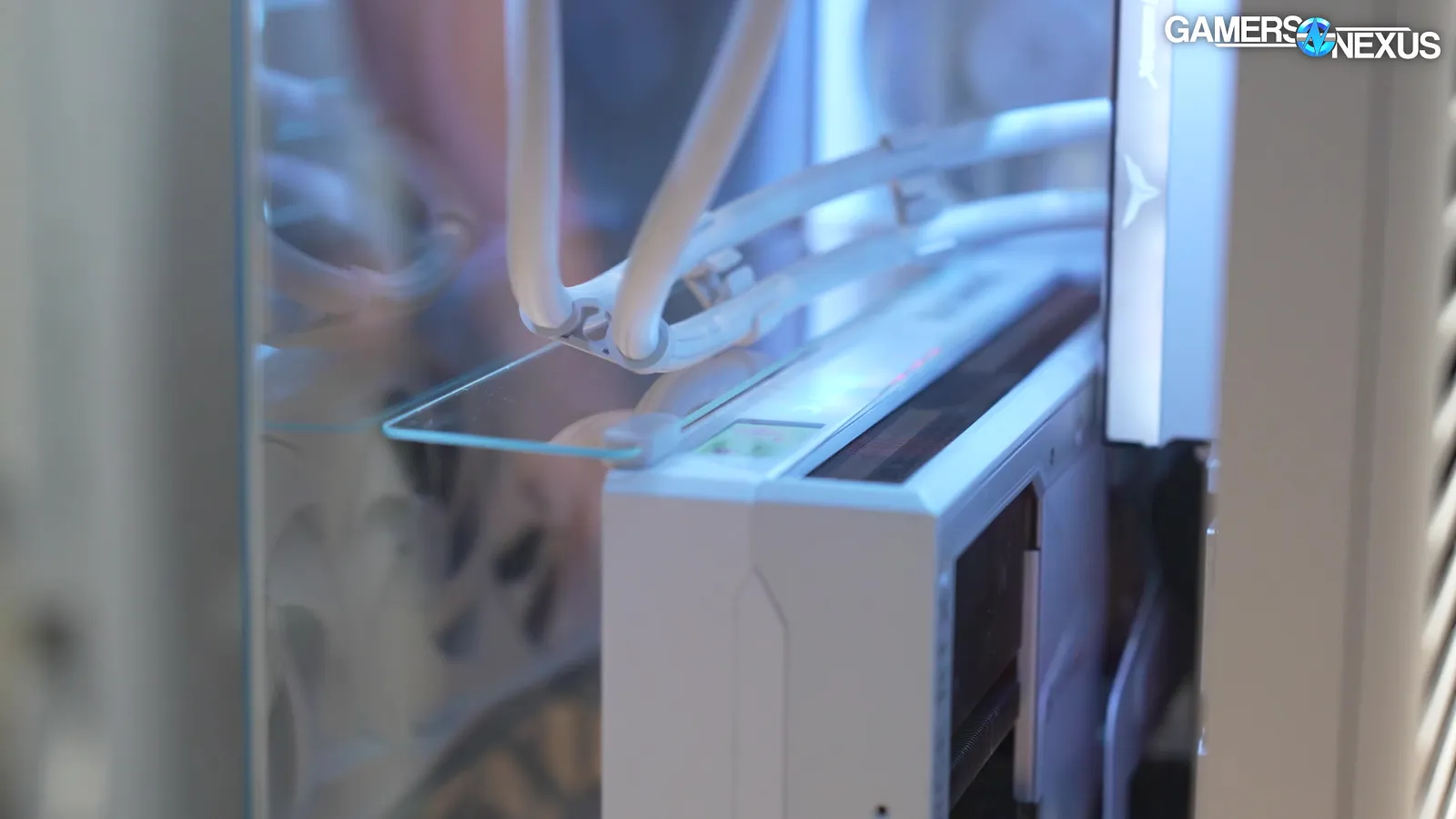
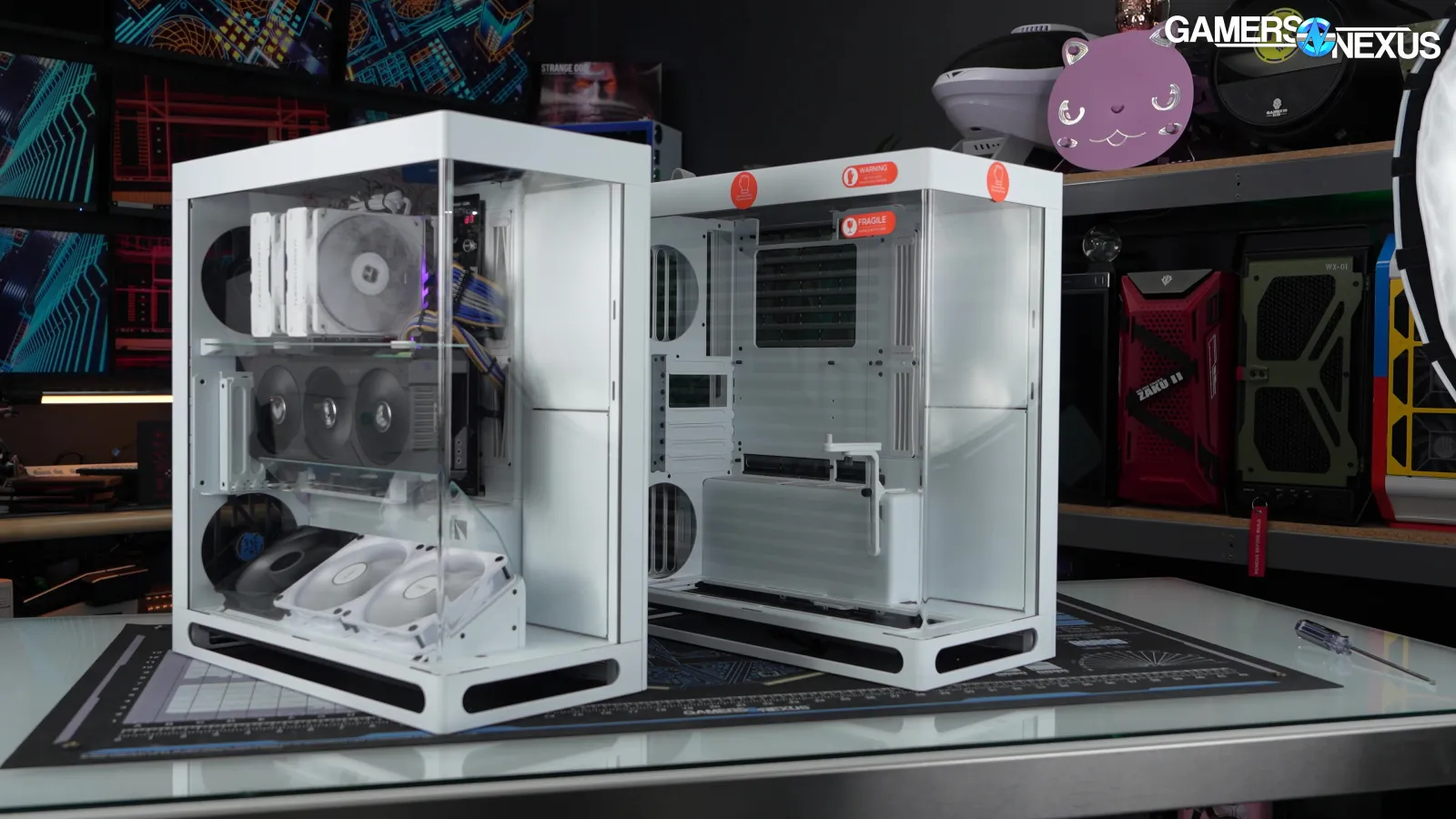
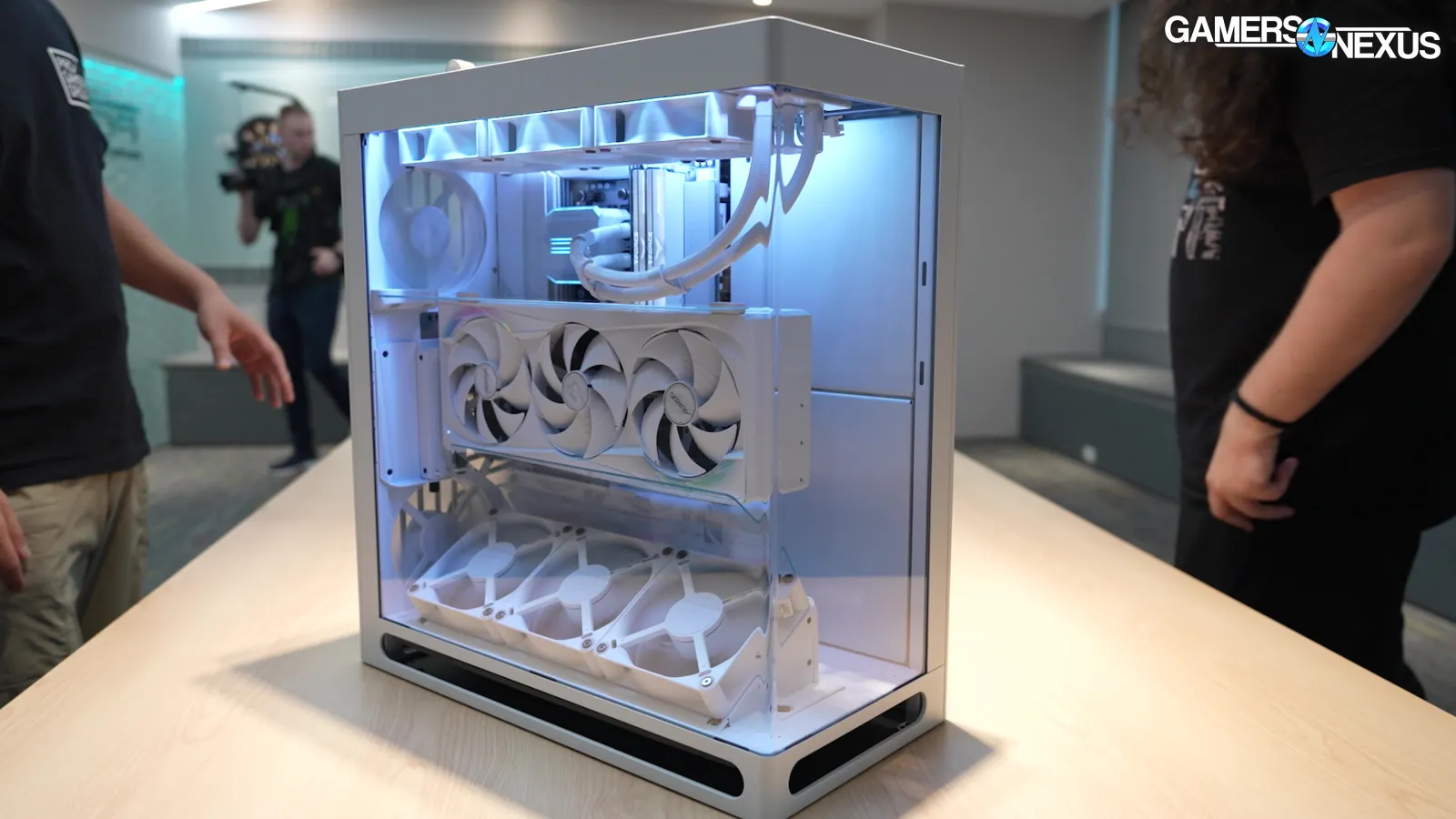
The case’s VGPU kit has 2 glass flow guides separate from the HS420 single glass flow guide. This means HAVN literally double downed on it and it worked.
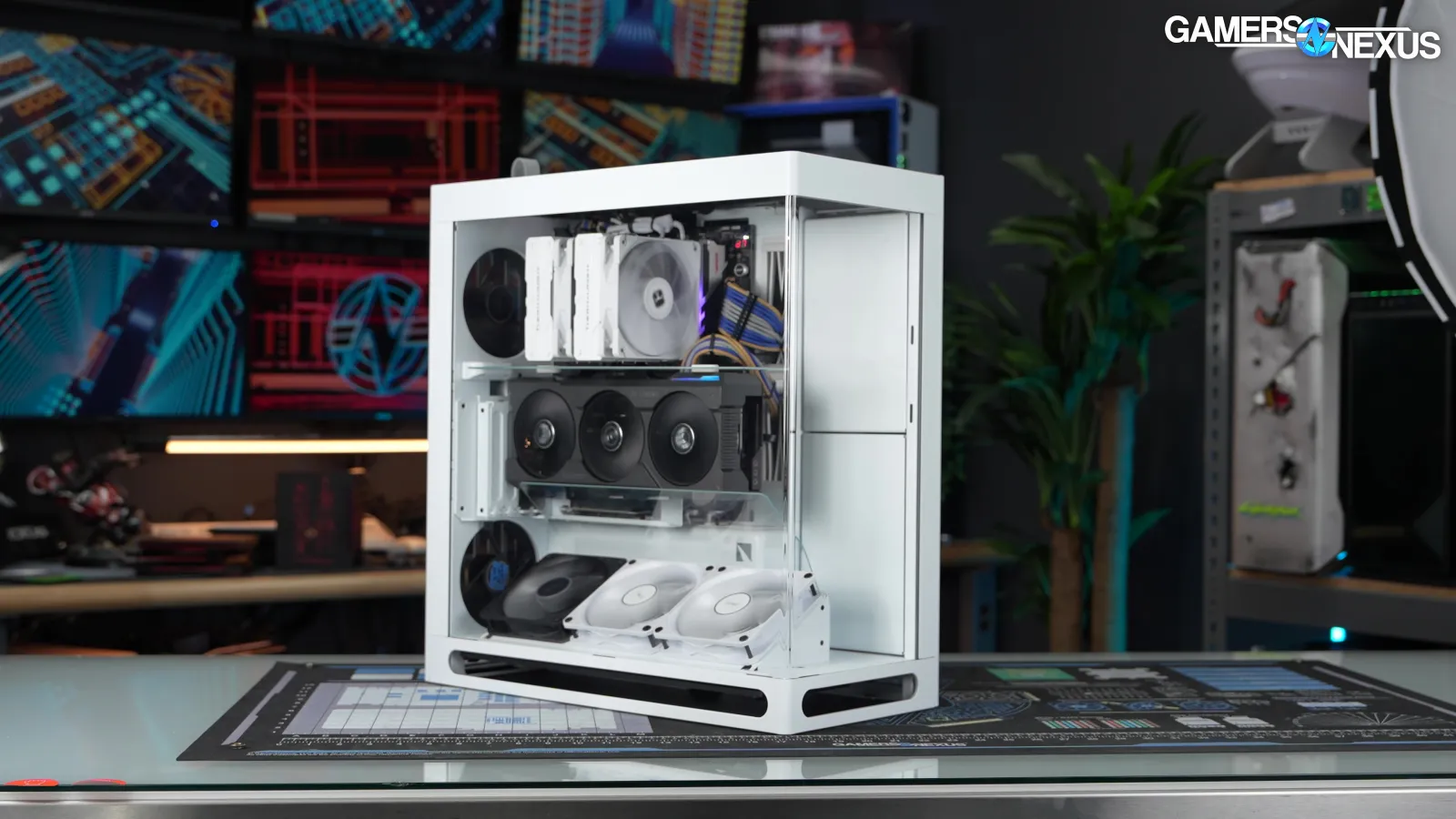
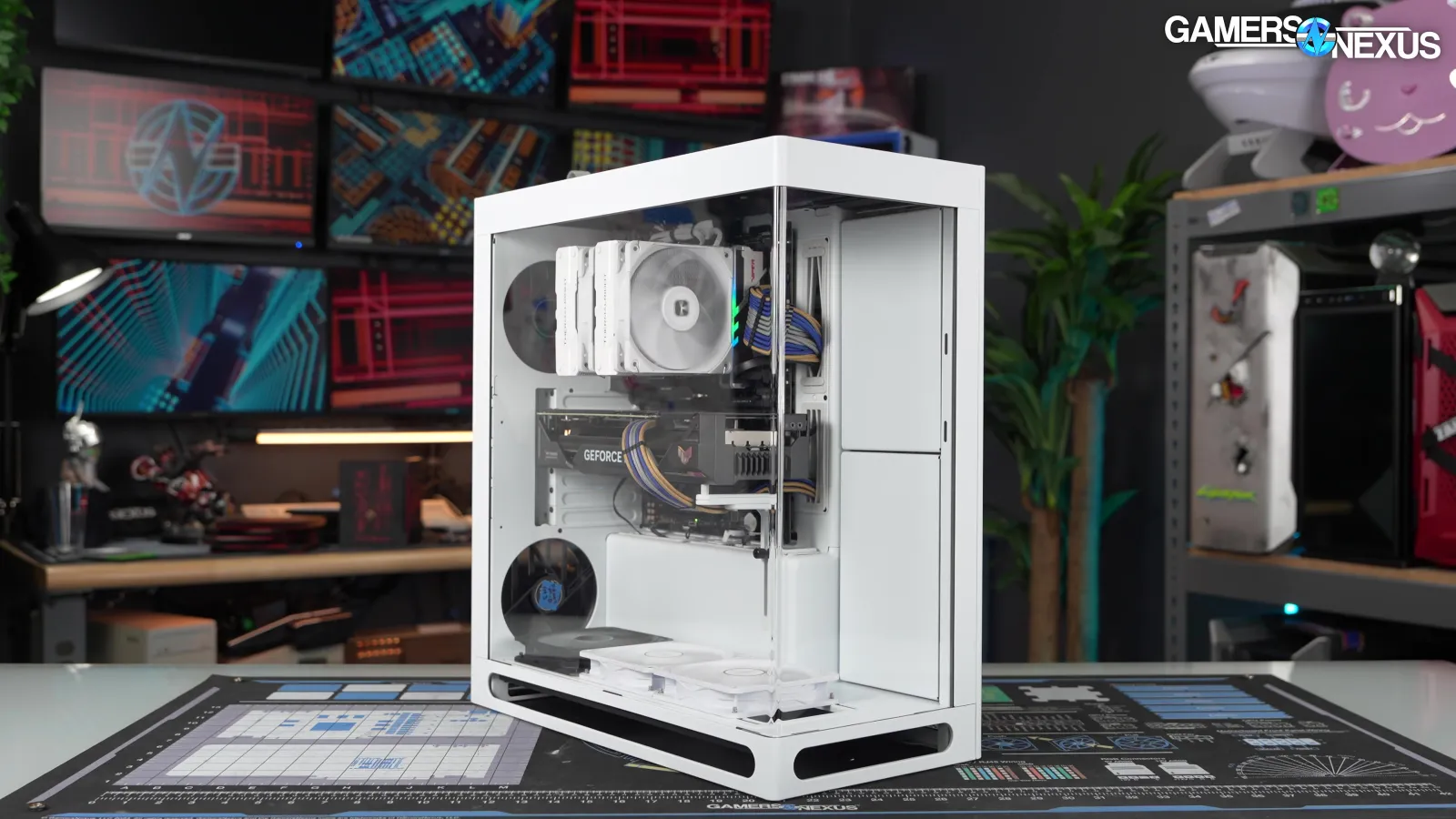
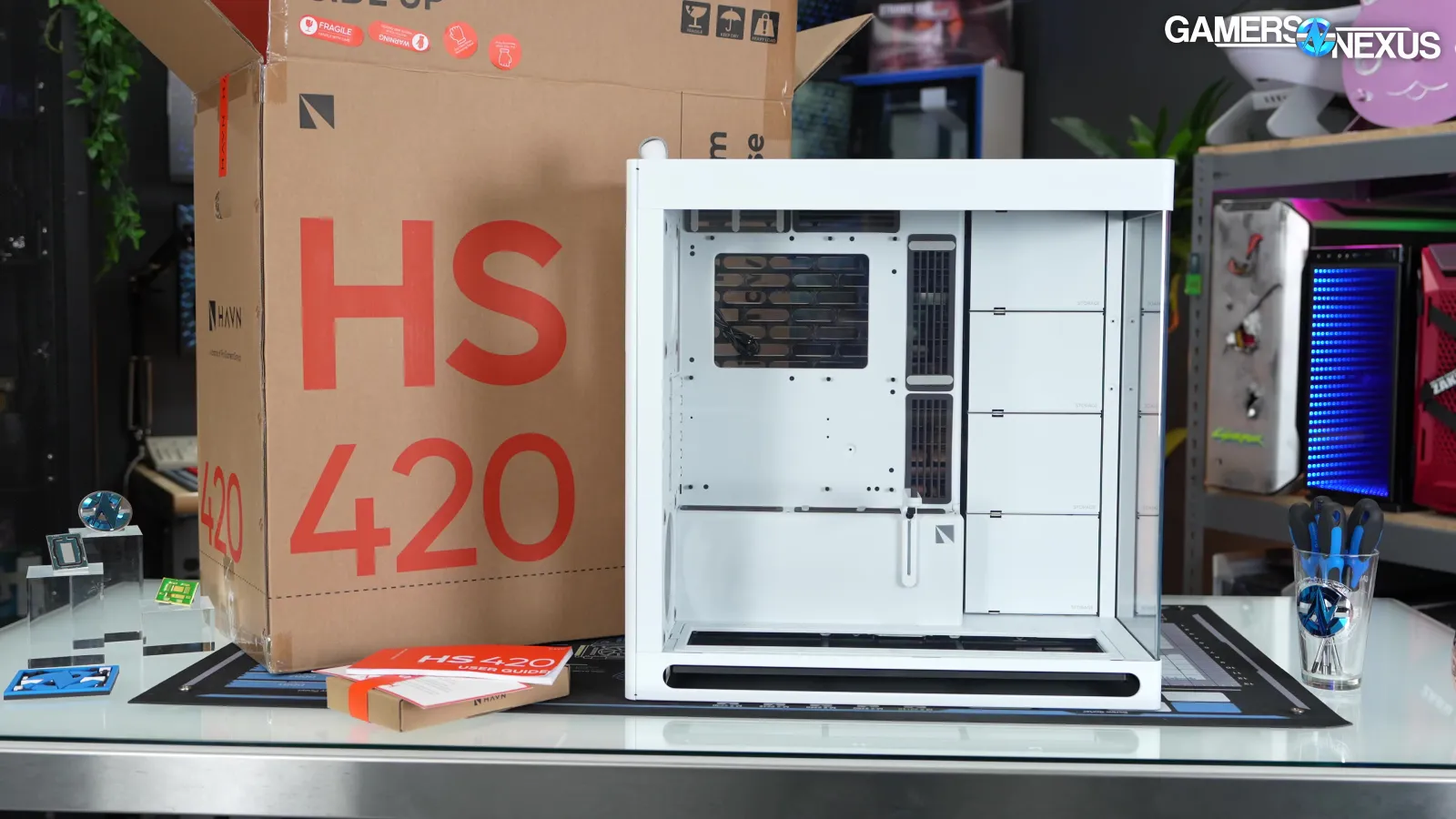
We saw the HS 360 at Computex earlier this year and were told a possible price was $150 for the basic model and $230 for the VGPU variant, matching the current price gap for the HS 420 models. Times have continued changing, and at launch the HS 360 will now be $200 for the base model, which seems to be the price for just about every computer case you see these days, and $280 for the VGPU. That means that the base model of the HS 360 costs the same as the HS 420 did at launch, and the VGPU version actually costs $10 MORE. It's not HAVN's fault things are the way they are, but that doesn't make it easier to accept as a customer.
Specs
| HS 360 | HS 360 VGPU | |
| Form Factor | Mid Tower | Mid Tower |
| Material | SGCC sheet metal, tempered glass, ABS, Nylon, zinc alloy, NdFeB magnets | SGCC sheet metal, tempered glass, ABS, Nylon, zinc alloy, NdFeB magnets |
| Case Dimensions (L x W x H) | 490.9 x 242.1 x 520.9mm | 490.9 x 242.1 x 520.9mm |
| Net Weight | 12.7kg | 13.4kg |
| Gross Weight | 14.04kg | 15.3kg |
| Warranty | 1 years | 1 years |
| Front I/O | USB 3.2 Gen 2 Type-C 1USB 3.2 Gen 1 Type-A 2Combo Audio Jack 1Power Button 1 | USB 3.2 Gen 2 Type-C 1USB 3.2 Gen 1 Type-A 2Combo Audio Jack 1Power Button 1 |
| Motherboard Support | Form Factor ATX /BTF ATX / M-ATX / Mini-ITXExpansion Slots 7 | Form Factor ATX /BTF ATX / M-ATX / Mini-ITXExpansion Slots 7 (VGPU 4 slots) |
| CPU Tower Cooler Clearance | Height Up to 170mm Liquid cooling recommended. | Height Up to 170mm. Tower cooler size depends on GPU width. CPU center to graphics card PCIe edge connector; ~200mm (varies by motherboard). Liquid cooling recommended. |
| RAM Clearance | Height When using an AIO, the maximum supported memory height is 46mm, with an additional 2.5mm of clearance | Height When using an AIO, the maximum supported memory height is 46mm, with an additional 2.5mm of clearance |
| Graphics Card Clearance | Length Up to 430mmWidth 180mm | Length Up to 430mmWidth 150mm |
| GPU Support | Height From 2nd slot: up to 5-slot GPUHeight From 3rd slot: up to 4-slot GPU | (Vertical) 4 SlotsPCI Express 5.0 Riser Cable Included |
| Power Supply Support | ATX / SFX / SFX-L / PSUsLength Up to 230mm (Clearance - 300mm) | ATX / SFX / SFX-L / PSUsLength Up to 230mm (Clearance - 300mm) |
| Fan Support | Maximum Amount 11Top 3 x 120mmFront -Left -Right 3 x 120mmBottom 3 x 120mmRear 2 x 120mm (Max thickness: 30mm) | Maximum Amount 11Top 3 x 120mmFront -Left -Right 3 x 120mmBottom 3 x 120mmRear 2 x 120mm (Max thickness: 30mm) |
| Fan PWM Repeater | 8 Channels | 8 Channels |
| Liquid Cooling Support | Top 360mm (Thickness: 65mm, not overlapping with RAM)Front -Left -Right 360mm (Thickness: 58mm w/ GPU > 300mm, 90mm w/ top AIO)Bottom 360mm (Thickness: 109mm: 1-slot GPU support only; 120mm: GPU support must be removed)Rear - | Top 360mm (Thickness: 65mm, not overlapping with RAM)Front -Left -Right 360mm (Thickness: 58mm w/ GPU > 300mm, 90mm w/ top AIO)Bottom -Rear - |
| Storage | Right Fan Mount 2 Storage Bays: 2 x 3.5" / 4 x 2.5"Cable Management Tray 1 Storage Bay: 1 x 3.5" / 2 x 2.5"Storage Bay Included 2x | Right Fan Mount 2 Storage Bays: 2 x 3.5" / 4 x 2.5"Cable Management Tray 1 Storage Bay: 1 x 3.5" / 2 x 2.5"Storage Bay Included 2x |
| Internal Display Support | VESA Mounting 75 x 75mm / 100 x 100mmDisplay Area (H x W) 425 x 140mmLocation Front Right Pillar | VESA Mounting 75 x 75mm / 100 x 100mmDisplay Area (H x W) 425 x 140mmLocation Front Right Pillar |
| Dust Filter | Built-in: Top, RightRemovable: Bottom, Rear Bottom | Built-in: Top, RightRemovable: Bottom, Rear Bottom |
| MSRP | $200 | $280 |
The Build
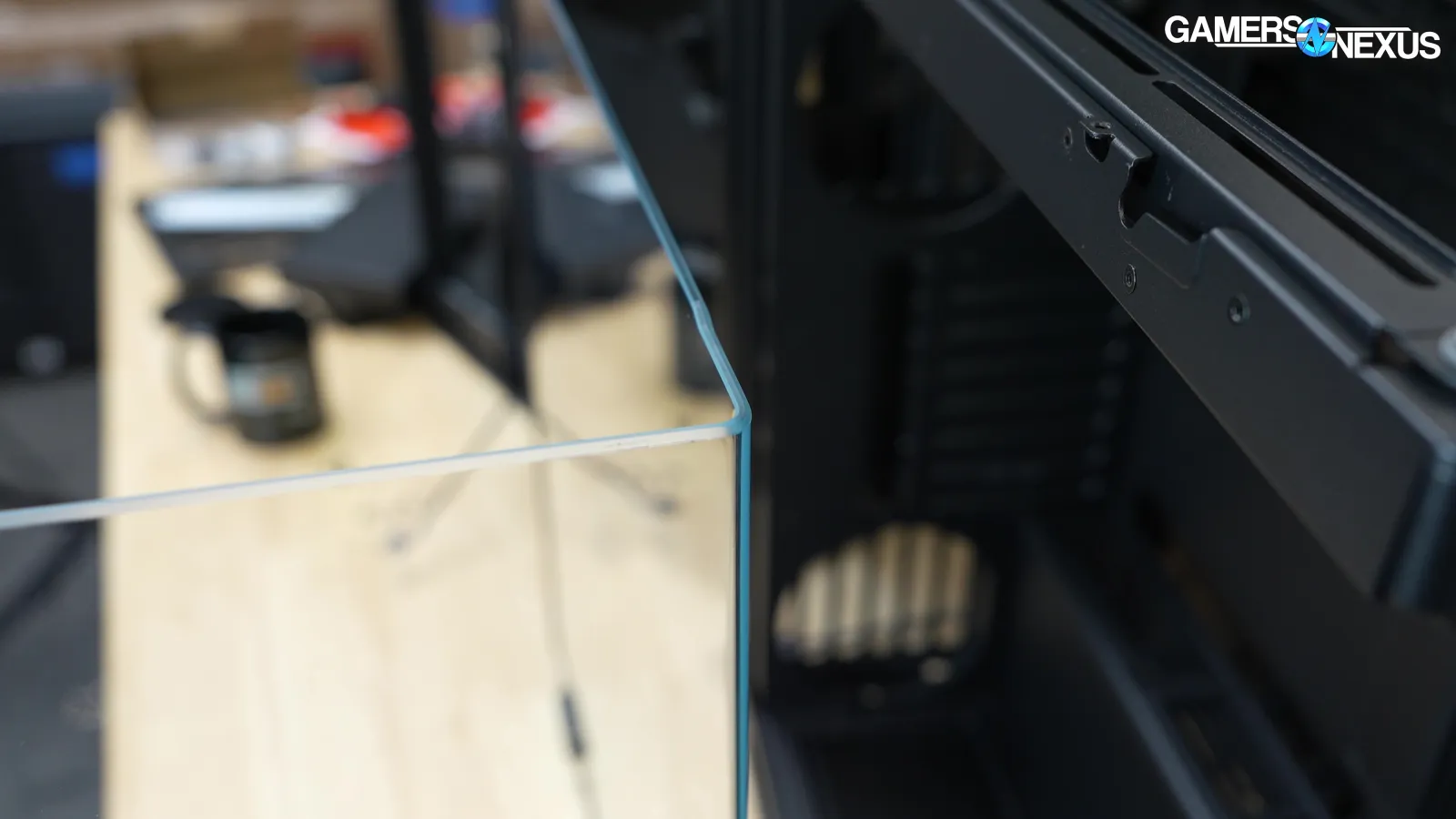
We don't need to spend much more time on the case's appearance, because it's designed to look just like the HS 420 case that's been out for two years. The drive cages are bigger and there are only two of them, and HAVN decreased the bend radius on the glass side panel.
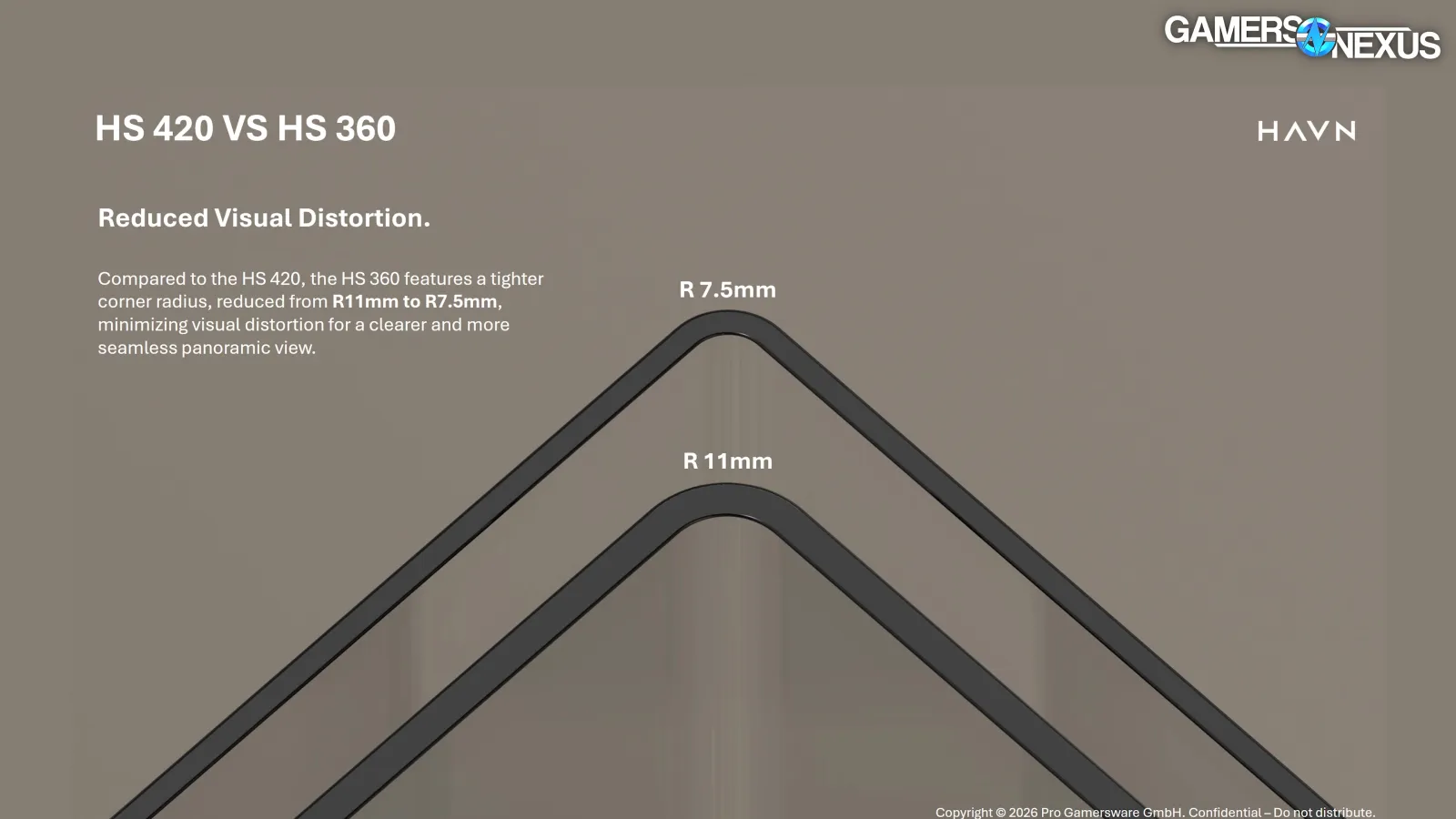
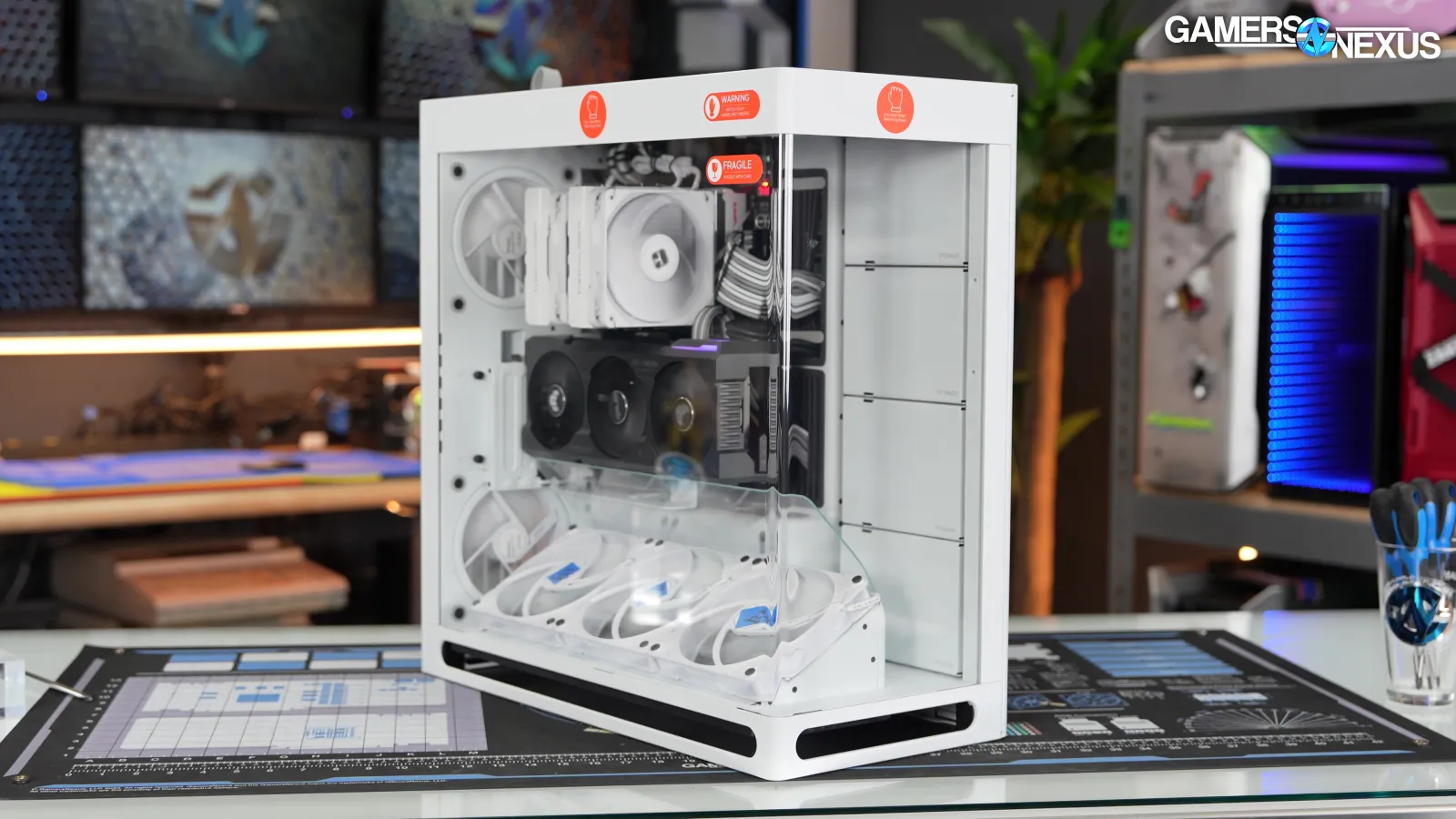
HAVN pitches this as a feature that reduces "visual distortion for a clearer and more seamless panoramic view," but that's a matter of taste: the wider curve on the HS 420 is part of the case's character. It probably also helps with yields and cost.
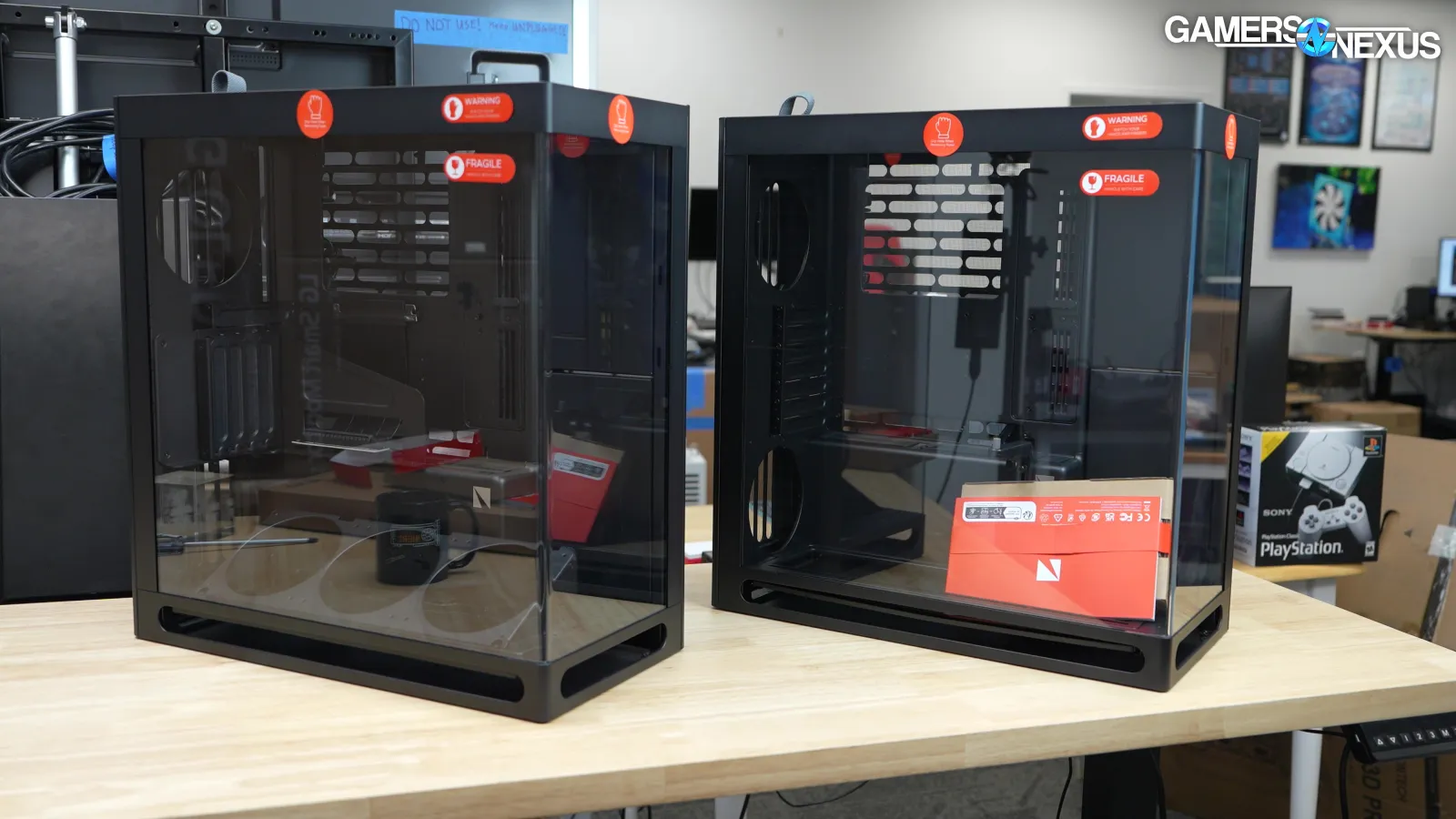
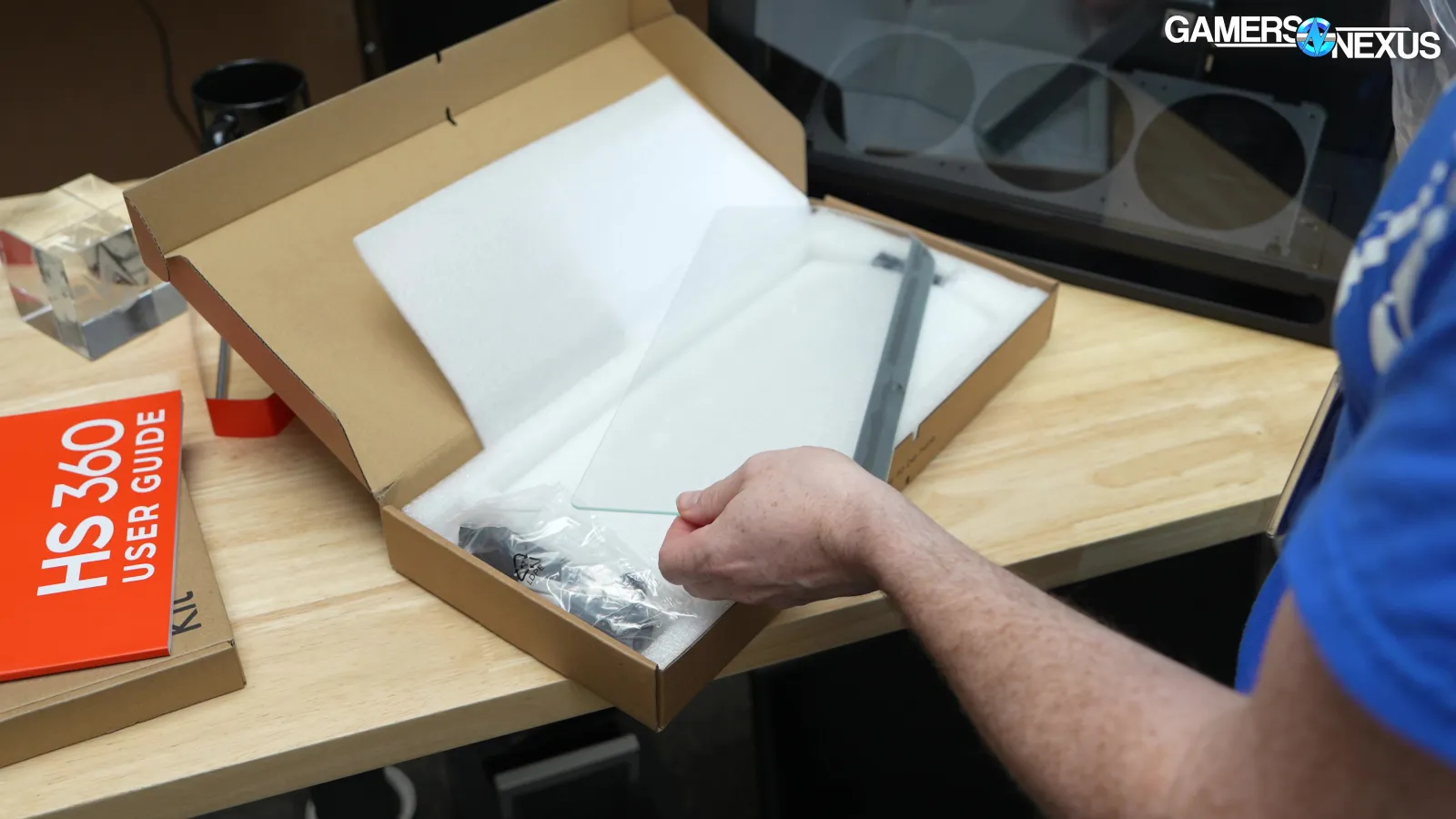
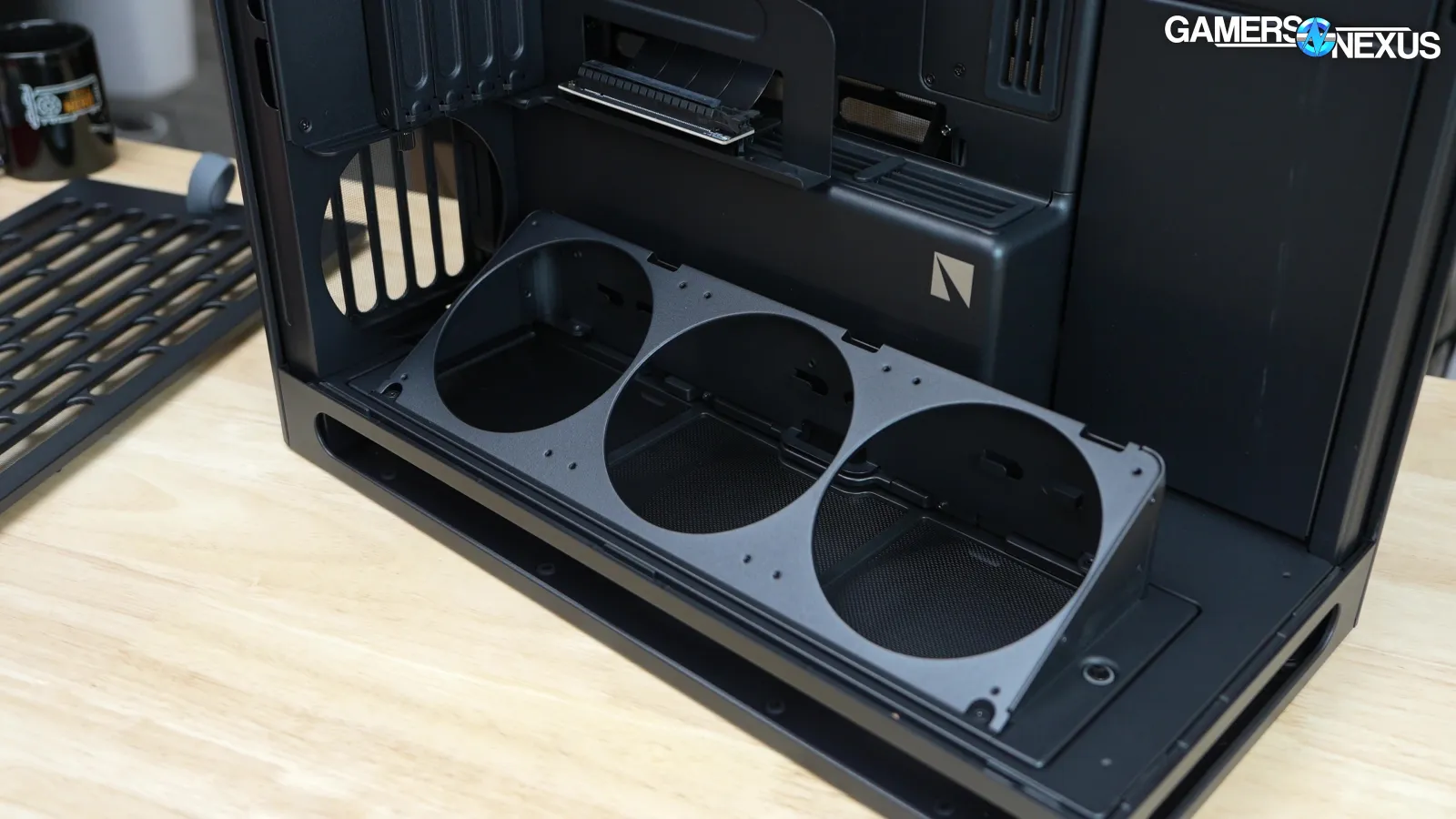
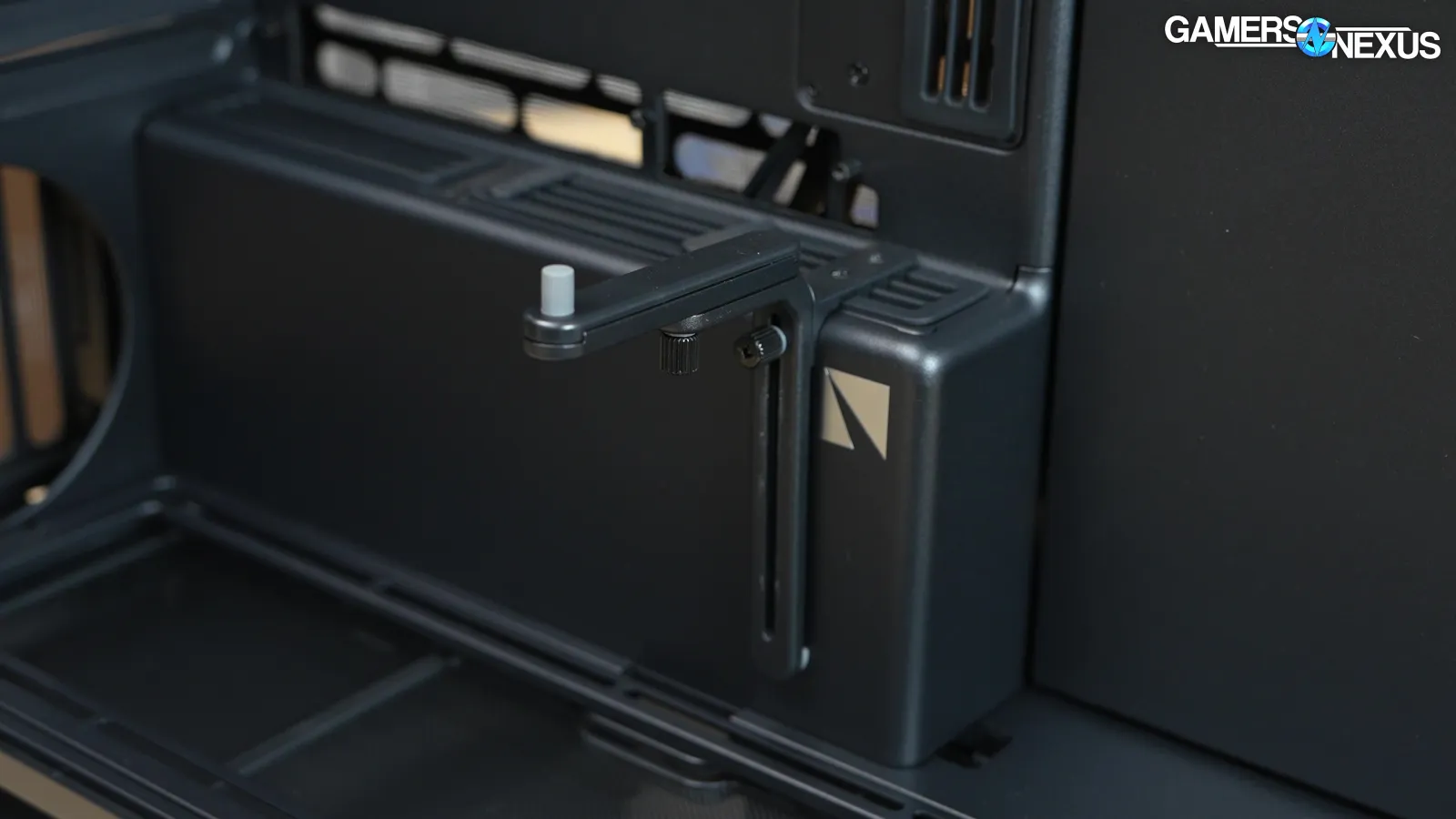
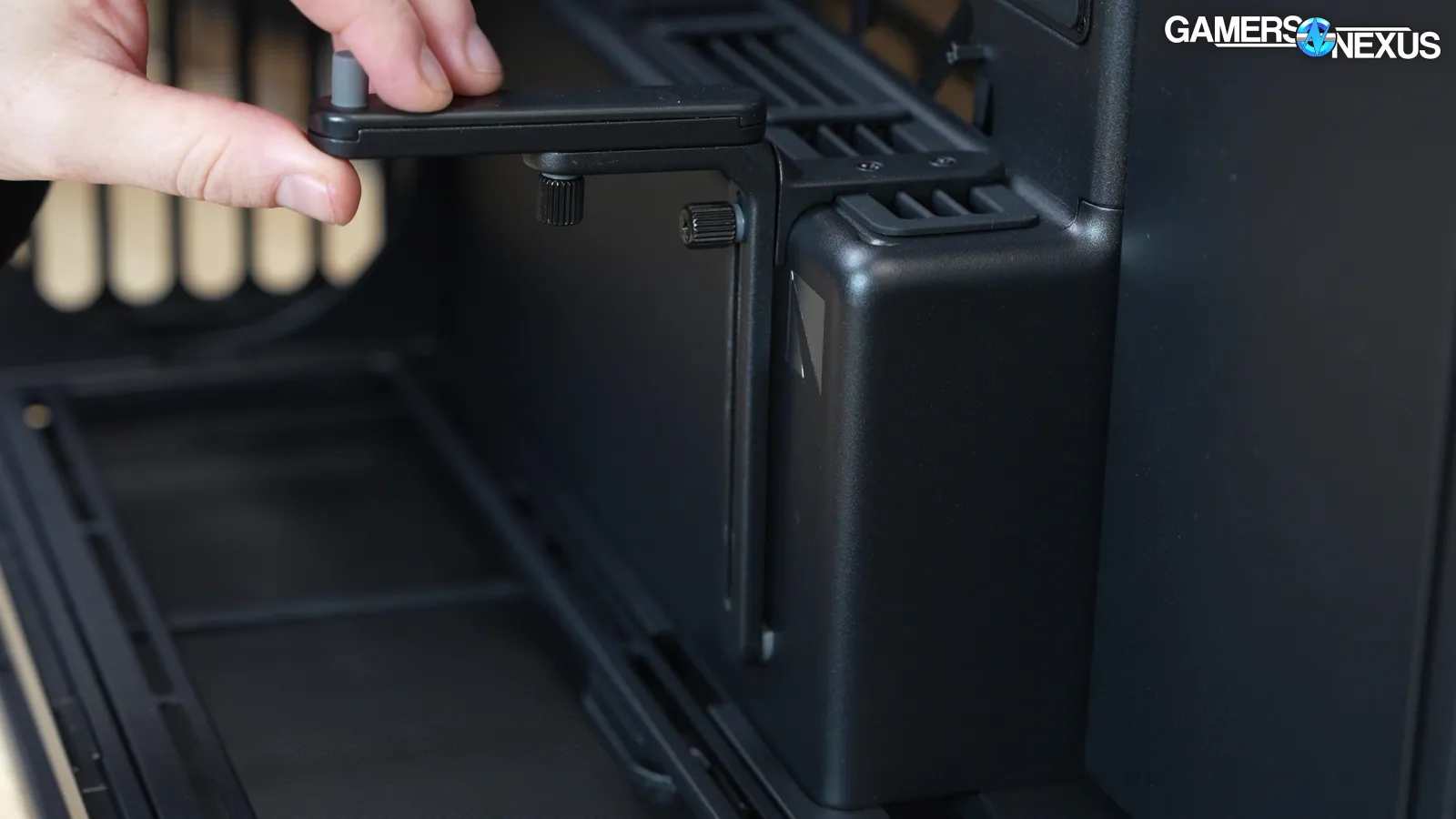
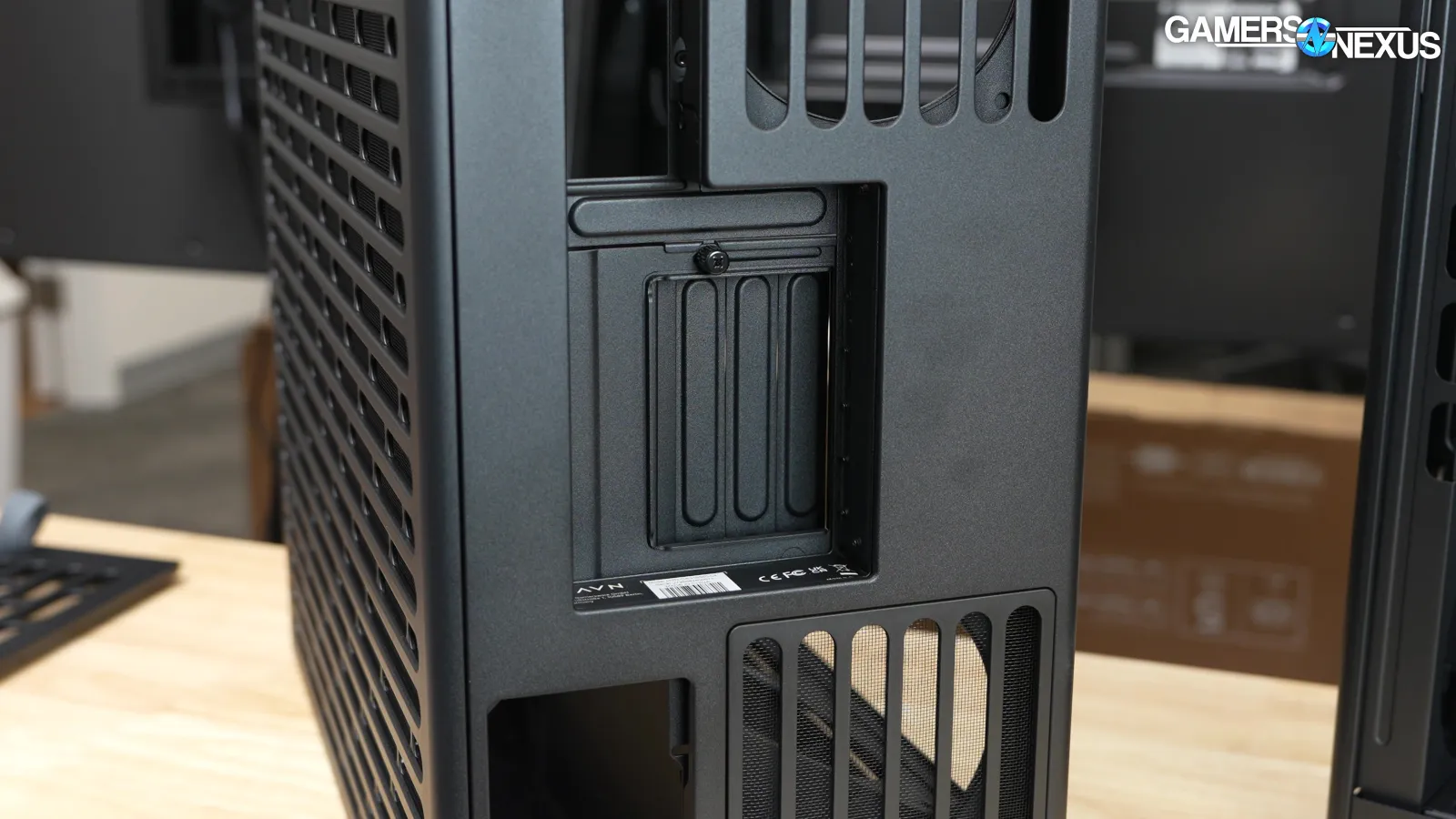
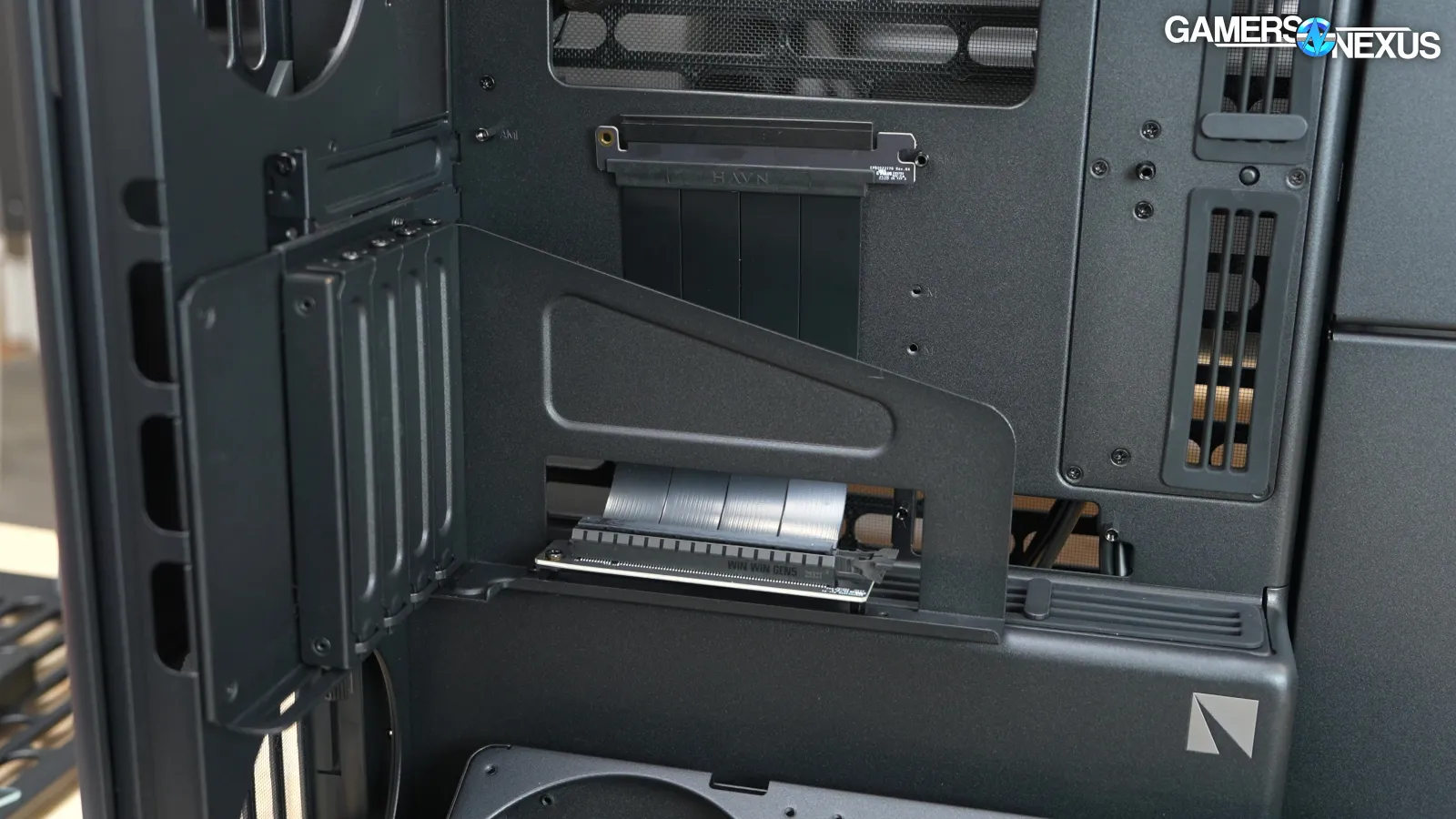
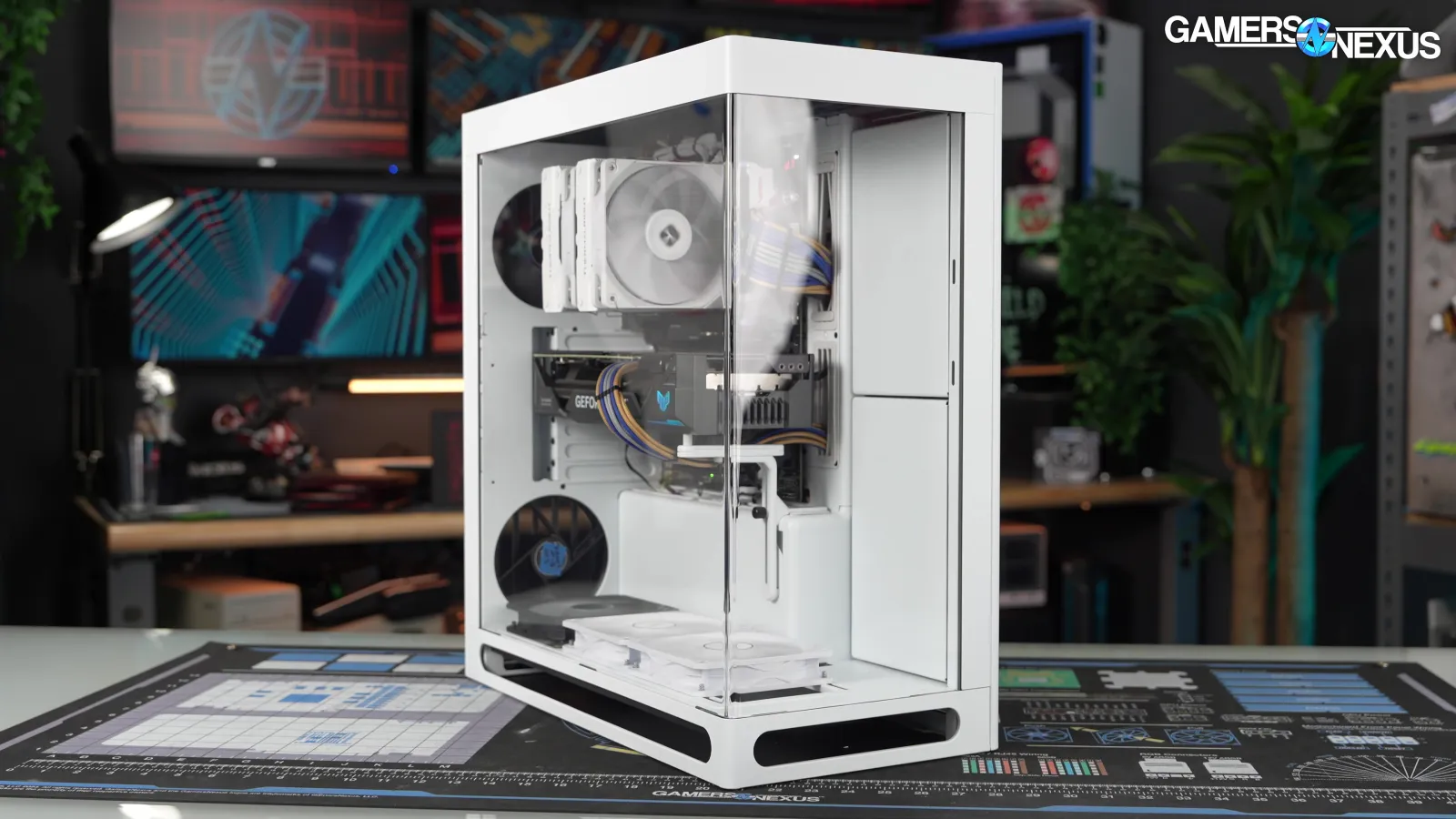
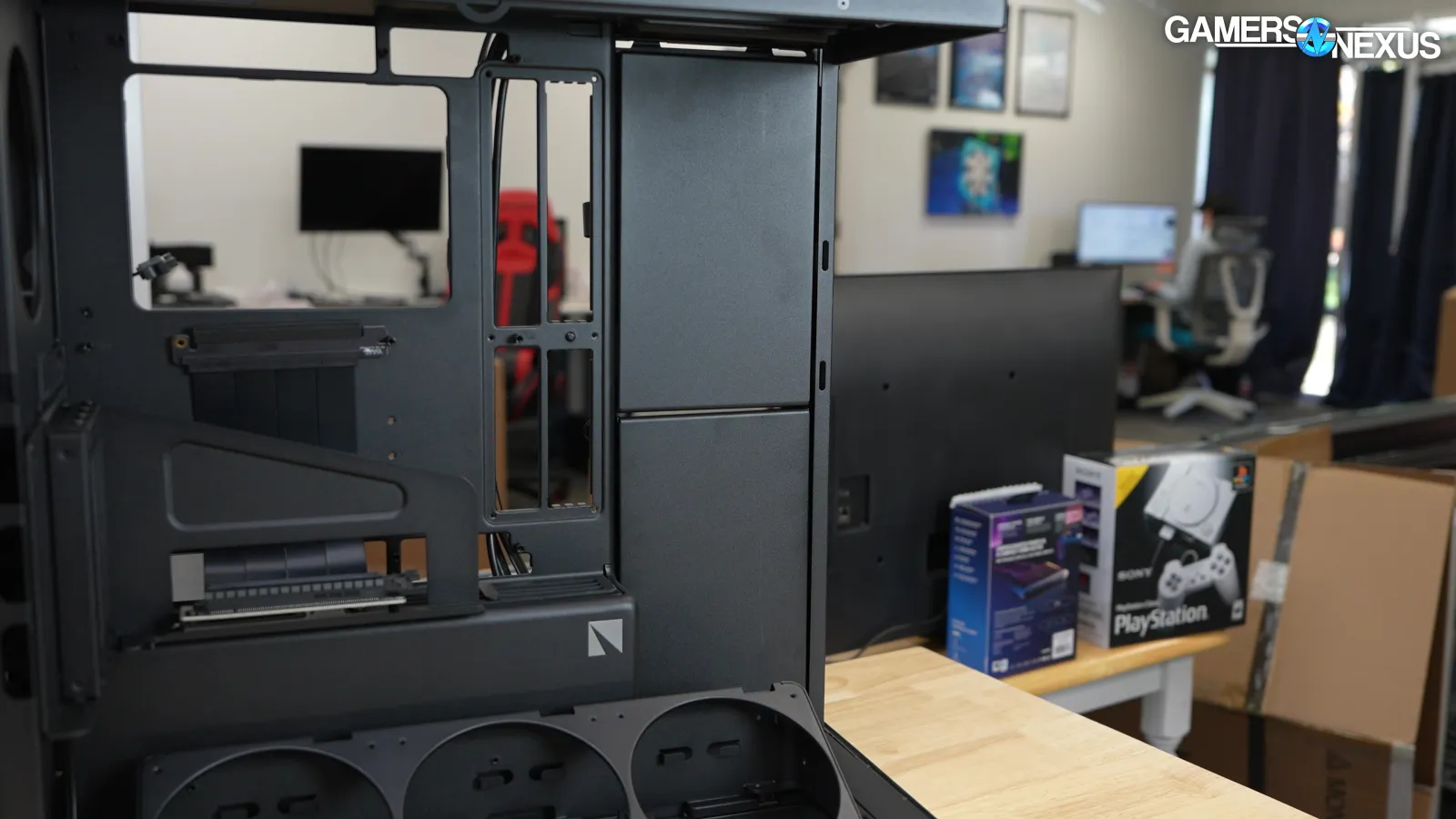
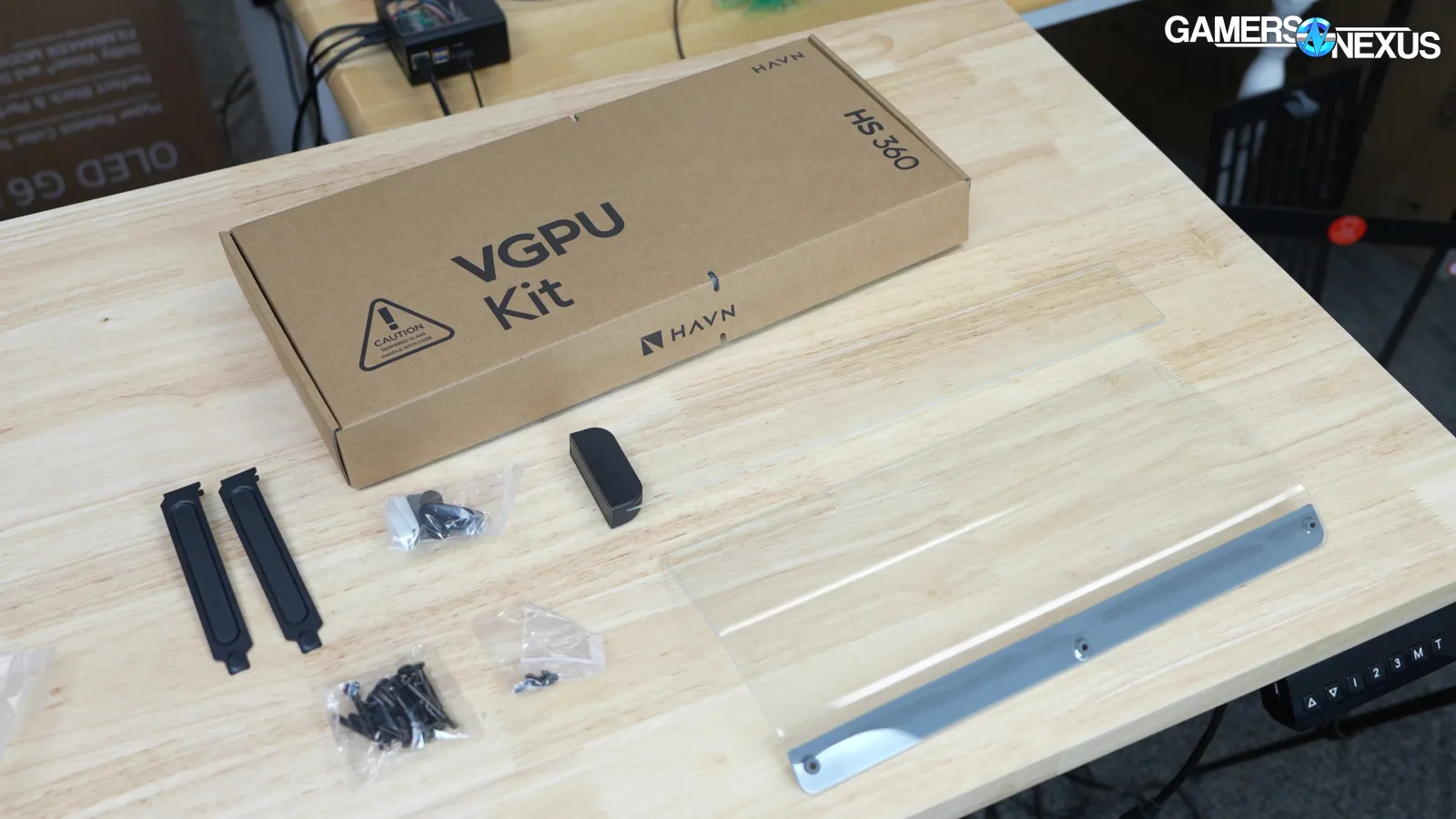
The differences between the base model and the VGPU are the same as they were for the HS 420: the bottom fan bracket, the glass air deflector(s), and the GPU support are the only differences. The overall case tooling and structure are the same. The base model includes a GPU support that braces against the shroud at the bottom of the case, while the VGPU model has a vertical GPU bracket that replaces the rear PCIe slots. The VGPU's riser cable is PCIe Gen 5.0. As with the last model, HAVN will sell all of the individual parts.
At GN, we aren't deeply invested in back-connect hardware. Most of the cases we’ve reviewed with do-it-all support have flimsy, skeletonized motherboard trays that include multiple sets of cutouts. The Frame 4000D is a good case overall, but it's a good example of the cheese grater of support.
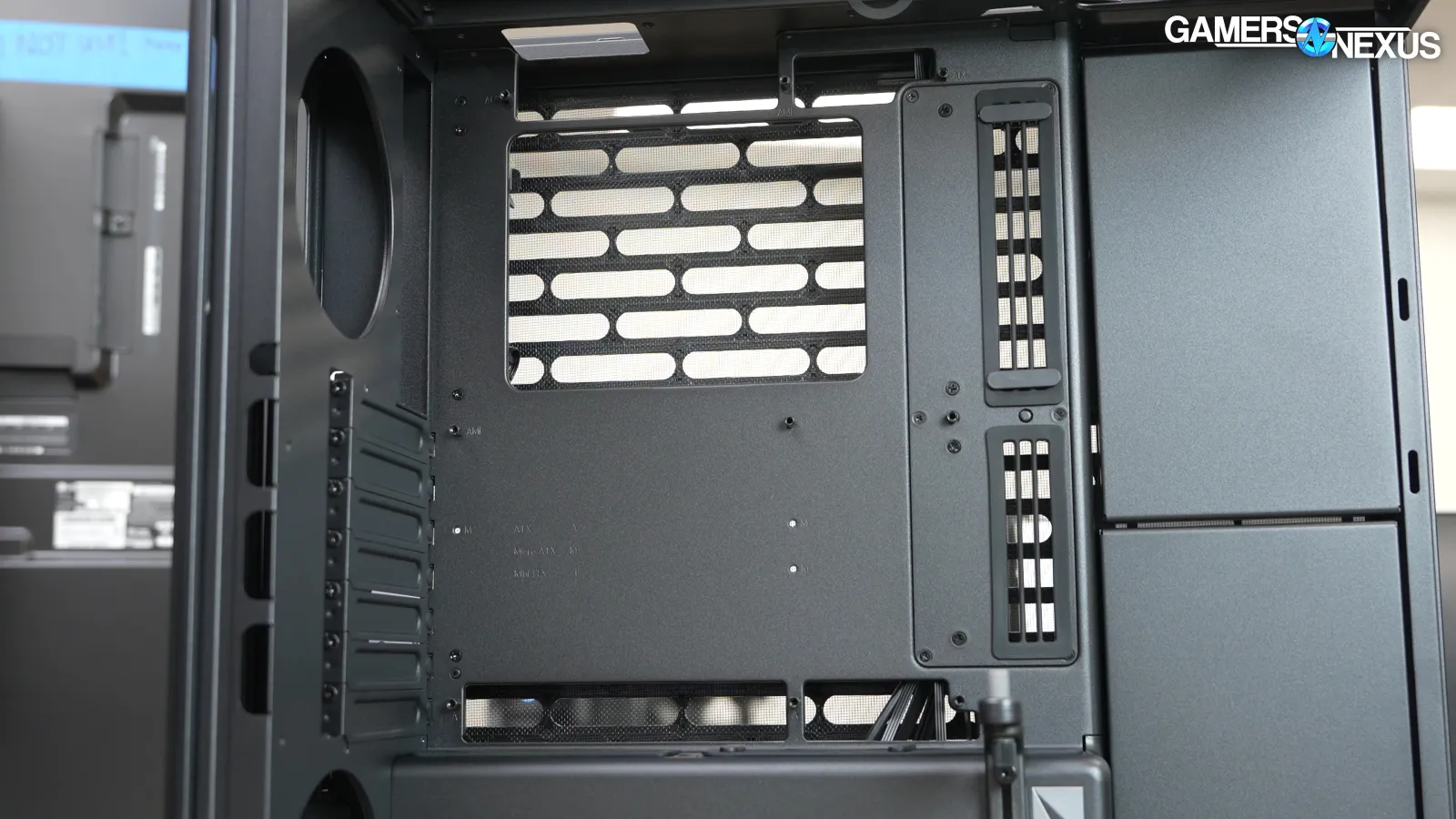
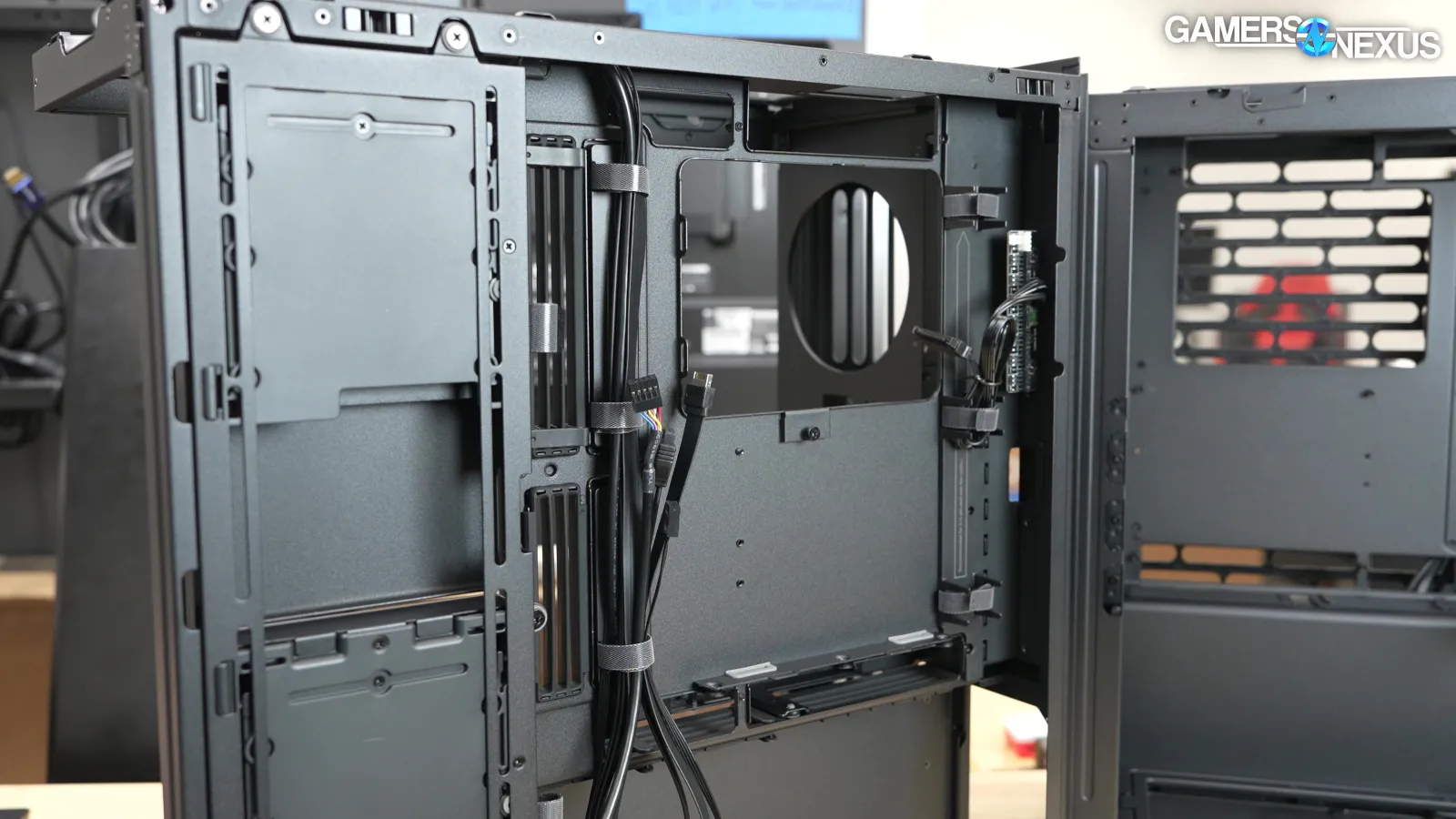
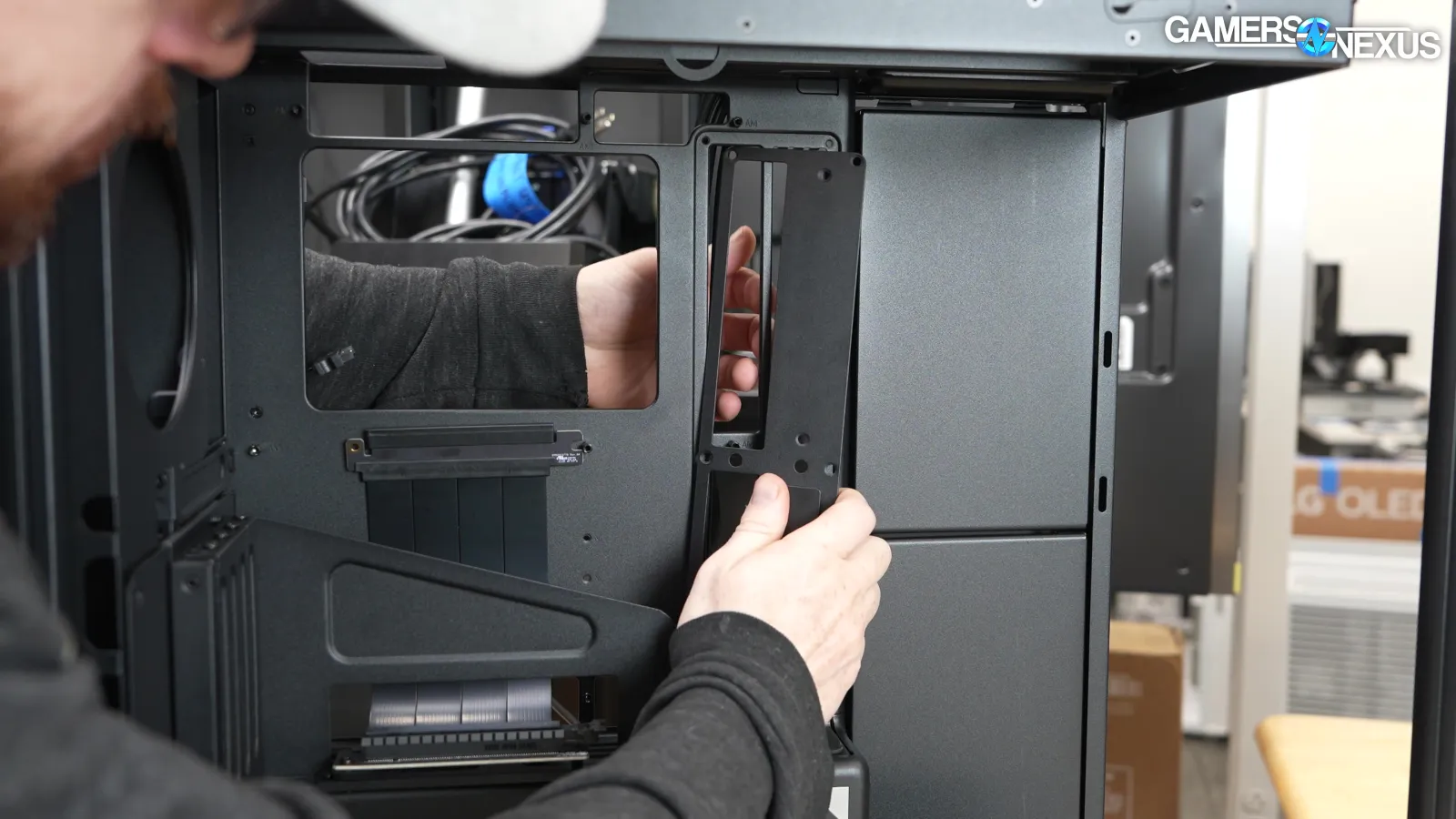
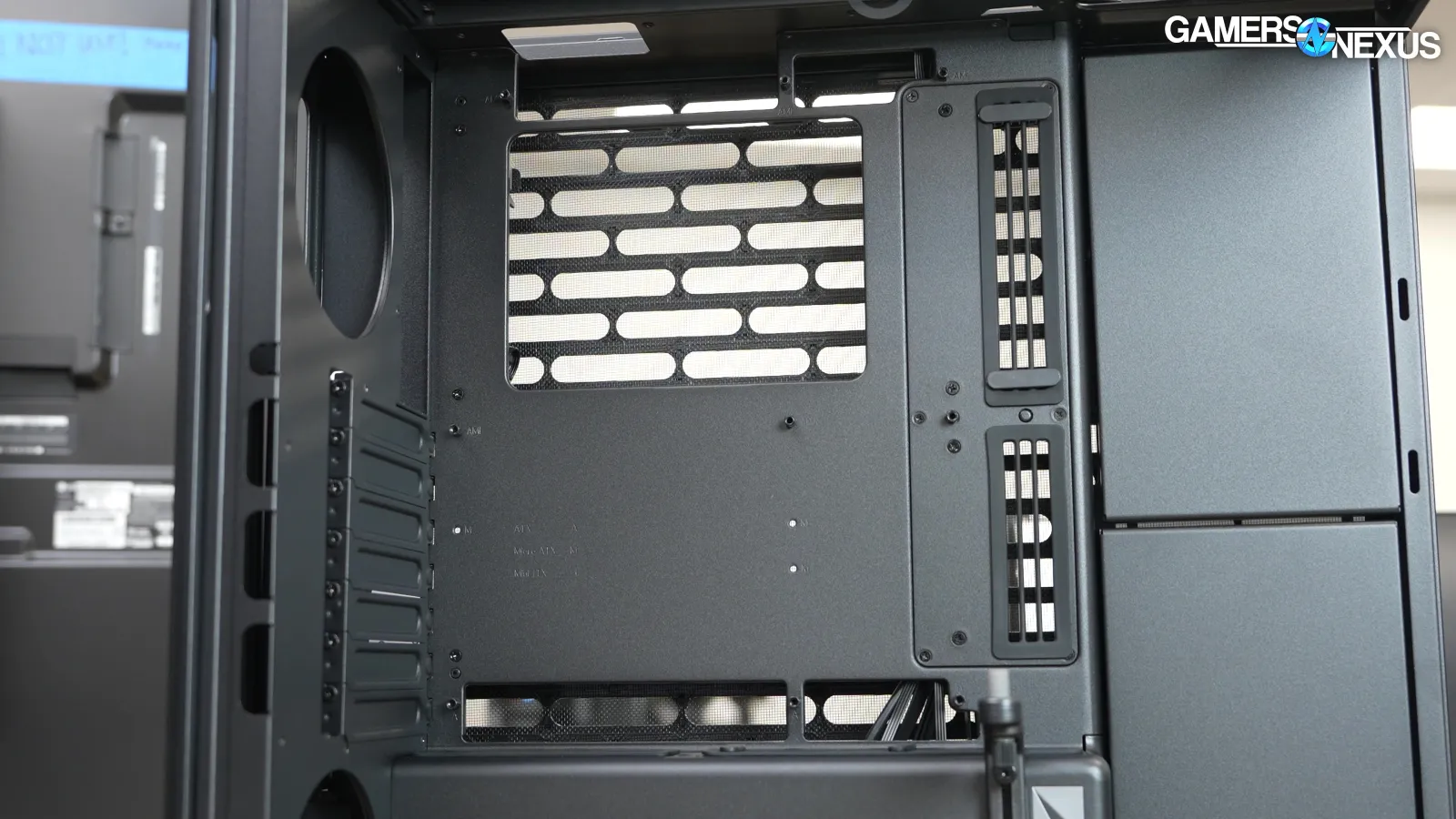
The HS 360 is one of the better-built compromises we've seen, with a metal plate at the edge of the motherboard that can be rotated to reposition the cutouts. It doesn't seamlessly blend with the tray, but it's cleaner than doing two sets of cutouts and does help with not being as much of a cheese grater aesthetic.
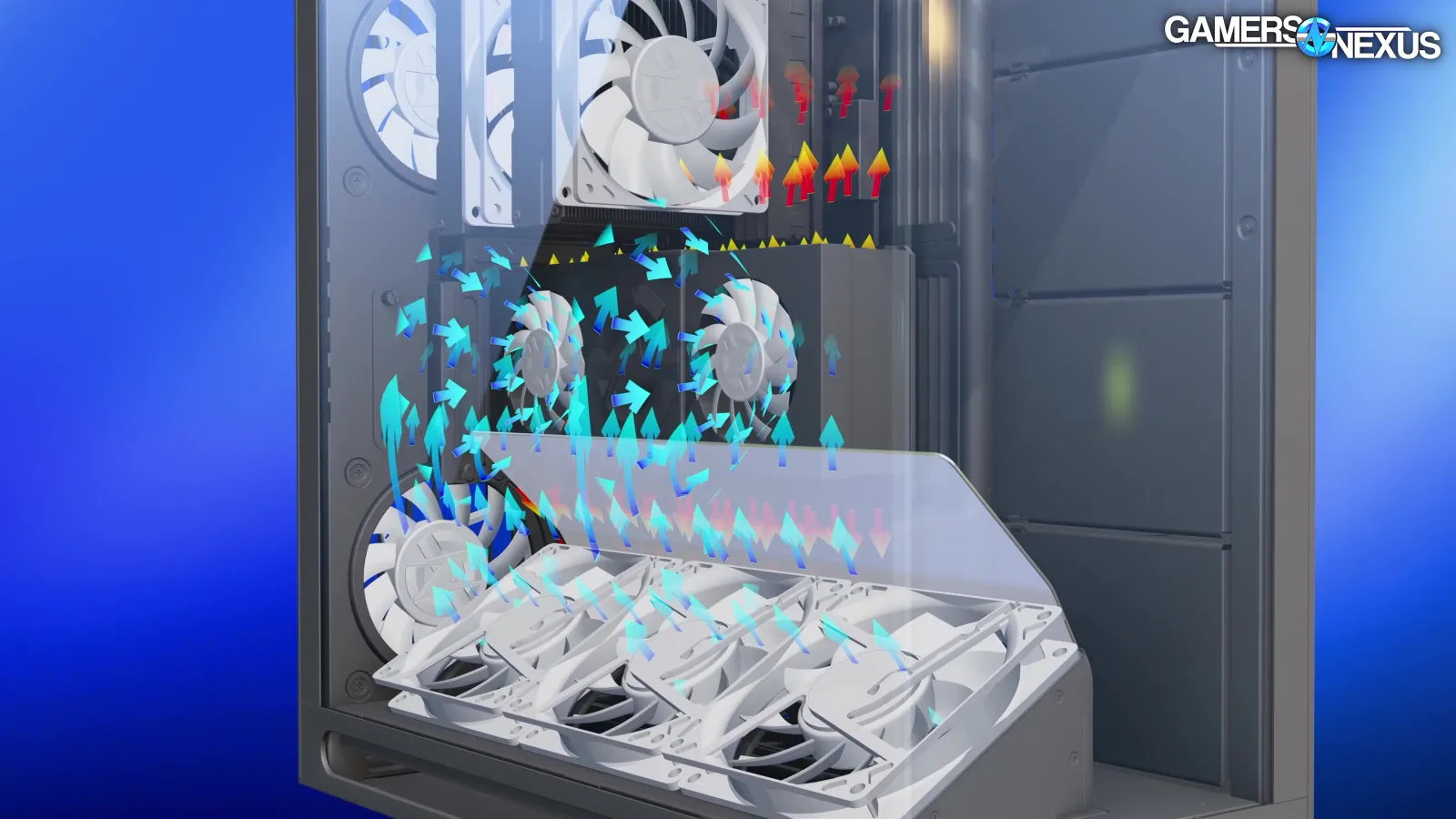
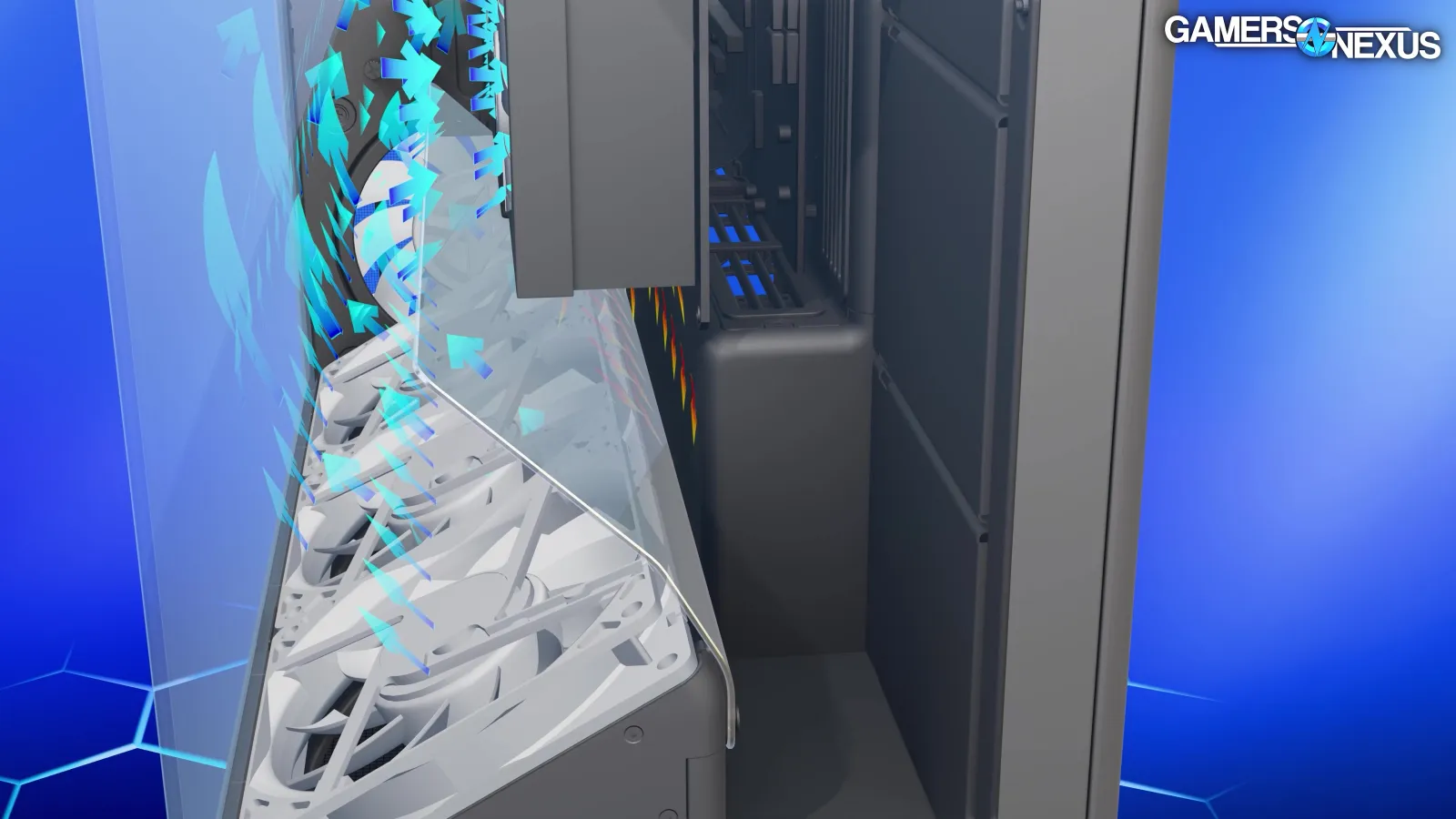
As we showed in 3D animations, the HS 420 VGPU comes with a glass air deflector plate that's intended to move air around the side of the GPU and into the intake fans while preventing hot exhaust from recirculating. HAVN provided a bunch of testing and flow simulations to back this claim up, and we did our own animations showing the theory, but our practical, real-world testing didn't show much difference back then.
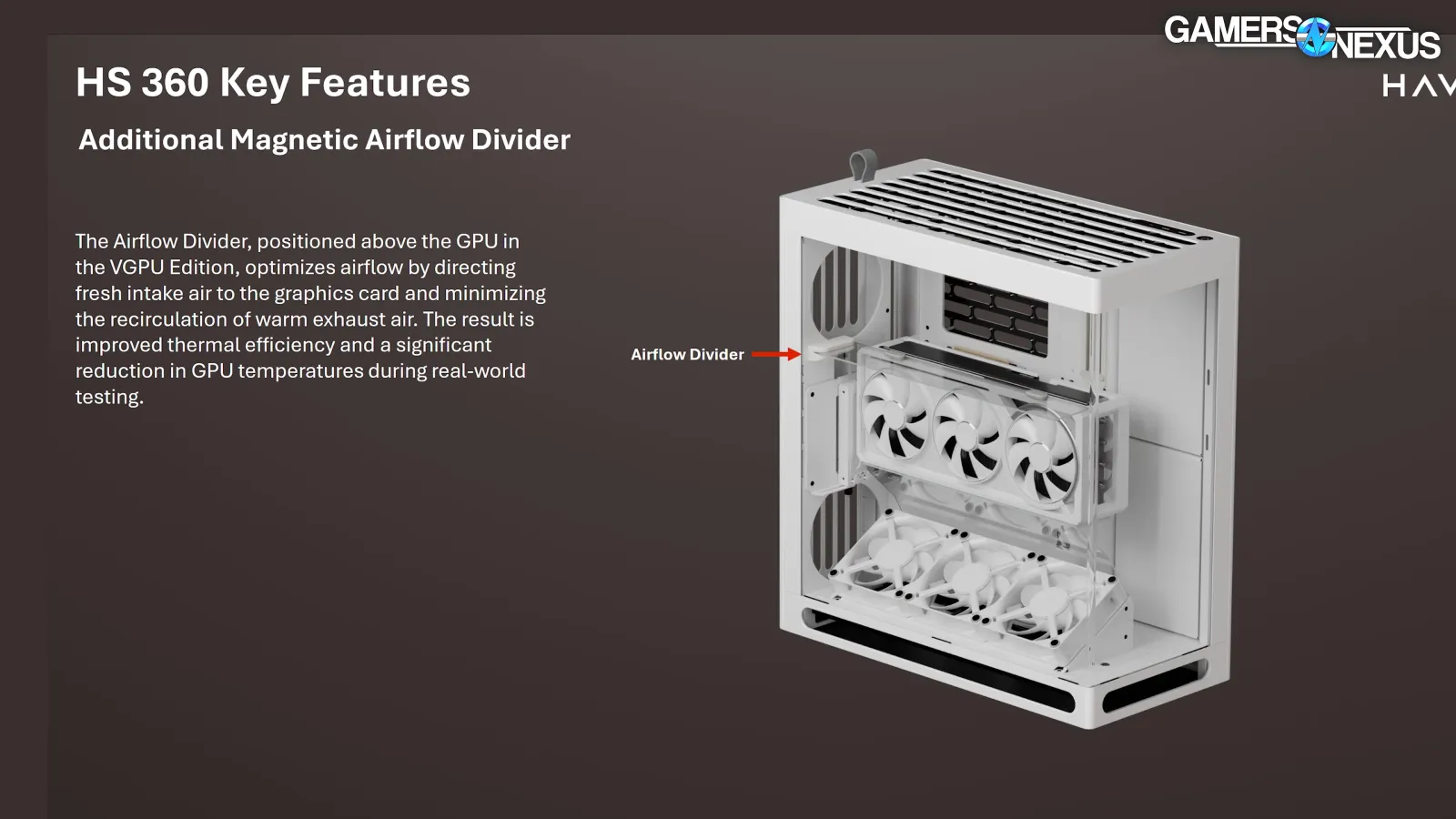
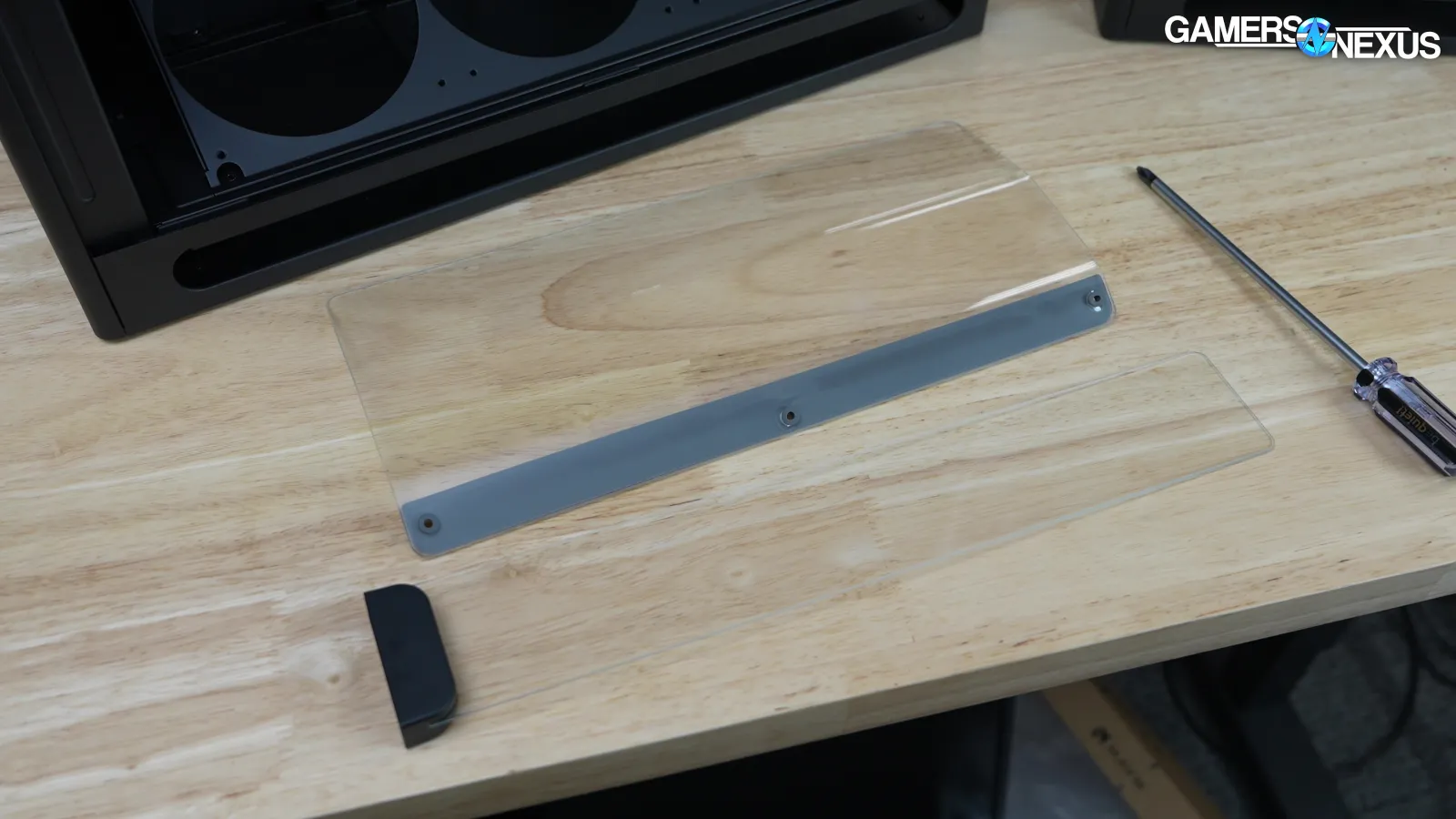
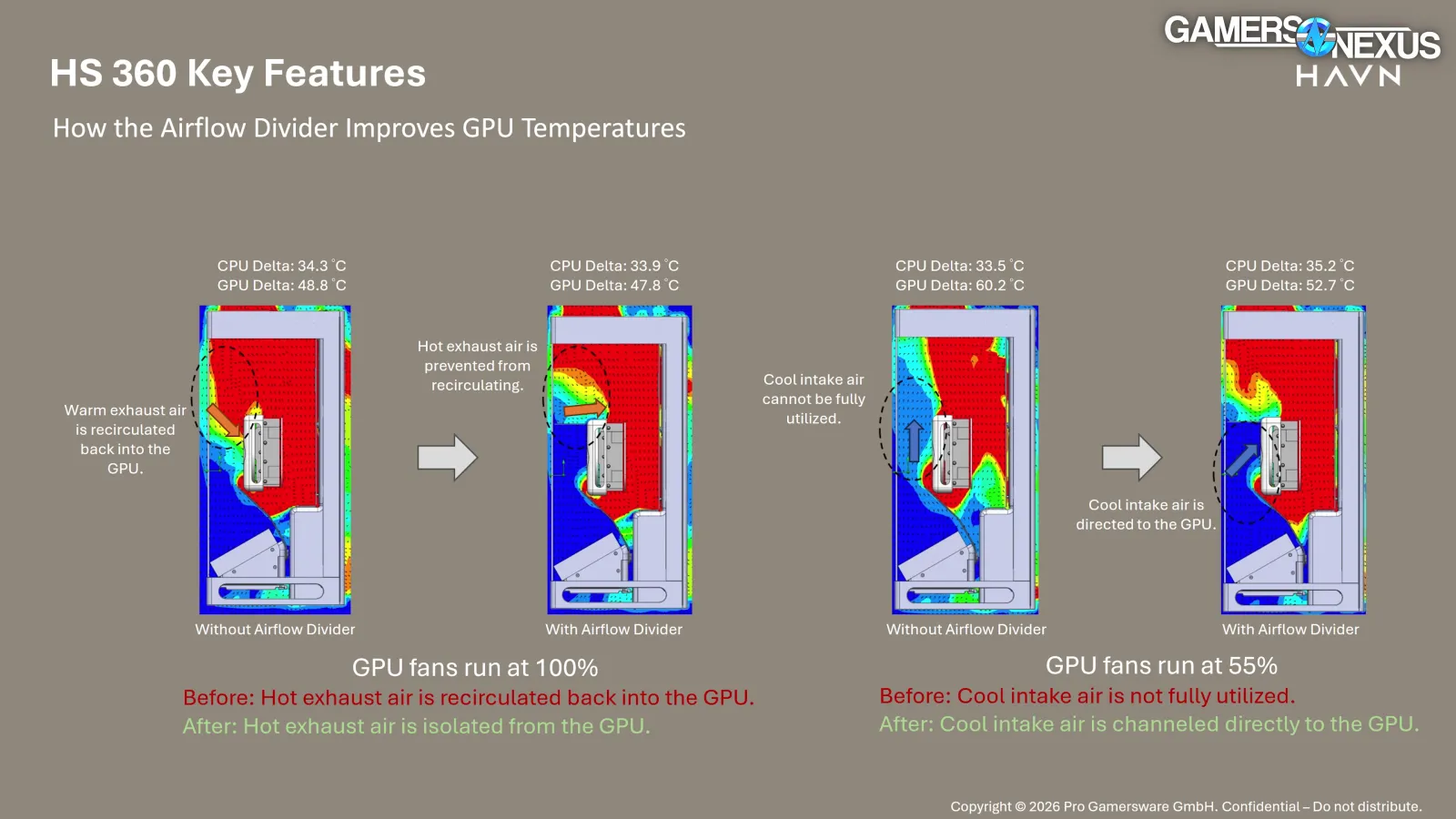
We have to respect that HAVN has responded by trying to force it into practicality, too: They’re doubling down by adding another piece of glass in the HS 360 that further directs airflow. In official HAVN terminology, the lower piece is the "Glass Airflow Guide" and the upper piece is the "Divider." As a spoiler alert: It does actually seem to work this time.
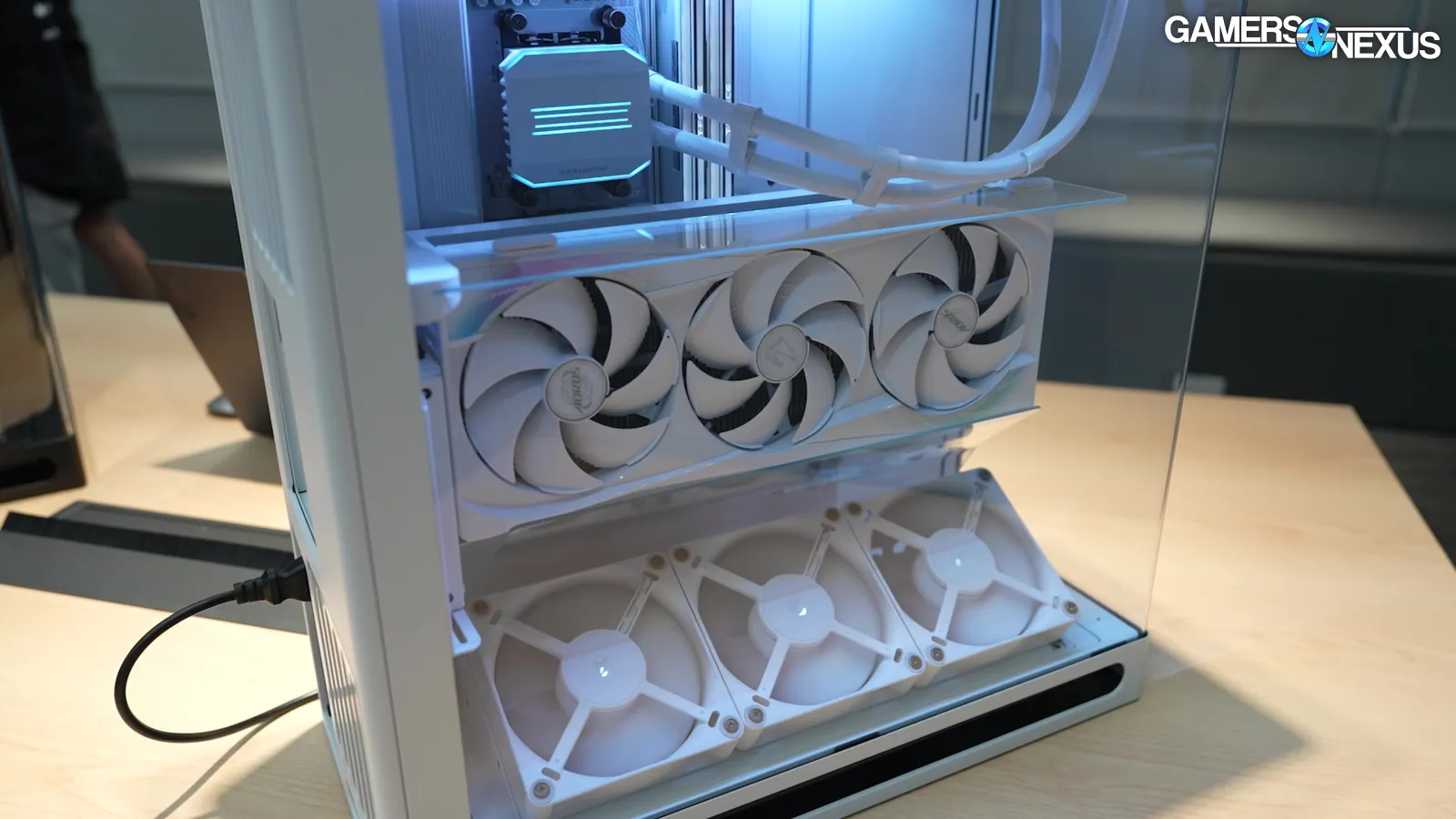
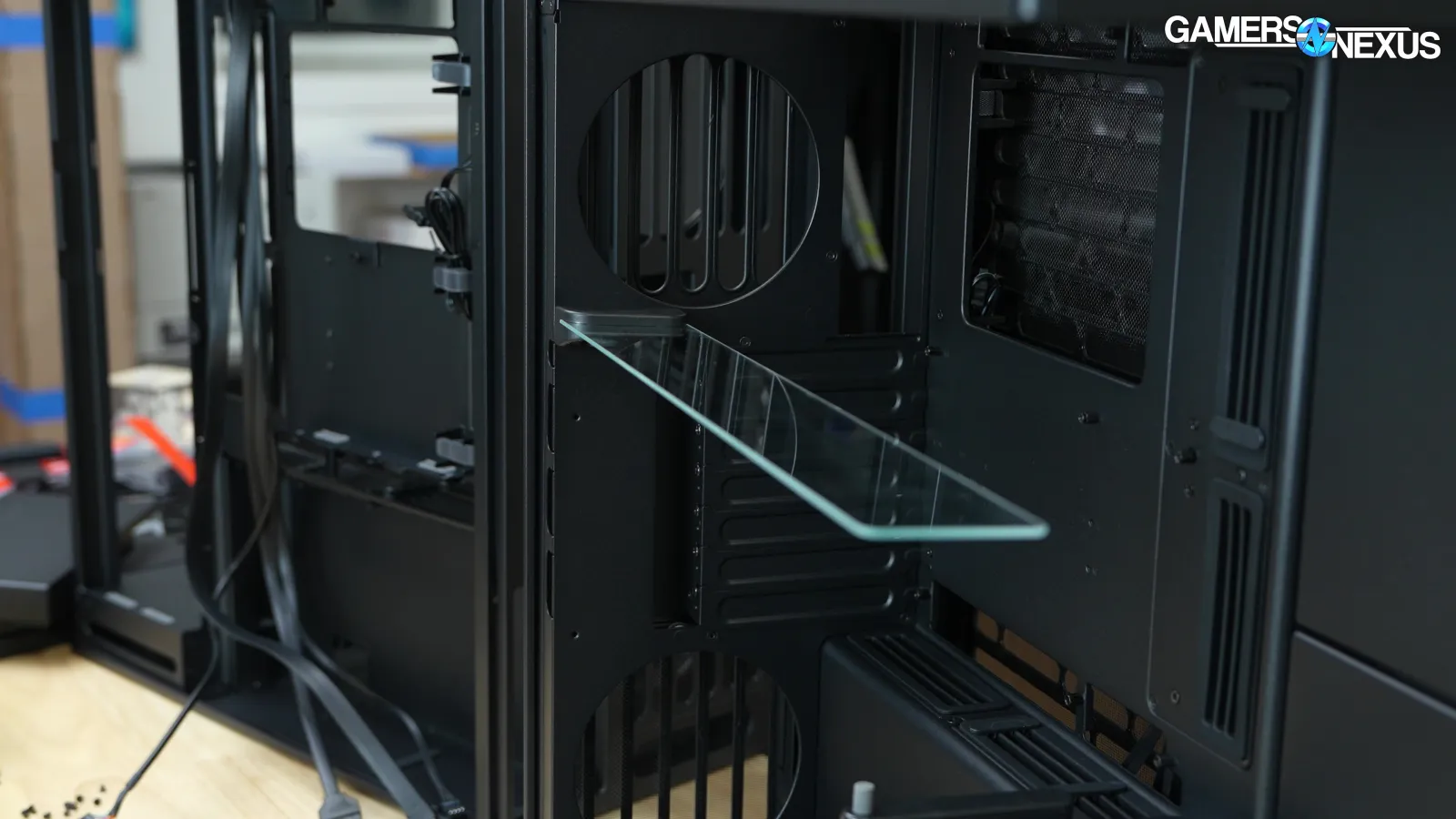
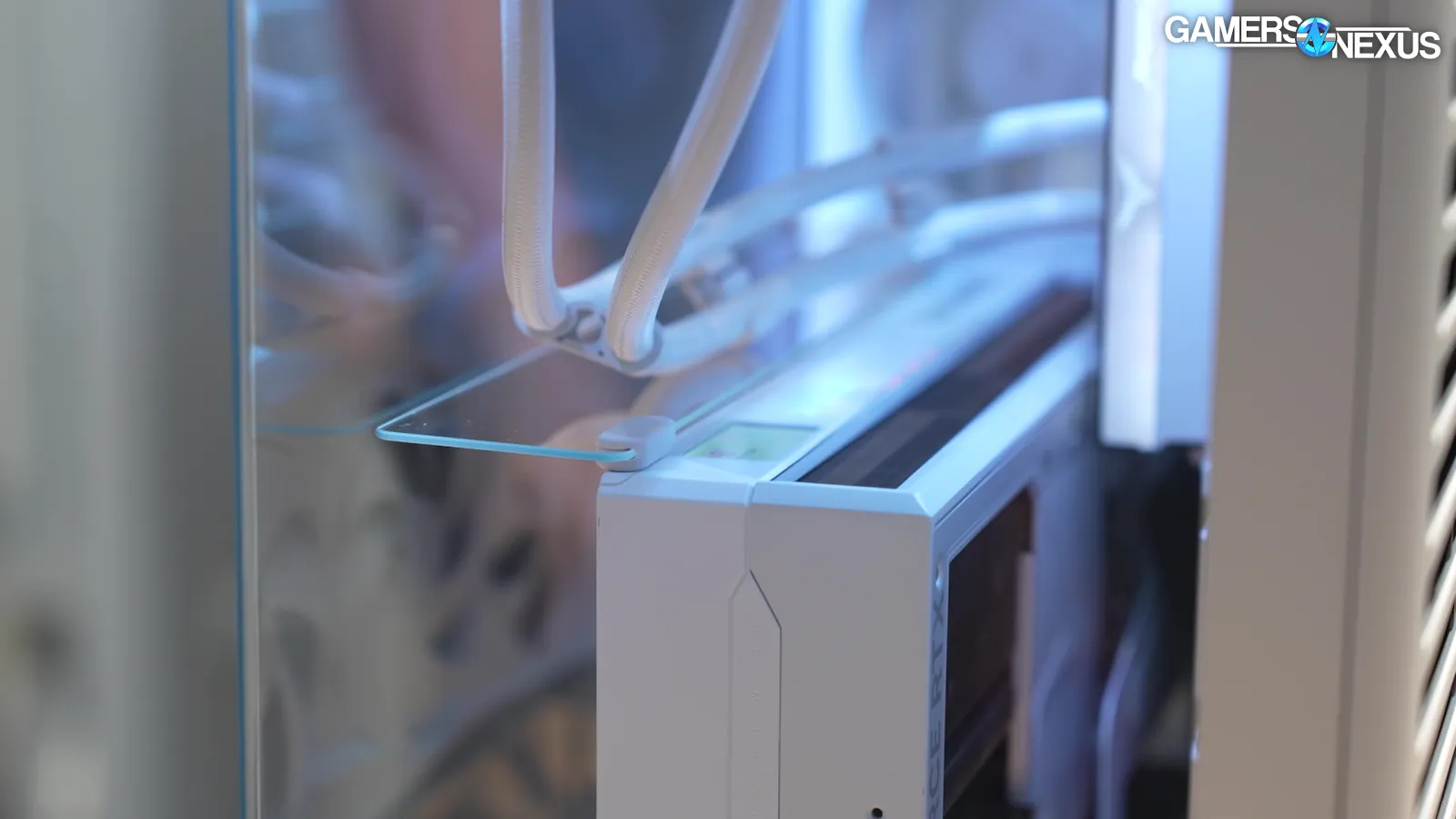
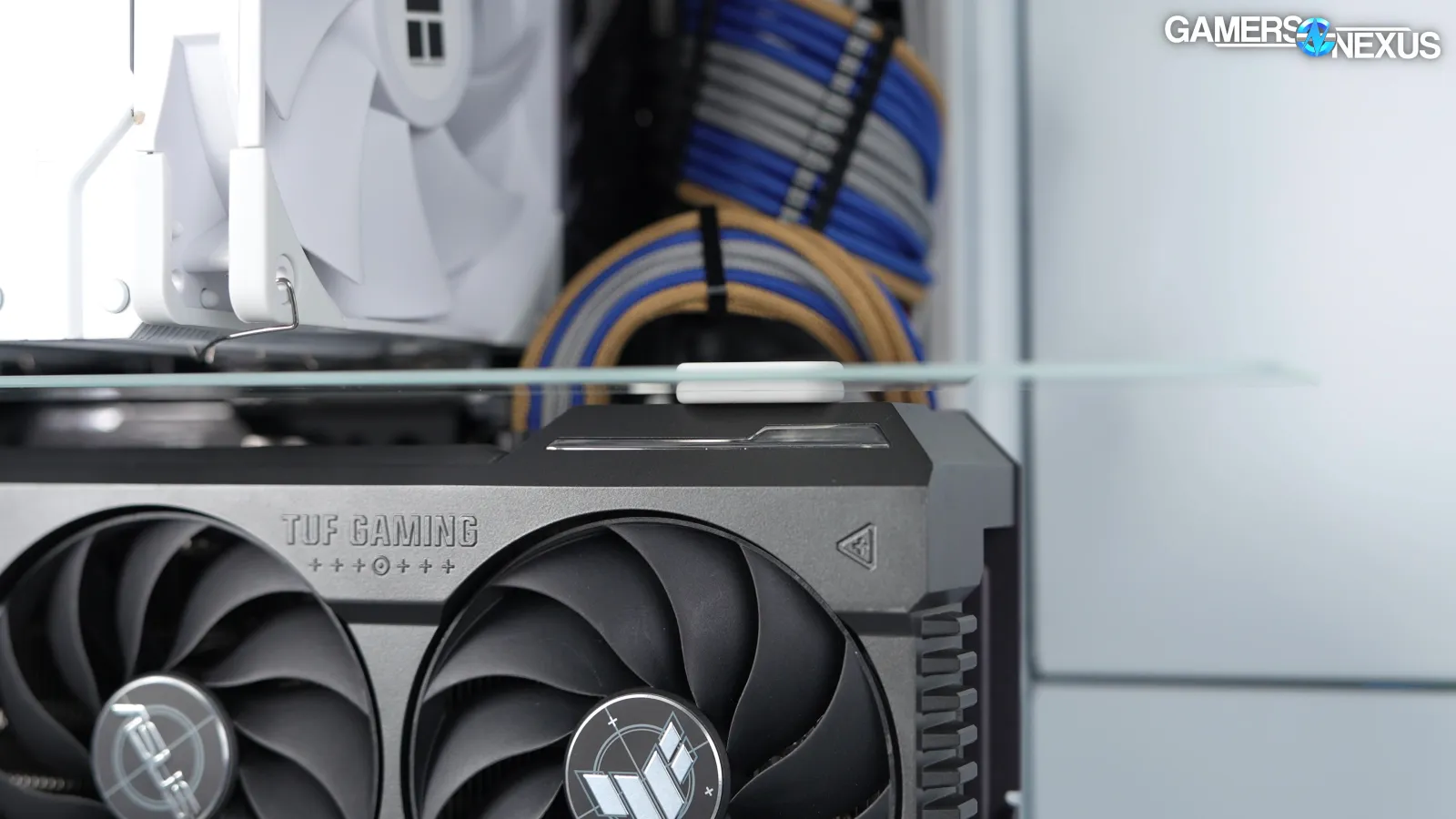
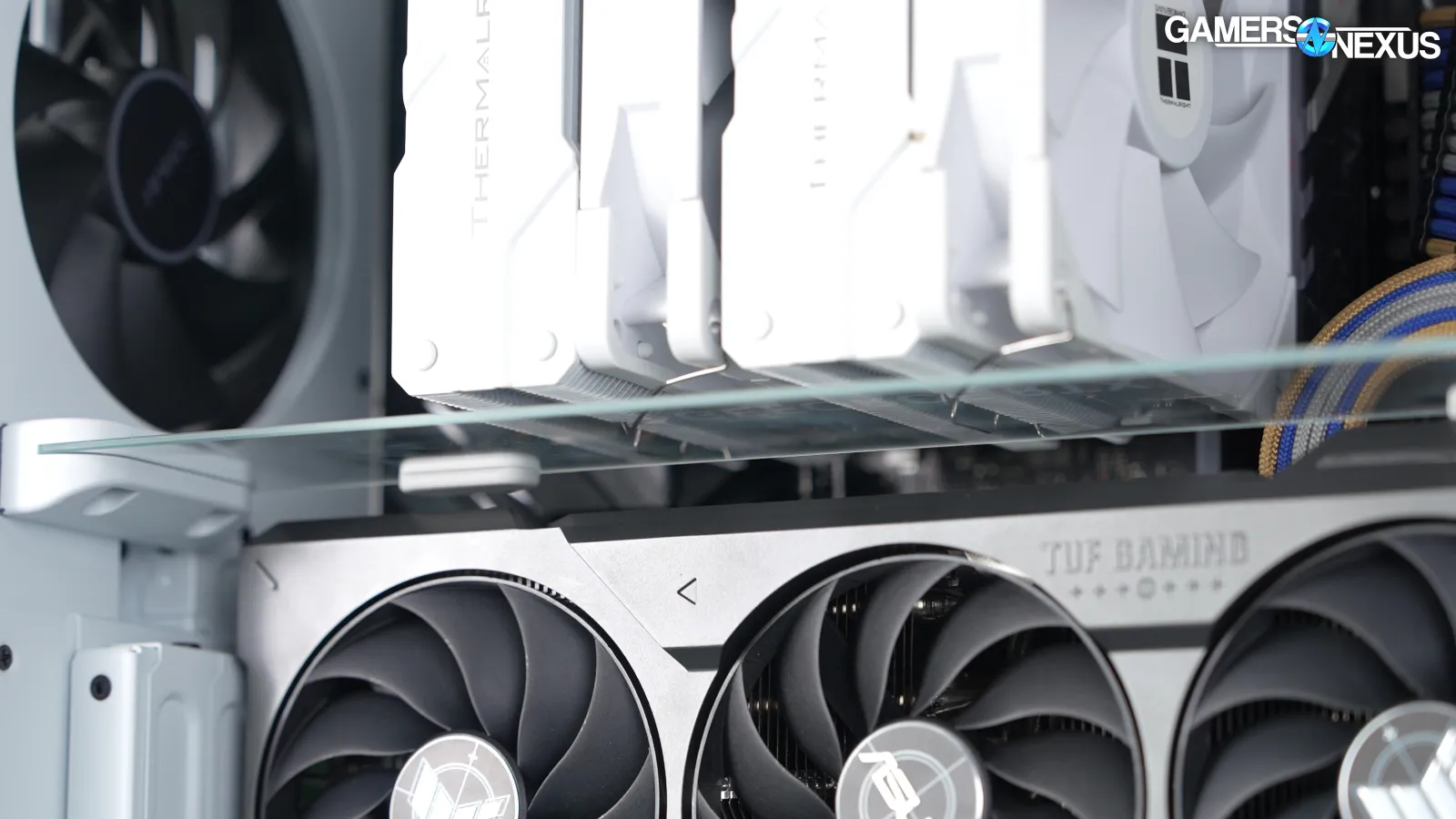
The divider has a magnet on one side and rests against the GPU cooler. It works best with big, flat, square-cornered GPUs, and our ASUS TUF card leaves some gaps due to its uneven surface. Also, because the placement of the divider is determined by the shape of the GPU, some GPU shapes may make positioning difficult. The divider contacts the GPU with two rubber feet: the kit comes with a set of six, two each in white, gray, and black to match a variety of GPU colors.
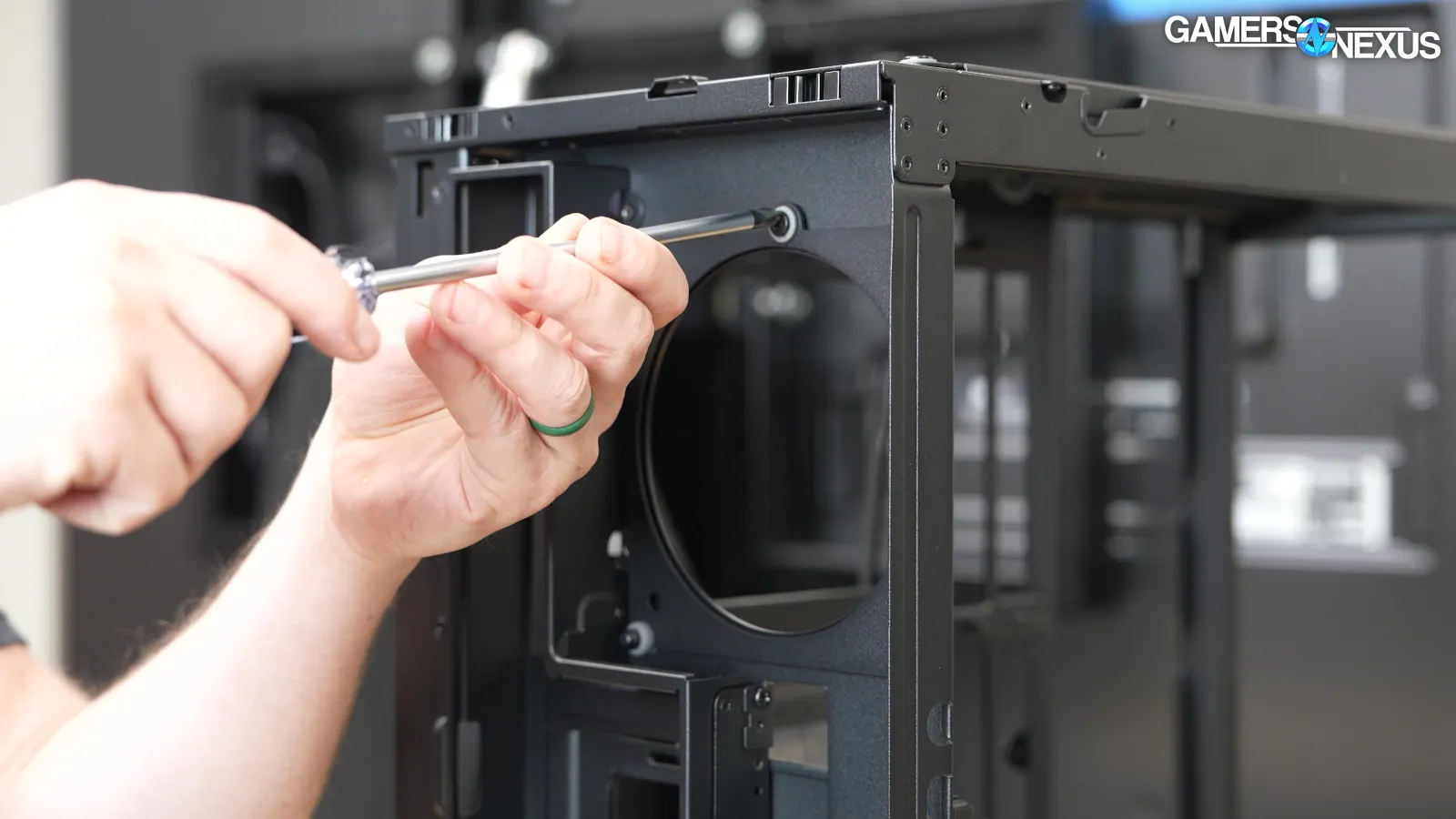
HAVN notes that the rear fan brackets have been redesigned to allow removal from the outside of the case rather than needing to put a screwdriver on the inside.
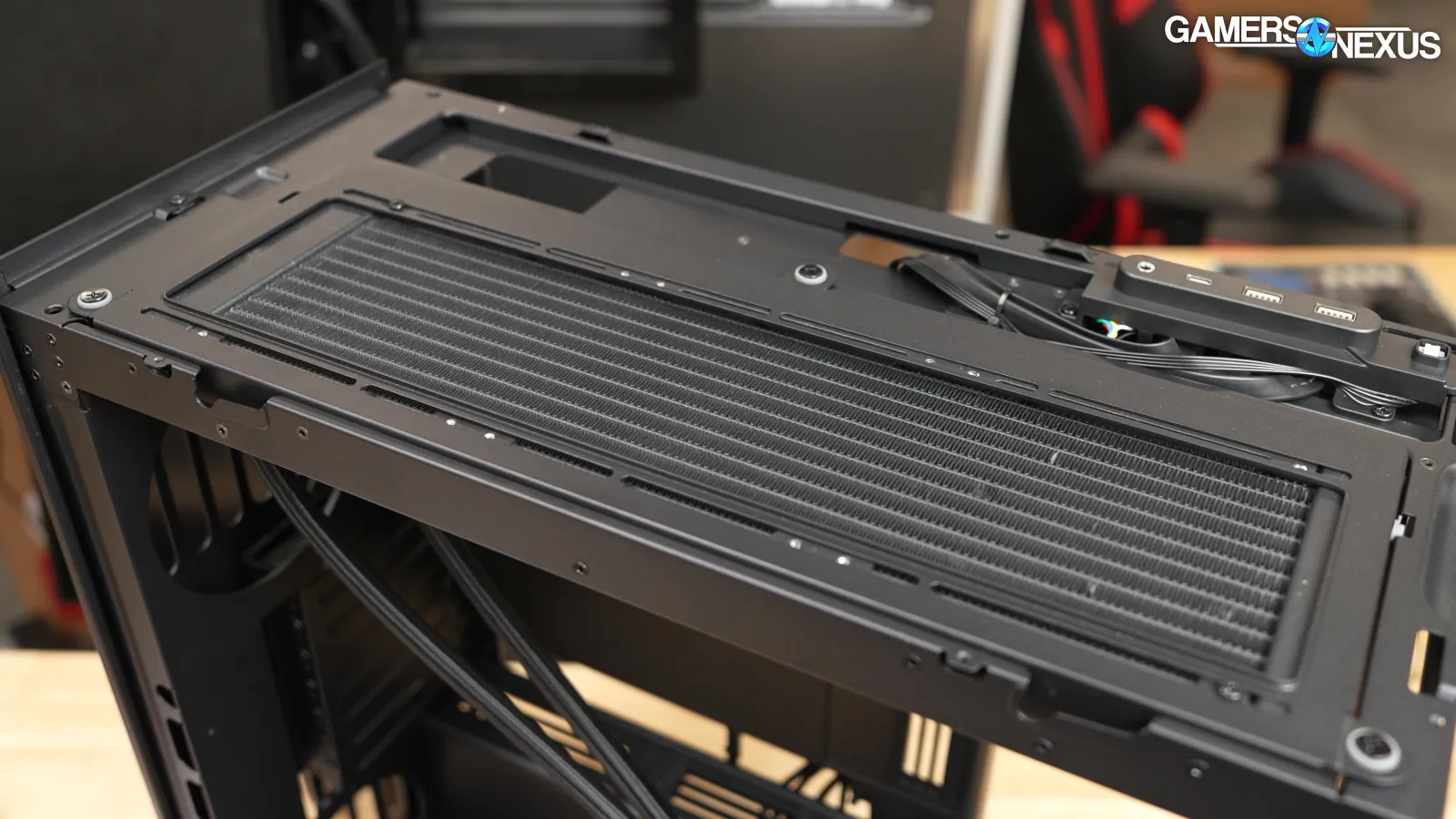
The best radiator mounts are in the top and bottom of the base model, or just the top in the VGPU model. That’s because its bottom bracket is angled and can't mount radiators.
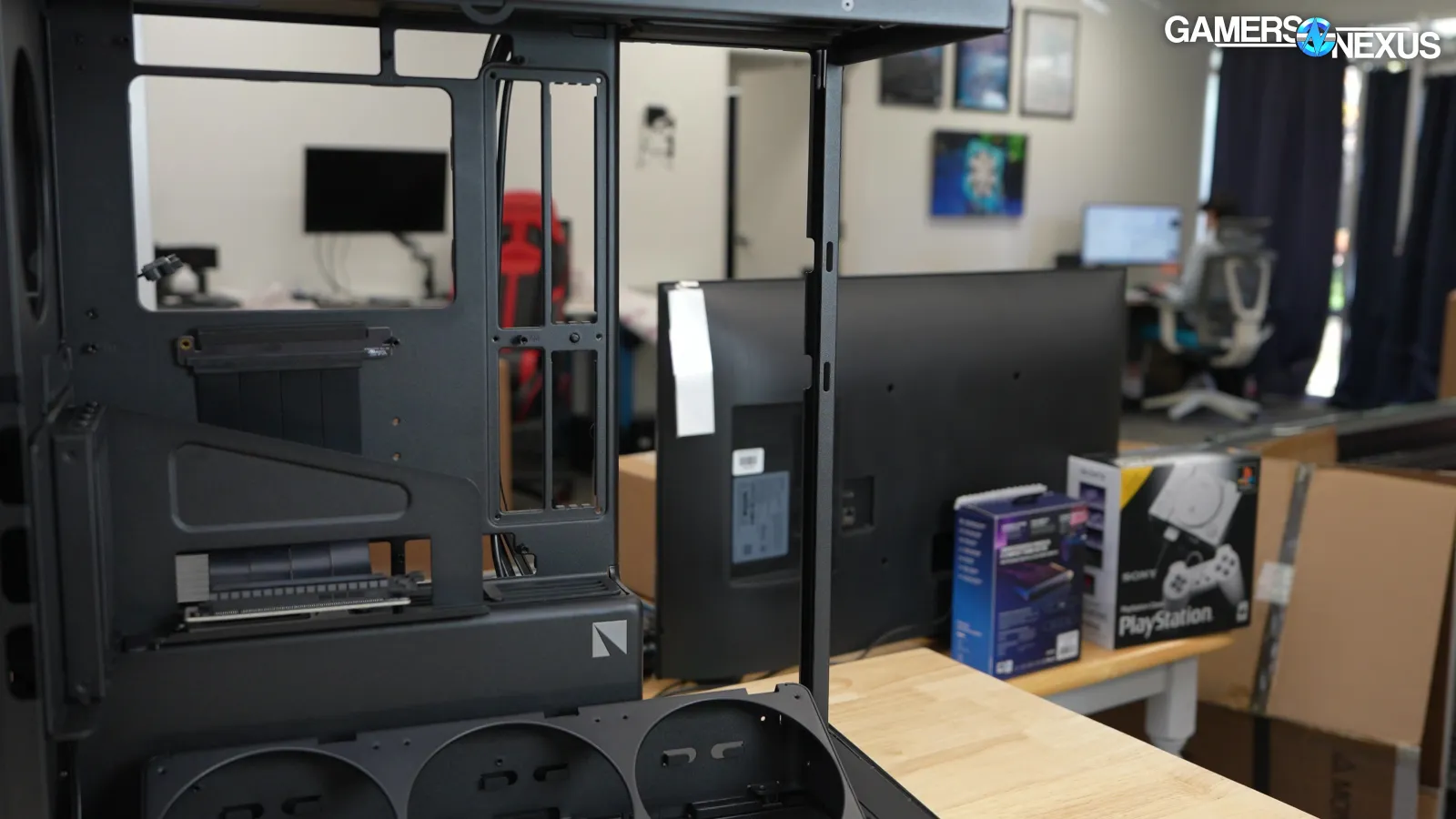
HAVN aligned the top and bottom fan mounts in the base model so that hard tubes can drop straight down from one to the other without any bends, which would give a clean look for high-end builds. The side mount works for radiators too, but removing the drive mounts changes the way the case looks and makes it feel more familiar to other fishtanks.
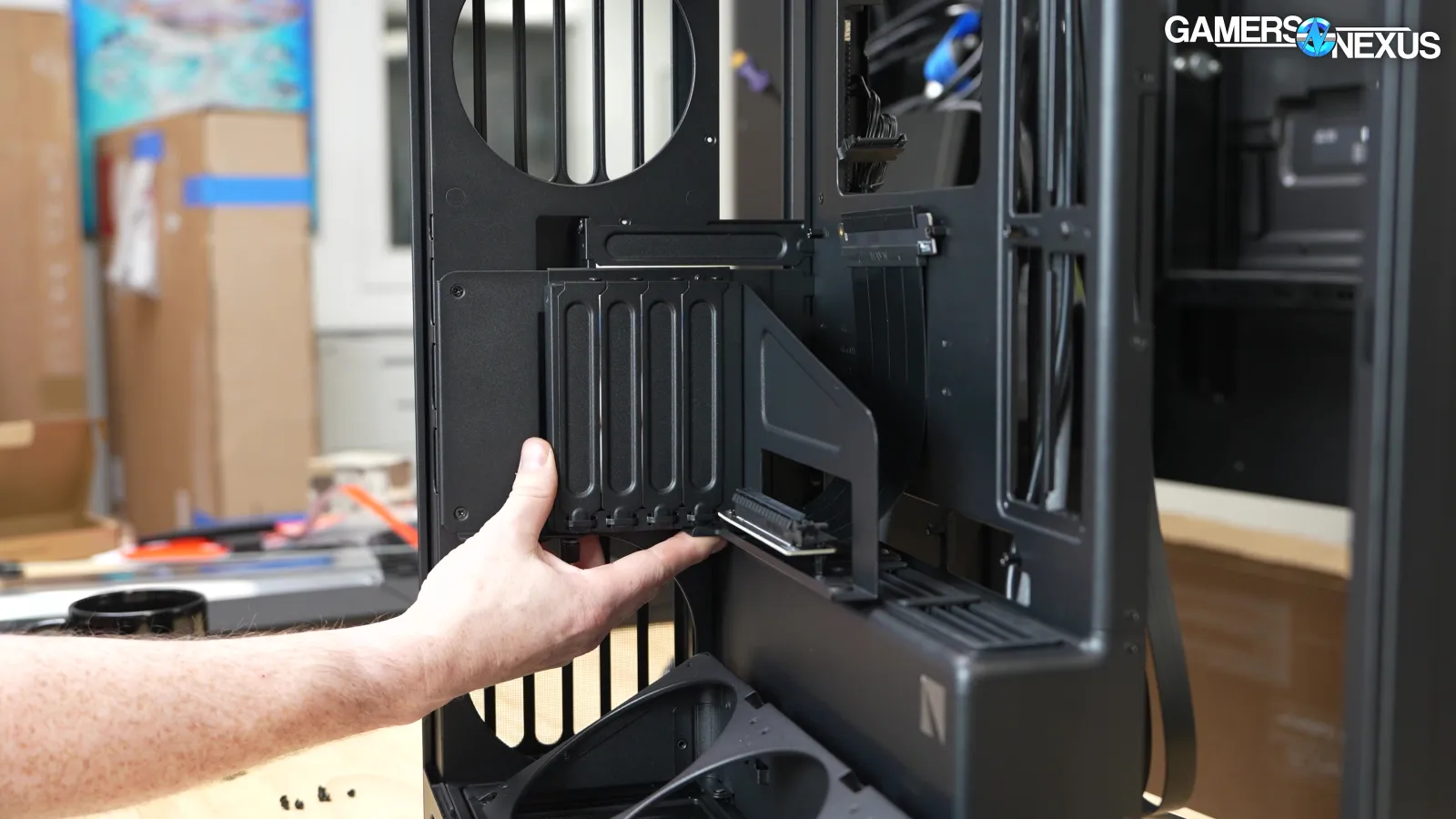
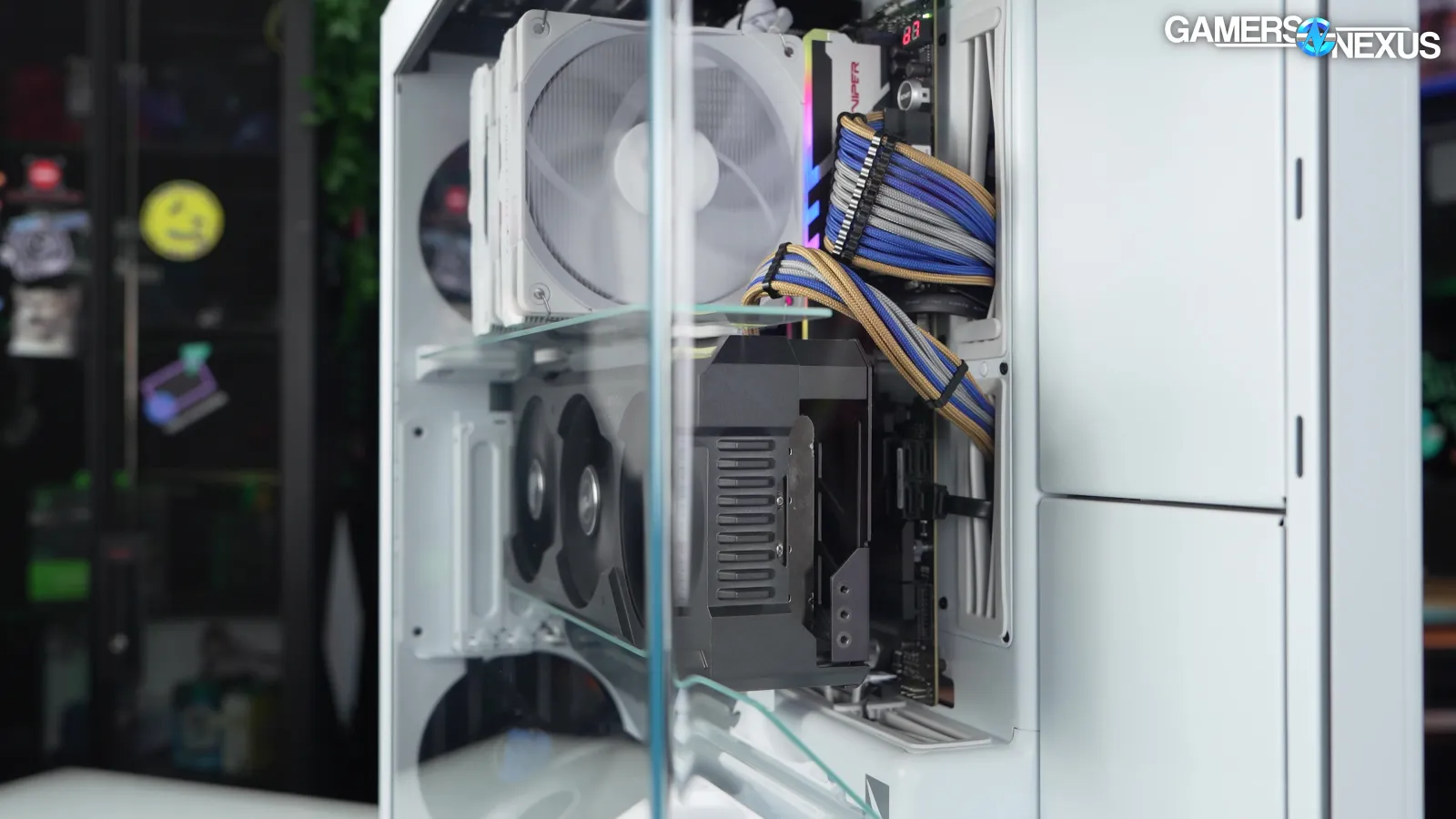
The vertical GPU mount can be loosened to adjust the distance to the side panel, but this is intended for getting the GPU lined up exactly with the glass pieces, so there's really only one "correct" position. Even with the GPU moved all the way towards the side panel, the GPU completely blocks the bottom edge of the motherboard, so every other part of the build should be completely finalized before installing the VGPU kit. You’ll find it a lot easier.
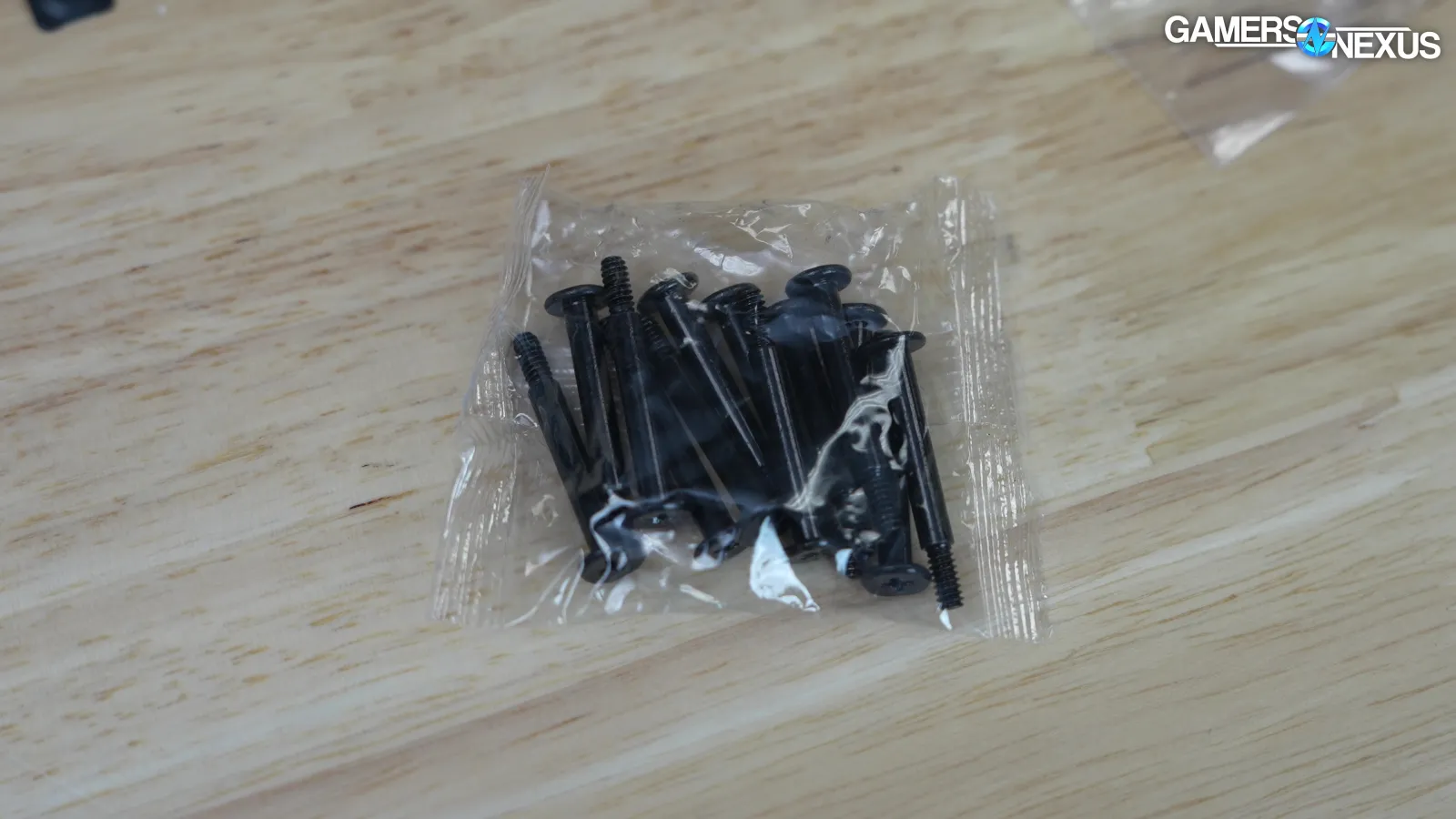
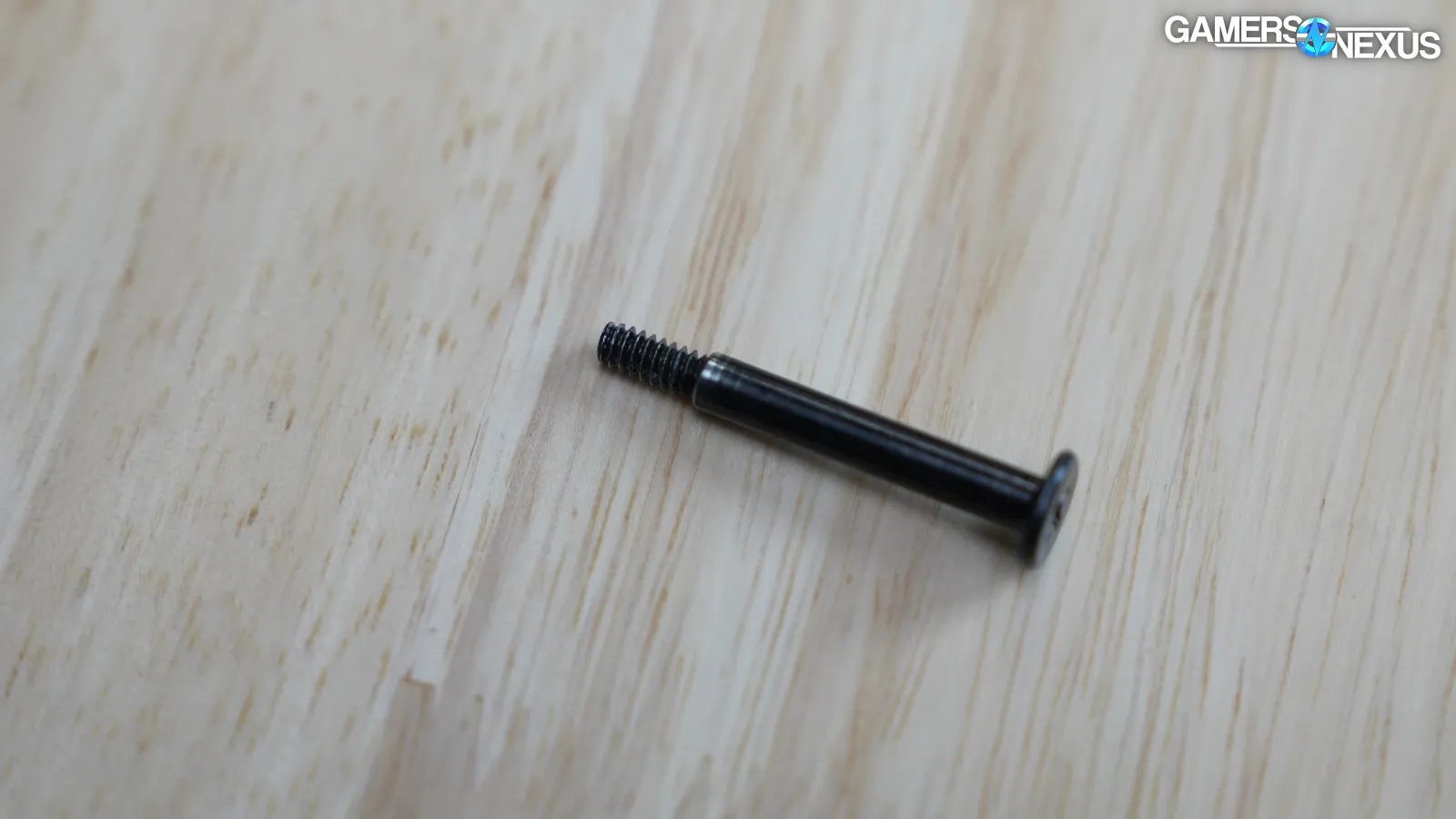
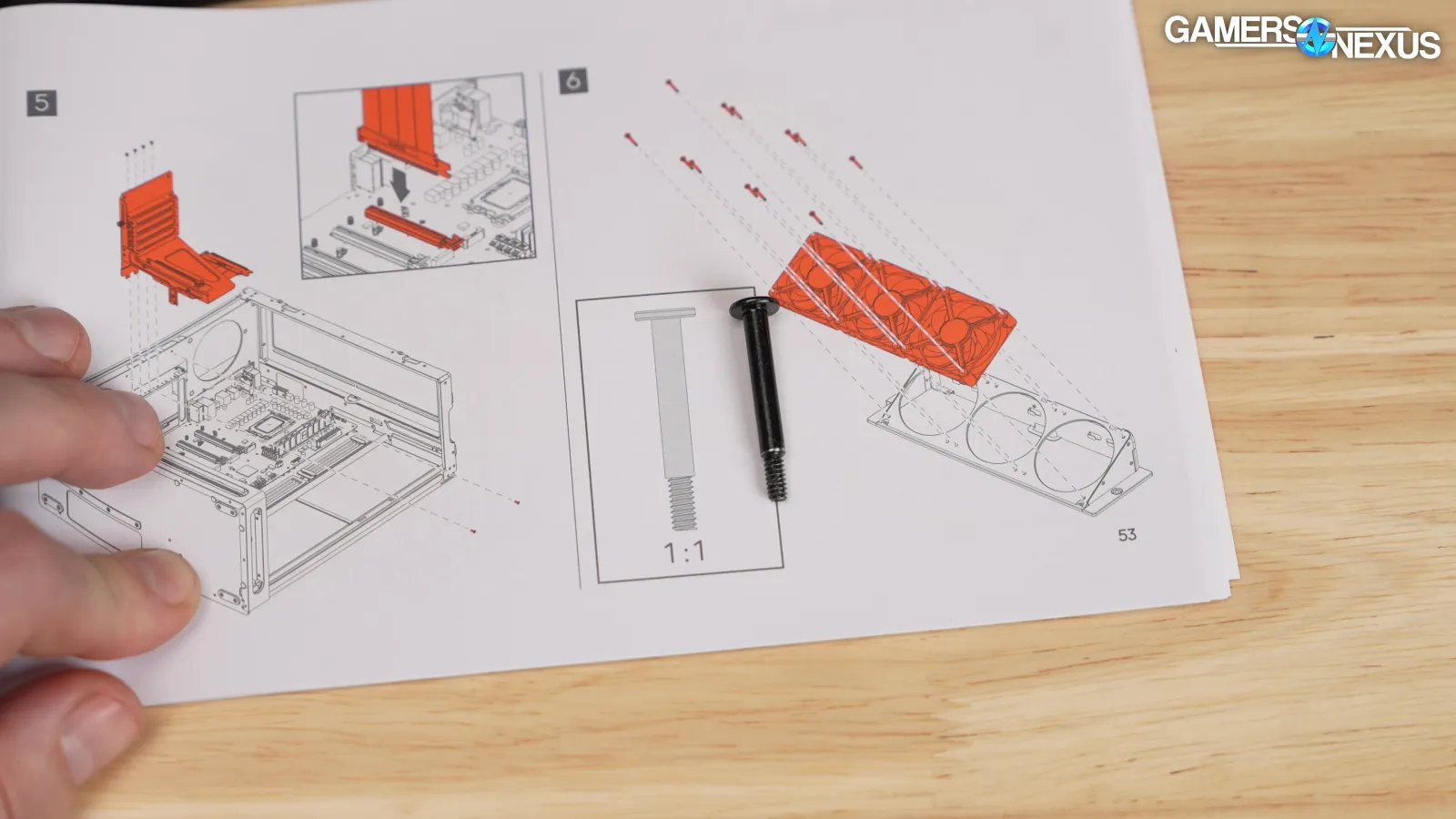
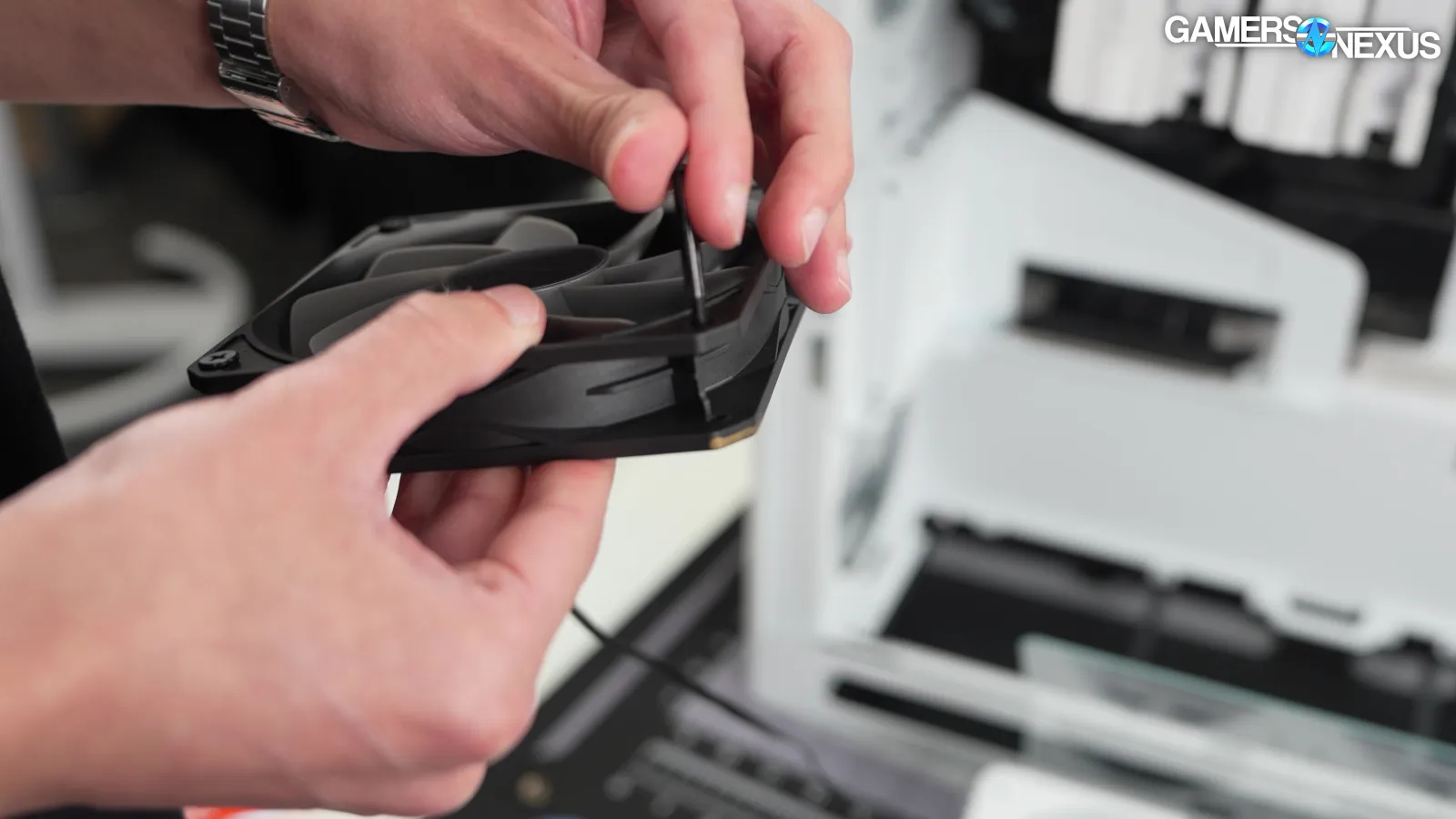
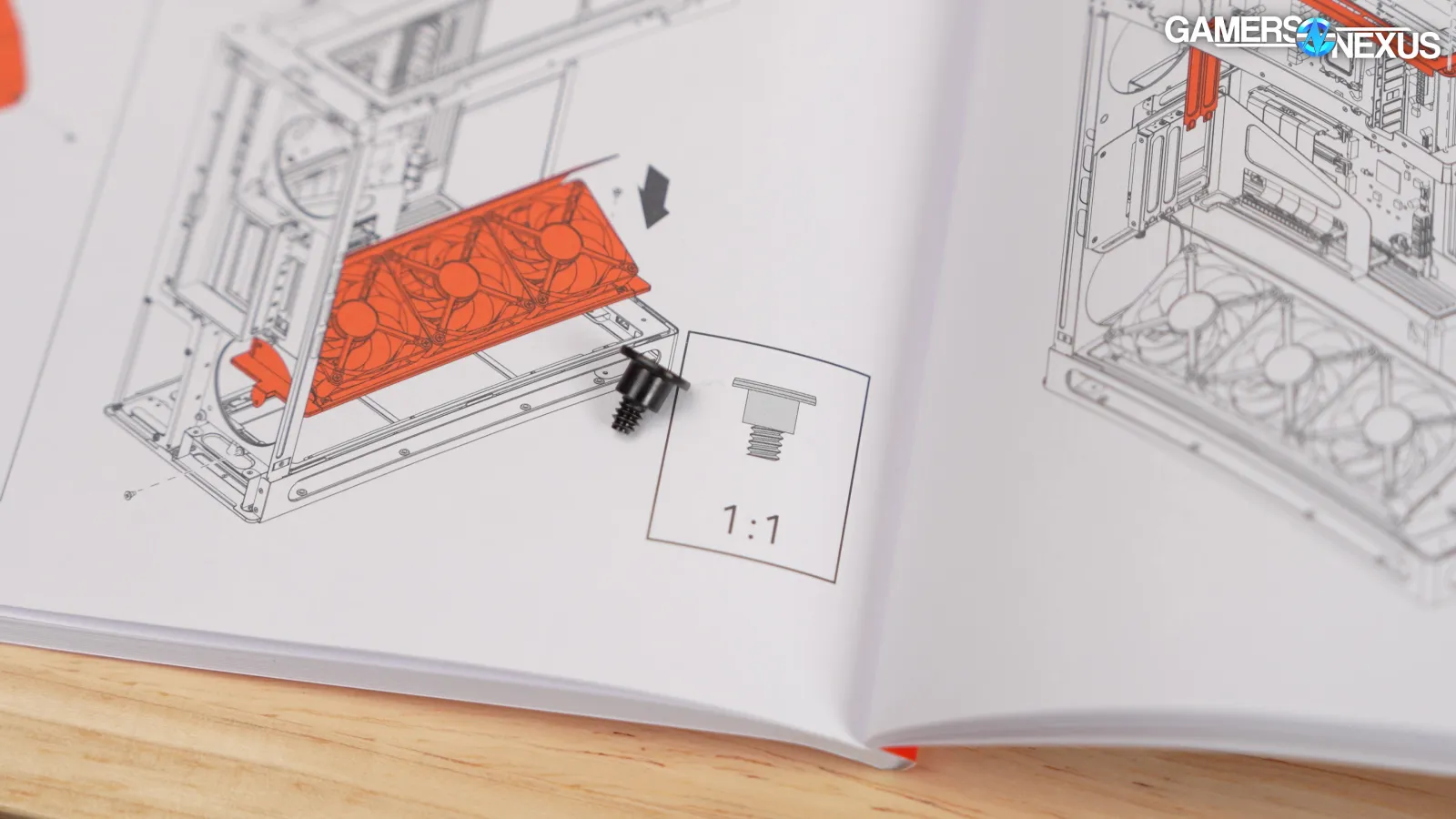
The VGPU kit includes a full set of radiator-style screws for attaching fans to the bottom mount. These screws have extremely tight tolerances relative to the holes in a normal case fan, to the extent that, if the fans have ever been used with self-tapping screws, HAVN's screws may need to be installed with some force. We double-checked the manual to make sure we weren't missing something, but when we found the relevant page, the "1:1" diagram of the screw was significantly larger than the actual hardware, which is repeated with other screws shown in the manual. Something was lost in translation to the visuals here.
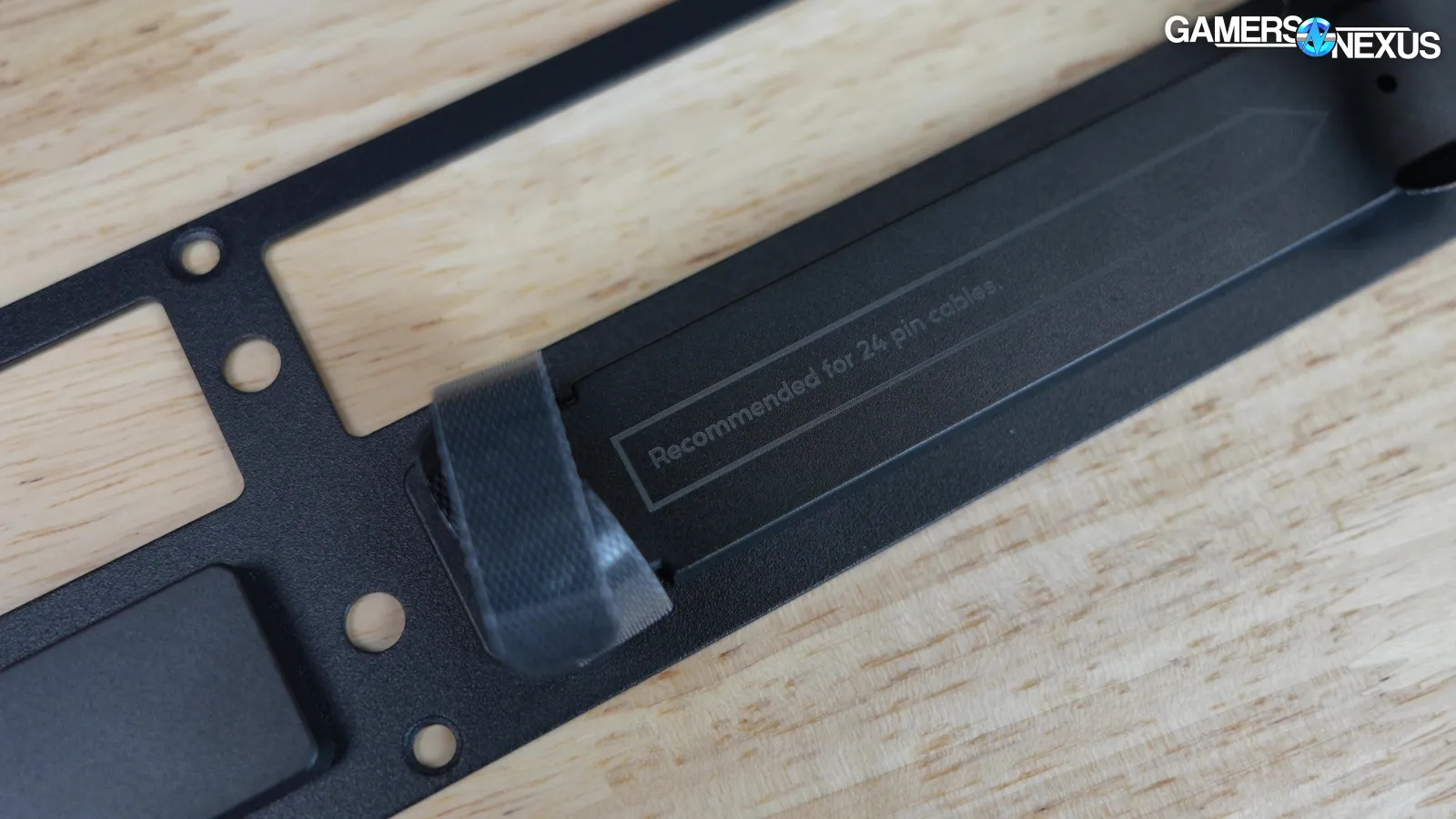
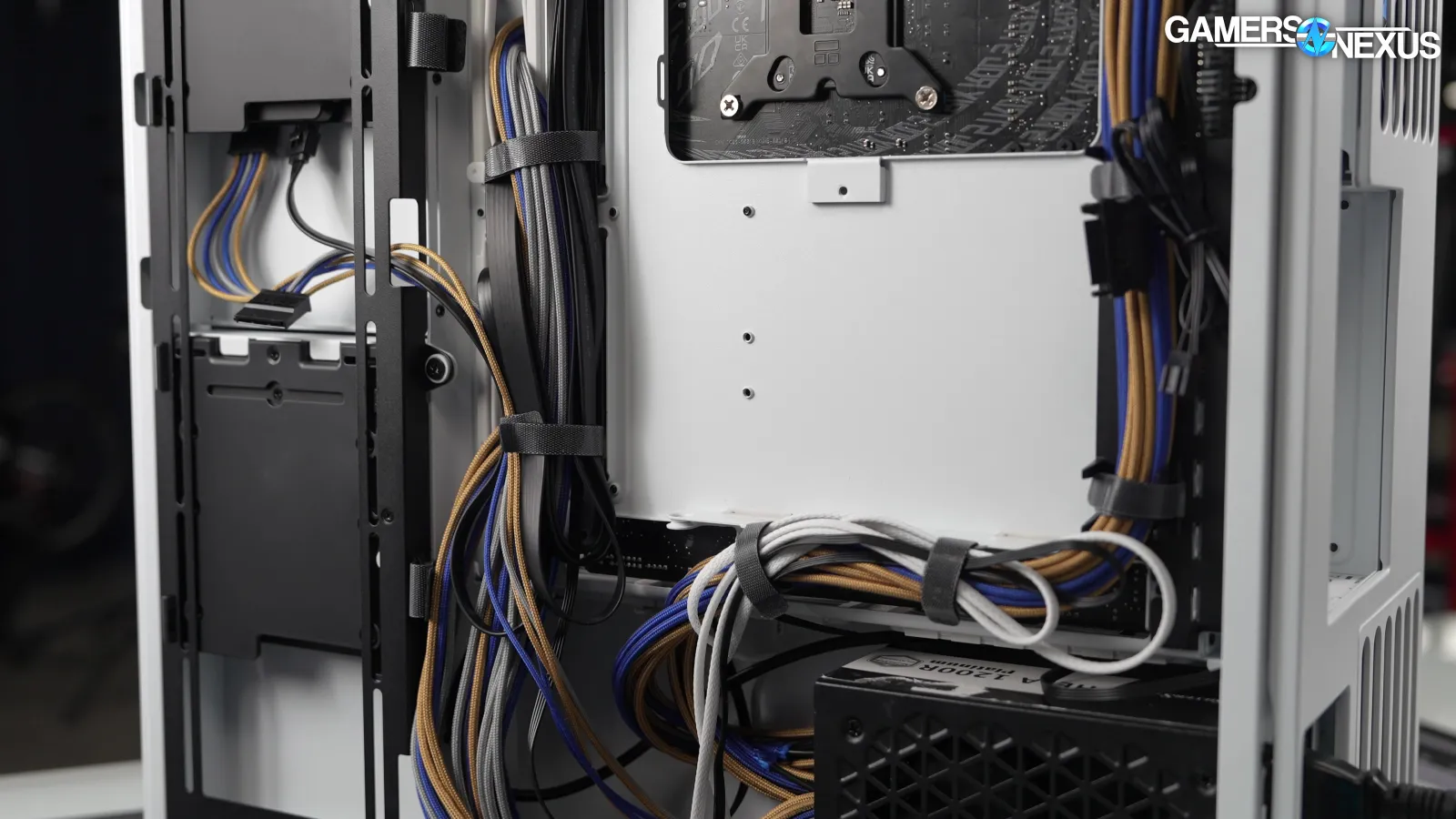
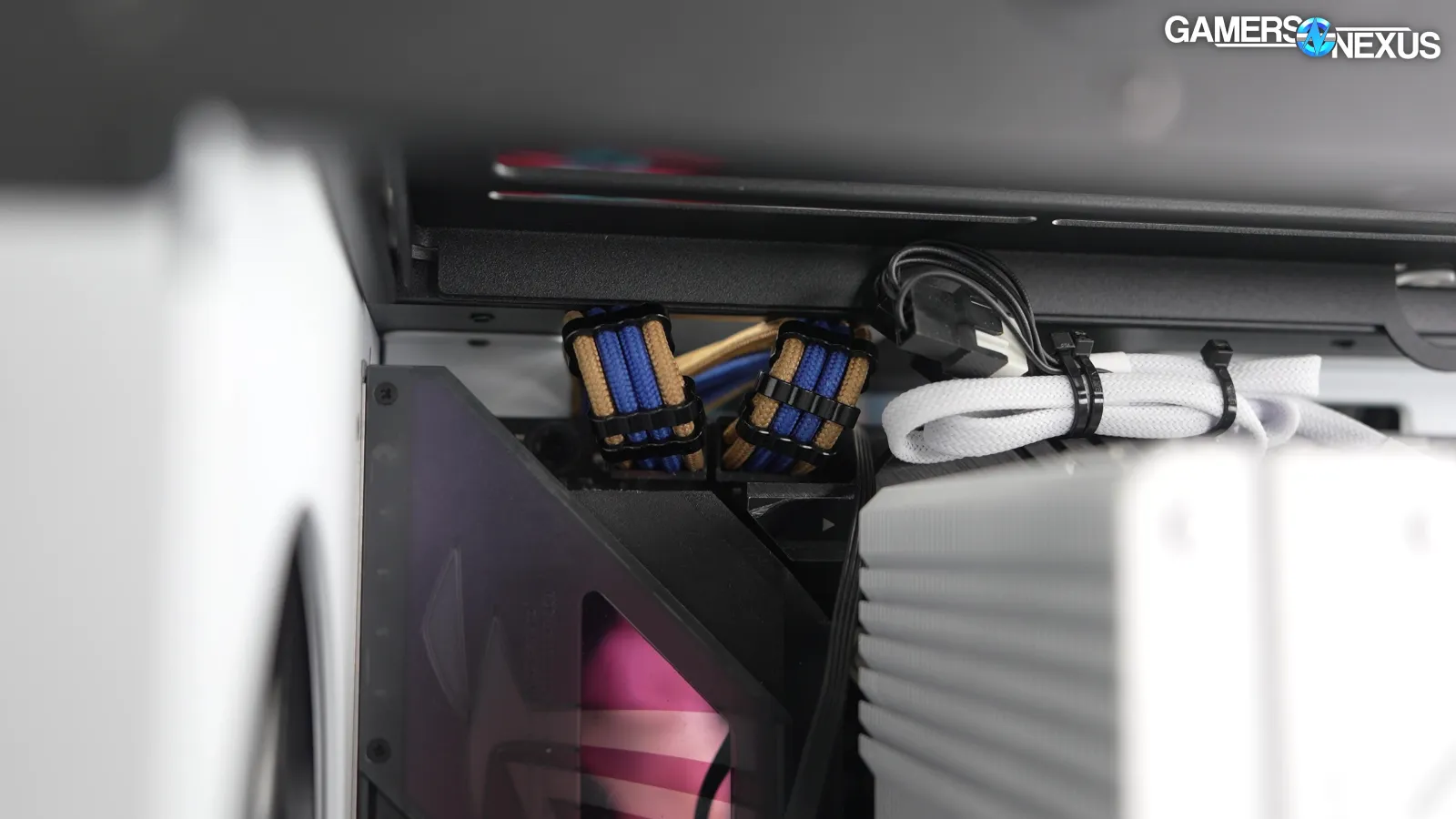
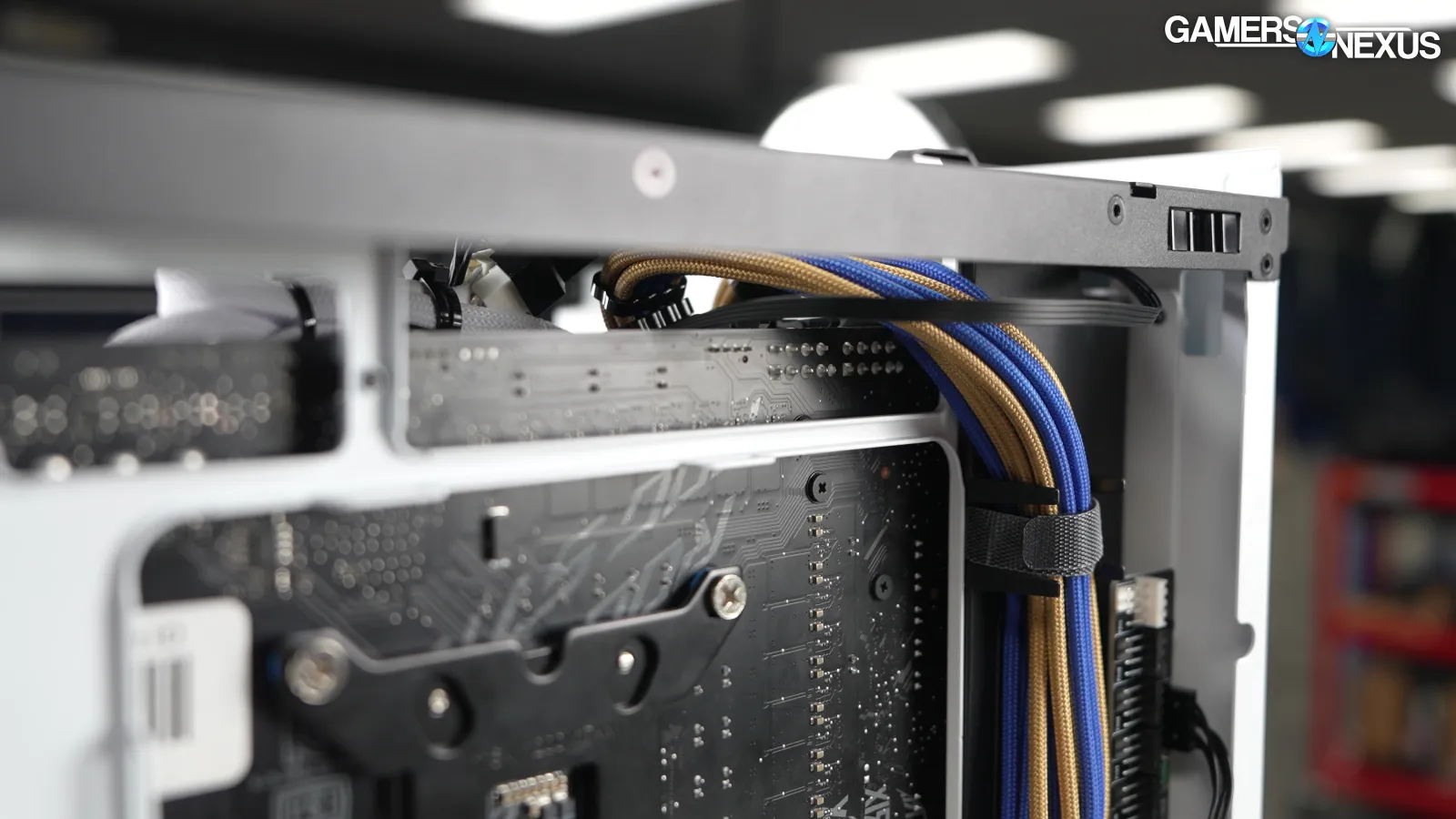
Cable management is still good, but without the "recommedned" typo from the BF 360. They fixed that. Without spelling to complain about, the only issue we had was with the EPS12V cables, which have excellent access but need to be bent back at a sharp angle to get up and over the motherboard (this is not an issue with back-connect boards, though).
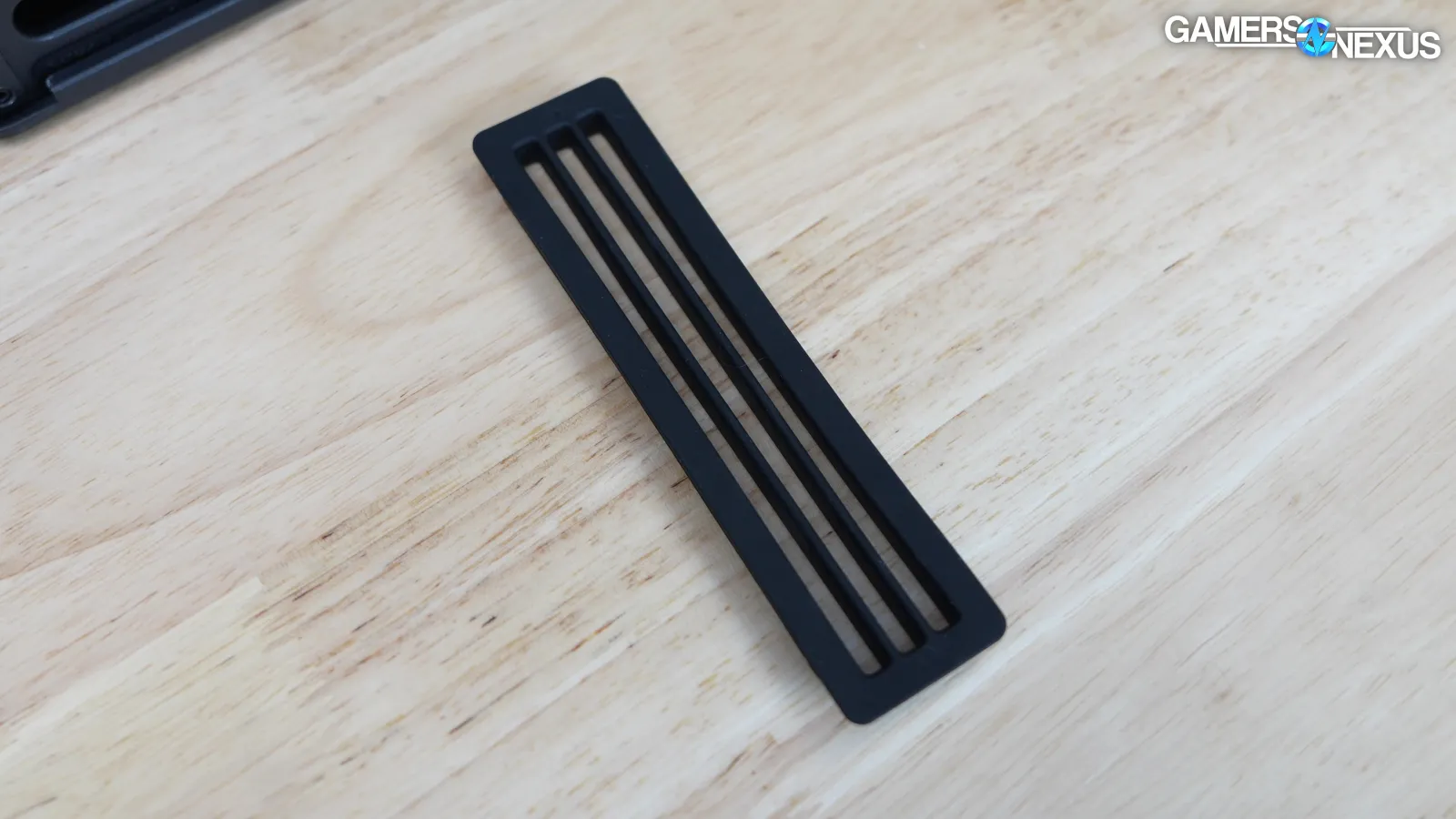
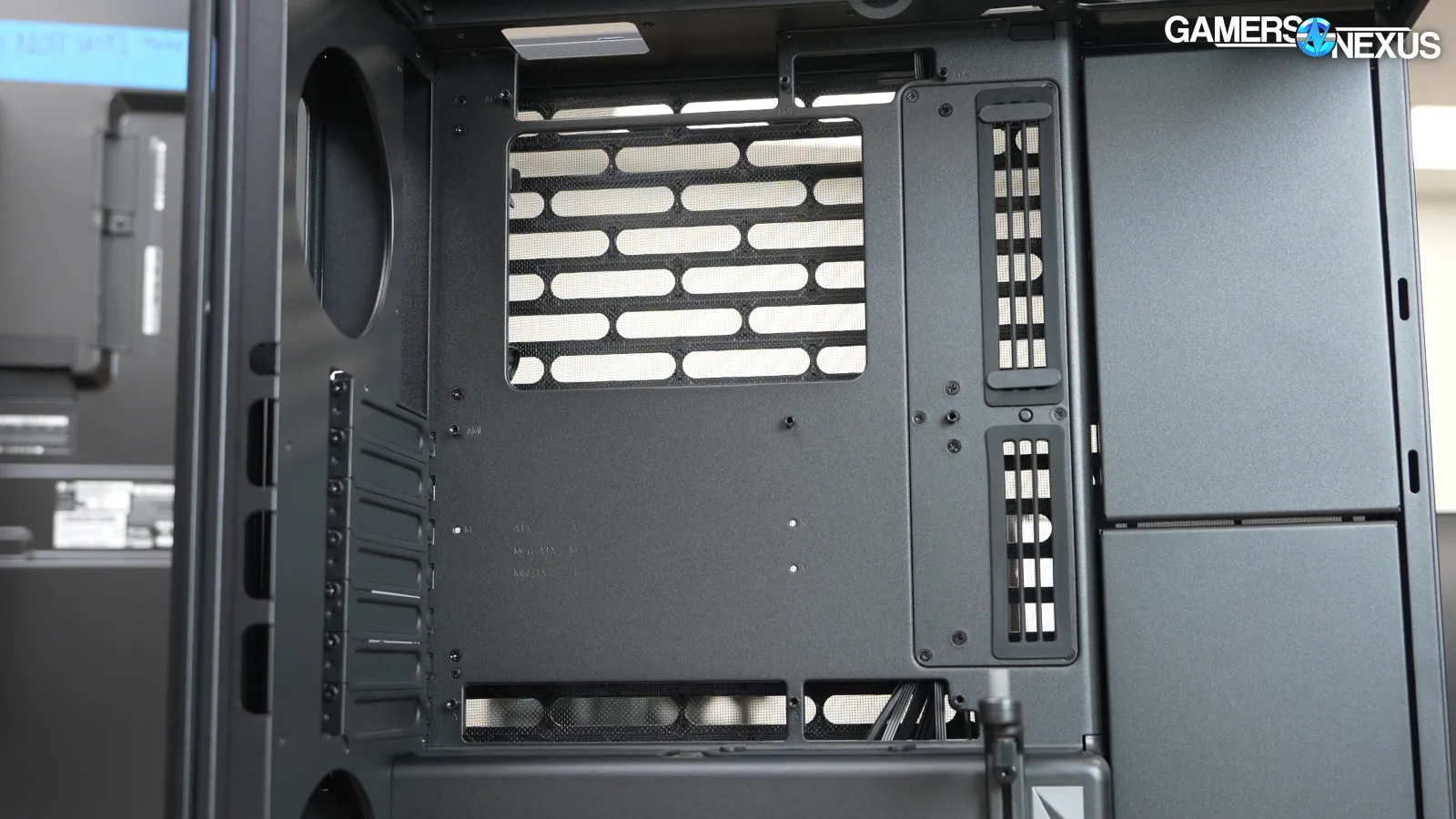
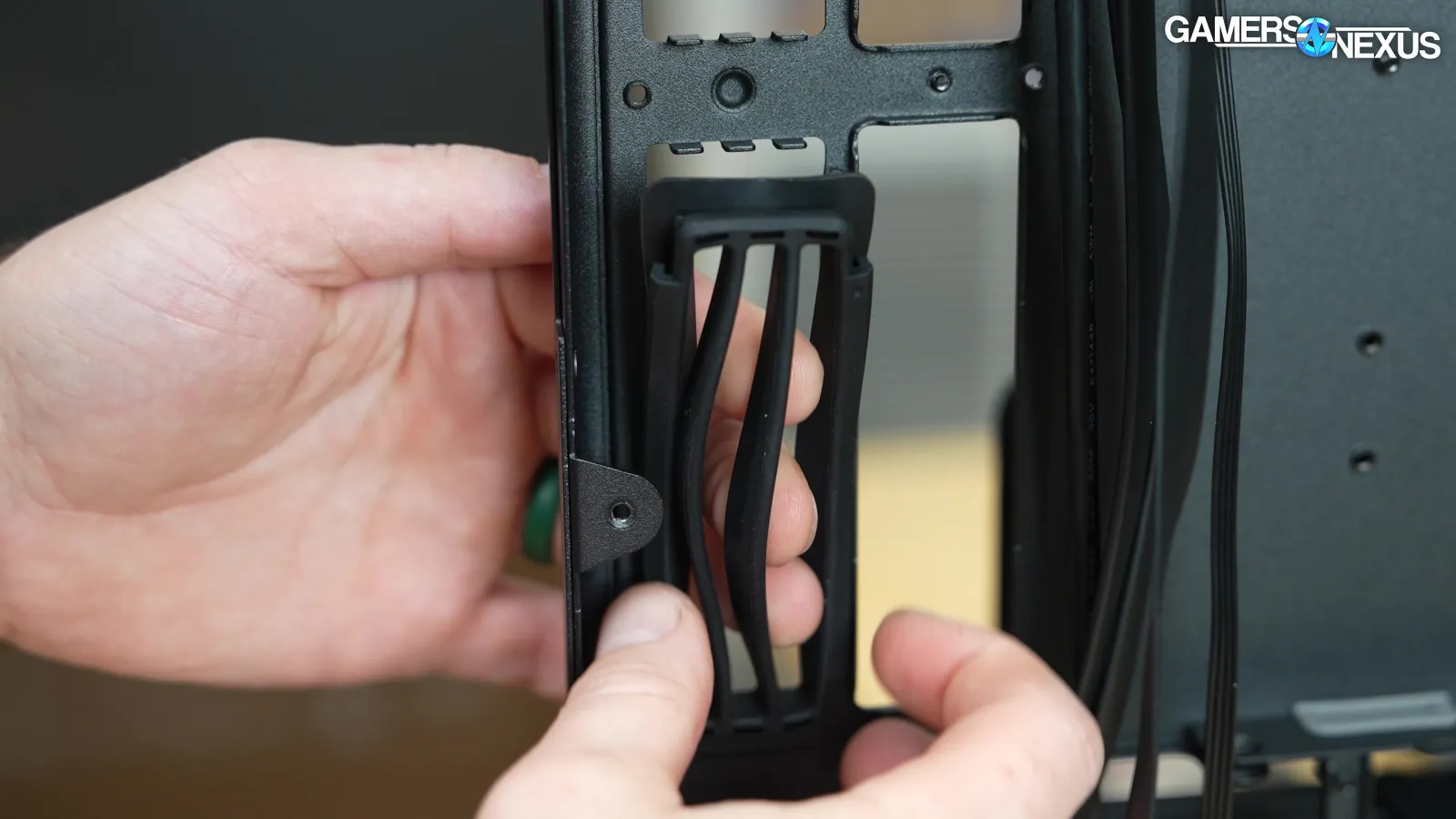
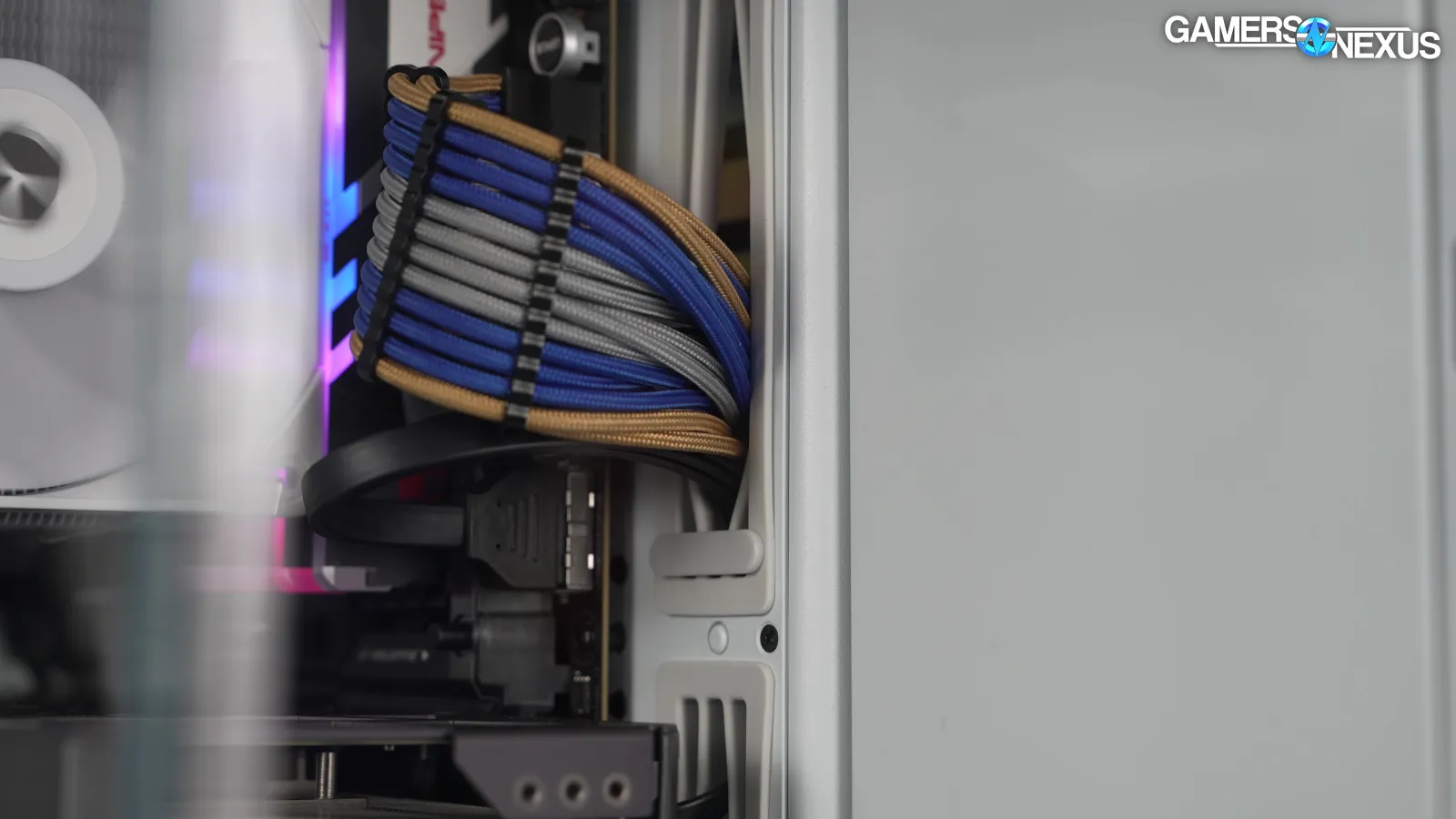
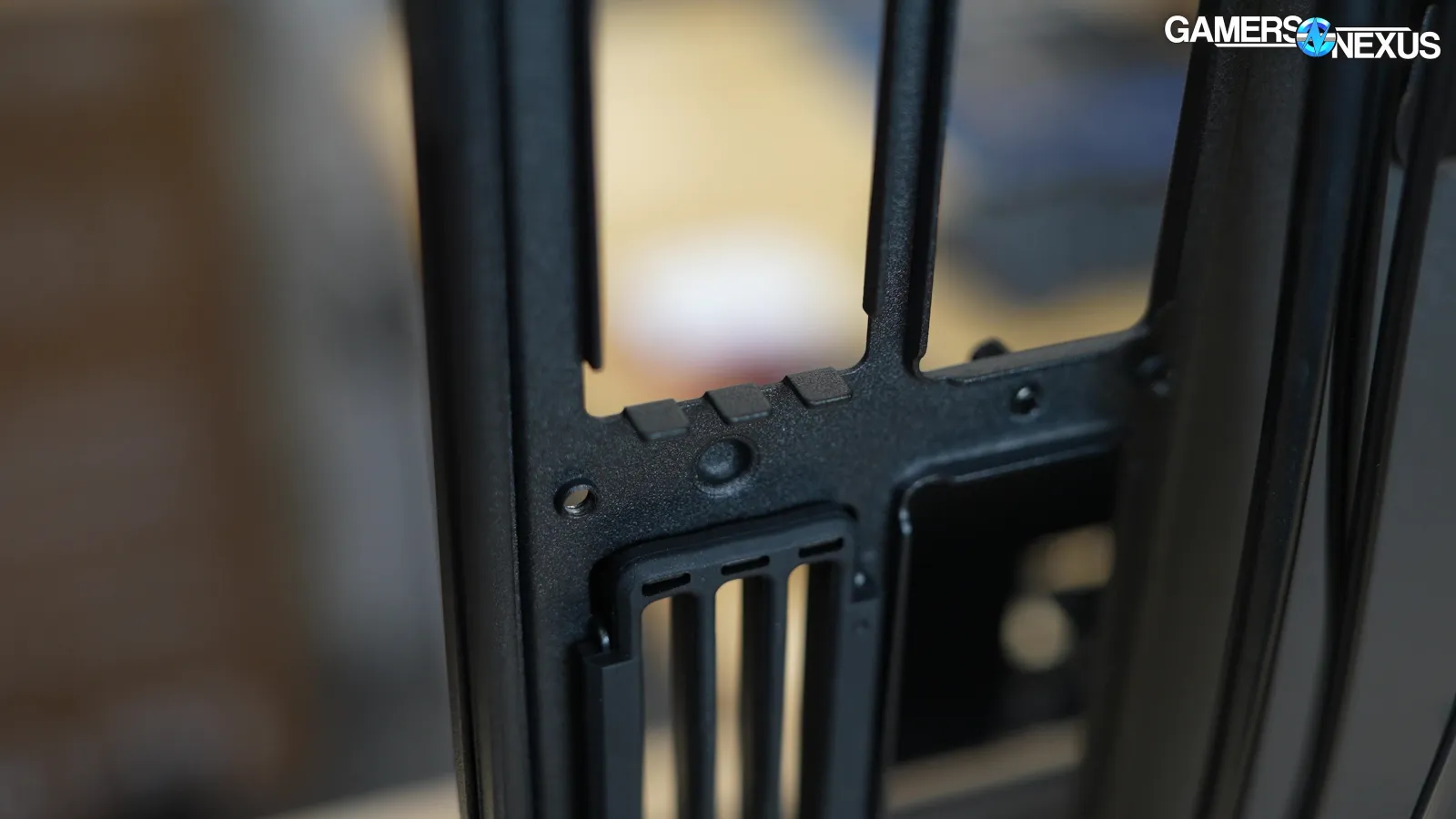
The unusual cable grommets match the HS 420. They still look great when there are no cables routed through them, although use means the parallel lines bend with cables. The plastic clips at least help with this. All of the silicone inserts are molded so that they can fasten onto tabs and holes in the metal of the case, but the downside is that they can't be removed without making it really obvious that a piece is missing, but when it’s all put together, it’s held together very well.
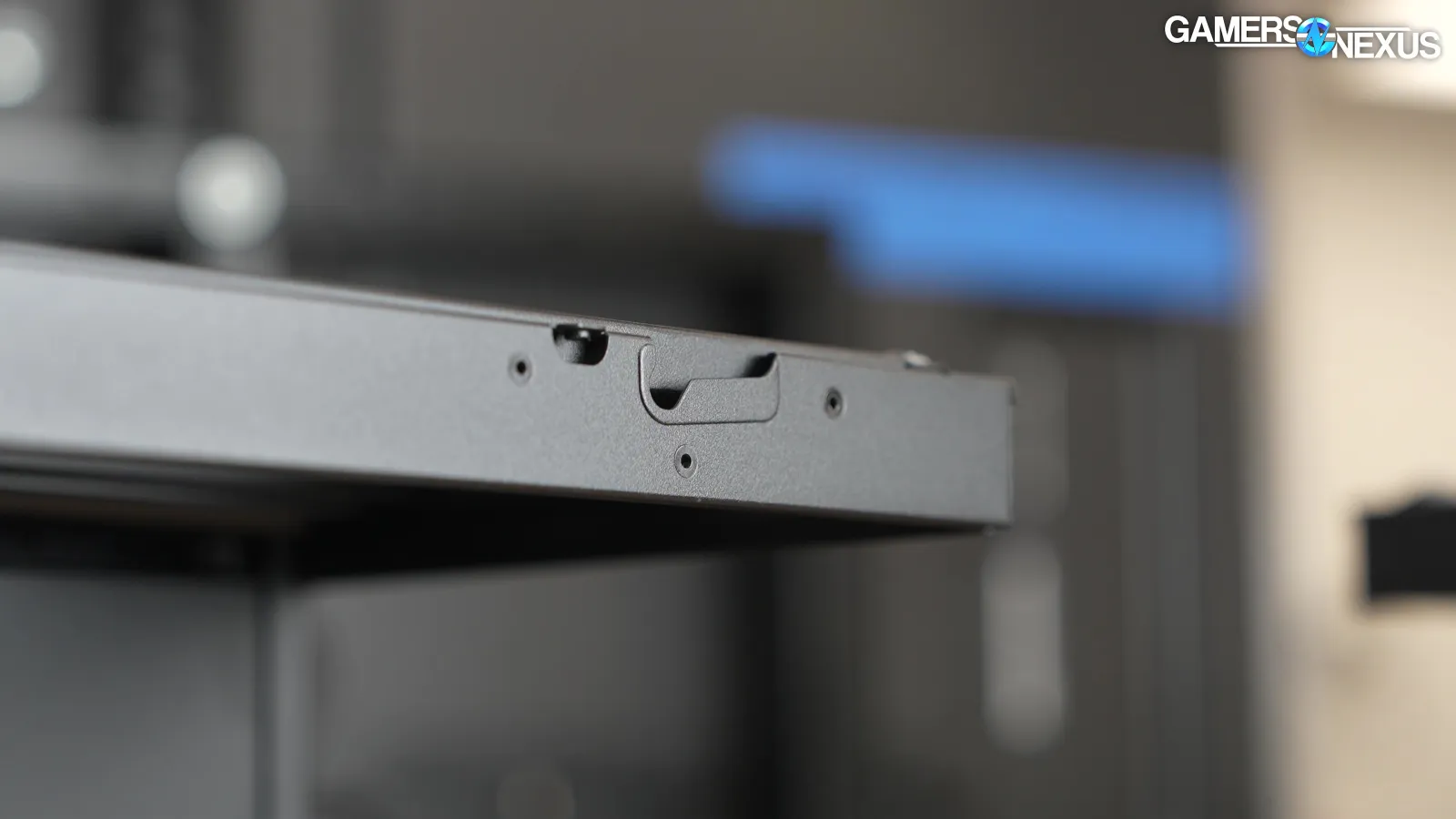
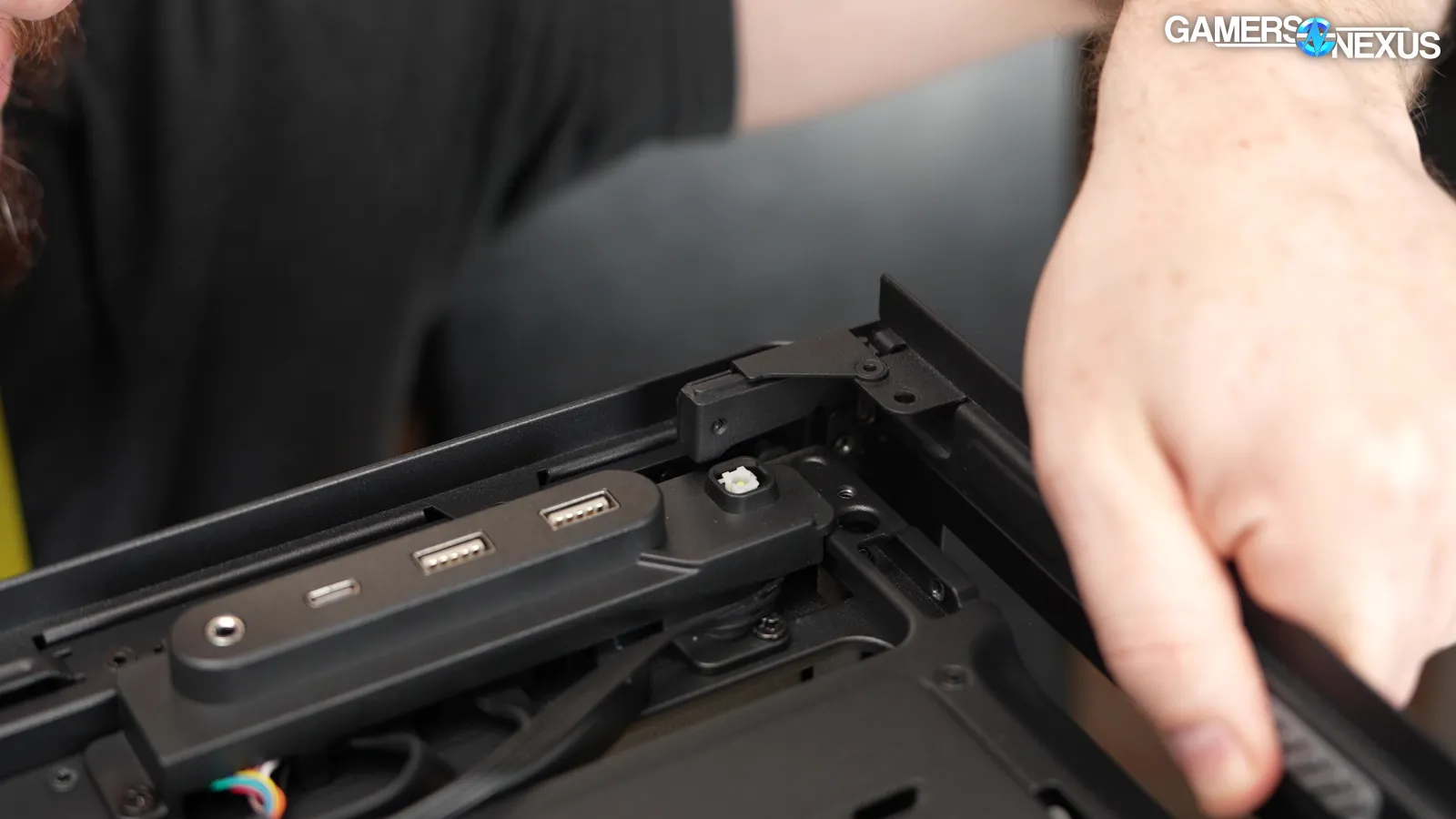
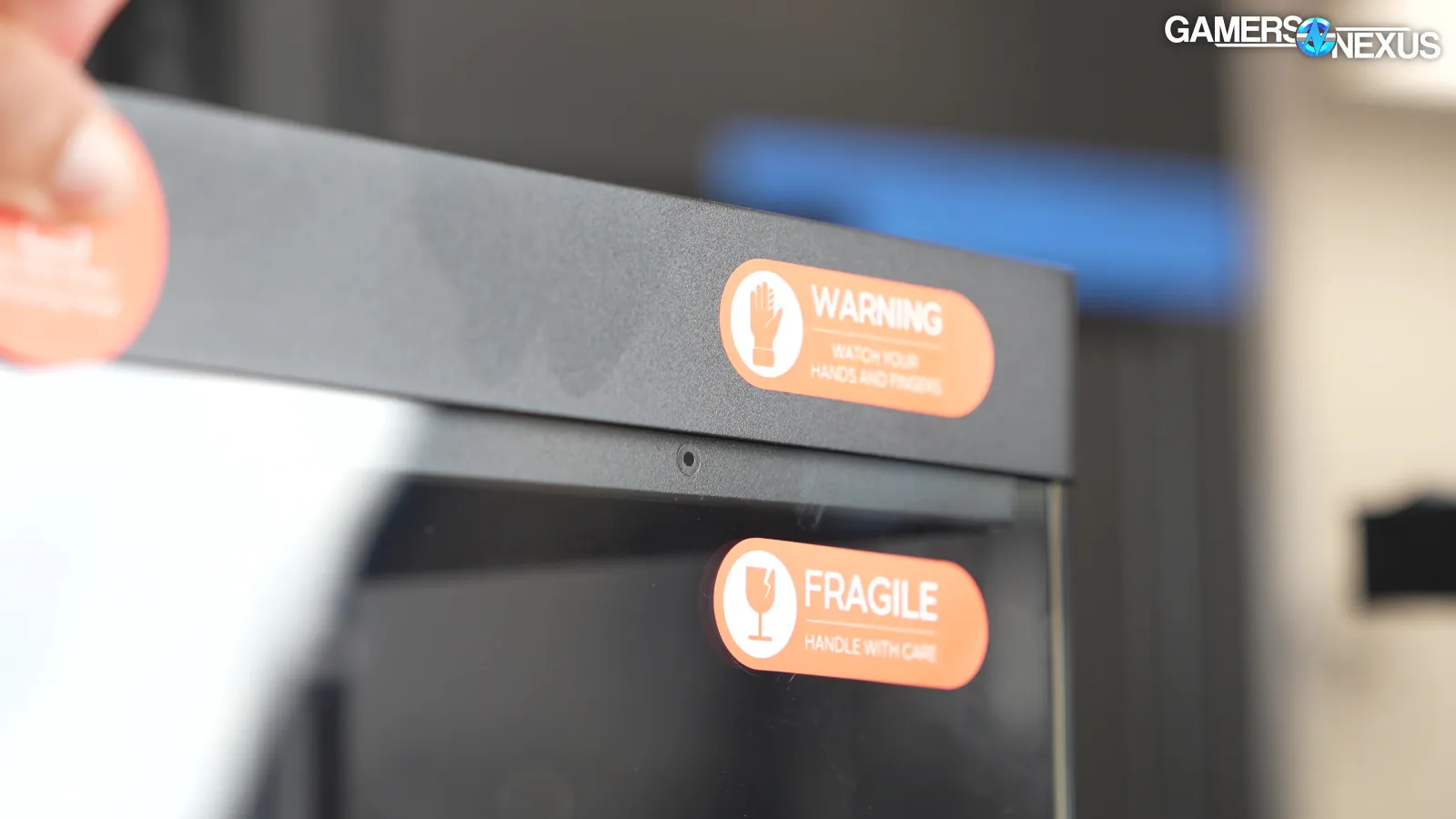
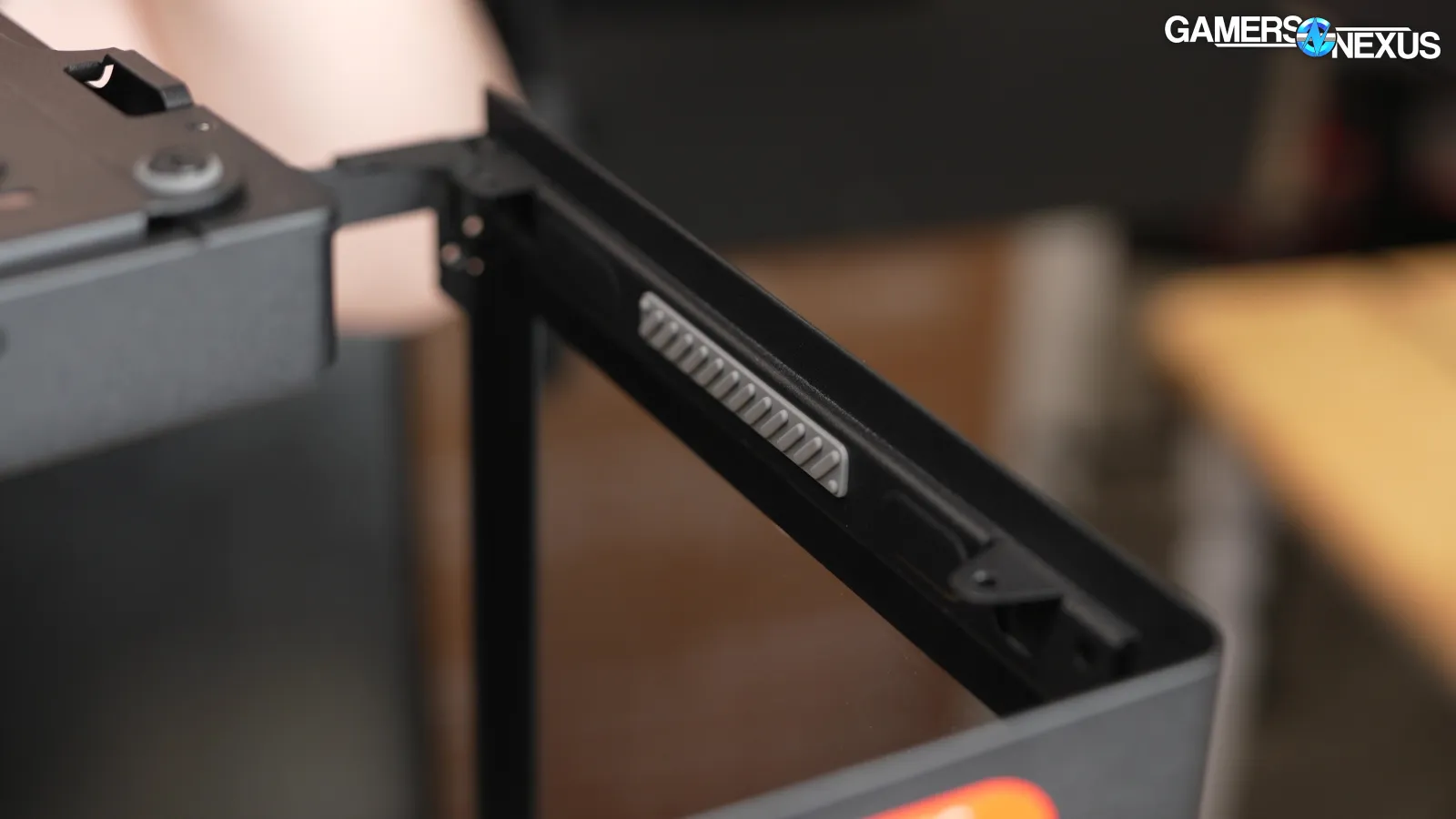
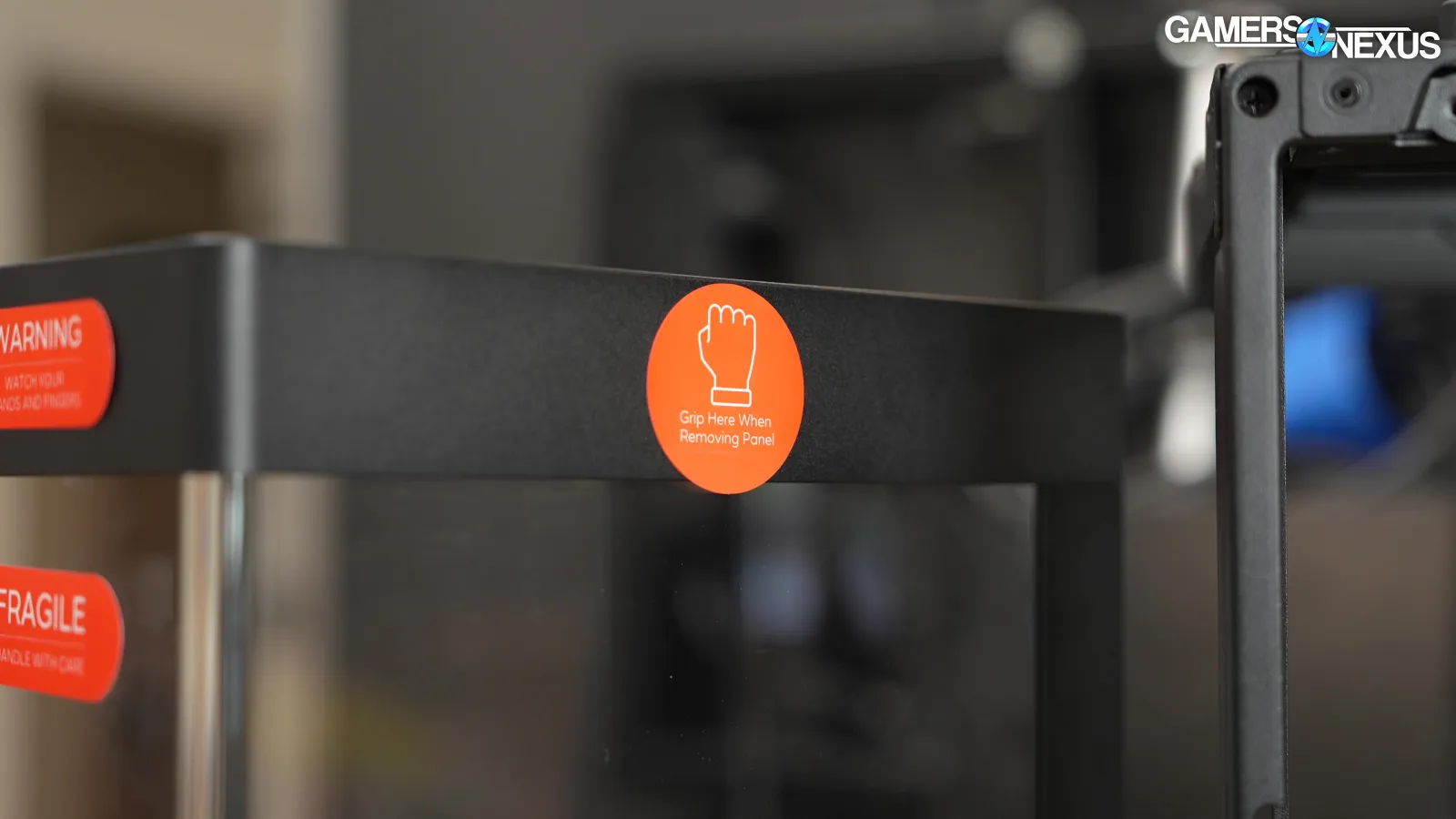
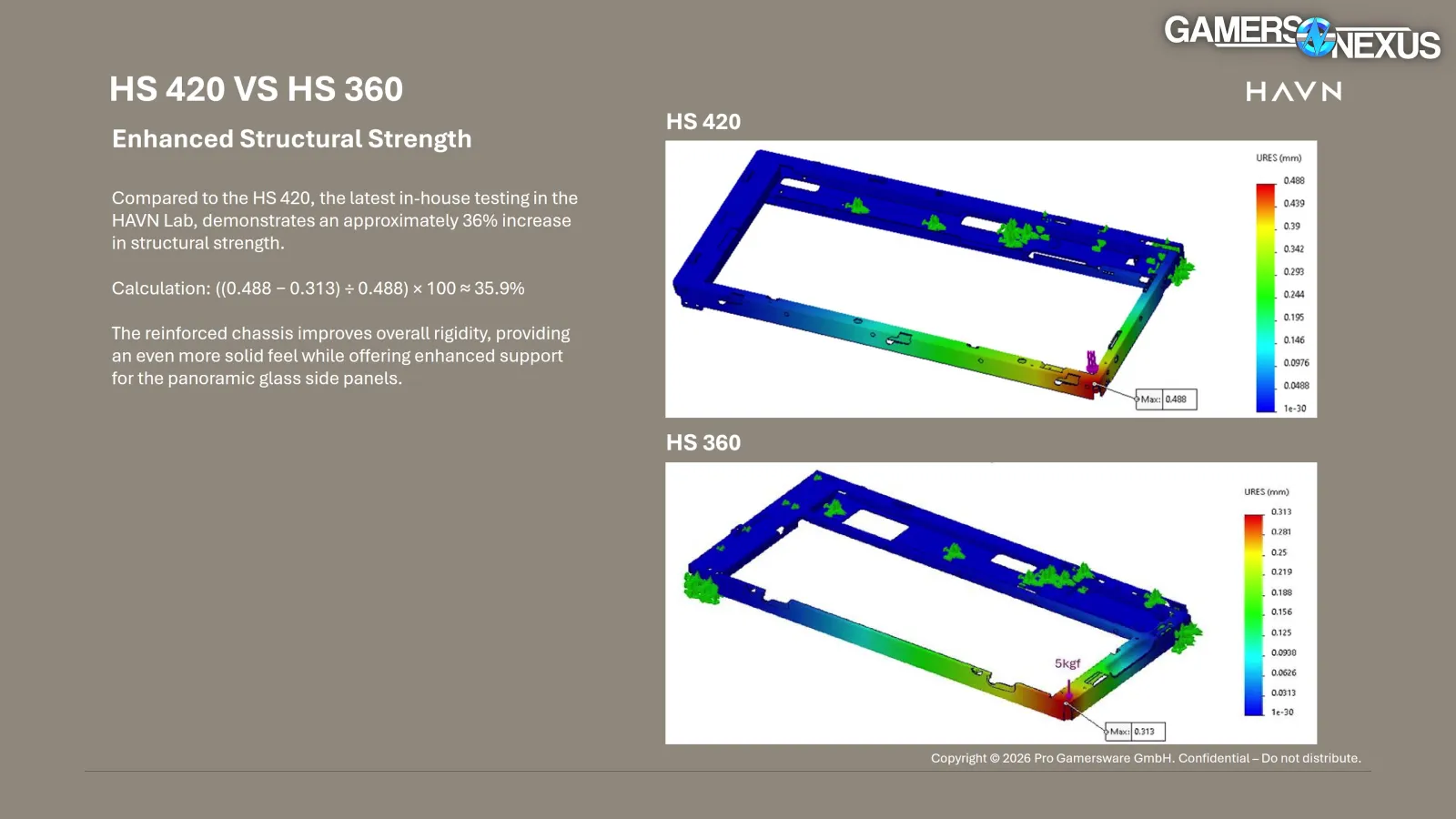
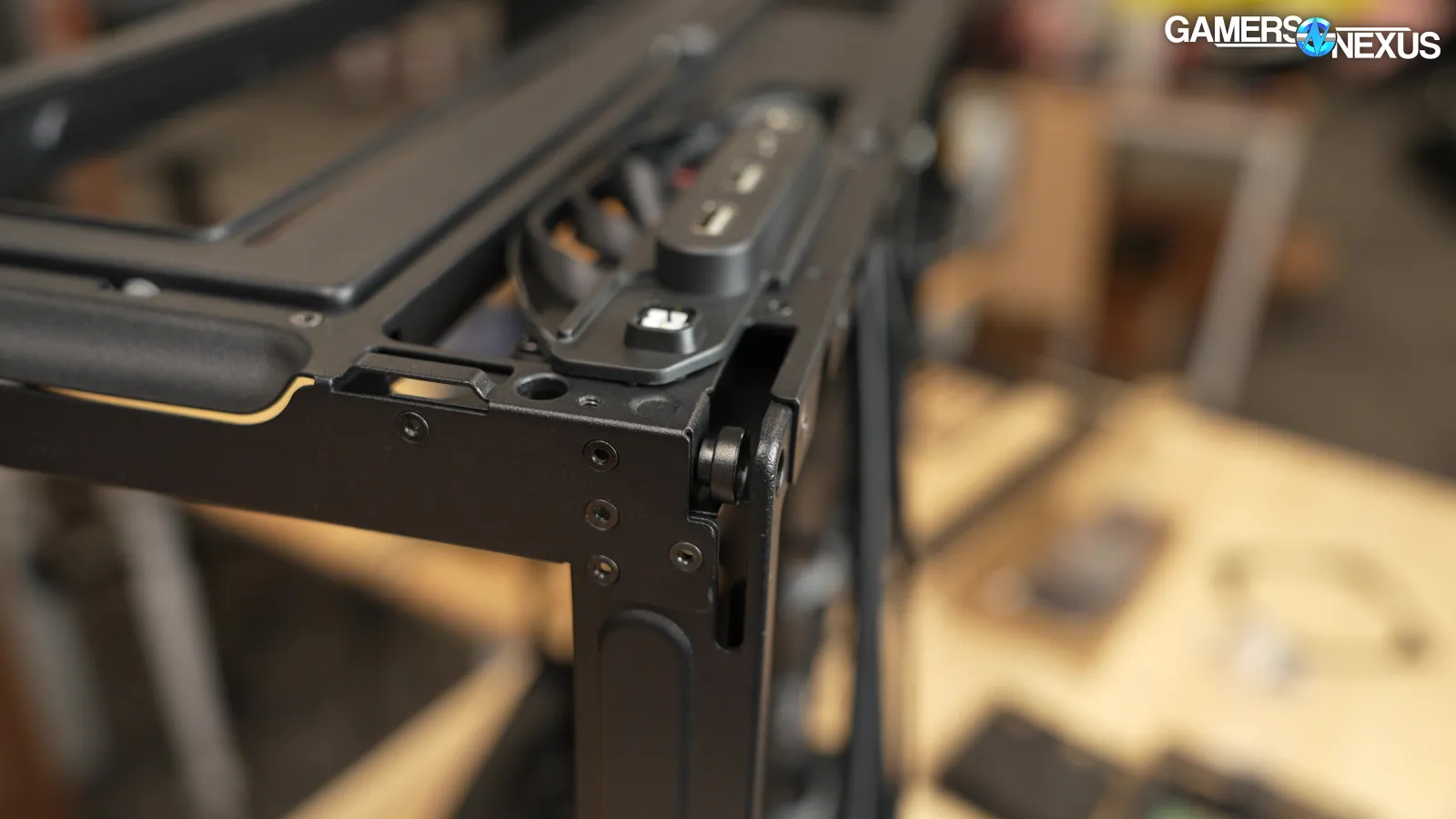
There have been some small tweaks to the way the glass side panel connects. It still slides down into place on mechanically well-designed rollers, but the tab that slots in next to the front I/O now has a riveted reinforcement. This isn't a load-bearing part 99.9% of the time, but it needs to stay straight while the panel is sliding on and off and this seems to help. There's also a rubber grip at the front of the glass, which makes removing it more intuitive after the "Grip Here When Removing the Panel" stickers have been peeled off. The channels for the rollers have been redesigned so that the panel doesn't need to be as precisely lined up for installation, and HAVN claims to have reinforced the overhang for "an approximately 36% increase in structural strength." We didn't really have complaints there on the HS 420, but we'll take an unforced improvement any time a company wants to offer one. That’s a good attitude toward design and it’s something we’ve liked with these cases.
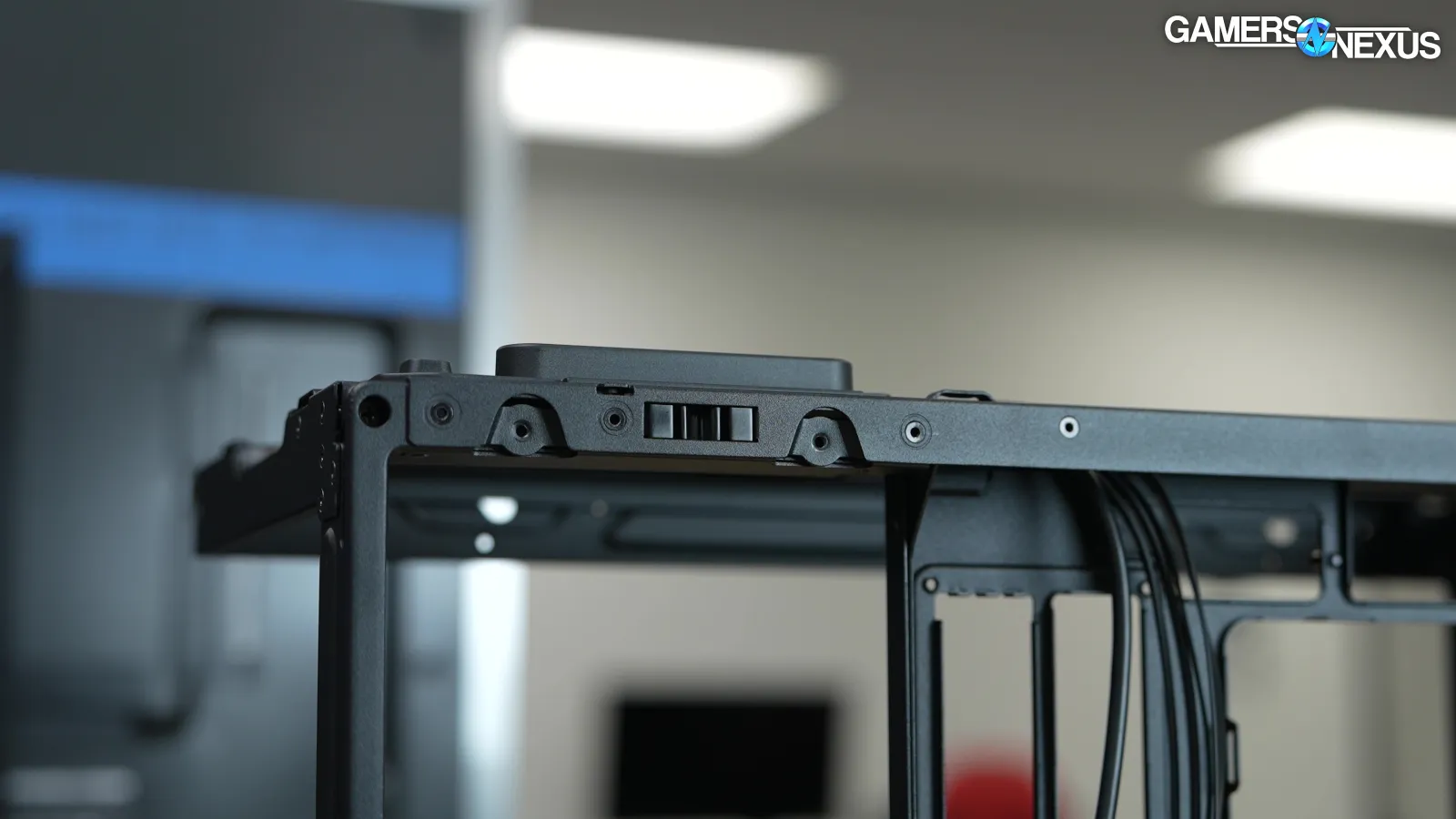
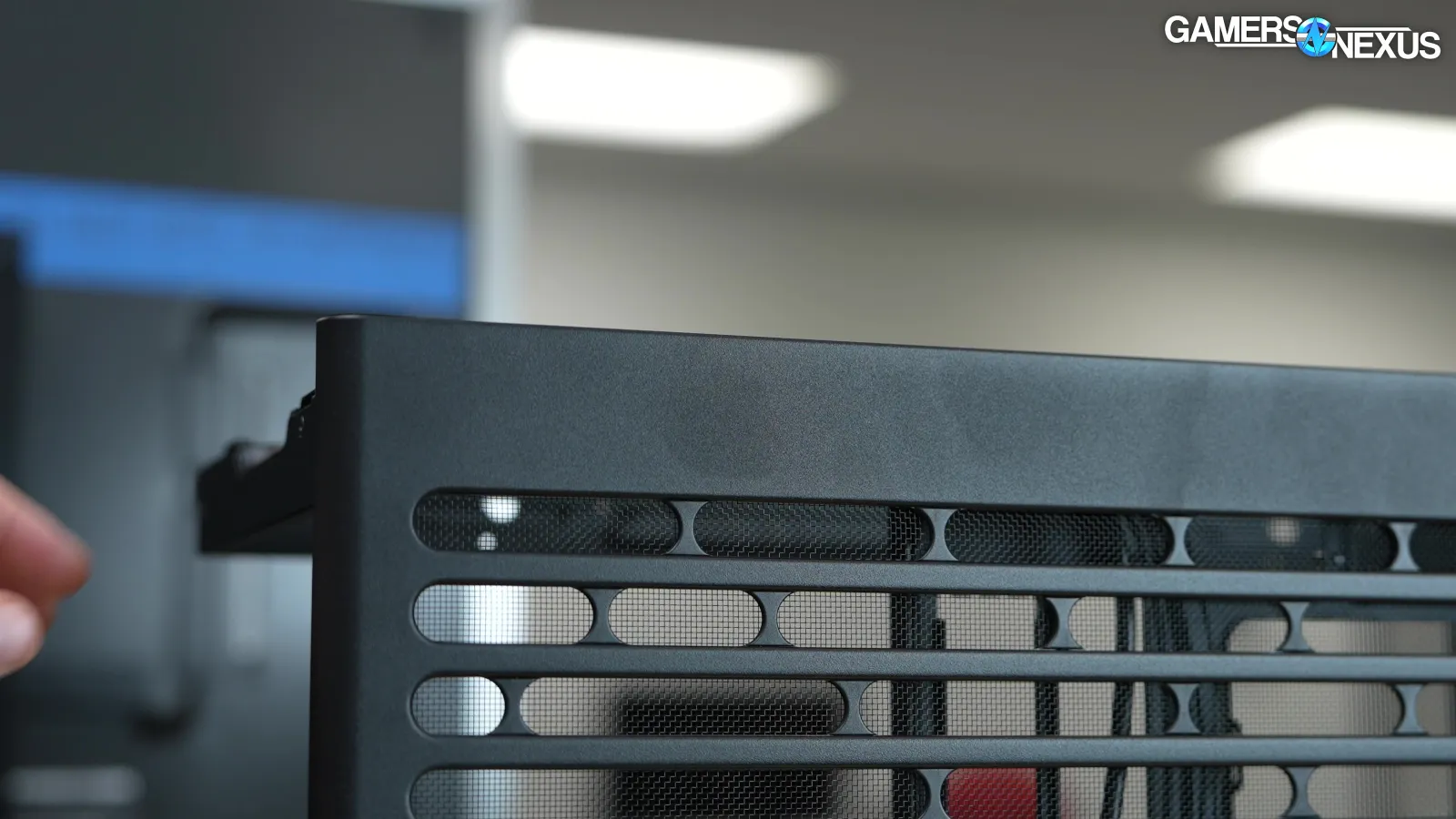
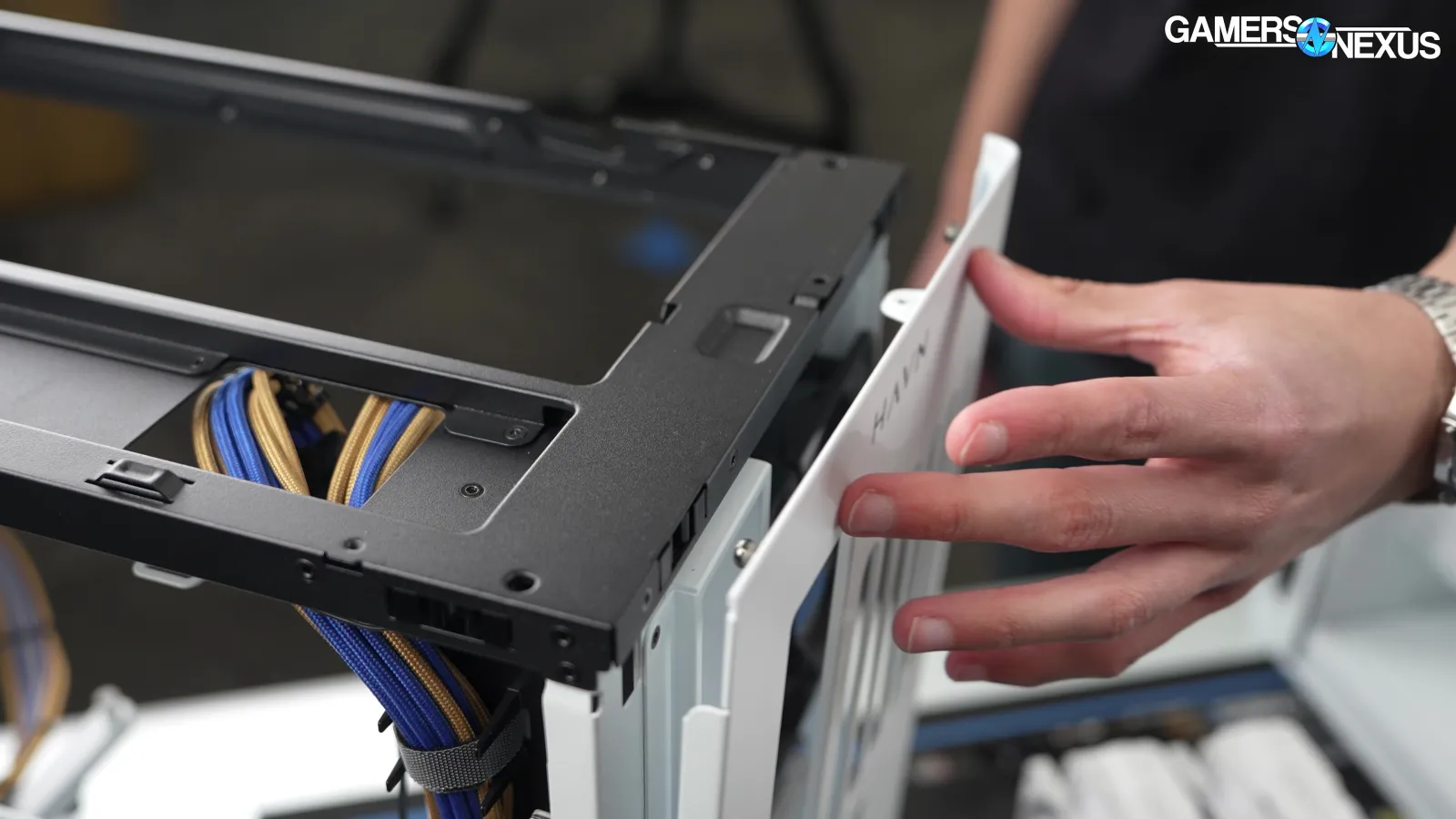
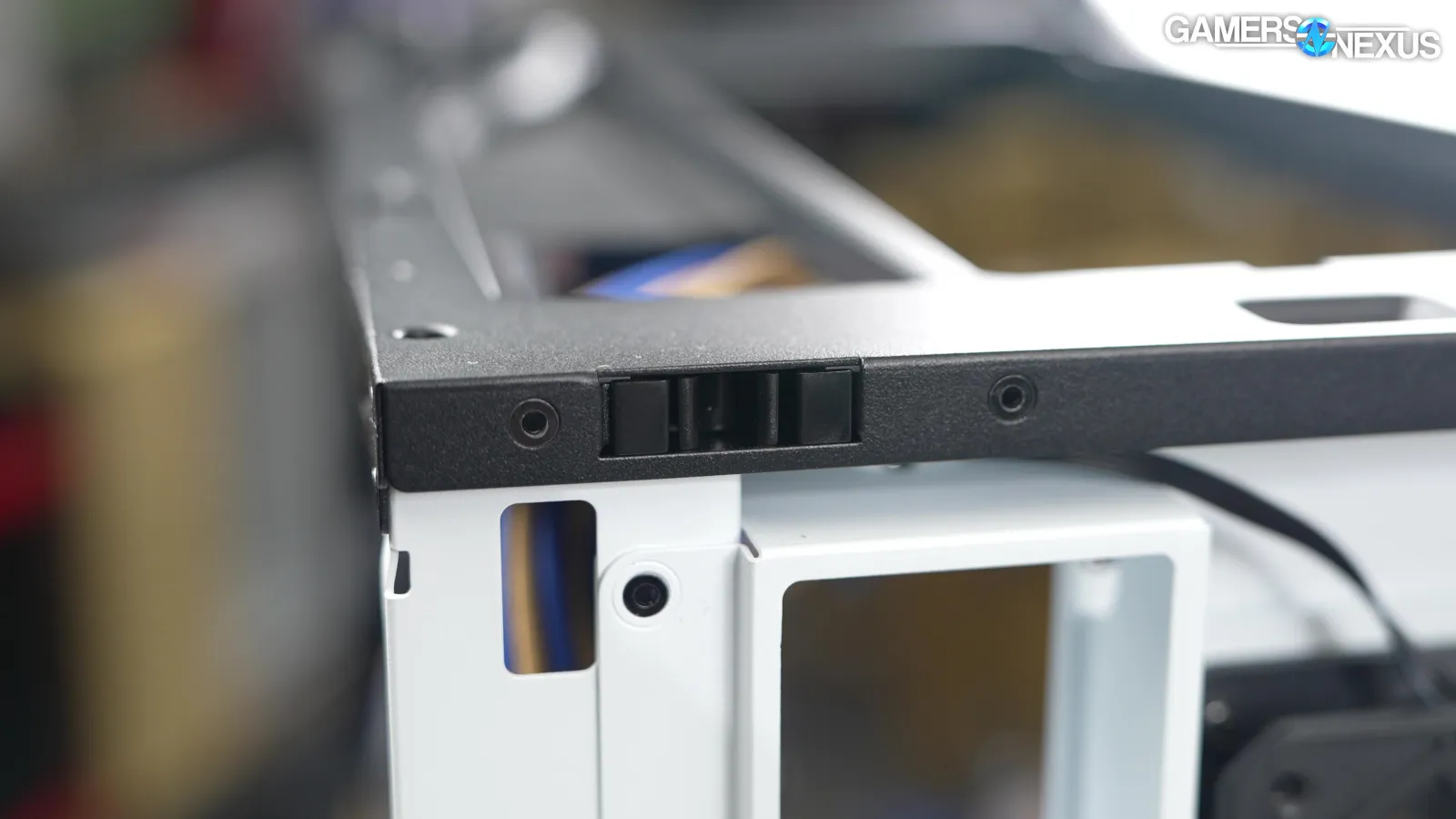
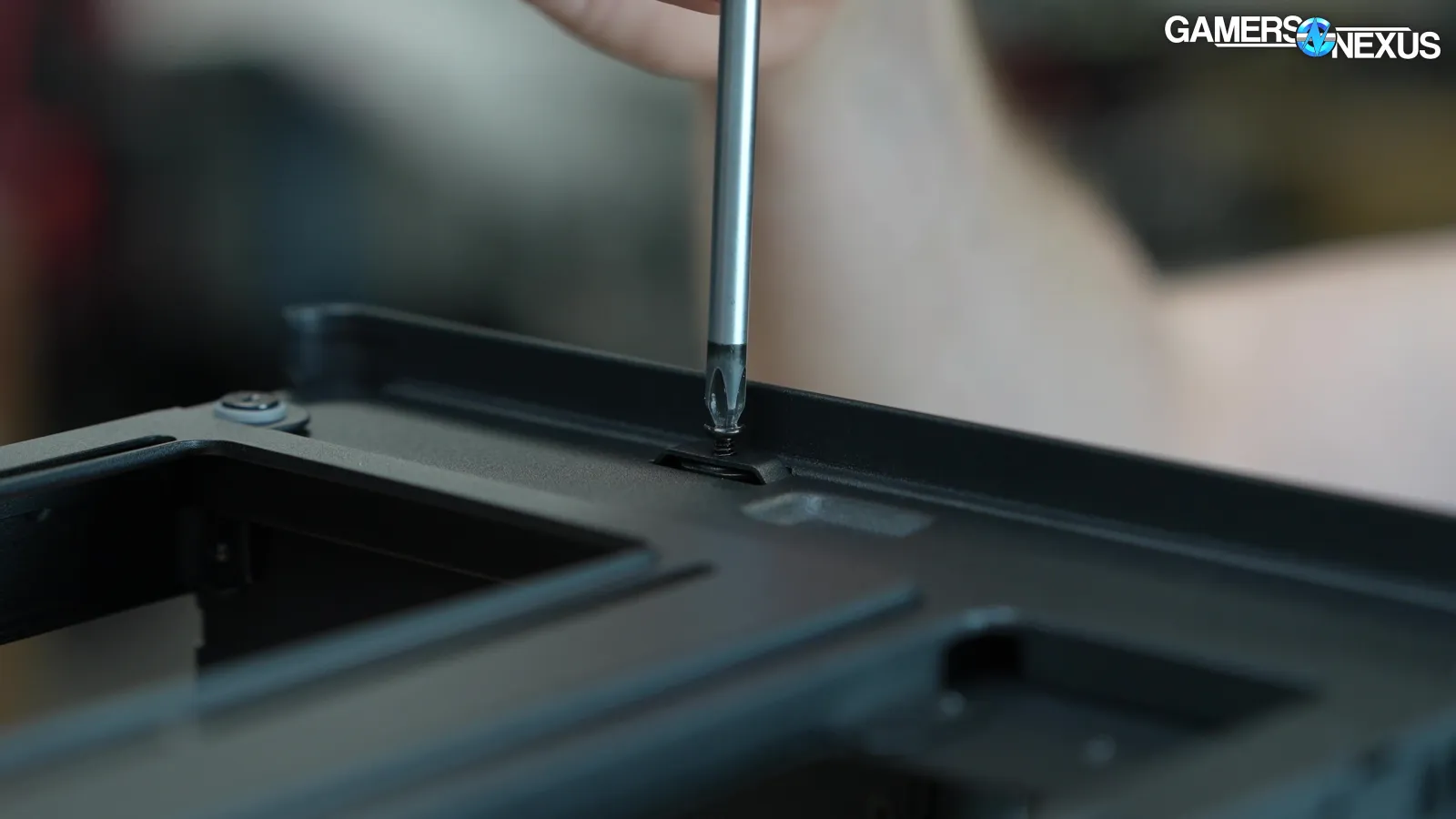
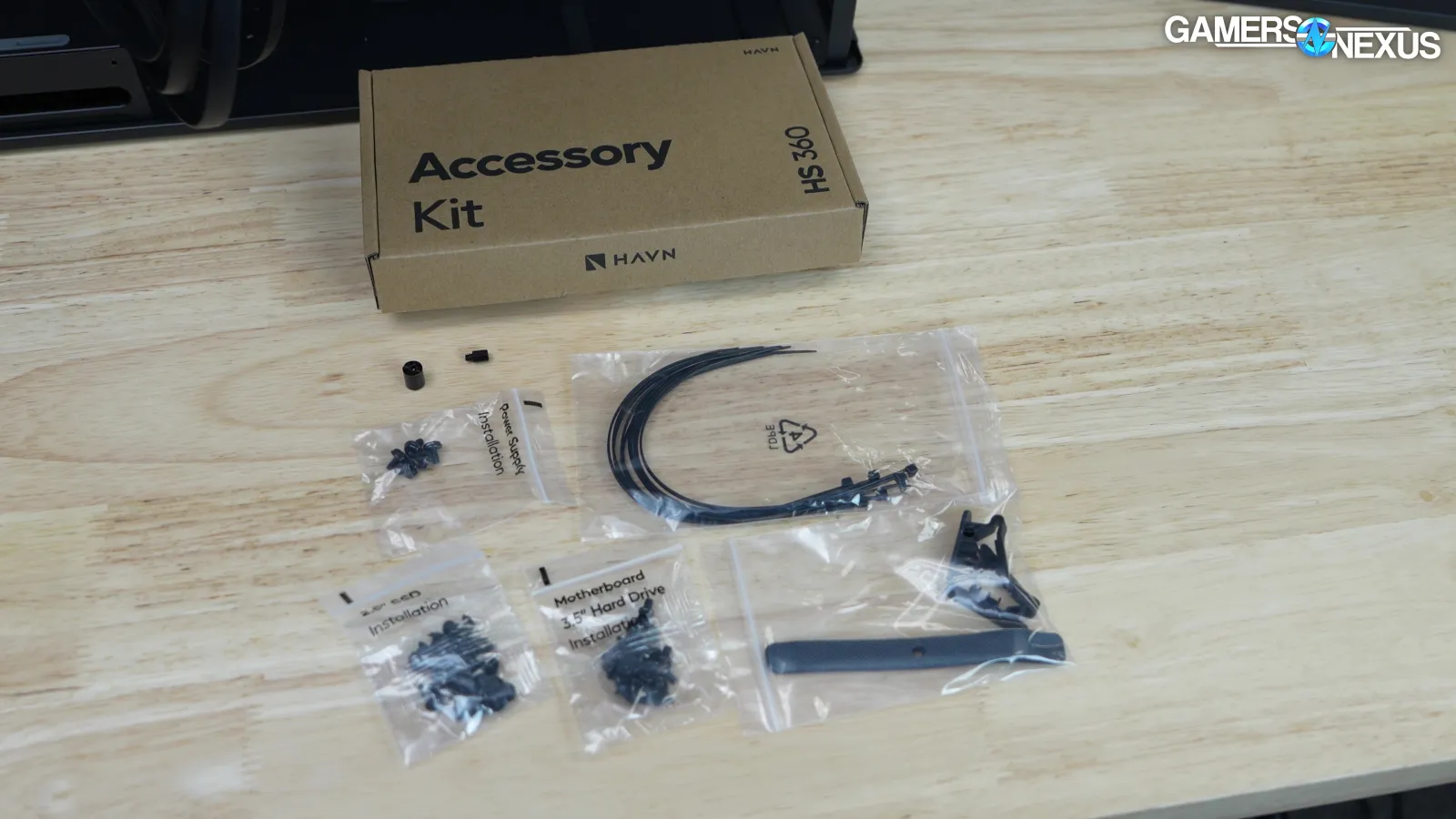
One change we're not as happy about is the move from magnets to snaps for the non-glass side panels. In particular, the back panels on two of our HS 360 samples (HAVN went overboard and sent us 4) had broken snaps, so we have a 50% defect rate out of the box against a sample size of 4, which is abnormally large for a review set. Thankfully, all panels can be secured with optional screws, but two out of four samples having the same problem is dire. This seems to go beyond a shipping issue and indicates a QC oversight. The accessory kit doesn't include any spares, either.
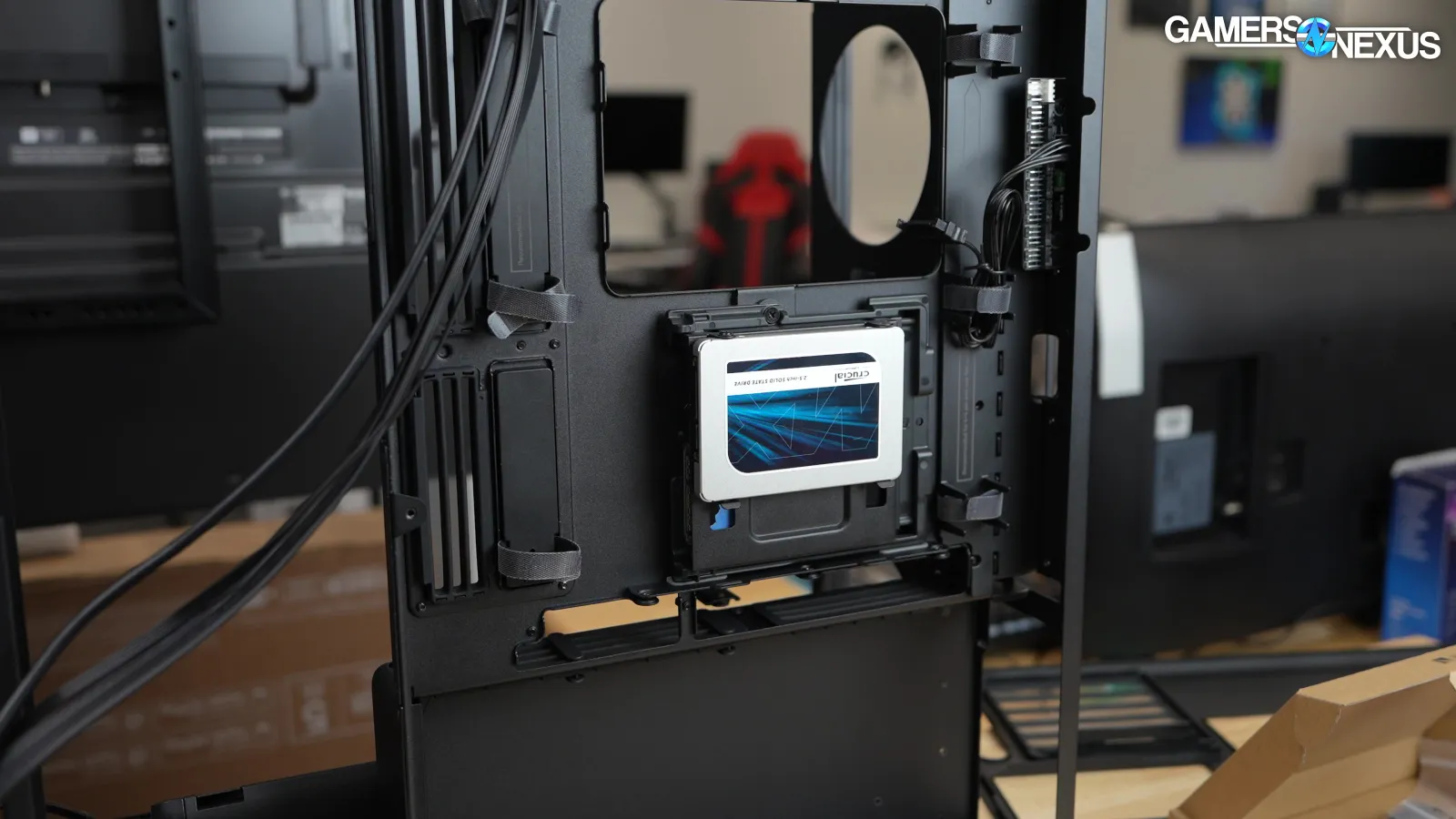
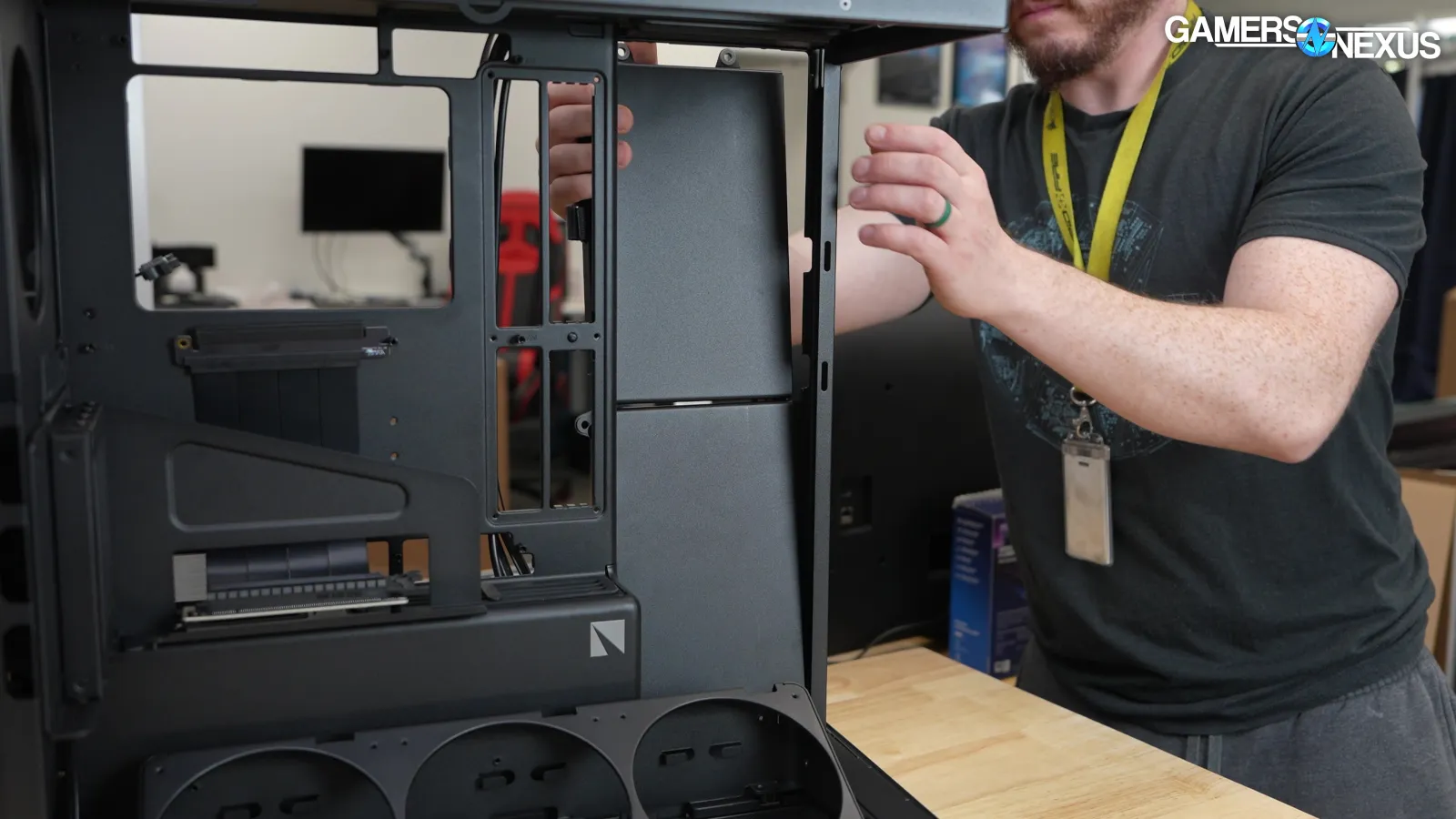
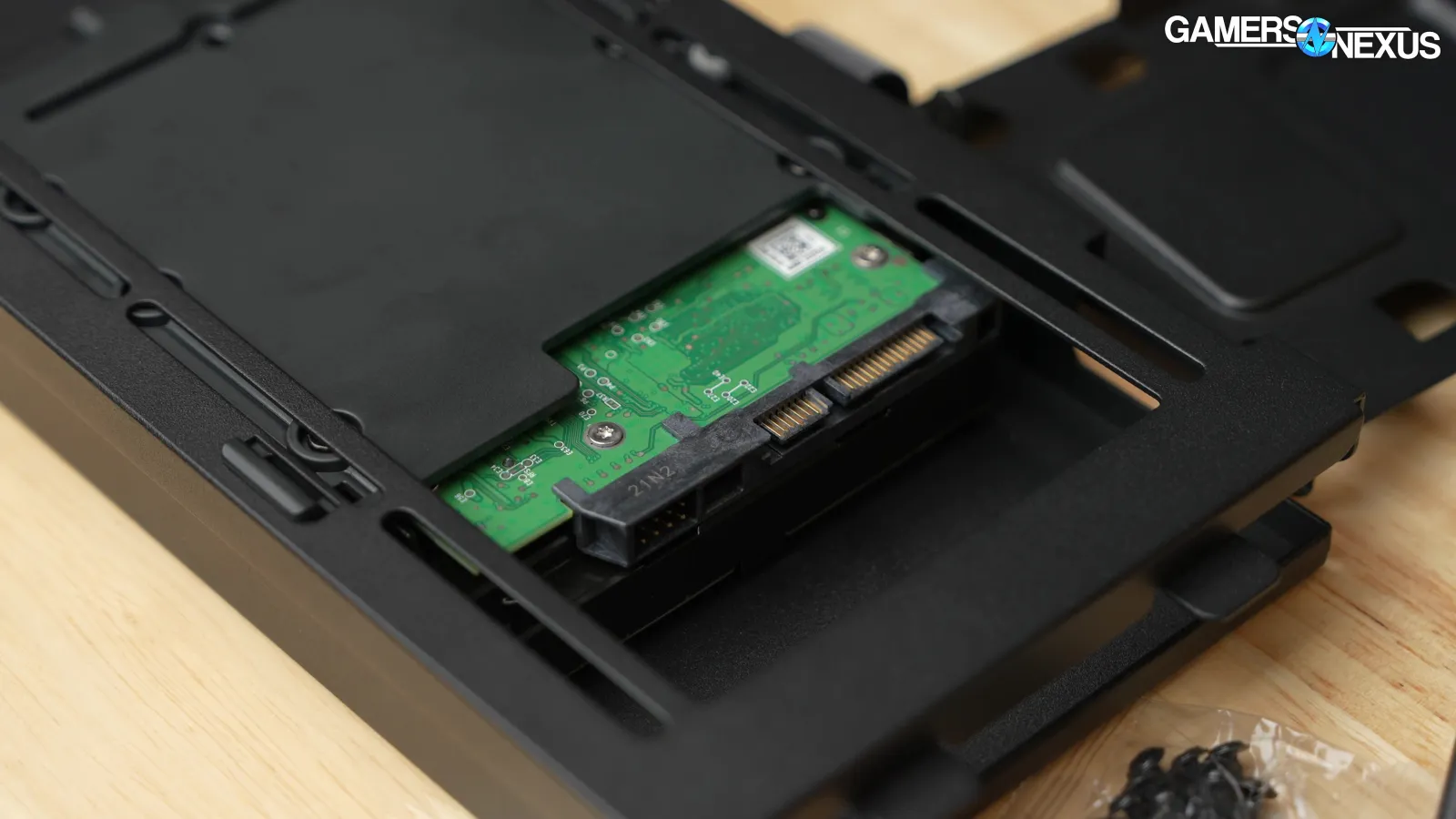
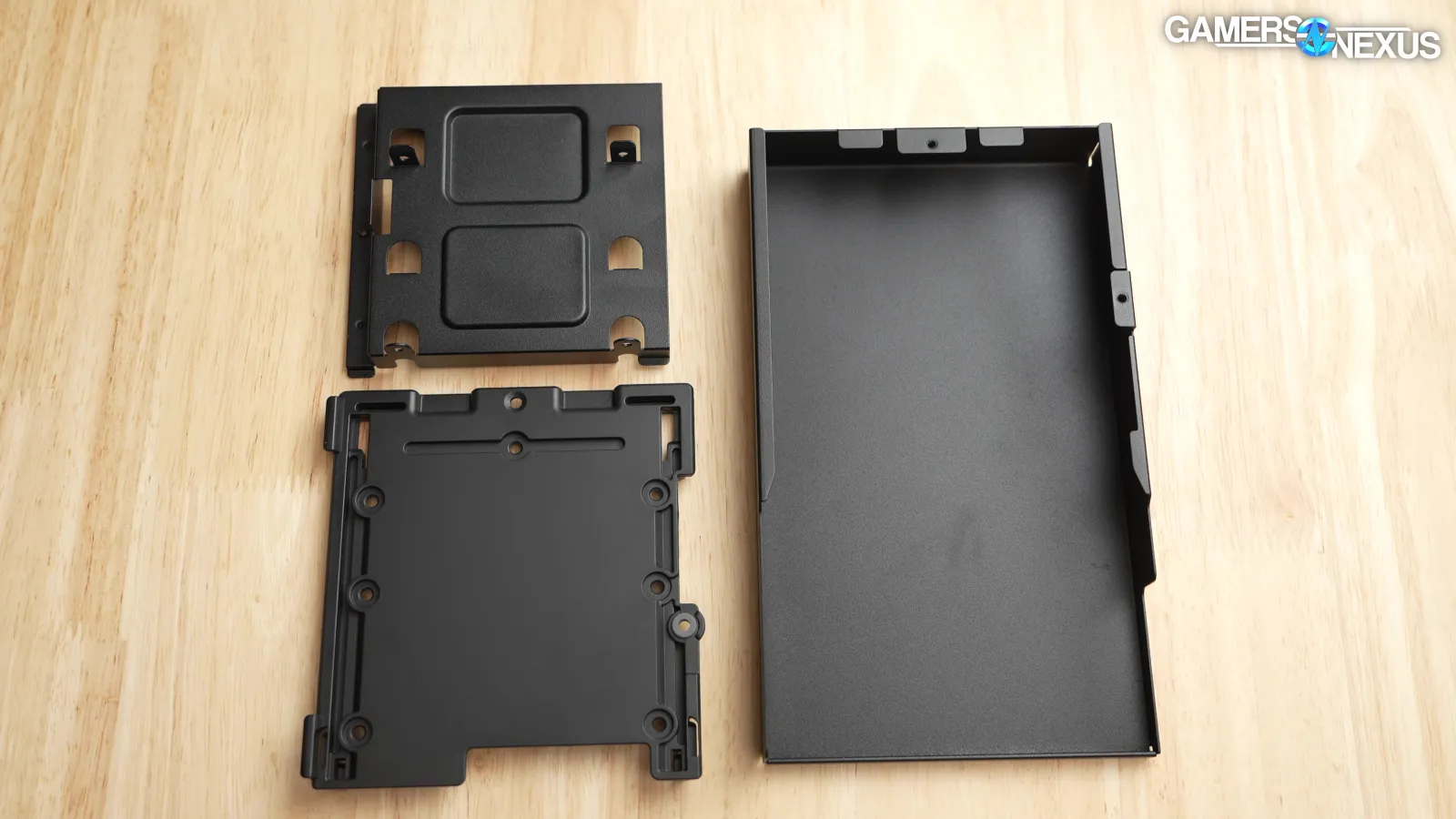
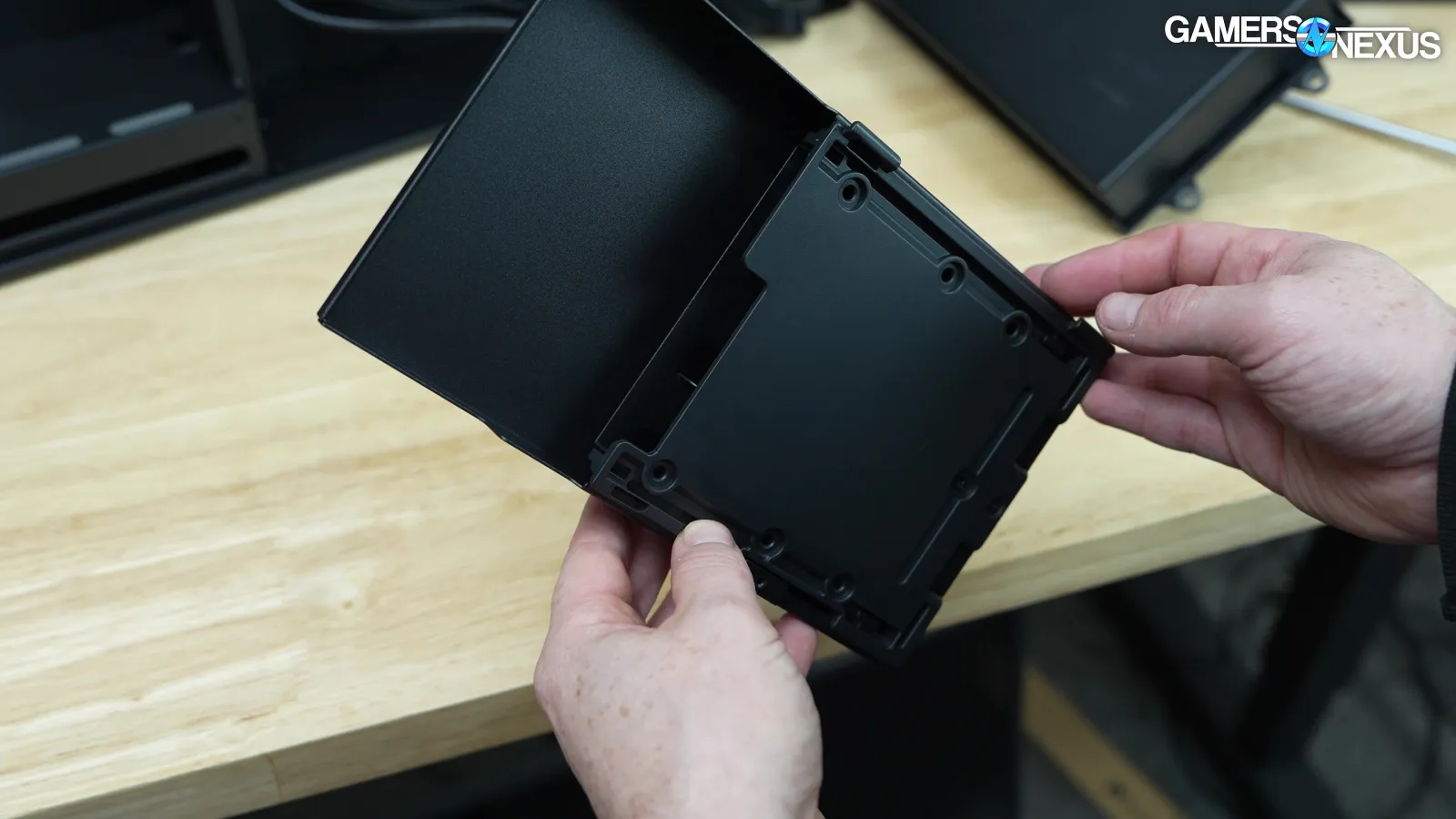
The drive cages are mystifying. The HS 360 has two included storage bays installed on the side fan mount and a third open slot behind the motherboard tray. Each storage bay can fit one 3.5" drive or two 2.5" drives. The bays consist of a plastic bottom, a metal insert, and a decorative metal shell. The decorative shells can't be installed without storage bays inside, so if a storage bay is moved to the third location, at least one of the shells has to be taken out (or a third storage bay purchased). Also, if the side mounts are used for fans, the location behind the motherboard tray is the only drive mount, limiting options significantly. It all works fine, but it's a complicated way to mount a couple of drives.
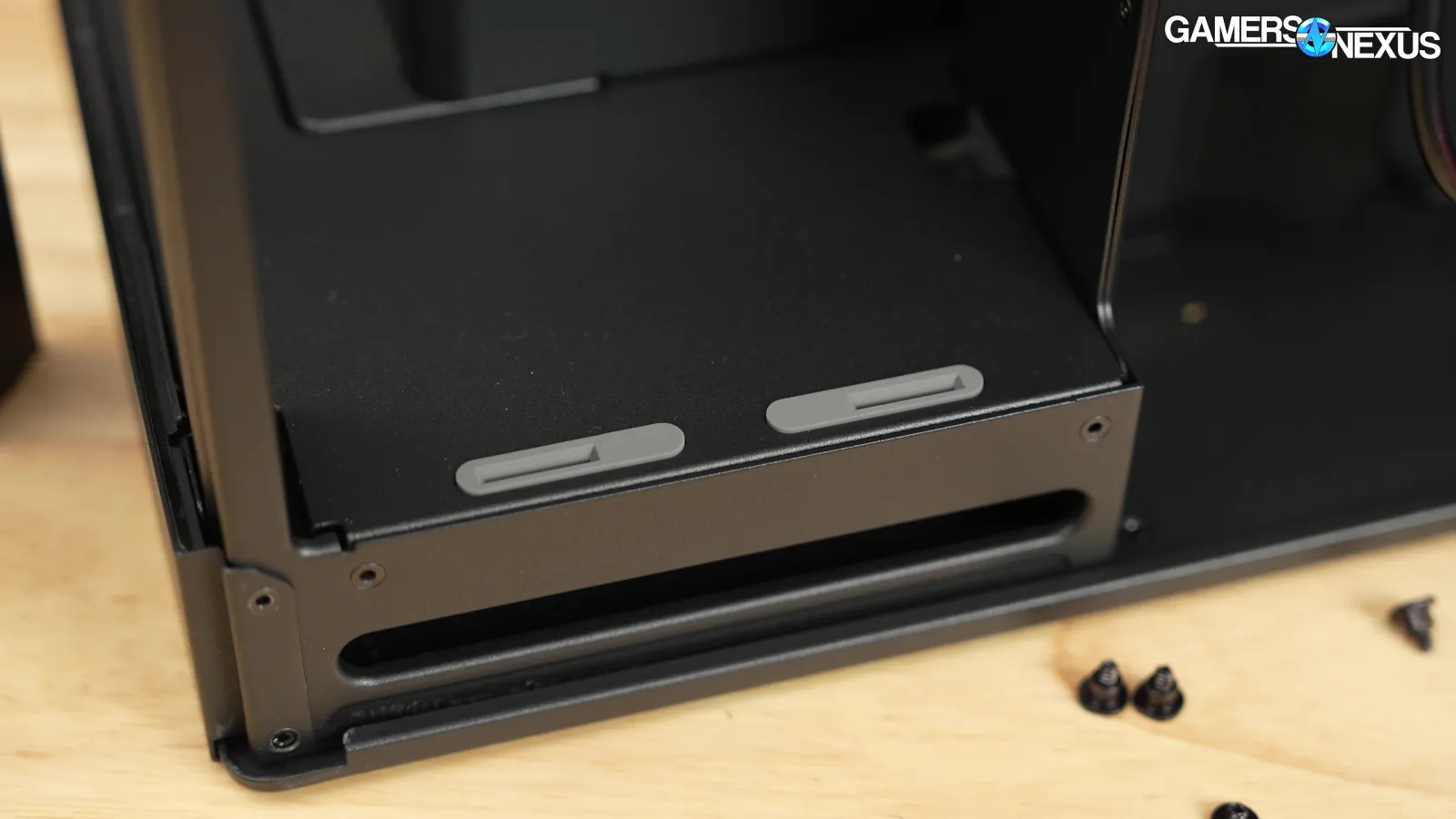
There are two separate mounting methods for putting the bays on the side mount or the optional third mount behind the motherboard tray. There's no vibration damping directly for the drives, but the side fan bracket uses rubber, as does the optional mount.
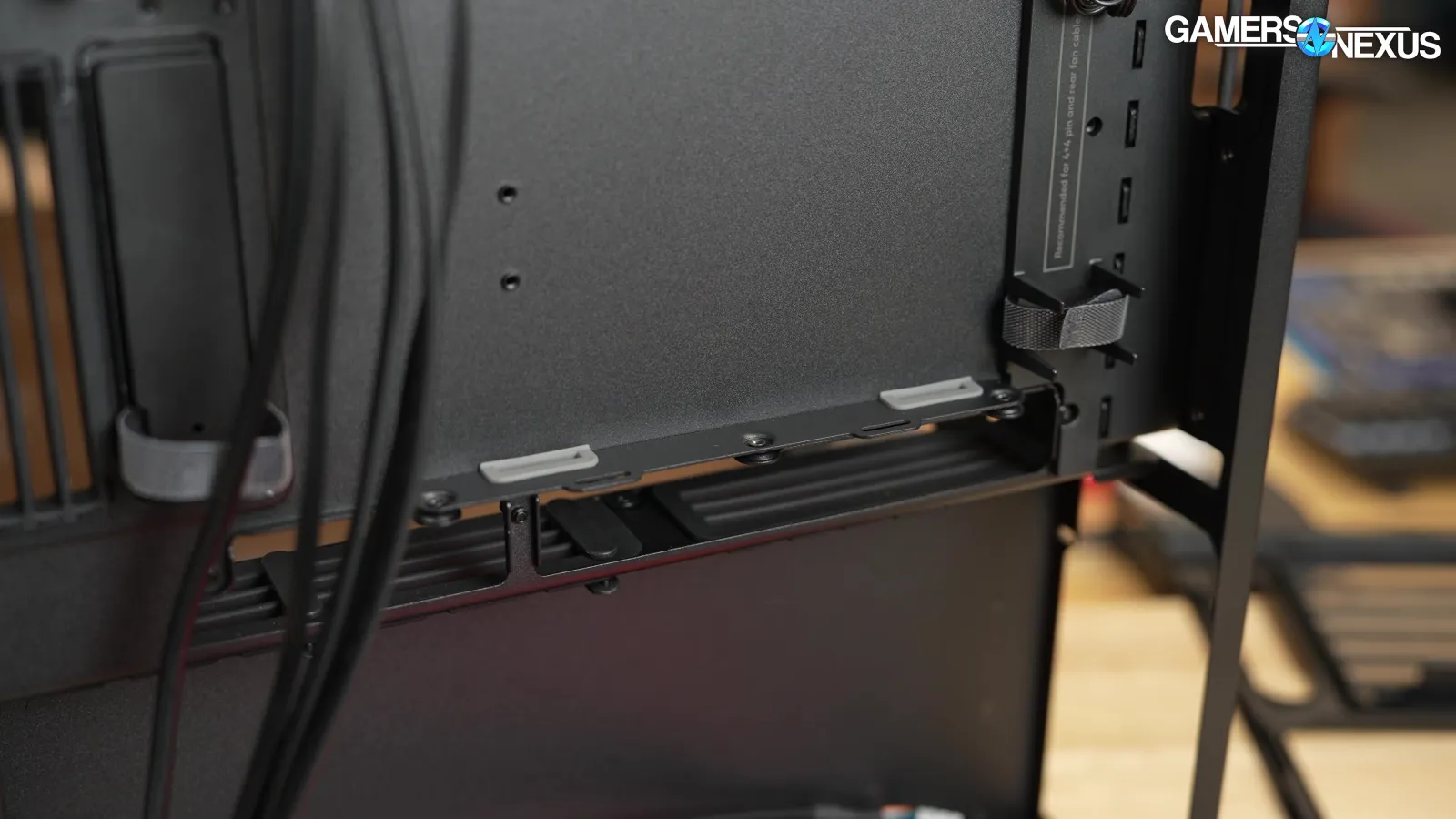
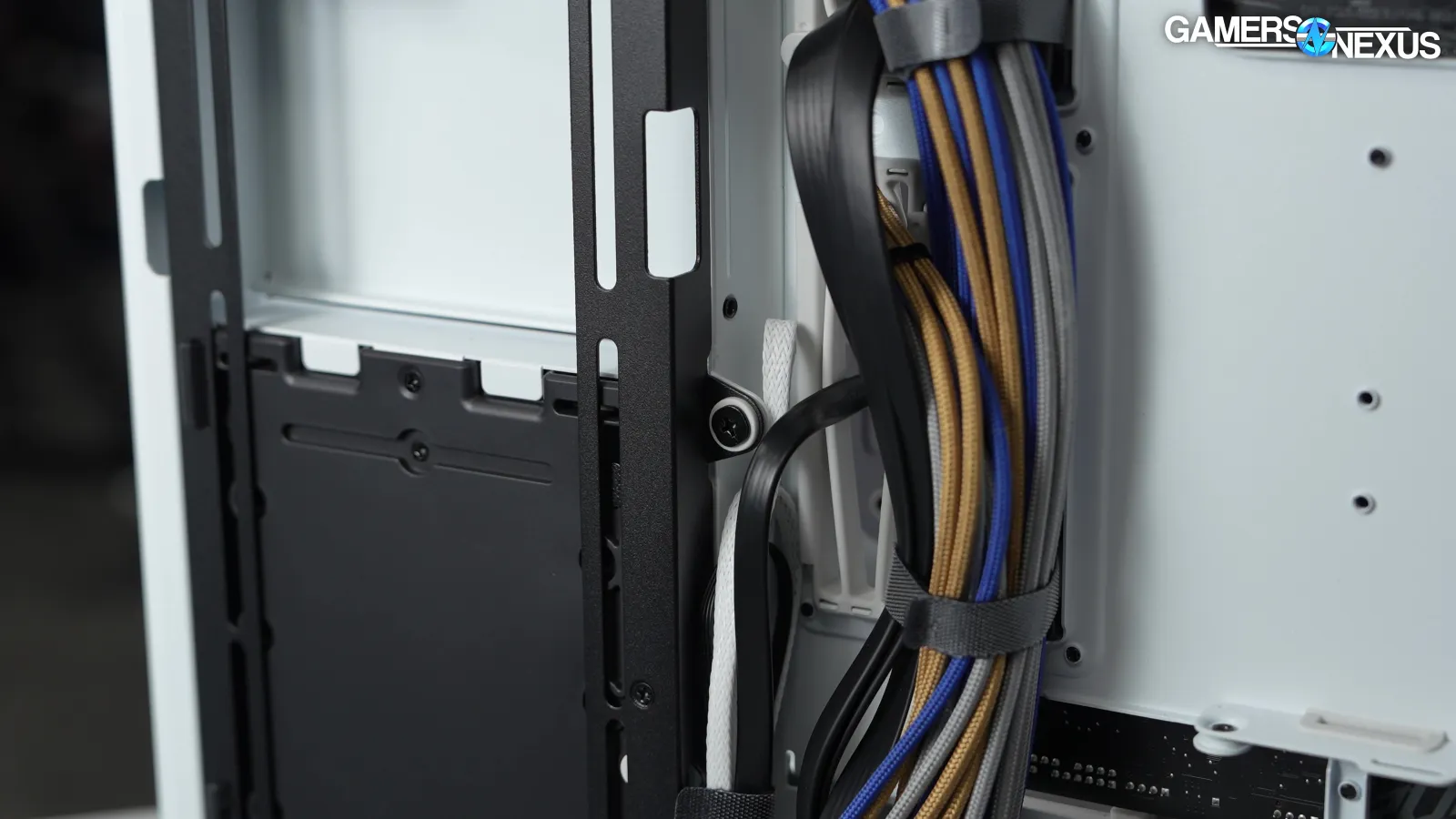
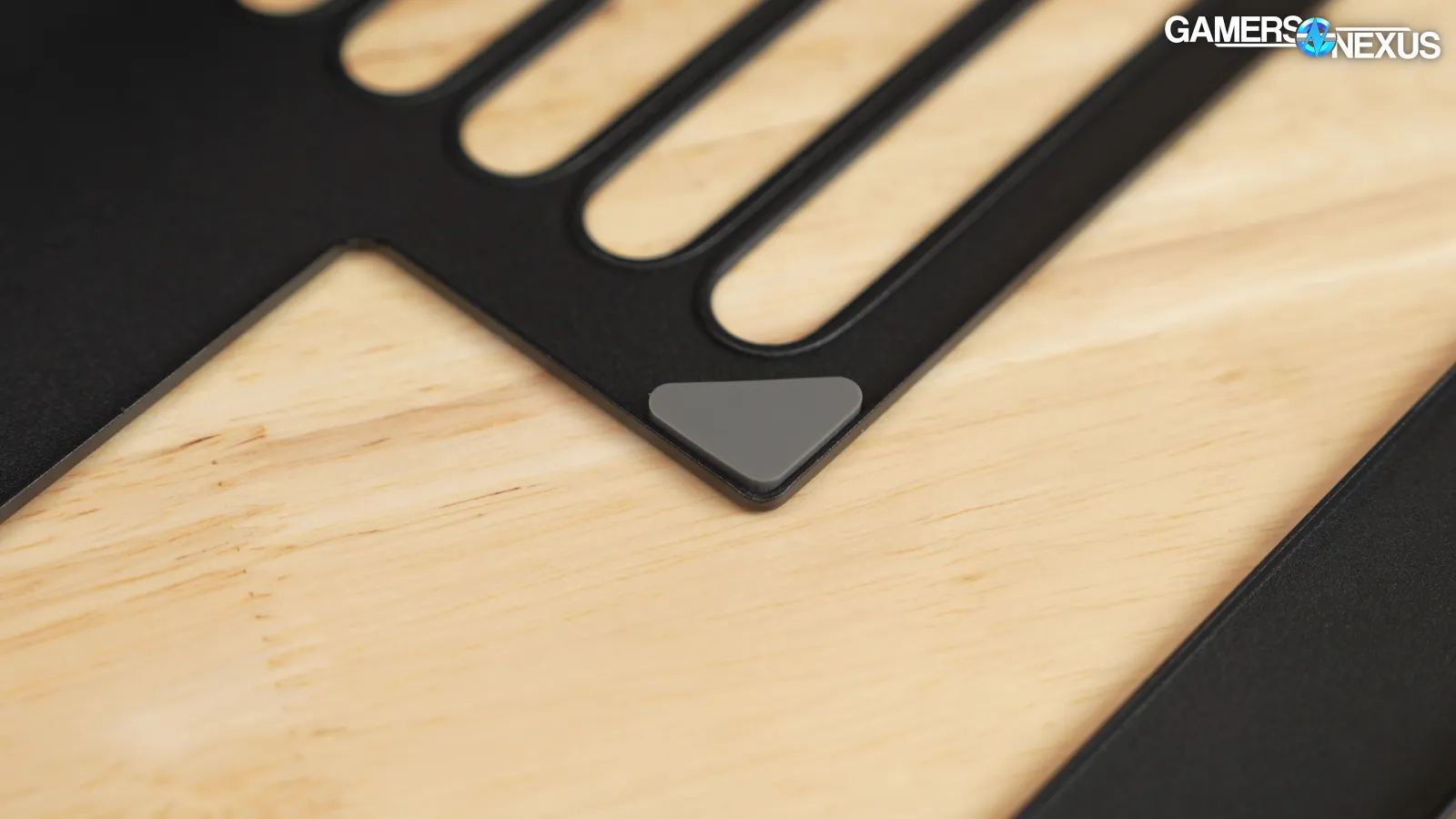
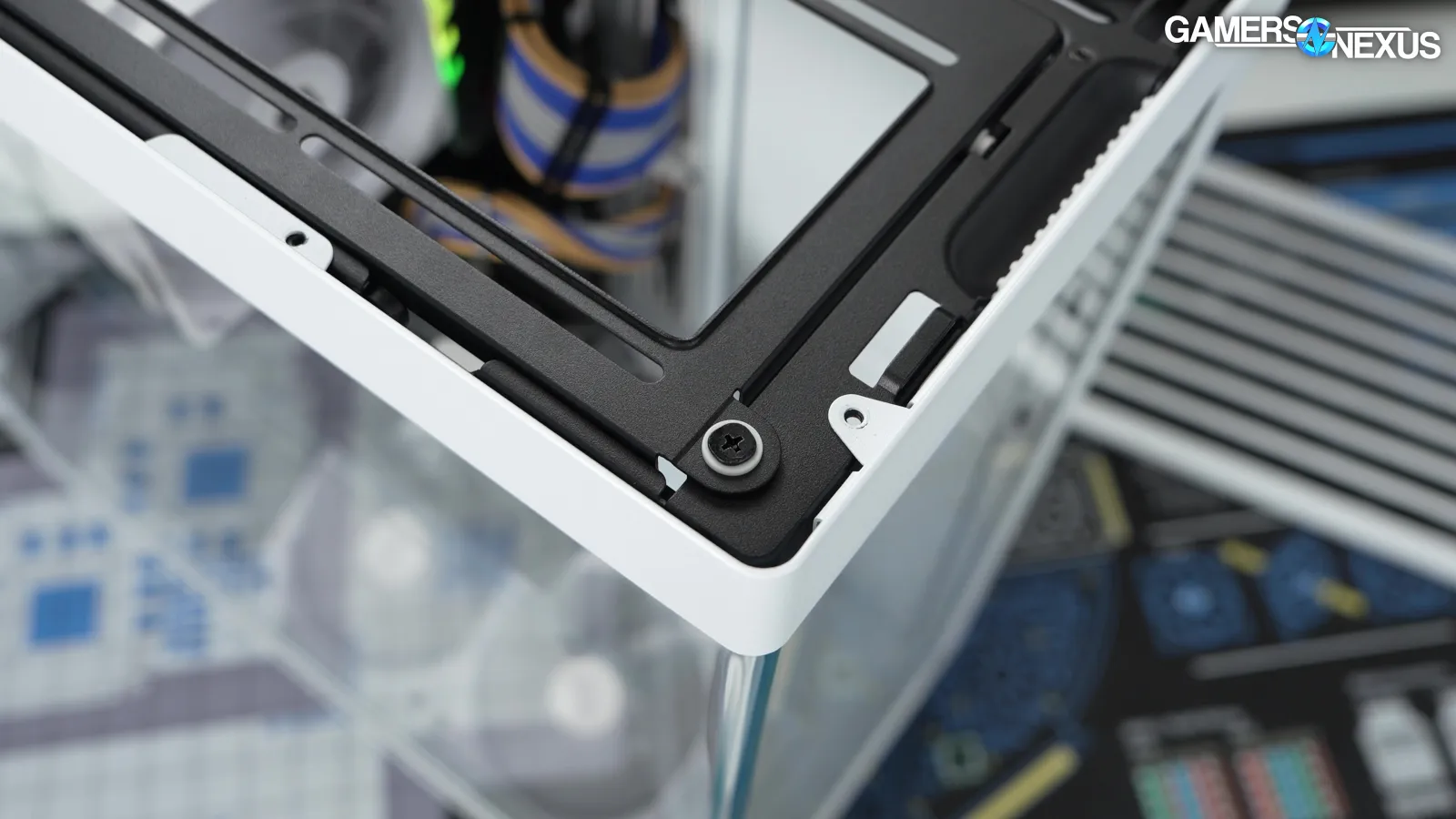
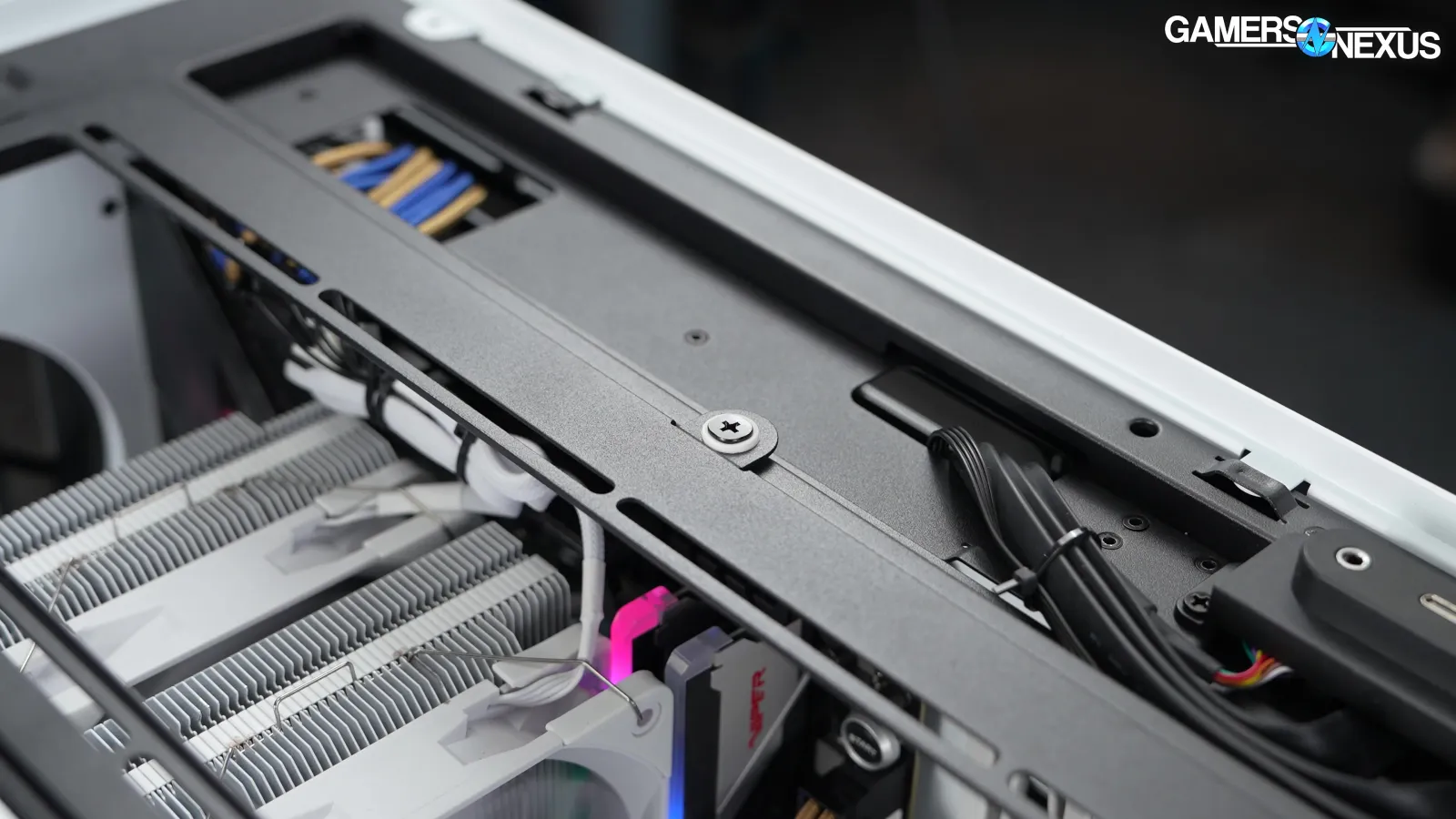
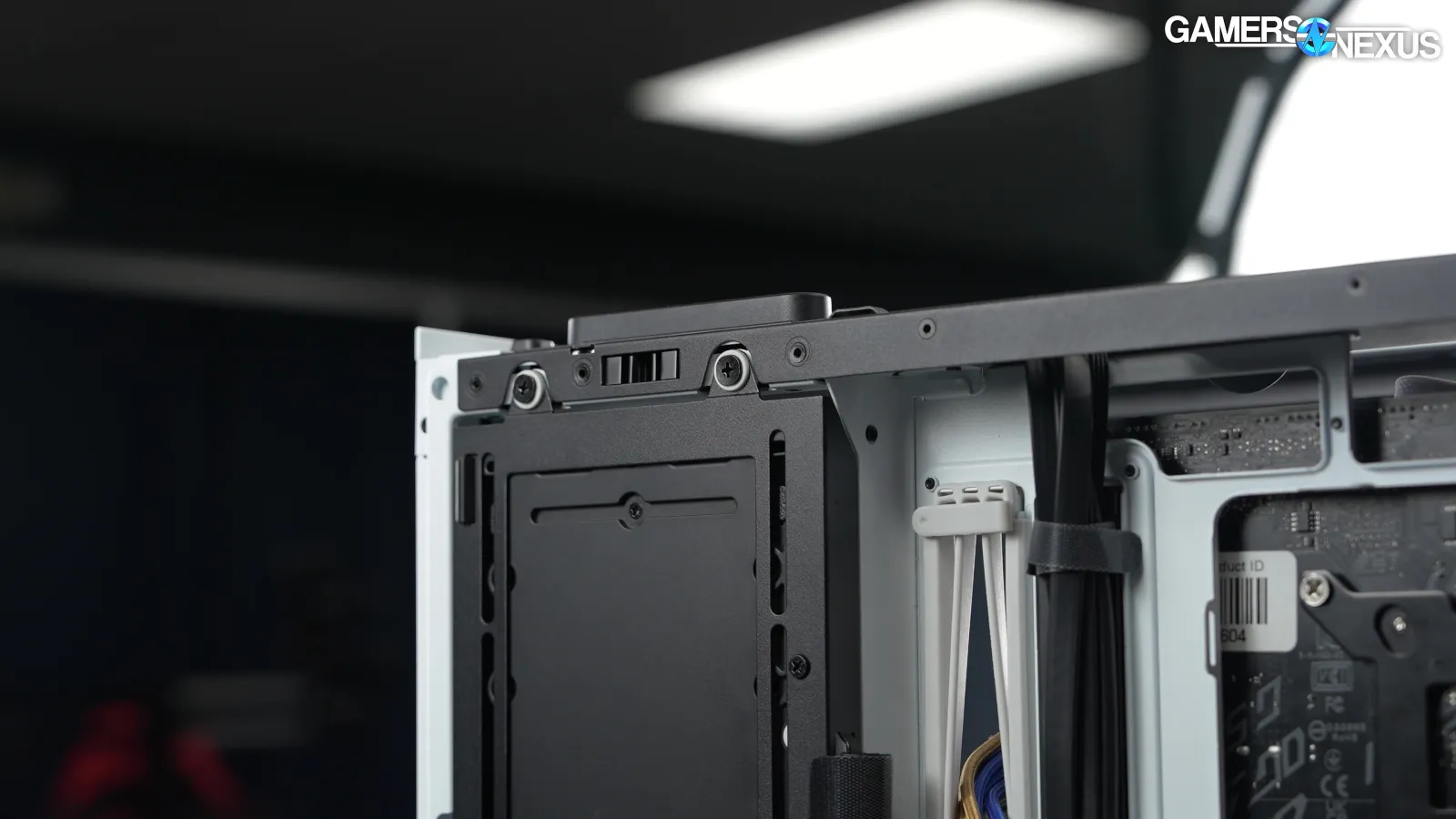
As with previous cases, HAVN has gone completely overboard -- in a good way -- with insulating every possible metal-to-metal contact point with rubber to prevent rattling. There's nothing really new here for HAVN, but it's something HAVN does that almost none of its competitors do. We’ve continued to appreciate this attention to detail from the company and are happy to see that they haven’t cut something so small to save a few pennies.
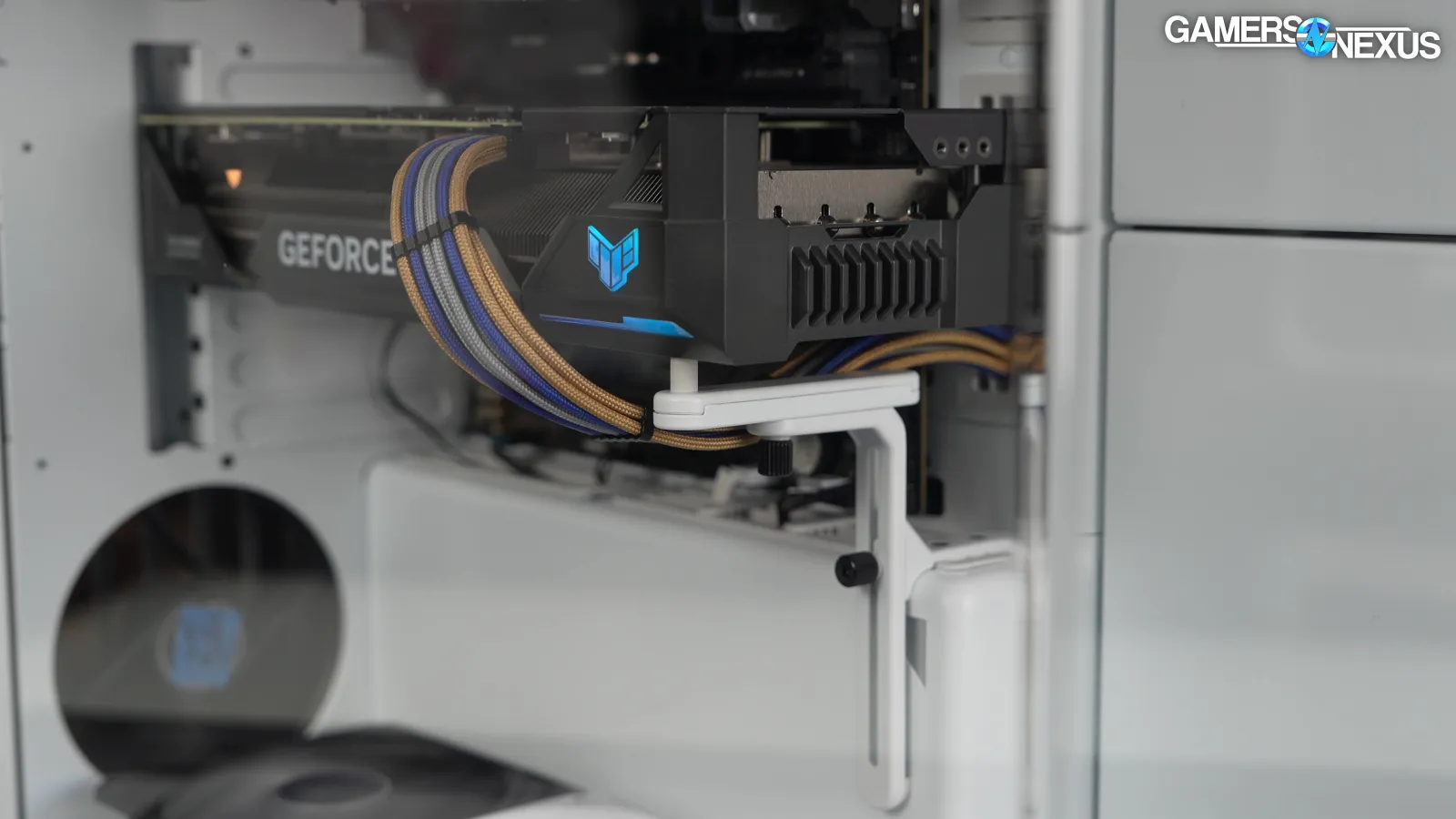
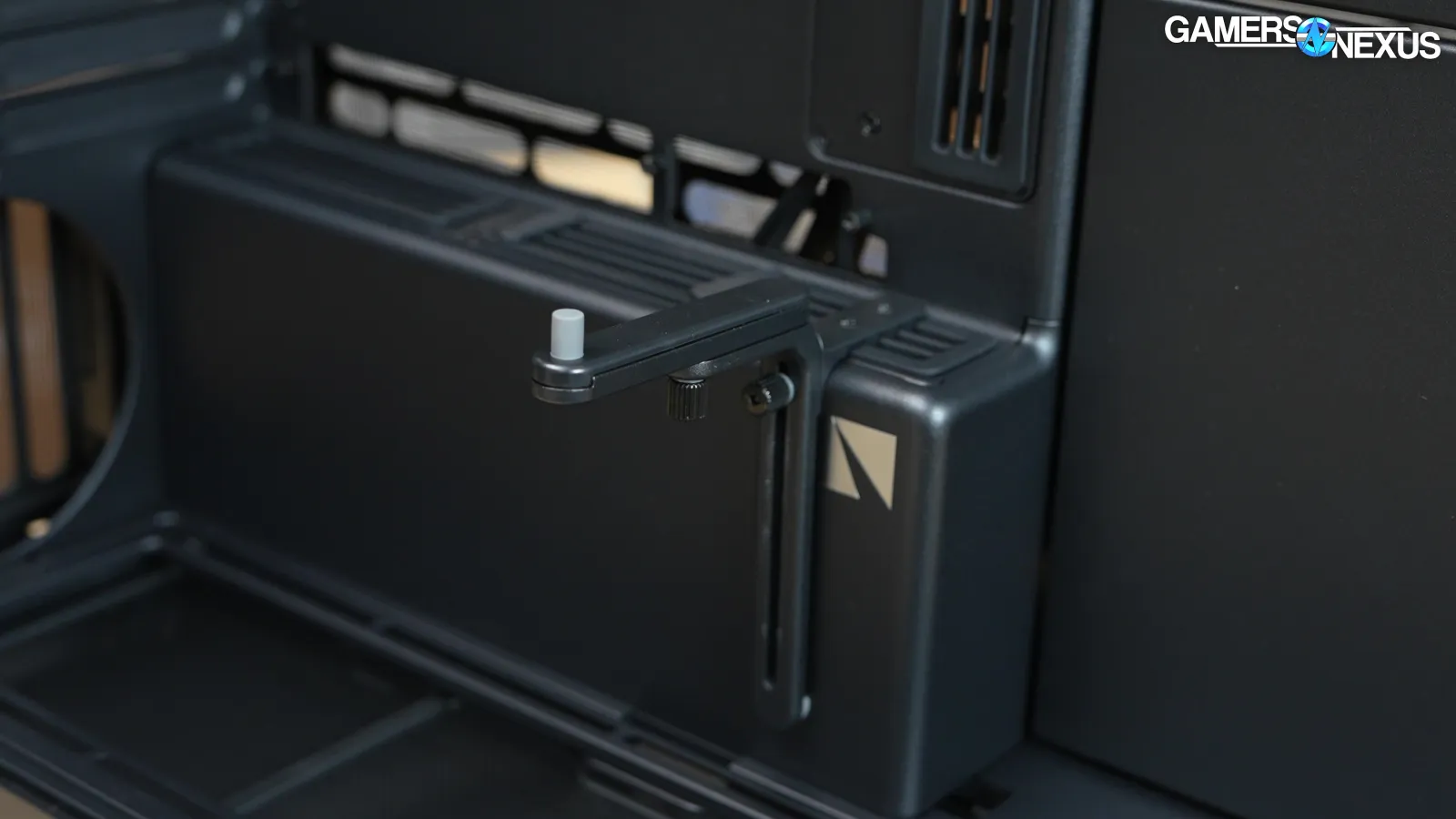
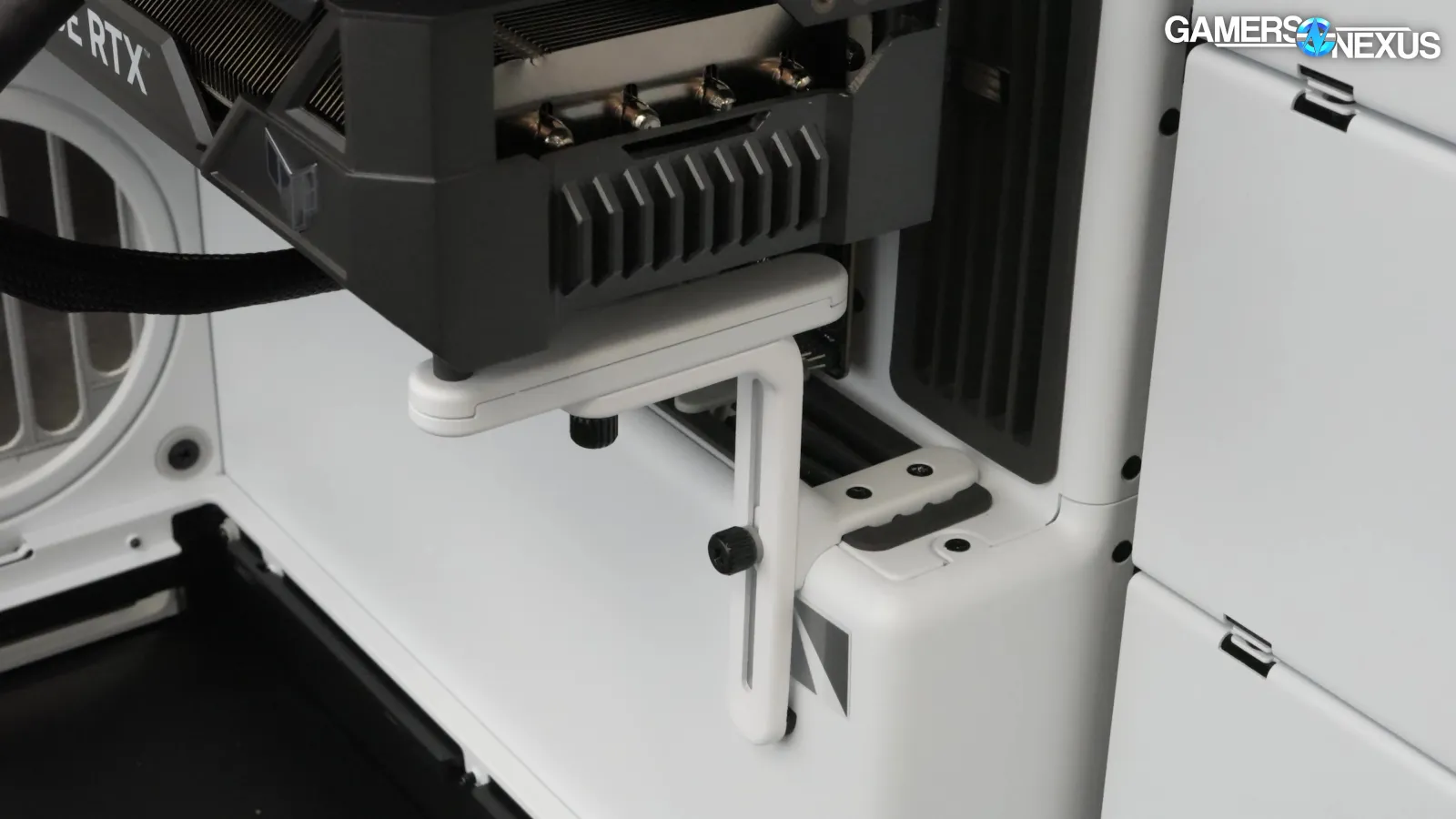
The GPU support included with the base model hasn't really changed from the HS 420, so we'll make the same note as last time: the support is sturdy and well-supported against the PSU shroud, but it can't be adjusted out any further than the end of the shroud. Anything longer than approximately 28cm will overhang the support.
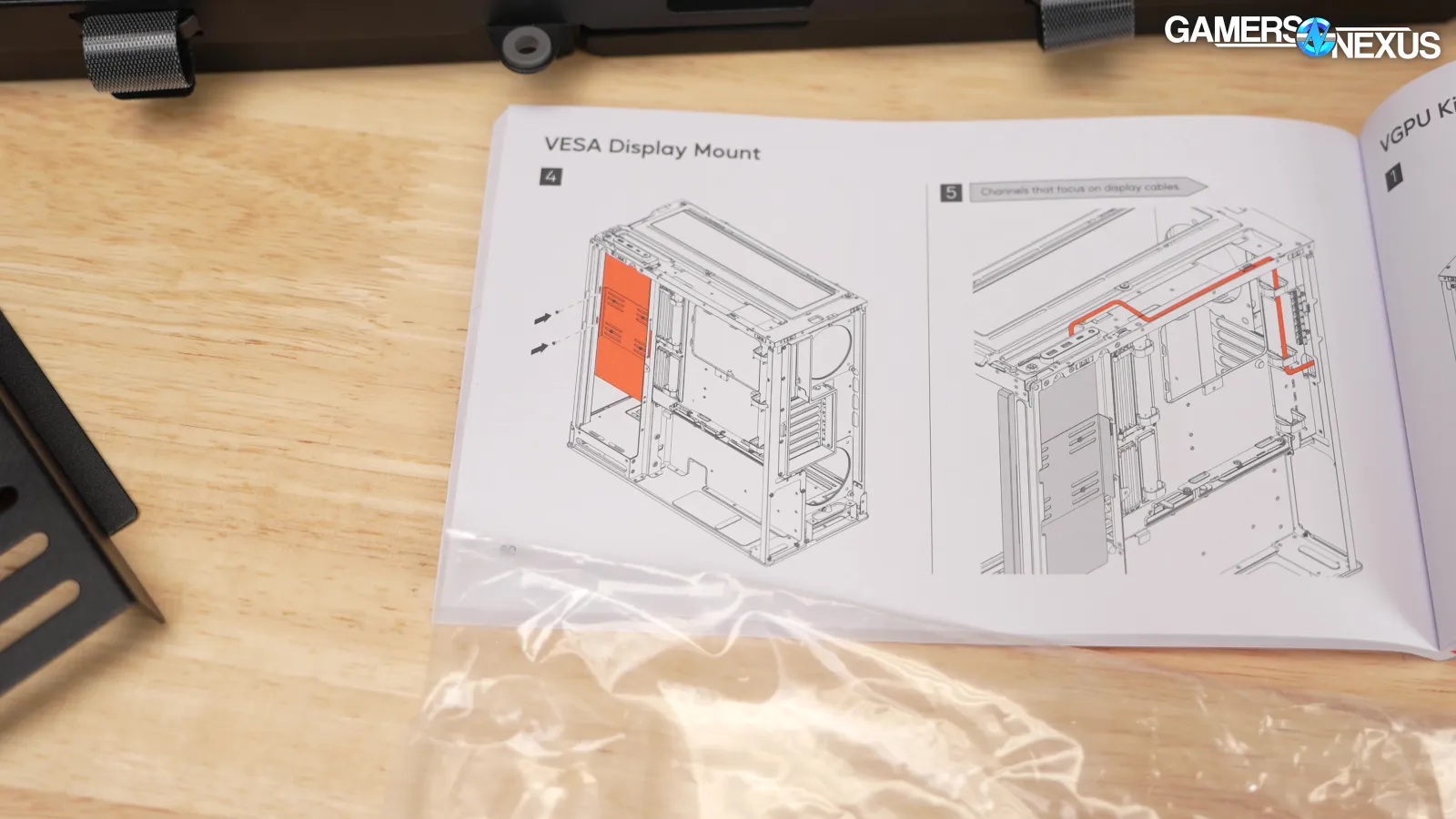
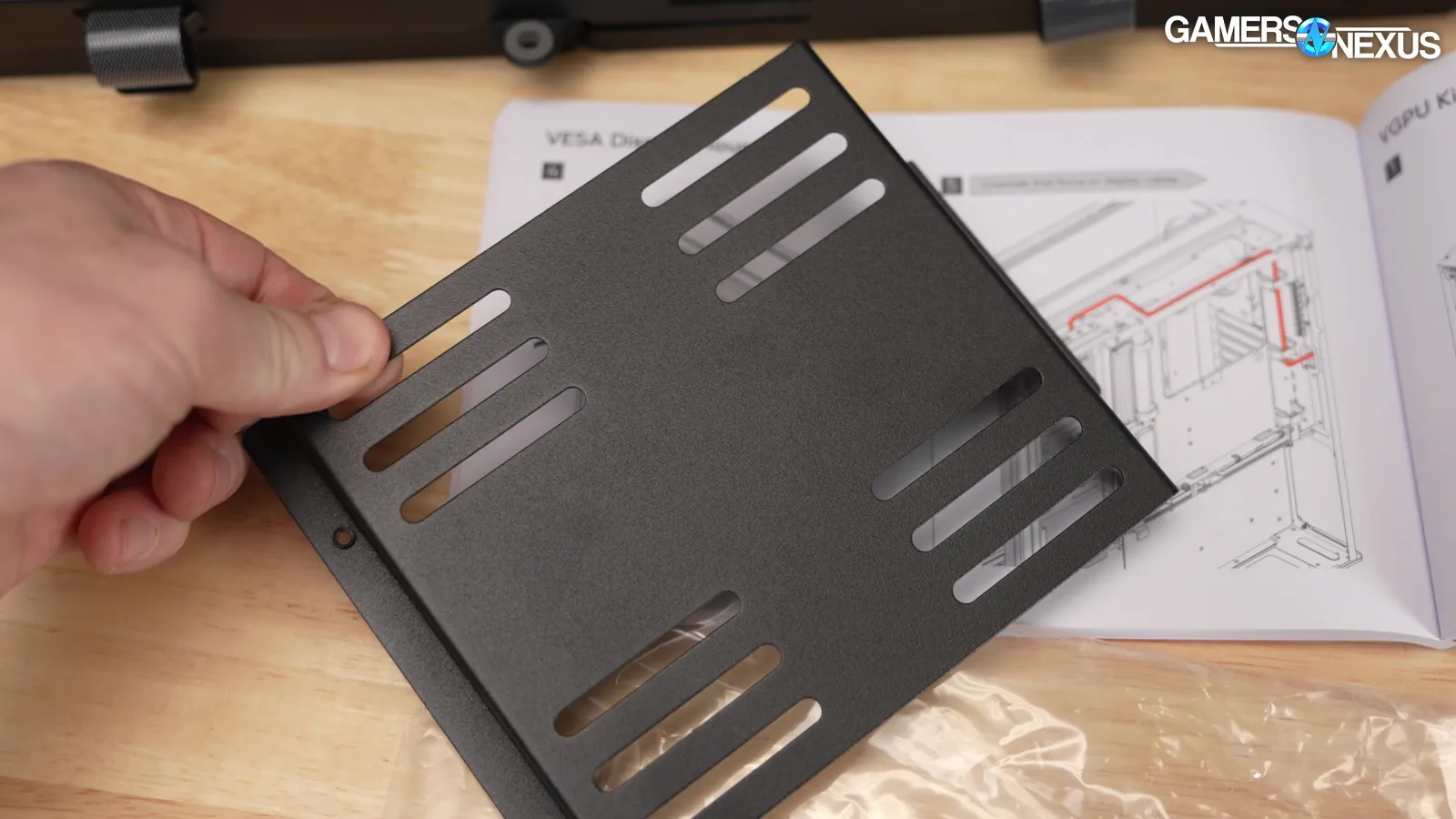
The side mount can also be used for a screen. All HS 360s include a VESA mount in the accessory kit, but not a screen.
As a side effect of all the little changes and improvements, there are basically zero interchangeable parts between the HS 420 and the HS 360.
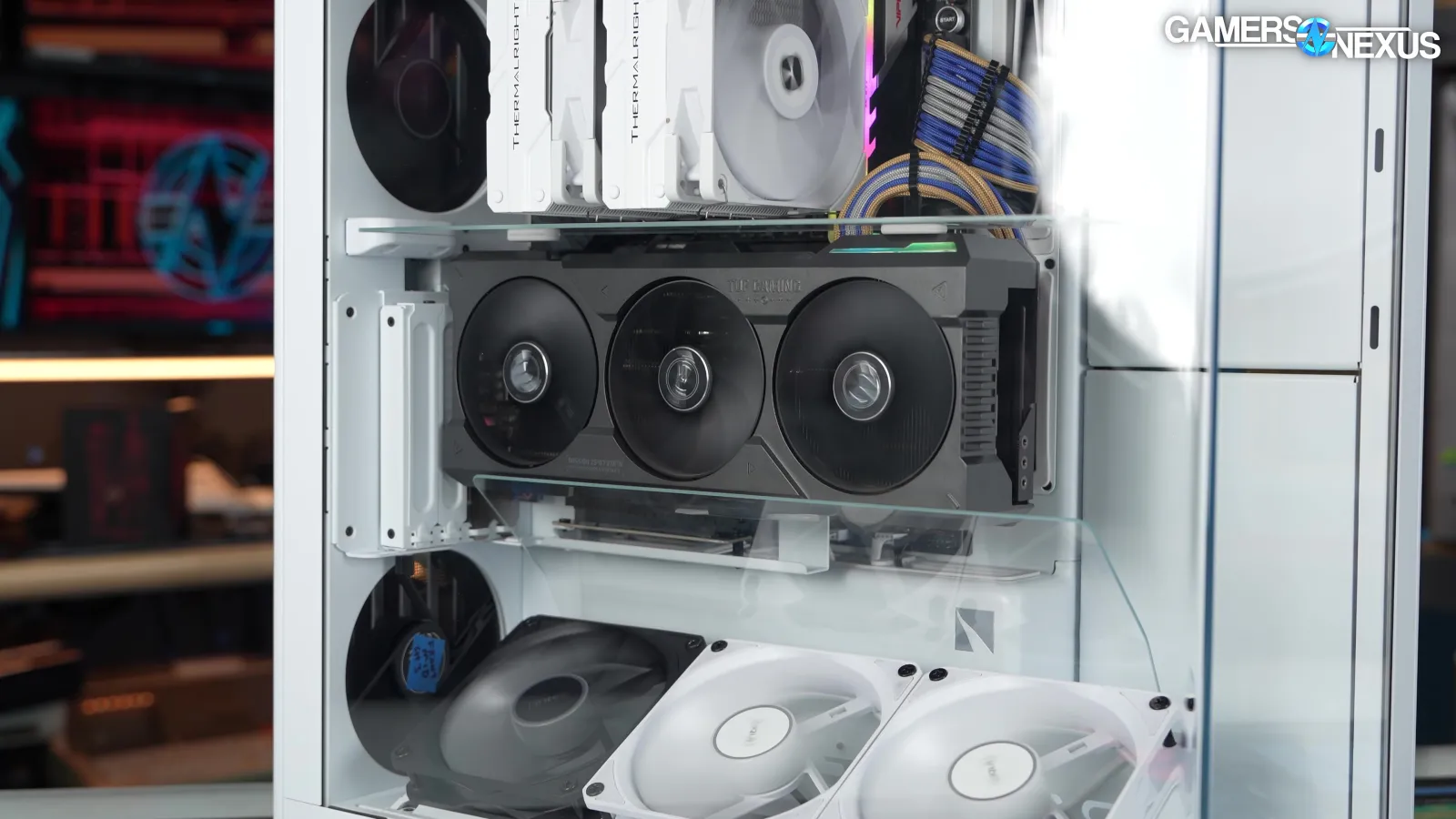
The magnetic airflow divider will be sold separately and will fit inside an HS 420.
Thermals & Noise
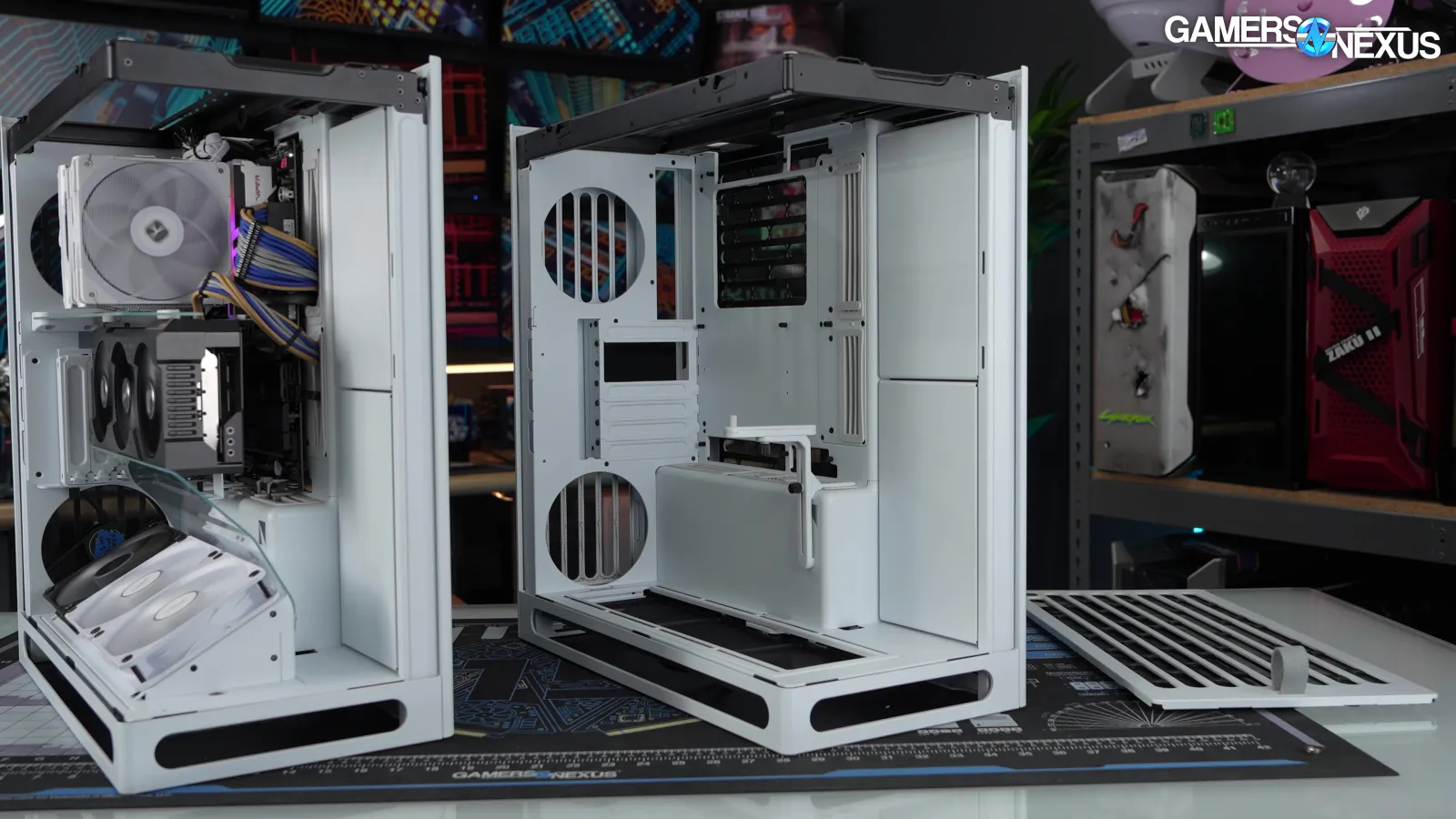
Like its larger predecessor, the HS 360 doesn't come with any fans, which is a challenge for testing against fully-stock cases. We usually borrow fans from the Antec Flux Pro (read our review) or the Antec Flux, but the HS 360 can only fit 120mm fans. We had to use a mixture of 120s from the Flux and Flux Pro, which kind of defeats the purpose: this isn't a set of fans that came with any specific case, so it might as well be any random set. Still, we stuck with the Antec fans since they're generally representative of what comes with a mainstream high-performance case.
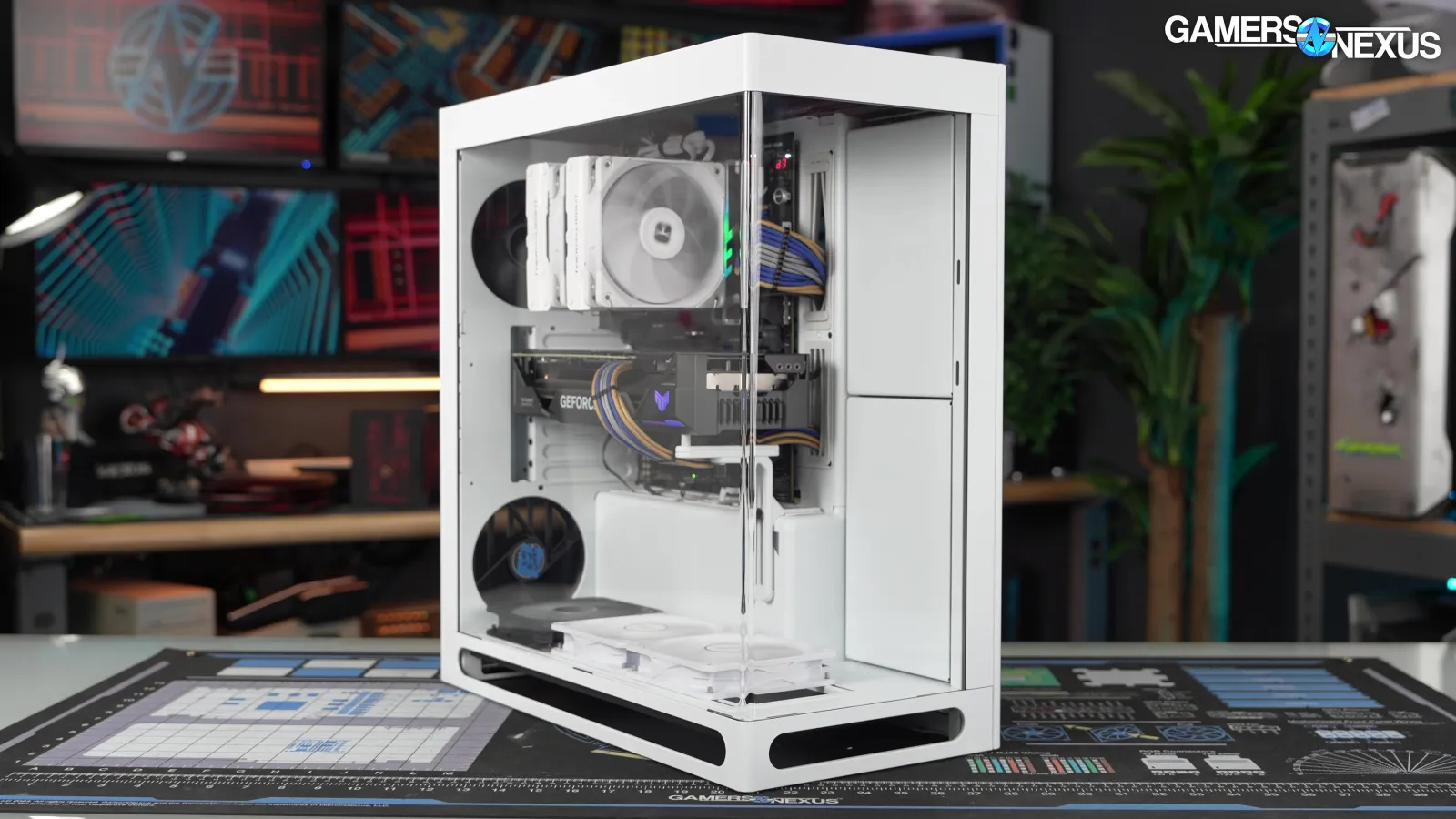
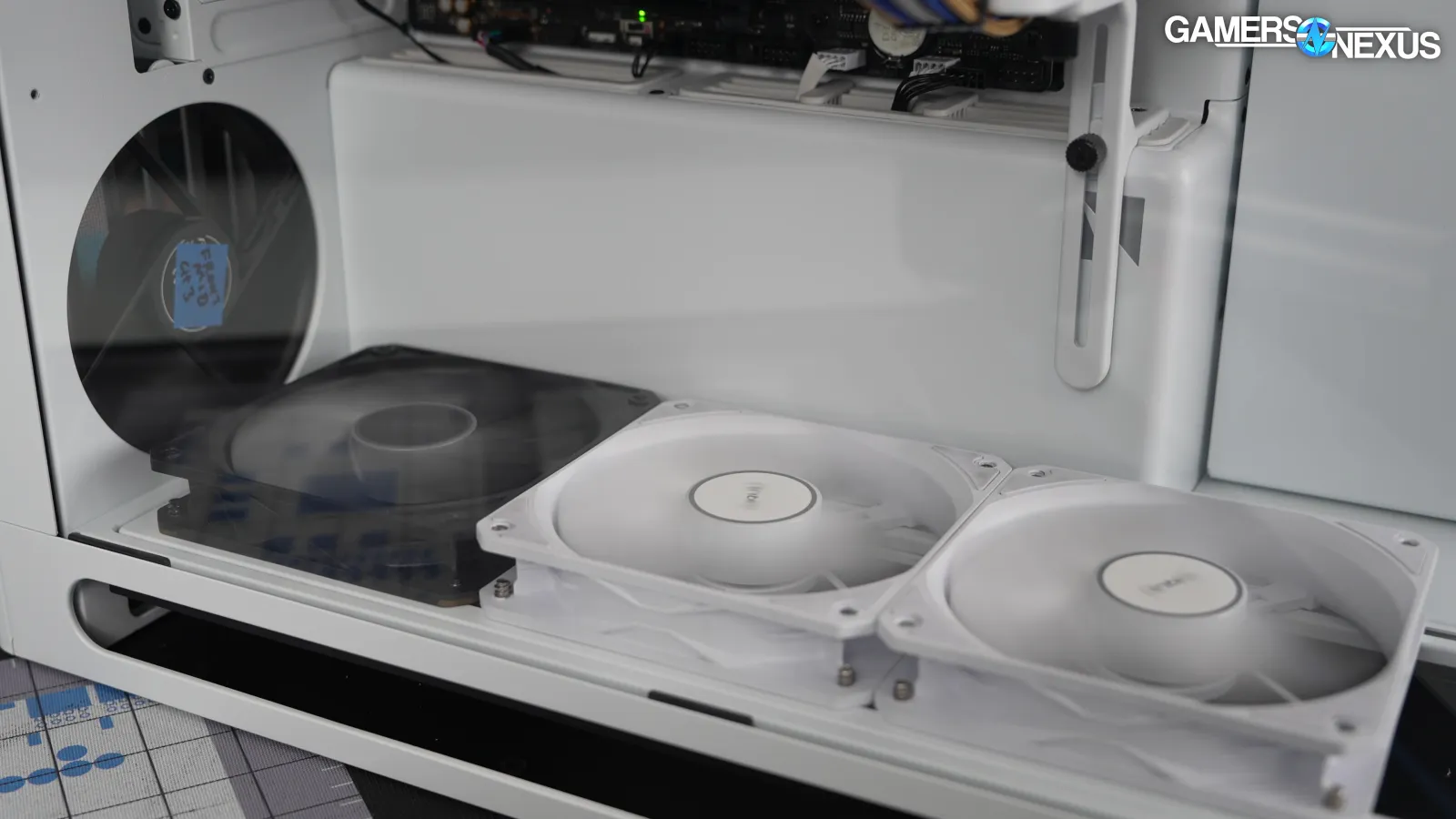
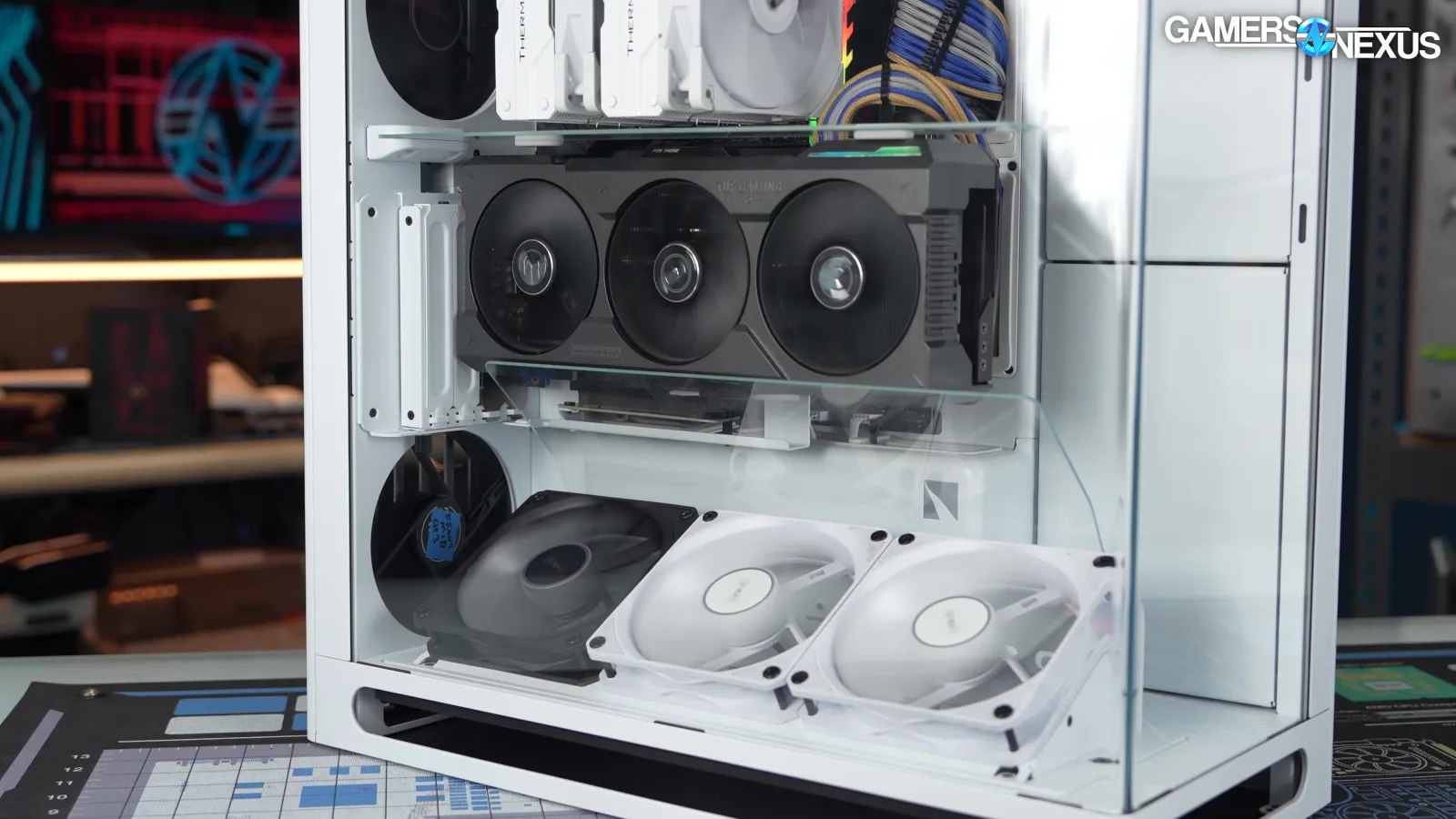
The baseline configuration we settled on was three reverse-blade intake fans on the bottom, another intake at the rear-bottom, and an exhaust at the rear-top.
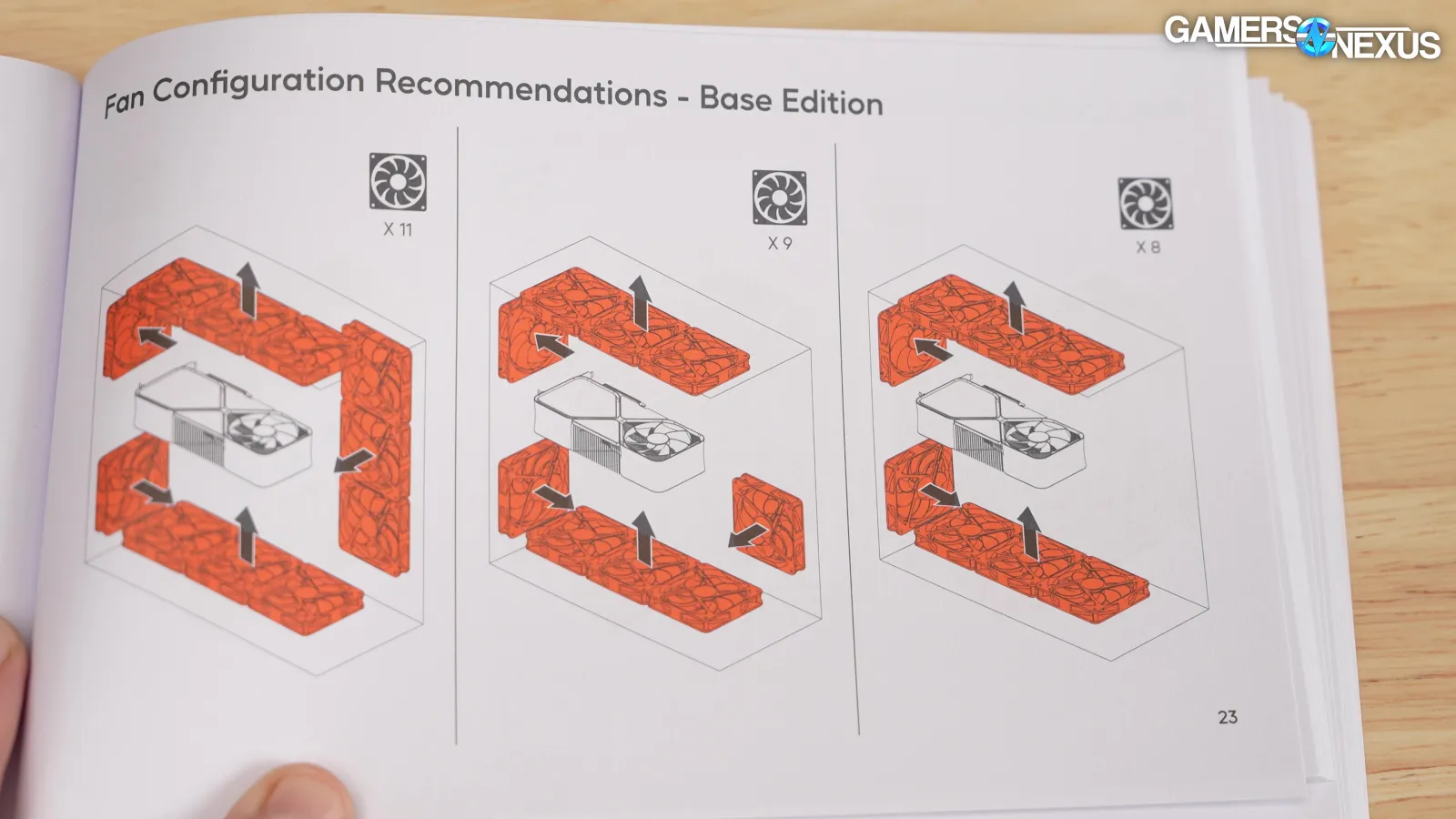
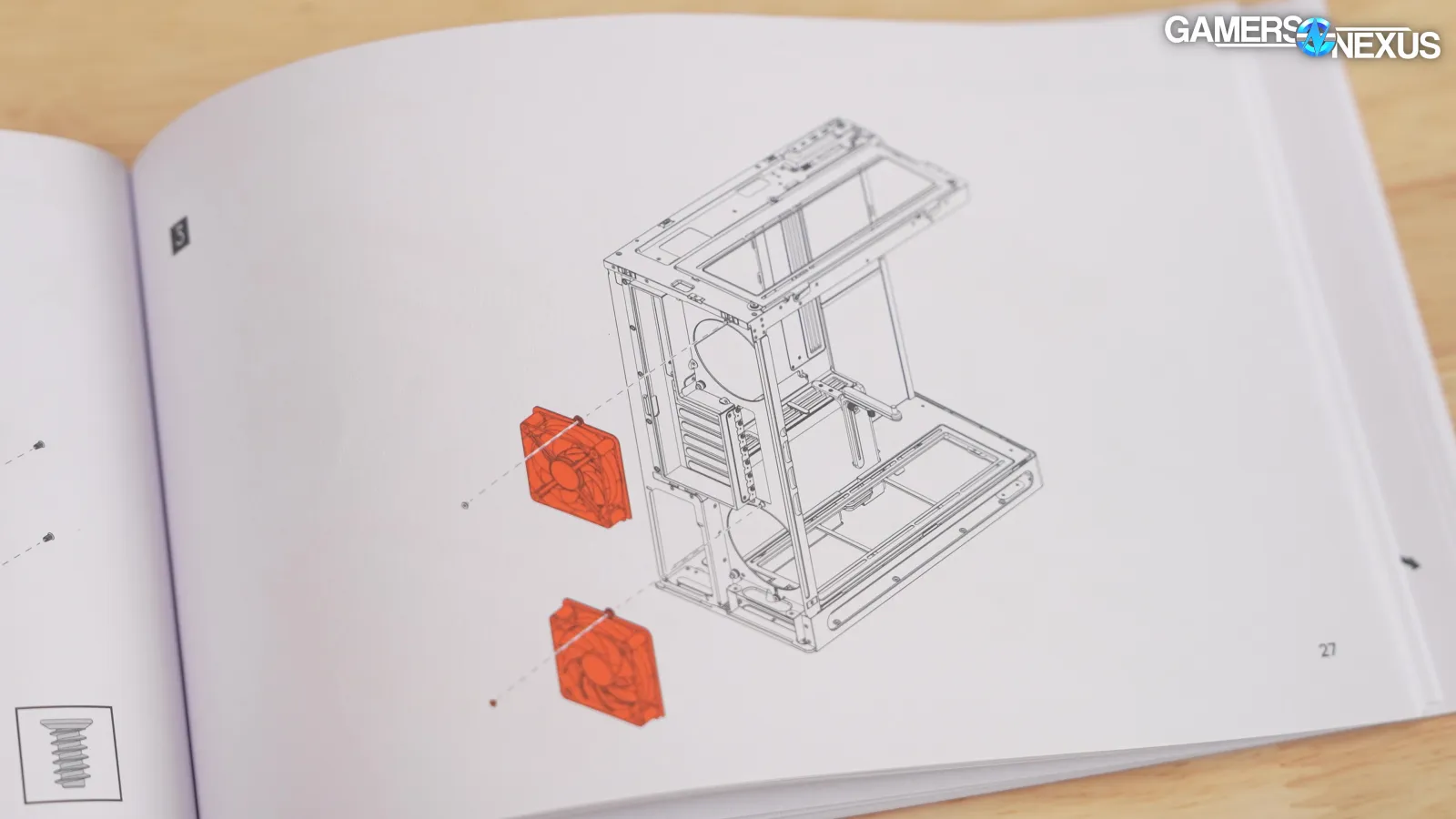
The HS 360 has a total of 11 available fan mounts, and the manual doesn't show any specific recommended configurations with fewer than 8, but we oriented the fans we installed as recommended.
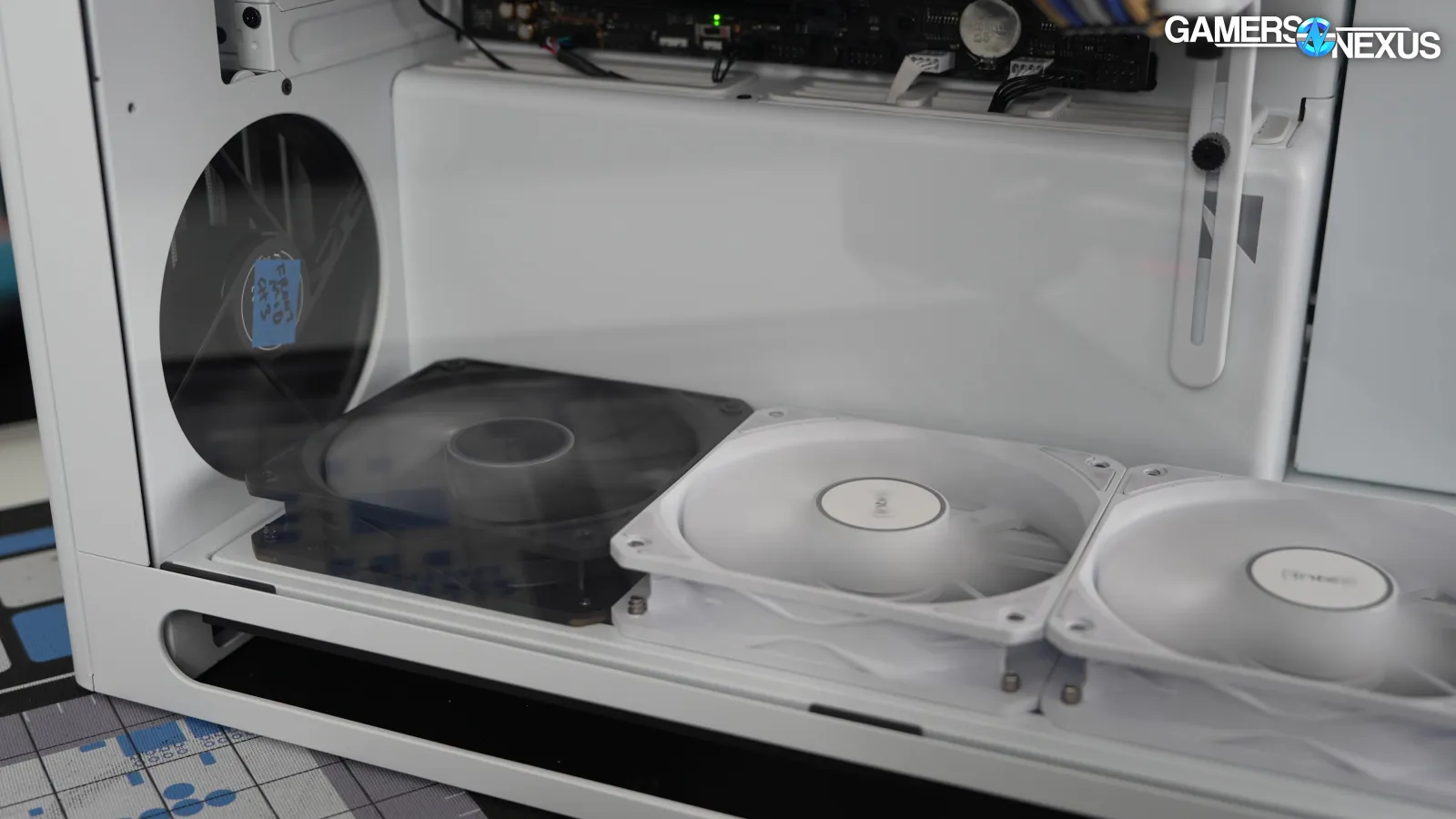
The side and bottom fan mounts (in the base model case) have some wiggle room for fan positioning. Following the manual, we pushed the side fans up towards the top of the case to bias them towards the CPU and the bottom fans back towards the rear of the case to bias them towards the GPU.
Unfortunately, because this case supports 120mm fans and doesn't include any, it doesn't quite match any of the now three different standardized fan configurations that we’ve established. To handle that, we ran seven test configurations on this case to understand how the different VGPU kits and glass configurations impact performance compared to itself and other cases.
GPU Thermals, Full Speed, HAVN-Only
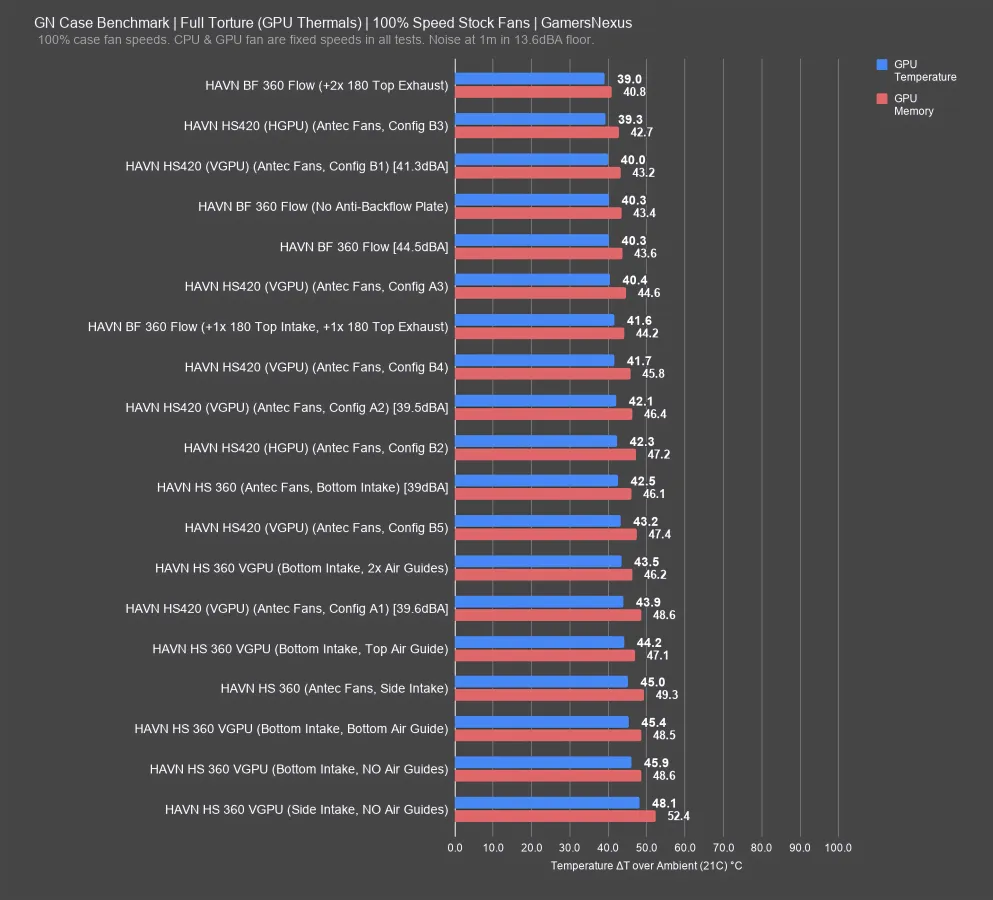
We’ll start with full-speed thermals targeting the GPU. This first chart only shows HAVN, because we have nearly 20 entries for it and we’ll have to remove most of these to make space on the competitive chart with alternative cases down below. First though, we’ll study HAVN’s performance characteristics.
Because HAVN’s own cases don’t always define fans and because they sometimes only support 120 or only support 140 mounts in some spots, there’s no way to perfectly match them. We still have enough to work with, though.
The HS 360 is the new one: With the huge amount of configurations we tested (at 7 for just this one review), the best-performer for the GPU was with the fans installed as bottom intake. That makes sense, given they’re pointed straight into the GPU.
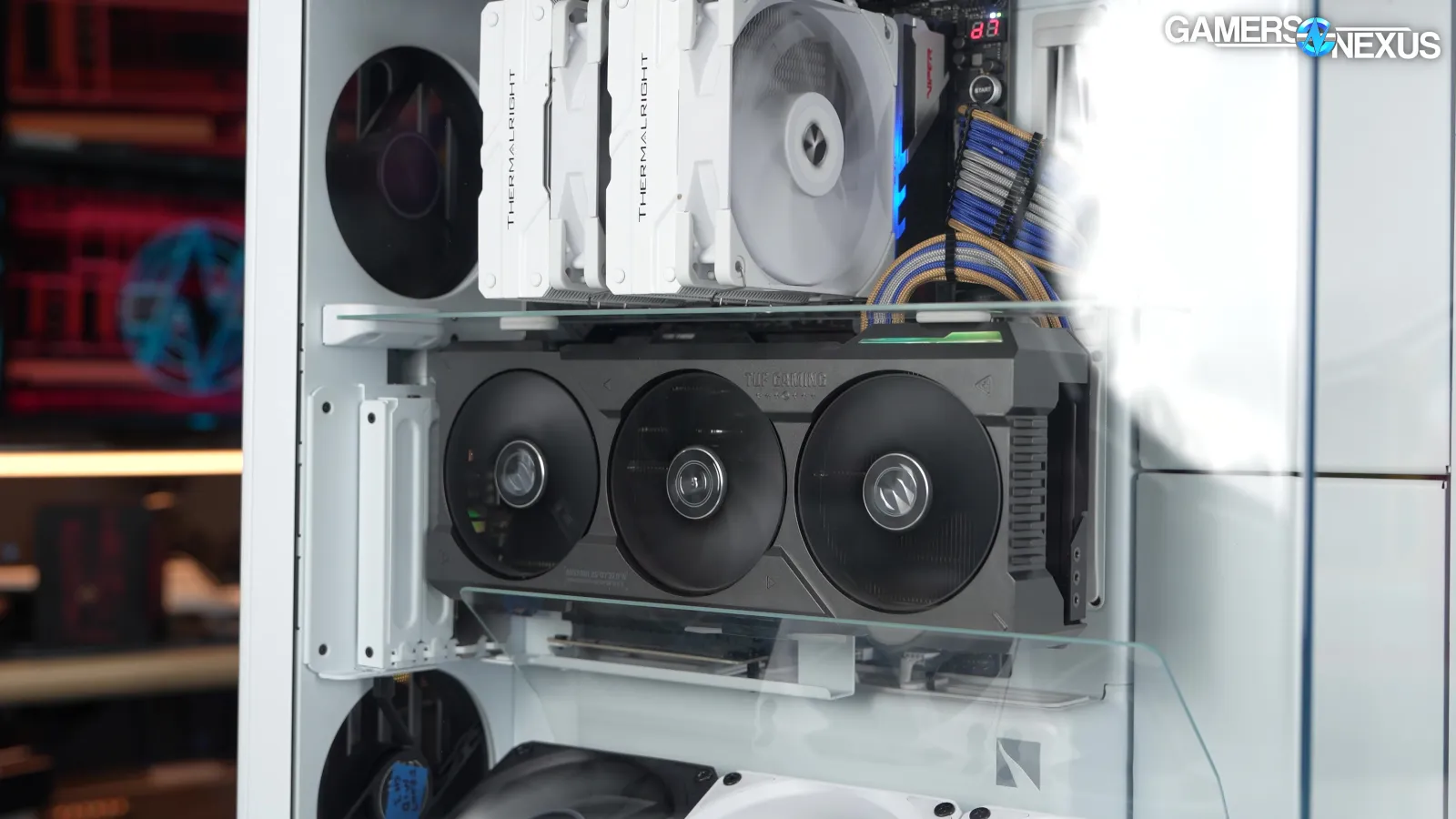
The VGPU kit should always underperform a horizontally-mounted GPU just because glass generally worsens access to air; however, HAVN has done excellently to combat the downsides of a vertical GPU with its full VGPU kit. It actually works -- credit to them. The bottom intake setup with two air guides is only 1 degree worse than the 42.5-degree-over-ambient result of the horizontal configuration with the same fan layout.
Sticking with that, if we remove the bottom flow guide, the case falls to 44.2 degrees over ambient. Removing the top guide but keeping the bottom, it is now at 45.4 degrees over ambient. Without any air guides at all, it tested at 45.9 degrees with all other factors the same.
The guides are absolutely working this time. The HS 420 wasn’t a bad attempt, but didn’t really do what they planned. This time at least, HAVN has managed to counteract a vertical GPU’s performance costs in our test setup when running both guides.
The side intake setup had the GPU at 45 degrees, so notably worse than the 42.5 of the bottom intake configuration and of no surprise.
HAVN’s HS 420 generally performed better in this chart, but that’s because the configurations aren’t directly comparable. We had more fans available and of different sizes. The BF 360 Flow had its own fans, and so is also not directly comparable -- but remains a great case if you want just a straight performance focus while sticking with HAVN’s looks.
GPU Thermals, Full Speed
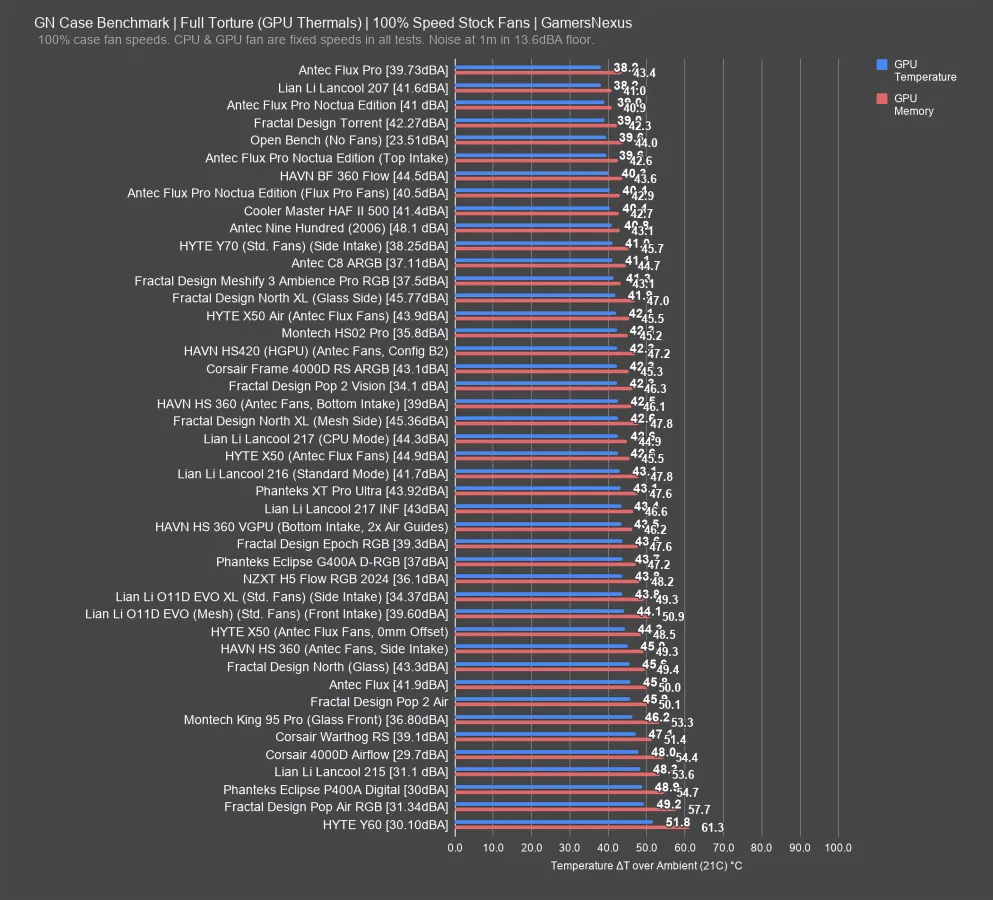
Here’s the competitive chart for full speed thermals when looking at the GPU.
The HS 360’s best result for the GPU, which is horizontally mounted, has it in the middle of the chart. Again, we were left to our own devices for fans, and for these tests, we generally try not to just throw $200 of fans into a case and double its cost. With what we chose, which is most similar to what we ran in the Hyte X50, the system ran at 39 dBA. It had thermals comparable to the North XL and 4000D RS ARGB. Not bad, but not impressive. The noise level was quieter than the X50 Air (read our review) mostly thanks to how perforated the Hyte case is, but the two are thermally very similar at 42.1 and 42.5. They’re within error.
Overall, it’s an OK showing for the HS 360 in the same way the non-Pro is an okay showing for Antec, but that’s when running a bottom intake configuration to benefit the GPU. This is also with the rear fans configured to benefit the HS 360.
CPU Thermals, Full Speed, HAVN Only
Back to HAVN only, here’s the CPU thermals chart with full speeds.
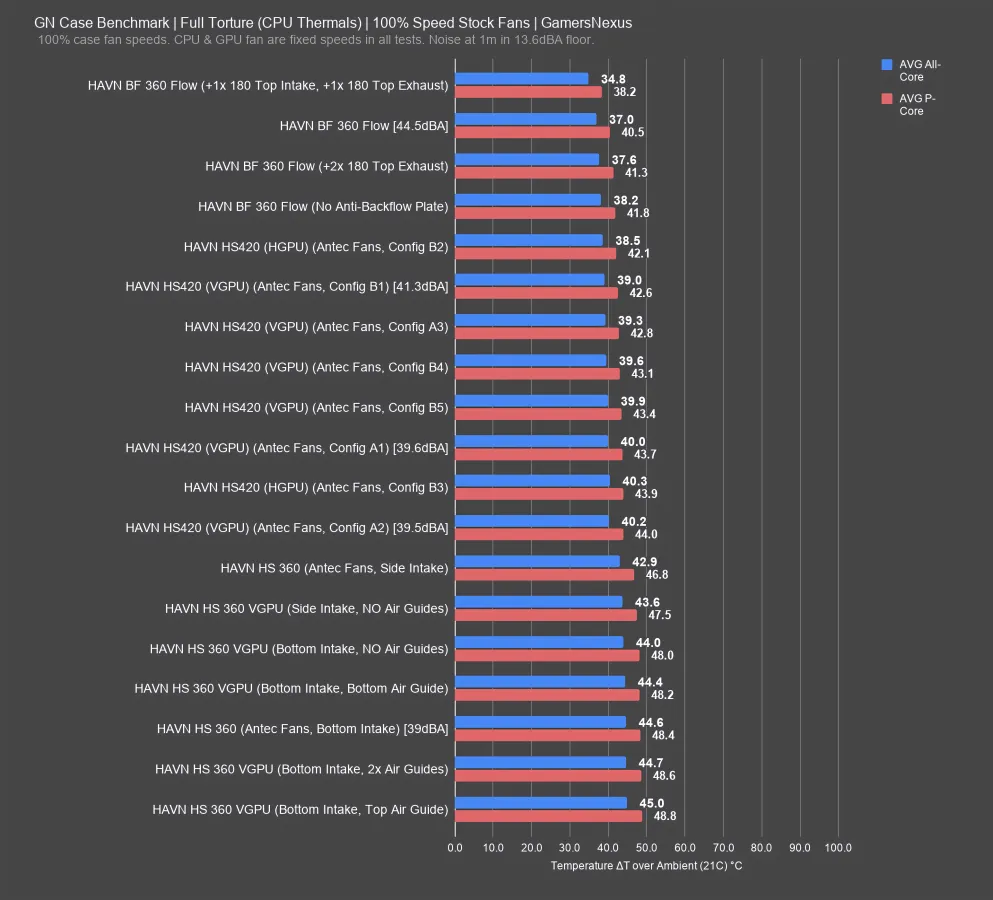
CPU thermals have the HS 360 with side intake performing the best, which also makes sense when given the option of bottom or side only. The balance would, obviously, to do some of both. We’ve done that testing in the past with the HS 420, if you’re curious about the impact in a comparable way, you can check that review.
But this is already 7 configurations tested, so we’re off to a good start. Side intake had the CPU at 46.8 degrees over ambient; removing the guides worsened performance slightly, moving to bottom intake without guides put us at 48 degrees, and running bottom intake with the top guide only had an impact on flow characteristics that pushed it to 48.8.
CPU Thermals, Full Speed
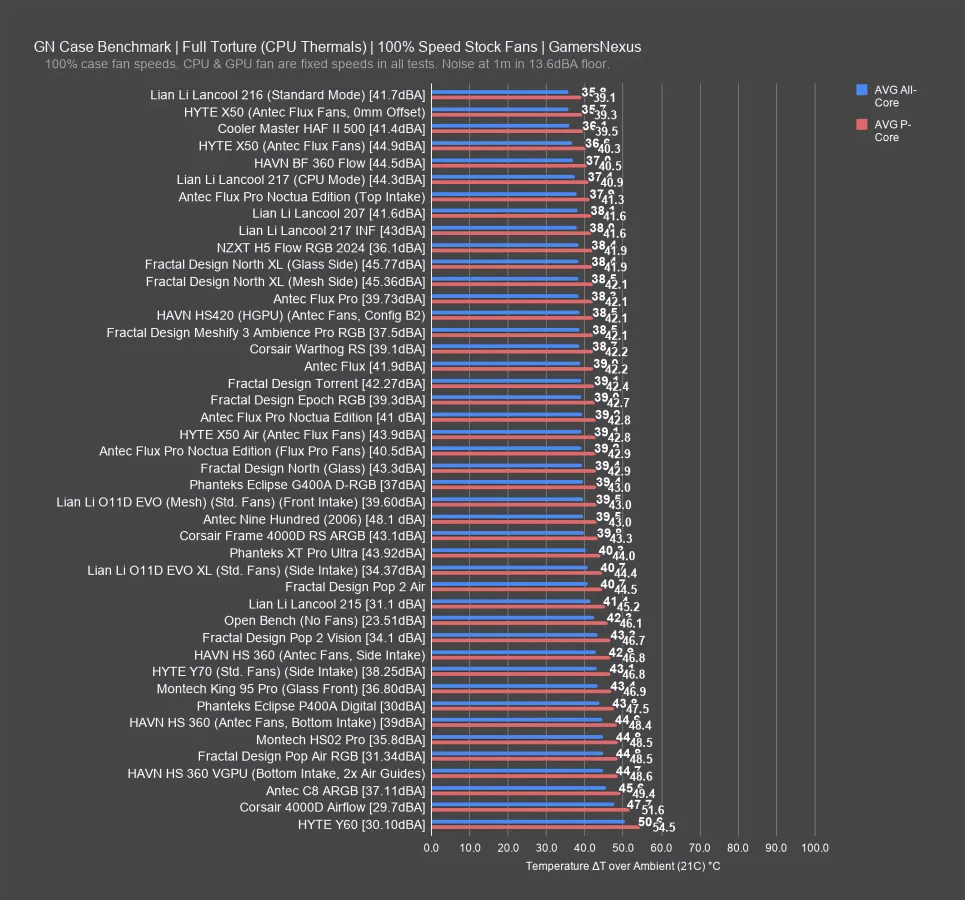
Unfortunately, the HS 360 falls toward the bottom of the chart for CPU thermals, even with the better-performing side intake configuration. The comparable X50 bests the setup by a few degrees. You could spend a lot of time tuning this and A/B testing fans around the case, but you could also do that for any case on this chart. What we’ve shown over the years is that filling every slot doesn’t benefit performance, so it requires tuning. In this instance, the takeaway is that the HS 360 gives you a better starting point with the GPU than the CPU.
Noise-Normalized GPU Thermals
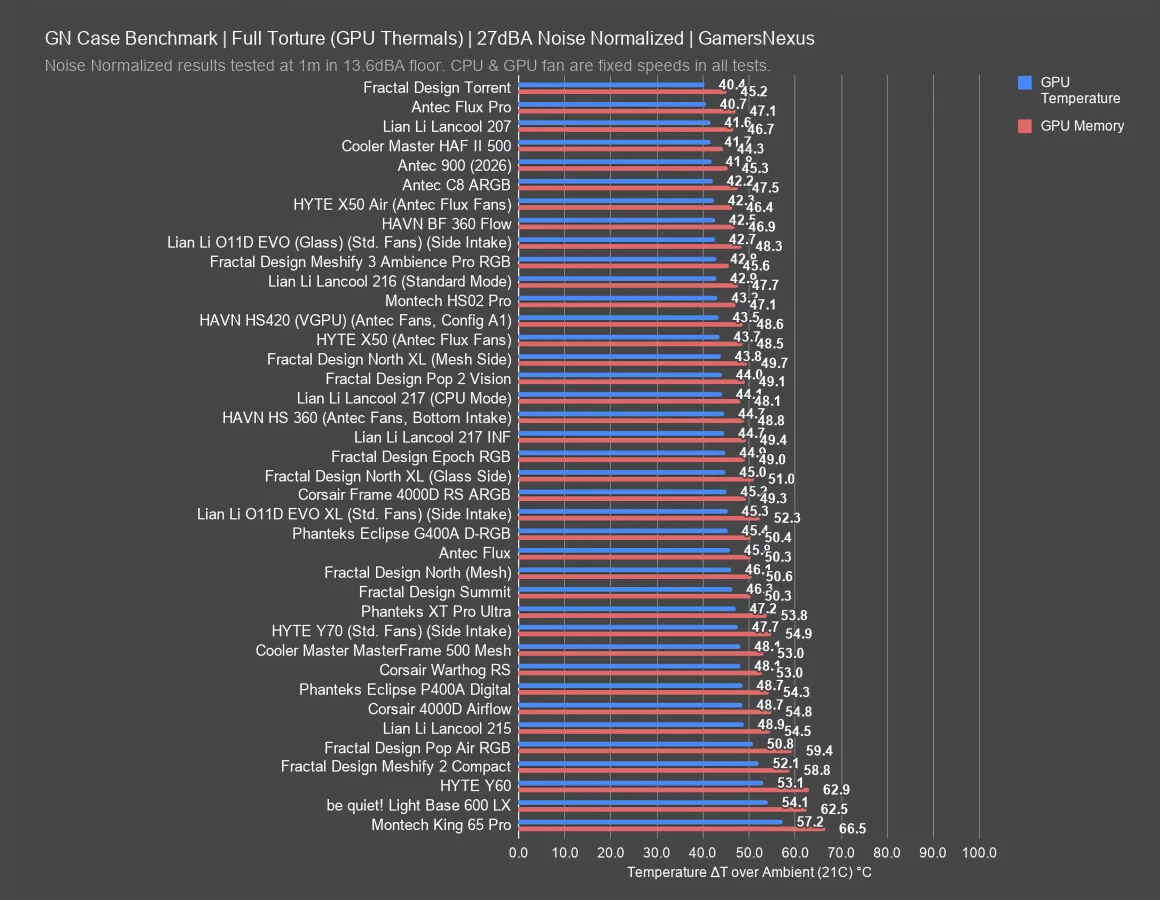
The best way to deal with this is to noise normalize. For this, we tested the HS 360 in our hemi-anechoic chamber and configured it such that the case ran at 27 dBA from 1 meter away with our fan configuration, just like every other case we tested.
The HS 360 fares OK here. It’s not bad, but not a chart-topper. The bottom intake configuration, which favored the GPU, ran 44.7 degrees over ambient when noise-normalized. That has it around the Lancool 217 Infinite (read our review) and behind the North XL (read our review). The X50 (read our review) and its similar fan configuration ran at 43.7, benefitted by basically being a case that’s as much hole as it is metal.
Conclusion

The TLDR here is that this is a nice case.
HAVN has consistently shown really good attention to detail. They haven’t consistently been the best thermal performers, though. A lot of that has to do with the fan configurations and we really only have one good representation of that, which is the BF 360 Flow because it comes with fans and the company went really try-hard mode with those (in a good way). We did fan testing on them and they’re pretty damn good.
Where HAVN does excellently is with the build quality and the attention to detail. For example, all of the case’s rubber grommets prevent metal touching metal without something to damp the contact.
The company has also done well with color coordination.
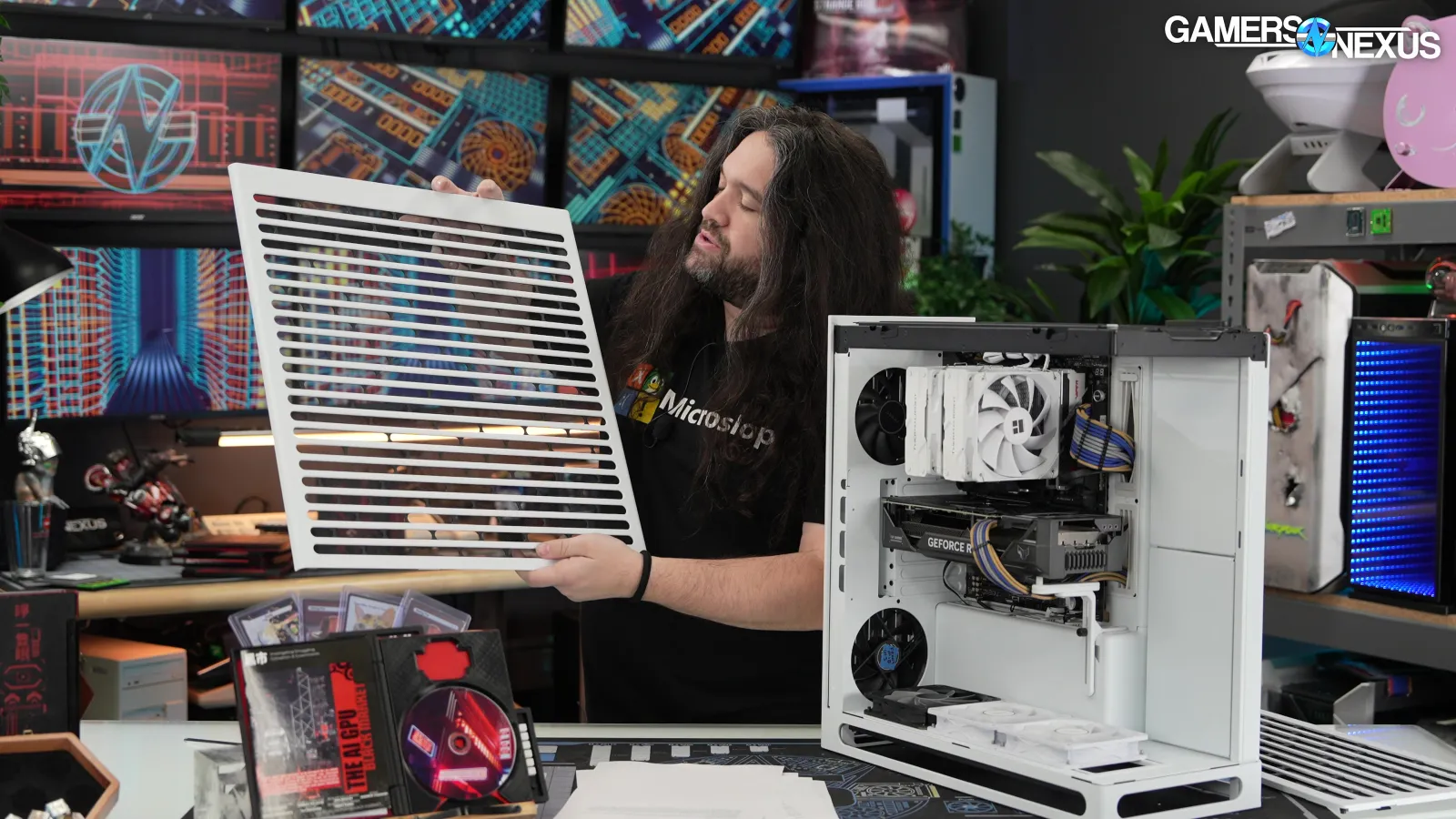
On its perforated panels, HAVN has also positioned its support struts in a way they overlap the hubs of fans or on dead zones rather than on areas where you’d want air to move through.
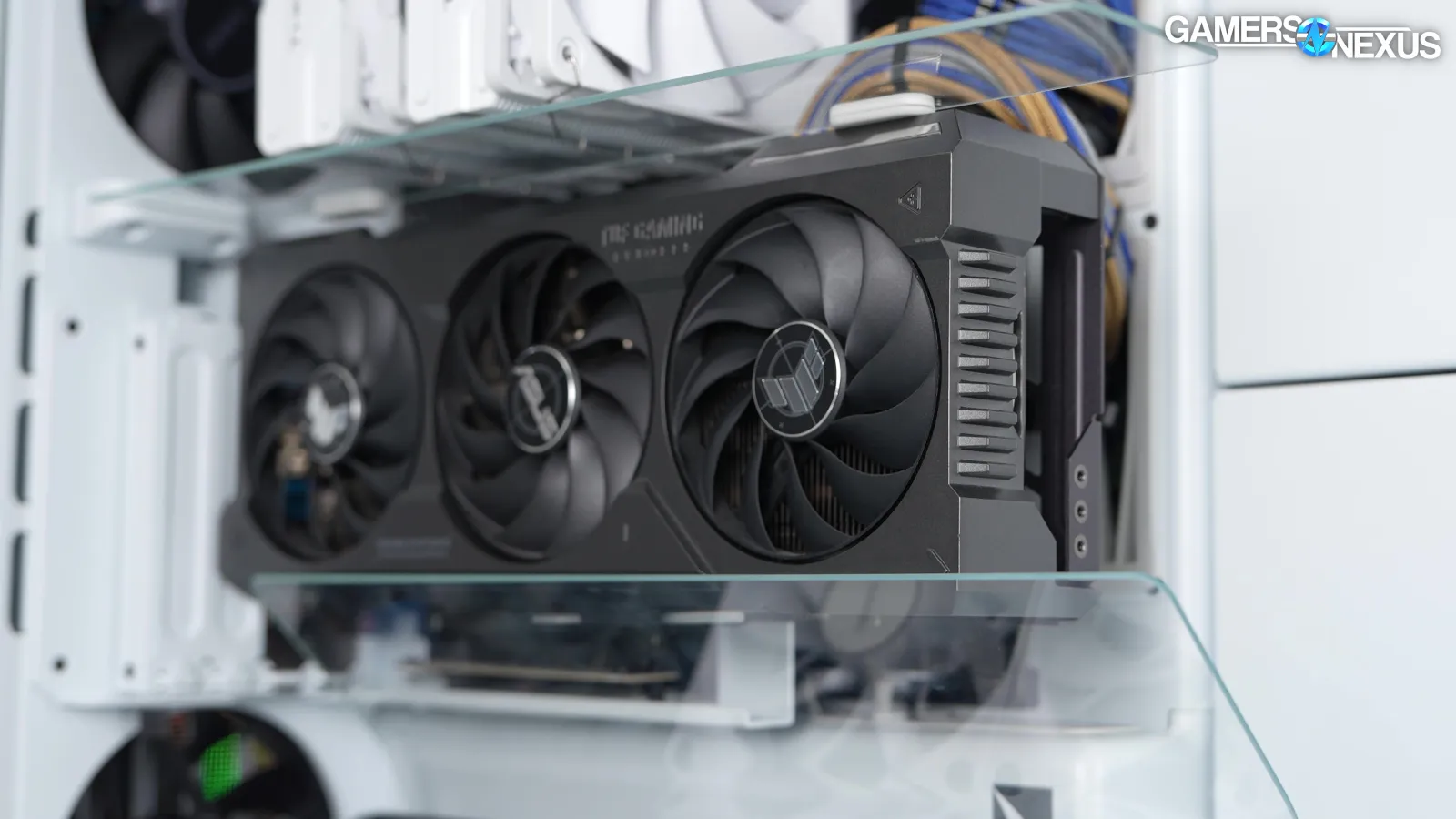
We do give HAVN the full credit for creating an air guide system with 2 sheets of glass that actually work. They offer damn near the same performance as a horizontal GPU layout, but in a vertical orientation, which is really impressive.
The price is the case’s biggest challenge, though a lot of the better cases we’ve covered recently are $200+. $200 seems to be the new $130 - $150 range for cases. If you look at it as a percentage of your RAM cost, though, it’s not bad, but as a case, it’s expensive; however, this is also what the competition prices their cases at now.
There are better cases if you’re seeking pure thermal performance. For example, in terms of normal-looking cases, there’s Antec’s Flux and Flux Pro. If you want something a little weirder and more out there, the Hyte X50 Air is a good performer with good attention to detail. The glass variant of the case is also good. On the Fractal side, the Meshify 3 Ambience Pro RGB (read our review) is still one of our favorite cases in recent years because it offers good performance and a unique look. Cooler Master also offers their HAF II 500 (read our review), which is the top performer on our charts, though it looks nothing like the HS 360 and is more like a tank.
We also have our case megacharts if you’re interested in getting an understanding of how these cases compare.